Flash Drives for iPhones
Flash drives for iPhones offer a convenient solution for expanding your device’s storage and making file transfers quick and easy. Whether you need extra space for photos, videos, or important documents, these versatile accessories help you manage your data efficiently. Explore a wide selection of flash drives for iPhones designed to keep your files accessible wherever you go. Find the perfect option to suit your storage needs and enjoy seamless connectivity with your Apple devices.
Sort
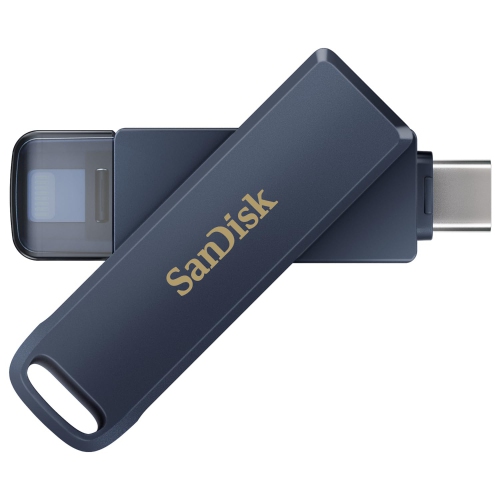
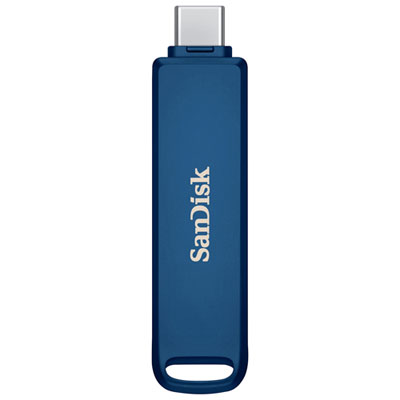
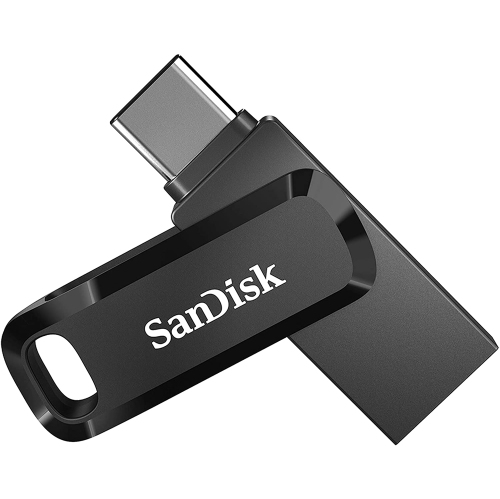
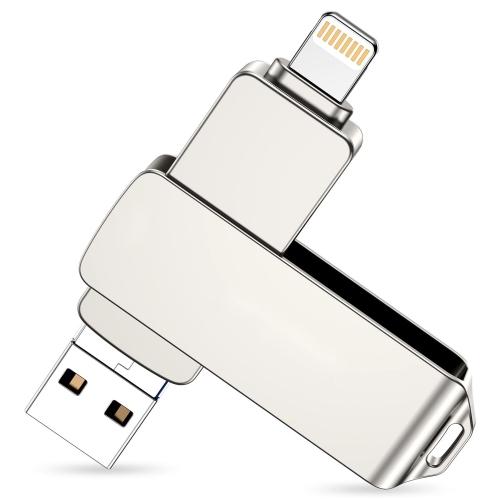




Reliable file transfers take more than matching connectors
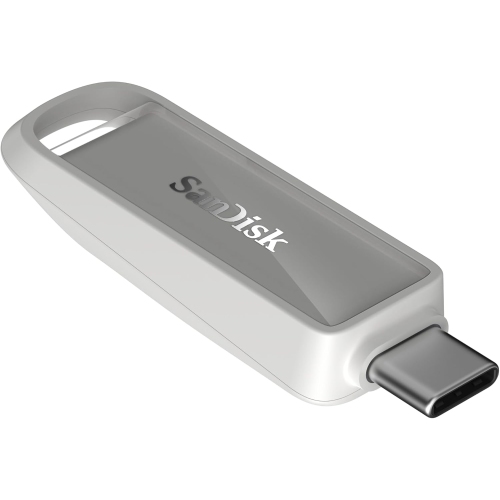
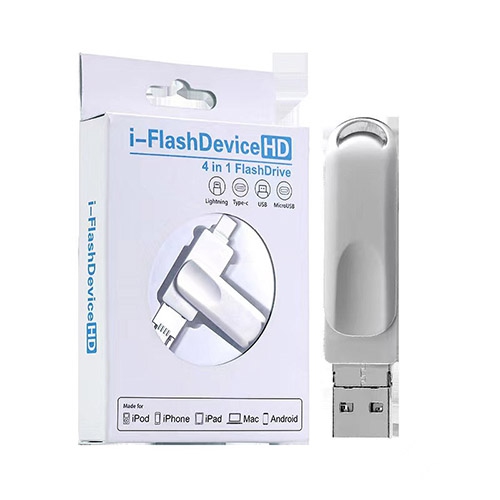
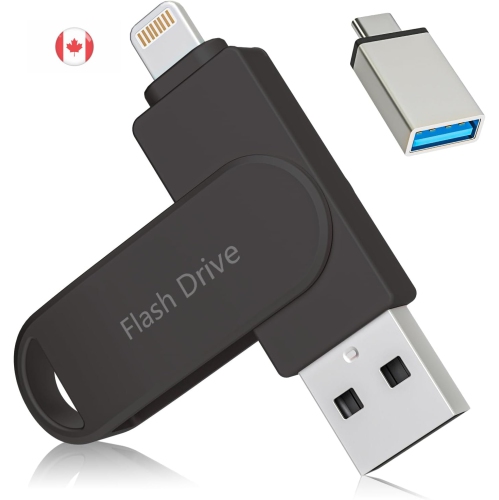
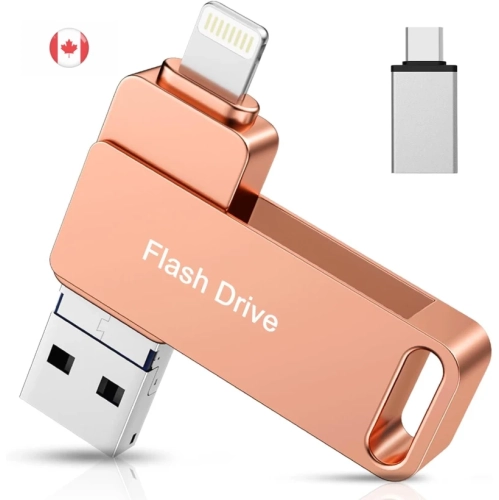
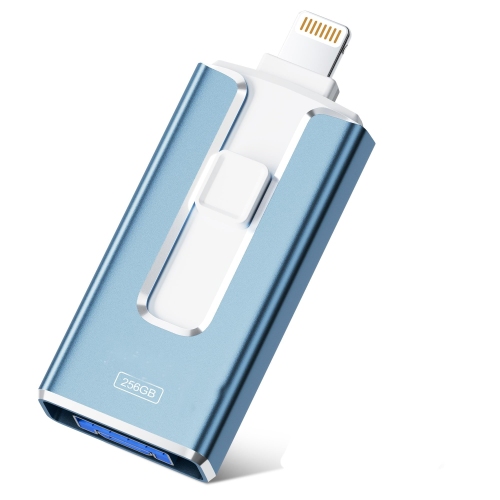
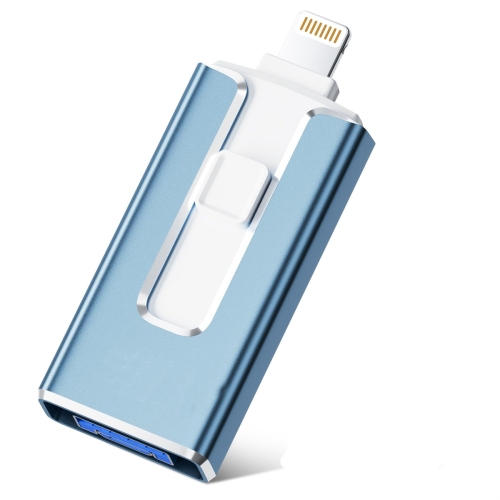
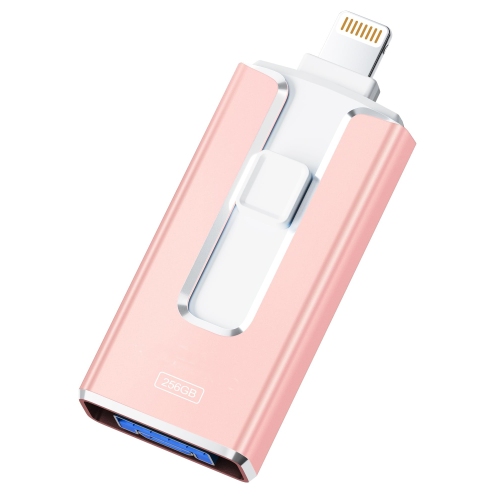
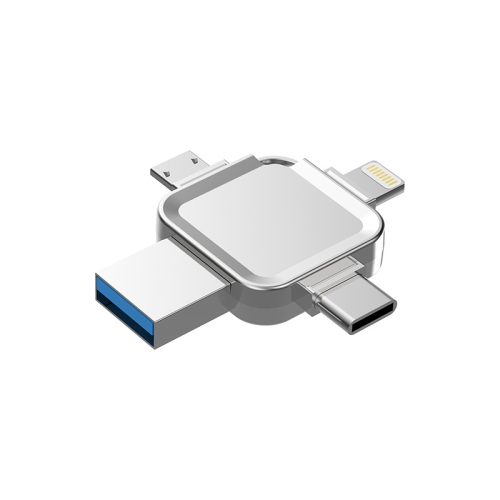
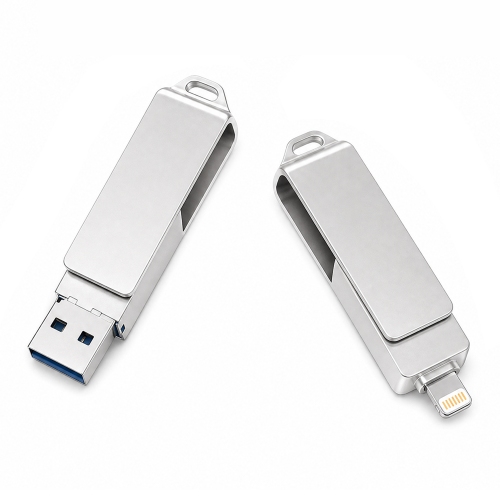
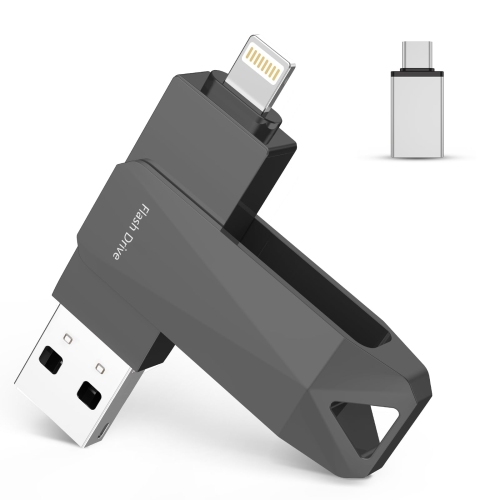
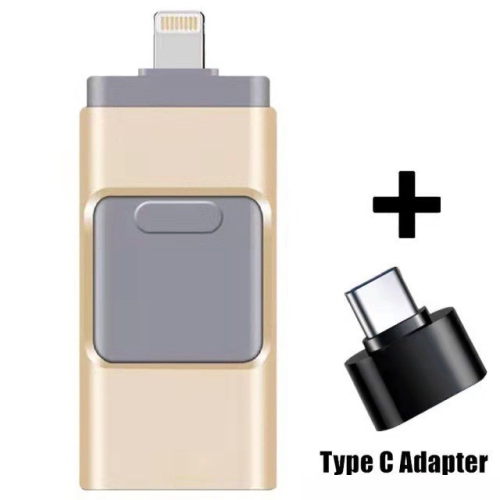
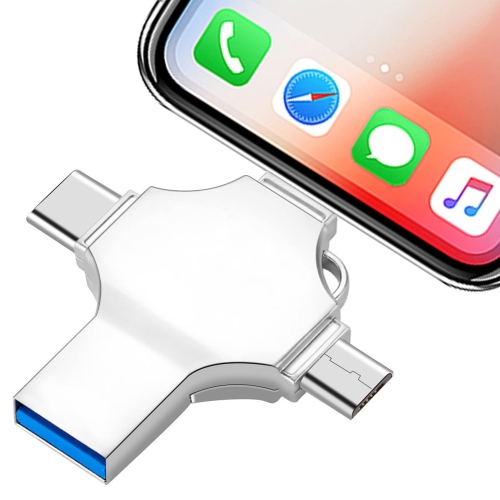
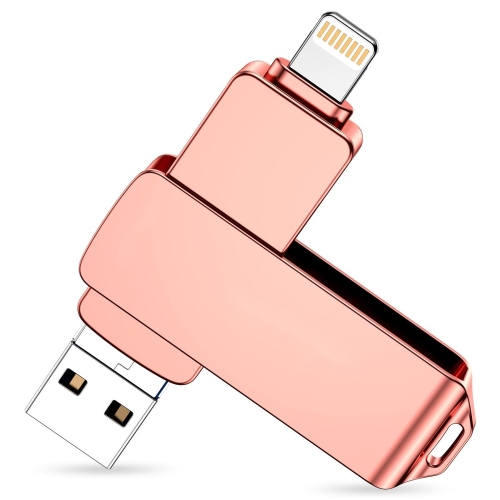
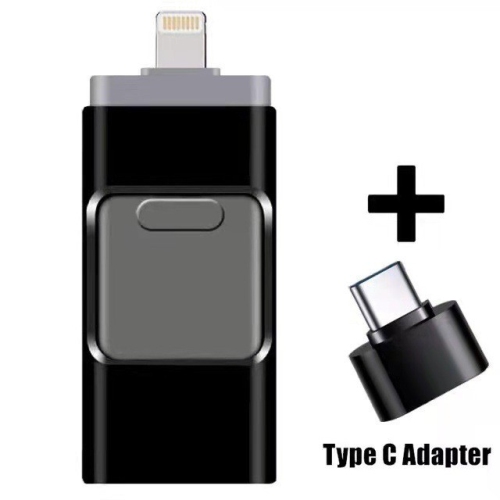
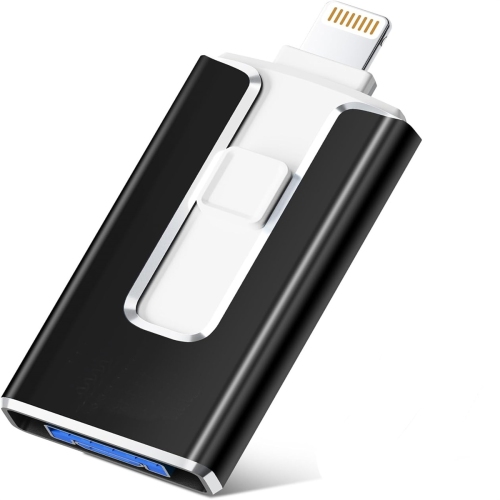
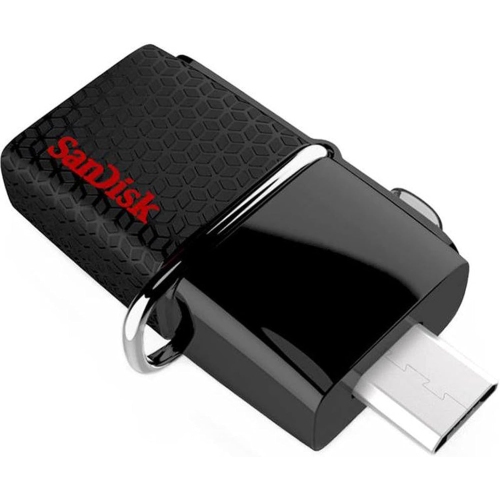
Flash drives for iPhones provide removable storage for photos, videos, documents and other supported files, with compatibility determined by the phone’s connector, software and the drive’s requirements. An iPhone with a USB-C port needs a compatible USB-C drive or a supported connection arrangement, while an iPhone with a Lightning port needs a solution explicitly designed to work with Lightning. The connector shape alone does not confirm that a drive will work: supported iOS versions, file formats, power requirements and any required companion app also matter. Compatible USB-C storage can often be accessed through the Files app, while Lightning flash drives commonly use a companion app to manage transfers. Checking those requirements is especially useful for a phone that no longer receives software updates, since an app may require a newer operating system than the device supports. Compatibility also deserves particular attention when browsing iPhone 4 Flash Drives: the iPhone 4 has a 30-pin connector, so Lightning and USB-C drives are not direct matches. For supported phones, removable storage offers a practical way to carry a folder of work documents, copy travel photos or move a large video recording to a computer without sending it through a messaging service. A dual-connector design can make that handoff more convenient when its connections match both devices, such as a phone with USB-C and a computer with USB-A. Someone who regularly shares files between devices may value this flexibility more than a compact, single-connector shape. These drives hold files separately from the phone’s built-in storage; they do not increase the internal space available for installing apps. Their usefulness comes from keeping selected files accessible, creating additional copies and making transfers easier between compatible devices.
Storage capacity is worth considering alongside the kinds of files being carried. Text documents and small presentations take relatively little room, while high-resolution photos and long video clips can fill a drive much more quickly. A parent keeping copies of family recordings may have different needs from a student moving assignments between a phone and a desktop computer, even if both use the same connector. Leaving room for future files can be more practical than choosing a capacity that barely accommodates an existing photo library. Advertised capacity and the space shown on a device can differ because of formatting and how storage is measured. Transfer speed matters as well, particularly for frequent video transfers, but a USB-C connector does not by itself guarantee a particular speed. The phone’s port, the drive’s read and write performance, and any adapter in the connection can all affect the result. File-system compatibility is another consideration when the same drive will be used with a phone and computers running different operating systems. A supported format such as exFAT can accommodate large individual files, whereas FAT32 has a per-file limit of roughly 4 GB, which can become relevant with longer video recordings. Reformatting erases existing contents, making a drive’s supported formats worth checking before it becomes home to important files. Photo transfers also deserve attention beyond the number of images copied: Live Photos, edited images and albums may be handled differently by different apps. A copied folder does not necessarily reproduce the organization of the phone’s photo library. For irreplaceable pictures or work documents, a flash drive is best treated as one additional copy rather than the only copy. Opening transferred files on the receiving device helps confirm that they are readable before originals are removed from the phone. Password protection or encryption may offer extra privacy, but access can depend on particular software, so the feature needs to suit every device on which the files will be opened.
The physical design of an iPhone flash drive can make a noticeable difference in everyday use. Plastic housings are often lightweight, while metal housings can provide a more rigid exterior; neither material alone establishes resistance to drops or moisture. A stated durability rating is more useful than appearance when protection matters. Caps, sliding connectors and swivel covers help shield the plug from pocket lint and contact with other objects, although a covered connector should not be assumed to be waterproof. A cap that stays attached may be easier to keep track of in a backpack, and a small attachment loop can help keep a drive with other accessories. Fit is equally important. A thick phone case or a deeply recessed port can prevent a short connector from seating properly, even when the electrical connection is otherwise compatible. Wider drives may be awkward beside neighbouring ports on a computer, while longer designs can project far enough from a phone to catch on clothing or the edge of a bag. A connected drive is better suited to a supported phone on a desk than a phone loose in a pocket, where sideways pressure can strain the plug or port. Keeping the connector clean and dry, avoiding forced insertion and allowing transfers to finish before disconnecting all support dependable use. Where the app or device offers an eject option, using it helps close the storage connection properly. For students, photographers, frequent travellers and people who exchange files between home and work, these small details can be as valuable as capacity. A flash drive can also be a useful gift for someone who often moves photos or documents, provided the recipient’s phone connector, software and computer connections are known. The most suitable choice combines verified compatibility with enough storage, comfortable handling and a file-transfer method that fits the recipient’s routine, whether that means saving family videos or carrying presentation files between devices.
Top selling and popular products
-
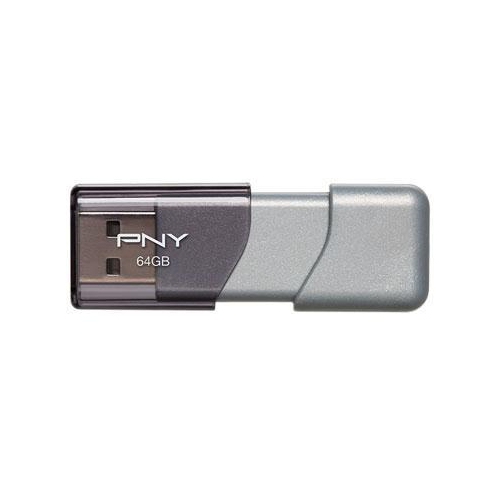 Your price for this item is $57.68
-
 Your price for this item is $38.99
-
 Your price for this item is $35.68
-
 Your price for this item is $52.68
-
 Your price for this item is $26.91
-
 Your price for this item is $186.68
-
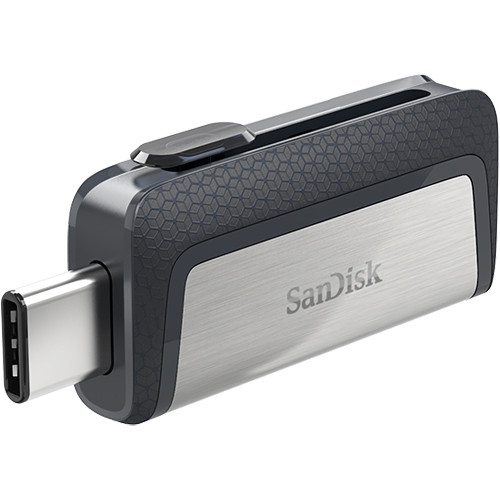 Your price for this item is $49.91
-
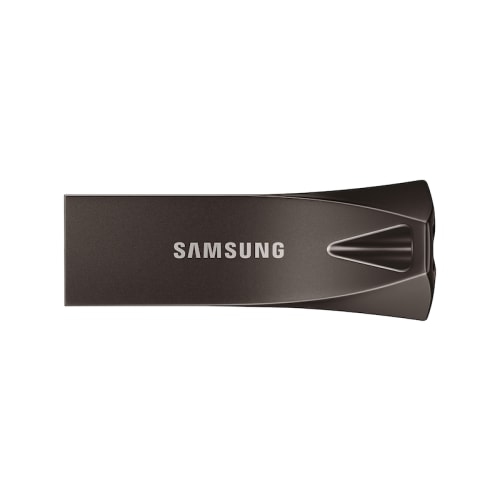 Your price for this item is $132.99
Discover more categories related to Flash Drives for iPhones
Top Collections:
Best Black Friday Deals This Year, Best Black Friday Deals On Electronics, Kindle Devices, Pokemon Centers, Best Black Friday Deals On Apple Products, Best Cameras for Sports Photography, Dyson Airwrap, Pokémon 30th Celebration Cards, Apple iPhone 17 Pro, Canon G7X Cameras
Some products may be subject to Environmental Handling Fees
(EHF) depending on your province.
Learn more about EHFs.