iPhone Memory Flash Drives
Expand your storage options and make transferring files between devices simple with an iPhone Memory Flash Drive. Perfect for freeing up space, backing up photos, or moving important documents, these versatile devices are designed to work seamlessly with your iPhone. Discover a range of capacities and designs to suit your needs, all while enjoying the convenience of portable storage at your fingertips. Find the right iPhone Memory Flash Drive to keep your data secure and easily accessible wherever you go.
Sort
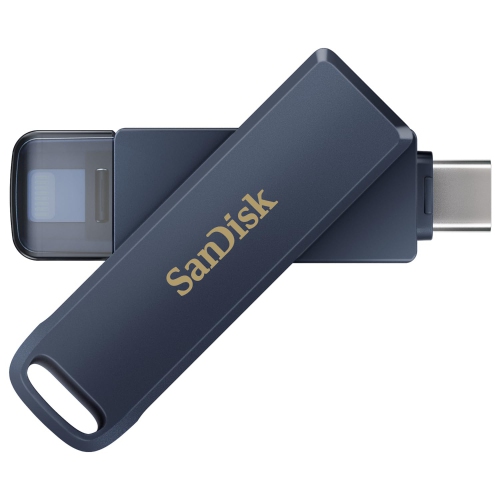
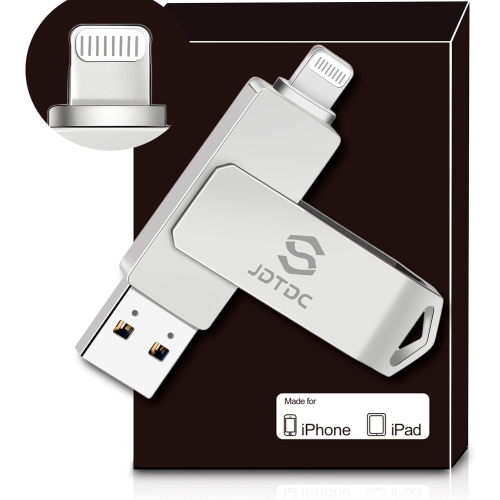
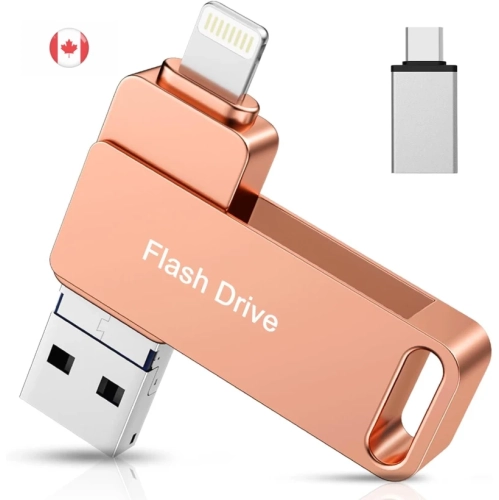
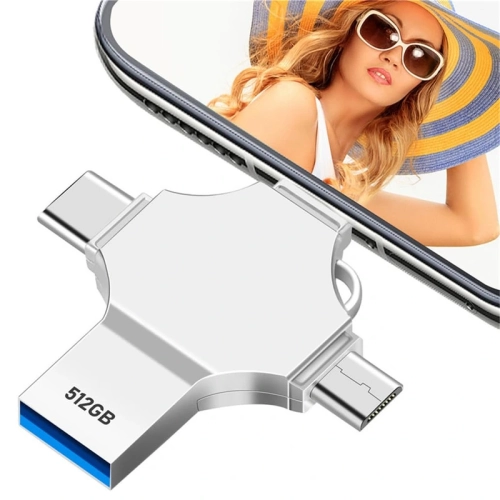
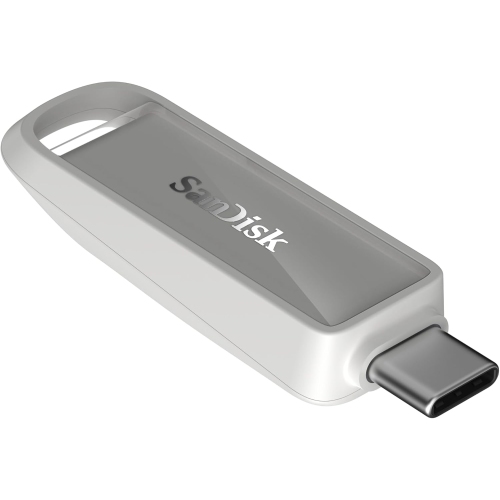
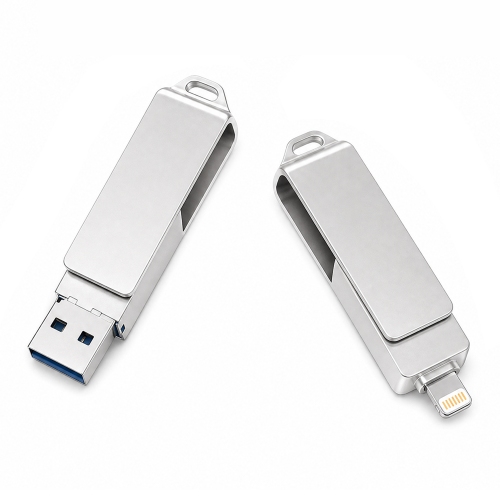
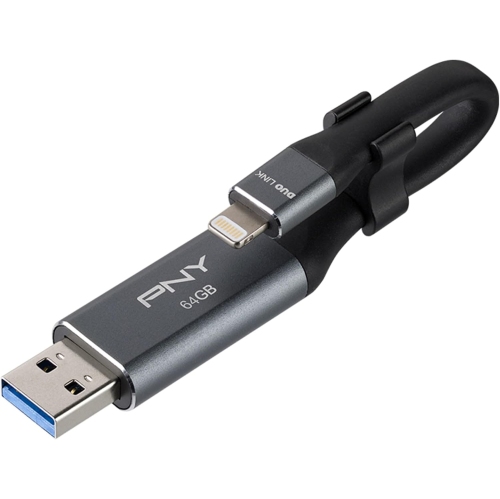
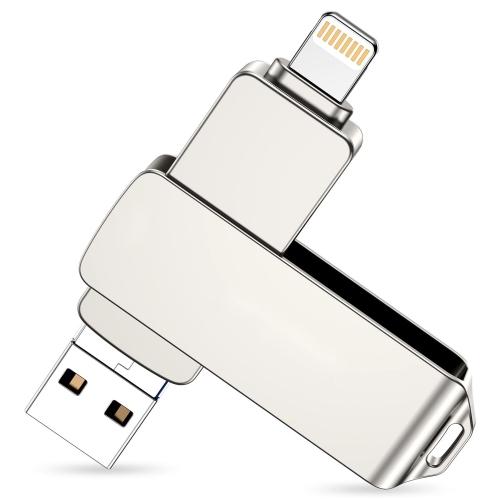
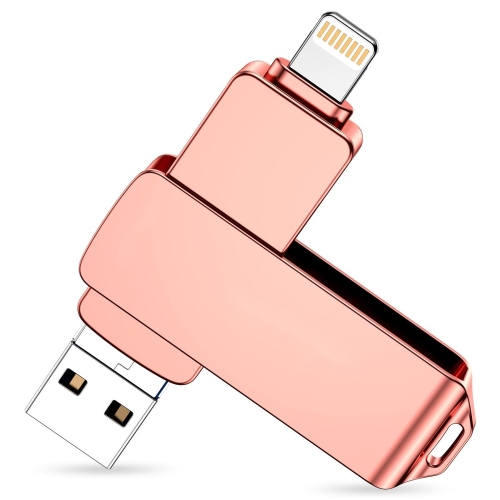

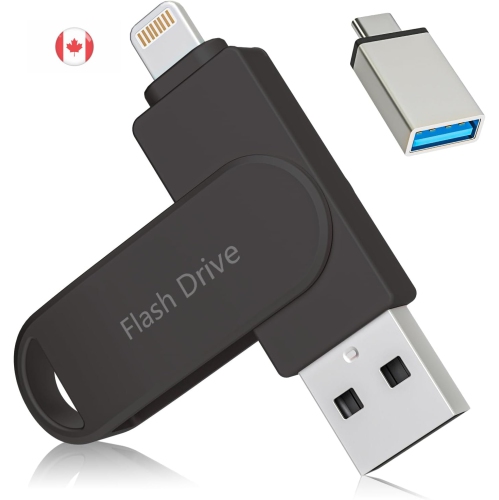
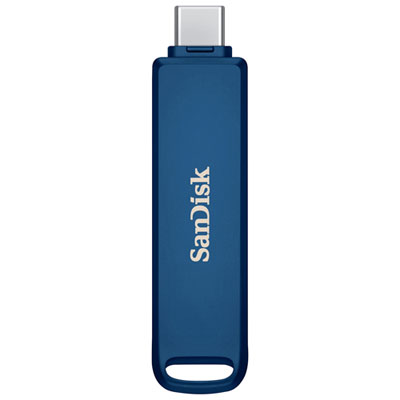


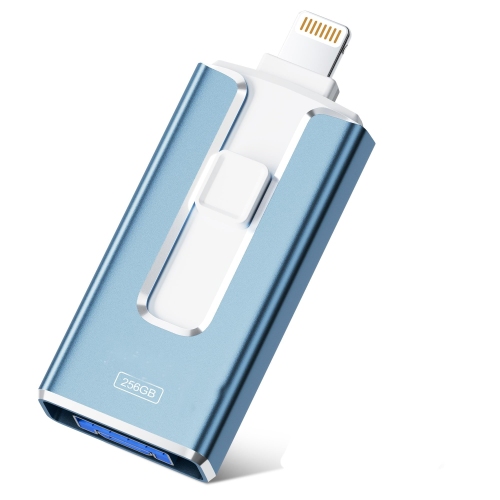
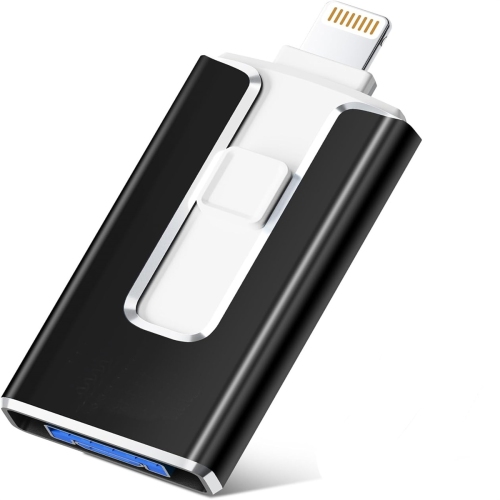
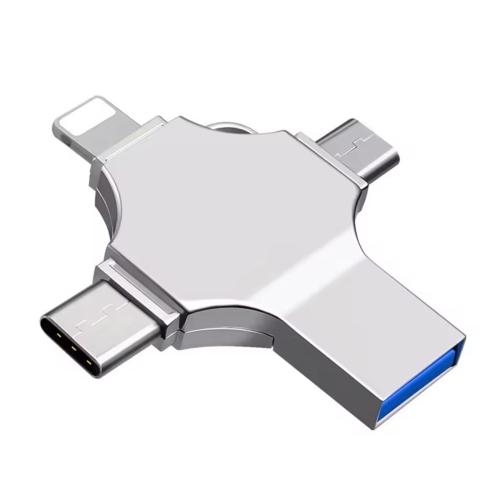

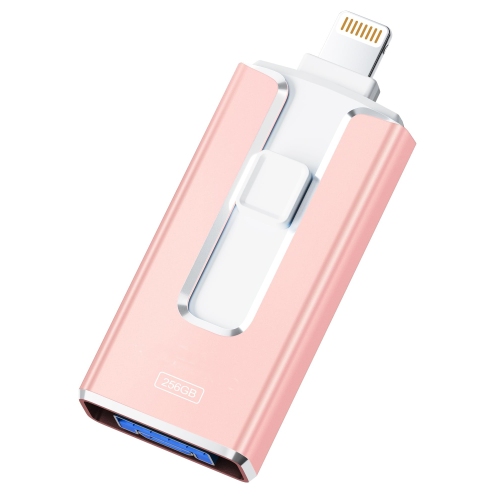
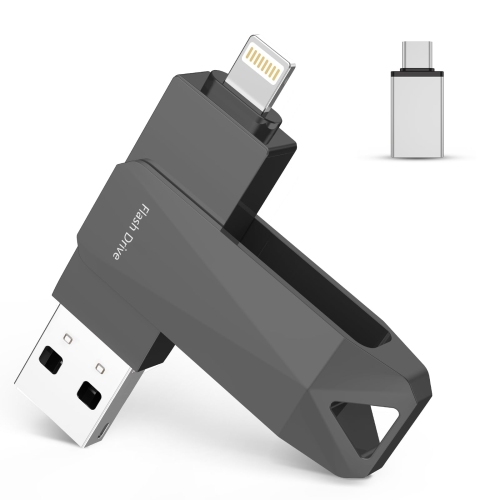
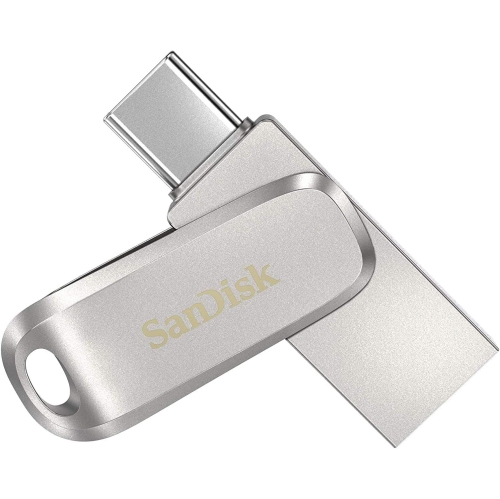
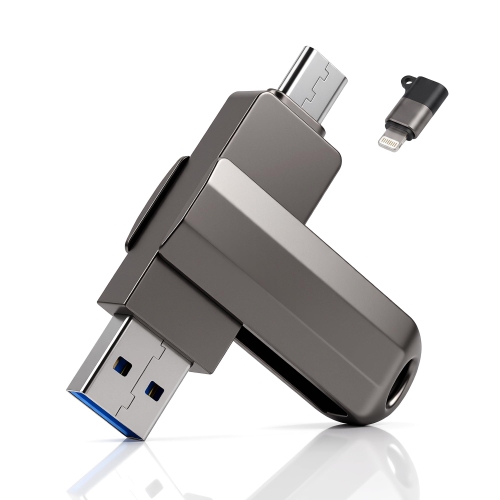
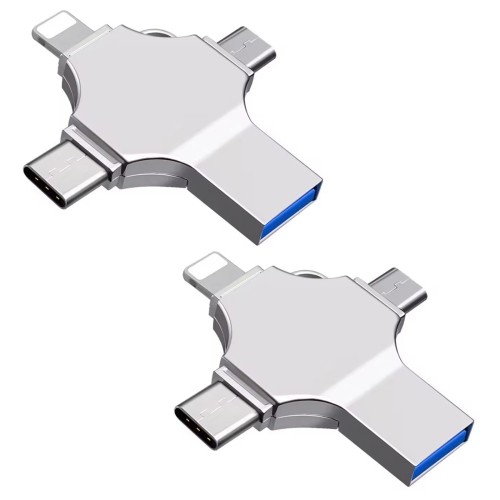
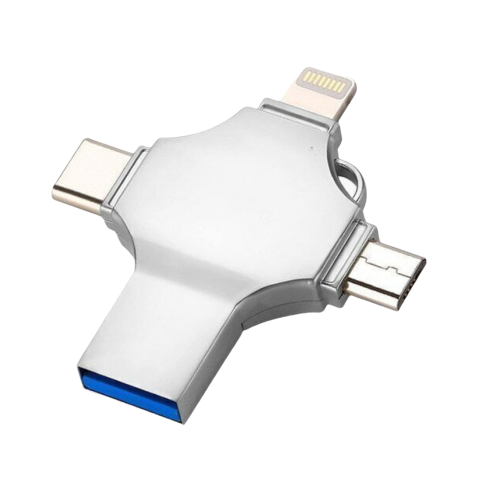
Offline file transfers start with the right connection
iPhone memory flash drives provide portable storage for compatible phones, making it possible to copy photos, videos, documents, and other supported files onto a separate physical device. They are useful for keeping personal files close at hand, transferring content to a computer, or carrying documents without relying on an internet connection. Unlike the storage built into a phone, a flash drive is removable: it does not increase the phone’s installed capacity or working memory, and it does not provide extra space for installing apps. Its usefulness depends on the connection, the phone’s software, and the types of files being transferred. Some drives connect through USB-C, while others use Lightning or combine a phone connector with a computer-facing USB connector. A connector that looks right is only part of the match, since accessory support, power requirements, and any required app also matter. Depending on the phone and drive, files may be accessible through the phone’s file-management tools or through an accessory app. For older devices, compatibility deserves particular attention when browsing iPhone 4 Flash Drives, because legacy connections and software differ substantially from those on newer phones. A simple connector adapter does not guarantee that a drive will work, and older accessory apps may no longer support a usable transfer process. File-system compatibility matters as well, especially when the same drive moves between a phone and different computers. Formats such as exFAT can accommodate large individual files, while FAT32 has an individual file-size limit of approximately 4 GB. Support should be confirmed across the devices involved, rather than assumed from the connector alone. These details are particularly relevant for long videos, large presentations, and folders containing many original-resolution photos. A suitable drive brings together the right physical connection, supported software, and enough usable capacity for the intended collection of files. It also provides a practical alternative when a wireless transfer is inconvenient, such as sharing a large folder with a nearby computer or accessing saved documents somewhere without reliable connectivity.
Capacity and transfer performance shape how an iPhone memory flash drive fits into everyday use. A collection of text documents takes up much less space than a library of high-resolution video, so the amount of storage needed depends on the content rather than simply the number of files. Usable capacity is also lower than the advertised figure because of formatting and the way storage is measured. Keeping some room free makes it easier to add another batch of photos or an unexpectedly large project without reorganizing the entire drive. Transfer speed is a separate consideration: the drive, phone connection, adapter, and software can each affect how quickly files move. A USB-C connector alone does not guarantee a particular speed, and advertised read performance does not necessarily describe how quickly a drive saves new files. Someone moving a few receipts may notice little difference, while someone copying several large videos is more likely to value consistent write performance. Physical design matters just as much for a drive that travels in a pocket, handbag, or laptop sleeve. Metal housings can offer a sturdy feel, while plastic housings can keep weight down; neither material alone establishes resistance to drops, dust, or moisture. Protective caps, sliding connectors, and swivel covers can help shield exposed contacts, although moving parts and removable caps need care during regular use. A compact body is easy to carry, but the connector must extend far enough to seat properly around a phone case. Wider housings can interfere with thick cases or crowd neighbouring ports on a computer. Keyring loops and attachment points can make small drives easier to keep track of, provided the connector is not left bearing the weight of other belongings. For comfortable handling, a drive should remain easy to insert and remove without pushing against the phone’s port or requiring the case to be forced aside. A little space around the connection helps prevent accidental pressure when the phone is resting on a desk or being held.
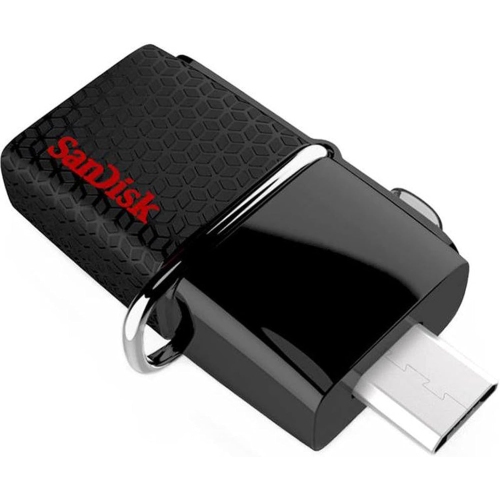
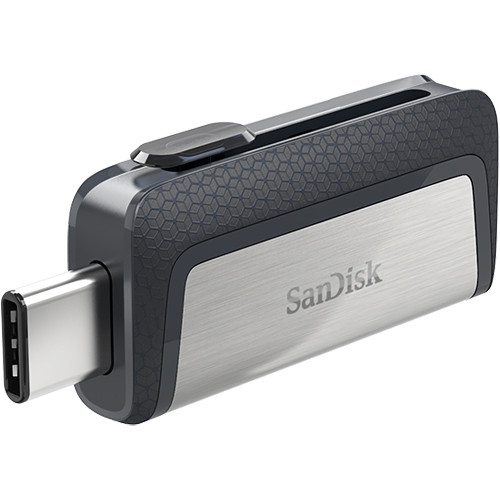
Everyday uses for iPhone memory flash drives range from keeping scanned paperwork within reach to moving family videos onto a home computer. Students may use them for presentations and course documents, travellers may carry copies of itineraries and reservations, and people who take frequent photos may appreciate a separate place to collect selected images. They can also make thoughtful gifts for someone who regularly moves files between a phone and a computer, especially when the recipient’s exact connection and software requirements are known. Dual-connector designs can simplify that routine, but both ends still need to suit the devices involved. The files themselves matter, too: a photo or video that transfers successfully may still require compatible software to open on the receiving device. Photo libraries can include edits, album information, and associated files that a straightforward copy does not necessarily preserve. Likewise, downloaded entertainment and content stored inside individual apps may have restrictions that prevent ordinary file transfers. A flash drive is best understood as storage for supported files rather than a complete replacement for a phone backup. Important documents and irreplaceable photos benefit from another separate copy, since a small removable drive can be misplaced, damaged, or accidentally erased. For private material, password protection or encryption should be assessed for compatibility with every device that will need access; a security feature intended for a computer may not work the same way on a phone. Routine care is straightforward: keep connectors clean and dry, protect them from bending, and avoid removing the drive while files are being written. Where an eject option is provided, using it helps complete pending operations before disconnection. Confirming that copied files open correctly before deleting originals adds reassurance, particularly after a large transfer. With a compatible connection, suitable capacity, and a protective design that suits daily handling, an iPhone memory flash drive can serve as a convenient bridge between mobile files and the other devices used at home, at school, or at work.
Top selling and popular products
-
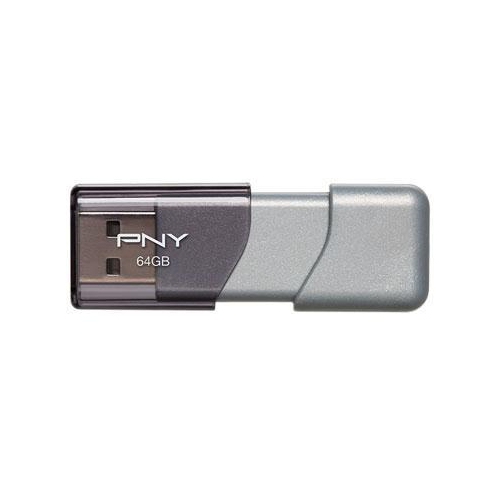 Your price for this item is $57.68
-
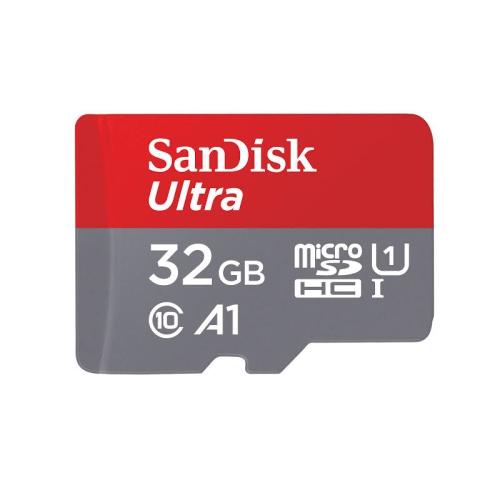 Your price for this item is $38.99
-
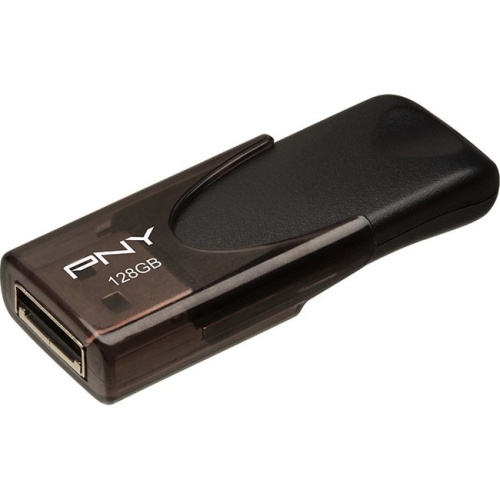 Your price for this item is $35.68
-
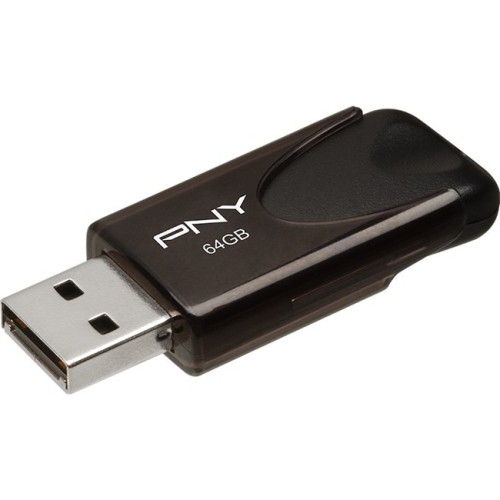 Your price for this item is $52.68
-
 Your price for this item is $26.91
-
 Your price for this item is $186.68
-
 Your price for this item is $49.91
-
 Your price for this item is $132.99
Discover more categories related to iPhone Memory Flash Drives
Top Collections:
Best Black Friday Deals This Year, Best Black Friday Deals On Electronics, Kindle Devices, Pokemon Centers, Best Black Friday Deals On Apple Products, Best Cameras for Sports Photography, Dyson Airwrap, Pokémon 30th Celebration Cards, Apple iPhone 17 Pro, Canon G7X Cameras
Some products may be subject to Environmental Handling Fees
(EHF) depending on your province.
Learn more about EHFs.