Full Tower PCs
Looking to take your computing experience to the next level? Look no further than our collection of full tower PCs. These powerful machines are designed to deliver exceptional performance, whether you're a hardcore gamer, a creative professional, or simply someone who demands the best from their computer. With ample space for upgrades and top-of-the-line components, these full tower PCs offer the perfect combination of power, versatility, and expandability. Explore our selection today and find the perfect full tower PC to suit your needs.
Sort
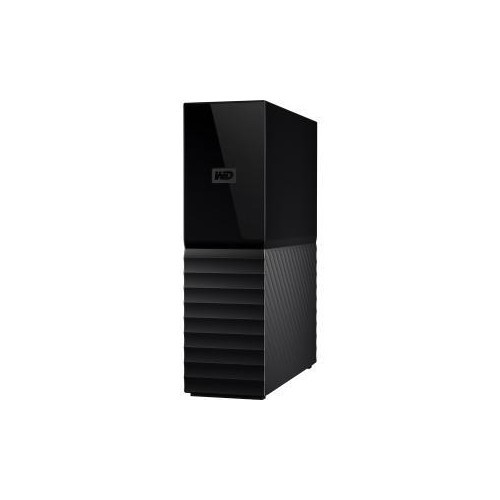
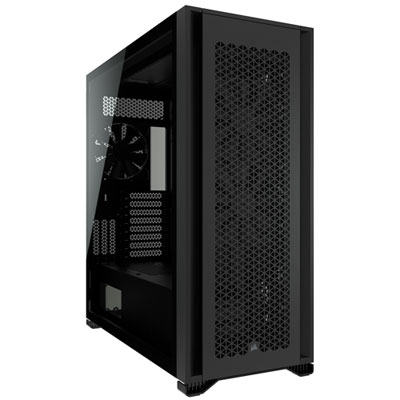
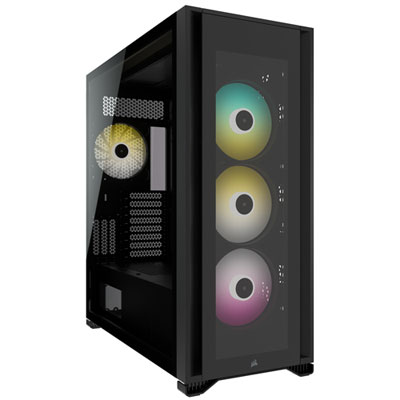
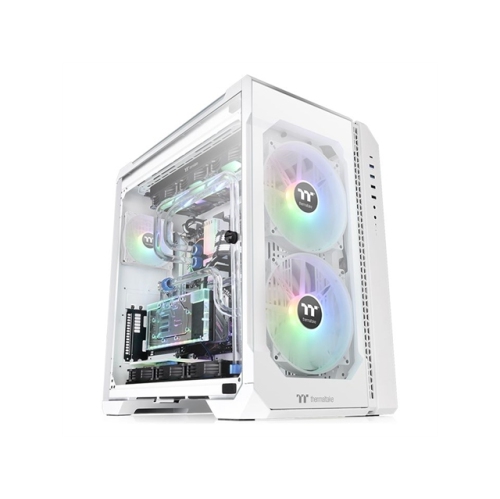

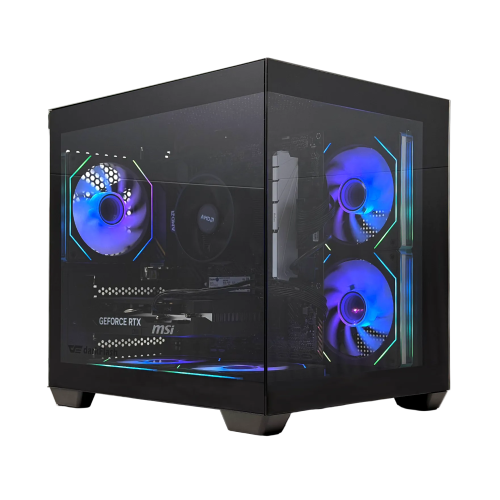
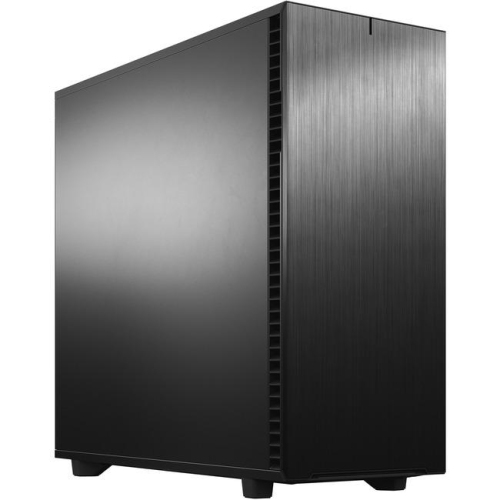
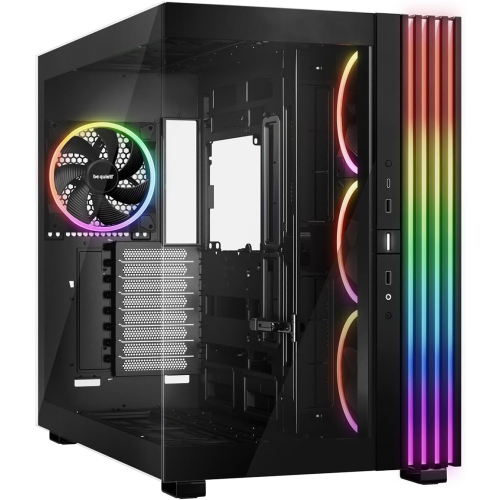
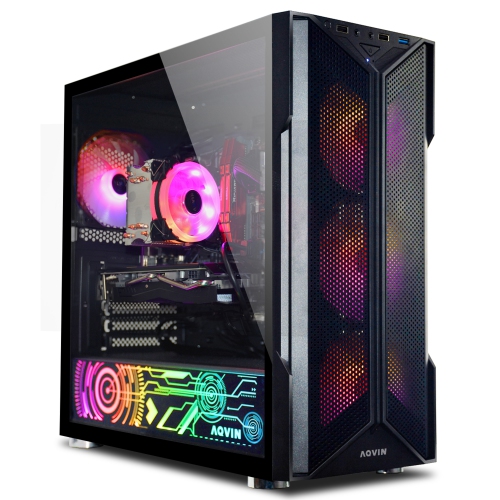

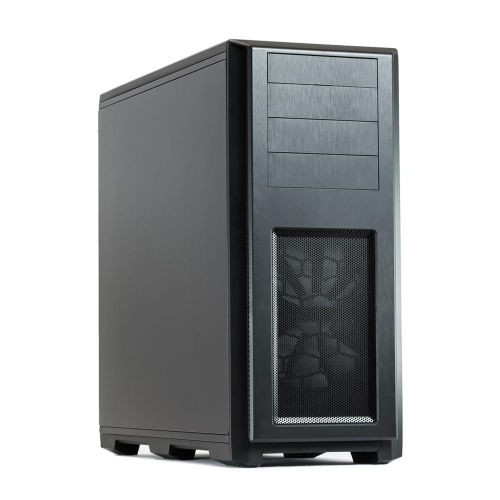
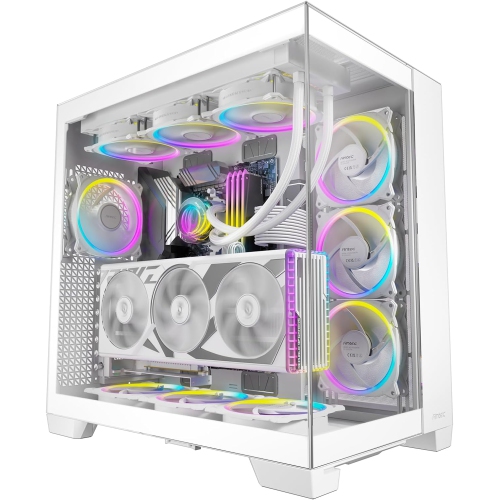
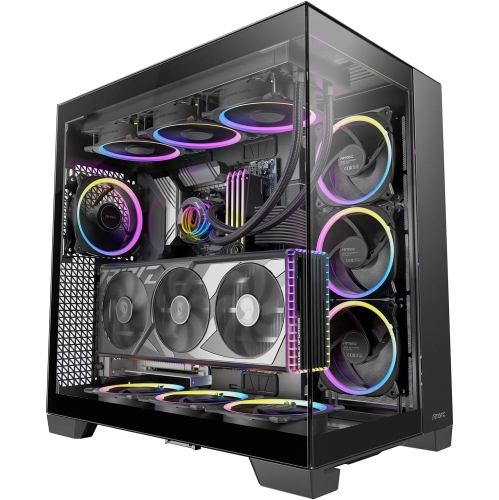
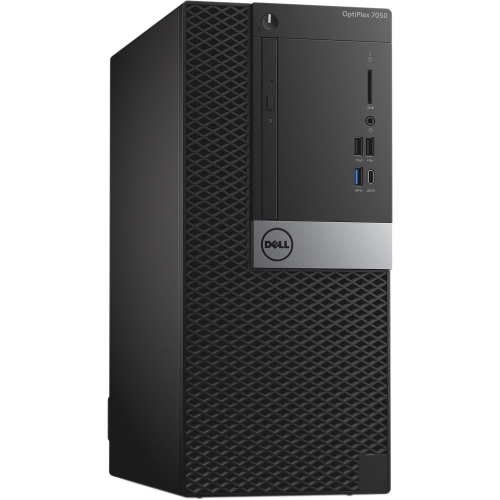
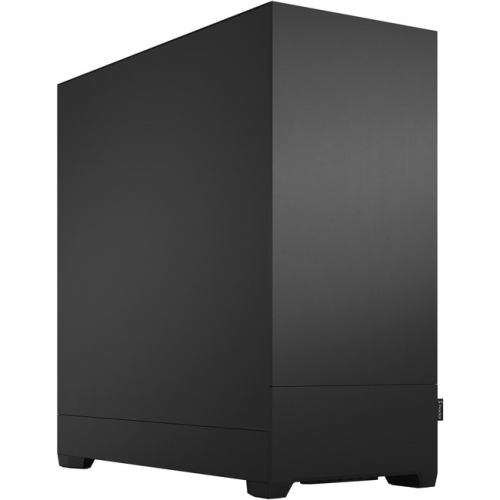
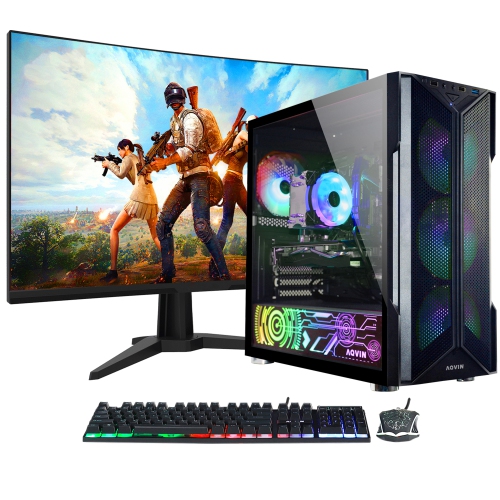
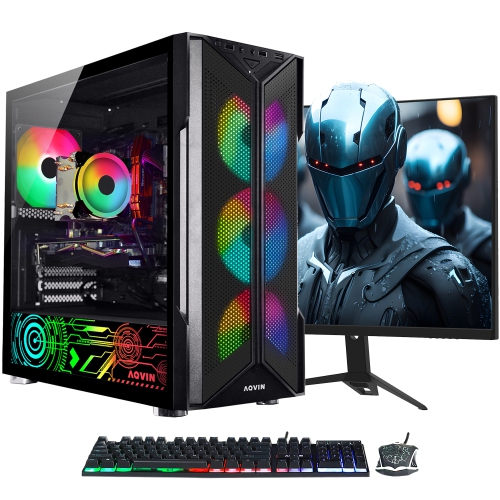
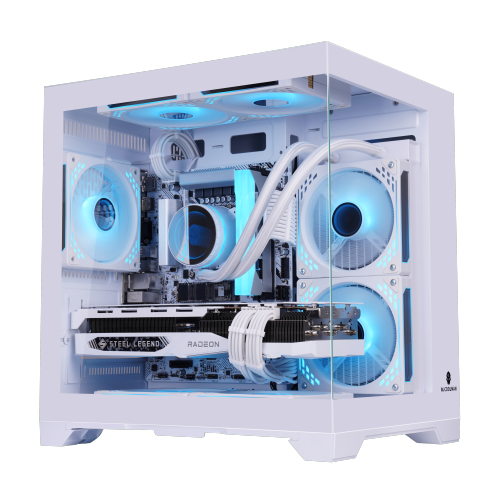
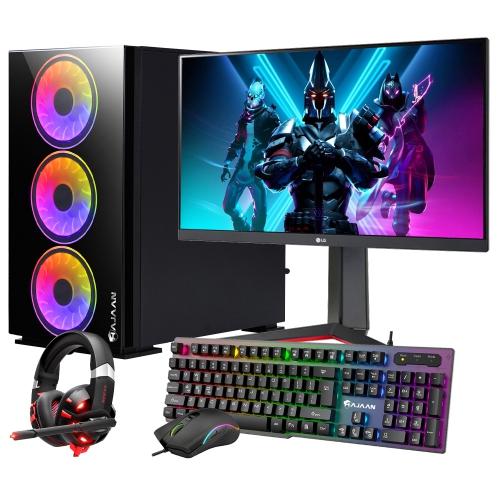
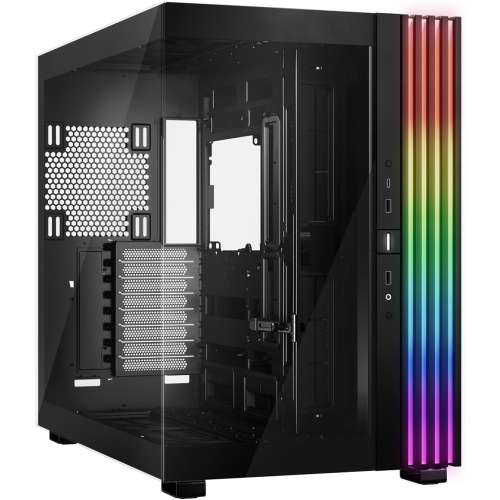
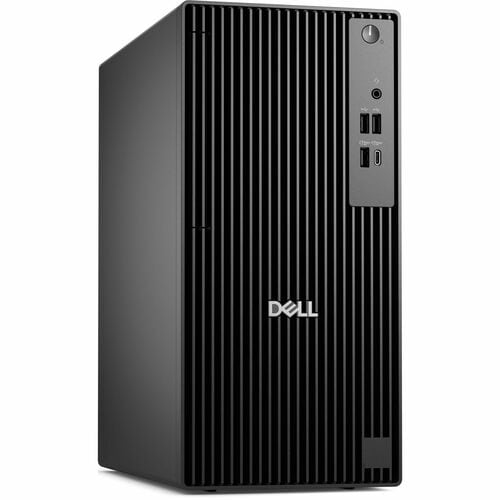
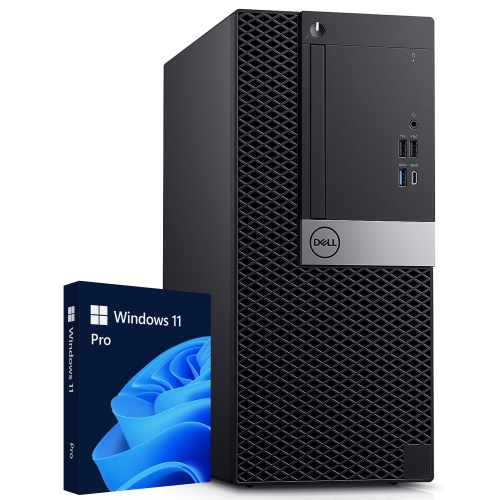
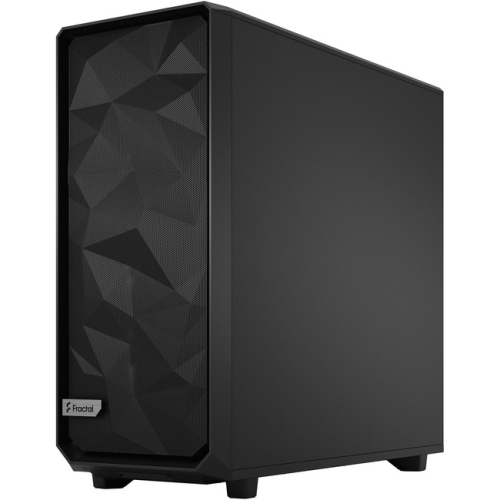
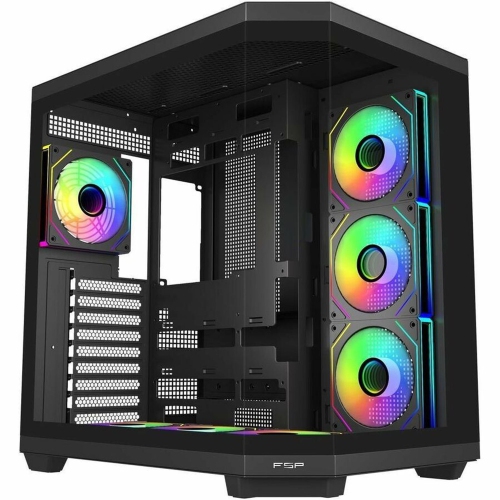
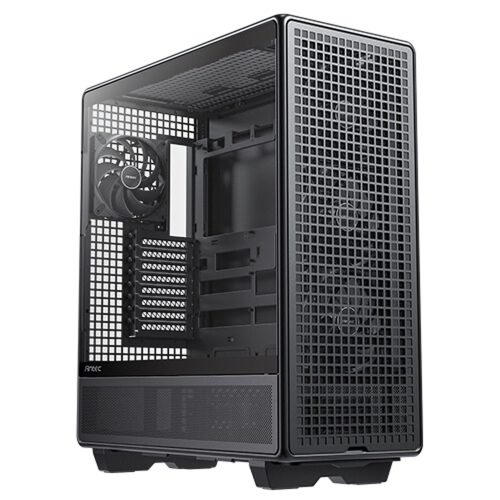
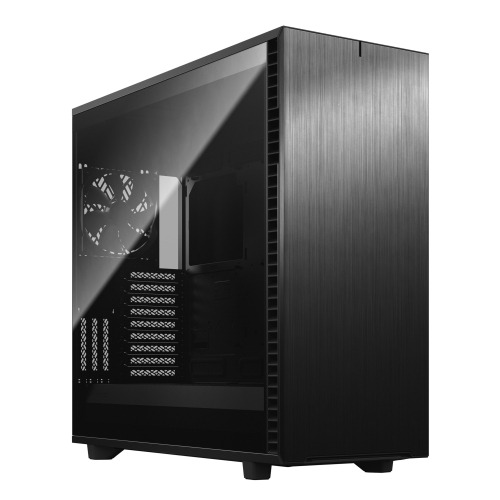
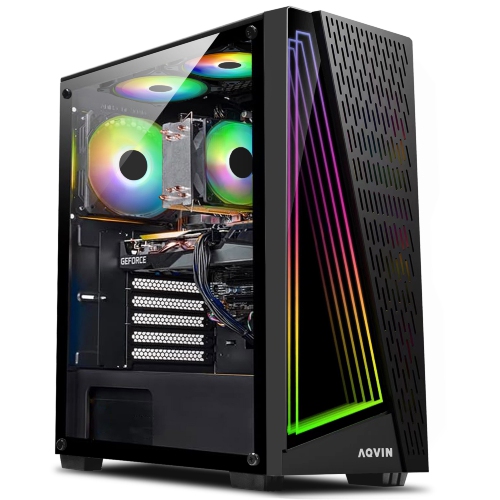
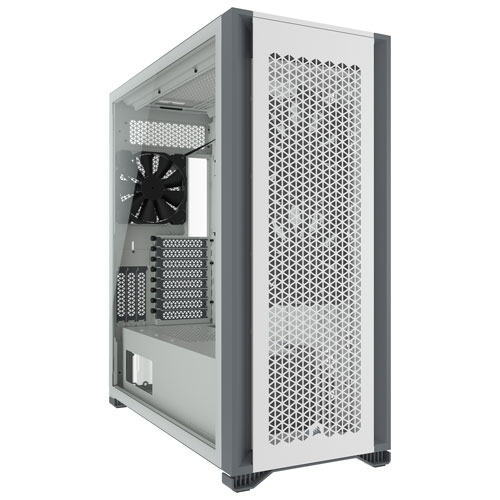
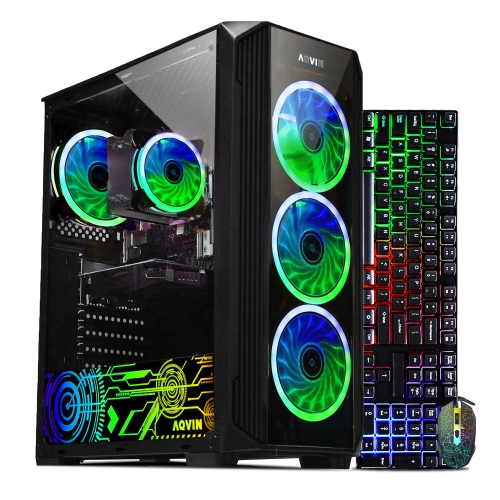
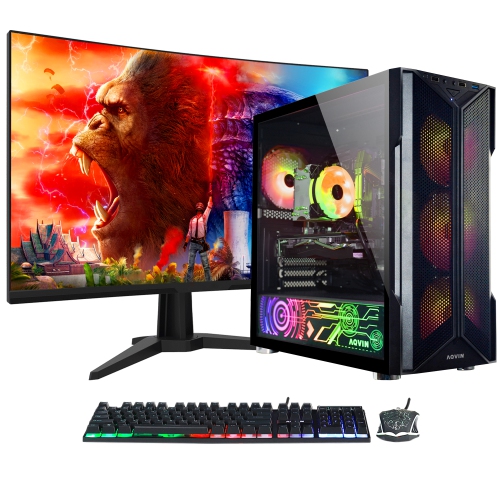
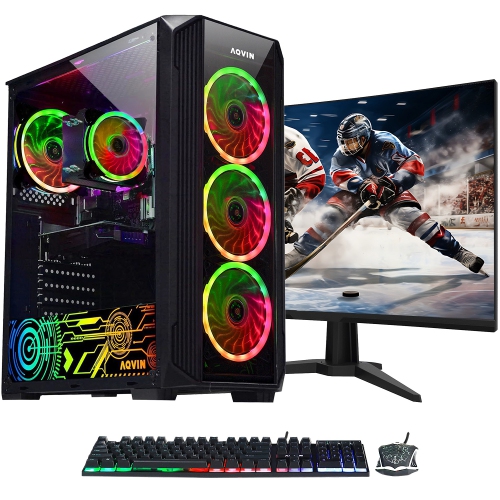
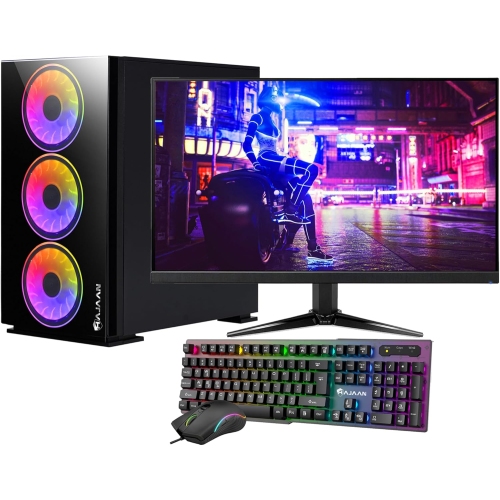
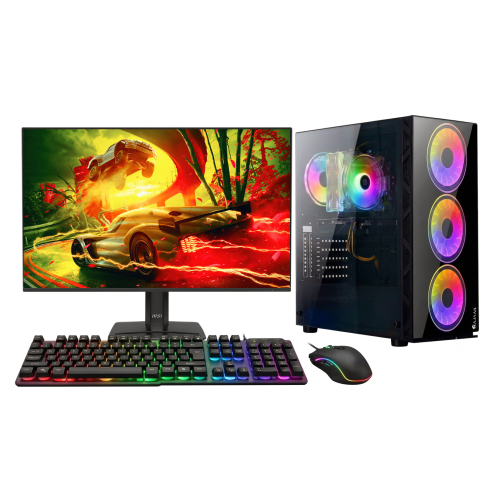
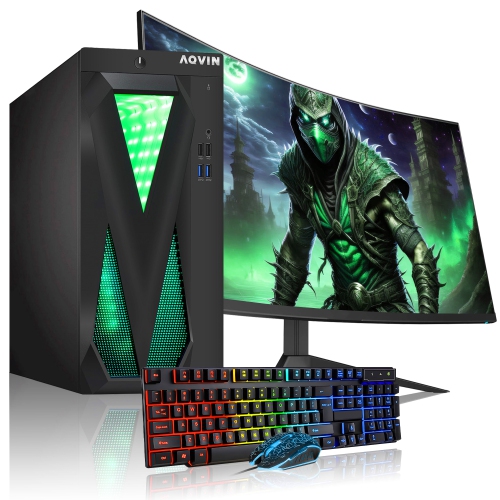
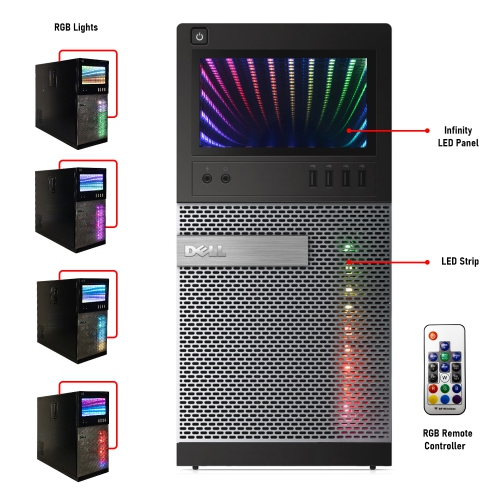
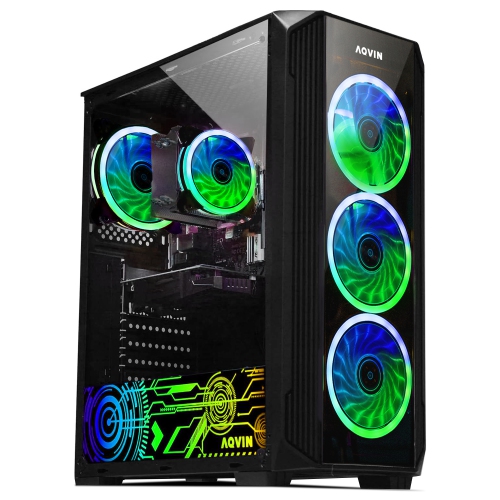
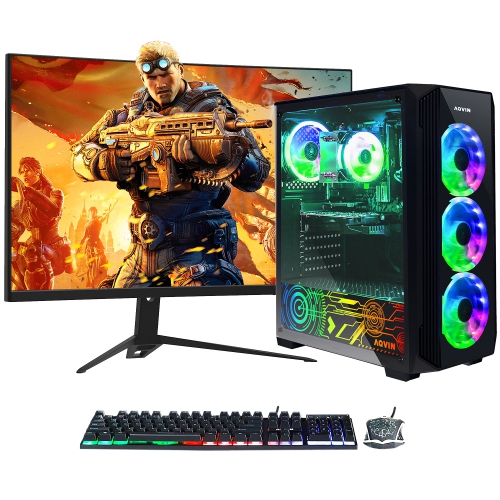
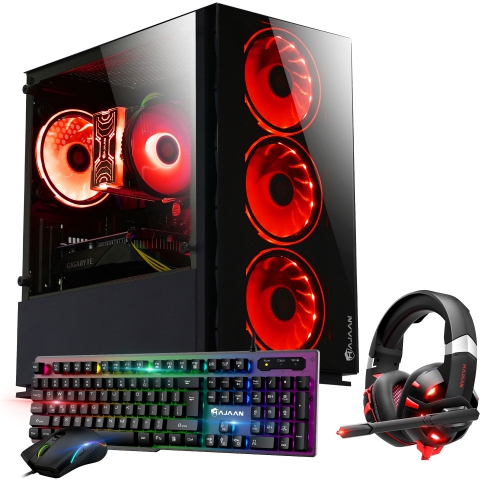
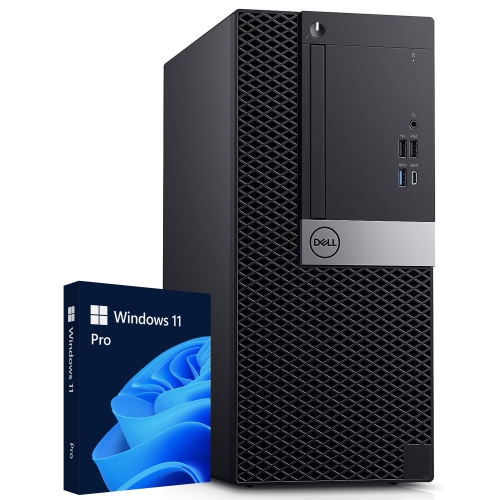
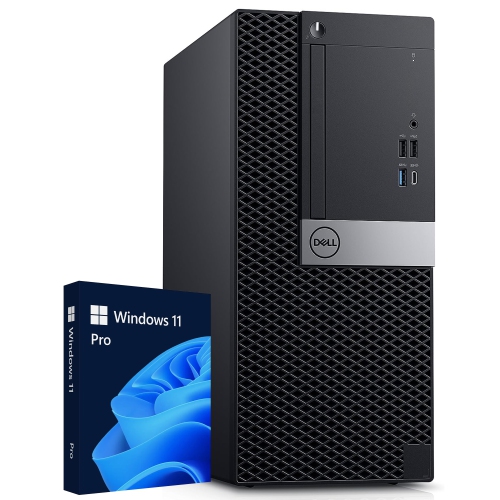
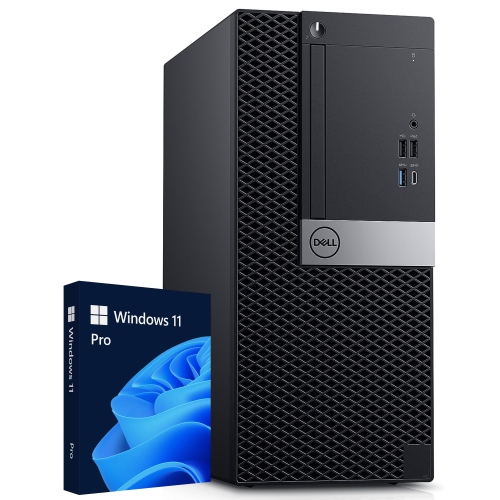
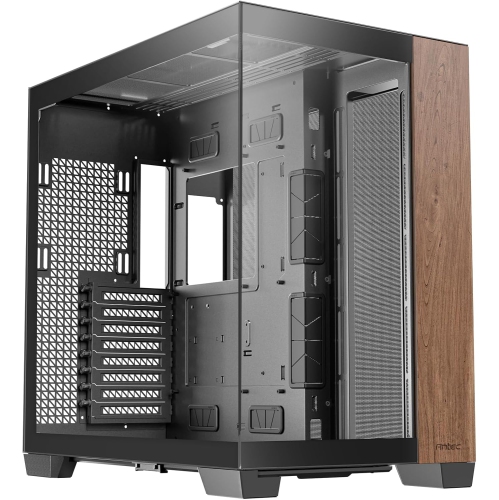
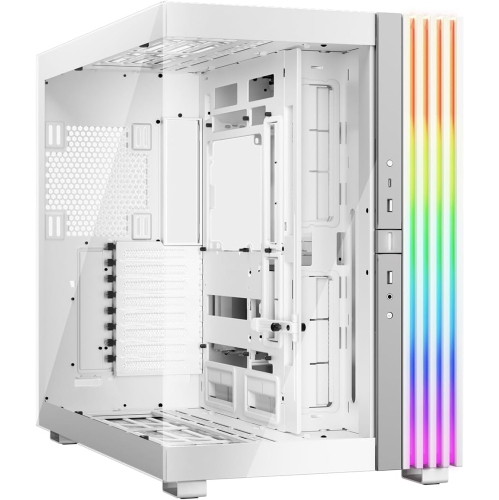
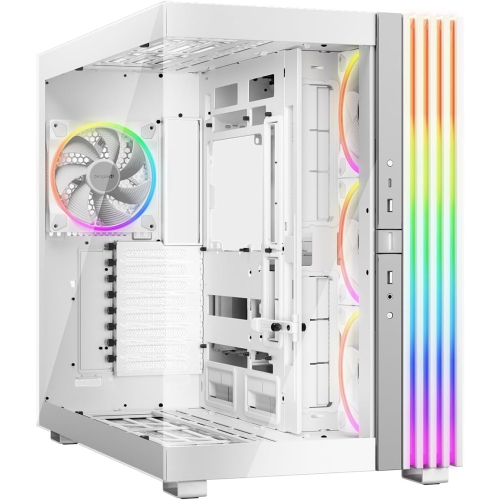
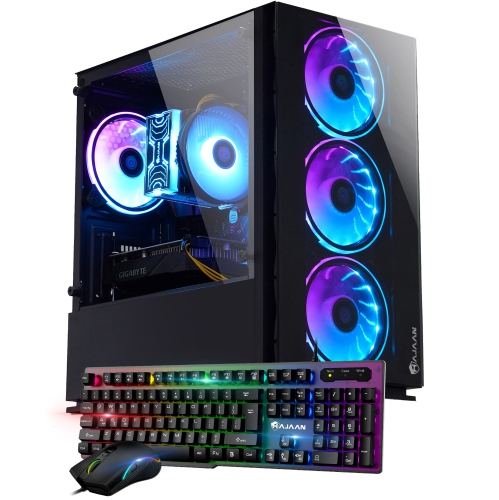
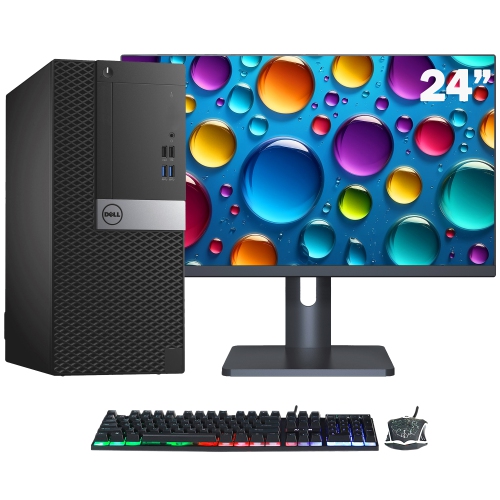
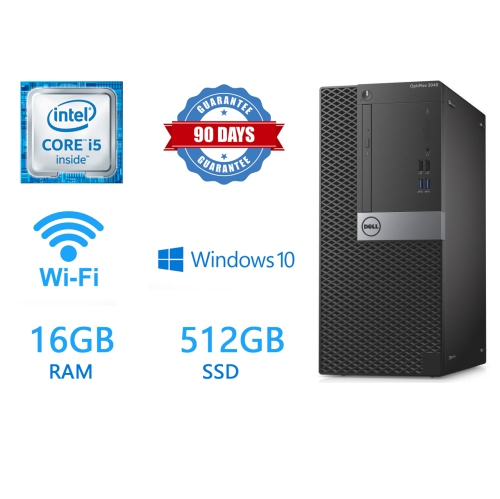
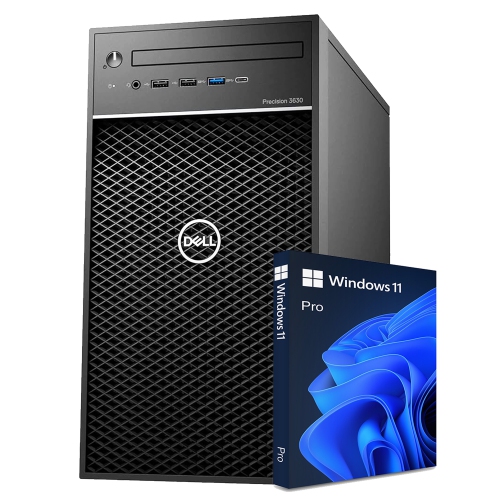
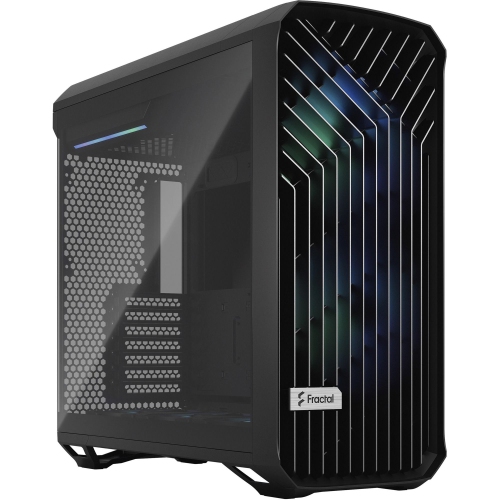
Room for powerful components, cooling, storage, and future upgrades
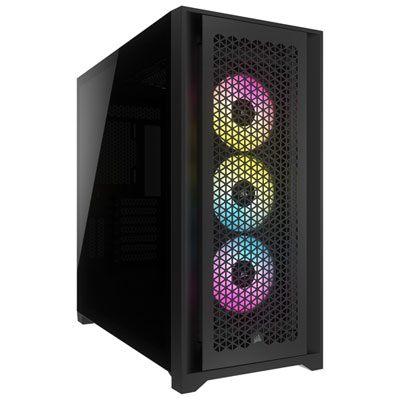
Full tower PCs are designed for builders and users who need more room than a standard mid-tower desktop can provide. A full tower computer case is the largest common chassis format, often measuring more than 20 to 22 inches tall, with a spacious interior that can accommodate larger components and more ambitious configurations. This extra volume is useful for high-performance processors, full-size graphics cards, E-ATX or ATX motherboards, multiple storage drives, and robust cooling systems. It also gives builders more space to work when installing components, routing cables, or making adjustments later. For a closer look at the features and layouts available, explore Best Full Tower Computer Cases. Unlike compact desktops, which may rely on tightly arranged parts and limited upgrade paths, full tower PCs leave room for expansion. That can be especially valuable for gaming desktops, content creation workstations, home servers, simulation systems, and other computers that need substantial processing and graphics performance. A spacious chassis can support a large graphics card without crowding the front of the case, while additional clearance around the motherboard can make it easier to install memory, a CPU cooler, or expansion cards. Builders who use custom liquid cooling may also appreciate the ability to fit 360 mm or 420 mm radiators, larger reservoirs, and several pumps or fans, depending on the case design. Even when air cooling is preferred, the extra interior space can help create a more direct path for cool air to reach the processor and graphics card, while warm air is guided out through the rear or top of the chassis.
When choosing a full tower PC or full tower chassis, start by considering the components you already own and the upgrades you may make later. Check the motherboard compatibility carefully, as some full tower models support E-ATX boards in addition to standard ATX, while others may offer different mounting layouts or clearance limits. Graphics card length and thickness are also important, particularly for powerful cards with large heatsinks or multiple fan assemblies. Look for enough clearance between the card and the front fan or radiator area, and confirm that the case supports the power supply size and cable connections required by the build. Storage flexibility is another benefit of this format. Depending on the internal layout, a full tower may provide bays or mounting points for several 2.5-inch solid-state drives, 3.5-inch hard disk drives, or a combination of both. Some designs place storage trays behind the motherboard tray or in a separate chamber, keeping the main interior open and making cable routing easier. Good cable management includes generous space behind the motherboard, routing channels, tie-down points, and openings positioned near the power connectors. These details may seem minor before a build begins, but they can make a noticeable difference when thick power cables need to reach a graphics card or when several fans, drives, and lighting accessories are connected. Front-panel connectivity is worth reviewing as well. USB-A and USB-C ports, audio connections, and convenient power or reset controls can make a full tower more practical when it is positioned under a desk or beside a workstation. Dust filters, removable panels, and accessible fan mounts are helpful for routine maintenance, while tempered glass or other display panels may suit builders who want to show off an organized interior.
A full tower PC is often a strong fit for someone who enjoys building, modifying, and refining a desktop over time. It can give a gaming enthusiast the room to install a powerful graphics card, extra cooling, and additional storage without making the interior feel cramped. It can also suit a photographer, video editor, 3D artist, music producer, engineer, or student working with demanding software and large project files. For a home office, the extra capacity may be more than necessary for everyday documents and video calls, but it can be worthwhile when one computer must handle professional applications, local storage, and future upgrades. Full tower systems can also appeal as gifts for a PC enthusiast, especially when the recipient enjoys selecting components and creating a custom build. Before choosing one, consider where the computer will be placed. These cases can be tall, deep, and heavy once fully assembled, so measure the available area under or beside a desk, including room for airflow and access to the rear connections. A floor location may make sense for a large chassis, while a sturdy desk can work if it has enough depth and weight capacity. Keep the surrounding area clear of curtains, walls, and other obstructions that could restrict ventilation. During the warmer months, generous fan support and an open airflow layout can help a heavily used system manage heat, while during the cooler months, accessible filters and removable panels make it easier to keep the interior clean. The best full tower PC is not simply the largest option; it is one that matches the motherboard, graphics card, cooling method, power supply, storage plans, desk or floor space, and the way the computer will be used. With those details in mind, the additional capacity of a full tower design can provide a comfortable foundation for a demanding build today and the hardware changes that may follow.
When choosing a full tower PC or full tower chassis, start by considering the components you already own and the upgrades you may make later. Check the motherboard compatibility carefully, as some full tower models support E-ATX boards in addition to standard ATX, while others may offer different mounting layouts or clearance limits. Graphics card length and thickness are also important, particularly for powerful cards with large heatsinks or multiple fan assemblies. Look for enough clearance between the card and the front fan or radiator area, and confirm that the case supports the power supply size and cable connections required by the build. Storage flexibility is another benefit of this format. Depending on the internal layout, a full tower may provide bays or mounting points for several 2.5-inch solid-state drives, 3.5-inch hard disk drives, or a combination of both. Some designs place storage trays behind the motherboard tray or in a separate chamber, keeping the main interior open and making cable routing easier. Good cable management includes generous space behind the motherboard, routing channels, tie-down points, and openings positioned near the power connectors. These details may seem minor before a build begins, but they can make a noticeable difference when thick power cables need to reach a graphics card or when several fans, drives, and lighting accessories are connected. Front-panel connectivity is worth reviewing as well. USB-A and USB-C ports, audio connections, and convenient power or reset controls can make a full tower more practical when it is positioned under a desk or beside a workstation. Dust filters, removable panels, and accessible fan mounts are helpful for routine maintenance, while tempered glass or other display panels may suit builders who want to show off an organized interior.
A full tower PC is often a strong fit for someone who enjoys building, modifying, and refining a desktop over time. It can give a gaming enthusiast the room to install a powerful graphics card, extra cooling, and additional storage without making the interior feel cramped. It can also suit a photographer, video editor, 3D artist, music producer, engineer, or student working with demanding software and large project files. For a home office, the extra capacity may be more than necessary for everyday documents and video calls, but it can be worthwhile when one computer must handle professional applications, local storage, and future upgrades. Full tower systems can also appeal as gifts for a PC enthusiast, especially when the recipient enjoys selecting components and creating a custom build. Before choosing one, consider where the computer will be placed. These cases can be tall, deep, and heavy once fully assembled, so measure the available area under or beside a desk, including room for airflow and access to the rear connections. A floor location may make sense for a large chassis, while a sturdy desk can work if it has enough depth and weight capacity. Keep the surrounding area clear of curtains, walls, and other obstructions that could restrict ventilation. During the warmer months, generous fan support and an open airflow layout can help a heavily used system manage heat, while during the cooler months, accessible filters and removable panels make it easier to keep the interior clean. The best full tower PC is not simply the largest option; it is one that matches the motherboard, graphics card, cooling method, power supply, storage plans, desk or floor space, and the way the computer will be used. With those details in mind, the additional capacity of a full tower design can provide a comfortable foundation for a demanding build today and the hardware changes that may follow.
Top selling and popular products
-
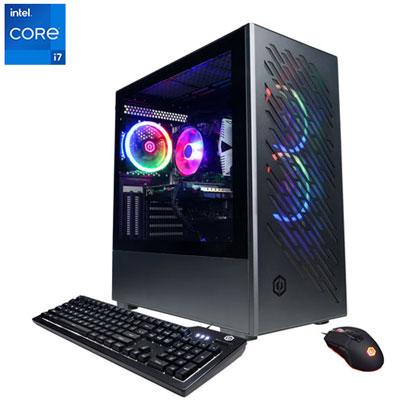 Your price for this item is $1969.99
 -
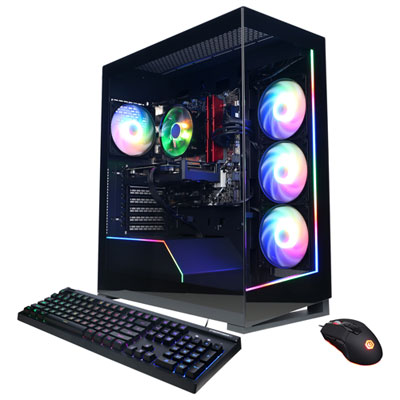 Your price for this item is $1059.99
 -
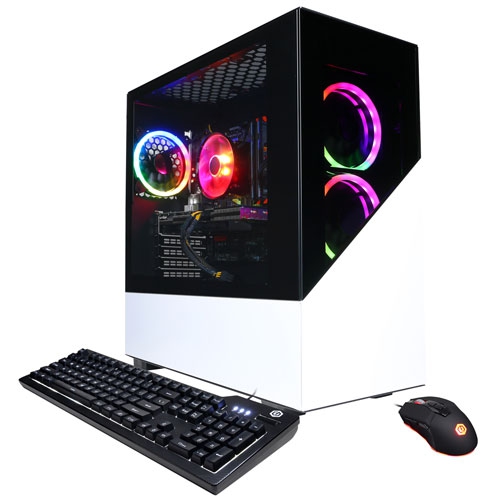 Your price for this item is $1274.97
 -
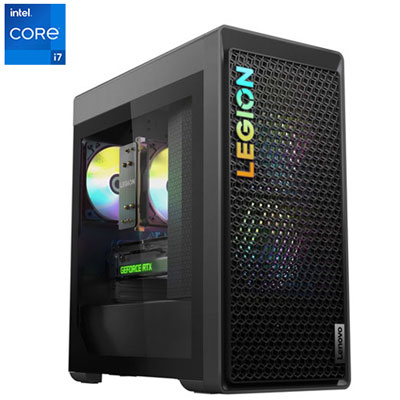 Your price for this item is $1899.95
 -
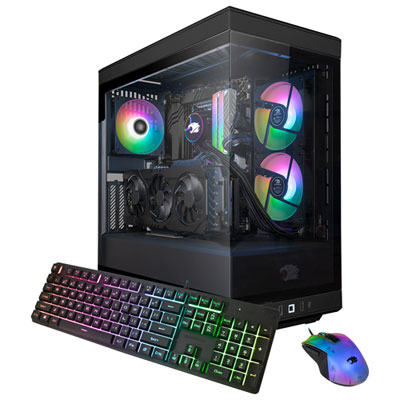 Your price for this item is $2309.99
 -
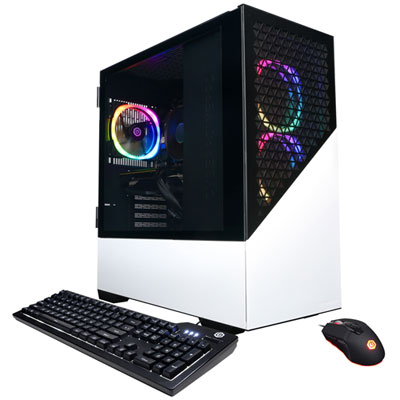 Your price for this item is $1669.99
 -
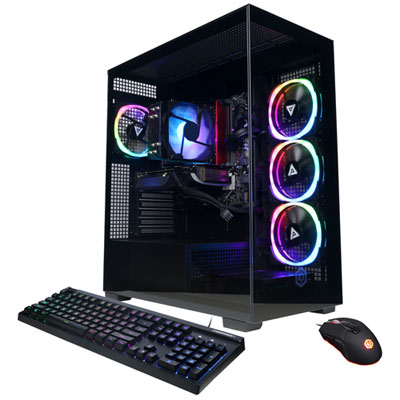 Your price for this item is $1839.99
 -
 Your price for this item is $2399.99
Discover more categories related to Full Tower PCs
Top Collections:
Pokemon Centers, Budget 4K TVs, Kindle Devices, Canon G7X Cameras, Apple iPhones 16, iPhone 15 Apple, Laptops for Business Work, Flip Phones, Xiaomi Phones, Refurbished Apple Laptops
Some products may be subject to Environmental Handling Fees
(EHF) depending on your province.
Learn more about EHFs.