Galaxy Lite S6
Discover the perfect balance of performance and style with the Galaxy Lite S6. Designed to fit seamlessly into your daily routine, the Galaxy Lite S6 offers an impressive combination of innovation and reliability. Whether you're upgrading your device or searching for a versatile option to keep you connected, explore a range of Galaxy Lite S6 models to find the one that matches your needs. Experience convenience and quality in one sleek package with the Galaxy Lite S6.
Sort
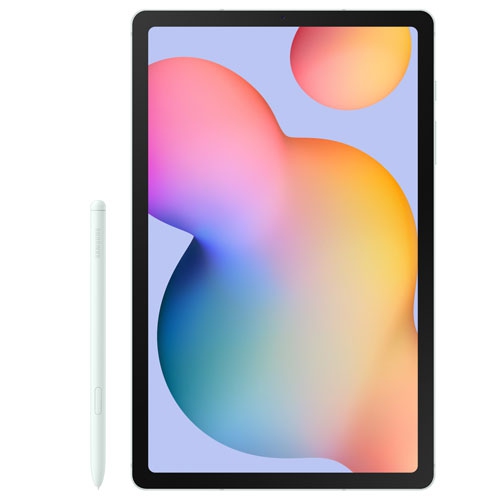
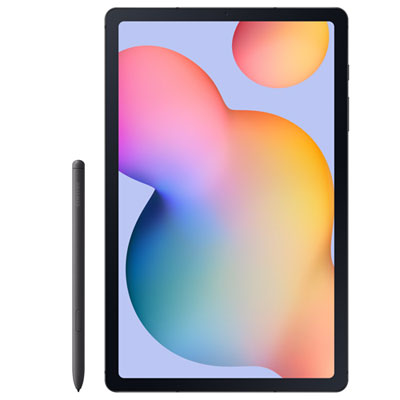
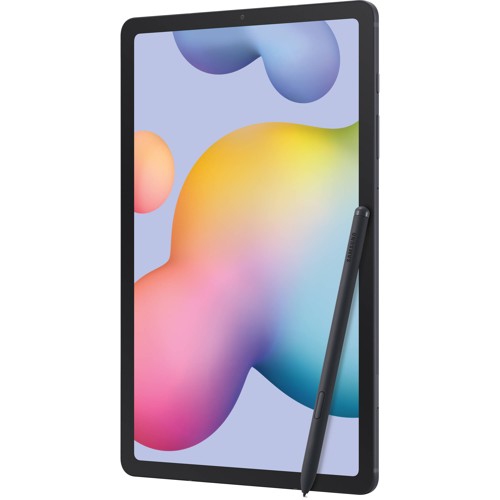
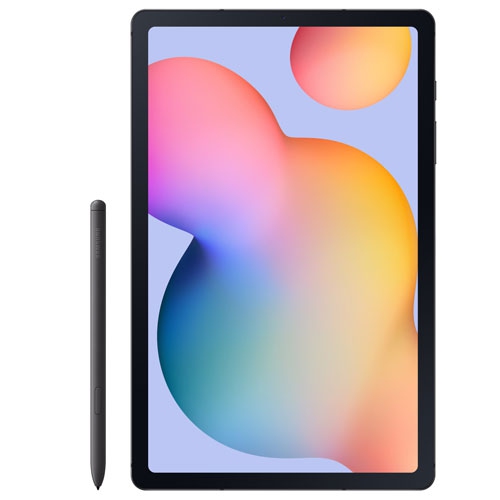

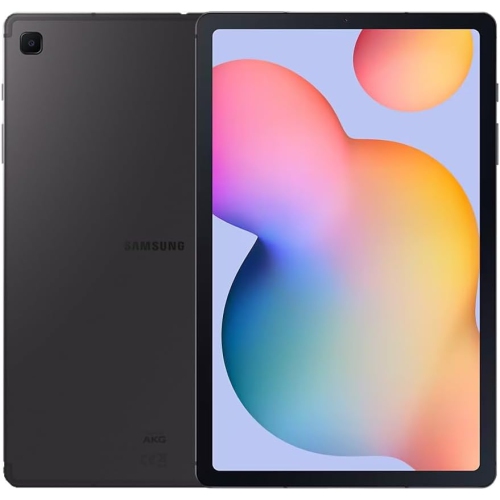
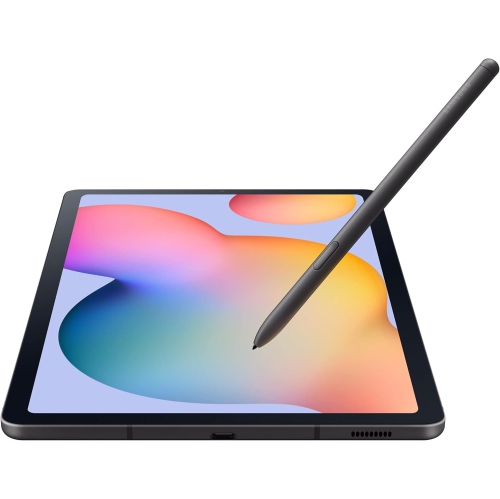
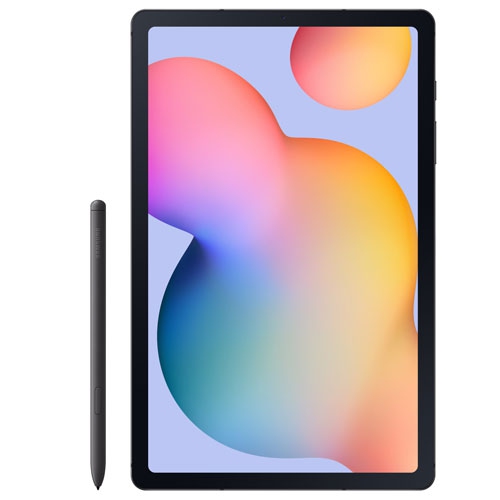
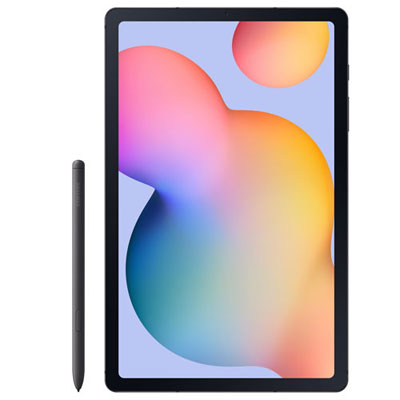
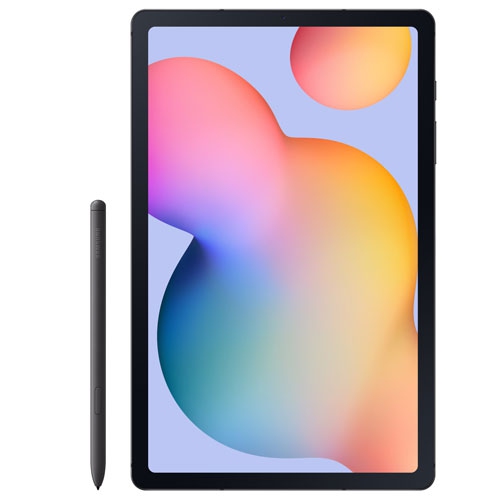
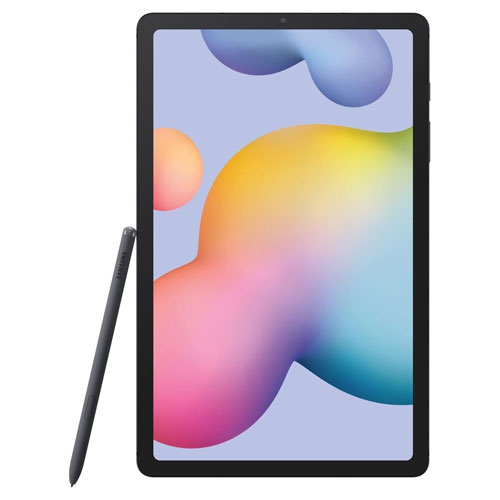
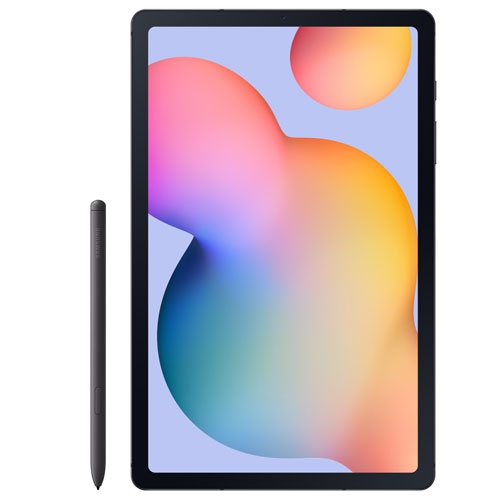
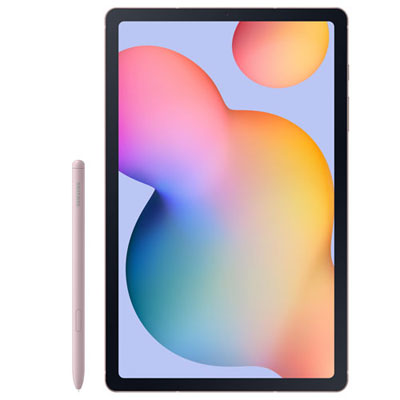
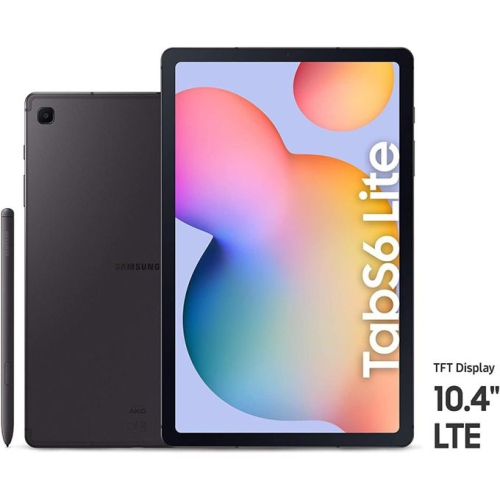
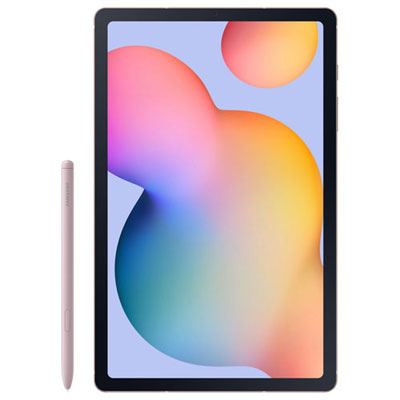
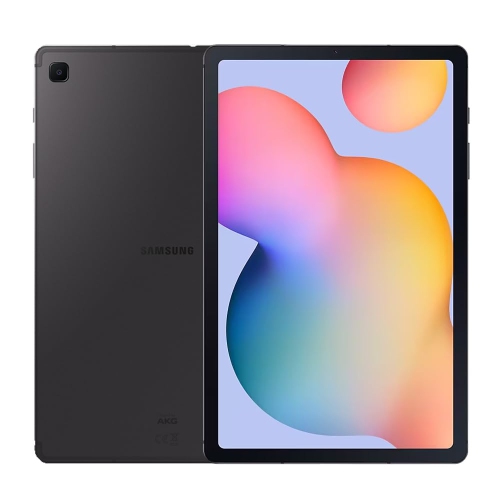

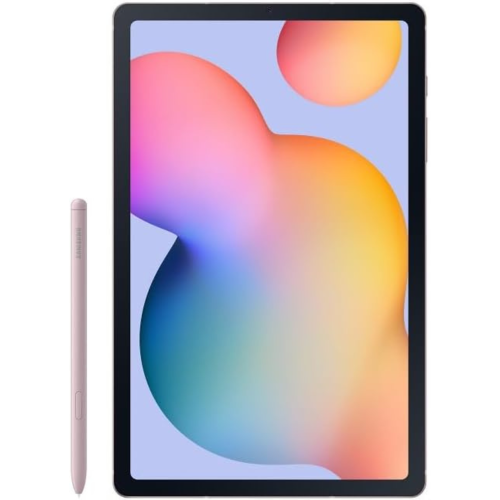
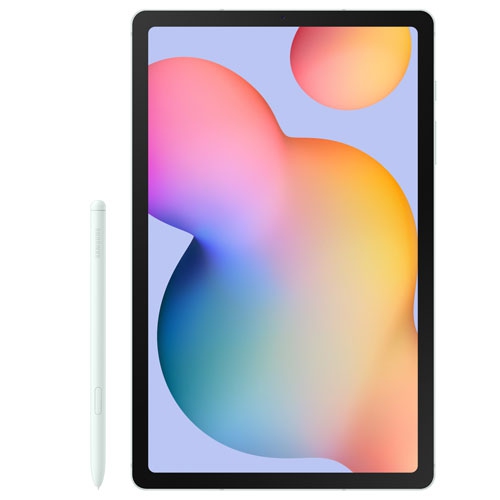
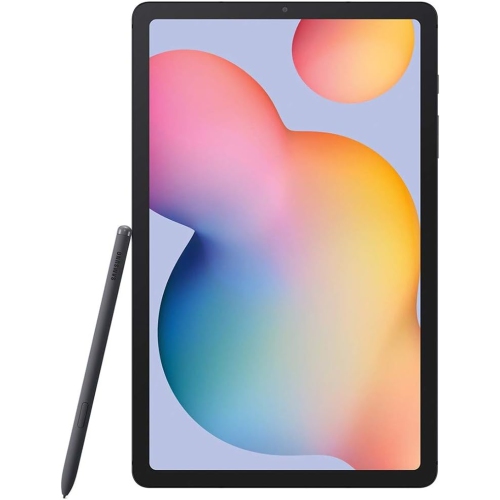
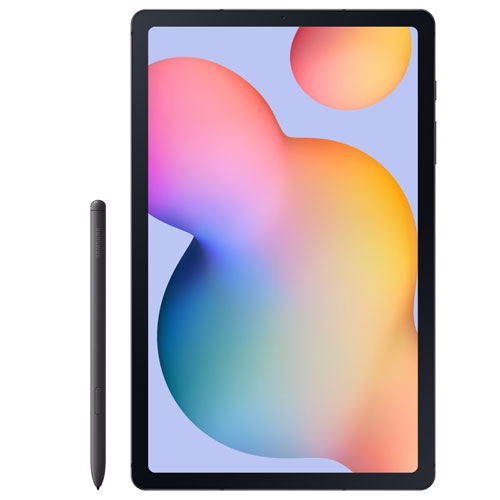
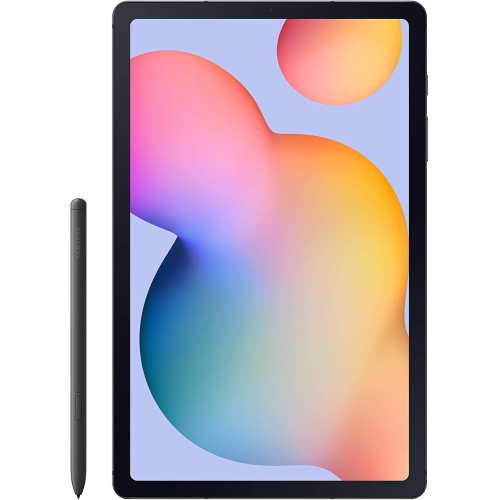
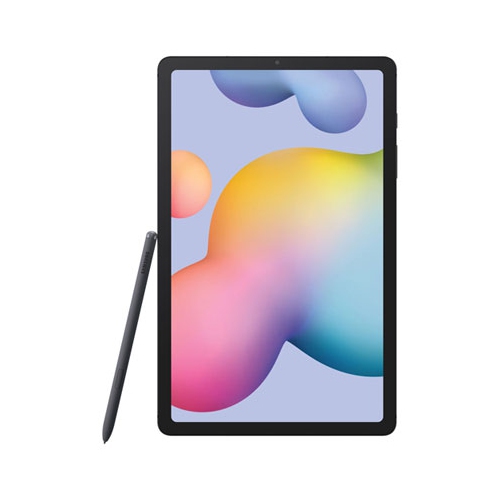
More room for handwritten notes without the laptop bulk
A lightweight tablet with a pen-friendly touchscreen fits neatly between a phone and a laptop, offering room to read, write, watch, and sketch without taking over a desk or filling a backpack. This type of tablet is particularly useful for everyday tasks that benefit from a larger display but do not always need a full computer: annotating lecture slides, following a recipe beside the kitchen counter, reading an illustrated ebook, or watching a downloaded episode on a train. A screen around 10 inches provides useful space for handwritten notes and split-screen layouts while remaining comfortable to carry from room to room. Display resolution affects how crisp small text and fine lines appear, while brightness and reflections influence readability near a window or beneath overhead lighting. For pen input, compatibility matters as much as screen size. An active stylus designed for the tablet can support precise handwriting and drawing, with features such as pressure sensitivity and palm rejection depending on the device and app. A basic capacitive stylus works more like a fingertip and should not be assumed to offer the same control. Students may appreciate writing directly on course documents; hobbyists can use a digital canvas for colour studies, lettering, or quick sketches; and someone managing a busy household might prefer handwritten lists that stay together in one place. Speakers and headphone connectivity also shape daily use, whether the tablet is playing a cooking video or joining a conversation from a quiet corner. Front-facing camera placement can affect the framing of video calls when the tablet rests horizontally in a stand. For reading, streaming, and casual browsing, a comfortable balance of size, weight, and screen quality often matters more than a long list of features. For frequent drawing or detailed note-taking, the feel of the pen against the glass and the responsiveness of the writing surface deserve equal attention.
Memory, storage, connectivity, and software support help determine how well a tablet suits its intended routine. Memory affects how smoothly apps stay open as someone moves between a browser, a document, and a video call, while storage holds apps, photographs, downloads, and other files. Those are different specifications, even when both are expressed in gigabytes. A person who mainly reads online and streams video may have different storage needs from someone saving large illustrated notebooks or downloading films before a trip. Where a microSD slot is supported, a compatible card can add space for certain files, but it does not increase working memory, and not every app can move to the card. Maximum card capacity also varies by device version. Wi-Fi is suitable for use at home, at school, and wherever a trusted wireless network is accessible. A cellular-capable tablet can provide another connection option, but it requires the appropriate hardware and a compatible mobile service; a Wi-Fi-only tablet does not gain cellular capability simply by adding an app. Battery capacity is only one part of battery performance. Screen brightness, video calls, gaming, wireless activity, and background processes all influence how long a charge lasts. Charging speed likewise depends on the tablet’s supported input and the cable and power adapter being used, rather than the adapter alone. For longer typing sessions, a compatible keyboard can make emails and assignments more comfortable, although mobile software may not include every function found in desktop applications. Anyone expecting to use specialised school or workplace software should confirm operating system requirements and app compatibility. Devices with similar names can have different processors, release years, software support periods, or connection options, so the precise version is important when comparing specifications. A tablet complements rather than automatically replaces a phone: it offers more reading and writing space, while a phone is easier to keep in a pocket for calls and quick messages. For a separate look at phones, the Galaxy Galaxy S6 Edge page provides a related browsing destination.
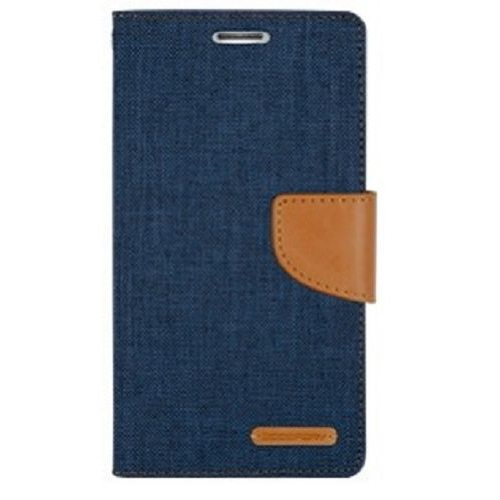
The way a tablet is carried, supported, and cleaned can make a noticeable difference to its comfort and durability. A slim metal-backed design may feel firm in the hand, but its glass display and exposed corners still benefit from protection during travel. Cases commonly use flexible plastics, rigid shells, fabric coverings, or synthetic leather, with each construction offering a different balance of grip, bulk, and surface feel. A folio cover can protect the screen inside a bag and fold into a viewing stand, while a case with a secure pen holder helps keep a stylus from slipping between books or beneath a car seat. Fit must match the exact tablet version, not just the approximate screen size: button positions, camera openings, speaker grilles, and charging ports can differ even when two devices appear similar. A stand that holds the screen upright suits video calls and watching, whereas a lower angle usually feels more natural for writing or drawing. Screen protectors also change the experience. Smooth glass preserves a familiar glide, while textured films add friction that some handwriting and drawing users prefer; that texture can affect image clarity and pen-tip wear. Routine care is straightforward: use a soft, lint-free cloth, follow the device maker’s cleaning directions, and avoid spraying liquid directly onto the screen or openings. Keep loose keys and other hard objects away from the display, and do not assume a tablet or case is water-resistant unless its specifications say so. During the cooler months, carrying the device in a padded compartment helps protect it from knocks between home, school, and work; extreme temperatures should still be avoided. As a gift, a tablet can suit a student organising coursework, a relative who enjoys reading and video chats, or a creative beginner exploring digital drawing. The most useful setup reflects that person’s habits, including accessibility settings, comfortable text sizes, a stable stand, and suitable pen support. For children or shared household use, age-appropriate profiles and parental controls, where supported, help establish practical boundaries without changing the tablet’s everyday role as a space for learning, entertainment, and keeping in touch.
Memory, storage, connectivity, and software support help determine how well a tablet suits its intended routine. Memory affects how smoothly apps stay open as someone moves between a browser, a document, and a video call, while storage holds apps, photographs, downloads, and other files. Those are different specifications, even when both are expressed in gigabytes. A person who mainly reads online and streams video may have different storage needs from someone saving large illustrated notebooks or downloading films before a trip. Where a microSD slot is supported, a compatible card can add space for certain files, but it does not increase working memory, and not every app can move to the card. Maximum card capacity also varies by device version. Wi-Fi is suitable for use at home, at school, and wherever a trusted wireless network is accessible. A cellular-capable tablet can provide another connection option, but it requires the appropriate hardware and a compatible mobile service; a Wi-Fi-only tablet does not gain cellular capability simply by adding an app. Battery capacity is only one part of battery performance. Screen brightness, video calls, gaming, wireless activity, and background processes all influence how long a charge lasts. Charging speed likewise depends on the tablet’s supported input and the cable and power adapter being used, rather than the adapter alone. For longer typing sessions, a compatible keyboard can make emails and assignments more comfortable, although mobile software may not include every function found in desktop applications. Anyone expecting to use specialised school or workplace software should confirm operating system requirements and app compatibility. Devices with similar names can have different processors, release years, software support periods, or connection options, so the precise version is important when comparing specifications. A tablet complements rather than automatically replaces a phone: it offers more reading and writing space, while a phone is easier to keep in a pocket for calls and quick messages. For a separate look at phones, the Galaxy Galaxy S6 Edge page provides a related browsing destination.
The way a tablet is carried, supported, and cleaned can make a noticeable difference to its comfort and durability. A slim metal-backed design may feel firm in the hand, but its glass display and exposed corners still benefit from protection during travel. Cases commonly use flexible plastics, rigid shells, fabric coverings, or synthetic leather, with each construction offering a different balance of grip, bulk, and surface feel. A folio cover can protect the screen inside a bag and fold into a viewing stand, while a case with a secure pen holder helps keep a stylus from slipping between books or beneath a car seat. Fit must match the exact tablet version, not just the approximate screen size: button positions, camera openings, speaker grilles, and charging ports can differ even when two devices appear similar. A stand that holds the screen upright suits video calls and watching, whereas a lower angle usually feels more natural for writing or drawing. Screen protectors also change the experience. Smooth glass preserves a familiar glide, while textured films add friction that some handwriting and drawing users prefer; that texture can affect image clarity and pen-tip wear. Routine care is straightforward: use a soft, lint-free cloth, follow the device maker’s cleaning directions, and avoid spraying liquid directly onto the screen or openings. Keep loose keys and other hard objects away from the display, and do not assume a tablet or case is water-resistant unless its specifications say so. During the cooler months, carrying the device in a padded compartment helps protect it from knocks between home, school, and work; extreme temperatures should still be avoided. As a gift, a tablet can suit a student organising coursework, a relative who enjoys reading and video chats, or a creative beginner exploring digital drawing. The most useful setup reflects that person’s habits, including accessibility settings, comfortable text sizes, a stable stand, and suitable pen support. For children or shared household use, age-appropriate profiles and parental controls, where supported, help establish practical boundaries without changing the tablet’s everyday role as a space for learning, entertainment, and keeping in touch.
Top selling and popular products
-
 Your price for this item is $499.99
 -
 Your price for this item is $199.95
 -
 Your price for this item is $293.94
 -
 Your price for this item is $579.99
 -
 Your price for this item is $139.99
 -
 Your price for this item is $119.99
 -
 Your price for this item is $979.99
 -
 Your price for this item is $579.99
Discover more categories related to Galaxy Lite S6
Top Collections:
Pokemon Centers, Best Cameras for Sports Photography, Kindle Devices, Samsung Galaxy Phones, Canon G7X Cameras, Pokémon 30th Celebration Cards, Refurbished Apple Laptops, iPhone 15 Apple, Laptops for Students, Budget Smartphones
Some products may be subject to Environmental Handling Fees
(EHF) depending on your province.
Learn more about EHFs.