Samsung S6 Tablets
Explore a wide selection of Samsung S6 Tablet options designed to fit a variety of needs, whether you're looking for enhanced productivity, entertainment on the go, or seamless connectivity. With versatile models and configurations available, it's easy to find the right Samsung S6 Tablet to match your lifestyle. Shop with confidence and discover the features that make these tablets a popular choice for both work and play.
Sort

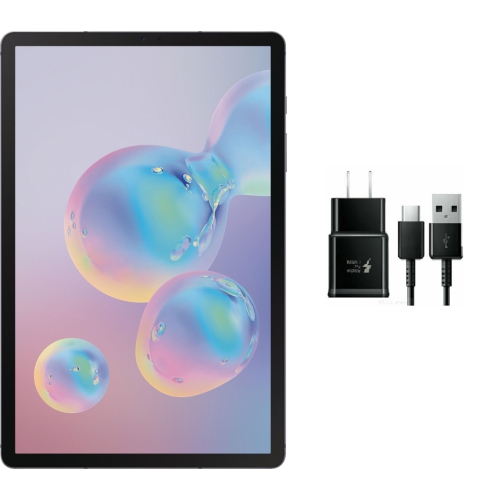
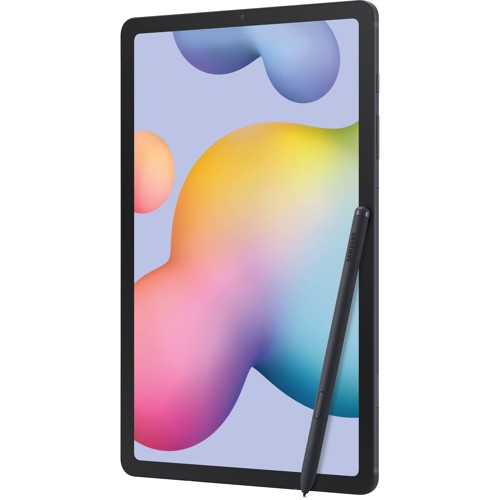
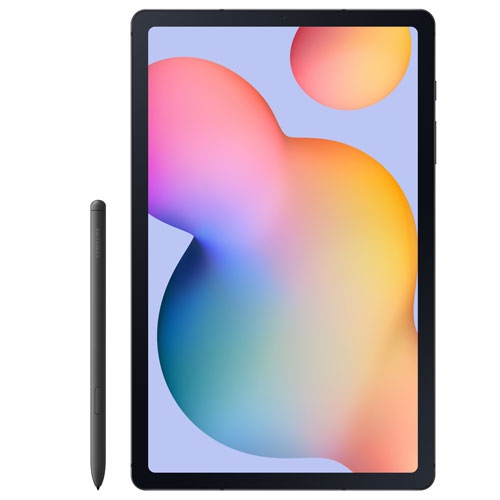

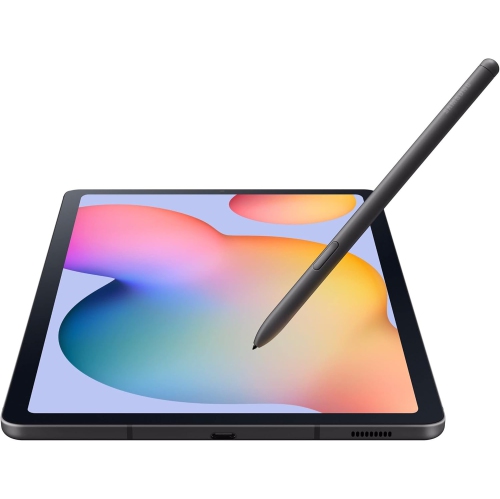
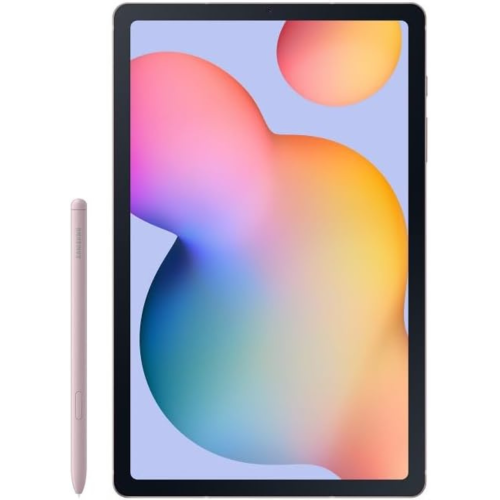

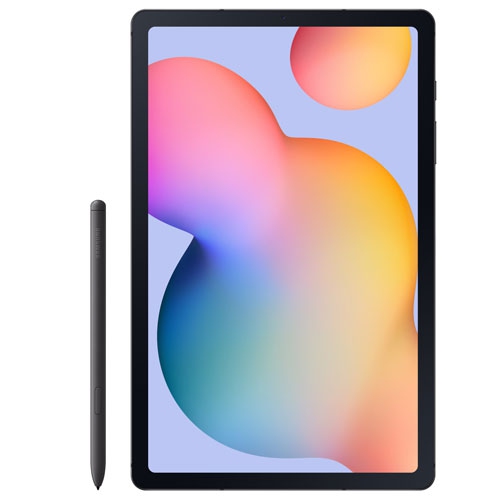
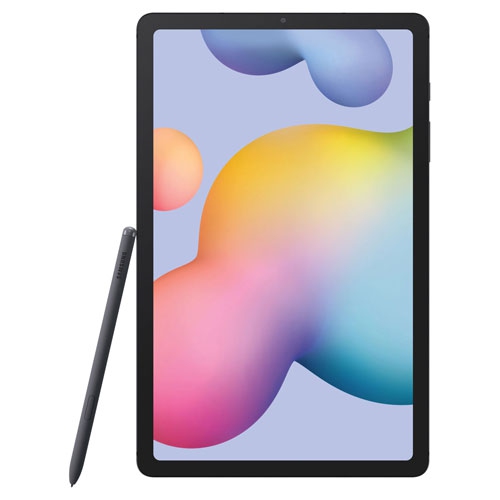
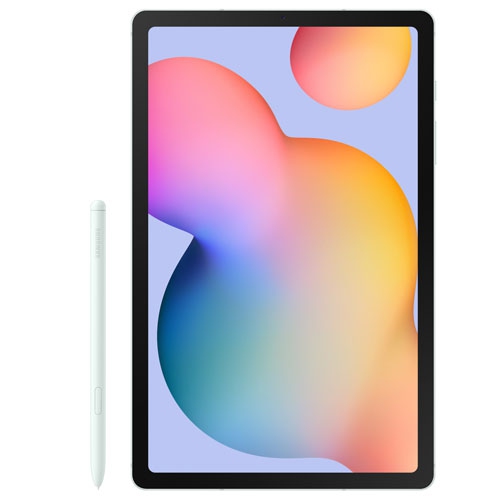
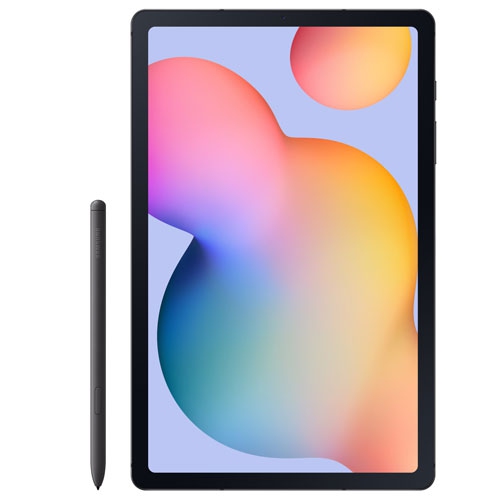
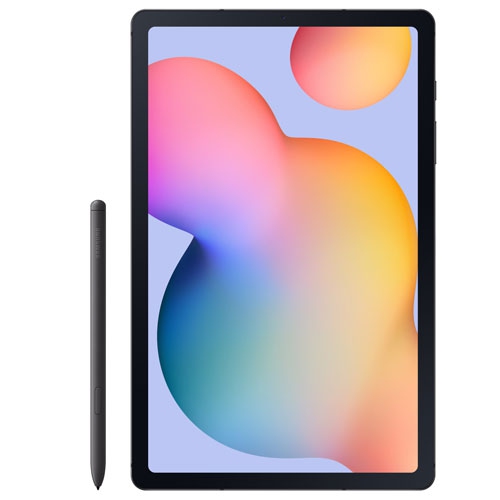
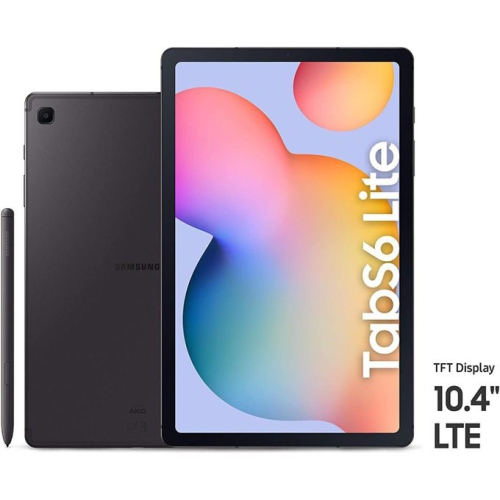
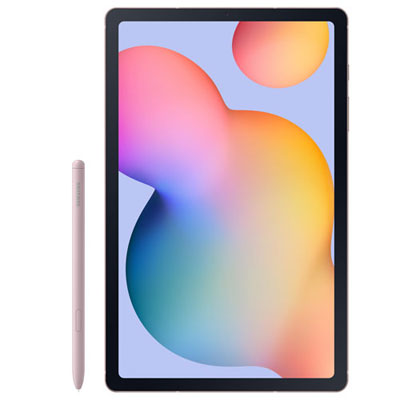
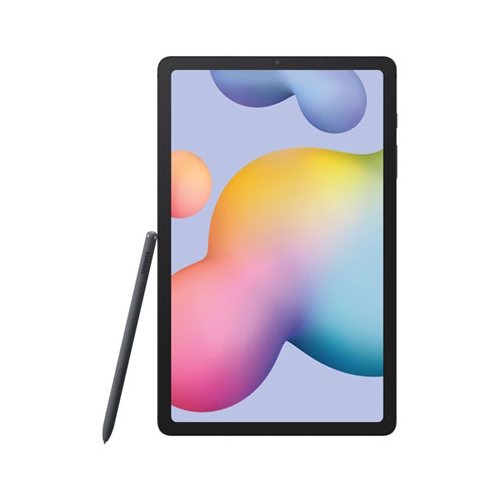
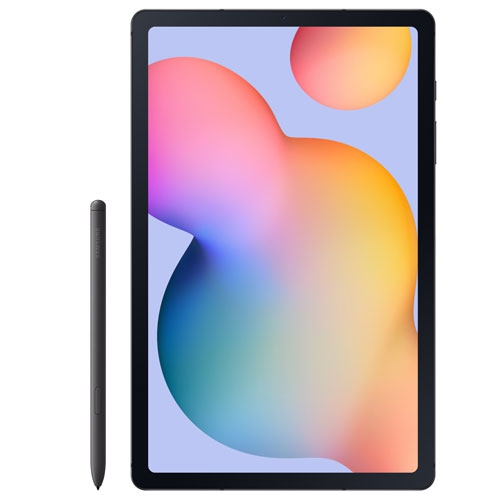
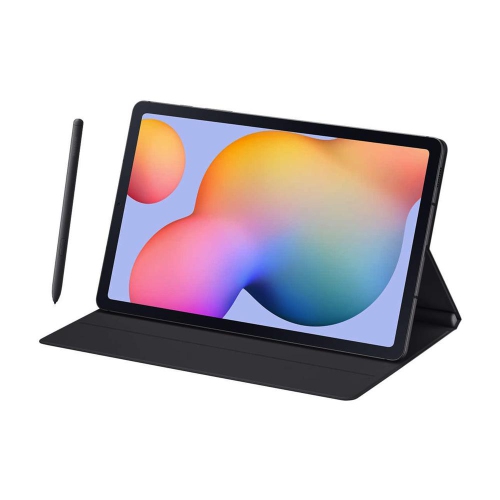
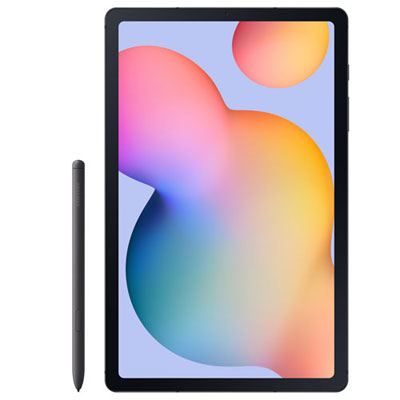

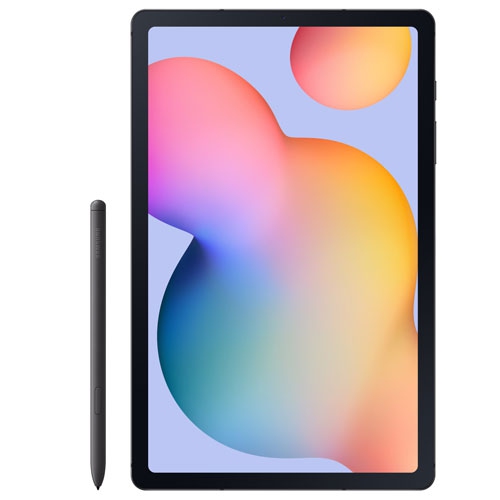
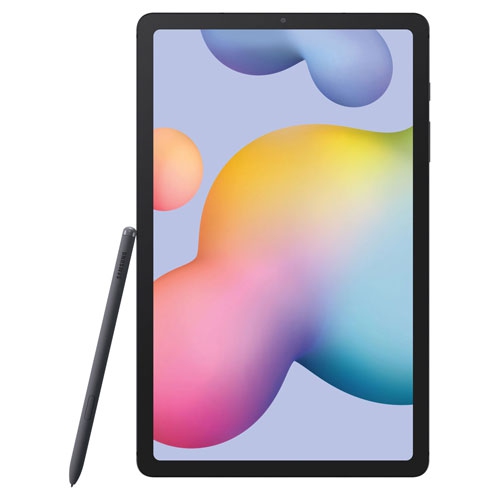
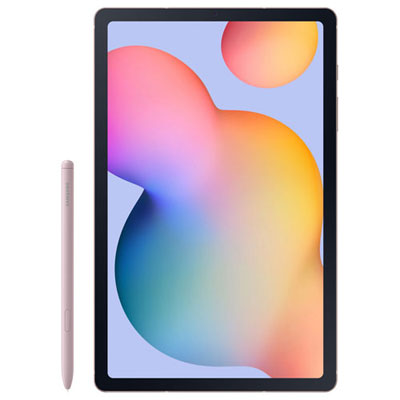
Handwritten notes and movie nights on one screen
Pen-enabled tablets combine the familiarity of a touchscreen with the flexibility of handwriting, making them useful for reading, streaming, studying, and everyday creative work. A slim tablet can move from a kitchen counter displaying a recipe to a desk holding lecture notes, then settle into a stand for an evening film. Screens in the 10-inch range offer room for documents and video while remaining manageable in a backpack or tote. Display quality matters beyond the screen’s measurements: resolution affects the sharpness of small text, brightness influences visibility near a window, and colour reproduction shapes how photos and illustrations appear. OLED displays are known for deep blacks and strong contrast, while other display technologies have their own strengths; the exact panel should be considered alongside the intended use. A wider screen can suit films and side-by-side apps, although the shape of a document or digital magazine affects how much scrolling is needed. For readers, adjustable text size and comfortable viewing settings can make a longer session more pleasant. For students and people who prefer handwritten notes, a compatible active pen can turn the screen into a place for equations, diagrams, and quick annotations. Handwriting quality depends on the combination of the display, pen, and app, including support for palm rejection and pressure sensitivity. Some pens attach magnetically, but attachment does not necessarily mean that every pen feature works without charging. Pen compatibility is specific to the tablet, so a similar appearance is not enough to establish a match. Speakers, headphone connections, and microphone quality also contribute to daily comfort, especially when a tablet doubles as a video-call screen or a shared device for watching programmes. The most useful balance is often a screen large enough for the main task, paired with a weight and shape that feel comfortable beyond a brief session.
Everyday performance depends on more than a processor name. Reading an e-book, joining a video call, editing a document, and moving between several open apps place different demands on a tablet. Working memory helps with multitasking, while internal storage holds applications, downloads, photographs, and files saved for offline access. Where memory-card expansion is supported, it can provide space for compatible media and documents, but it does not replace working memory or guarantee that applications can be moved off internal storage. A tablet used mainly for streaming over Wi-Fi may have different storage needs from one carrying downloaded courses, large drawings, or a substantial music library. Wireless connectivity deserves similar attention: Wi-Fi connects through a suitable network, while cellular use requires a compatible cellular-equipped model, supported service, and a data plan. A tablet without cellular hardware cannot gain that capability through a software setting. For older tablet designs, operating-system compatibility and security support are particularly important considerations. A device may still perform basic tasks well even when newer applications require a later software version, and a factory reset does not restart the manufacturer’s update period. Banking, workplace access, and school platforms may each have their own requirements. Battery condition also affects the experience, especially with previously owned devices. Video calls, higher brightness, wireless connections, and demanding apps can shorten time between charges compared with light reading. Refurbishment descriptions, cosmetic condition, battery information, warranty terms, and accessory details help explain what a device’s condition means in practice. A charger or pen should not be assumed to accompany every previously owned tablet. Screen size, pen support, and connectivity also help distinguish the formats represented in the Computer Tablet Samsung collection. These details matter most when they connect directly to a daily routine, such as marking up lecture slides, reading on a commute, or keeping reference material beside a larger computer.
Materials and physical design influence how comfortably a tablet fits into that routine and how well it handles repeated use. Glass touchscreens provide a smooth surface for gestures and handwriting, while metal housings can give a slim device a firm, substantial feel. Neither material makes a tablet immune to scratches, dents, or damage from a fall. A fitted case can protect corners and provide a more secure grip, and a folding cover or stand can hold the screen at a useful angle for reading or typing. Cases need to match the exact model because camera openings, button positions, charging ports, and pen attachment areas can differ between tablets with similar screen sizes. A keyboard can make longer emails and documents more comfortable, though the layout, connection method, and supported shortcuts affect how closely the experience resembles a laptop. The tablet’s software still determines whether a particular desktop task can be completed as expected. For care, a clean, soft, lint-free cloth helps remove fingerprints without introducing abrasive particles; cleaning methods and permitted solutions should follow the device manufacturer’s directions. Liquid should not be sprayed directly into ports or openings, and charging cables should connect without strain. A protective sleeve adds a useful barrier when a tablet shares a bag with keys, chargers, or books. Tablets can make thoughtful gifts for a student who annotates course material, a relative who enjoys reading and video calls, or a creative person who likes sketching ideas as they occur. The recipient’s preferred apps, accessibility needs, and comfort with touchscreen controls are more meaningful than a long specification list alone. Adjustable text, captions, voice input, and screen-reading features can improve usability, depending on the software and application. For a shared household tablet, separate profiles or app-level controls may help keep activities organized where those features are supported. A well-matched tablet ultimately earns its place through practical details: readable text, reliable connections, comfortable handling, and the ability to complete the tasks its owner returns to each day.
Everyday performance depends on more than a processor name. Reading an e-book, joining a video call, editing a document, and moving between several open apps place different demands on a tablet. Working memory helps with multitasking, while internal storage holds applications, downloads, photographs, and files saved for offline access. Where memory-card expansion is supported, it can provide space for compatible media and documents, but it does not replace working memory or guarantee that applications can be moved off internal storage. A tablet used mainly for streaming over Wi-Fi may have different storage needs from one carrying downloaded courses, large drawings, or a substantial music library. Wireless connectivity deserves similar attention: Wi-Fi connects through a suitable network, while cellular use requires a compatible cellular-equipped model, supported service, and a data plan. A tablet without cellular hardware cannot gain that capability through a software setting. For older tablet designs, operating-system compatibility and security support are particularly important considerations. A device may still perform basic tasks well even when newer applications require a later software version, and a factory reset does not restart the manufacturer’s update period. Banking, workplace access, and school platforms may each have their own requirements. Battery condition also affects the experience, especially with previously owned devices. Video calls, higher brightness, wireless connections, and demanding apps can shorten time between charges compared with light reading. Refurbishment descriptions, cosmetic condition, battery information, warranty terms, and accessory details help explain what a device’s condition means in practice. A charger or pen should not be assumed to accompany every previously owned tablet. Screen size, pen support, and connectivity also help distinguish the formats represented in the Computer Tablet Samsung collection. These details matter most when they connect directly to a daily routine, such as marking up lecture slides, reading on a commute, or keeping reference material beside a larger computer.
Materials and physical design influence how comfortably a tablet fits into that routine and how well it handles repeated use. Glass touchscreens provide a smooth surface for gestures and handwriting, while metal housings can give a slim device a firm, substantial feel. Neither material makes a tablet immune to scratches, dents, or damage from a fall. A fitted case can protect corners and provide a more secure grip, and a folding cover or stand can hold the screen at a useful angle for reading or typing. Cases need to match the exact model because camera openings, button positions, charging ports, and pen attachment areas can differ between tablets with similar screen sizes. A keyboard can make longer emails and documents more comfortable, though the layout, connection method, and supported shortcuts affect how closely the experience resembles a laptop. The tablet’s software still determines whether a particular desktop task can be completed as expected. For care, a clean, soft, lint-free cloth helps remove fingerprints without introducing abrasive particles; cleaning methods and permitted solutions should follow the device manufacturer’s directions. Liquid should not be sprayed directly into ports or openings, and charging cables should connect without strain. A protective sleeve adds a useful barrier when a tablet shares a bag with keys, chargers, or books. Tablets can make thoughtful gifts for a student who annotates course material, a relative who enjoys reading and video calls, or a creative person who likes sketching ideas as they occur. The recipient’s preferred apps, accessibility needs, and comfort with touchscreen controls are more meaningful than a long specification list alone. Adjustable text, captions, voice input, and screen-reading features can improve usability, depending on the software and application. For a shared household tablet, separate profiles or app-level controls may help keep activities organized where those features are supported. A well-matched tablet ultimately earns its place through practical details: readable text, reliable connections, comfortable handling, and the ability to complete the tasks its owner returns to each day.
Top selling and popular products
-
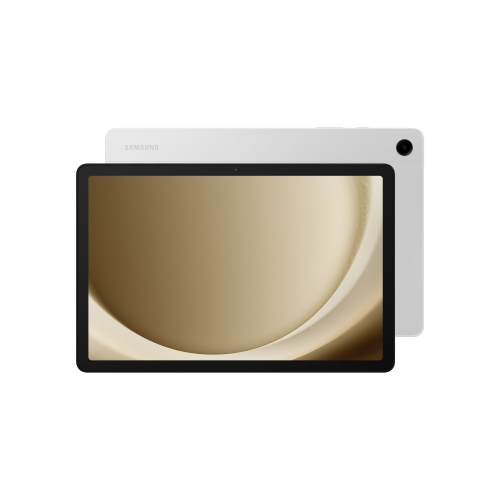 Your price for this item is $499.99
-
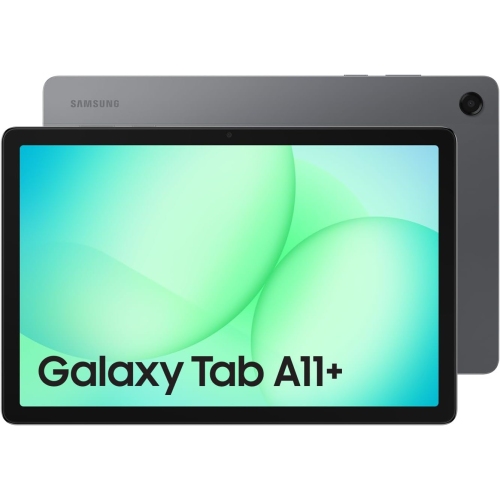 Your price for this item is $350
-
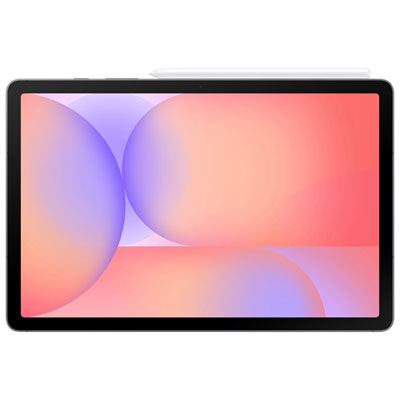 Your price for this item is $399.99
-
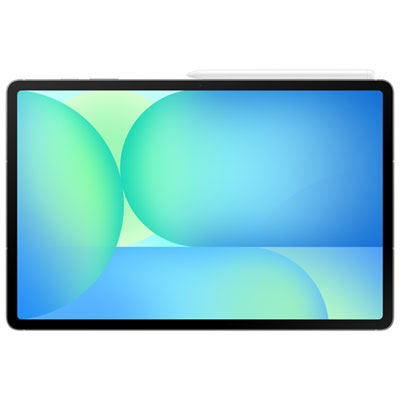 Your price for this item is $979.99
-
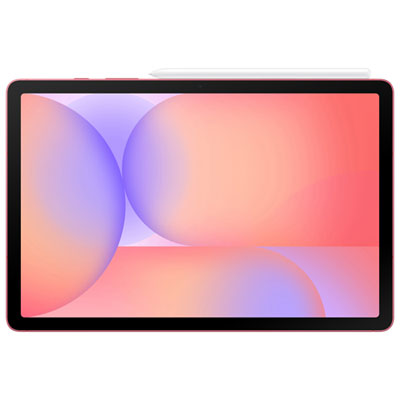 Your price for this item is $399.99
-
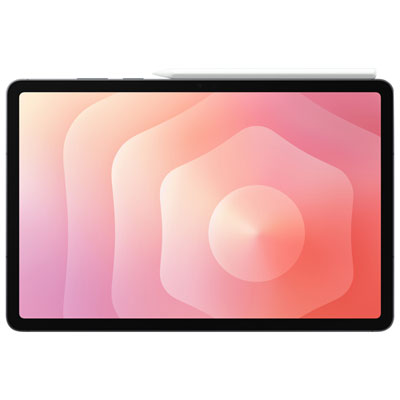 Your price for this item is $1399.99
-
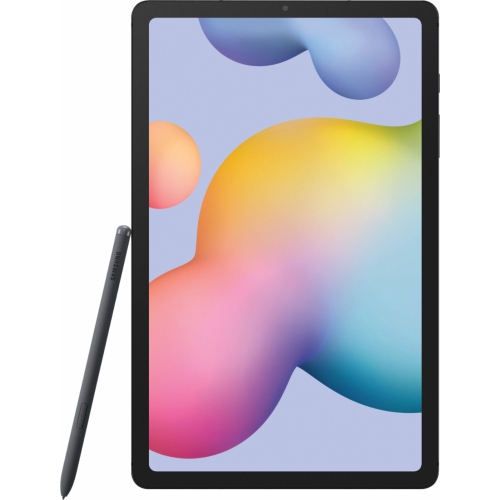 Your price for this item is $699.99
-
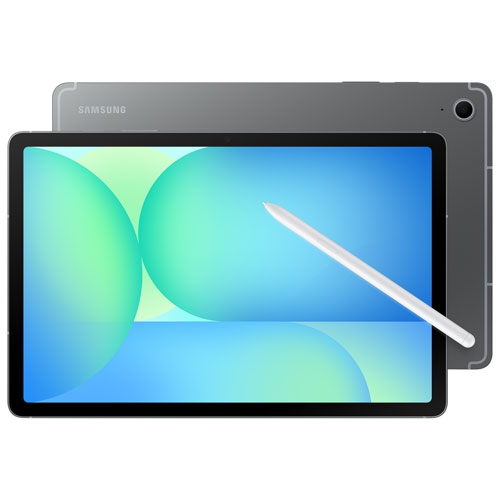 Your price for this item is $664.95
Discover more categories related to Samsung S6 Tablets


Top Collections:
Best Black Friday Deals This Year, Best Black Friday Deals On Electronics, Kindle Devices, Pokemon Centers, Best Black Friday Deals On Apple Products, Best Cameras for Sports Photography, Dyson Airwrap, Pokémon 30th Celebration Cards, Apple iPhone 17 Pro, Canon G7X Cameras
Some products may be subject to Environmental Handling Fees
(EHF) depending on your province.
Learn more about EHFs.