Galaxy Tab A9
Explore the world of seamless connectivity and vibrant entertainment with a tablet that perfectly balances performance and portability. Ideal for both work and play, this versatile device offers an intuitive interface and a sleek design, making it a must-have for tech enthusiasts on the go. Whether you're streaming your favorite shows, browsing the web, or diving into immersive gaming experiences, this tablet is designed to keep up with your dynamic lifestyle. With its impressive display and long-lasting battery life, staying connected and productive has never been easier. Discover how this tablet can elevate your digital experience to new heights.
Sort
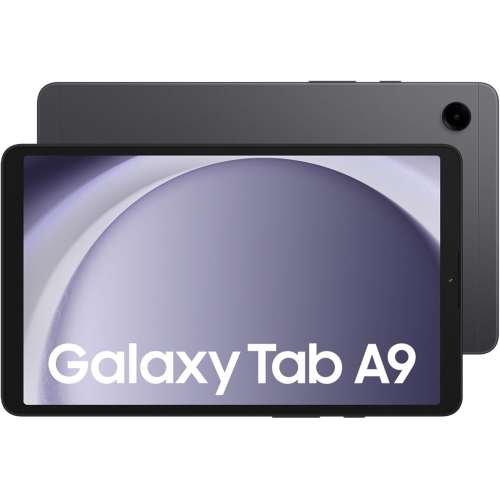
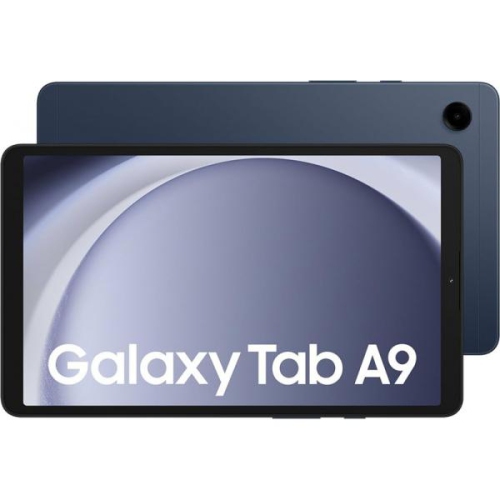
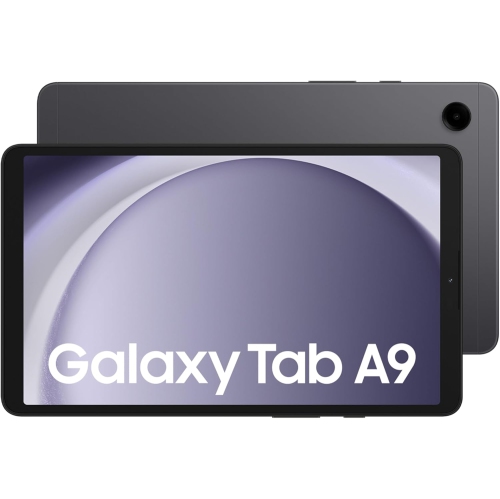

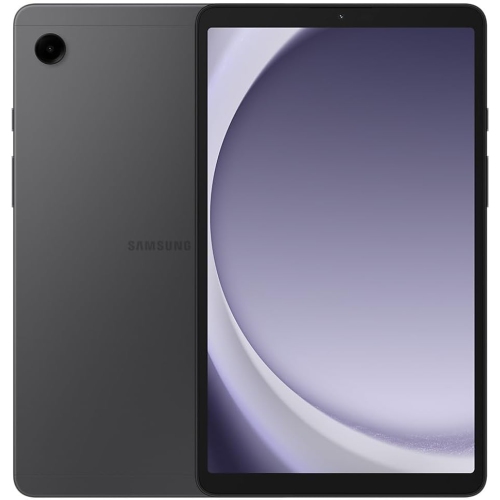


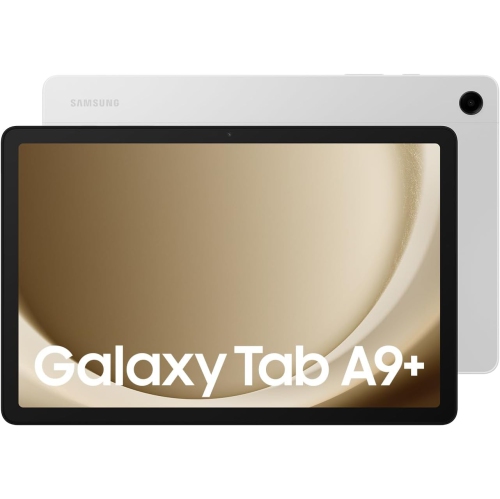
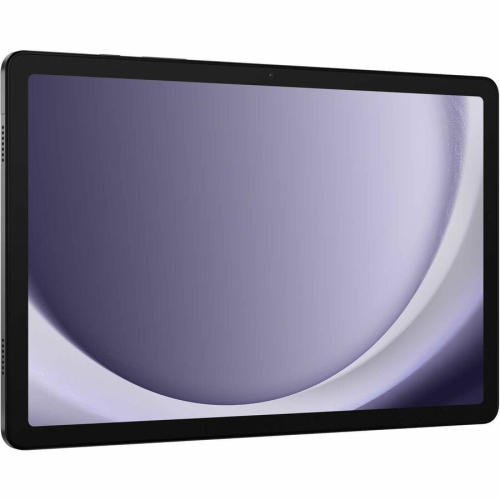

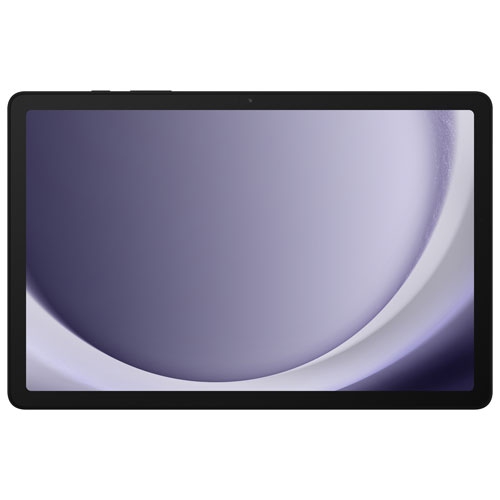
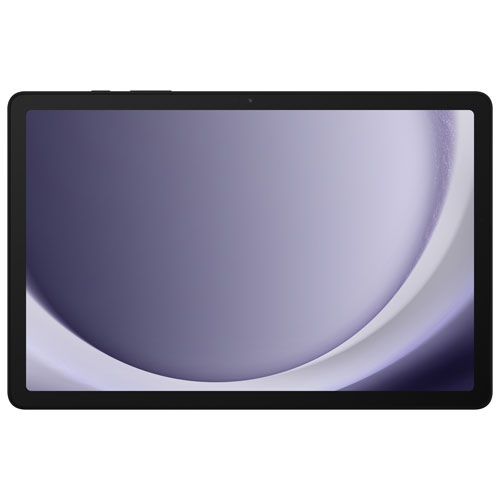


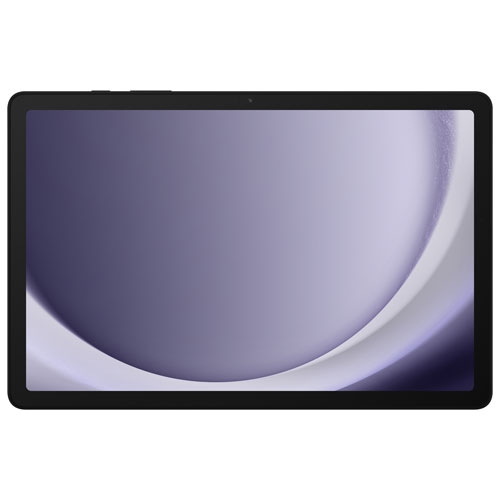
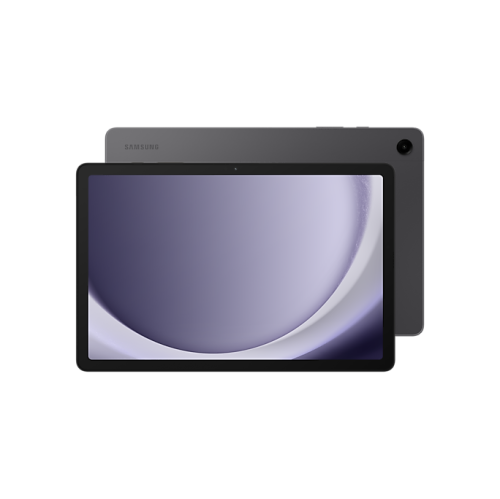

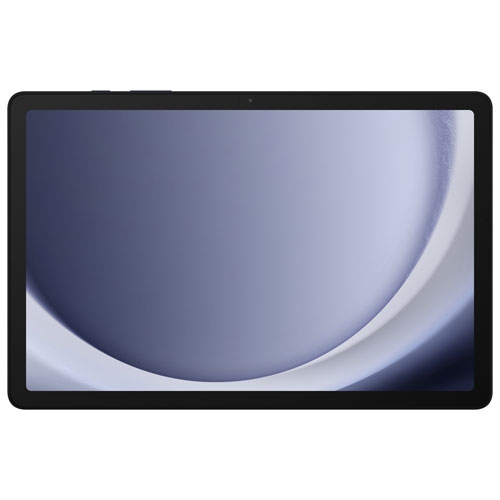
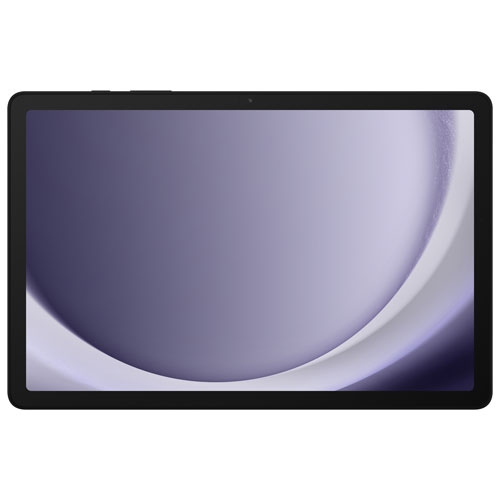
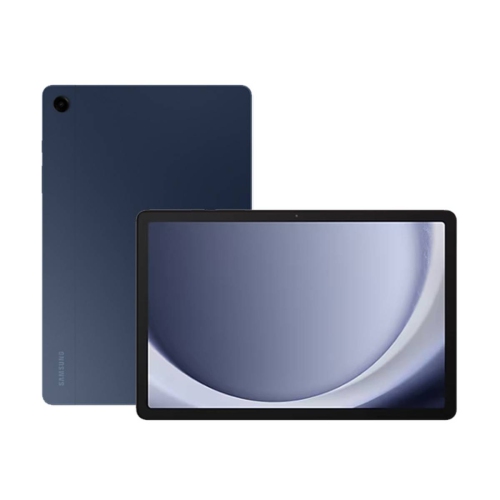
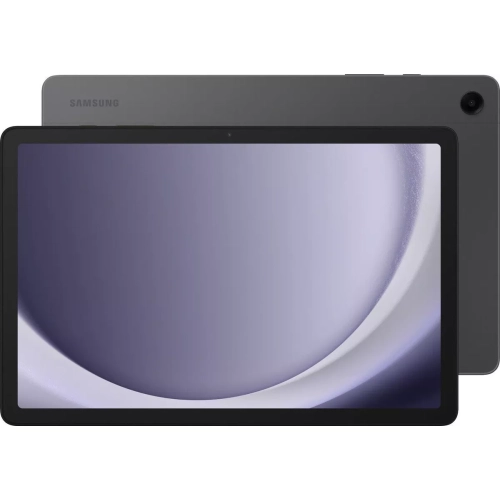
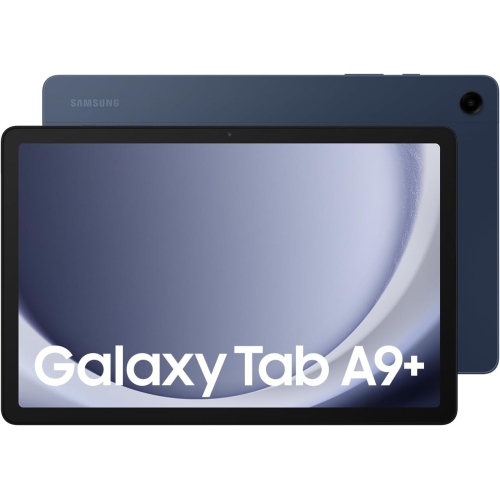
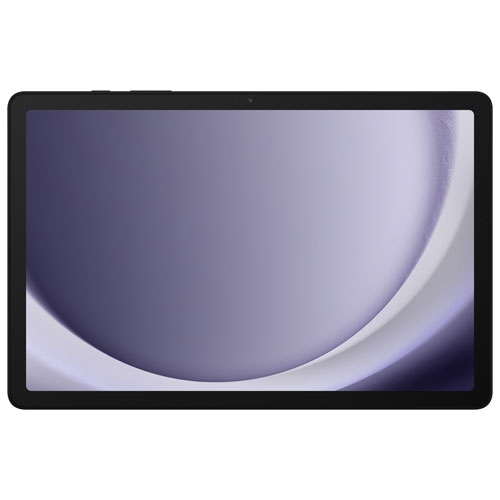


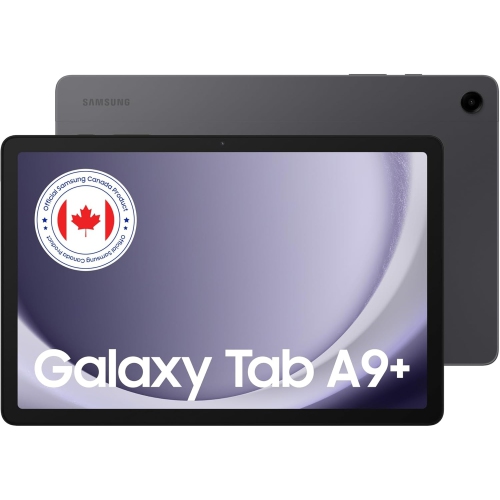
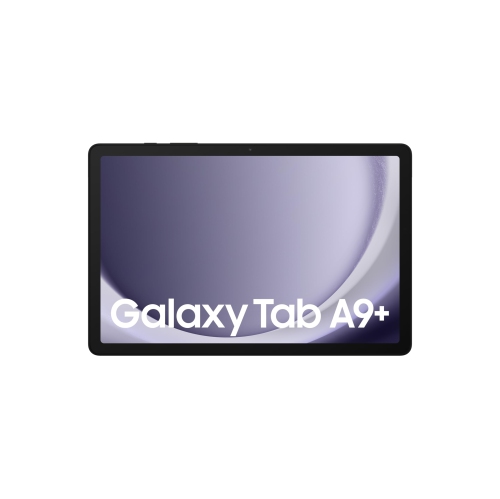
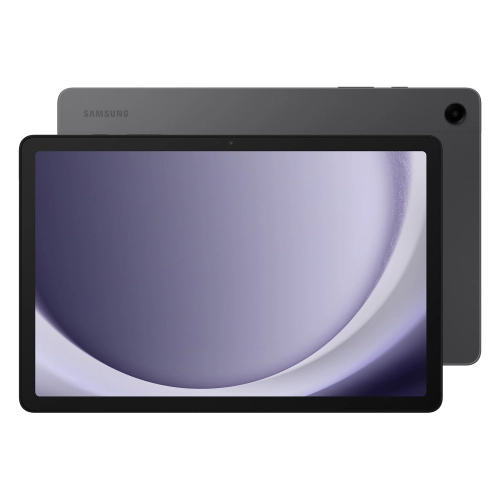


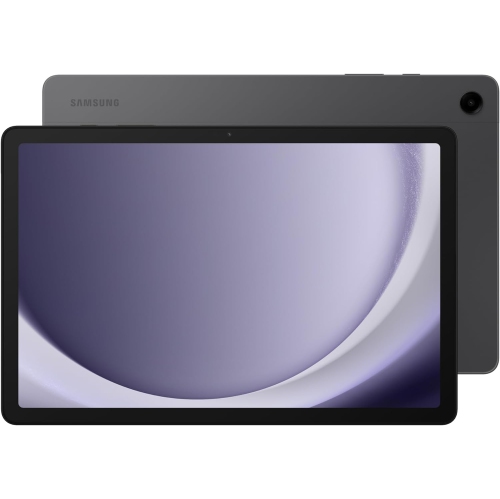
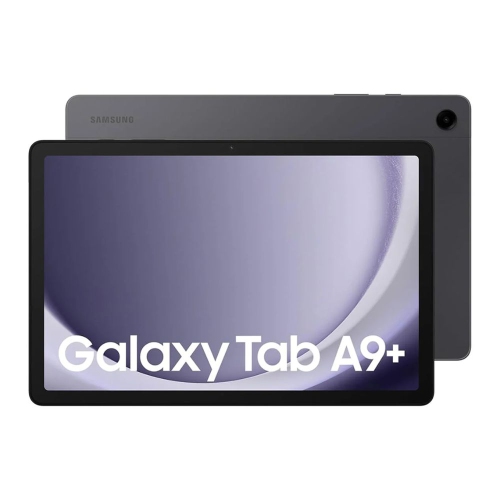














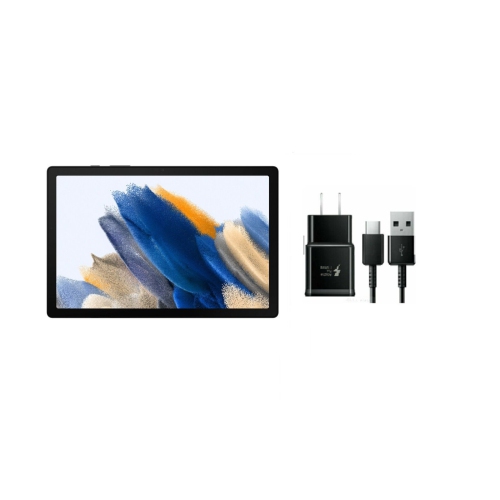



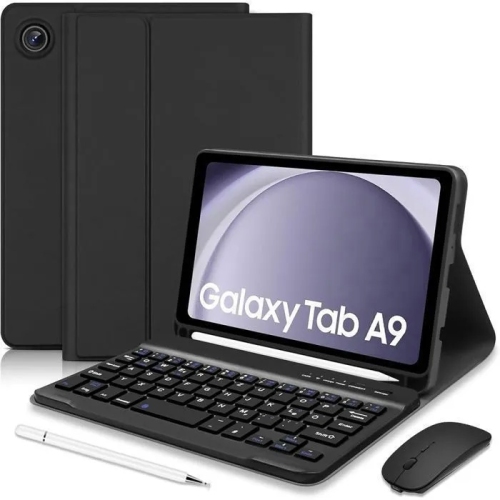
Where an 8.7-inch tablet fits into your day
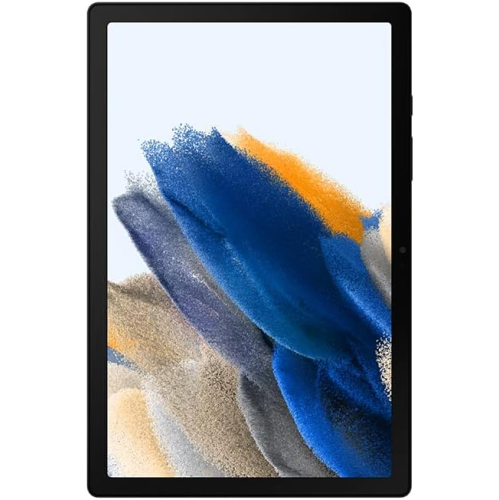
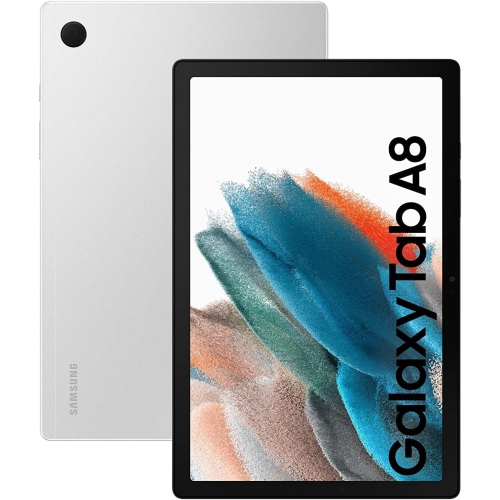
An 8.7-inch Android tablet gives an ebook, a video call or a page of sheet music more room than a phone without taking up much space on a desktop or countertop. The compact size is especially useful for things that don’t need a keyboard: reading on the bus, looking up a recipe, checking a class schedule or watching a downloaded show on a flight. In portrait orientation, the screen suits a single column of text or a scrolling feed, and the tablet can often be held in one hand while the other turns pages or takes notes. In landscape orientation, it sits neatly on a tray table or a folding stand for a video call. The trade-off is most noticeable with documents laid out for a full sheet of paper. An ebook can reflow when the type size increases, but a scanned handout or a spreadsheet with many columns may still call for zooming and panning. A larger screen makes more sense when two people regularly watch together, or when a student needs to keep a reference open beside an assignment. The Samsung Tab A8 page provides a point of comparison for a larger tablet format. On a compact screen, small adjustments can make a difference: increasing the text size helps with menus and messages, and a stand brings the camera closer to eye level so a video call doesn’t have to happen at countertop height. The cameras on tablets in this size class are handy for calls, quick reference photos or capturing a clear page of notes in a well-lit room, while the tablet itself gives those photos and documents a more comfortable viewing area than a phone.
Wi-Fi and cellular LTE versions suit different routines. A Wi-Fi tablet is often all that’s needed for streaming at home, checking email on campus or taking downloaded books and videos along for a trip. A phone hotspot can fill the gap when there’s no nearby Wi-Fi, provided the phone plan supports tethering. An LTE version can connect without relying on a phone hotspot, but it needs a compatible carrier and data plan, and coverage depends on the location. Storage and memory also make a difference in everyday use. A 64 GB storage configuration may suit a tablet used mainly for browsing, reading and streaming, while 128 GB leaves more room for downloaded episodes, larger apps and files shared among family members. The operating system and preinstalled apps take up some space from the start. Where microSD expansion is supported, a card is useful for keeping a library of photos, videos and other files without crowding the built-in storage, though not every app or download can be moved to the card. Memory, or RAM, serves a different purpose: it helps the tablet keep apps ready while switching between them. Reading, playing a simple game or watching a show puts different demands on a tablet than alternating between a video call, several browser tabs and a document. More memory can make those switches smoother, while extra storage alone won’t. Battery life varies with screen brightness, app use and the strength of the network connection. A long stretch of streaming over LTE can draw more power than reading a saved book, and a higher-wattage USB-C charger won’t necessarily charge the tablet faster than the rate it supports. For a commute or a flight, downloading content ahead of time is useful even when the tablet has cellular service, since it keeps a book or show within reach without counting on a steady connection.
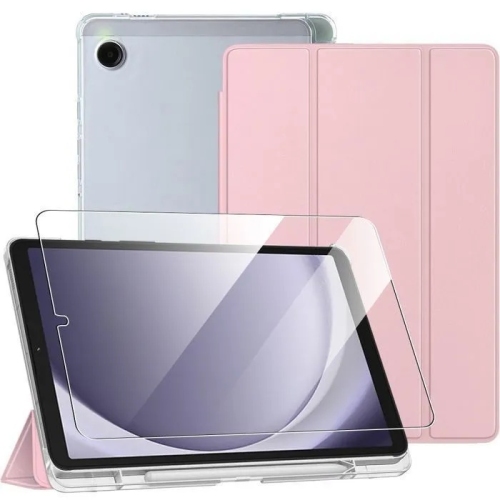
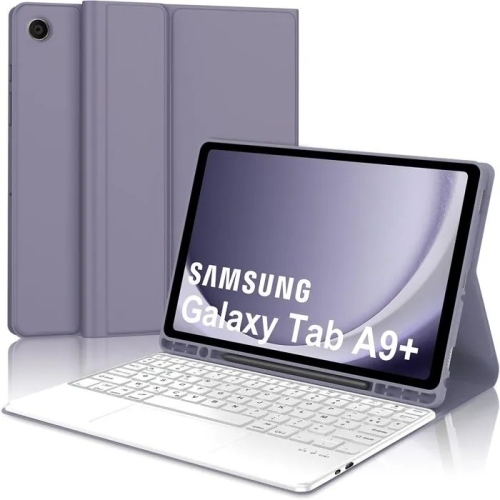
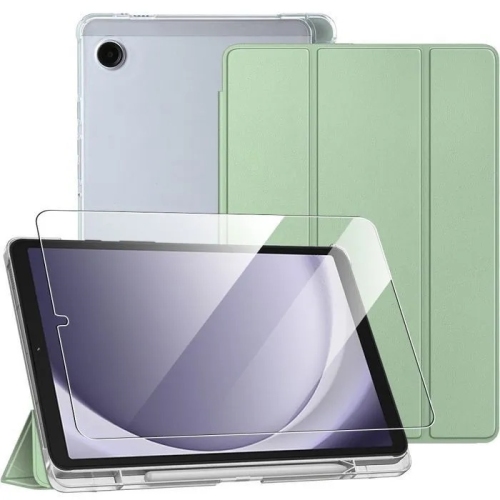
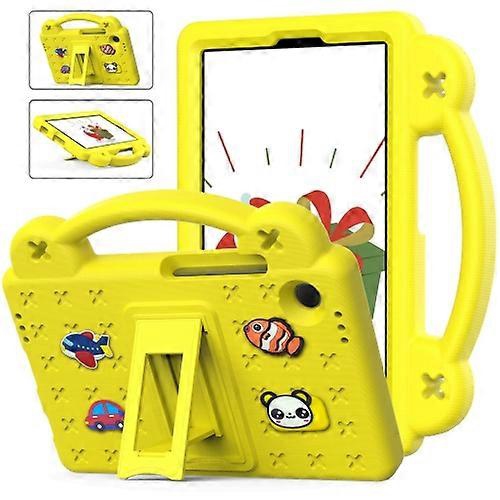
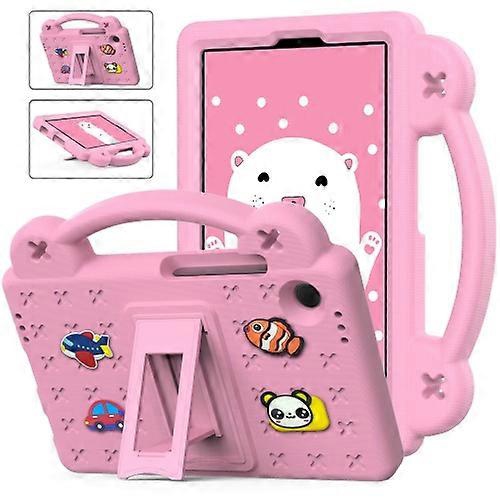
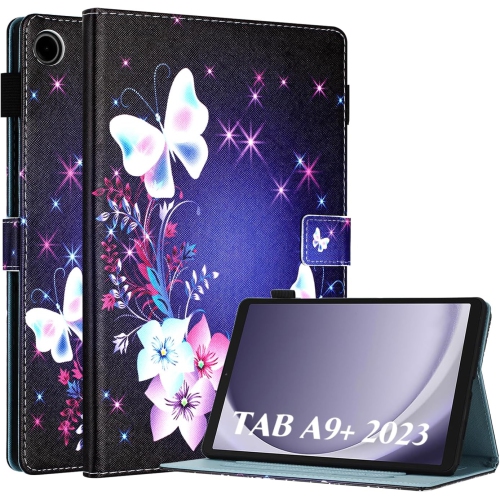
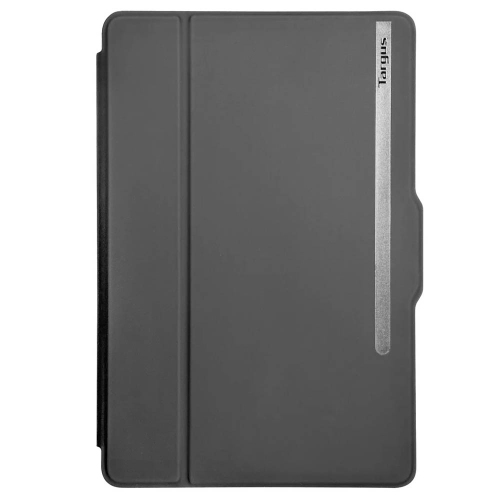
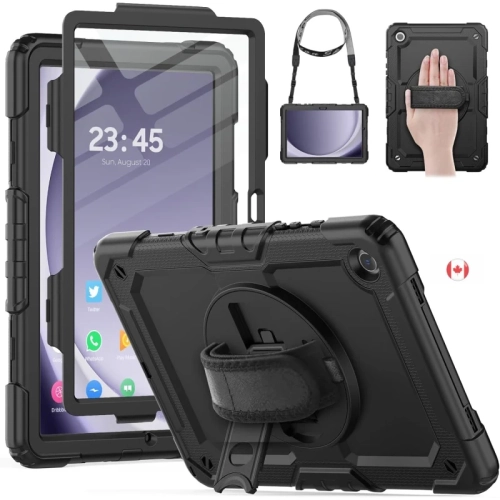
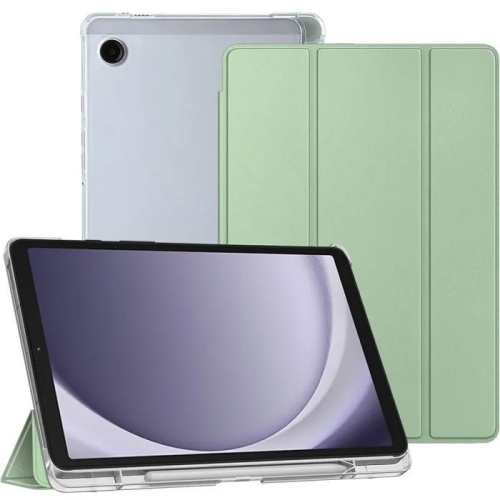
The way a compact tablet gets carried often matters more to its day-to-day durability than how it feels straight out of the box. A slim folio can keep keys and zipper pulls from rubbing against the glass in a bag, and a cover that folds into a stand is useful for following a recipe or joining a call without holding the tablet. A flexible case with raised corners adds grip and cushioning when the tablet moves between a child’s hands, a backpack and the kitchen table. The extra bulk may be worth it for a shared device, while a lighter case may feel better for someone who reads one-handed for long stretches. An 8.7-inch screen measurement describes the display diagonally, not the dimensions of the whole tablet, so that number alone doesn’t establish whether a fitted case or screen protector will fit. Corner shape, camera position and openings for the speakers, buttons and charging port all matter, even on tablets with similar names or screen sizes. A soft microfibre cloth is usually enough to remove fingerprints from the screen; sprays applied directly to the tablet can send moisture into the openings. Unless the device is specifically rated for water exposure, it’s better kept on a stand away from the sink and carried separately from anything that might leak. As a gift, a compact tablet can suit a reader who likes adjustable text, a student who wants something small for course readings, or a family member who mainly uses video calls and streaming apps. For a tablet that will be shared with a child, a sturdy case and age-appropriate account settings can be as useful as extra storage. For someone who likes to keep a larger collection of books or videos close at hand, a comfortable cover and room for offline downloads may matter more than cellular connectivity.
Wi-Fi and cellular LTE versions suit different routines. A Wi-Fi tablet is often all that’s needed for streaming at home, checking email on campus or taking downloaded books and videos along for a trip. A phone hotspot can fill the gap when there’s no nearby Wi-Fi, provided the phone plan supports tethering. An LTE version can connect without relying on a phone hotspot, but it needs a compatible carrier and data plan, and coverage depends on the location. Storage and memory also make a difference in everyday use. A 64 GB storage configuration may suit a tablet used mainly for browsing, reading and streaming, while 128 GB leaves more room for downloaded episodes, larger apps and files shared among family members. The operating system and preinstalled apps take up some space from the start. Where microSD expansion is supported, a card is useful for keeping a library of photos, videos and other files without crowding the built-in storage, though not every app or download can be moved to the card. Memory, or RAM, serves a different purpose: it helps the tablet keep apps ready while switching between them. Reading, playing a simple game or watching a show puts different demands on a tablet than alternating between a video call, several browser tabs and a document. More memory can make those switches smoother, while extra storage alone won’t. Battery life varies with screen brightness, app use and the strength of the network connection. A long stretch of streaming over LTE can draw more power than reading a saved book, and a higher-wattage USB-C charger won’t necessarily charge the tablet faster than the rate it supports. For a commute or a flight, downloading content ahead of time is useful even when the tablet has cellular service, since it keeps a book or show within reach without counting on a steady connection.
The way a compact tablet gets carried often matters more to its day-to-day durability than how it feels straight out of the box. A slim folio can keep keys and zipper pulls from rubbing against the glass in a bag, and a cover that folds into a stand is useful for following a recipe or joining a call without holding the tablet. A flexible case with raised corners adds grip and cushioning when the tablet moves between a child’s hands, a backpack and the kitchen table. The extra bulk may be worth it for a shared device, while a lighter case may feel better for someone who reads one-handed for long stretches. An 8.7-inch screen measurement describes the display diagonally, not the dimensions of the whole tablet, so that number alone doesn’t establish whether a fitted case or screen protector will fit. Corner shape, camera position and openings for the speakers, buttons and charging port all matter, even on tablets with similar names or screen sizes. A soft microfibre cloth is usually enough to remove fingerprints from the screen; sprays applied directly to the tablet can send moisture into the openings. Unless the device is specifically rated for water exposure, it’s better kept on a stand away from the sink and carried separately from anything that might leak. As a gift, a compact tablet can suit a reader who likes adjustable text, a student who wants something small for course readings, or a family member who mainly uses video calls and streaming apps. For a tablet that will be shared with a child, a sturdy case and age-appropriate account settings can be as useful as extra storage. For someone who likes to keep a larger collection of books or videos close at hand, a comfortable cover and room for offline downloads may matter more than cellular connectivity.
Top selling and popular products
-
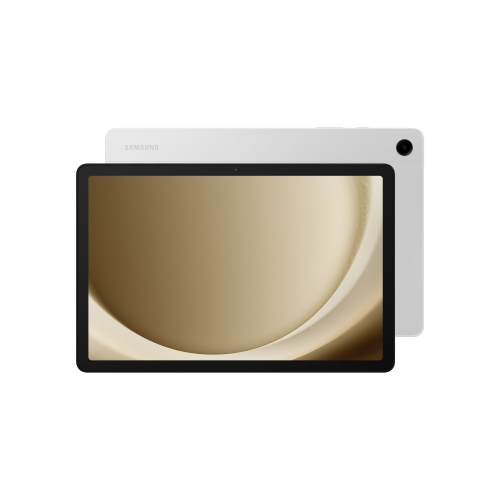 Your price for this item is $499.99
-
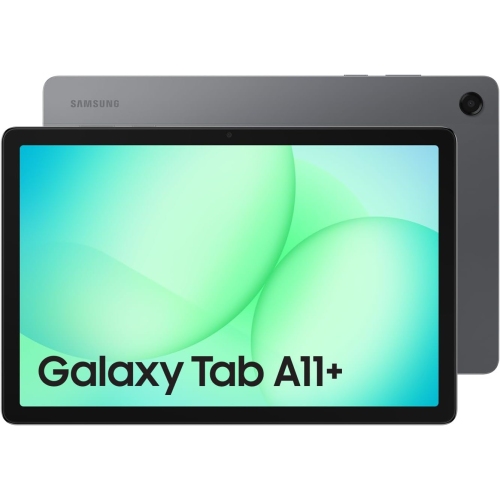 Your price for this item is $350
-
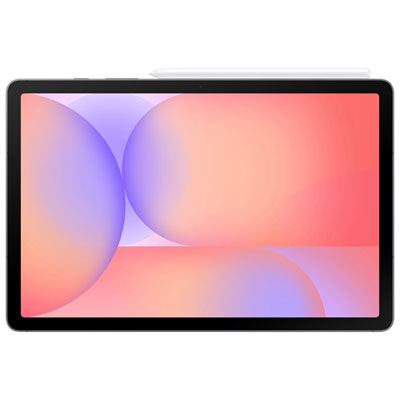 Your price for this item is $399.99
-
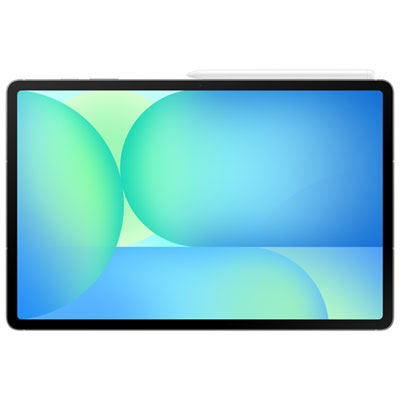 Your price for this item is $979.99
-
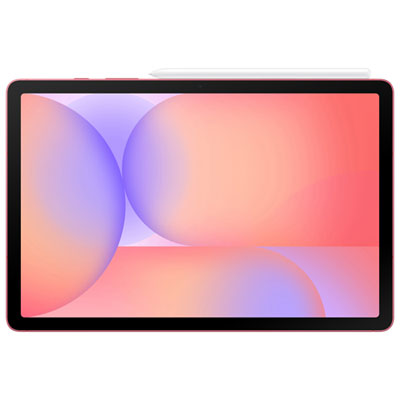 Your price for this item is $399.99
-
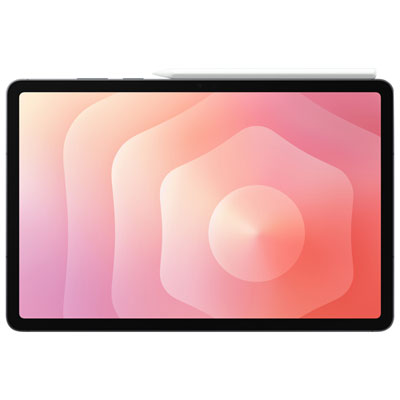 Your price for this item is $1399.99
-
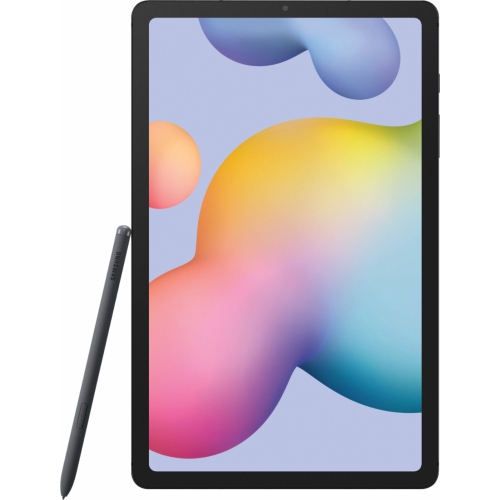 Your price for this item is $699.99
-
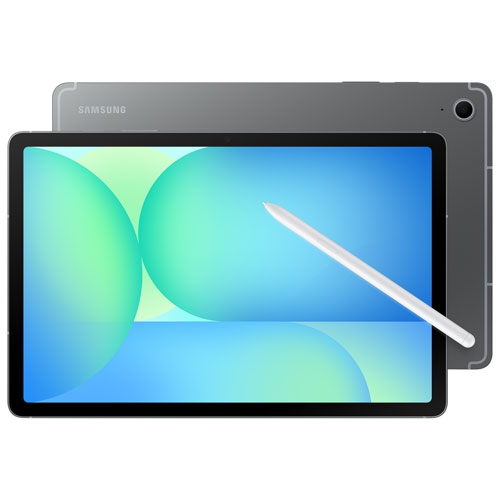 Your price for this item is $664.95
Discover more categories related to Galaxy Tab A9


Top Collections:
Best Black Friday Deals This Year, Best Black Friday Deals On Electronics, Kindle Devices, Pokemon Centers, Best Black Friday Deals On Apple Products, Best Cameras for Sports Photography, Dyson Airwrap, Pokémon 30th Celebration Cards, Apple iPhone 17 Pro, Canon G7X Cameras
Some products may be subject to Environmental Handling Fees
(EHF) depending on your province.
Learn more about EHFs.