Samsung Galaxy Tab A9 11
Discover the versatility and convenience of the Samsung Galaxy Tab A9 11, designed to fit seamlessly into your daily routine. Whether you're catching up on work, streaming your favorite shows, or staying connected with friends and family, this tablet offers a reliable and enjoyable experience. Explore a range of options to find the perfect match for your needs and elevate your digital lifestyle with the Samsung Galaxy Tab A9 11.
Sort
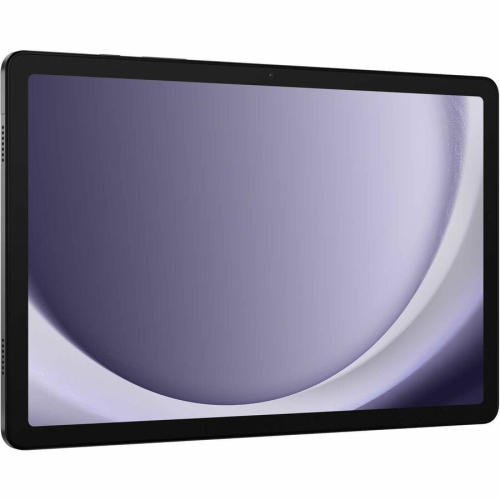

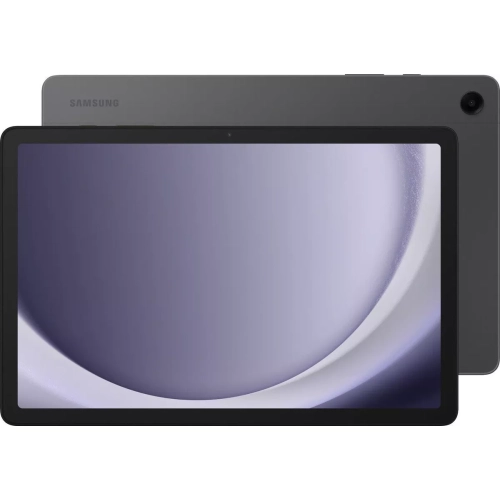
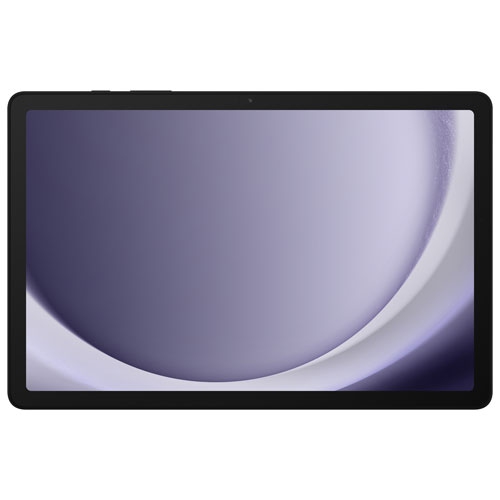
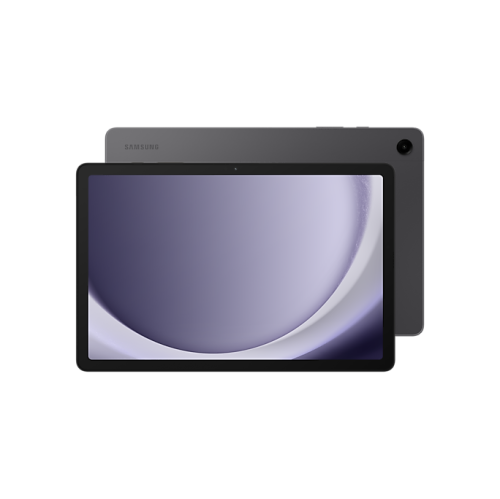


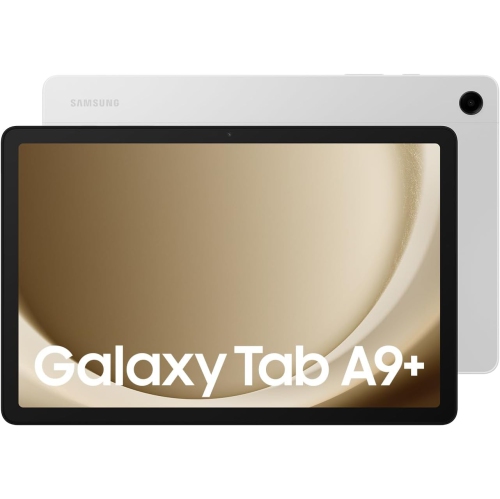
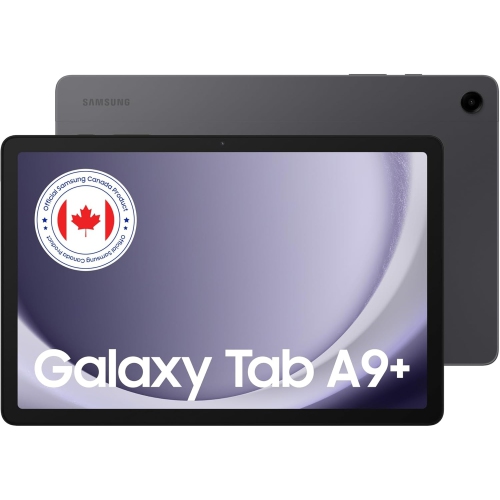
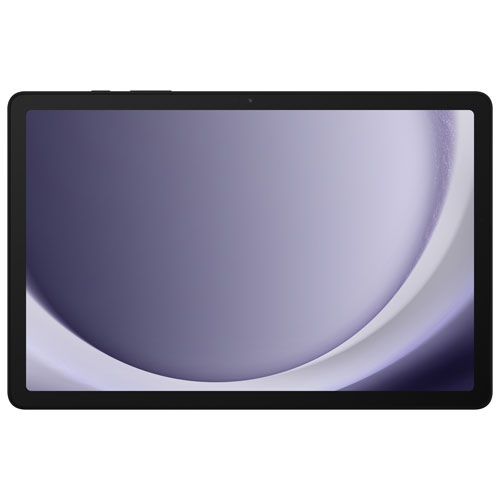

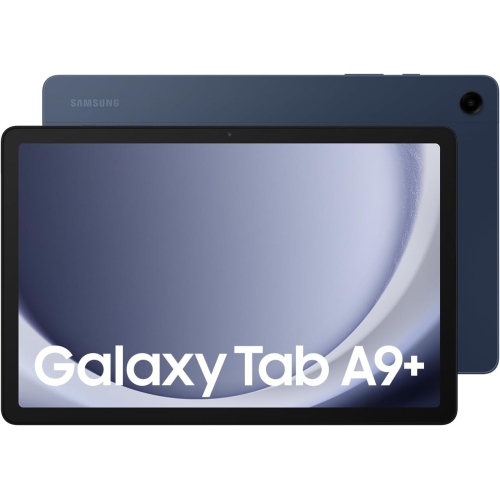
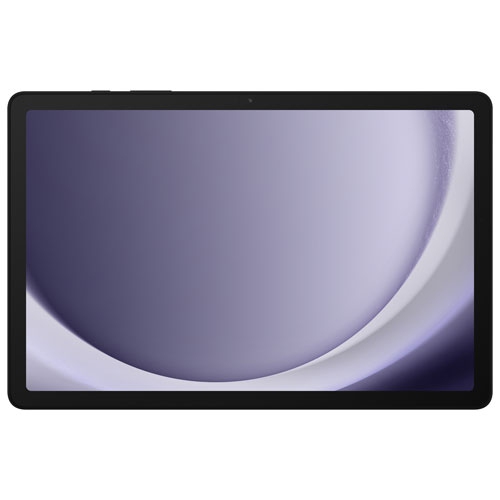

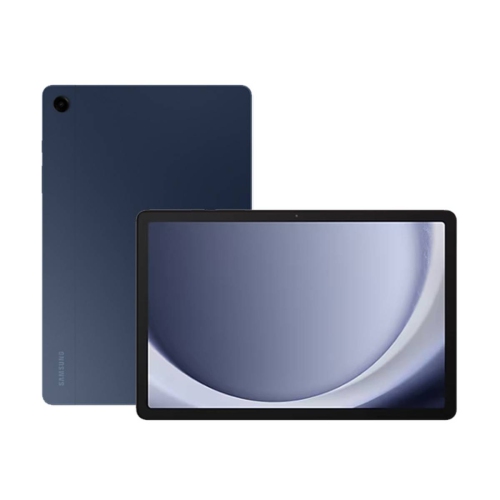

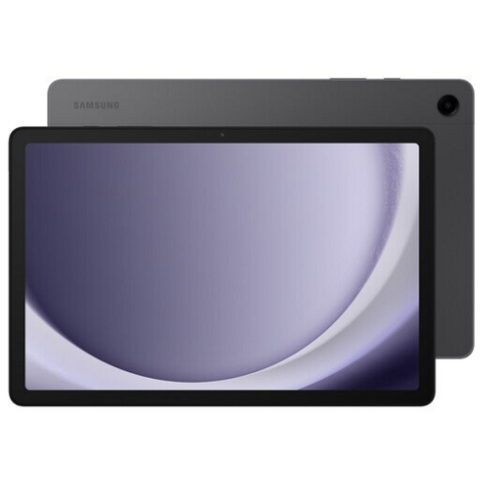

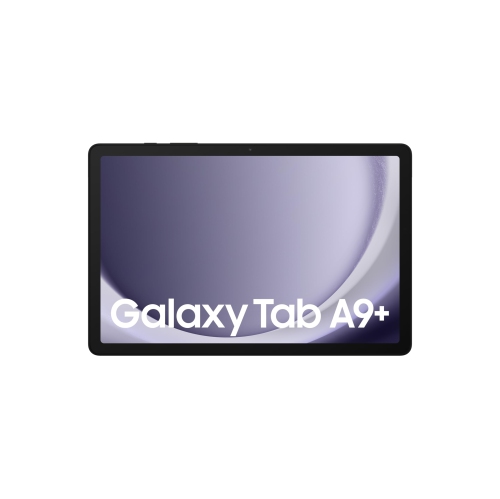

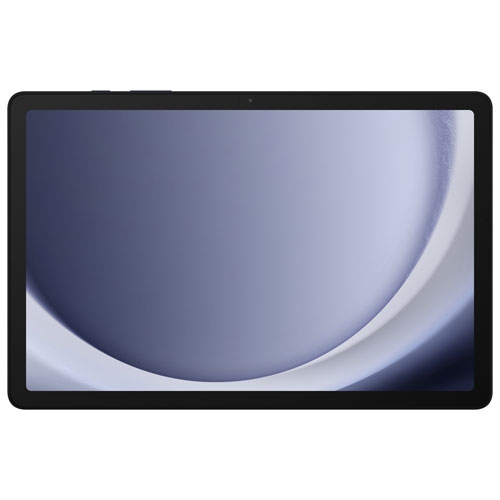
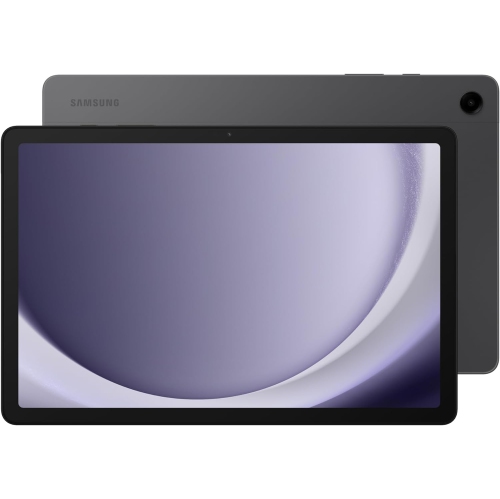
An 11-inch screen with room for everyday life
An 11-inch tablet provides a comfortable middle ground between a phone and a laptop, with enough screen space for reading, watching videos, browsing recipes, and keeping a video call open without requiring a full desk setup. The display measurement runs diagonally across the screen, rather than describing the width of the device, so the surrounding frame also affects how it feels in the hand or fits inside a bag. This size works well propped on a kitchen counter, balanced on a lap with a supportive case, or placed on a small desk beside a notebook. For shoppers browsing Galaxy Tab A9 tablets, the full model name and stated screen size are important distinctions, particularly when matching a tablet with a fitted cover or screen protector. Display specifications help explain the viewing experience beyond size alone. A resolution of 1920 x 1200 describes the number of pixels across the screen and provides useful detail for text, photos, and streamed entertainment, although video quality also depends on the source and connection. A refresh rate of up to 90Hz can make scrolling and supported animations appear smoother than on a 60Hz display; it does not mean every app or video runs at that rate. Brightness, viewing angles, and reflections also influence comfort, especially when several people are sharing the screen. Adjustable text size can make an article easier to follow, while landscape orientation gives films and split-screen layouts more room. An 11-inch display also leaves space for an on-screen keyboard, though typing a long assignment may feel more comfortable with a compatible physical keyboard. For everyday use, the appeal is straightforward: a larger view of familiar activities in a device that can move easily from the sofa to a desk or travel bag.
Performance, memory, and storage determine how well a tablet keeps pace with those activities. An eight-core processor describes a chip with eight processing cores, but processor design, software, and memory all contribute to responsiveness; the core count alone does not establish how quickly an app will run. Everyday tasks such as checking email, joining a video call, reading documents, and streaming a programme generally place different demands on a tablet than detailed gaming or working with large creative files. RAM supports active tasks, while internal storage holds apps, downloads, photos, and other saved content. Configurations with 4GB or 8GB of RAM can therefore behave differently when switching among several apps, even when their storage capacity is similar. Likewise, 64GB and 128GB describe storage capacity before the operating system and preinstalled software take their share. Downloaded films, offline maps, and games can occupy substantial space, making storage particularly relevant for a tablet shared by several family members. Where supported, a microSD card adds room for compatible files, but it does not increase RAM, and not every app can move to the card. The maximum supported card capacity is a model-specific detail rather than a universal feature. Connectivity deserves similar attention. Wi-Fi suits home browsing, classroom networks, and other places with a suitable wireless connection, while cellular-capable tablets require compatible network service for mobile data away from Wi-Fi. Downloaded books and videos remain useful when a connection is unavailable. Multiple built-in speakers can give dialogue and music a fuller presentation, although speaker placement matters when hands or a case cover the openings. Headphones offer a more private option for shared rooms and travel. Front-facing cameras support video chats and remote lessons, while rear cameras are useful for capturing a document or a quick reference photo. Clear lighting and a stable stand often improve a video call more noticeably than a camera’s megapixel count alone.
Materials, fit, and everyday care shape the ownership experience just as much as the specifications. A metal-bodied tablet can feel firm and comfortable to hold, but neither a metal enclosure nor a glass display makes a device immune to scratches, dents, or damage from a fall. A well-fitted case adds grip and helps protect edges, while a folding stand creates a steadier viewing angle for reading, calls, or following a recipe. Cut-outs need to align with the charging port, cameras, speakers, and buttons; a cover described only as fitting an 11-inch tablet is not necessarily an exact match. Screen protectors require the same attention to dimensions and camera placement. A soft, lint-free cloth helps remove fingerprints, and any cleaning method should follow the device maker’s directions rather than introduce excess moisture around openings. Keeping the tablet in a separate bag compartment reduces contact with keys and other hard objects. Battery capacity is another useful specification, but it cannot predict a fixed number of hours on its own: screen brightness, wireless connections, gaming, and video calls all affect power use. Charging speed depends on the tablet’s supported input as well as the adapter and cable, so a higher-rated charger does not automatically make every device charge faster. For students, a lightweight stand and compatible keyboard can support reading and short written tasks; stylus support needs separate confirmation because touchscreen operation does not guarantee compatibility with an active pen. For children, a grippy case, suitable account settings, and supervised app access can help establish a practical shared setup. An 11-inch tablet can also make a thoughtful gift for someone who enjoys digital books, puzzles, family photos, or video conversations. Familiar controls, readable text, comfortable weight, and compatibility with the recipient’s existing devices matter more than a long specification list, helping the tablet fit naturally into the activities they already enjoy.
Performance, memory, and storage determine how well a tablet keeps pace with those activities. An eight-core processor describes a chip with eight processing cores, but processor design, software, and memory all contribute to responsiveness; the core count alone does not establish how quickly an app will run. Everyday tasks such as checking email, joining a video call, reading documents, and streaming a programme generally place different demands on a tablet than detailed gaming or working with large creative files. RAM supports active tasks, while internal storage holds apps, downloads, photos, and other saved content. Configurations with 4GB or 8GB of RAM can therefore behave differently when switching among several apps, even when their storage capacity is similar. Likewise, 64GB and 128GB describe storage capacity before the operating system and preinstalled software take their share. Downloaded films, offline maps, and games can occupy substantial space, making storage particularly relevant for a tablet shared by several family members. Where supported, a microSD card adds room for compatible files, but it does not increase RAM, and not every app can move to the card. The maximum supported card capacity is a model-specific detail rather than a universal feature. Connectivity deserves similar attention. Wi-Fi suits home browsing, classroom networks, and other places with a suitable wireless connection, while cellular-capable tablets require compatible network service for mobile data away from Wi-Fi. Downloaded books and videos remain useful when a connection is unavailable. Multiple built-in speakers can give dialogue and music a fuller presentation, although speaker placement matters when hands or a case cover the openings. Headphones offer a more private option for shared rooms and travel. Front-facing cameras support video chats and remote lessons, while rear cameras are useful for capturing a document or a quick reference photo. Clear lighting and a stable stand often improve a video call more noticeably than a camera’s megapixel count alone.
Materials, fit, and everyday care shape the ownership experience just as much as the specifications. A metal-bodied tablet can feel firm and comfortable to hold, but neither a metal enclosure nor a glass display makes a device immune to scratches, dents, or damage from a fall. A well-fitted case adds grip and helps protect edges, while a folding stand creates a steadier viewing angle for reading, calls, or following a recipe. Cut-outs need to align with the charging port, cameras, speakers, and buttons; a cover described only as fitting an 11-inch tablet is not necessarily an exact match. Screen protectors require the same attention to dimensions and camera placement. A soft, lint-free cloth helps remove fingerprints, and any cleaning method should follow the device maker’s directions rather than introduce excess moisture around openings. Keeping the tablet in a separate bag compartment reduces contact with keys and other hard objects. Battery capacity is another useful specification, but it cannot predict a fixed number of hours on its own: screen brightness, wireless connections, gaming, and video calls all affect power use. Charging speed depends on the tablet’s supported input as well as the adapter and cable, so a higher-rated charger does not automatically make every device charge faster. For students, a lightweight stand and compatible keyboard can support reading and short written tasks; stylus support needs separate confirmation because touchscreen operation does not guarantee compatibility with an active pen. For children, a grippy case, suitable account settings, and supervised app access can help establish a practical shared setup. An 11-inch tablet can also make a thoughtful gift for someone who enjoys digital books, puzzles, family photos, or video conversations. Familiar controls, readable text, comfortable weight, and compatibility with the recipient’s existing devices matter more than a long specification list, helping the tablet fit naturally into the activities they already enjoy.
Top selling and popular products
-
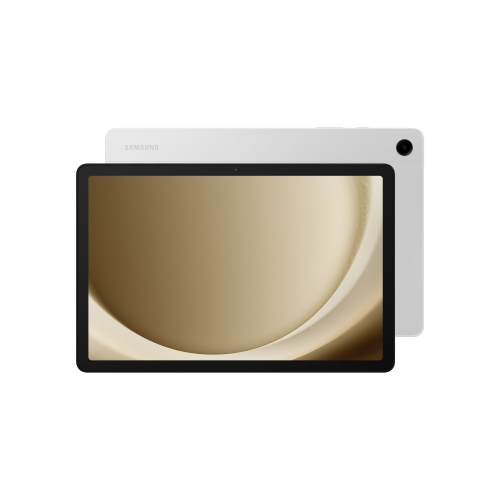 Your price for this item is $499.99
-
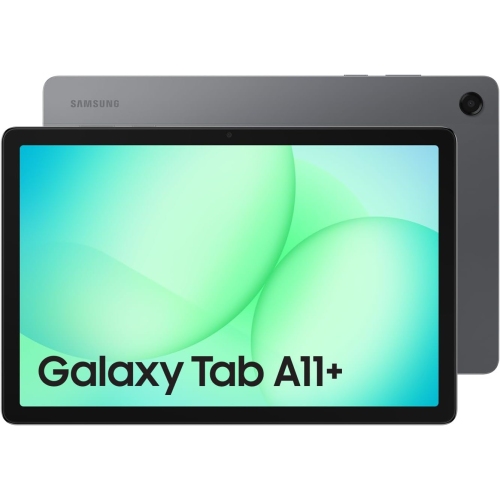 Your price for this item is $350
-
 Your price for this item is $399.99
-
 Your price for this item is $979.99
-
 Your price for this item is $399.99
-
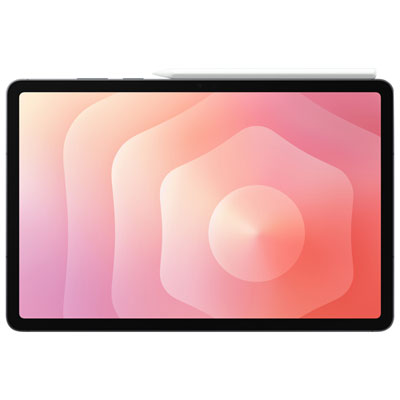 Your price for this item is $1399.99
-
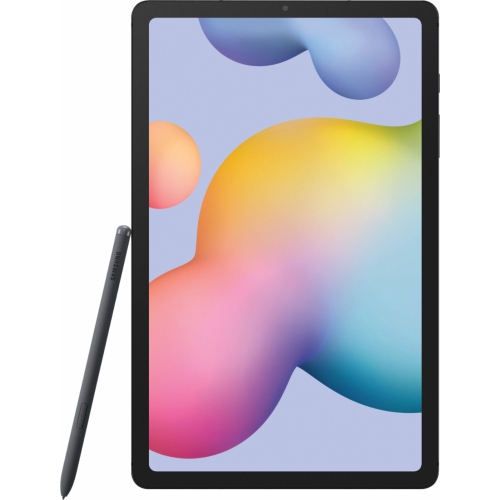 Your price for this item is $699.99
-
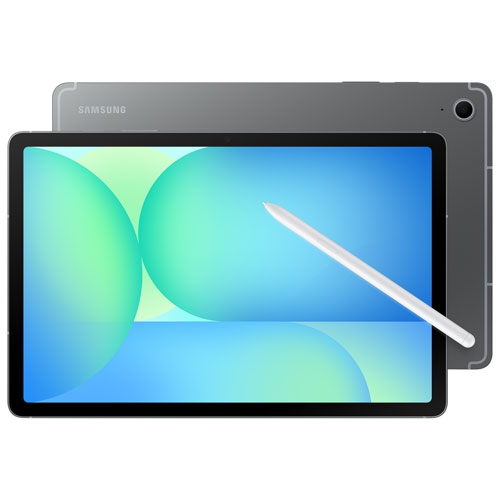 Your price for this item is $664.95
Discover more categories related to Samsung Galaxy Tab A9 11


Top Collections:
Best Black Friday Deals This Year, Best Black Friday Deals On Electronics, Kindle Devices, Pokemon Centers, Best Black Friday Deals On Apple Products, Best Cameras for Sports Photography, Dyson Airwrap, Pokémon 30th Celebration Cards, Apple iPhone 17 Pro, Canon G7X Cameras
Some products may be subject to Environmental Handling Fees
(EHF) depending on your province.
Learn more about EHFs.