Galaxy Tab S6
Discover the versatility and performance of the Galaxy Tab S6, designed to elevate your everyday tasks and entertainment. Whether you're working, streaming, or staying connected on the go, the Galaxy Tab S6 offers a sleek and modern solution for all your needs. Explore a range of options to find the perfect fit for your lifestyle and enjoy seamless integration into your digital routine.
Sort


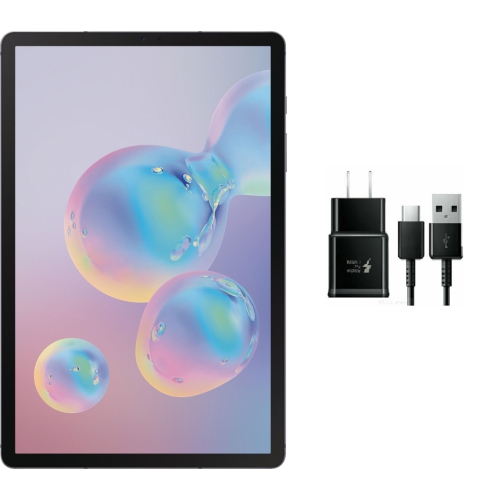

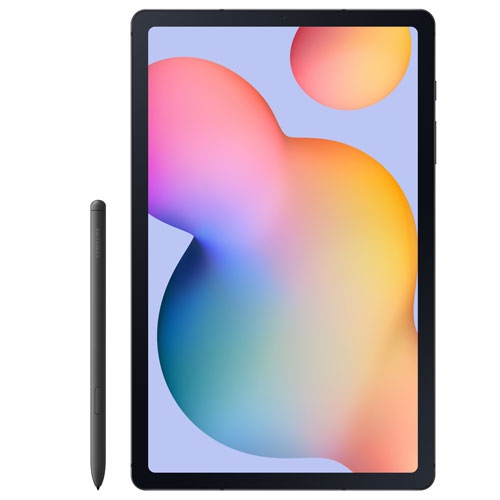
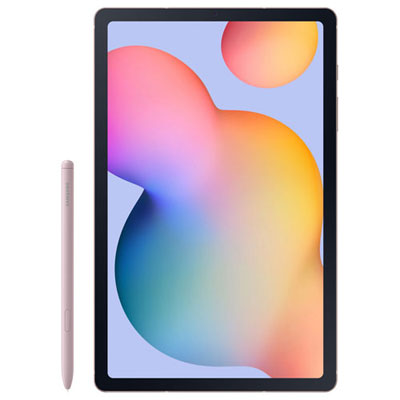
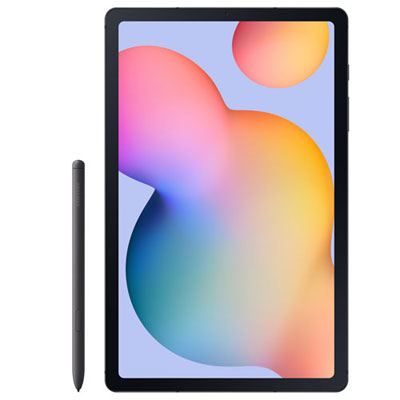
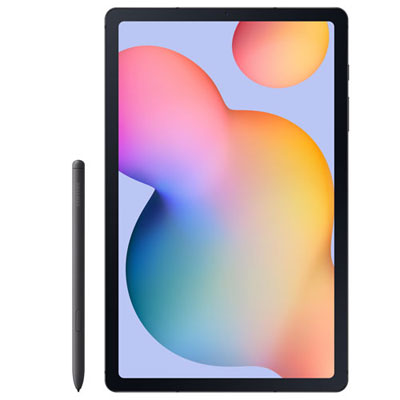
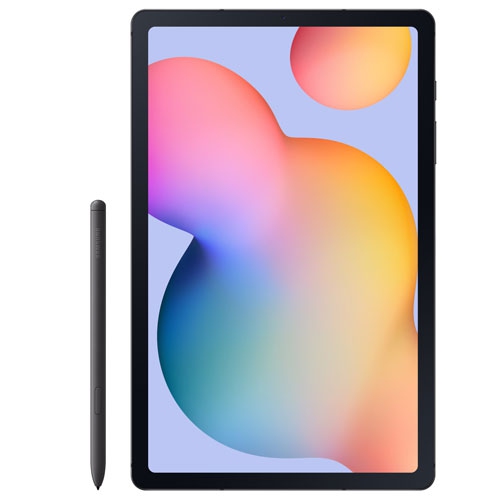
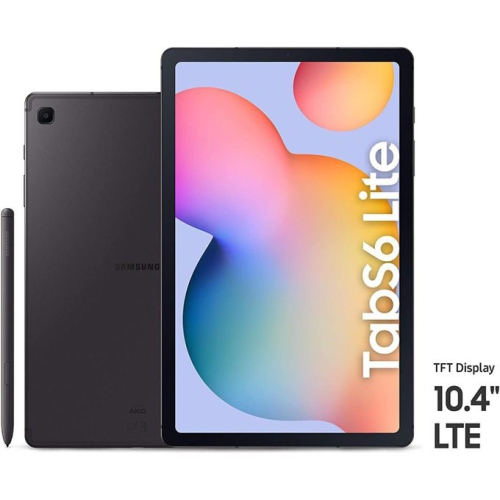
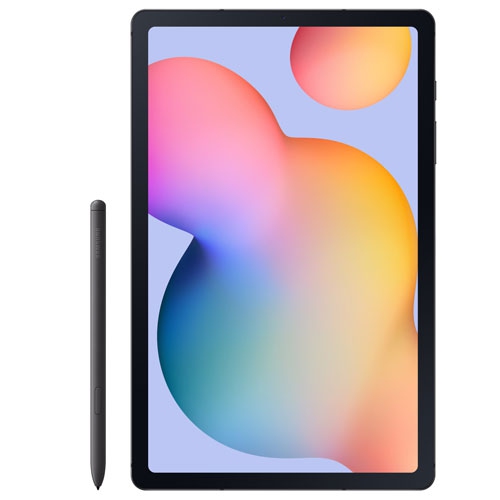
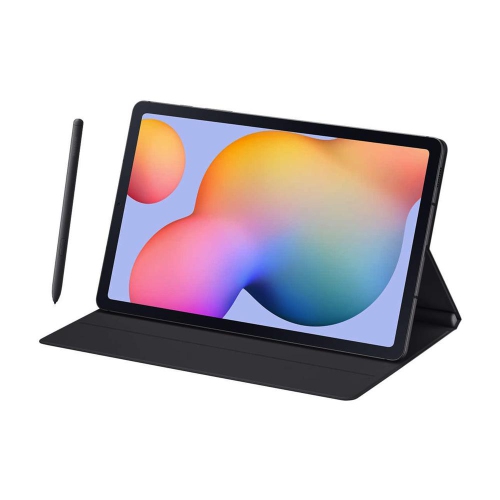
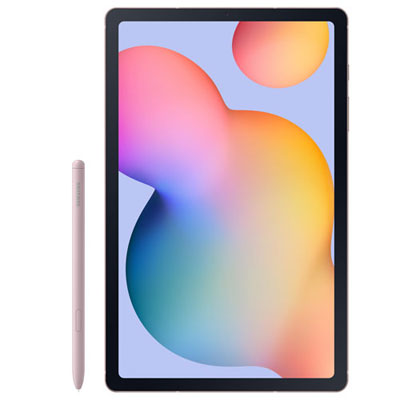
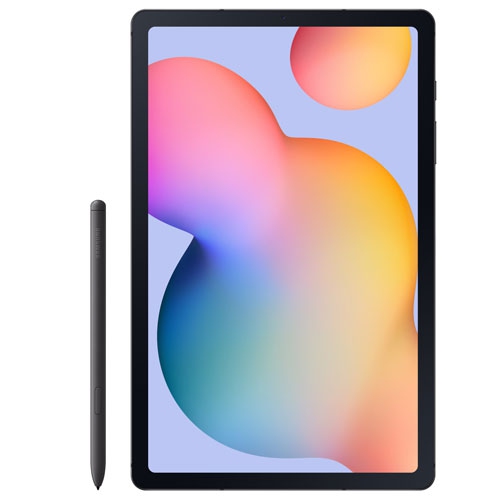
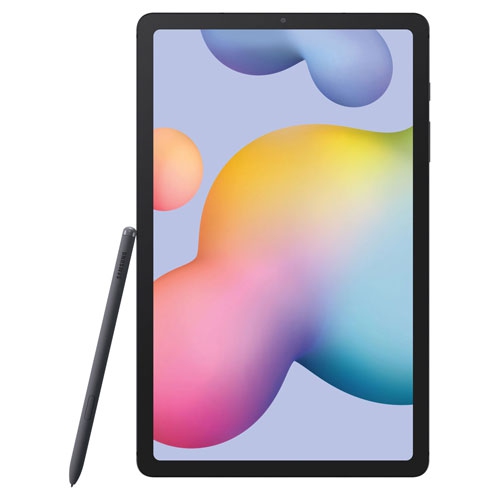
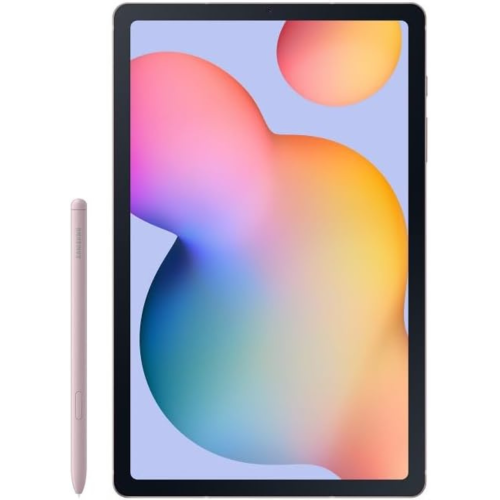
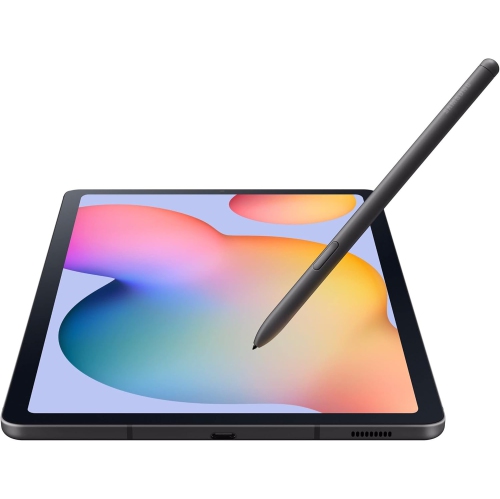
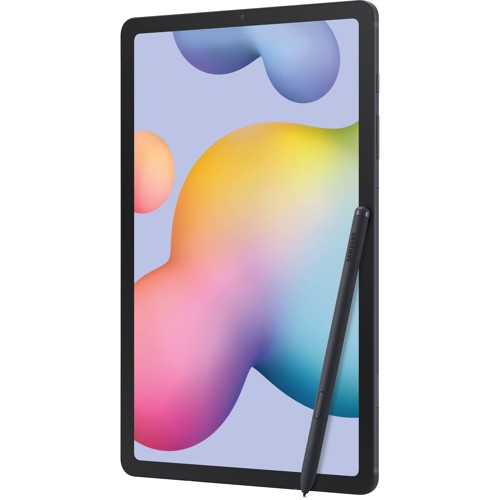
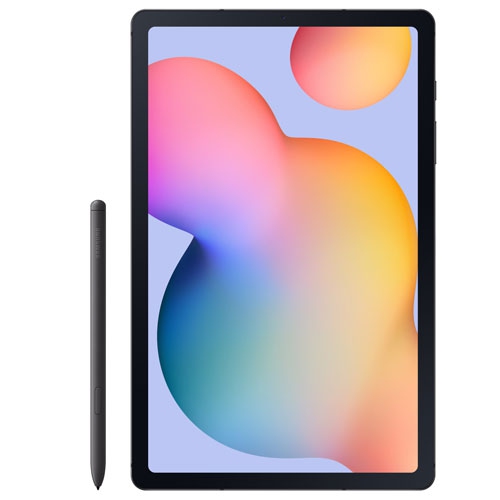
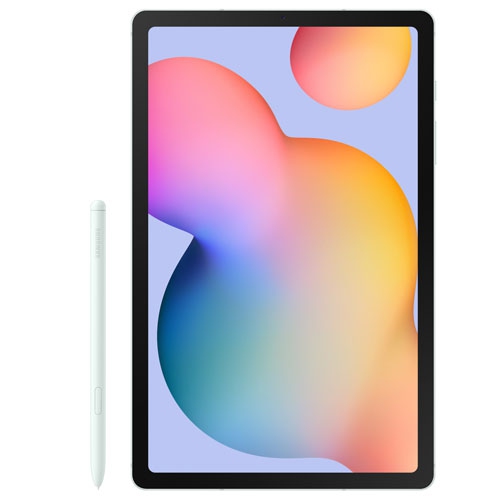
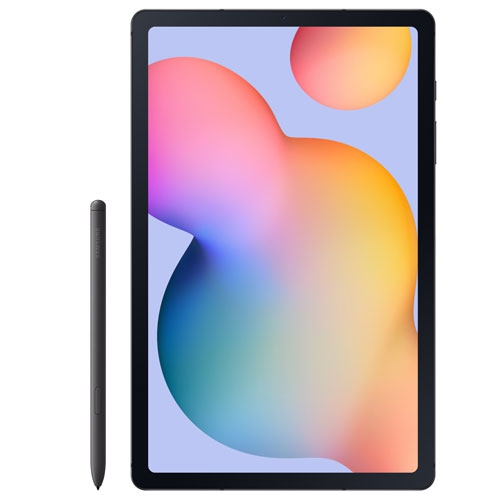

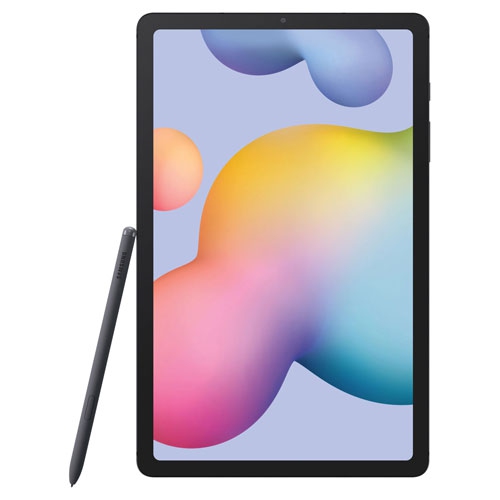
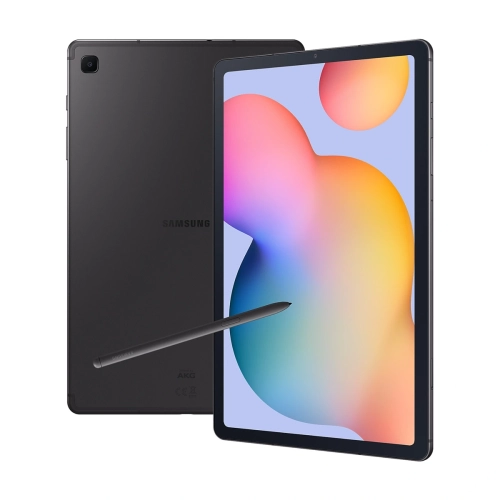
Handwritten notes and everyday tasks on a 10.5-inch screen
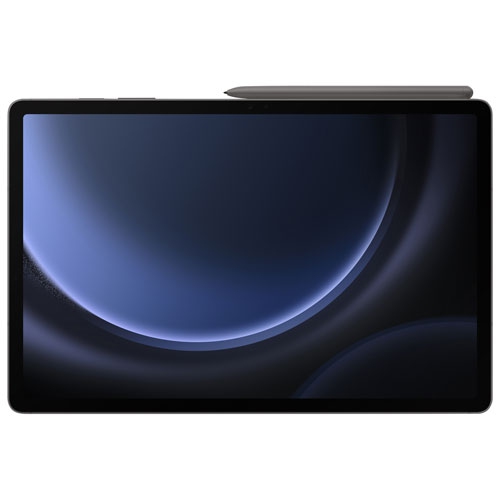
A 10.5-inch tablet offers a useful middle ground between a phone and a laptop: enough screen space to read a full page, mark up a document, or watch a film, with a shape that slips into a backpack or rests comfortably on a small desk. This size suits everyday tasks such as reviewing lecture notes, following a recipe on the kitchen counter, joining a video call, or keeping reference material beside a computer. Display quality makes a noticeable difference across these activities. An AMOLED screen can deliver deep blacks and strong contrast, while resolution affects how crisp small text and fine lines appear. Brightness adjustment, viewing angles, and reflections also influence comfort, especially when reading for longer stretches. For handwritten notes and drawing, active pen support adds another way to interact with the screen beyond tapping and typing. Depending on the tablet and compatible pen, pressure sensitivity and palm rejection can make it easier to vary a brushstroke or rest a hand naturally while writing. Performance is worth considering in the context of actual use rather than appearance alone. Reading, streaming, and email place different demands on a tablet than editing large images, running complex games, or switching between several open apps. Memory, processor capability, and software compatibility all contribute to how smoothly those tasks run. Storage matters as well: downloaded films, illustrated textbooks, scanned documents, and creative projects can fill space more quickly than a collection of short notes. Where supported, a memory card can provide room for certain files, although it does not replace internal storage for every app or function. Built-in speakers, headphone connectivity, and microphone quality round out the experience, whether the tablet is used for quiet reading, recorded lessons, or conversations with family. The most useful combination is one that matches the tasks the tablet will handle regularly, including any apps that are essential for school, work, or a favourite pastime.
The way a tablet feels in use depends as much on its construction and accessories as on its screen. A slim metal body can feel solid without adding much bulk, but smooth surfaces may be harder to grip with one hand. Glass screens and metal edges can still be damaged by a drop, particularly when the tablet lands on a corner or meets a hard floor. A fitted case adds protection around vulnerable areas, while a folio cover can shield the display inside a bag. Cases need to match the exact device dimensions, camera position, button layout, and charging port; screen size alone is not enough to establish a proper fit. A stand with several viewing angles is useful for moving between a video call at eye level and handwritten notes closer to the desk. Stability matters when tapping the screen, since a narrow or lightweight support may wobble under repeated touches. For longer writing sessions, a compatible keyboard can make email and document work more comfortable, though a tablet keyboard may feel more compact than a full-size computer keyboard. Pen storage deserves attention, too. A magnetic attachment can be convenient, but a secure holder offers extra reassurance when carrying the device between rooms or in a crowded bag. Charging methods and pen features vary, so a replacement stylus needs more than a similar shape to work correctly. Screen protectors can change the feel of handwriting, with some surfaces adding resistance and others keeping a smoother glide. Their fit and thickness may also affect touch response or case clearance. Routine care is straightforward: follow the device maker’s cleaning directions, use a soft microfibre cloth, and avoid letting moisture collect around openings. Keeping grit out of a case and separating the screen from keys or loose chargers helps reduce scratches. A padded sleeve is useful when the tablet shares a bag with books, cables, and other hard objects.
For an older or previously owned tablet, condition and ongoing usability deserve particular attention. Light marks on the back are different from a cracked display, a loose charging port, or a battery that no longer lasts through the intended tasks. Condition descriptions should distinguish cosmetic wear from functional issues and identify which accessories are included. Battery life varies with screen brightness, app activity, wireless connections, and battery age, so a tablet used mainly for reading may behave differently from the same device during video calls or gaming. Software support is another important distinction between tablet generations. The ability to install an app does not necessarily mean the device receives ongoing security updates or supports every feature in that app. For school portals, workplace accounts, video meetings, and creative tools, checking the required operating system version helps establish whether the tablet suits the intended role. Wi-Fi capability is separate from cellular connectivity; mobile data requires a compatible cellular model, an appropriate service plan, and network support. Charging connections also deserve a closer look, since a matching plug does not guarantee the same charging speed or support for video output. Comparisons with the Galaxy Tab S9 FE are most meaningful when they account for software support, screen characteristics, and accessory compatibility rather than treating similar names as interchangeable. A tablet can make a thoughtful gift for a student who prefers handwritten notes, an artist who wants a portable sketchbook, or a reader who appreciates adjustable text and a larger display. For shared household use, separate profiles or app restrictions, where supported, can help keep personal files and settings apart. Before passing a device to another person, backing up important files, removing accounts, and completing the manufacturer’s reset process helps protect personal information and prepares it for a fresh setup. These practical details shape how comfortably a tablet fits into daily life, whether it becomes a dedicated reading screen, a note-taking companion, or a convenient place for entertainment and everyday communication.
The way a tablet feels in use depends as much on its construction and accessories as on its screen. A slim metal body can feel solid without adding much bulk, but smooth surfaces may be harder to grip with one hand. Glass screens and metal edges can still be damaged by a drop, particularly when the tablet lands on a corner or meets a hard floor. A fitted case adds protection around vulnerable areas, while a folio cover can shield the display inside a bag. Cases need to match the exact device dimensions, camera position, button layout, and charging port; screen size alone is not enough to establish a proper fit. A stand with several viewing angles is useful for moving between a video call at eye level and handwritten notes closer to the desk. Stability matters when tapping the screen, since a narrow or lightweight support may wobble under repeated touches. For longer writing sessions, a compatible keyboard can make email and document work more comfortable, though a tablet keyboard may feel more compact than a full-size computer keyboard. Pen storage deserves attention, too. A magnetic attachment can be convenient, but a secure holder offers extra reassurance when carrying the device between rooms or in a crowded bag. Charging methods and pen features vary, so a replacement stylus needs more than a similar shape to work correctly. Screen protectors can change the feel of handwriting, with some surfaces adding resistance and others keeping a smoother glide. Their fit and thickness may also affect touch response or case clearance. Routine care is straightforward: follow the device maker’s cleaning directions, use a soft microfibre cloth, and avoid letting moisture collect around openings. Keeping grit out of a case and separating the screen from keys or loose chargers helps reduce scratches. A padded sleeve is useful when the tablet shares a bag with books, cables, and other hard objects.
For an older or previously owned tablet, condition and ongoing usability deserve particular attention. Light marks on the back are different from a cracked display, a loose charging port, or a battery that no longer lasts through the intended tasks. Condition descriptions should distinguish cosmetic wear from functional issues and identify which accessories are included. Battery life varies with screen brightness, app activity, wireless connections, and battery age, so a tablet used mainly for reading may behave differently from the same device during video calls or gaming. Software support is another important distinction between tablet generations. The ability to install an app does not necessarily mean the device receives ongoing security updates or supports every feature in that app. For school portals, workplace accounts, video meetings, and creative tools, checking the required operating system version helps establish whether the tablet suits the intended role. Wi-Fi capability is separate from cellular connectivity; mobile data requires a compatible cellular model, an appropriate service plan, and network support. Charging connections also deserve a closer look, since a matching plug does not guarantee the same charging speed or support for video output. Comparisons with the Galaxy Tab S9 FE are most meaningful when they account for software support, screen characteristics, and accessory compatibility rather than treating similar names as interchangeable. A tablet can make a thoughtful gift for a student who prefers handwritten notes, an artist who wants a portable sketchbook, or a reader who appreciates adjustable text and a larger display. For shared household use, separate profiles or app restrictions, where supported, can help keep personal files and settings apart. Before passing a device to another person, backing up important files, removing accounts, and completing the manufacturer’s reset process helps protect personal information and prepares it for a fresh setup. These practical details shape how comfortably a tablet fits into daily life, whether it becomes a dedicated reading screen, a note-taking companion, or a convenient place for entertainment and everyday communication.
Top selling and popular products
-
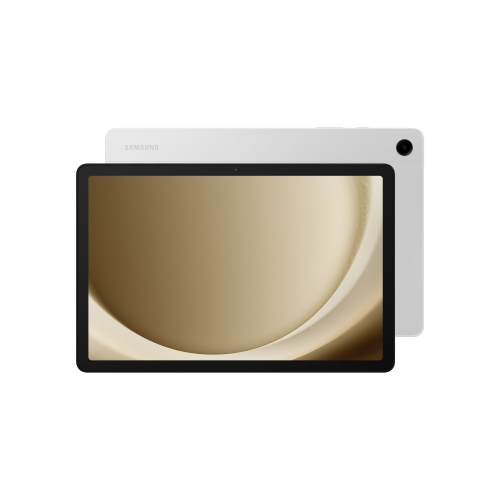 Your price for this item is $499.99
-
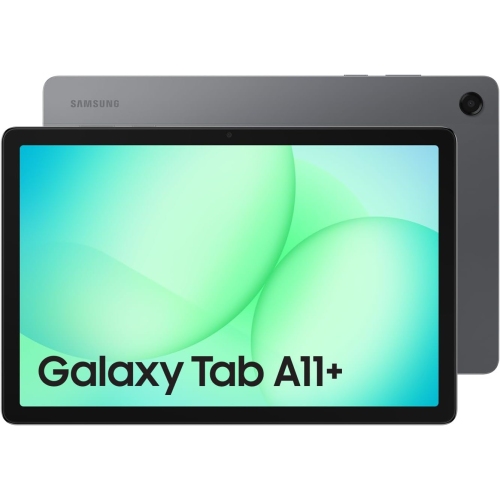 Your price for this item is $350
-
 Your price for this item is $399.99
-
 Your price for this item is $979.99
-
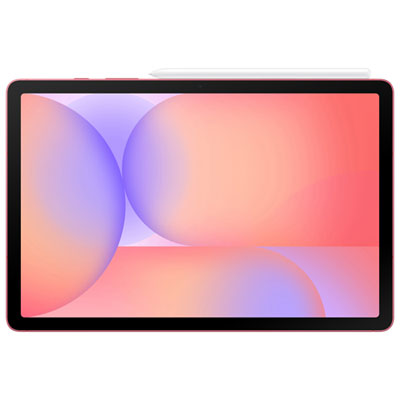 Your price for this item is $399.99
-
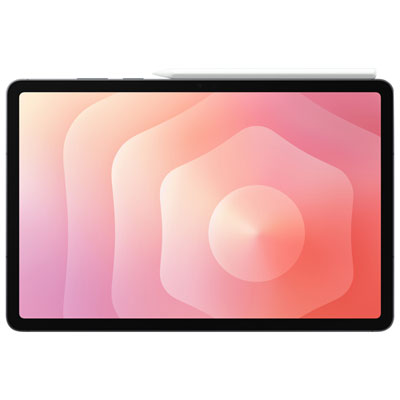 Your price for this item is $1399.99
-
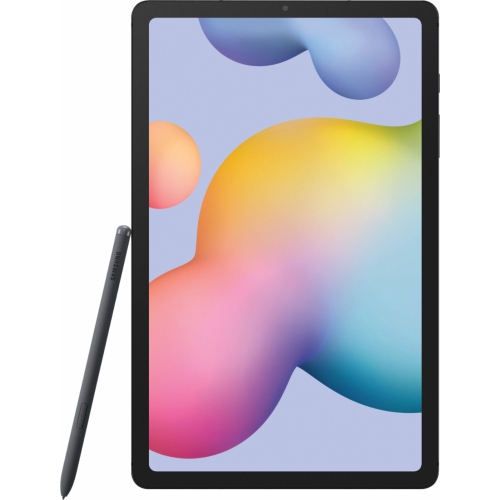 Your price for this item is $699.99
-
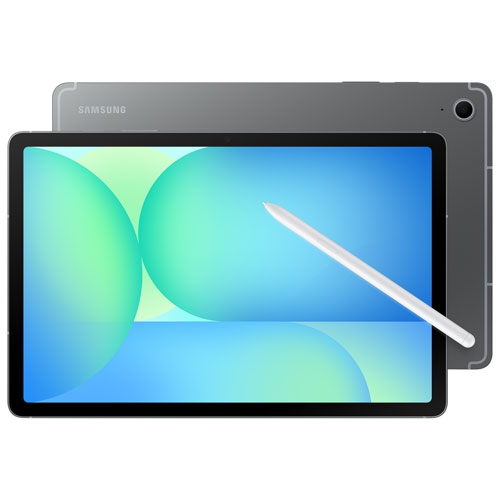 Your price for this item is $664.95
Discover more categories related to Galaxy Tab S6

Top Collections:
Best Black Friday Deals This Year, Best Black Friday Deals On Electronics, Kindle Devices, Pokemon Centers, Best Black Friday Deals On Apple Products, Best Cameras for Sports Photography, Dyson Airwrap, Pokémon 30th Celebration Cards, Apple iPhone 17 Pro, Canon G7X Cameras
Some products may be subject to Environmental Handling Fees
(EHF) depending on your province.
Learn more about EHFs.