Samsung Galaxy Tab S6
Discover the versatility and performance of the Samsung Galaxy Tab S6, designed to keep up with your busy lifestyle. Whether you're working, streaming, or staying connected on the go, this tablet offers a seamless experience for everyday tasks and entertainment. Explore a range of options to find the perfect Samsung Galaxy Tab S6 to suit your needs and elevate your digital routine.
Sort


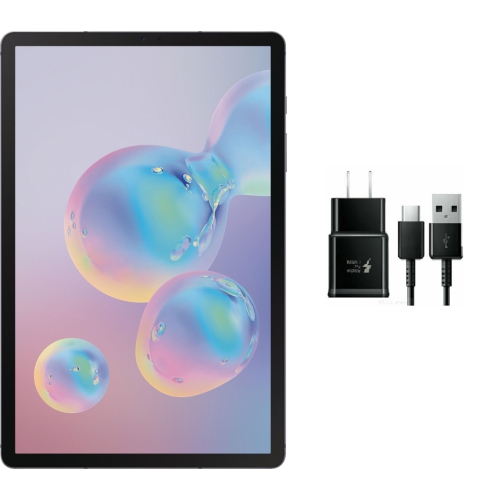

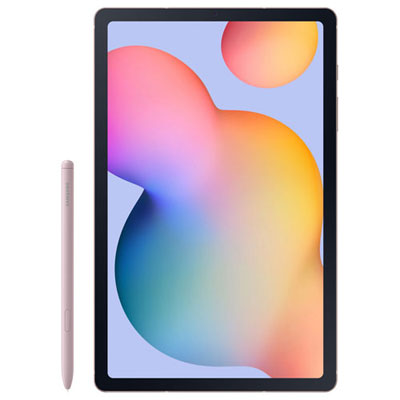
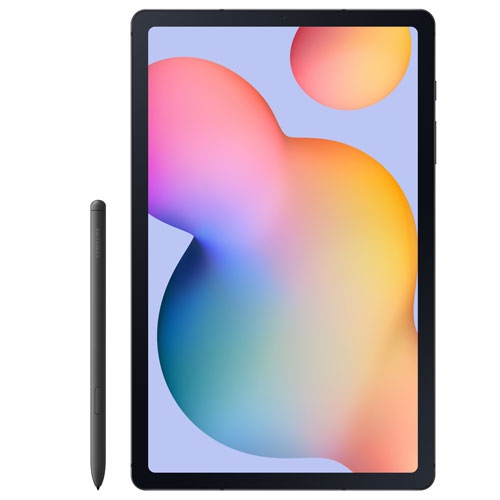
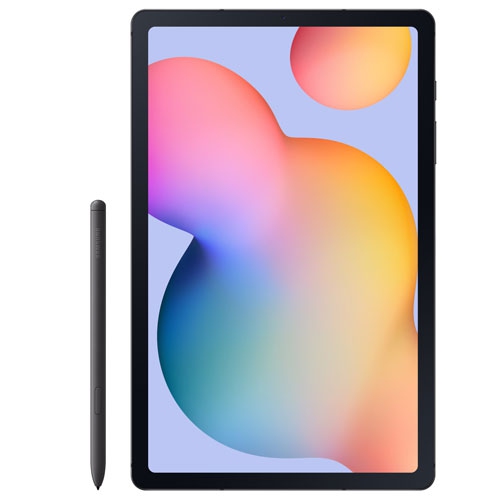
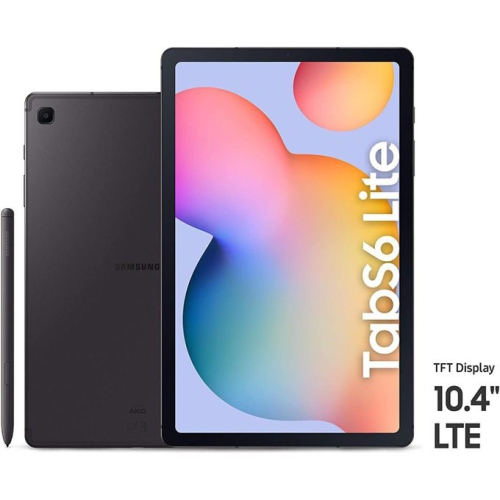
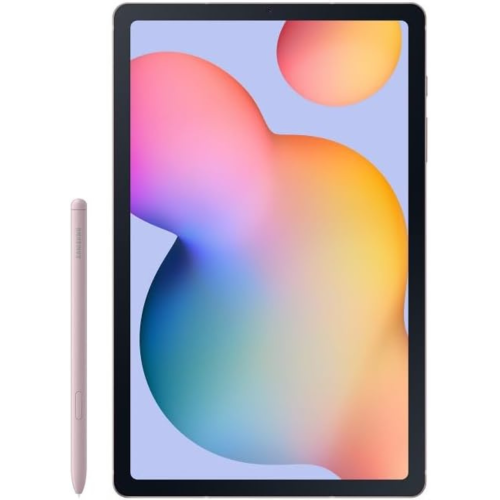
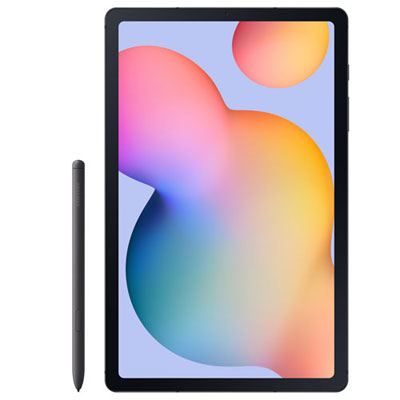
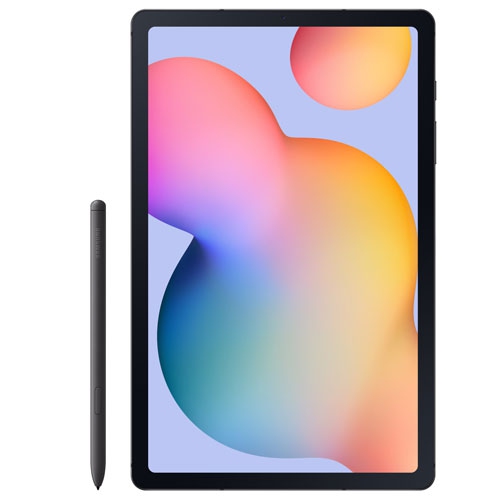
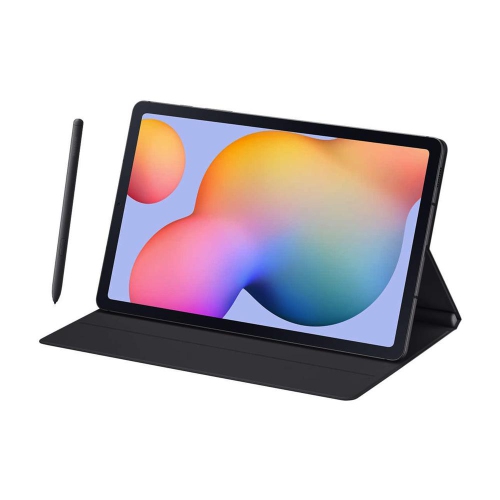
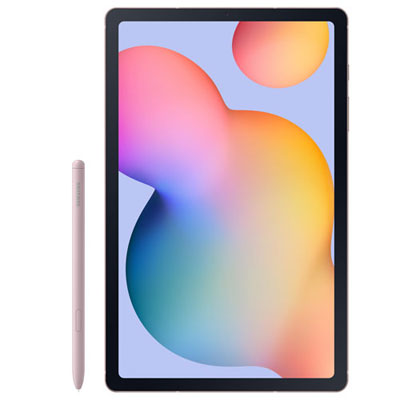
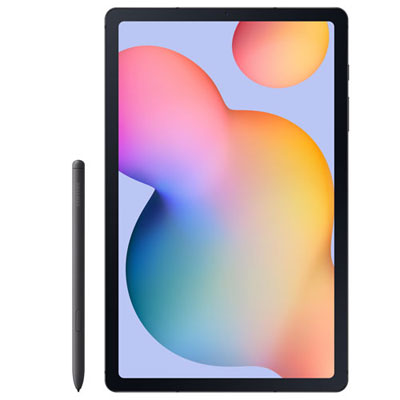
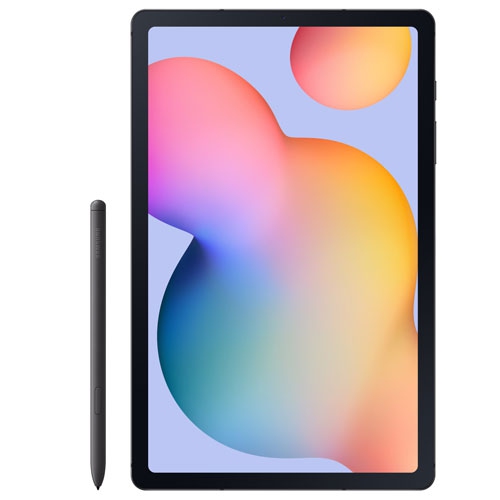
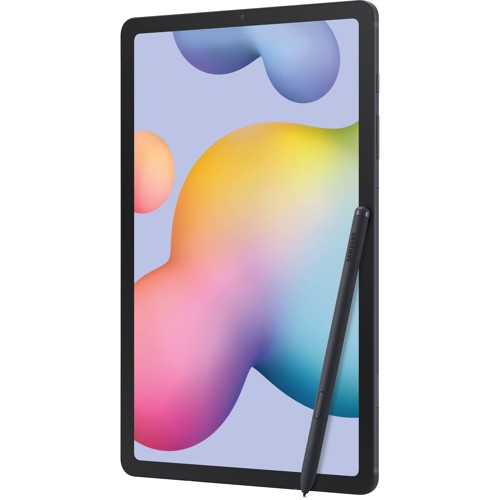
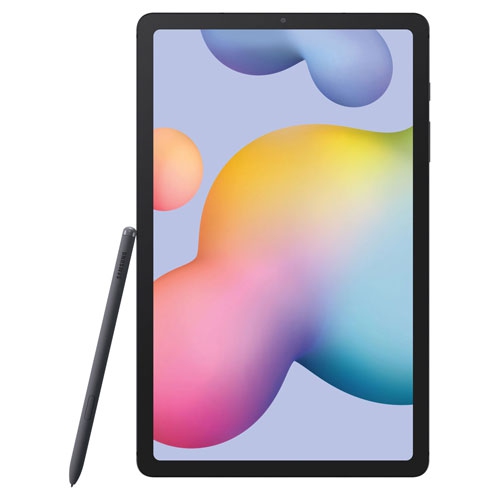
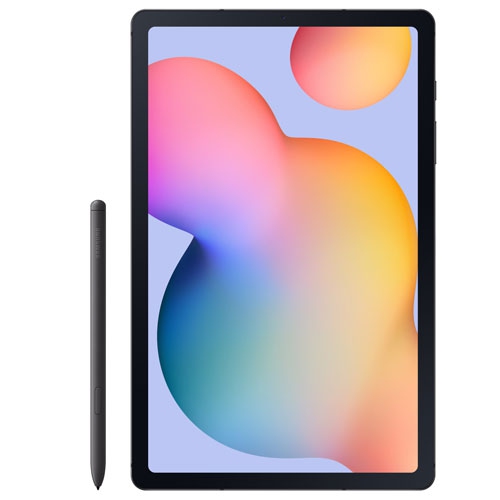
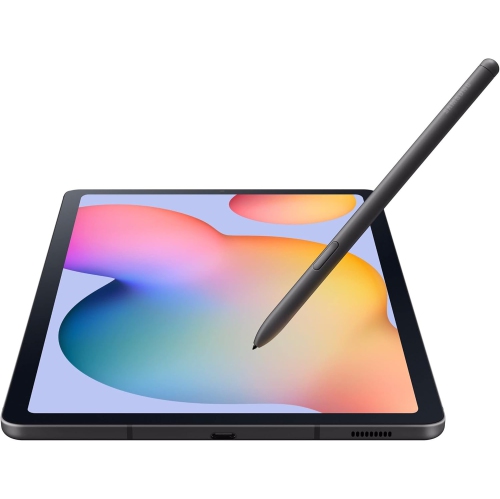
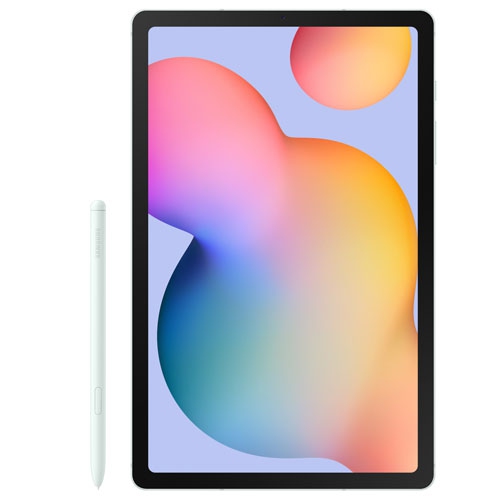
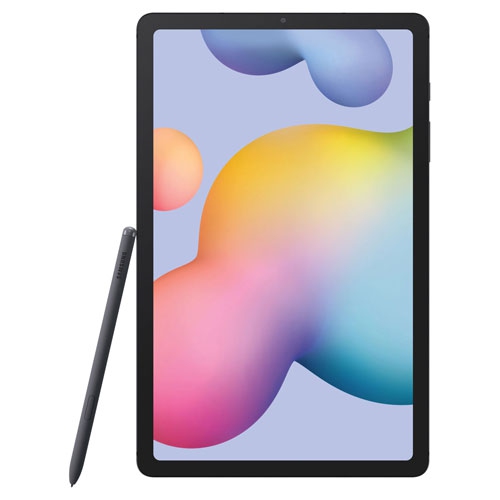

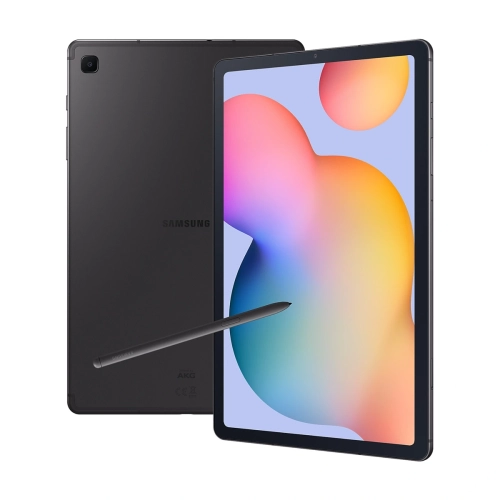
Where handwritten notes meet everyday entertainment
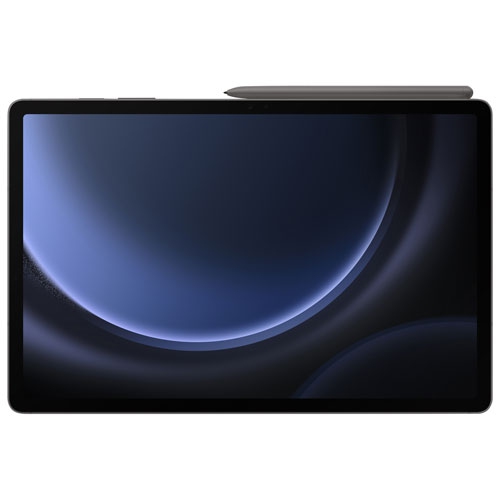
A pen-enabled tablet combines touchscreen entertainment with tools for handwriting, drawing, reading, and everyday work. Its appeal lies in having a screen large enough for a full page of notes or a detailed illustration without the weight and bulk of a conventional laptop. For someone reading an illustrated textbook, marking up a document, or watching a film on a train, that balance can make a tablet a useful companion. Screen quality matters beyond the diagonal measurement: resolution affects the clarity of small text, contrast helps reveal detail in darker scenes, and brightness influences how comfortably a display can be viewed beside a window. Viewing angles are also worth considering when two people share a screen. A slim metal body can feel solid in the hand, while weight distribution and rounded edges affect comfort during longer reading sessions. A case with a folding stand can make a substantial difference at a desk or kitchen counter, especially when following a recipe, joining a video call, or keeping reference material beside a notebook. Sound quality adds another dimension to films and spoken-word content, although headphones are often more practical in shared spaces. For students, a tablet can keep lecture slides, handwritten annotations, and reading material together. For commuters and frequent travellers, downloadable books and videos offer entertainment without depending on a continuous internet connection. At home, the same device might move between an armchair for reading, a desk for correspondence, and a stand for a conversation with family. These varied uses make it worth thinking about how a tablet will actually be held, carried, and supported throughout the day. A large display is helpful for split-screen tasks, but a comfortable grip and a stable stand can be just as important as an impressive specification. Touch controls should feel natural for everyday navigation, while text size and display settings can help tailor the screen to different users.
Handwriting and keyboard input give a tablet different strengths, and the right accessories depend on which activities matter most. A compatible active pen can support precise annotations, sketches, and handwritten notes, but pen functions vary between devices. Pressure response, palm rejection, charging requirements, and shortcut controls are details worth checking rather than assuming every stylus works the same way. Someone working through equations may value a smooth writing surface and dependable palm rejection, while an illustrator may care more about pressure control and how comfortably the pen rests between the fingers. A simple capacitive stylus can navigate a touchscreen, but it does not necessarily provide the accuracy or features of a pen designed for the device. Keyboard covers can make email, document editing, and longer messages more comfortable, although compact layouts may feel different from a full-size keyboard. The support built into a cover also matters: a setup that works well on a firm table may be less steady on a lap. Related tablets, including the Galaxy Tablet S6 Lite, have their own dimensions and connection layouts, so accessories should be matched to the exact device rather than a similar-looking name. Camera openings, speaker cut-outs, charging ports, and pen attachment points all affect case fit. A cover that presses against a button or blocks a microphone can interfere with ordinary use, even if the screen size seems close. Storage needs deserve the same attention. Handwritten notes and novels usually require less space than downloaded films, large games, or layered artwork, and expandable storage support should be confirmed in the specifications. Wi-Fi supports home and public-network connections, while mobile data requires compatible hardware and a suitable service plan. For work or study, checking essential app requirements and operating-system compatibility helps establish whether a tablet can handle the intended tasks. Some desktop software has a mobile counterpart with fewer features, making a tablet better suited to companion duties than a complete computer replacement.
Day-to-day care helps protect both the screen and the experience of using it. Tablet displays are glass, so a rigid object inside a crowded bag can create a pressure point even when the outer shell feels sturdy. A fitted case with raised edges can reduce contact between the display and a tabletop, while a padded sleeve adds protection during transport. Neither should be treated as a guarantee against damage. Screen protectors may help limit surface scratches, but their thickness and finish can change the feel of writing with a pen; compatibility with touch input and any screen-based fingerprint reader should be checked. For routine cleaning, a soft, lint-free cloth is a sensible starting point, with cleaning methods guided by the device manufacturer’s care directions. Moisture should not be allowed into openings, and abrasive materials can mark the display or finish. Pen tips also deserve occasional attention because a worn or damaged tip may make writing feel uneven. Charging habits, display brightness, video calls, and demanding apps all influence how long a tablet runs between charges, so published battery figures are best understood alongside the testing conditions. With older devices, battery condition and software support are particularly important considerations, especially when banking, handling work files, or using school accounts. A tablet can also make a thoughtful gift when its role is clear: a reader may appreciate an easy-to-hold case, a student may benefit from pen input, and someone who regularly speaks with distant relatives may value a stable stand and straightforward video calling. For a shared household device, separate profiles, where supported, and age-appropriate controls can help keep personal files and viewing preferences distinct. Choosing around these ordinary routines creates a more useful setup than focusing on screen size alone. The most suitable combination brings together comfortable handling, dependable app access, correctly fitted accessories, and enough flexibility for the tasks that will fill the screen each day.
Handwriting and keyboard input give a tablet different strengths, and the right accessories depend on which activities matter most. A compatible active pen can support precise annotations, sketches, and handwritten notes, but pen functions vary between devices. Pressure response, palm rejection, charging requirements, and shortcut controls are details worth checking rather than assuming every stylus works the same way. Someone working through equations may value a smooth writing surface and dependable palm rejection, while an illustrator may care more about pressure control and how comfortably the pen rests between the fingers. A simple capacitive stylus can navigate a touchscreen, but it does not necessarily provide the accuracy or features of a pen designed for the device. Keyboard covers can make email, document editing, and longer messages more comfortable, although compact layouts may feel different from a full-size keyboard. The support built into a cover also matters: a setup that works well on a firm table may be less steady on a lap. Related tablets, including the Galaxy Tablet S6 Lite, have their own dimensions and connection layouts, so accessories should be matched to the exact device rather than a similar-looking name. Camera openings, speaker cut-outs, charging ports, and pen attachment points all affect case fit. A cover that presses against a button or blocks a microphone can interfere with ordinary use, even if the screen size seems close. Storage needs deserve the same attention. Handwritten notes and novels usually require less space than downloaded films, large games, or layered artwork, and expandable storage support should be confirmed in the specifications. Wi-Fi supports home and public-network connections, while mobile data requires compatible hardware and a suitable service plan. For work or study, checking essential app requirements and operating-system compatibility helps establish whether a tablet can handle the intended tasks. Some desktop software has a mobile counterpart with fewer features, making a tablet better suited to companion duties than a complete computer replacement.
Day-to-day care helps protect both the screen and the experience of using it. Tablet displays are glass, so a rigid object inside a crowded bag can create a pressure point even when the outer shell feels sturdy. A fitted case with raised edges can reduce contact between the display and a tabletop, while a padded sleeve adds protection during transport. Neither should be treated as a guarantee against damage. Screen protectors may help limit surface scratches, but their thickness and finish can change the feel of writing with a pen; compatibility with touch input and any screen-based fingerprint reader should be checked. For routine cleaning, a soft, lint-free cloth is a sensible starting point, with cleaning methods guided by the device manufacturer’s care directions. Moisture should not be allowed into openings, and abrasive materials can mark the display or finish. Pen tips also deserve occasional attention because a worn or damaged tip may make writing feel uneven. Charging habits, display brightness, video calls, and demanding apps all influence how long a tablet runs between charges, so published battery figures are best understood alongside the testing conditions. With older devices, battery condition and software support are particularly important considerations, especially when banking, handling work files, or using school accounts. A tablet can also make a thoughtful gift when its role is clear: a reader may appreciate an easy-to-hold case, a student may benefit from pen input, and someone who regularly speaks with distant relatives may value a stable stand and straightforward video calling. For a shared household device, separate profiles, where supported, and age-appropriate controls can help keep personal files and viewing preferences distinct. Choosing around these ordinary routines creates a more useful setup than focusing on screen size alone. The most suitable combination brings together comfortable handling, dependable app access, correctly fitted accessories, and enough flexibility for the tasks that will fill the screen each day.
Top selling and popular products
-
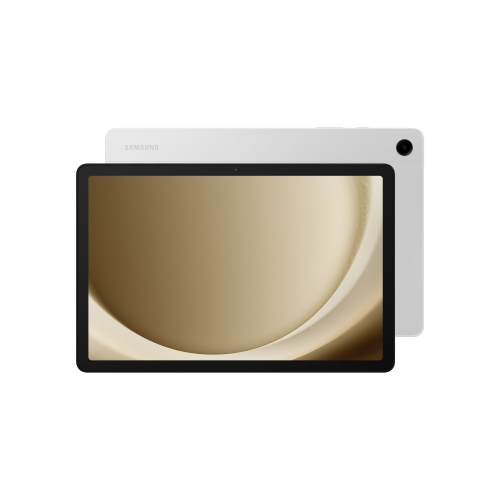 Your price for this item is $499.99
-
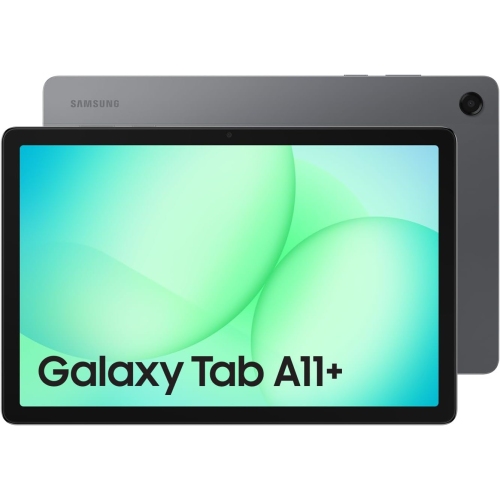 Your price for this item is $350
-
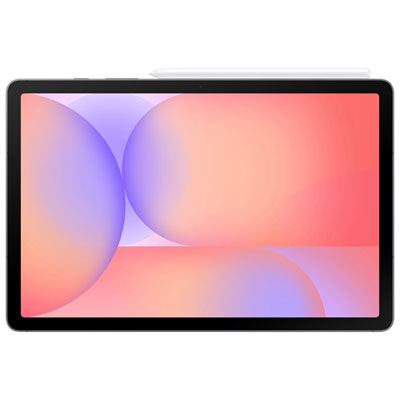 Your price for this item is $399.99
-
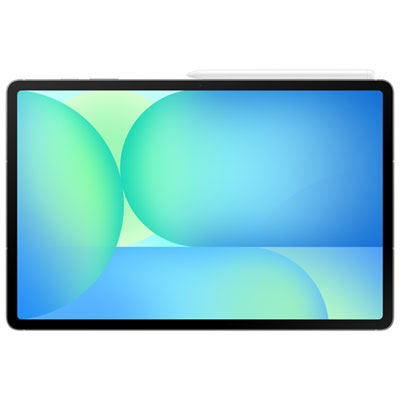 Your price for this item is $979.99
-
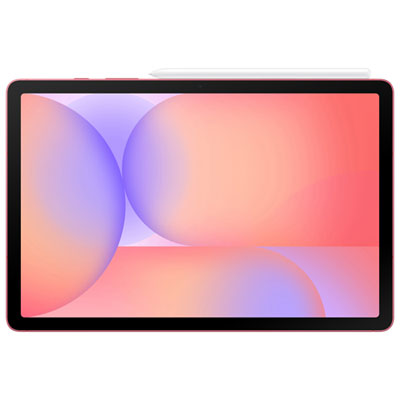 Your price for this item is $399.99
-
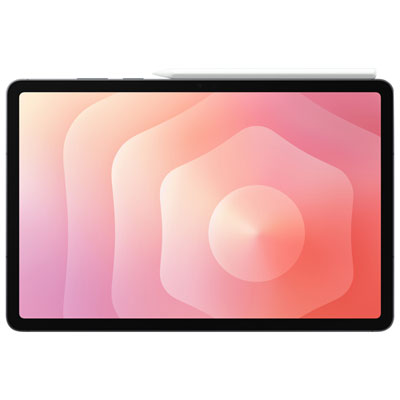 Your price for this item is $1399.99
-
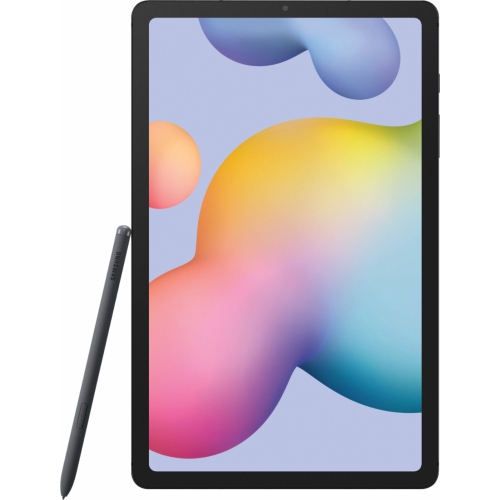 Your price for this item is $699.99
-
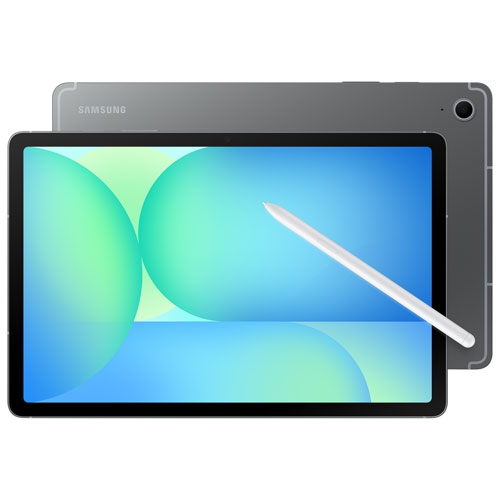 Your price for this item is $664.95
Discover more categories related to Samsung Galaxy Tab S6

Top Collections:
Best Black Friday Deals This Year, Best Black Friday Deals On Electronics, Kindle Devices, Pokemon Centers, Best Black Friday Deals On Apple Products, Best Cameras for Sports Photography, Dyson Airwrap, Pokémon 30th Celebration Cards, Apple iPhone 17 Pro, Canon G7X Cameras
Some products may be subject to Environmental Handling Fees
(EHF) depending on your province.
Learn more about EHFs.