Gaming Accessories for Christmas
Level up your holiday shopping with the ultimate selection of gaming accessories for Christmas. Whether you’re searching for the perfect gift for a dedicated gamer or looking to enhance your own setup, discover a wide range of must-have options designed to elevate every gaming experience. From immersive audio gear to essential controllers and more, find everything you need to make this season unforgettable for gamers of all ages. Shop gaming accessories for Christmas and bring extra excitement to every game night.
Sort


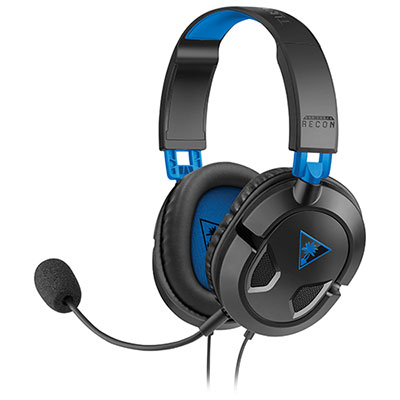
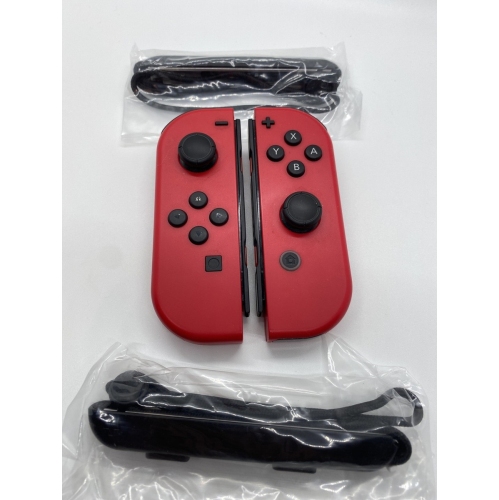
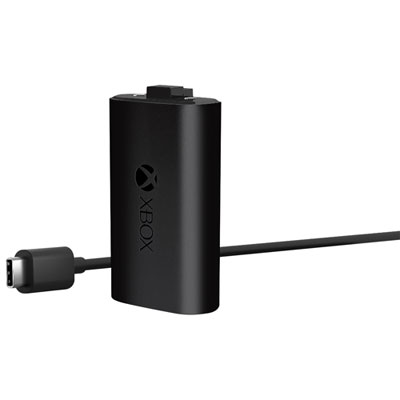

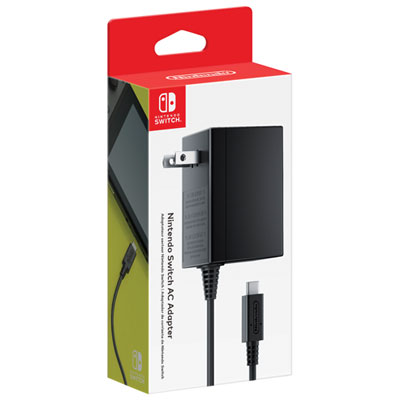
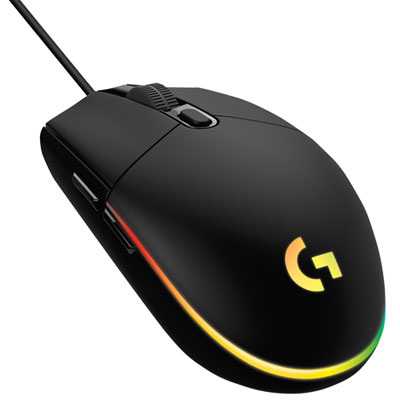
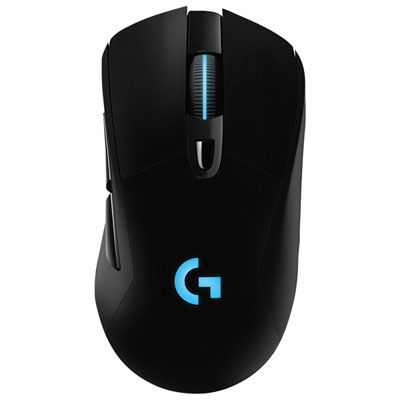
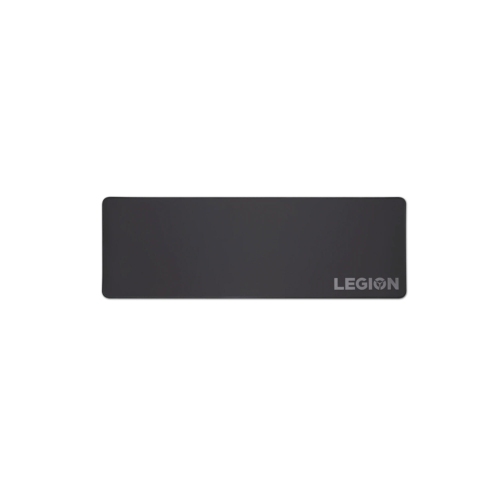

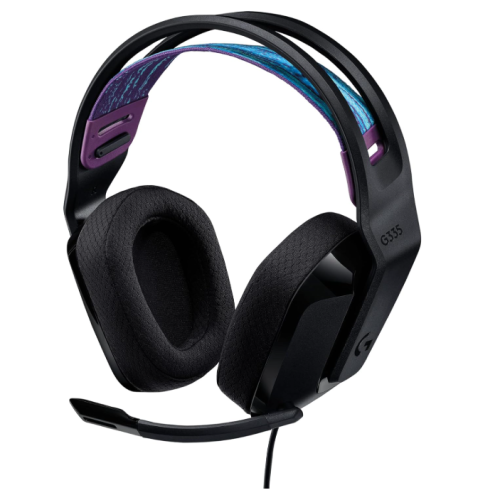
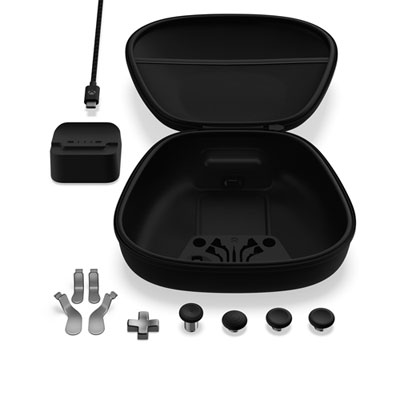
Gaming gifts that solve everyday setup frustrations
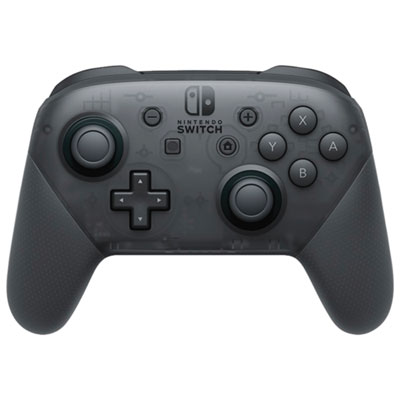
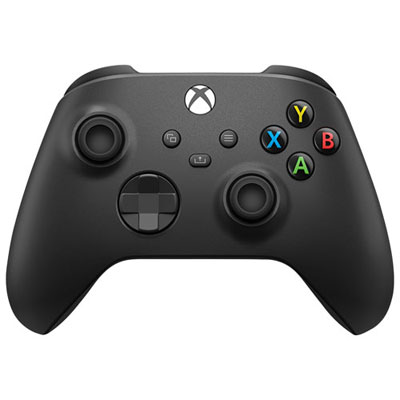
Gaming accessories for Christmas make thoughtful gifts when they suit the recipient’s preferred platform, favourite games, and everyday setup. Headsets, controllers, keyboards, mice, charging accessories, and desk essentials each serve a different purpose, from making team chat clearer to keeping shared equipment organized. The most useful choice often solves a small frustration: a microphone that is difficult to position, a mouse pad that leaves too little room for movement, or controllers that never seem to have a dedicated place between games. Someone who enjoys competitive multiplayer may appreciate responsive controls and easy access to chat, while a player who settles into story-driven adventures may place more value on comfortable audio and a relaxed seating position. For families, accessories that are easy to adjust, store, and share can fit naturally into Christmas gatherings and regular game nights. Compatibility matters more than appearance alone. Console, computer, and mobile gaming setups can require different connections, and an accessory that works with one platform may not support all its features on another. A USB connection, wireless receiver, Bluetooth connection, or audio jack is only part of the picture; the platform’s supported inputs and the accessory’s stated compatibility also need to match. Some wireless accessories require a particular receiver, while certain controls or audio functions depend on compatible software. Desk space is another practical consideration, especially when a gaming area doubles as a homework station or work surface. A compact keyboard can leave more room for mouse movement, whereas a full-size layout may suit someone who also uses a number pad regularly. For a gift recipient who plays in the living room, accessible charging and tidy storage may be more useful than extra desk equipment. Personal taste still has a place, with colour, lighting, and overall design helping an accessory feel at home in an existing setup. Matching those preferences with a clear everyday purpose gives a Christmas gift lasting relevance beyond the first unwrapping.
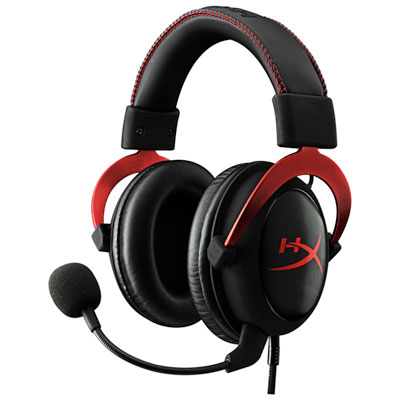
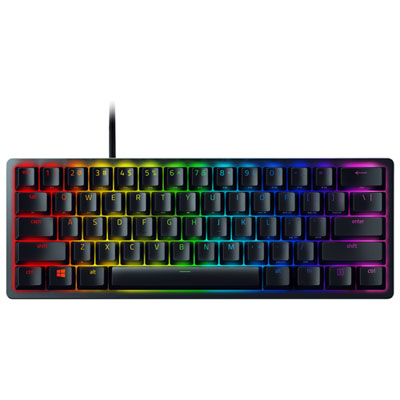
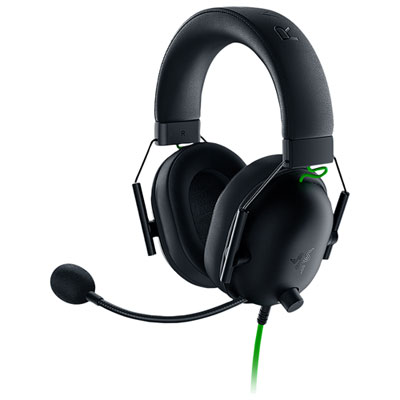
Comfort and construction make a noticeable difference once an accessory becomes part of a regular gaming routine. A headset should sit securely without needing constant adjustment, with enough headband range to position the ear cups properly. Cushion depth, overall weight, and room around the ears can affect how it feels during longer sessions, particularly for someone who wears glasses. Fabric-covered cushions may feel different from leatherette surfaces, and removable ear pads can make cleaning or replacement easier where the design supports it. Microphone placement also deserves attention: an adjustable boom helps bring the microphone closer to the speaker’s mouth without blocking their view, while accessible mute controls are useful when a conversation in the room interrupts team chat. For controllers, hand size and grip shape influence whether buttons, triggers, and sticks feel easy to reach. Textured surfaces can provide a more secure hold, but the amount of texture and the position of seams should still feel comfortable in the hand. Extra buttons and adjustable controls may appeal to experienced players, although they are only useful when supported by the platform and suited to the recipient’s preferences. Keyboards introduce another set of tactile differences. Key travel, resistance, and sound can change the feel of both gaming and typing, making quieter switches worth considering for shared rooms or late-evening play. A mouse should suit the user’s grip and leave its main controls within comfortable reach; a larger shell is not automatically a better fit. Its weight and button layout can matter as much as sensitivity settings. The surface underneath also plays a role. Cloth mouse pads offer a softer feel, while hard surfaces have a different glide and cleaning routine. Stitched edges, secure cable connections, stable bases, and sturdy adjustment points are useful construction details across many accessory categories. Where an accessory has removable cables, cushions, or other replaceable parts, replacement support can help keep familiar equipment in use. These practical details are especially valuable for gifts that will move between rooms, travel to a friend’s house, or be shared by several players.
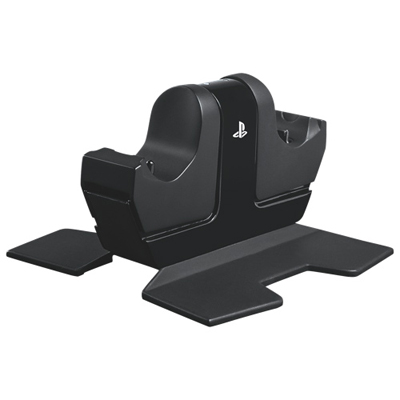
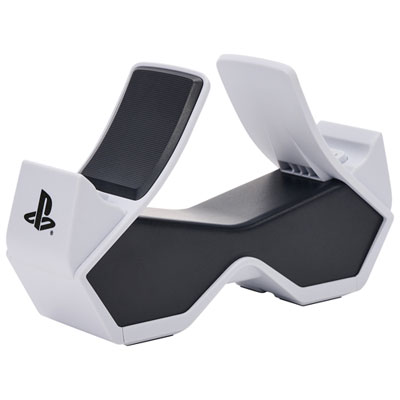
Storage, charging, and setup accessories can be just as welcome as the equipment held during a game. A charging dock creates a clear resting place for compatible controllers, while a headset stand keeps ear cups off a crowded desk and makes the headset easier to find. Charging accessories need to match the supported battery system and power requirements, since rechargeable battery packs, built-in batteries, and replaceable batteries do not all work the same way. Cable length should suit the distance between the player, device, and power source without leaving loose loops across a walking route. A short cable may keep a desktop tidy but be awkward beside a sofa, while a longer cable needs a sensible route that avoids sharp bends and tension at the connector. Cable clips and organizers can help separate charging leads from audio connections, leaving more usable space around a keyboard or controller. Decorative lighting can add a personal touch to a gaming corner, with adjustable brightness and placement helping keep reflections away from the screen. In a shared room, a steady, subtle setting may be a better fit than a bright moving pattern. Care requirements are worth keeping simple and realistic. Electronic accessories should be disconnected before cleaning, and liquids should not be sprayed directly onto controls, ports, or speakers. A soft cloth and the manufacturer’s cleaning directions are a sensible starting point, while removable fabric components should only be washed if their care instructions allow it. Keeping food and drinks away from keys and charging contacts also helps prevent avoidable messes. For Christmas gift giving, confirming the recipient’s platform and the space they use can prevent a well-meant accessory from becoming an awkward fit. Accessories can complement other Video Game Christmas Gifts, creating a present built around how someone likes to play rather than simply adding more equipment. The strongest choices bring together compatibility, comfortable handling, dependable construction, and a purpose the recipient will recognise every time they sit down for a game.
Comfort and construction make a noticeable difference once an accessory becomes part of a regular gaming routine. A headset should sit securely without needing constant adjustment, with enough headband range to position the ear cups properly. Cushion depth, overall weight, and room around the ears can affect how it feels during longer sessions, particularly for someone who wears glasses. Fabric-covered cushions may feel different from leatherette surfaces, and removable ear pads can make cleaning or replacement easier where the design supports it. Microphone placement also deserves attention: an adjustable boom helps bring the microphone closer to the speaker’s mouth without blocking their view, while accessible mute controls are useful when a conversation in the room interrupts team chat. For controllers, hand size and grip shape influence whether buttons, triggers, and sticks feel easy to reach. Textured surfaces can provide a more secure hold, but the amount of texture and the position of seams should still feel comfortable in the hand. Extra buttons and adjustable controls may appeal to experienced players, although they are only useful when supported by the platform and suited to the recipient’s preferences. Keyboards introduce another set of tactile differences. Key travel, resistance, and sound can change the feel of both gaming and typing, making quieter switches worth considering for shared rooms or late-evening play. A mouse should suit the user’s grip and leave its main controls within comfortable reach; a larger shell is not automatically a better fit. Its weight and button layout can matter as much as sensitivity settings. The surface underneath also plays a role. Cloth mouse pads offer a softer feel, while hard surfaces have a different glide and cleaning routine. Stitched edges, secure cable connections, stable bases, and sturdy adjustment points are useful construction details across many accessory categories. Where an accessory has removable cables, cushions, or other replaceable parts, replacement support can help keep familiar equipment in use. These practical details are especially valuable for gifts that will move between rooms, travel to a friend’s house, or be shared by several players.
Storage, charging, and setup accessories can be just as welcome as the equipment held during a game. A charging dock creates a clear resting place for compatible controllers, while a headset stand keeps ear cups off a crowded desk and makes the headset easier to find. Charging accessories need to match the supported battery system and power requirements, since rechargeable battery packs, built-in batteries, and replaceable batteries do not all work the same way. Cable length should suit the distance between the player, device, and power source without leaving loose loops across a walking route. A short cable may keep a desktop tidy but be awkward beside a sofa, while a longer cable needs a sensible route that avoids sharp bends and tension at the connector. Cable clips and organizers can help separate charging leads from audio connections, leaving more usable space around a keyboard or controller. Decorative lighting can add a personal touch to a gaming corner, with adjustable brightness and placement helping keep reflections away from the screen. In a shared room, a steady, subtle setting may be a better fit than a bright moving pattern. Care requirements are worth keeping simple and realistic. Electronic accessories should be disconnected before cleaning, and liquids should not be sprayed directly onto controls, ports, or speakers. A soft cloth and the manufacturer’s cleaning directions are a sensible starting point, while removable fabric components should only be washed if their care instructions allow it. Keeping food and drinks away from keys and charging contacts also helps prevent avoidable messes. For Christmas gift giving, confirming the recipient’s platform and the space they use can prevent a well-meant accessory from becoming an awkward fit. Accessories can complement other Video Game Christmas Gifts, creating a present built around how someone likes to play rather than simply adding more equipment. The strongest choices bring together compatibility, comfortable handling, dependable construction, and a purpose the recipient will recognise every time they sit down for a game.
Top selling and popular products
-
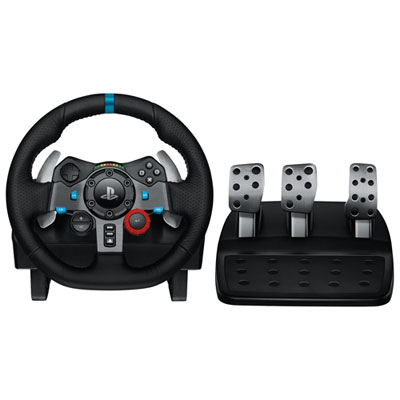 Your price for this item is $399.99
-
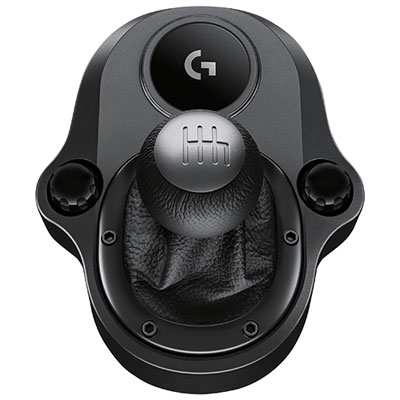 Your price for this item is $89.99
-
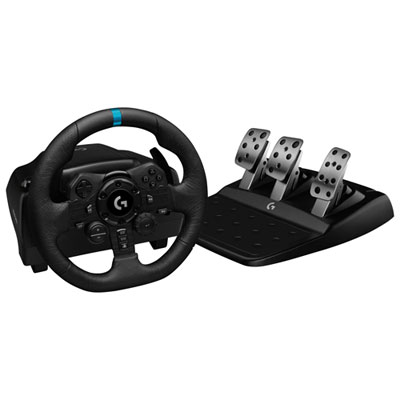 Your price for this item is $399.99
-
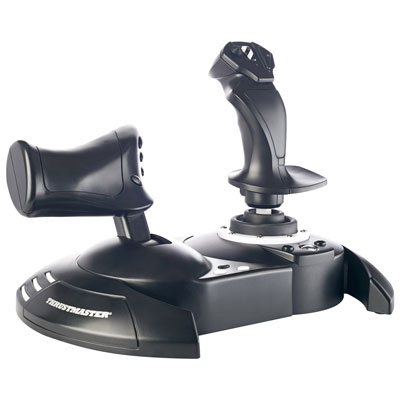 Your price for this item is $129.99
-
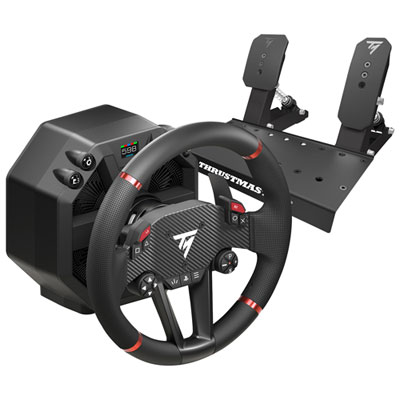 Your price for this item is $699.99
-
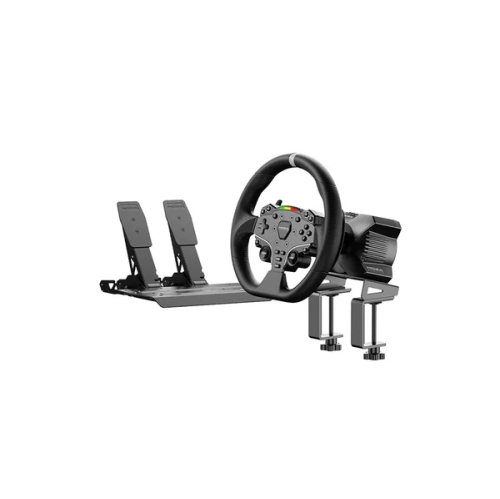 Your price for this item is $365.37
-
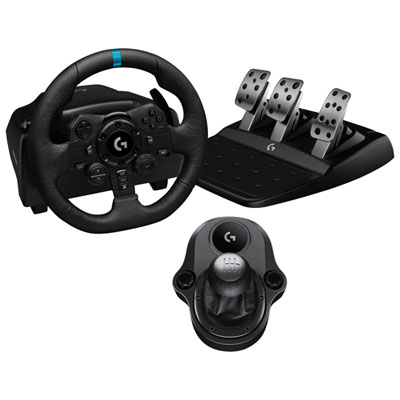 Your price for this item is $419.99
-
 Your price for this item is $419.99
Discover more categories related to Gaming Accessories for Christmas


Top Collections:
Pokemon Centers, Best Black Friday Deals This Year, Best Black Friday Deals On Electronics, Kindle Devices, Best Budget Office Chairs, Best Black Friday Deals On Apple Products, Best Cameras for Sports Photography, Pokémon 30th Celebration Cards, Dyson Airwrap, Canon G7X Cameras
Some products may be subject to Environmental Handling Fees
(EHF) depending on your province.
Learn more about EHFs.