Gaming Desktops Under $2000
Gaming desktop under $2000 is the perfect place to discover high-performance PCs designed for immersive gaming without exceeding your budget. Explore a range of powerful options that deliver smooth gameplay and impressive visuals, all while keeping costs in check. Whether you're upgrading your setup or diving into the world of PC gaming for the first time, you'll find desktops that balance speed, reliability, and value. Start your search here to experience top-tier gaming at an affordable price point.
Sort
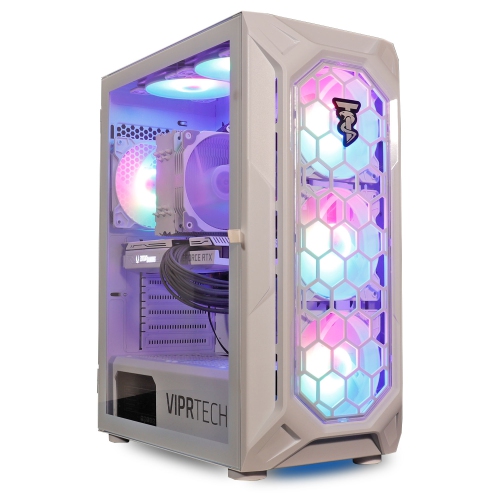
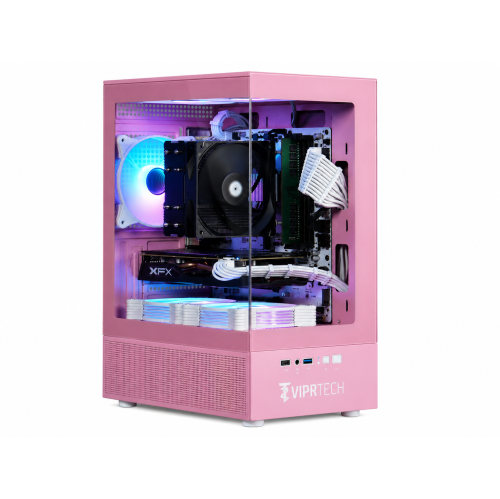
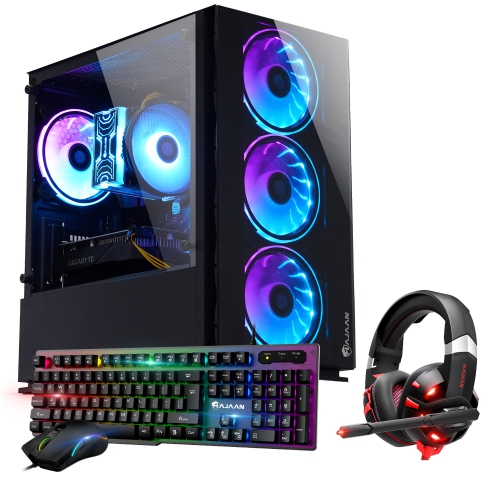
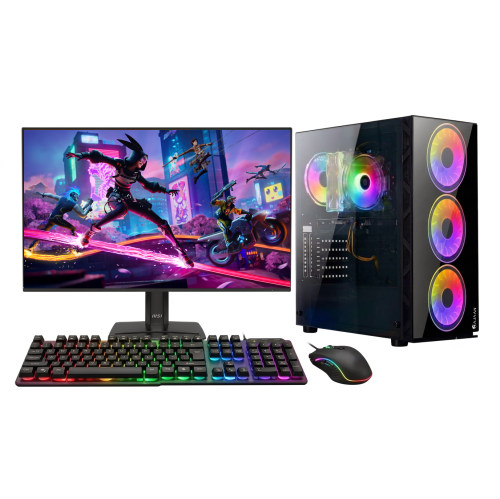
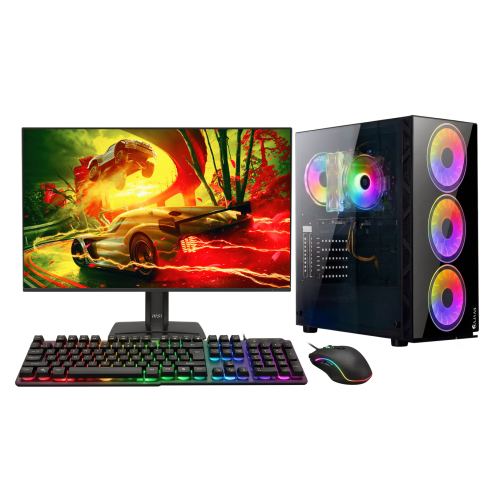
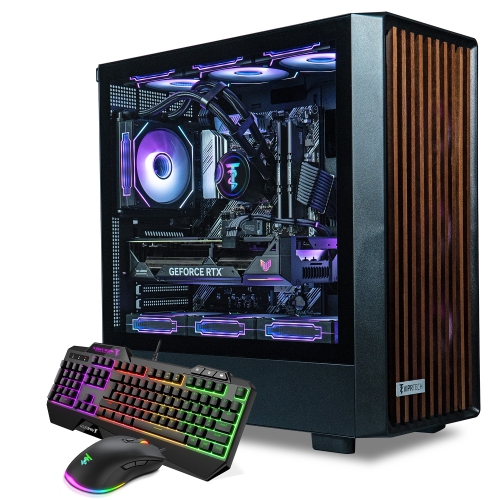
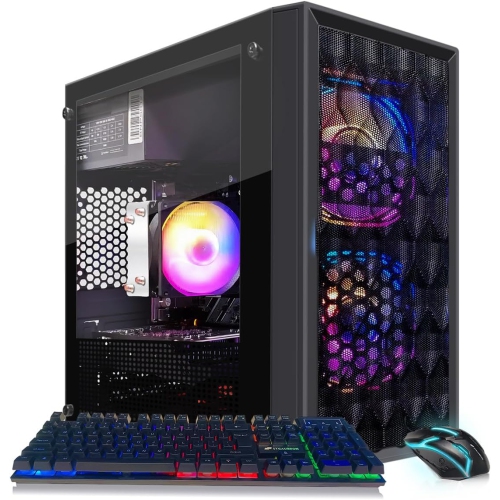
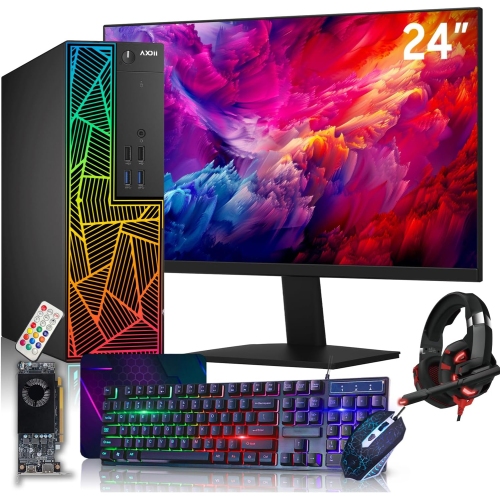
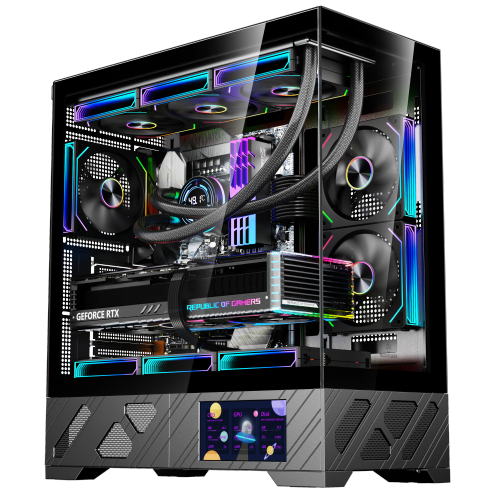
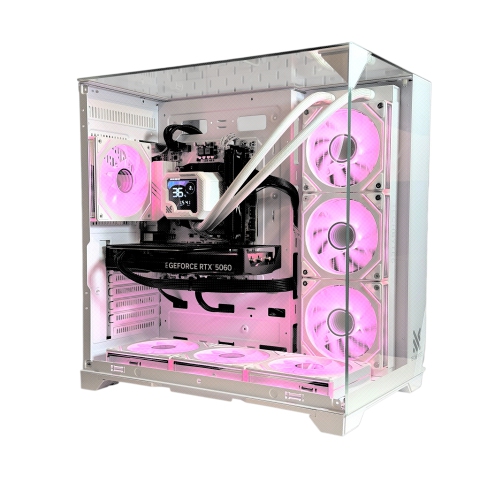
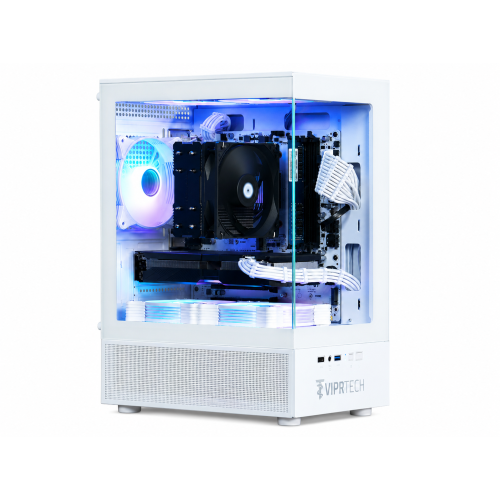
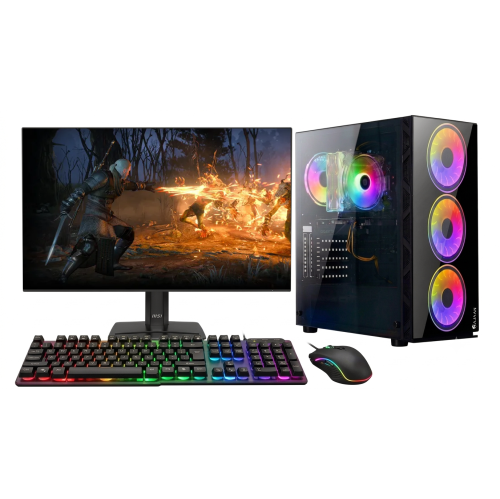
Gaming performance depends on more than the graphics card
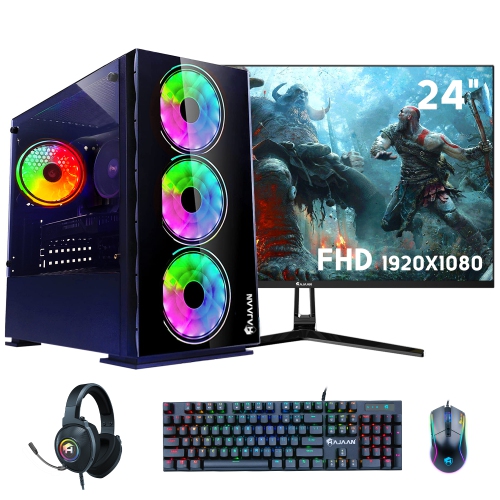
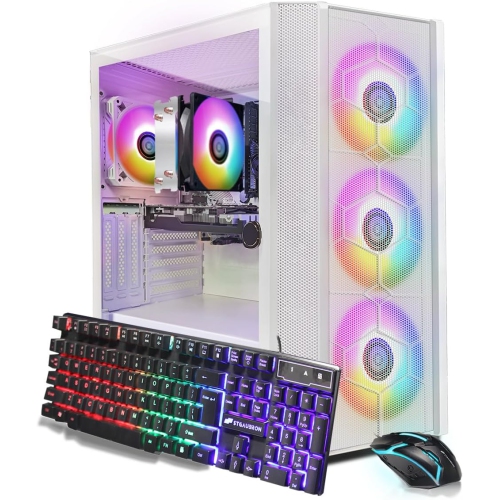
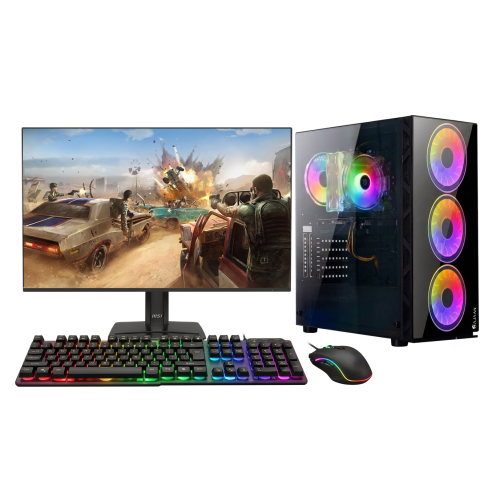
Gaming desktops give players a dedicated home for everything from quick multiplayer matches to sprawling adventures with detailed worlds and demanding visual effects. A tower beside the desk can support a full-sized keyboard, a comfortable mouse setup, and a monitor positioned at the right height for longer sessions. The appeal extends beyond gaming, too: a desktop can serve as a shared household computer, a study station, or a workspace for editing clips and managing a growing media library. Inside the case, the processor and graphics card have different but closely connected jobs. The processor handles game logic, background applications, and many of the calculations behind busy scenes, while the graphics card renders the images displayed on the screen. A balanced configuration matters more than a single impressive specification. Someone playing fast competitive games may favour consistently high frame rates and responsive controls, while someone exploring cinematic adventures may place more emphasis on image detail and higher resolutions. The monitor is part of that equation: rendering at a higher resolution asks more of the graphics card, and a high-refresh-rate display needs enough frames from the computer to show its full benefit. Features such as ray tracing can add more realistic lighting and reflections in supported games, but they also increase the graphics workload. Performance therefore depends on the game, display resolution, visual settings, and the components working together, rather than one headline number. A gaming desktop can also suit a player moving from a console to a keyboard-and-mouse setup, a student balancing assignments with evening matches, or a hobbyist recording gameplay for friends. For these different uses, a system’s ability to keep a game running smoothly while handling voice chat, a browser, or recording software can be just as meaningful as its performance in an isolated test. The best fit reflects the games someone actually enjoys and the way the computer will be used between sessions.
Memory, storage, and connectivity shape much of the everyday experience once a game is installed. System memory gives active programs room to work, so a desktop running a demanding game alongside chat and streaming applications has different needs from one used mainly for lighter titles. Many gaming setups use 16 GB of memory as a starting point, while 32 GB can provide additional headroom for heavier multitasking, certain newer games, and creative applications. More memory does not automatically make every game faster; its value depends on whether the workload needs it. Storage has a more visible effect on tasks such as starting the computer, launching applications, and loading game files. A solid-state drive helps these tasks feel responsive, although loading times still vary by game and system. Capacity matters separately from speed, especially when several large games, saved recordings, and personal files share the same drive. Expansion options can make a difference over time, but extra drive connections, mounting space, and memory slots vary between desktop designs. Around the back and front of the case, the port layout affects how comfortably the whole setup comes together. A keyboard, mouse, headset, webcam, controller, and external drive can occupy connections quickly. Front-facing ports are convenient for accessories that are plugged in frequently, while rear ports help keep permanent connections tucked behind the desk. Monitor connections deserve particular attention because the display and computer need compatible outputs and inputs, with suitable cables for the intended resolution and refresh rate. On systems with a dedicated graphics card, gaming monitors generally connect to that card rather than the motherboard’s display ports. Ethernet offers a wired network connection, while built-in Wi-Fi can make placement more flexible where running a cable is impractical. Wireless controllers and headsets may also depend on Bluetooth or their own receivers, so those details influence how neatly existing accessories fit into a new setup.
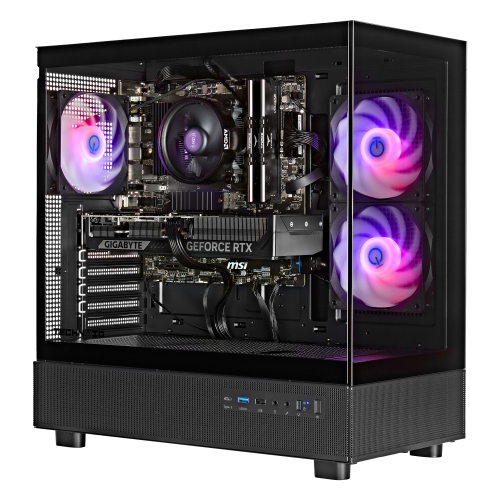
The case determines how a gaming desktop fits into a room as well as how its components are housed. A compact tower can leave more space for a notebook or drawing tablet, while a larger case may offer more room for cooling hardware, storage, and future component changes. External dimensions tell only part of the story: the computer also needs clearance around its ventilation openings and enough room behind it for cables without tight bends. Steel and aluminium panels provide structure, while tempered-glass side panels put internal components and lighting on display. Glass adds weight and needs careful handling, particularly near hard edges or tiled floors; a solid-panel design creates a more understated appearance. Lighting can make a gaming corner feel personal, though the ability to adjust colours or turn effects off depends on the system. Cooling design also affects everyday comfort. Fans move heat out of the case, and their sound can become more noticeable during demanding games, especially when the tower sits close to a microphone. A stable surface with unobstructed airflow is a better home than thick carpet or a tightly enclosed cabinet. Routine care is mostly about keeping vents and filters clear of dust, following the manufacturer’s cleaning directions, and shutting down and unplugging the computer before cleaning its exterior. Liquids and household sprays should stay away from openings and internal components. Over a longer ownership period, access to replaceable memory, storage, or graphics hardware can be useful, although compatibility depends on the motherboard, power supply, case space, and the manufacturer’s design. For a gift recipient, the most thoughtful match considers their favourite games, existing monitor, available desk space, and comfort with setting up a computer. A desktop is particularly suited to someone who wants a permanent gaming space; players who regularly move between locations may also find the Gaming Laptops Under $2000 collection relevant when considering a more portable setup.
Top selling and popular products
-
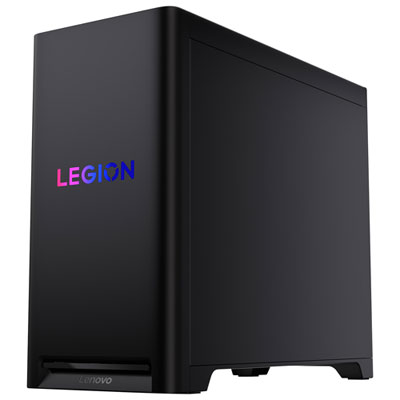 Your price for this item is $3499.99
-
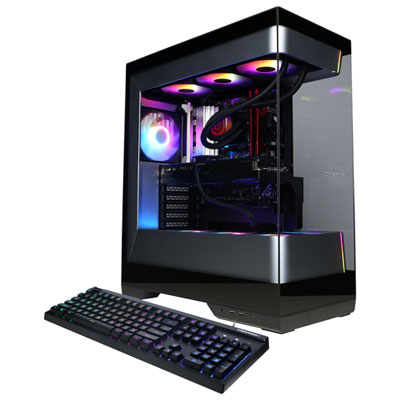 Your price for this item is $3559.99
-
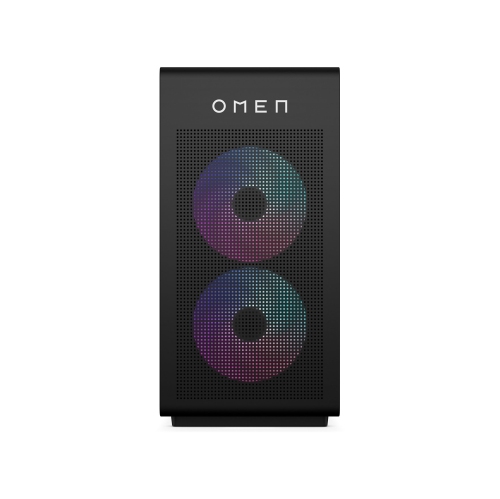 Your price for this item is $7958.99
-
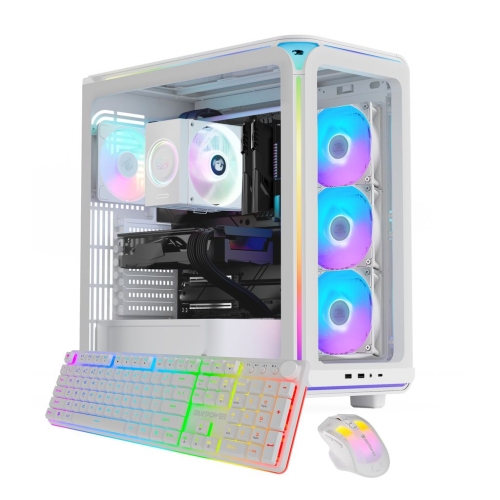 Your price for this item is $2999.99
-
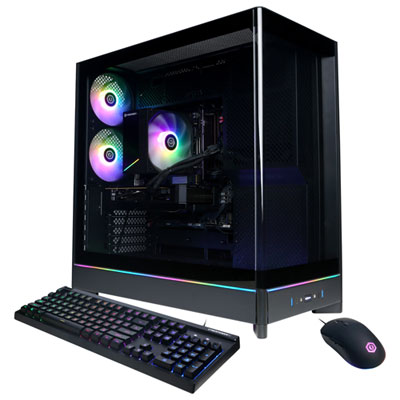 Your price for this item is $2149.99
-
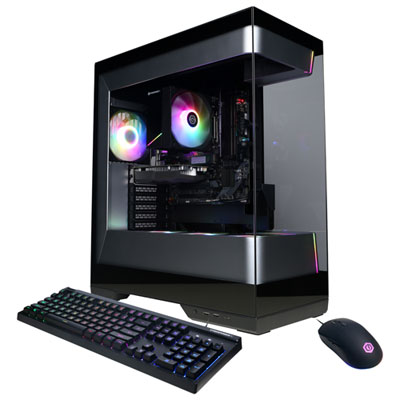 Your price for this item is $1549.99
-
 Your price for this item is $7579.99
-
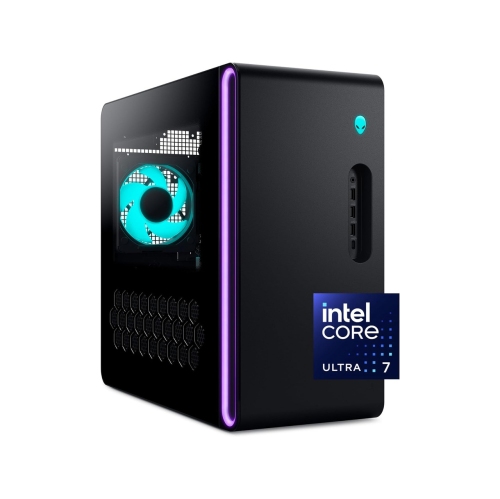 Your price for this item is $3150.49
Discover more categories related to Gaming Desktops Under $2000
Top Collections:
Best Black Friday Deals This Year, Best Black Friday Deals On Electronics, Kindle Devices, Pokemon Centers, Best Black Friday Deals On Apple Products, Best Cameras for Sports Photography, Dyson Airwrap, Pokémon 30th Celebration Cards, Apple iPhone 17 Pro, Canon G7X Cameras
Some products may be subject to Environmental Handling Fees
(EHF) depending on your province.
Learn more about EHFs.