Gaming Headset RGB Lights
If you're a serious gamer, you know that the right headset can make all the difference in your experience. Whether it's for competitive gaming, listening to music, or watching movies with friends, a good headset can give you an edge over your opponents and help you get more out of your games. Here are some great options with RGB lights.
Sort
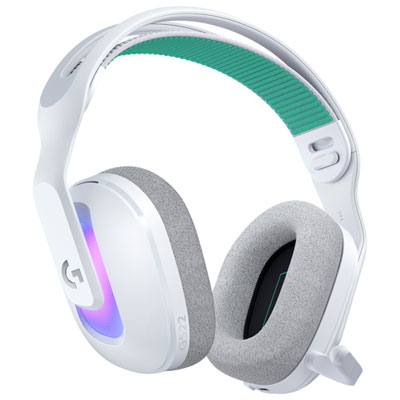
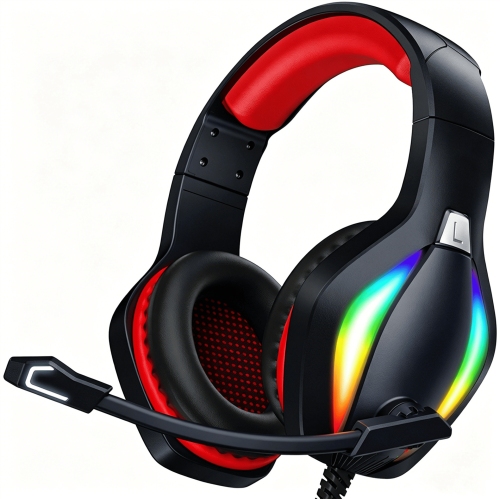
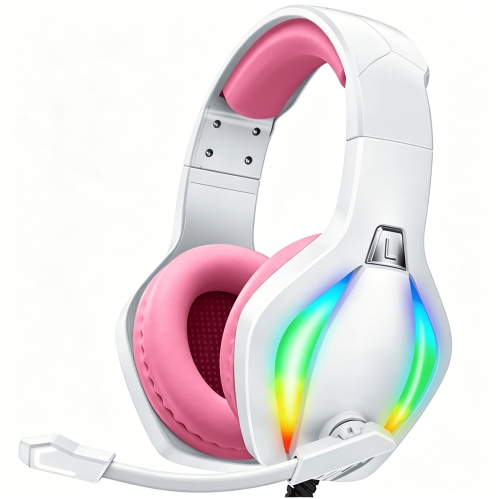
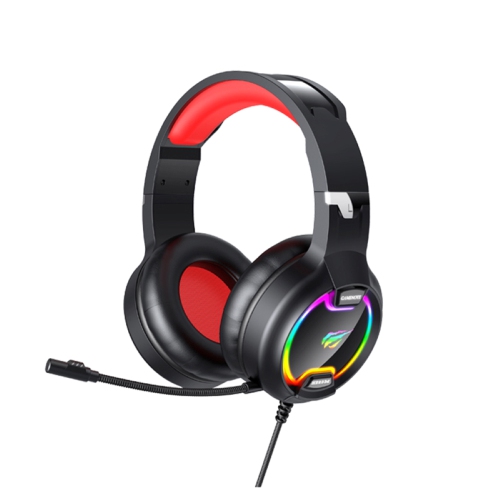
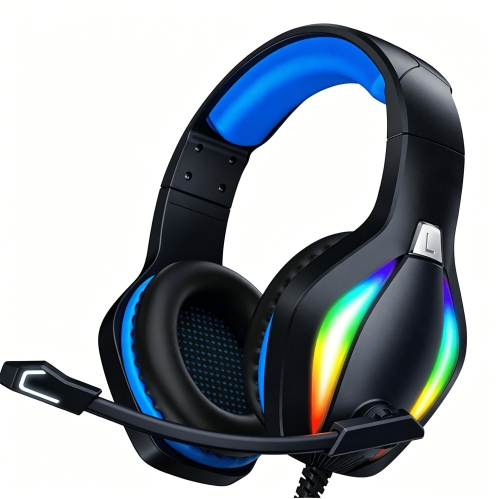
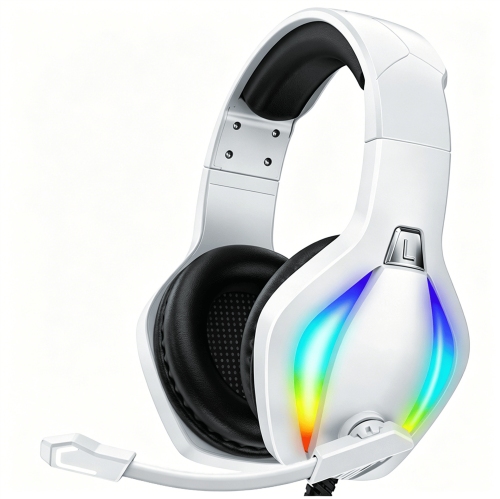
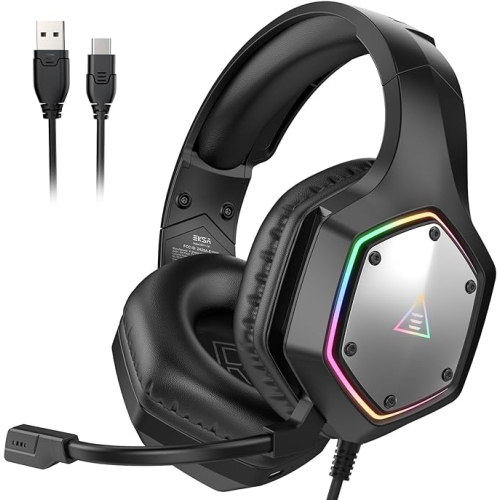
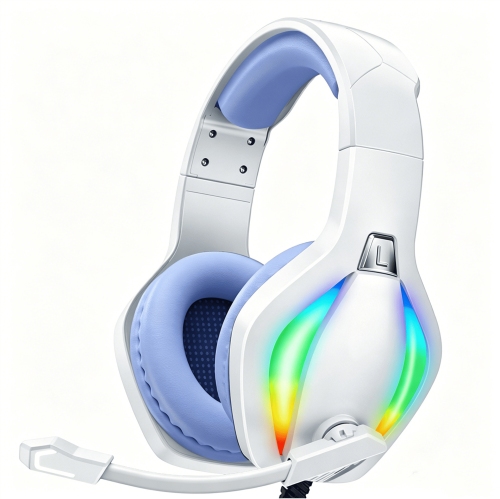
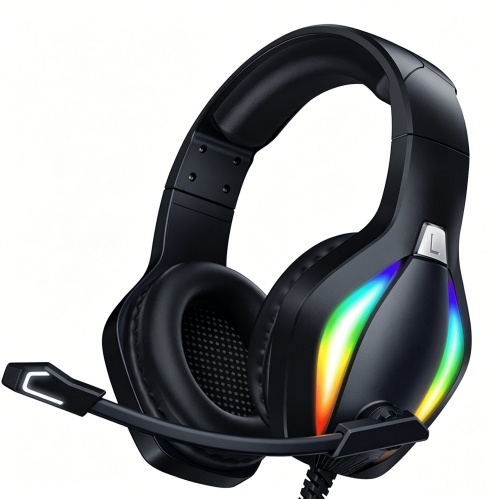
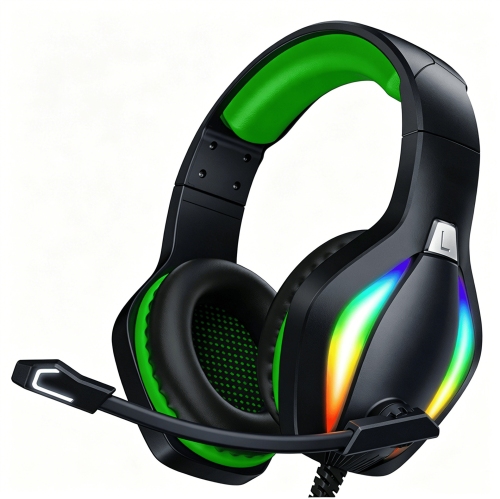
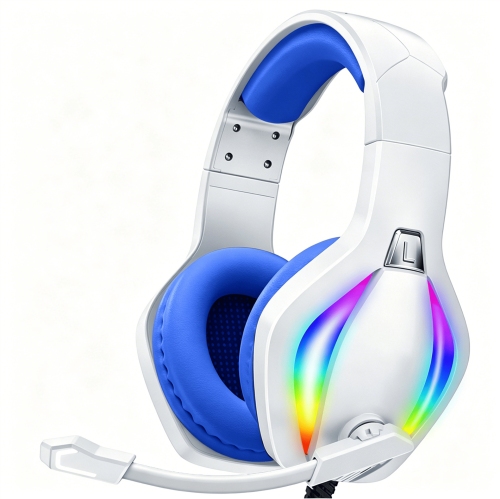
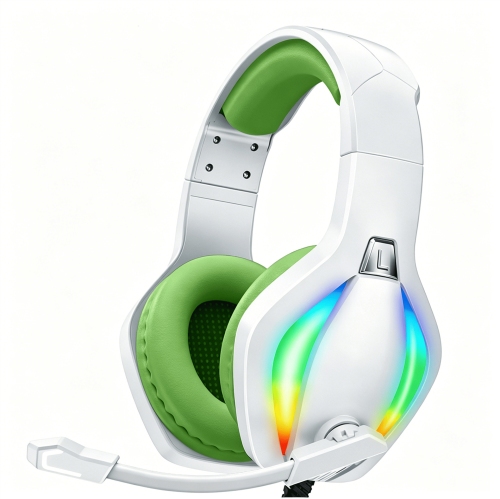
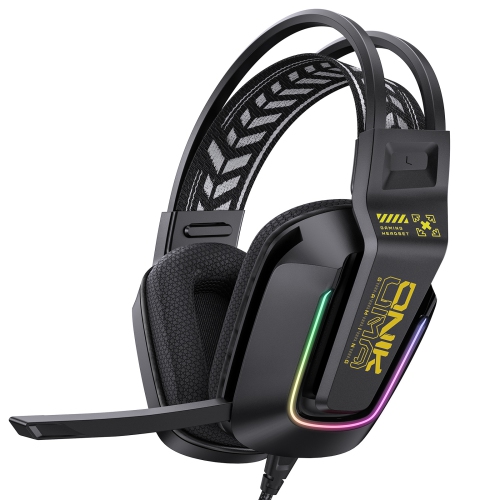
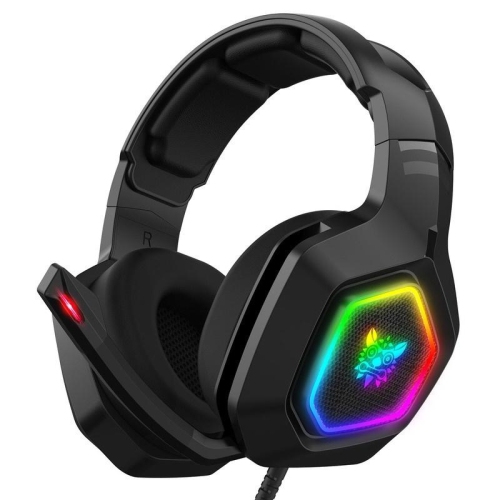
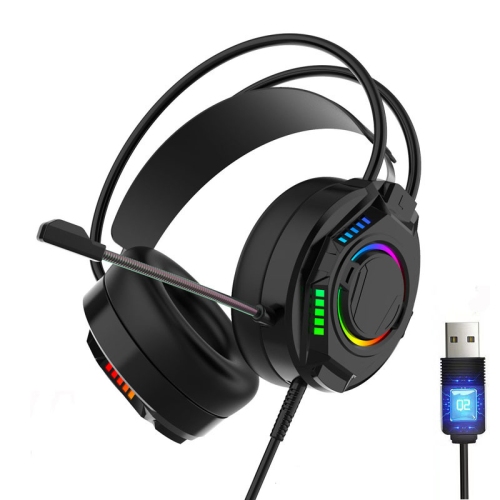
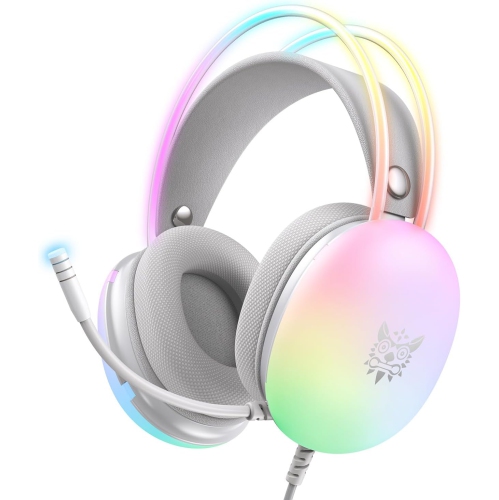
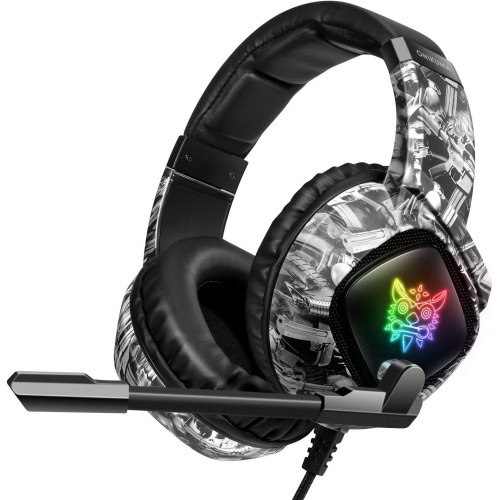
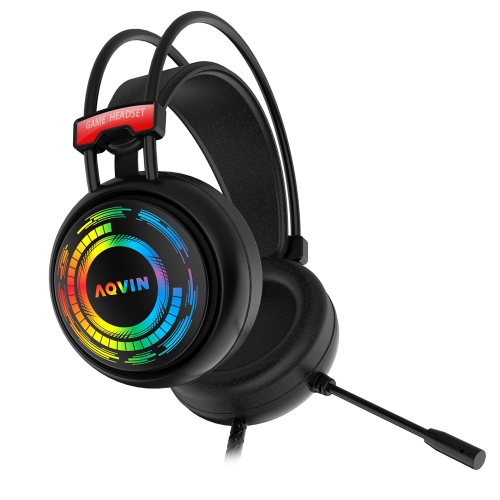
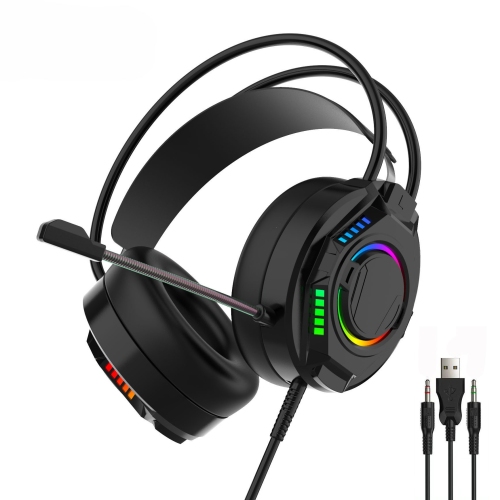
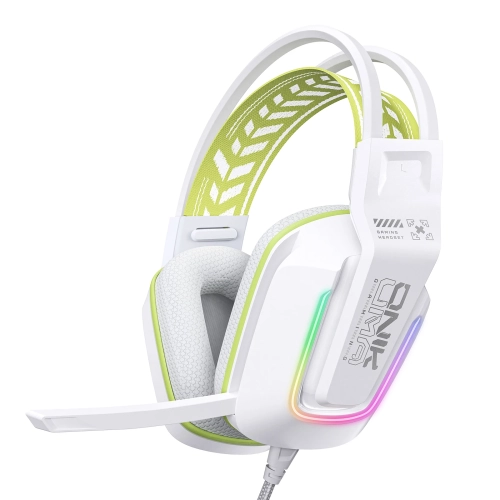
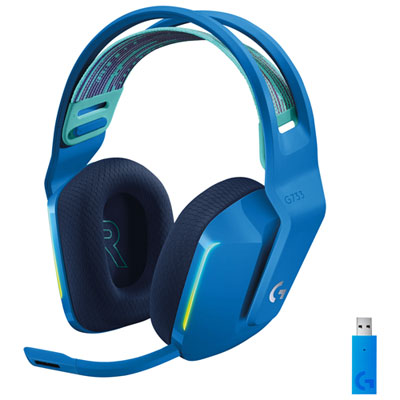
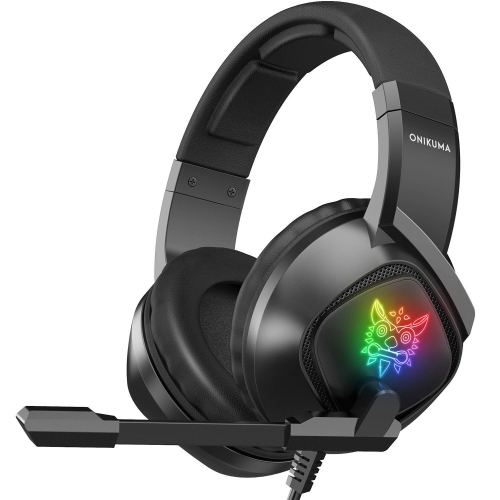
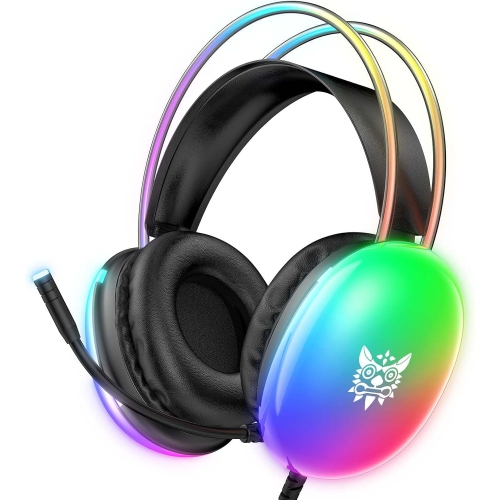

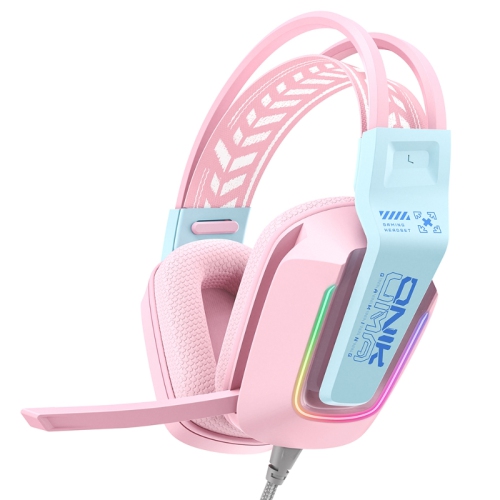
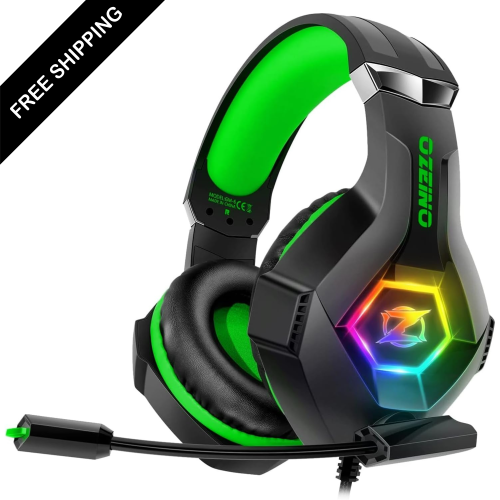
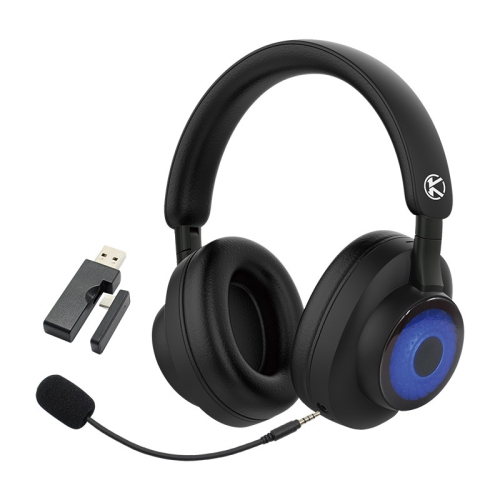
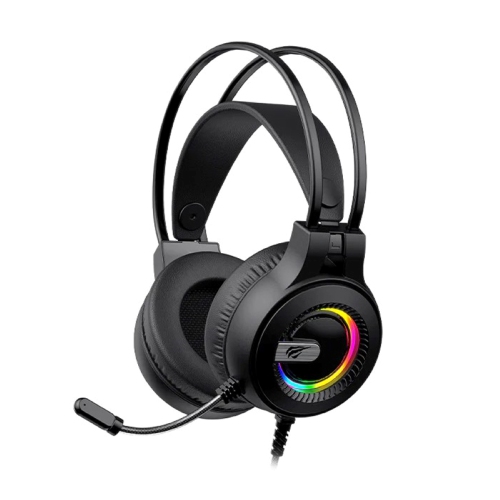
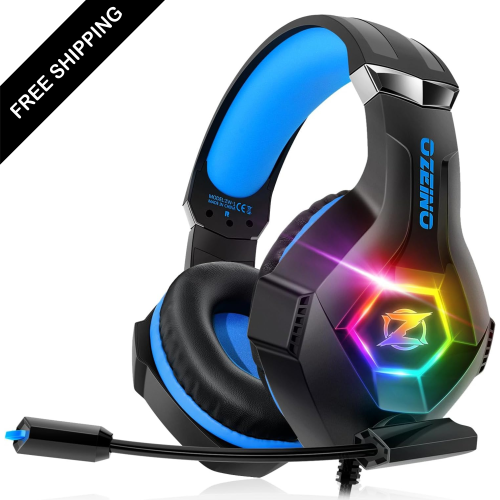
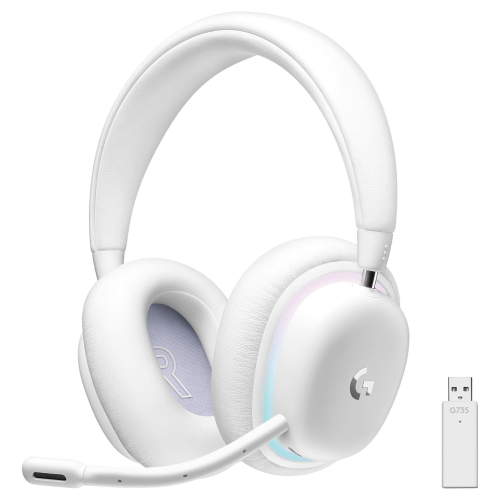
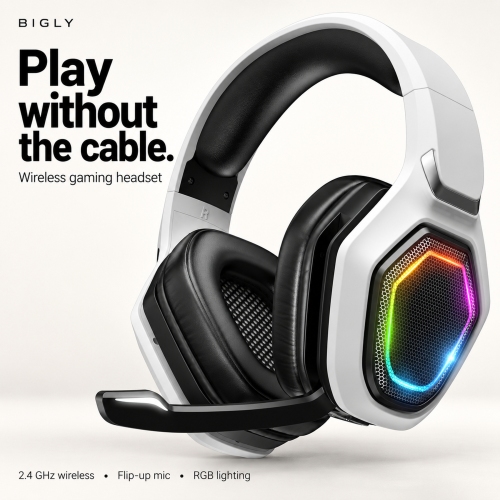
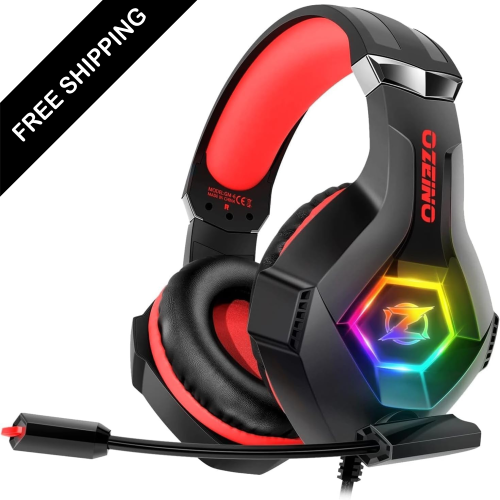
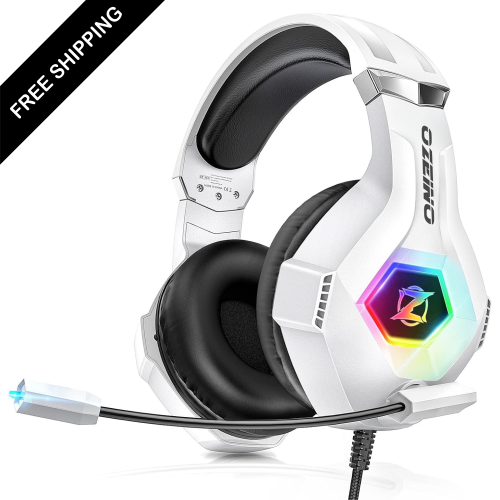
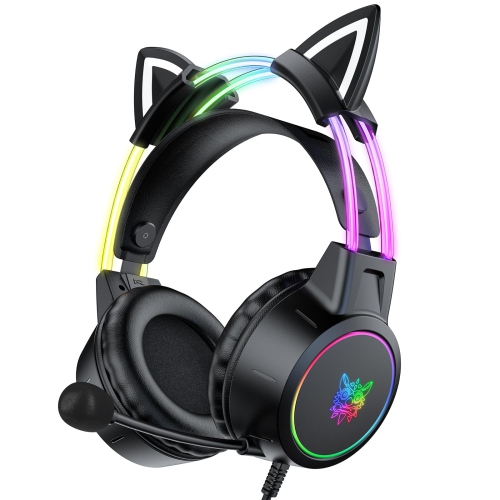

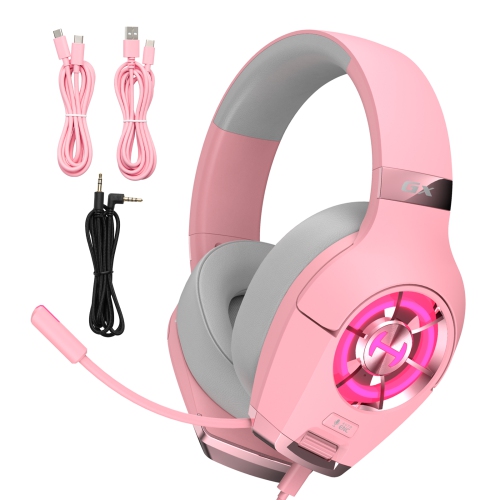
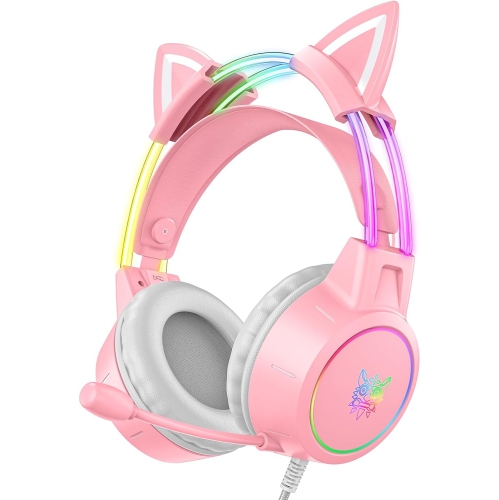
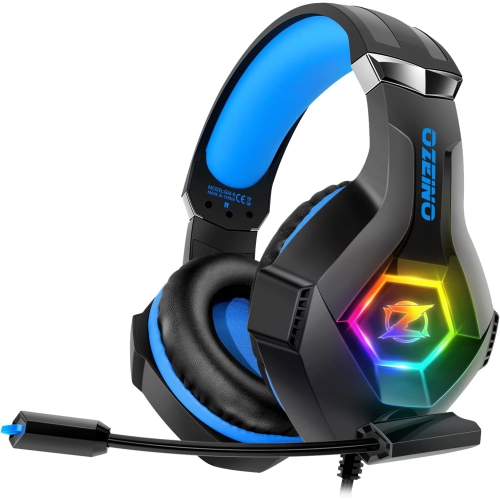
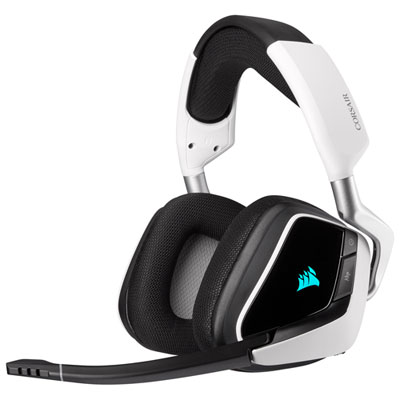
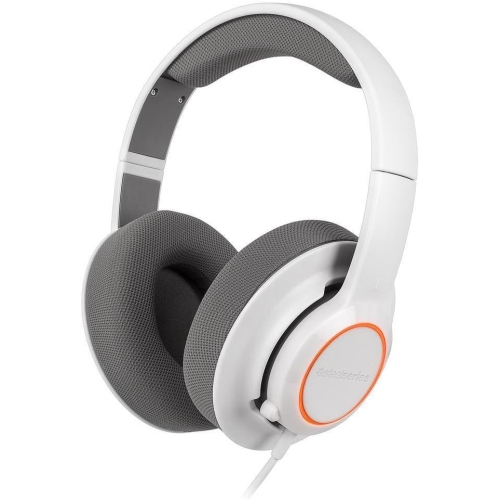
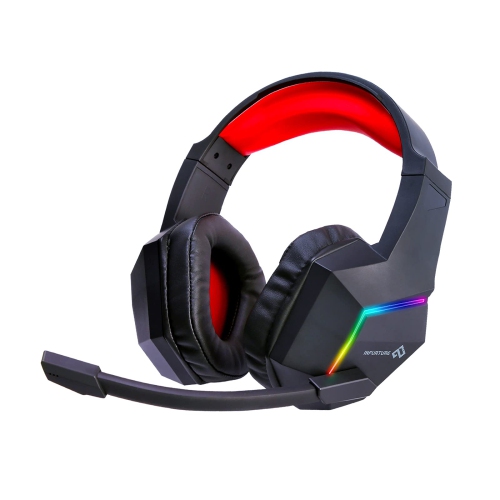
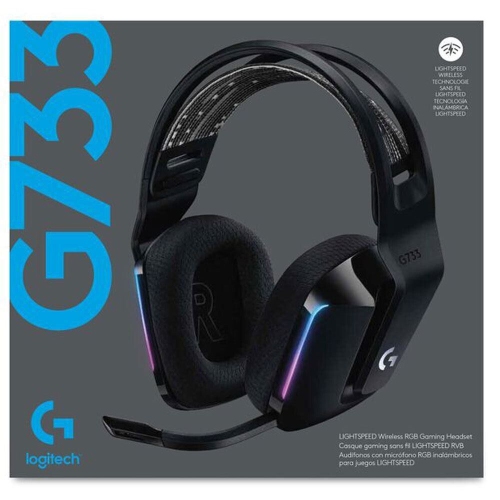
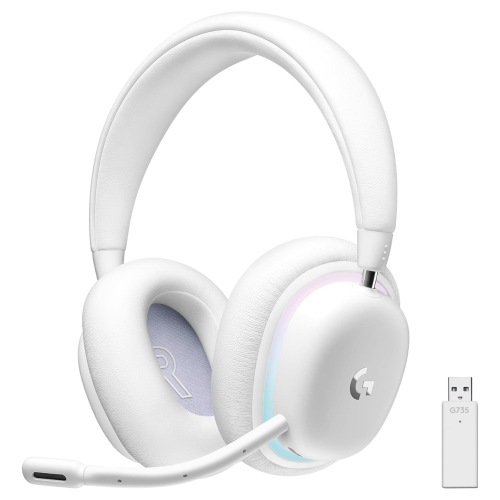
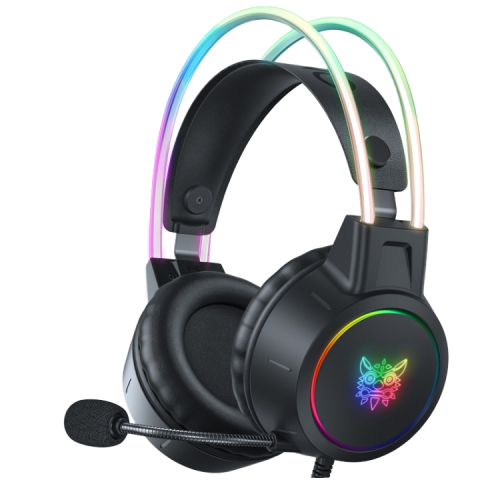
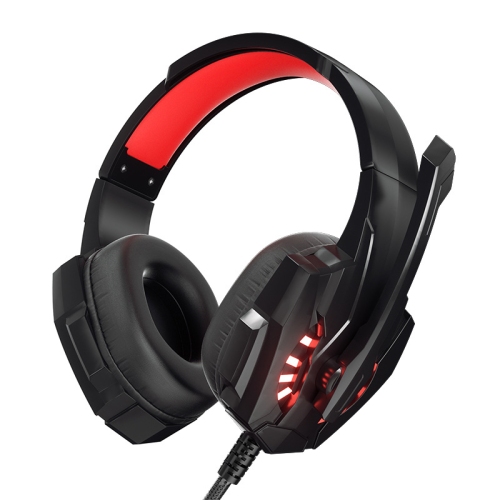
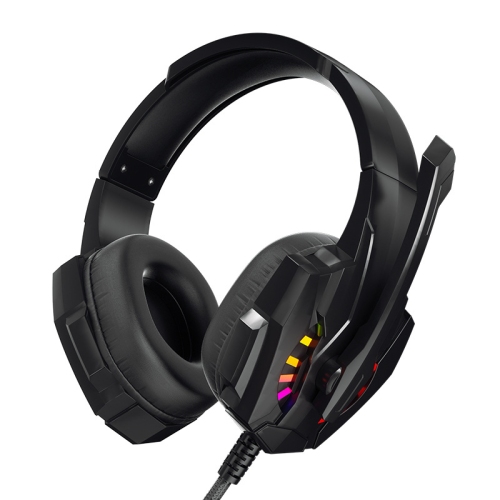
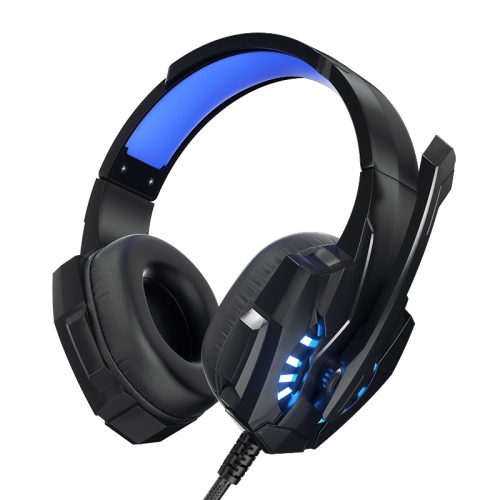
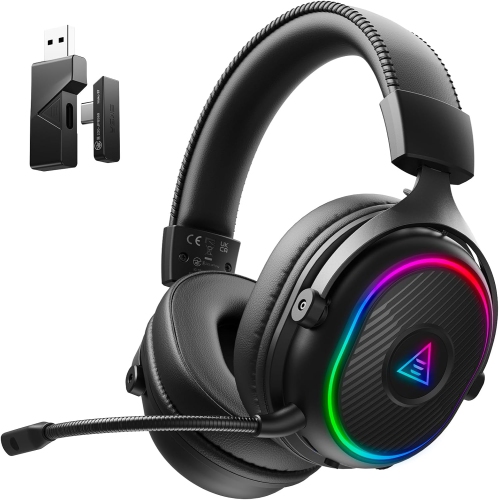
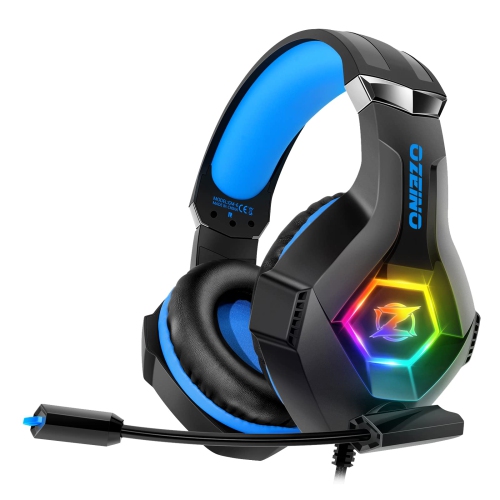

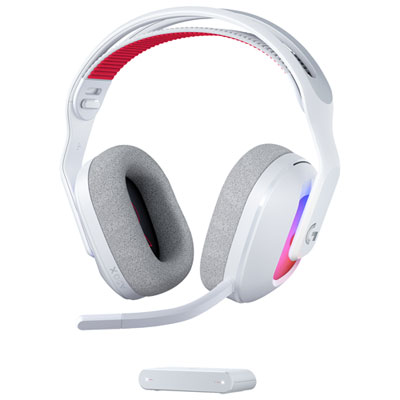
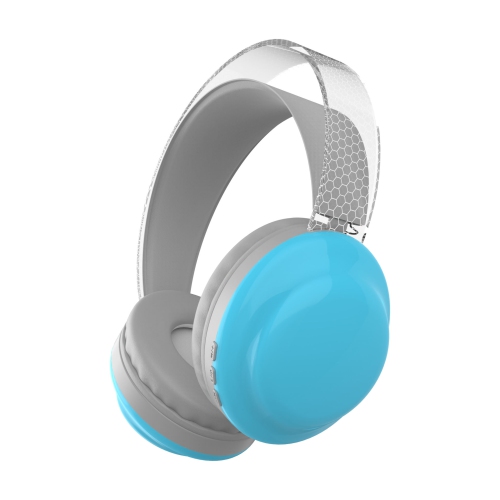
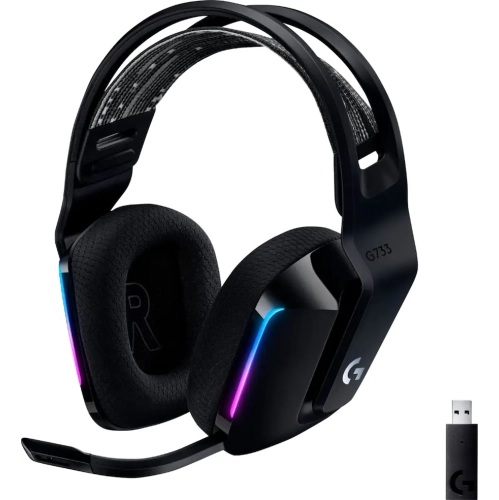
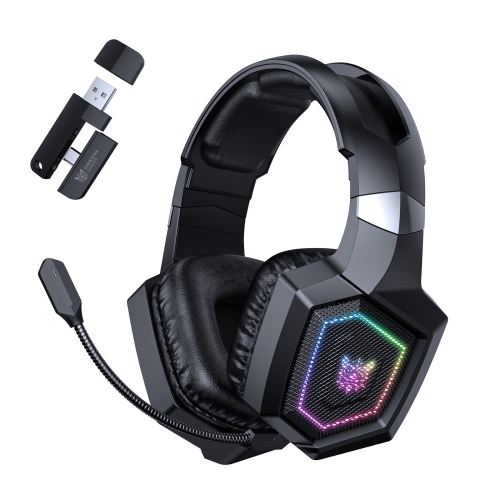
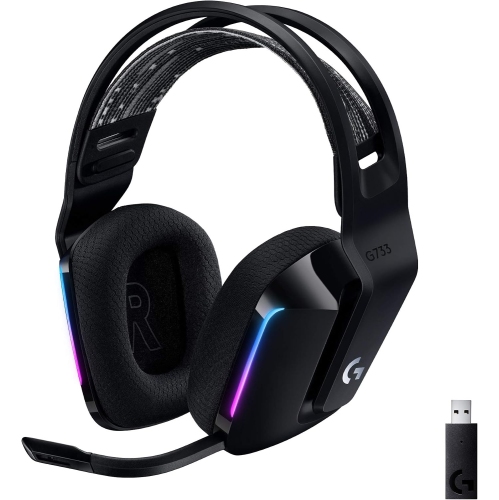

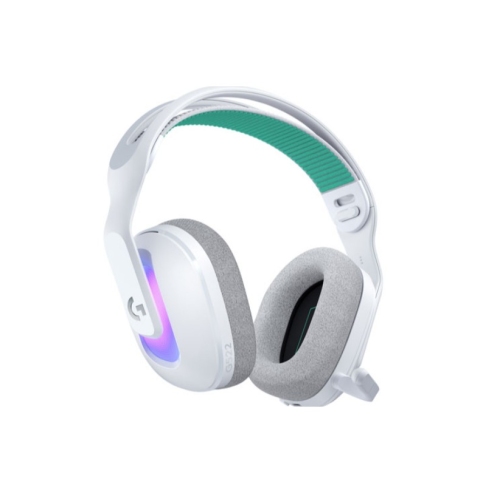
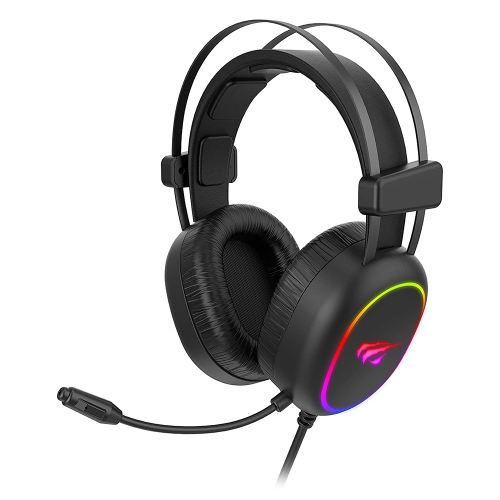
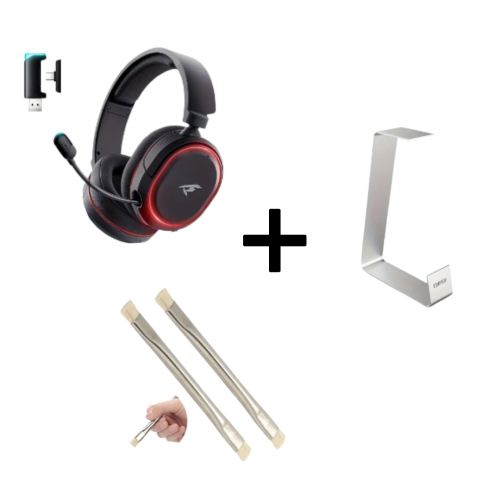
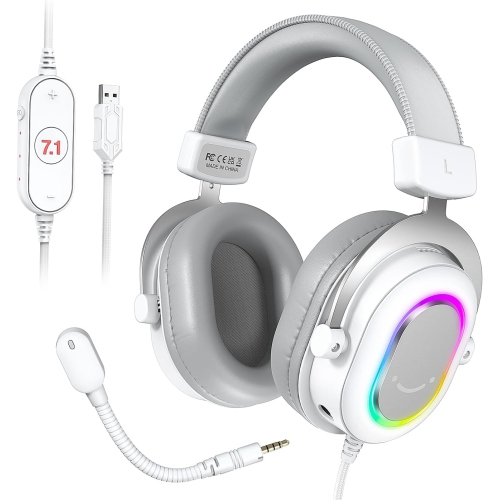
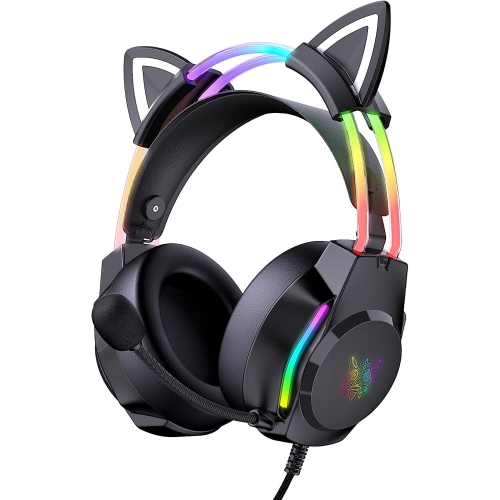
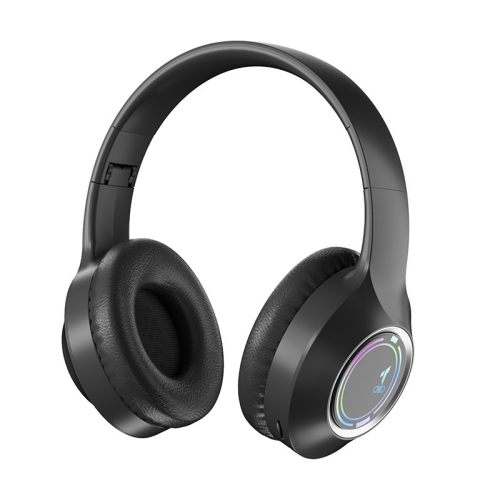

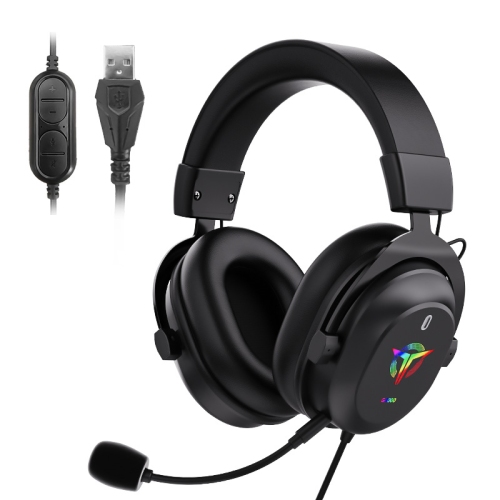
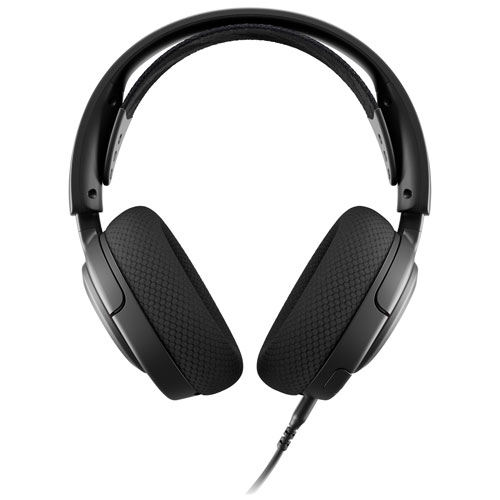
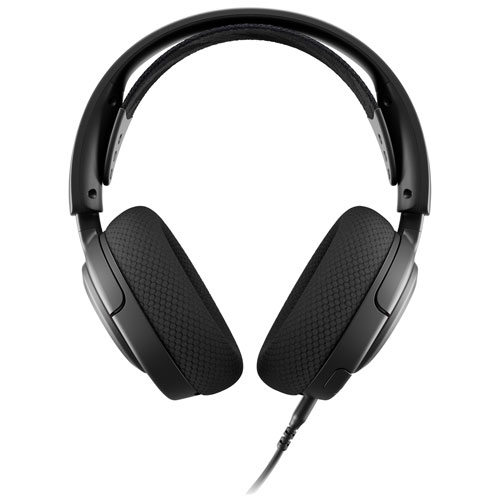
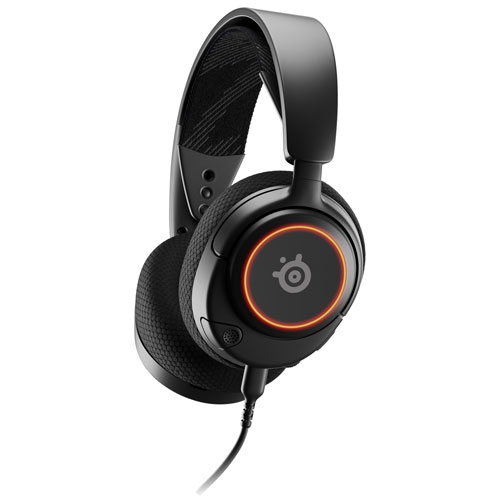
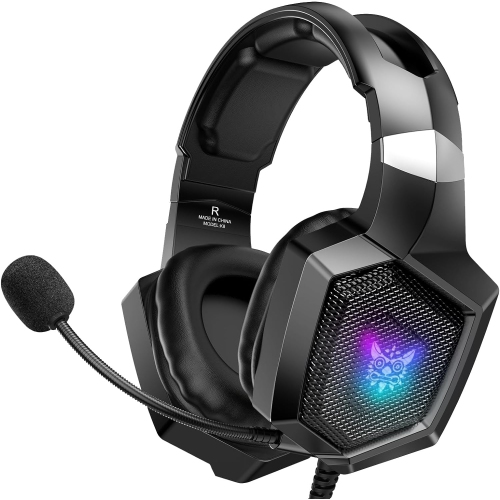
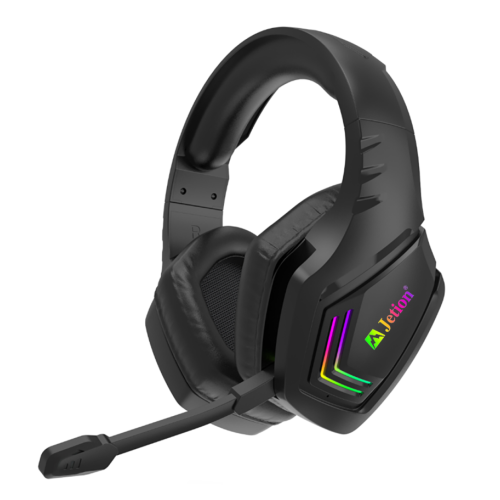


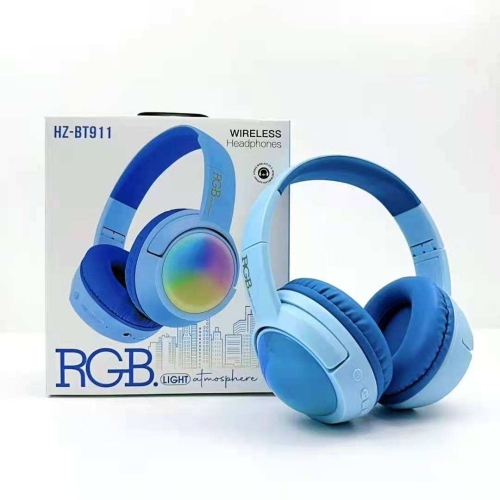
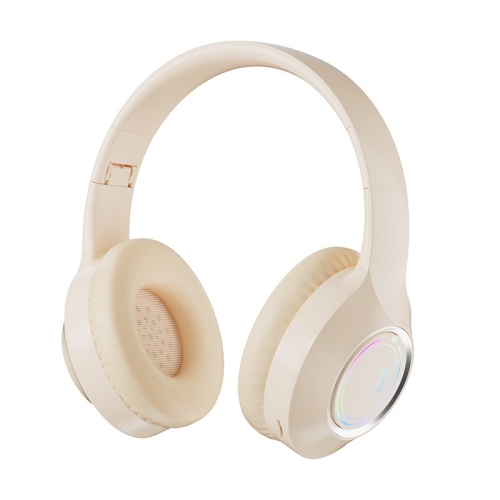


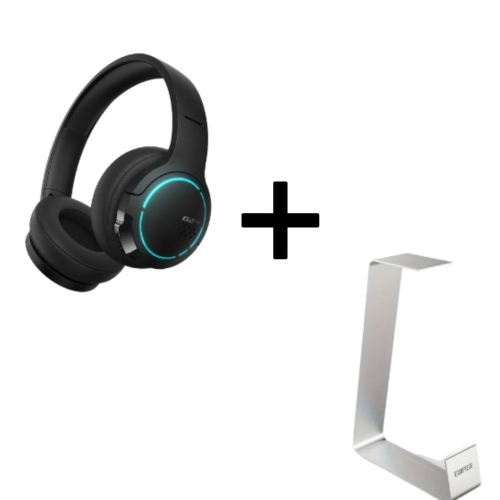

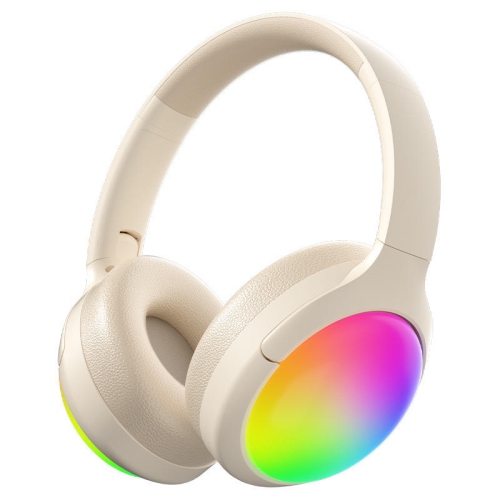
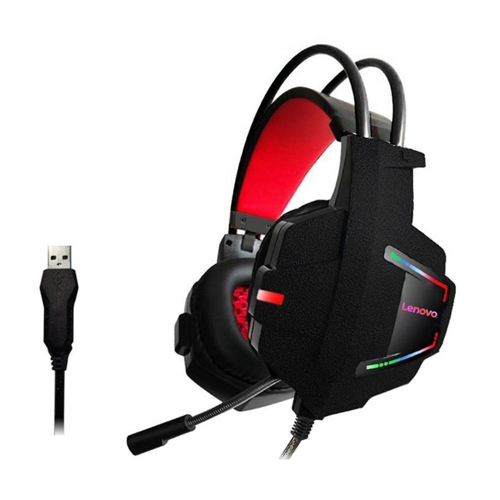
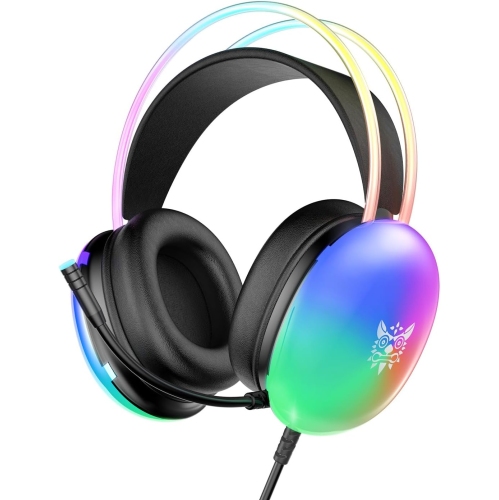
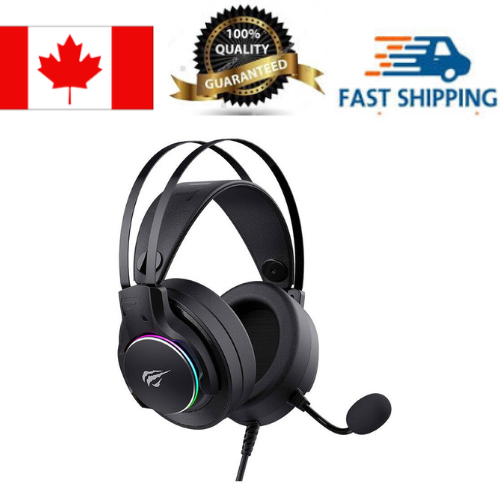

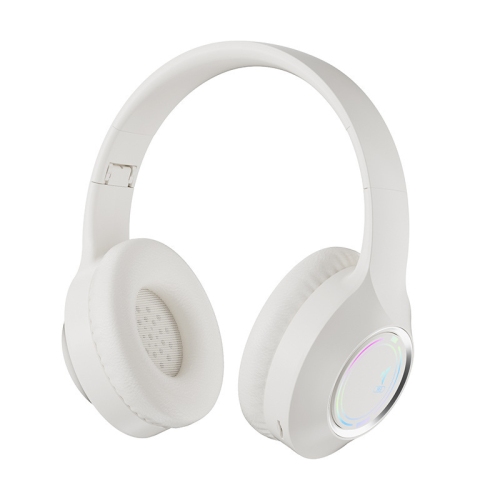




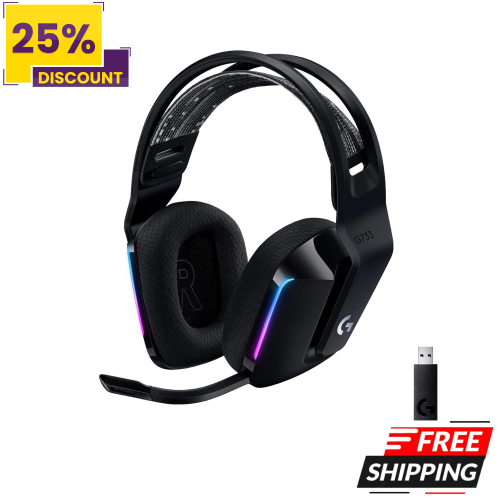
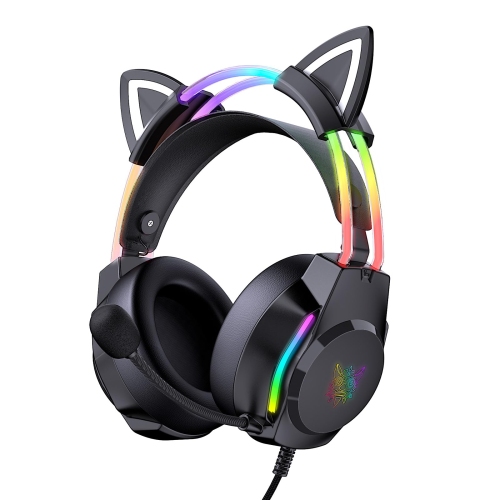
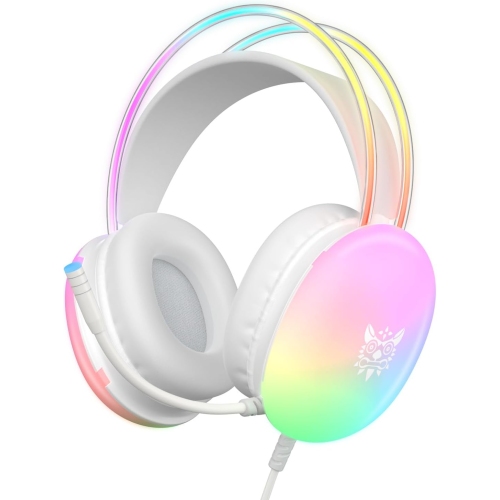
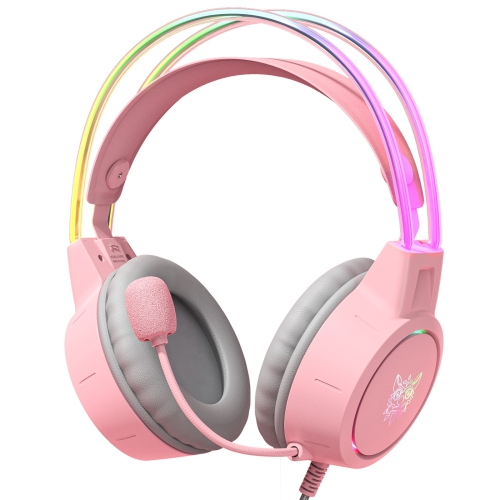
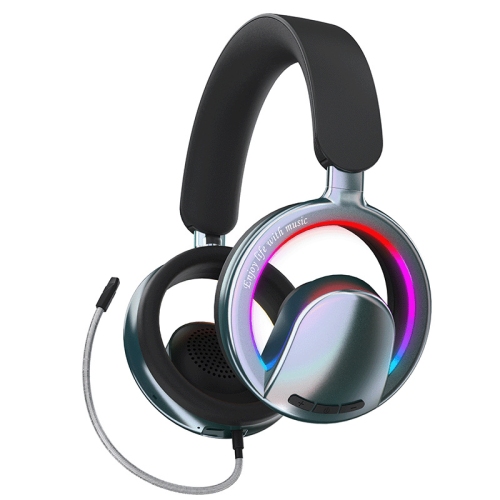


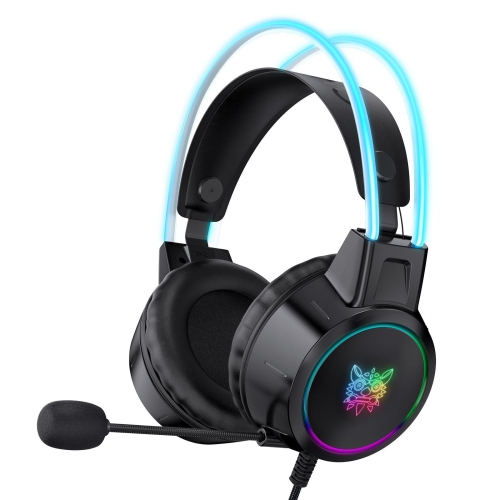
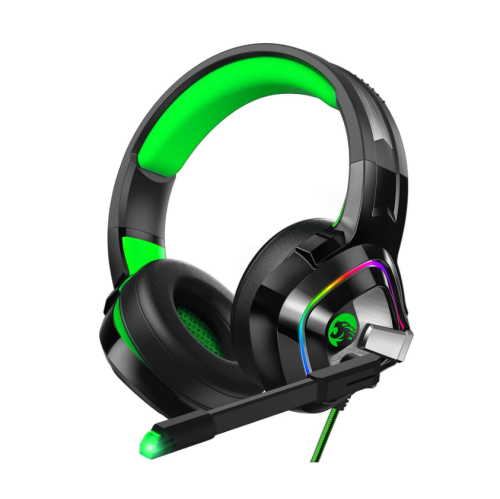
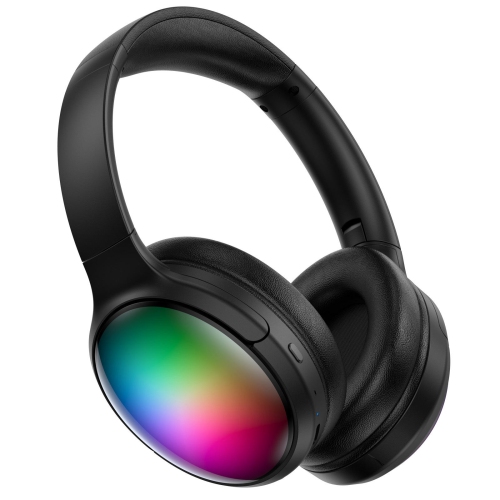

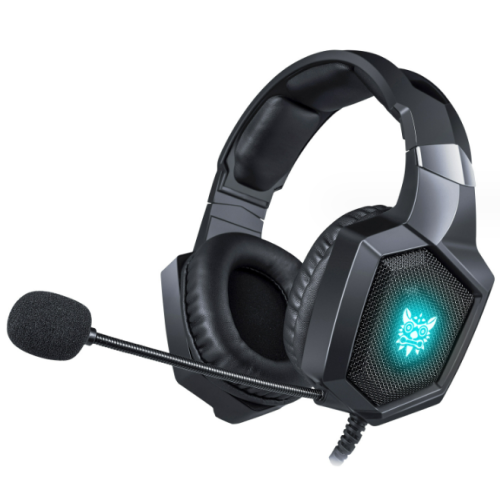

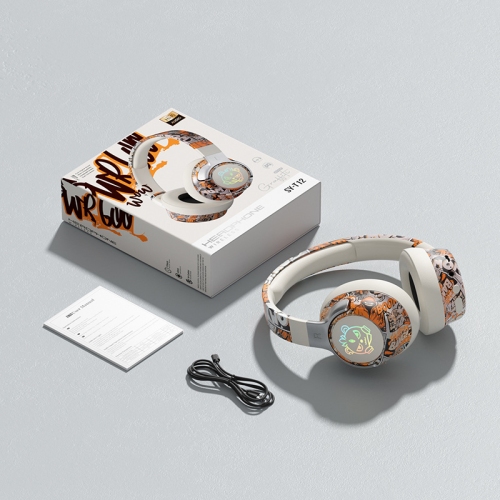
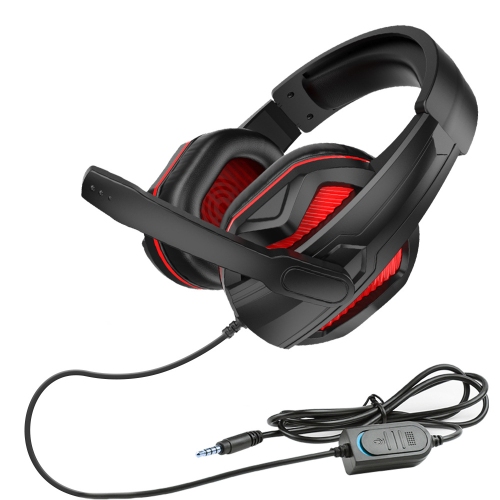
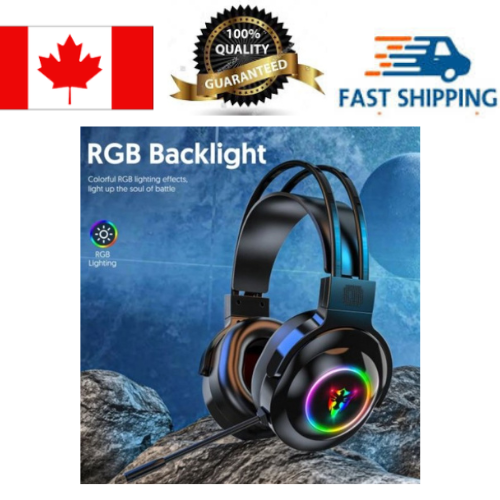
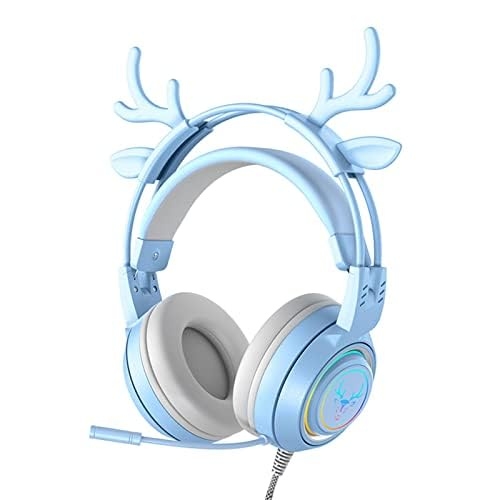
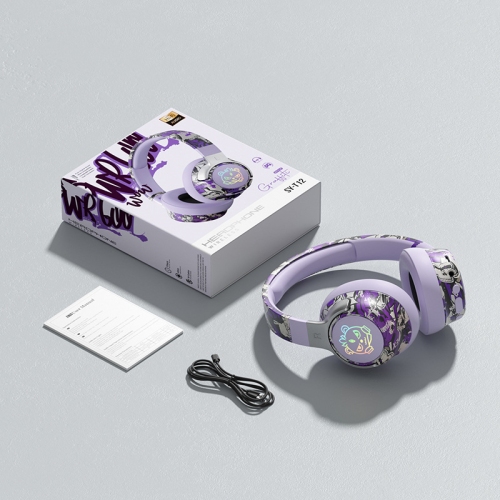
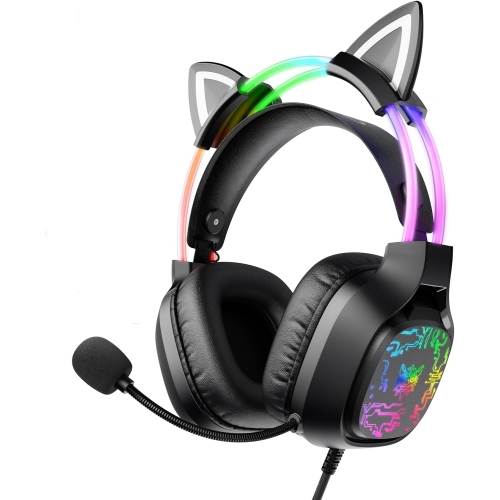
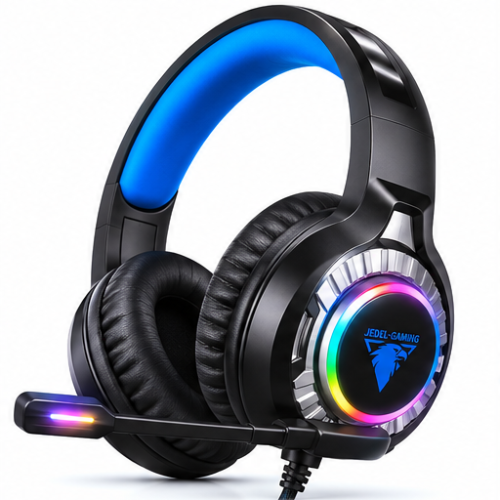

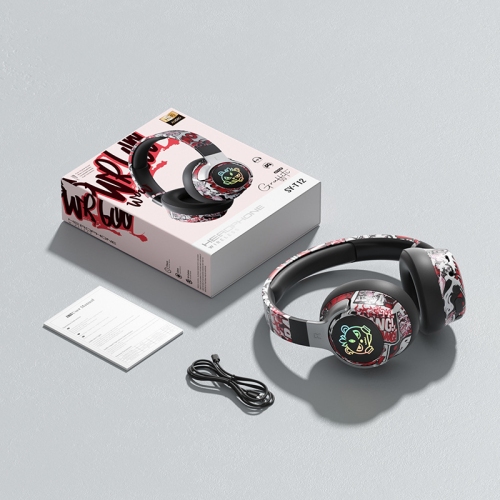
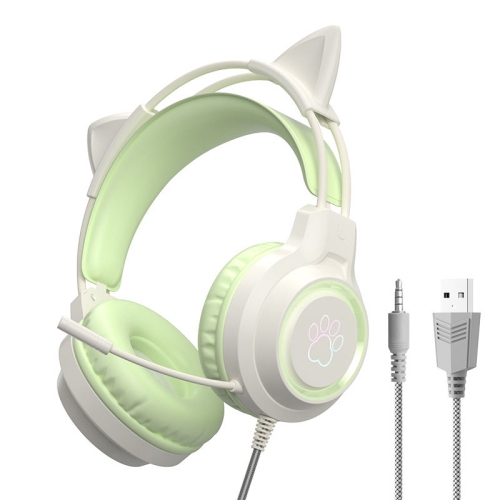
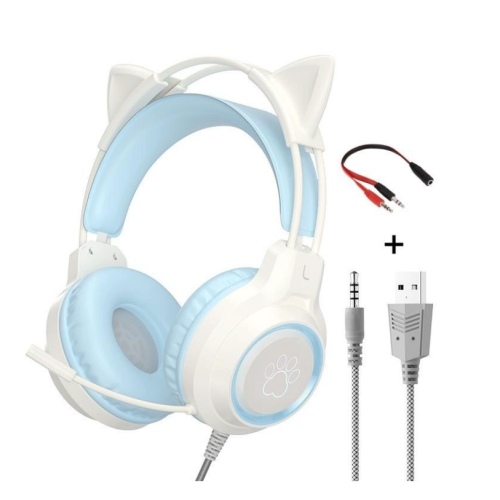
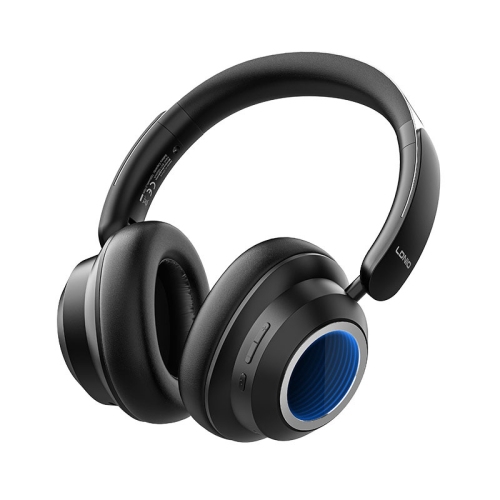
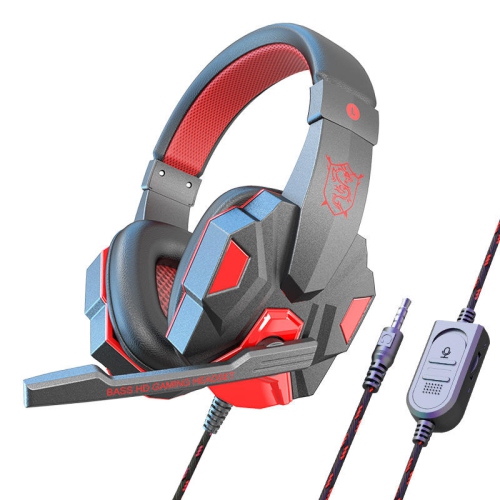
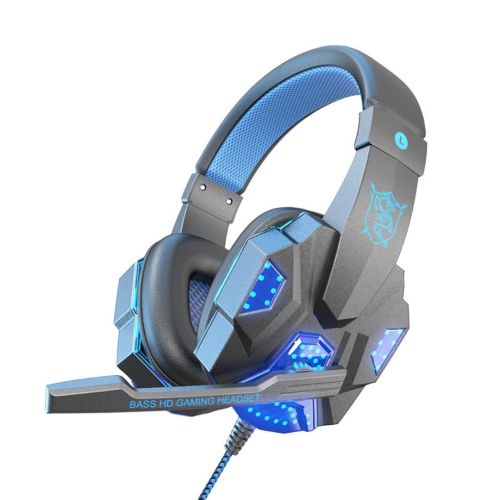
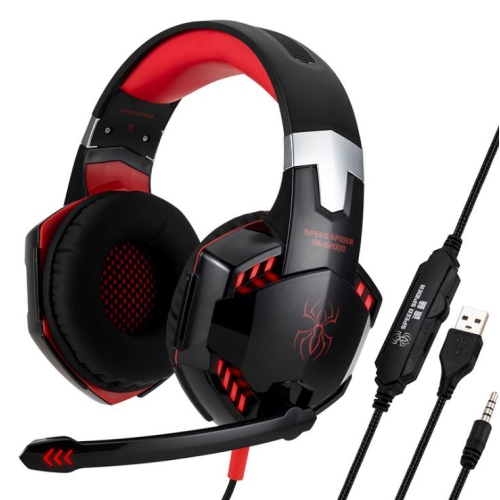
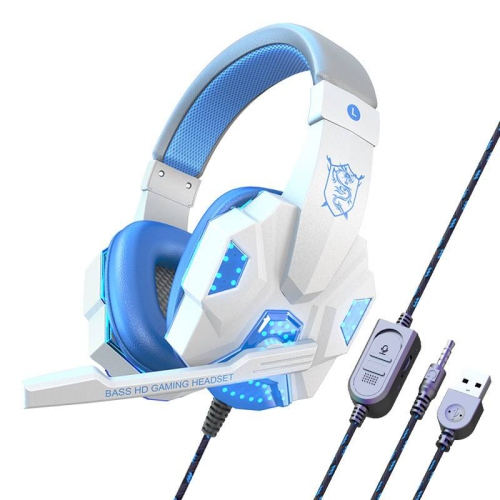
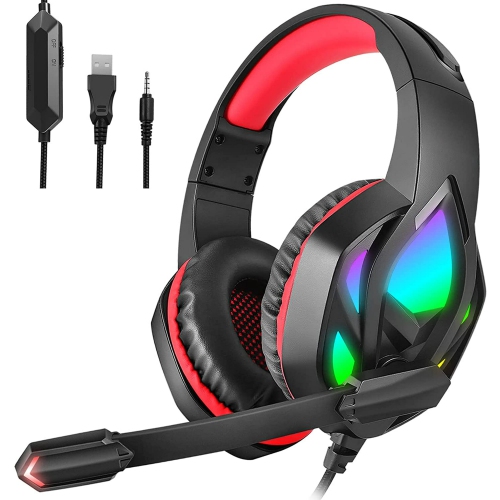
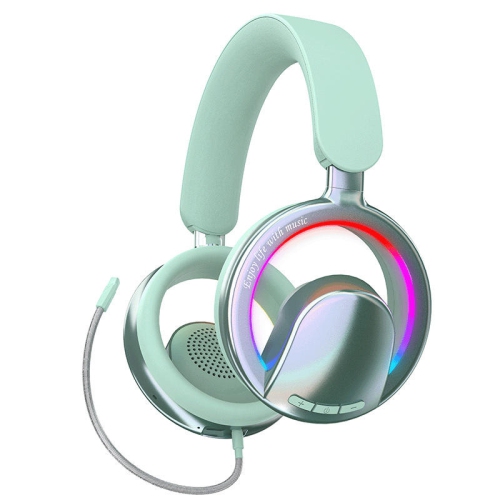
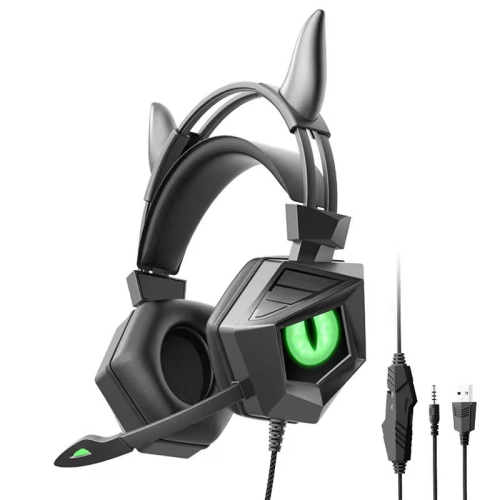
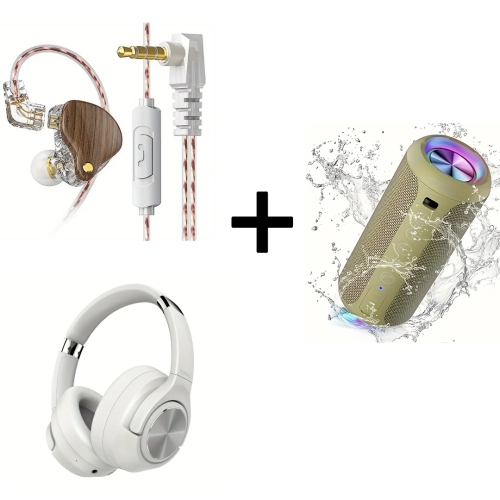
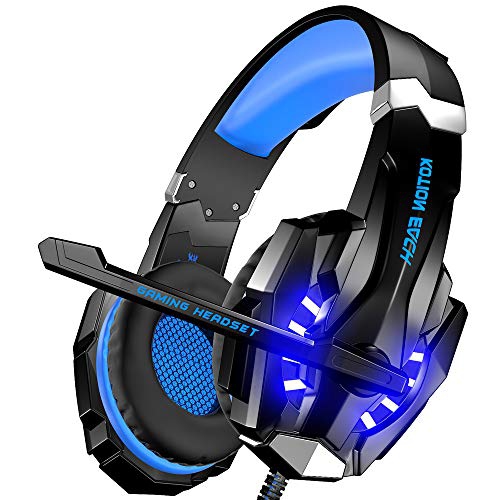

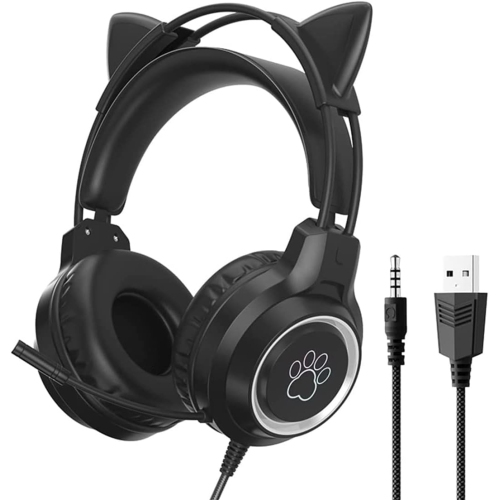
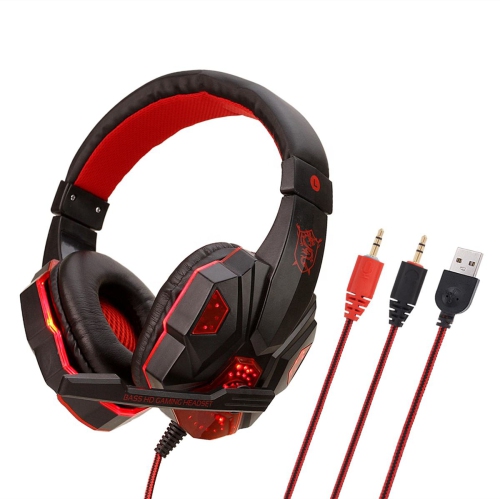
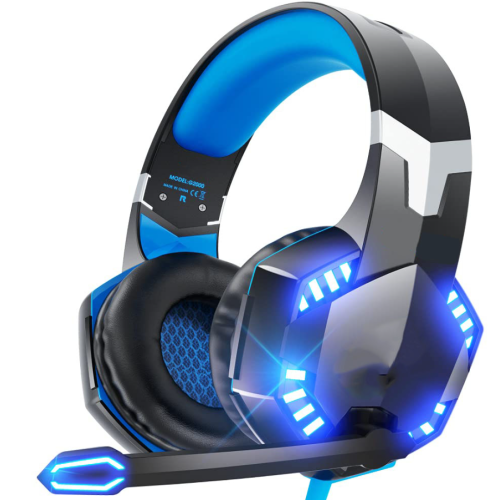
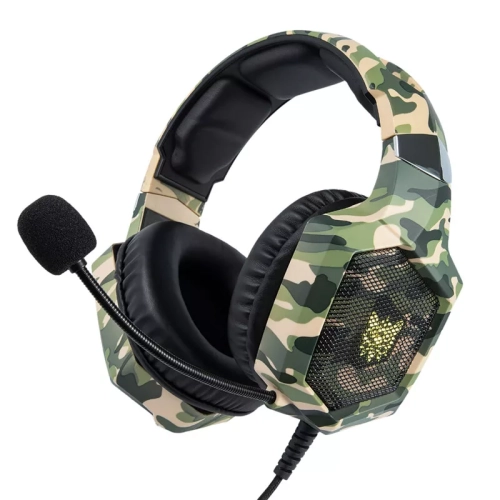
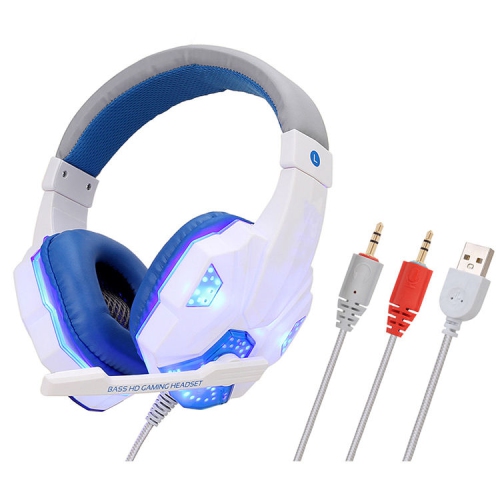
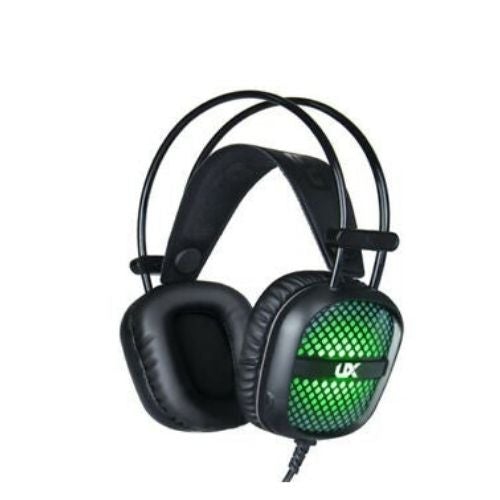
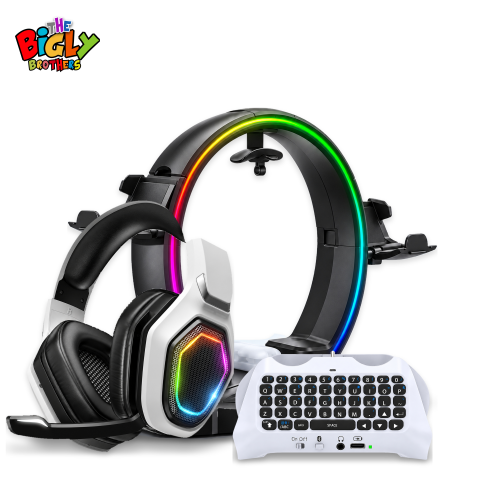
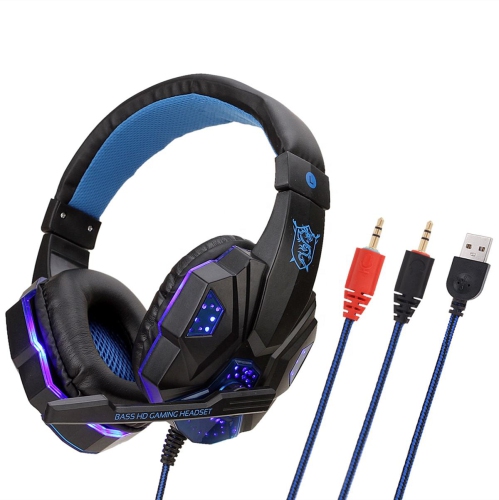
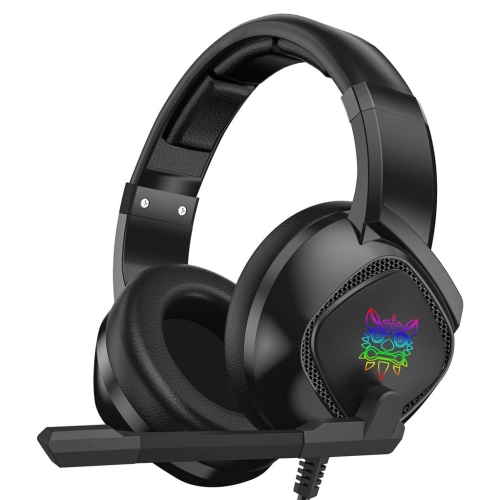

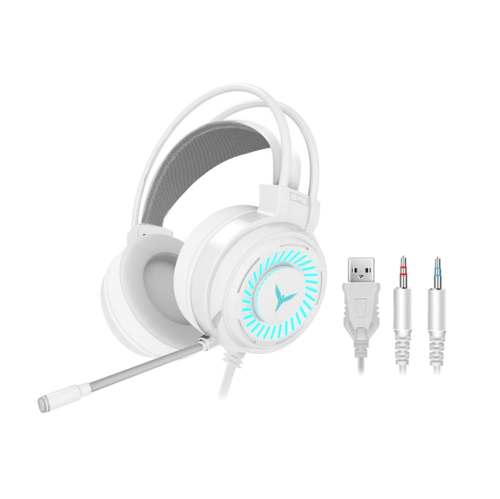

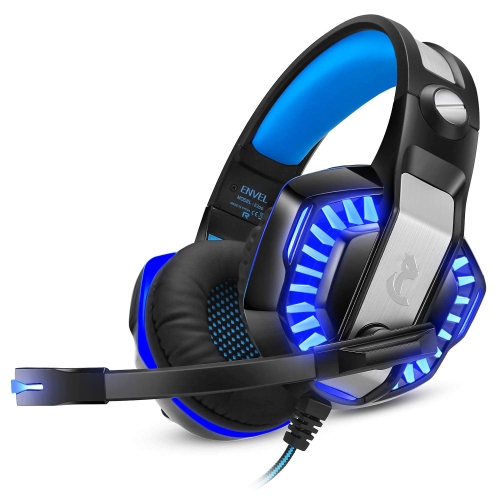
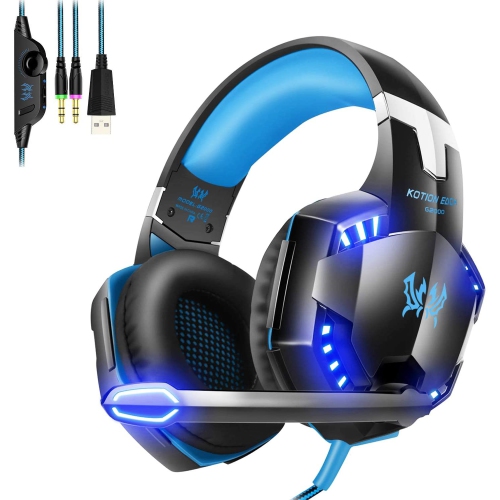
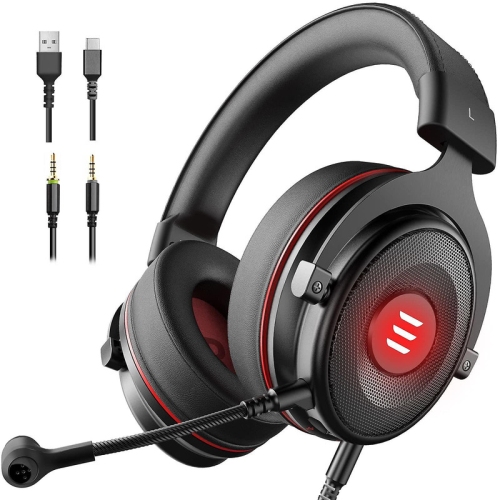
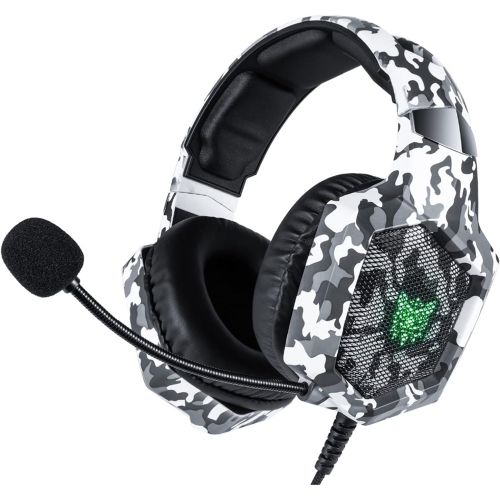

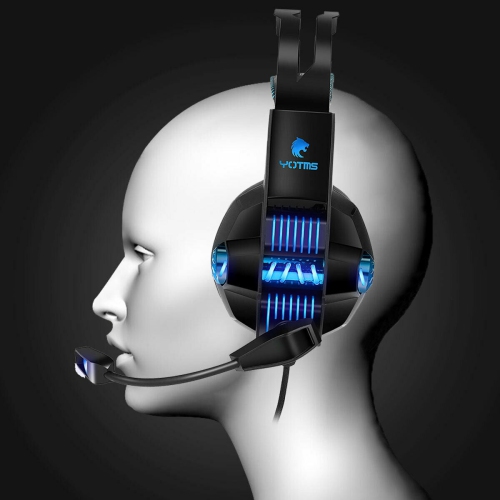


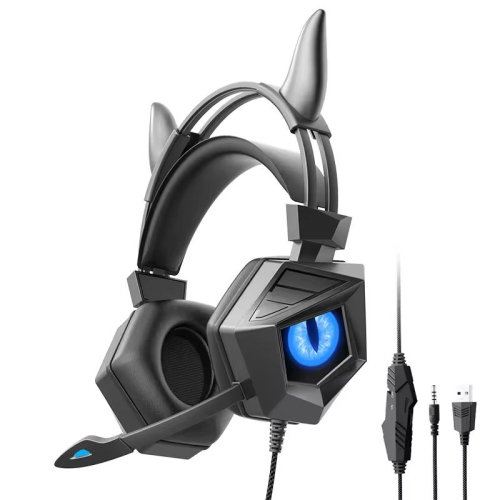

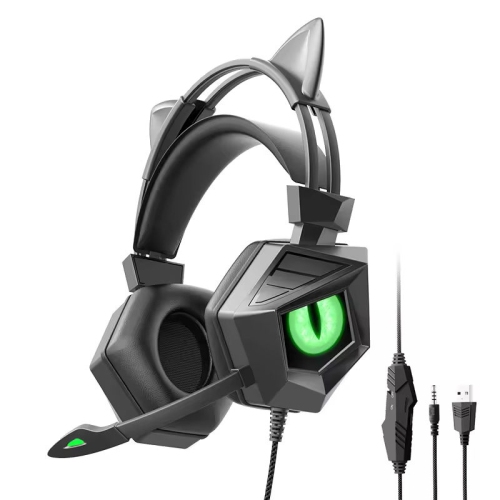
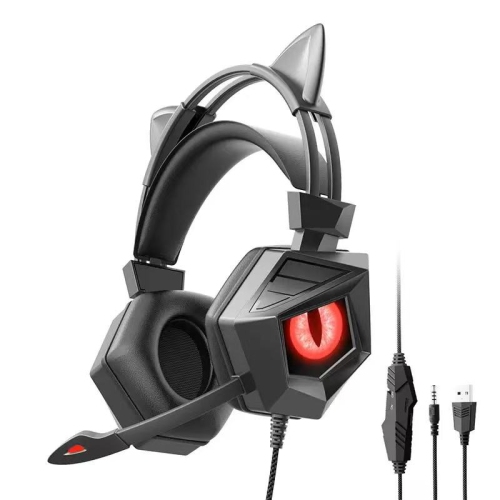
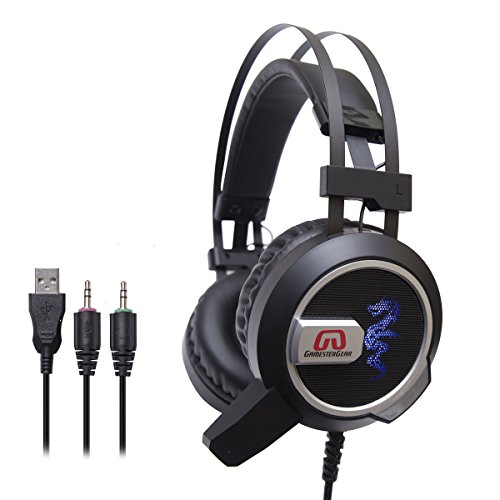

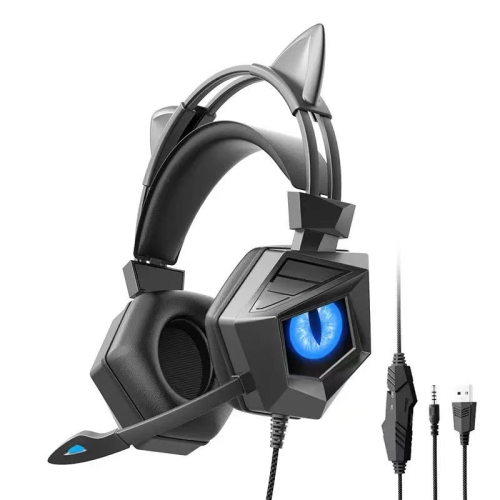
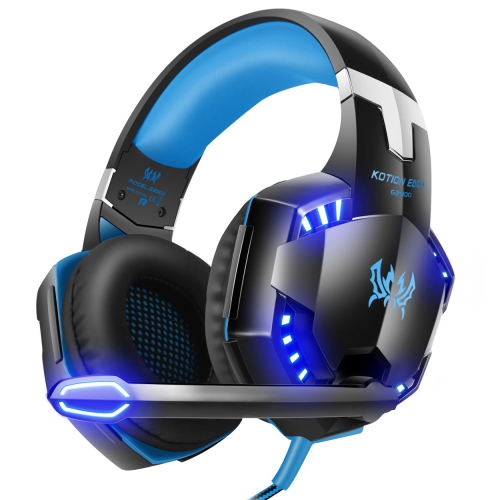
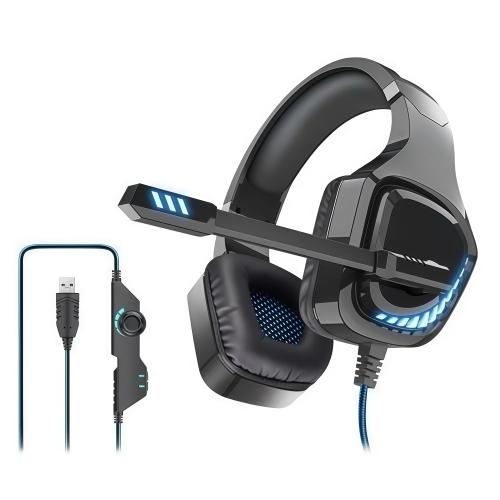
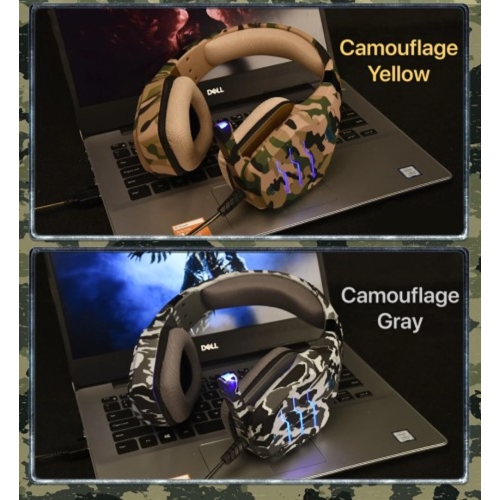
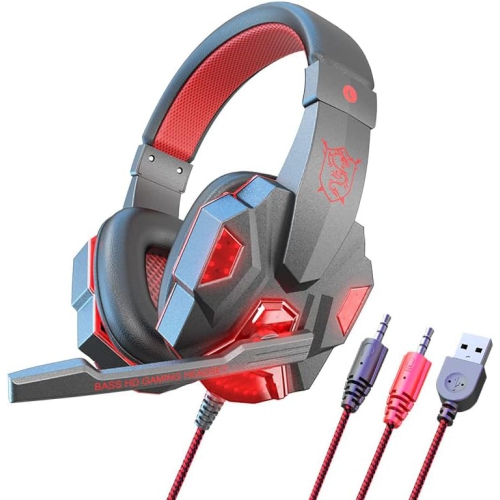
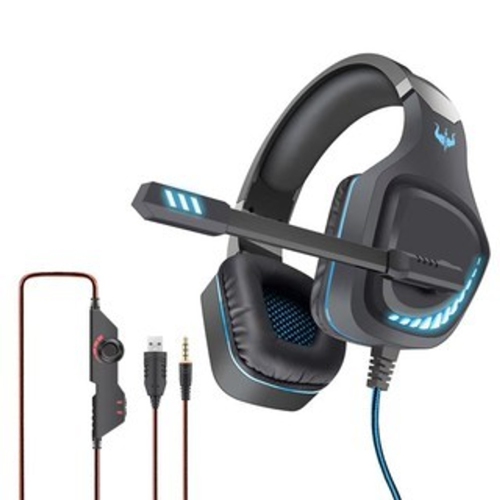
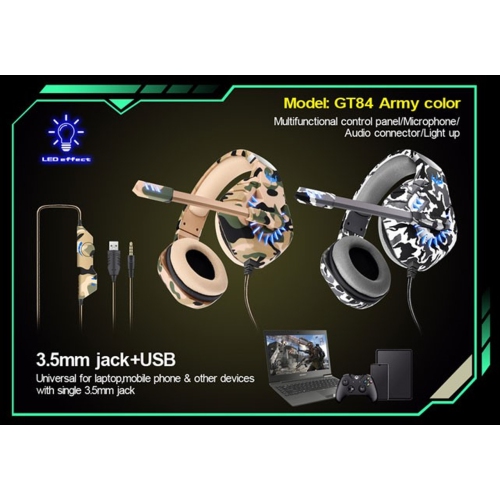


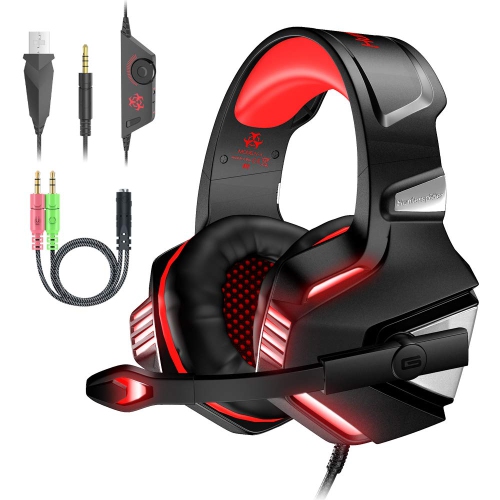
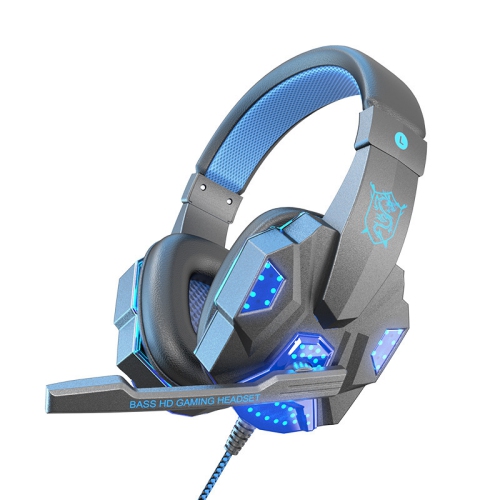
A headset’s glow doesn’t tell the whole story
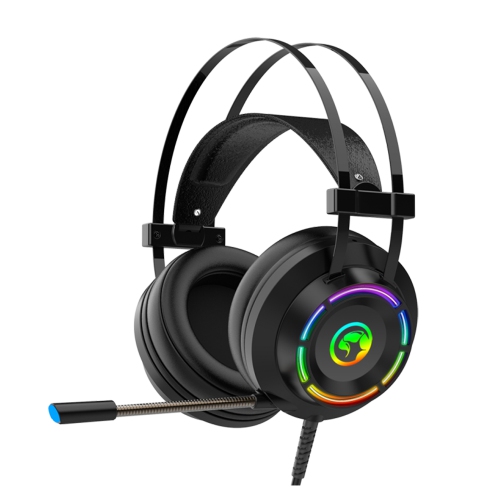
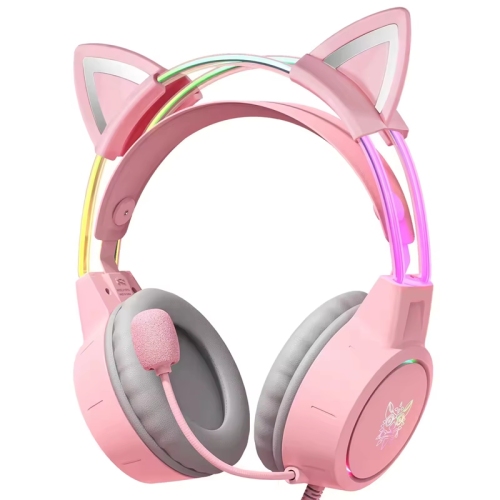
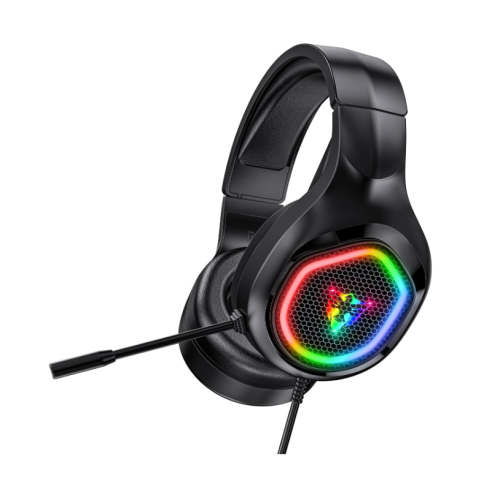
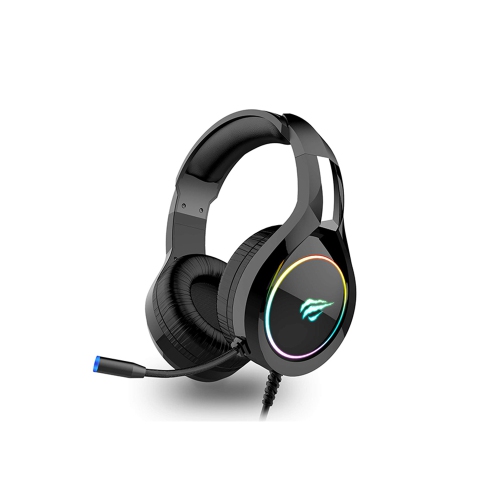
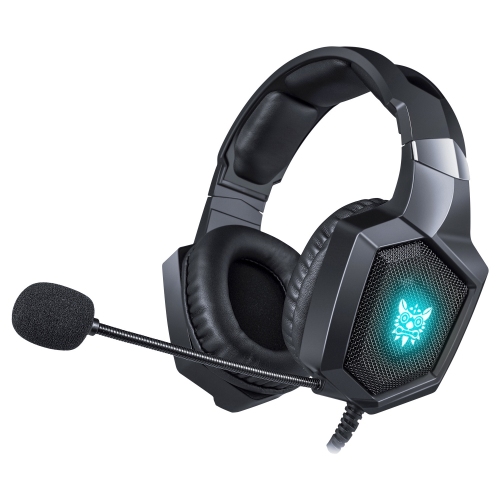
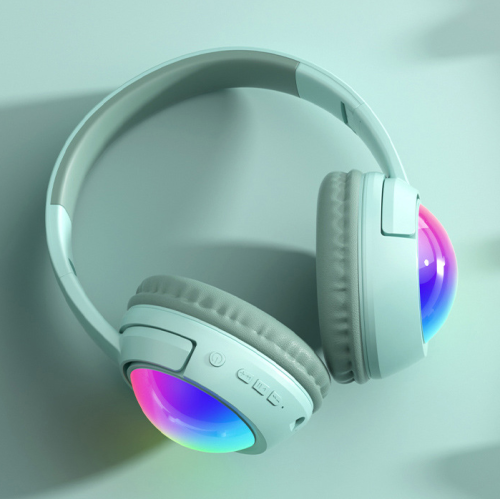
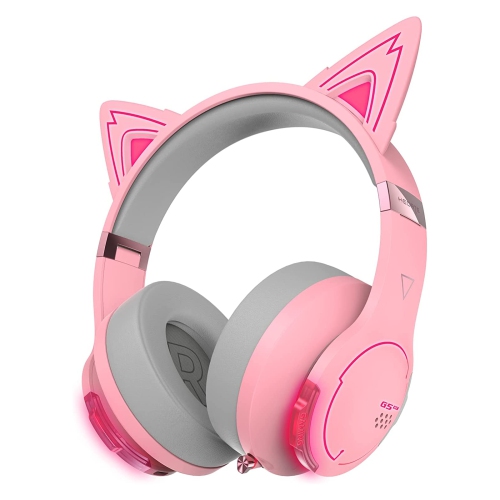
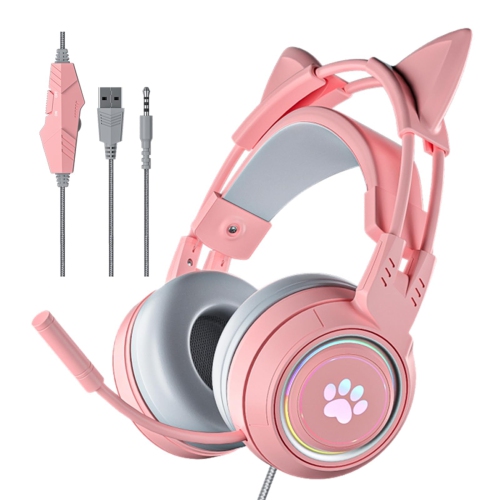
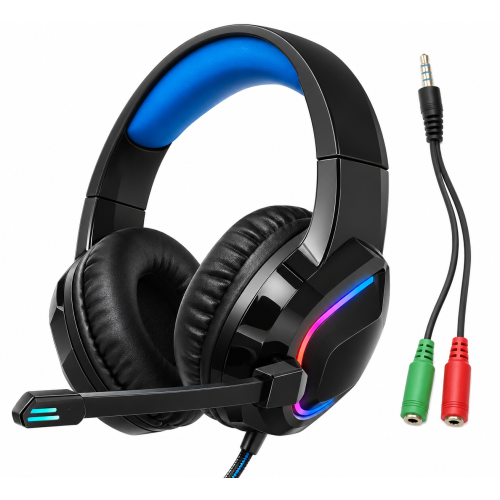
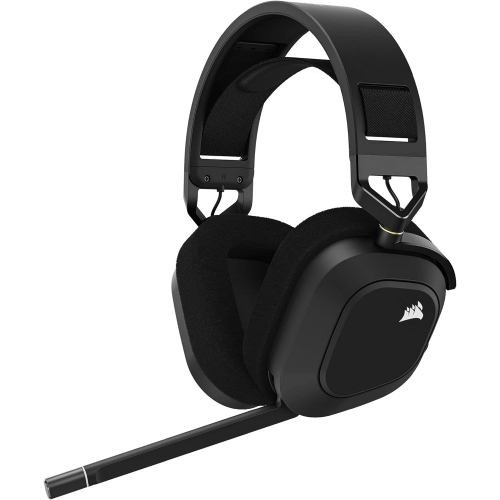
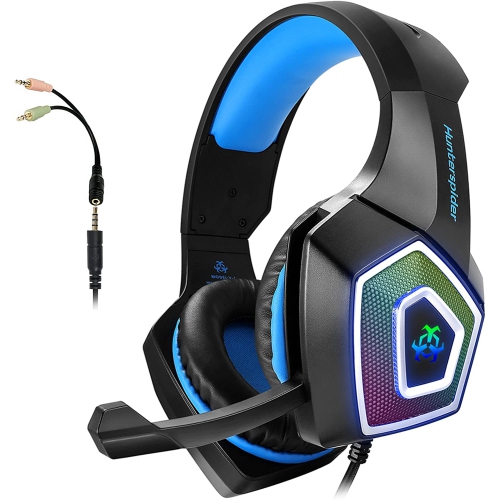
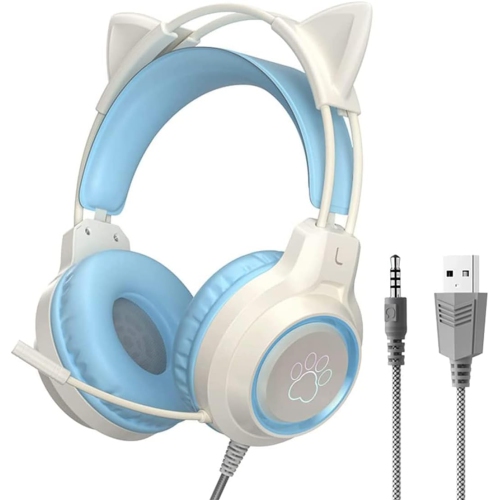
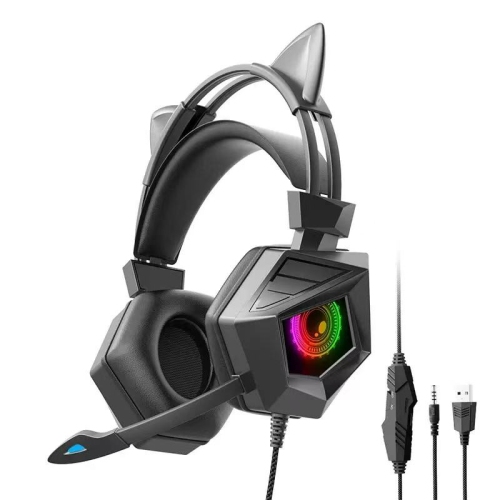
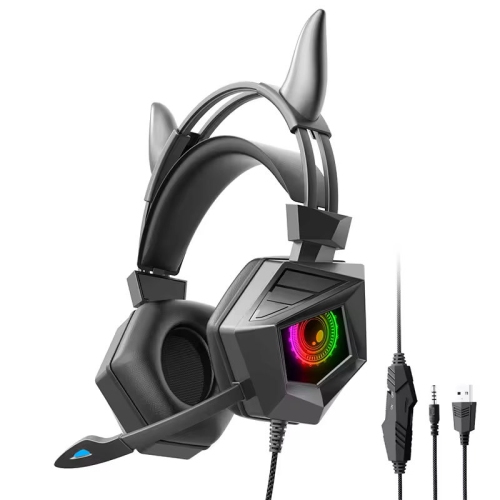
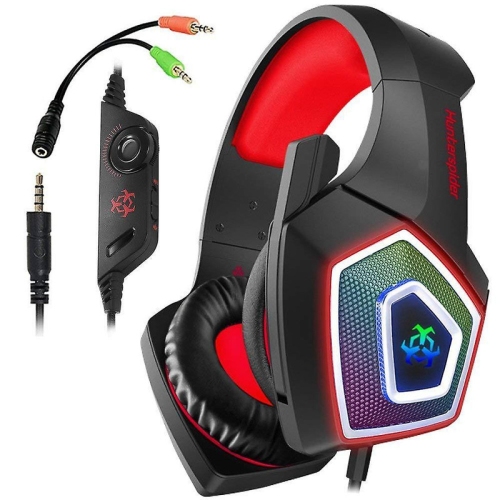
Gaming headsets with RGB lights bring sound, voice chat, and a distinctive visual accent into one piece of gaming gear. RGB stands for red, green, and blue: the three light channels that can combine to produce a wide range of colours. Depending on the design, lighting may appear as a subtle illuminated logo, a ring around each ear cup, or a more prominent panel with flowing effects. The appeal of RGB Gaming Headsets is the ability to make a headset feel like part of a coordinated setup, whether that means a steady purple glow beside a matching keyboard or a slow colour cycle visible on camera during a livestream. Lighting controls vary considerably. Some designs have preset effects operated by an onboard button, while others use compatible desktop software to adjust brightness, select individual colours, or synchronize effects with supported peripherals. A multicolour appearance does not always mean every colour or lighting zone is independently adjustable, and some settings may work only when connected to a computer. The lights are a visual feature rather than an indicator of better sound, so audio performance remains a separate consideration. Clear dialogue, distinct game effects, and a balance between bass and higher frequencies all contribute to the listening experience. A low rumble can give an engine or explosion weight, but excessive bass may make quiet footsteps or teammates’ voices harder to distinguish. Driver size alone does not establish sound quality; tuning, ear-cup construction, and fit also influence what reaches the listener. Stereo playback can provide useful directional cues, while virtual surround sound or other spatial processing may add a different sense of placement when supported by the headset, software, and game. For players moving between story-driven adventures and competitive matches, adjustable sound profiles can be useful without making lighting the deciding factor. A microphone that keeps speech intelligible, along with accessible volume and mute controls, helps the headset serve its main purpose during a busy match.
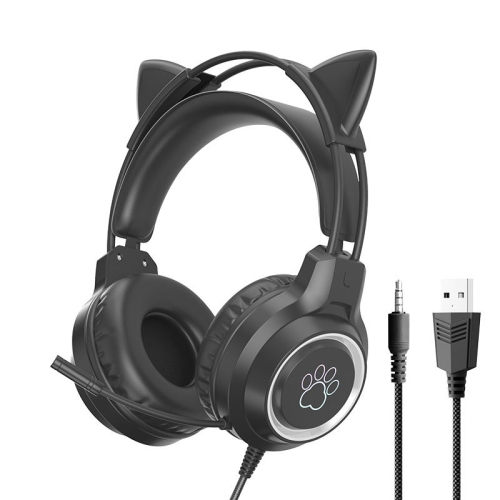
Connections determine how an RGB gaming headset fits into a setup, and the lighting connection is not always the audio connection. On some wired designs, a 3.5 mm plug carries sound and microphone signals while a separate USB plug supplies power only to the lights. In that arrangement, connecting USB alone may illuminate the ear cups without delivering game audio, while using only the audio plug may leave the lighting off. Other headsets carry audio, microphone input, and lighting power through a single USB connection. USB-A and USB-C describe connector shapes, not a guarantee that a particular computer or console will support every function. A combined headset socket also differs from separate headphone and microphone sockets, which can require a compatible splitter. For play from a couch or at a desk with a tower beneath it, cable length and the position of inline controls affect everyday convenience. Wireless designs remove the cable between the player and the gaming device, but their connection methods deserve equal attention. A dedicated USB wireless receiver may provide a low-latency link for gaming on supported systems, whereas Bluetooth performance depends on both devices and the connection mode. Support for wireless game audio, microphone use, and lighting controls can differ between computers, consoles, and mobile devices, even when pairing or plugging in appears straightforward. Desktop lighting software may not run on a console, and custom effects carry over only if the headset supports saving those settings internally. Active RGB lighting also uses battery power, so wireless runtime is generally shorter with illumination enabled than with it disabled. Published battery figures are most useful when considered alongside the stated lighting and volume settings. The ability to dim or switch off the lights adds flexibility for longer sessions. Charging and listening at the same time is another model-dependent function rather than a standard feature. For shared spaces, a convenient microphone mute button and clear mute indicator can be especially useful when someone nearby starts a conversation.
Comfort becomes most noticeable once a session stretches beyond a quick match. Over-ear RGB gaming headsets need enough ear-cup space to surround the ears without pressing them against the inner lining, and an adjustable headband helps distribute weight across the head. Memory foam padding can soften contact points, but its feel depends on thickness, firmness, and the covering material. Fabric or mesh ear cushions often feel more breathable, while synthetic leather creates a smoother surface and can help form a closer seal. Neither material suits everyone: someone wearing glasses may notice pressure where the cushions meet the frames, while another player may prefer a firmer fit that stays secure when turning toward a second screen. Passive isolation comes from the physical seal around the ears and should not be confused with active noise cancellation. Similarly, microphone noise reduction is intended to limit unwanted sound in voice chat; it does not necessarily reduce what the wearer hears. A flexible microphone boom makes positioning easier, and a detachable or retractable microphone can be convenient when switching from multiplayer chat to listening to music. Durability depends on more than a substantial-looking frame. Reinforced adjustment points, smooth-moving hinges, and well-supported cable entry points all matter during repeated use. Metal components can add structure, while plastic can help keep weight down; the overall construction matters more than either material alone. Replaceable ear cushions or a detachable cable can also make routine upkeep more manageable when the design supports them. A soft, dry cloth is generally suitable for wiping exterior surfaces, with cushion cleaning handled according to the care directions for their material. Keeping moisture away from ports, avoiding tight cable wraps, and resting the headset on a stable stand can help prevent unnecessary wear. As a gift for a gamer, an RGB headset combines a personal colour preference with a practical role in play and conversation. The most useful match accounts for the recipient’s gaming device, preferred connection, head size, and usual session length, giving the lighting a place alongside the features they will notice every time they put it on.
Top selling and popular products
-
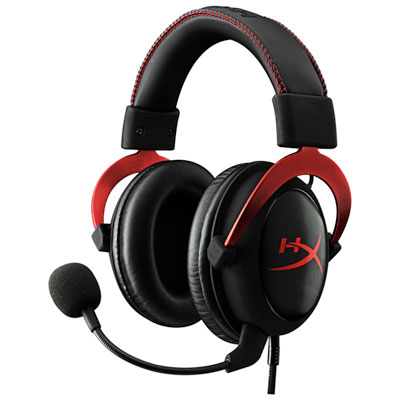 Your price for this item is $119.99
-
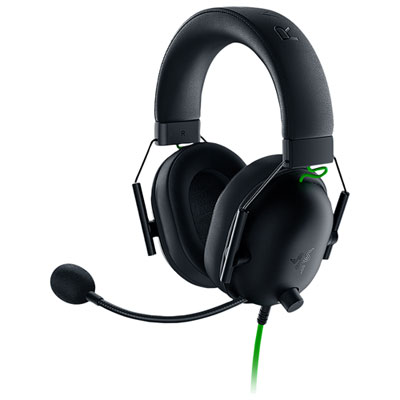 Your price for this item is $54.99
-
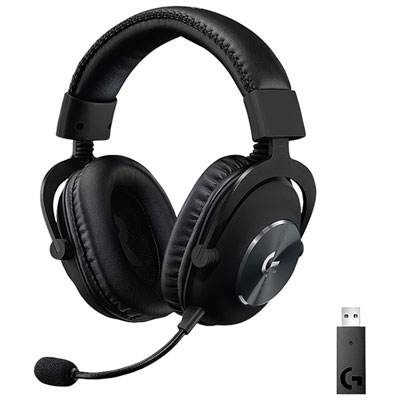 Your price for this item is $229.99
-
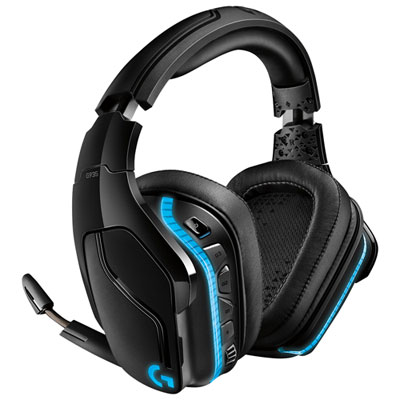 Your price for this item is $179.95
-
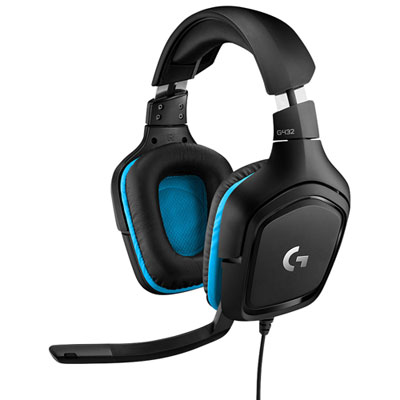 Your price for this item is $69.99
-
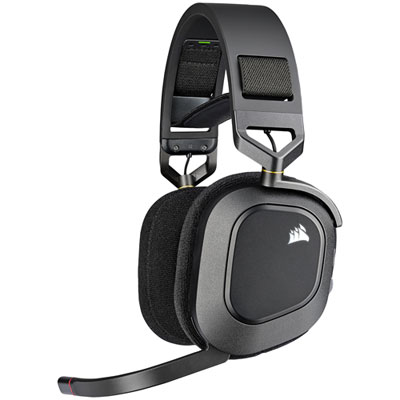 Your price for this item is $224.99
-
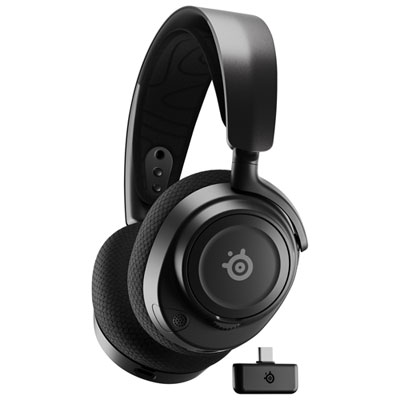 Your price for this item is $249.95
-
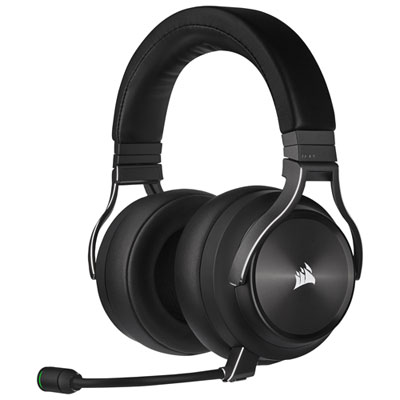 Your price for this item is $399.99
Discover more categories related to Gaming Headset RGB Lights
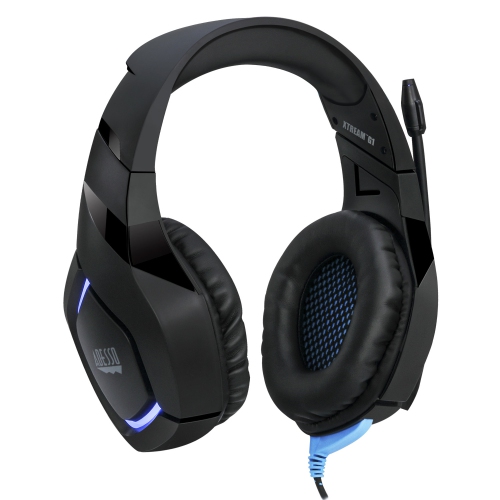
Top Collections:
Best Black Friday Deals This Year, Best Black Friday Deals On Electronics, Kindle Devices, Pokemon Centers, Best Black Friday Deals On Apple Products, Best Cameras for Sports Photography, Dyson Airwrap, Pokémon 30th Celebration Cards, Apple iPhone 17 Pro, Canon G7X Cameras
Some products may be subject to Environmental Handling Fees
(EHF) depending on your province.
Learn more about EHFs.