Gaming Headsets With Lights
Level up your gaming experience with a gaming headset with lights, designed to enhance both style and immersion. Whether you're diving into intense multiplayer battles or exploring expansive virtual worlds, these headsets add an extra layer of excitement to every session. Explore options that combine comfort, impressive sound quality, and vibrant lighting effects to match your setup. Find the perfect gaming headset with lights to make your gameplay stand out and stay connected with your team in style.
Sort


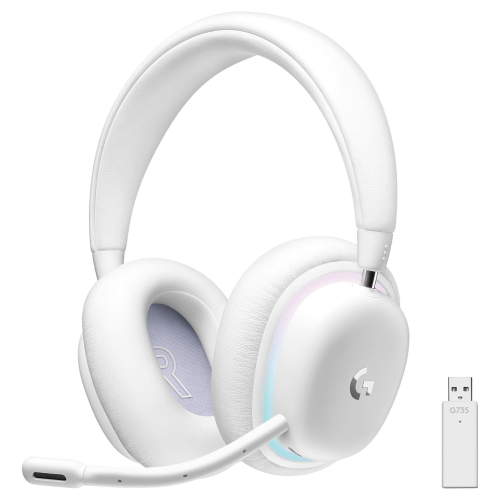
There’s more to a glowing headset than colour
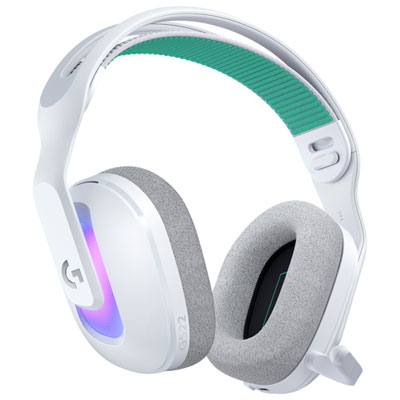
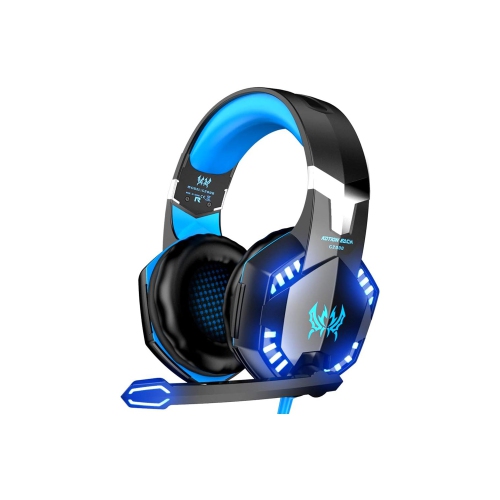
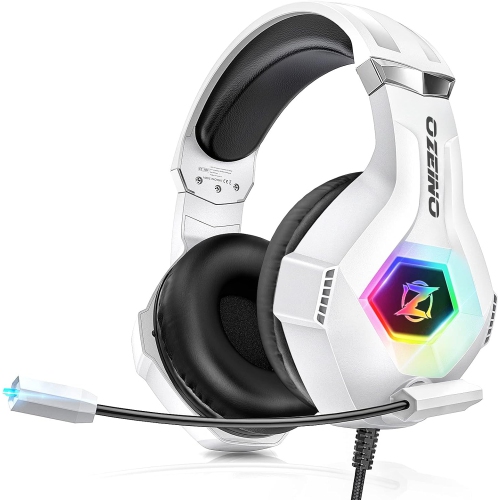
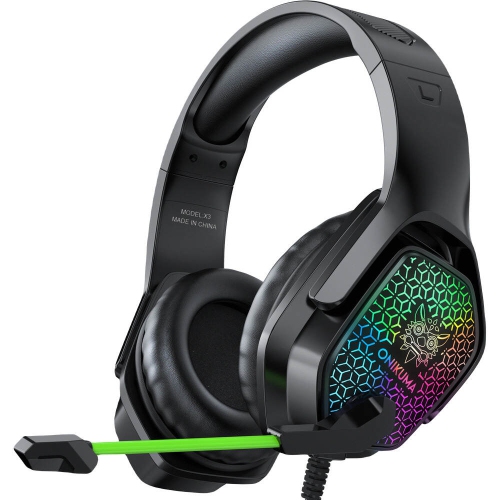
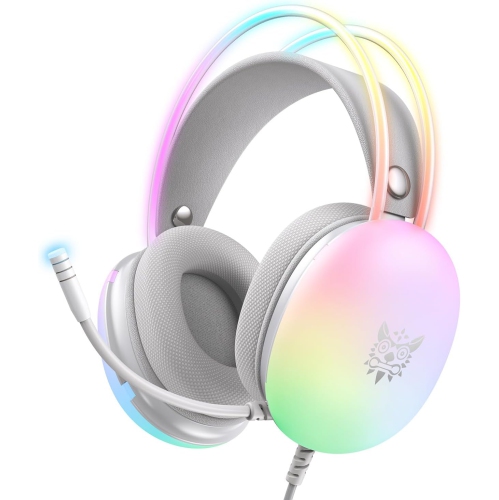
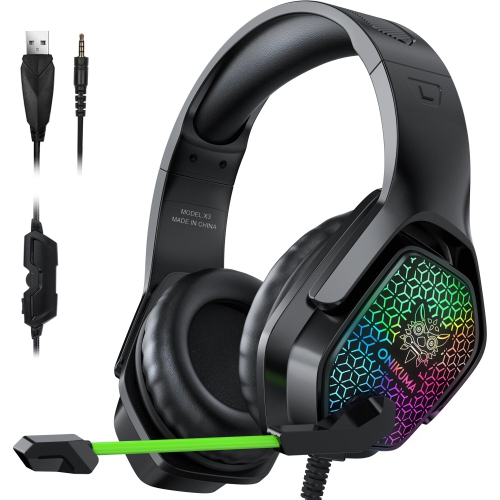
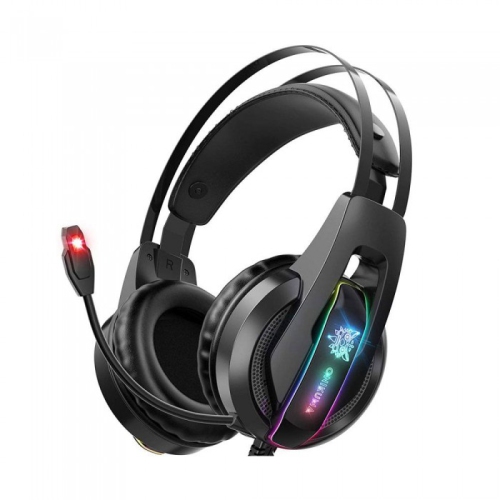
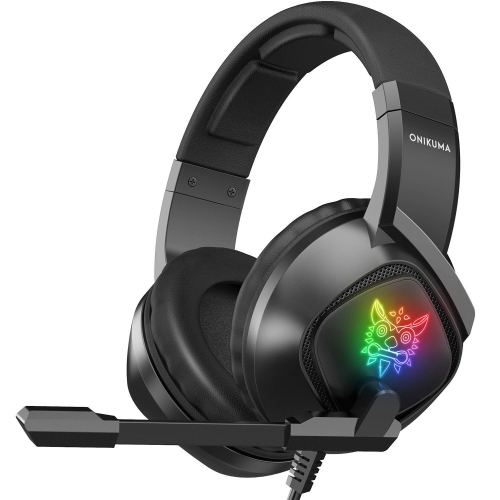
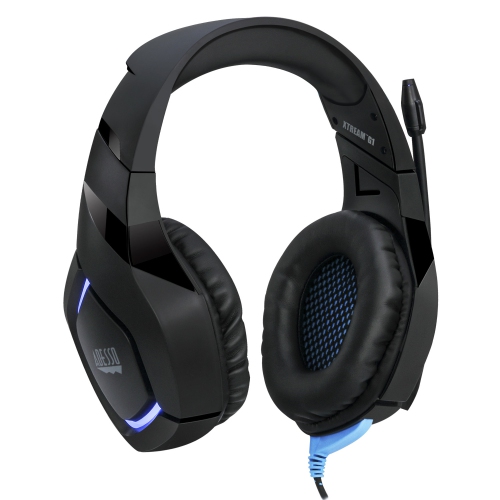
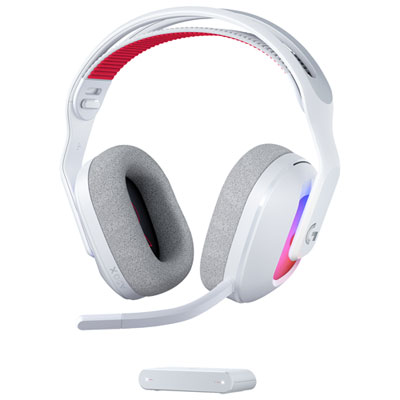
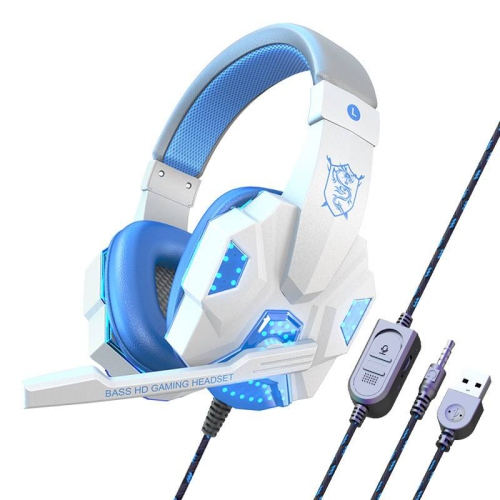
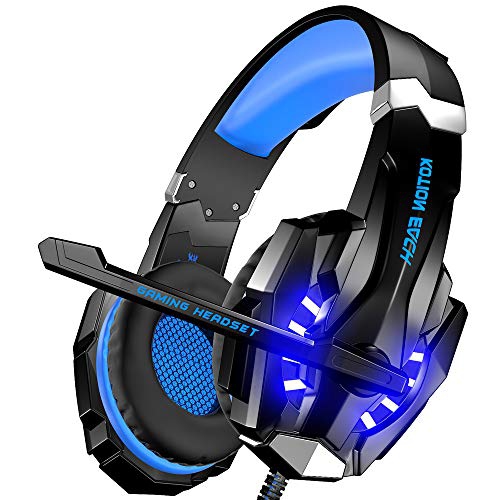
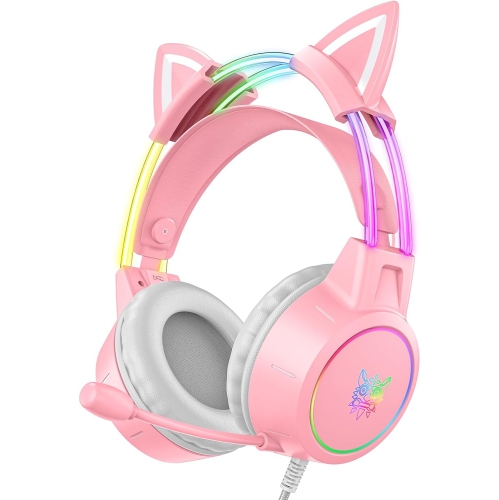
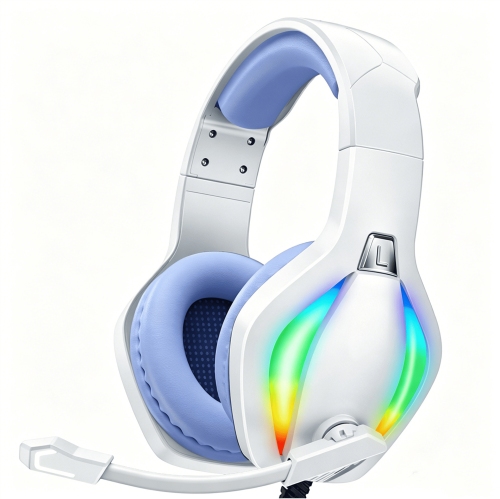
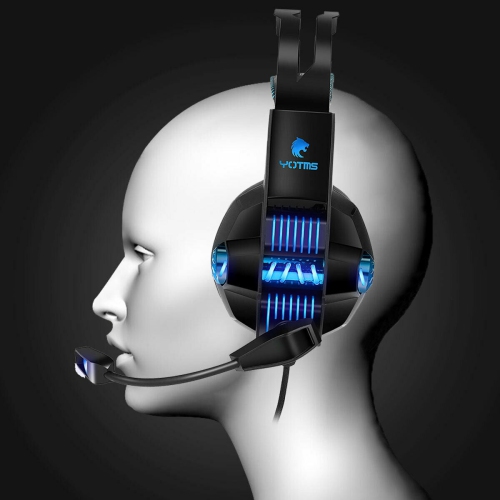
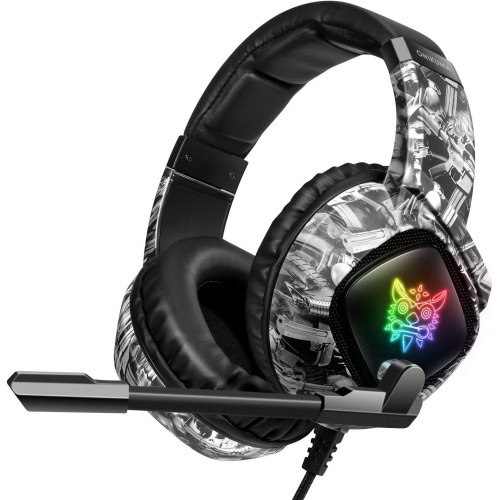
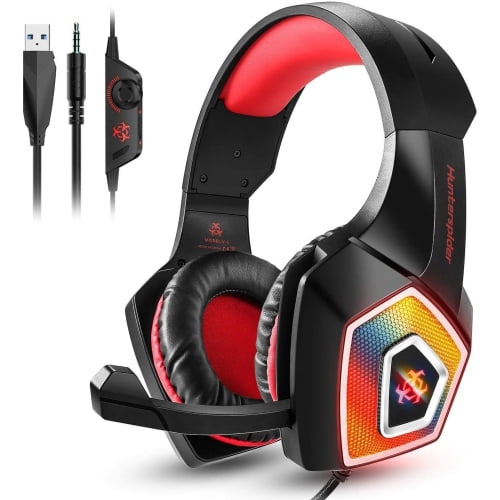
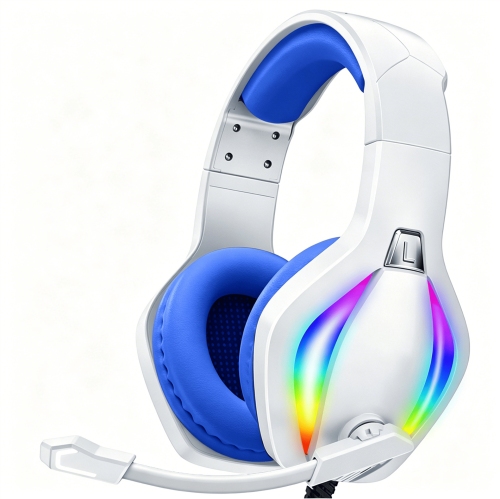
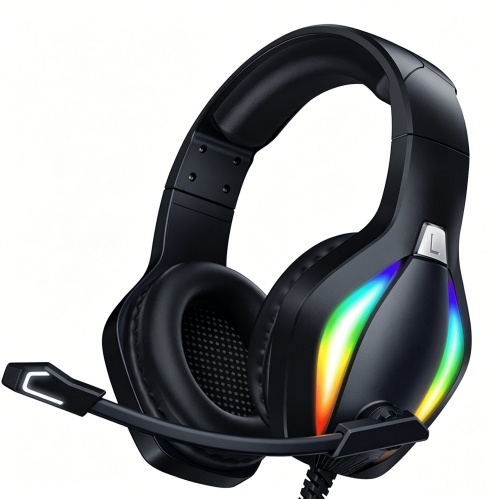
Gaming headsets with lights combine game audio and voice communication with illuminated details on the earcups, logos, or outer trim. Lighting may be a single LED colour, a set of preset effects, or RGB lighting that supports a broader range of colours and patterns. Depending on the headset, controls may let players keep a steady glow, cycle through colours, adjust brightness, or switch the lights off entirely. Some lighting settings work through buttons on the headset, while others depend on compatible desktop software. That distinction matters when the same headset moves between a gaming computer and a console: audio may work across both devices even when lighting customization does not. A soft ring of colour can complement a keyboard and mouse, while brighter effects can make a headset stand out on a display stand or in a streaming camera frame. The illumination is primarily a visual feature, though, rather than a measure of sound quality. Clear dialogue, balanced sound, microphone performance, and comfort remain separate considerations. For a player following footsteps in a competitive match, directional clarity and a stable fit matter more than how many lighting effects are supported. For someone exploring a story-driven game, detailed voices and a soundtrack that does not become tiring can make longer sessions more enjoyable. Music, video calls, and watching films may also be part of the headset’s everyday use. Lighting positioned on the outside of the earcups is generally more visible to other people than to the wearer, which makes its placement especially relevant for shared gaming spaces and on-camera use. Brightness controls are useful beside a reflective monitor or in a room shared with someone watching television. The result can be a coordinated gaming setup without requiring the lights to remain on for every activity. A headset with independently controlled lighting also suits players who enjoy a colourful desktop but prefer a more understated look during calls or focused play.
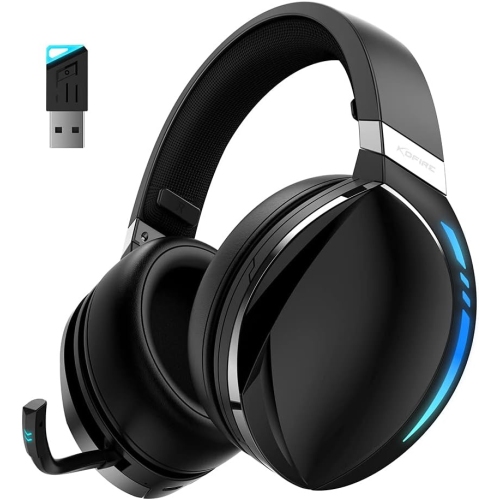
Connection type shapes how a light-up gaming headset fits into a setup. Wired designs may carry audio through USB or a 3.5 mm plug, but those connections do not always serve the same purpose. On some headsets, a 3.5 mm connection handles sound and microphone input while a separate USB connection powers the lighting. A USB plug should therefore not be assumed to carry audio simply because the earcups illuminate when it is connected. Console controllers, laptops, desktop computers, and handheld gaming devices can also differ in their ports and microphone support. A wired headset offers a straightforward routine without a headset battery to charge, although cable length and routing affect comfort when the computer sits beneath the desk. Wireless designs provide more freedom to lean back or move away from the screen. Many use a dedicated USB receiver for a low-latency gaming connection; support for additional wireless connections varies. A wireless headset’s illuminated effects draw power from its battery, so runtime can differ with the lights on or off. Charging time, charging-cable reach, and whether audio continues during charging are practical details for frequent use. For players who spend time coordinating matches or chatting between rounds, Gaming Headsets With Microphones bring voice communication into the same wearable setup. A flexible boom can position the microphone near the mouth without sitting directly in the path of each breath. Flip-to-mute designs, detachable microphones, and physical mute buttons offer different ways to manage conversations, with features depending on the headset. Microphone noise reduction may help limit some keyboard clicks or background sounds, but it does not guarantee that a busy room will become silent to teammates. Sidetone, sometimes called microphone monitoring, lets a player hear some of their own voice and can make speaking at a comfortable volume easier. Clearly separated volume, mute, and lighting controls are particularly useful when making adjustments by touch during a match.
Fit and construction determine how comfortable those features feel after the first few minutes. Over-ear gaming headsets commonly use padded earcups and an adjustable headband, with materials ranging from fabric coverings to leatherette and mesh. Fabric can feel less sticky against the skin during extended wear, while smooth leatherette surfaces are often easier to wipe clean; neither material alone guarantees comfort or durability. Cushion depth, earcup opening size, headset weight, and clamping pressure all affect the fit. Someone who wears glasses may notice pressure where the temples pass beneath the pads, while a shallow earcup can leave the ear resting against the inner lining. A well-adjusted headband helps spread the weight rather than concentrating it at the crown. Earcup movement can help the cushions sit evenly, and an effective seal can reduce some outside distractions without needing to raise the volume. Passive isolation is not the same as active noise cancellation, and neither replaces a comfortable listening level or regular breaks. For a headset that travels between rooms or goes into a bag, sturdy hinges, protected cable connections, and a secure microphone attachment deserve attention alongside the illuminated finish. Metal reinforcement may strengthen certain parts, but the overall design and handling still matter. Replaceable ear cushions or a detachable cable can make routine upkeep easier when those parts are supported. Care is usually simple: disconnect the headset before cleaning, use a soft cloth, and follow its cleaning instructions for the cushions and other surfaces. Moisture should stay away from ports, microphone openings, and lighting components, and cables are best handled by the plug rather than pulled from the cord. A stand or hook that supports the headset without stretching the headband helps keep it off a crowded desktop. As a gift, a gaming headset with lights can suit a multiplayer regular, a casual console player, or someone personalizing a first gaming space. Matching the recipient’s gaming device, preferred connection, comfort needs, and appetite for colourful lighting makes the gift more useful than focusing on appearance alone.
Top selling and popular products
-
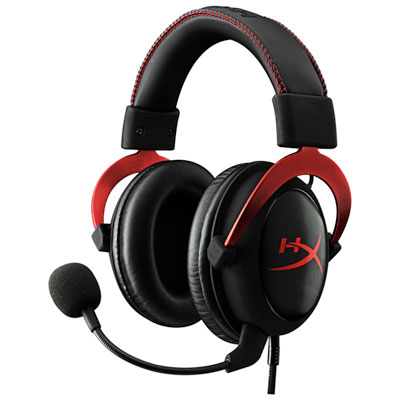 Your price for this item is $119.99
-
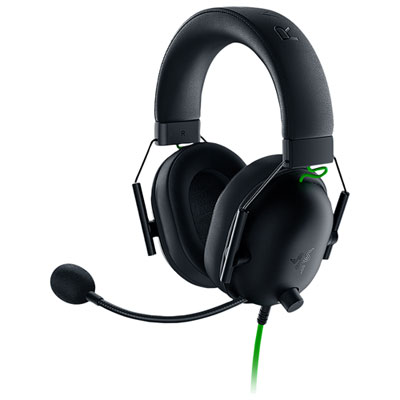 Your price for this item is $54.99
-
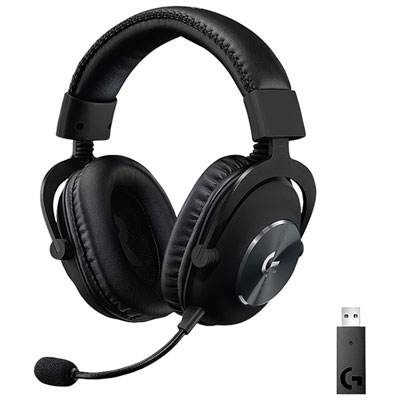 Your price for this item is $229.99
-
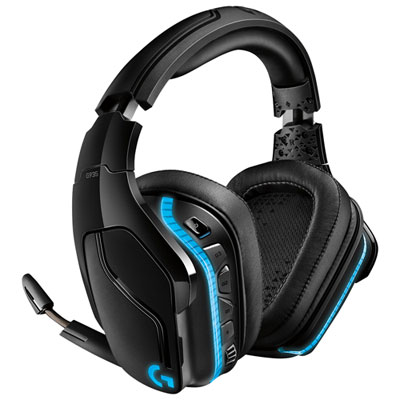 Your price for this item is $179.95
-
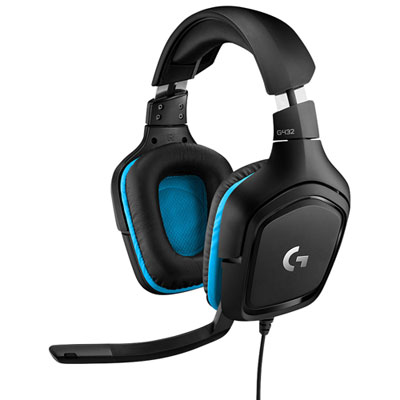 Your price for this item is $69.99
-
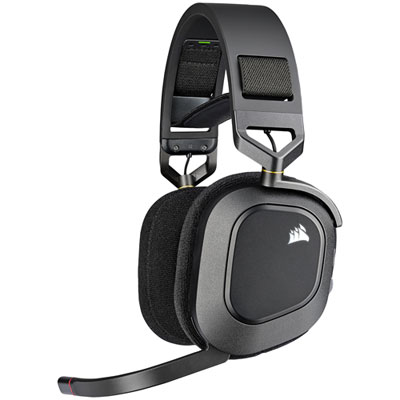 Your price for this item is $224.99
-
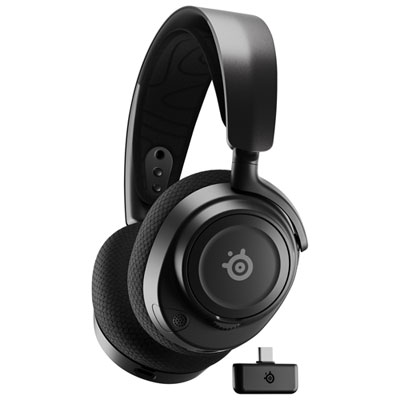 Your price for this item is $249.95
-
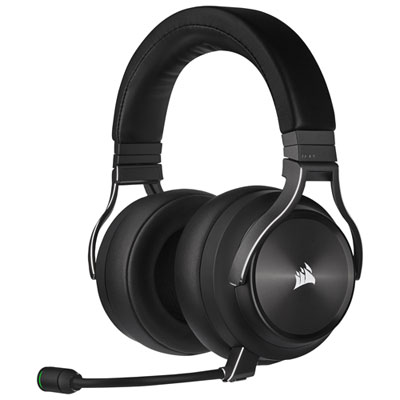 Your price for this item is $399.99
Discover more categories related to Gaming Headsets With Lights


Top Collections:
Best Black Friday Deals This Year, Best Black Friday Deals On Electronics, Kindle Devices, Pokemon Centers, Best Black Friday Deals On Apple Products, Best Cameras for Sports Photography, Dyson Airwrap, Pokémon 30th Celebration Cards, Apple iPhone 17 Pro, Canon G7X Cameras
Some products may be subject to Environmental Handling Fees
(EHF) depending on your province.
Learn more about EHFs.