Gaming Keyboards
Elevate your setup and enhance your play with a gaming keyboard designed to meet the demands of every gamer. Whether you're building a custom rig or upgrading your current gear, discover a wide selection of options to suit your style and preferences. Find the perfect gaming keyboard to take control, boost your performance, and enjoy every session with precision and comfort.
Sort

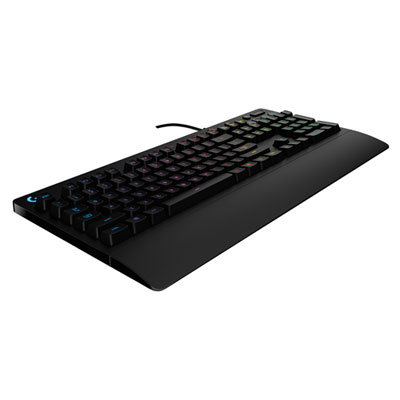

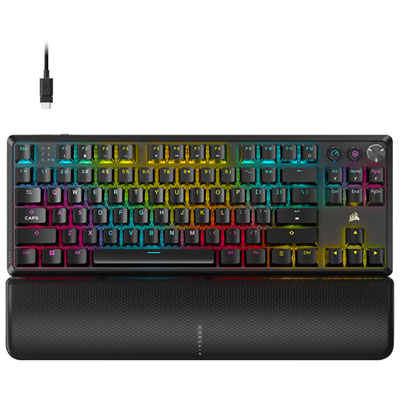
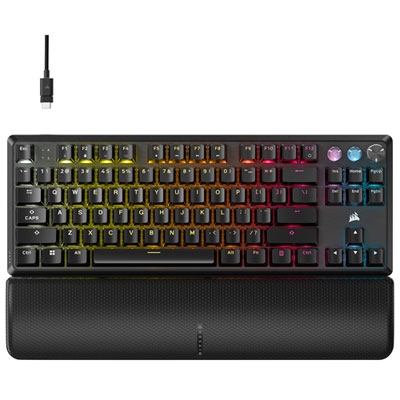
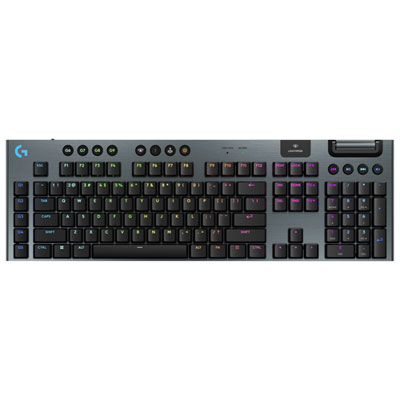
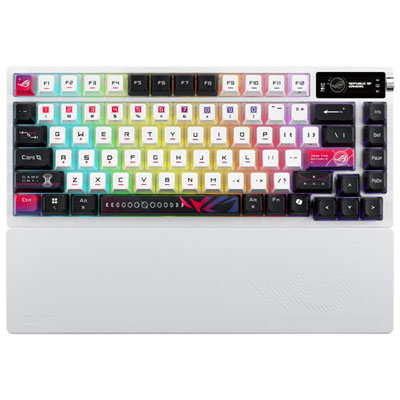
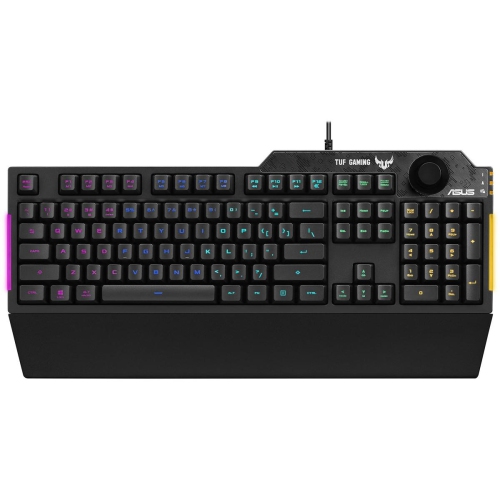
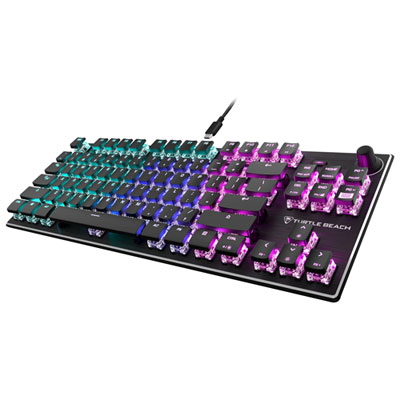
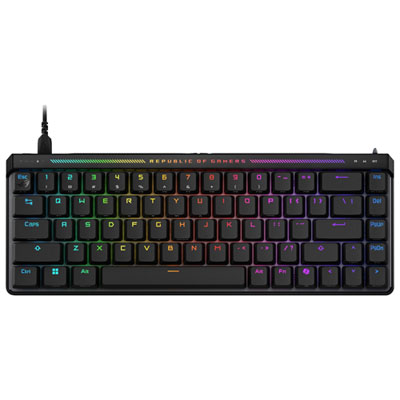
How switch feel, layout, and lighting shape every session
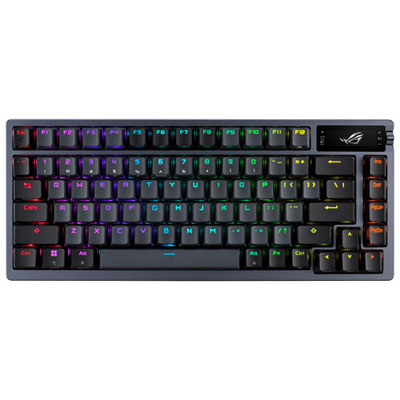
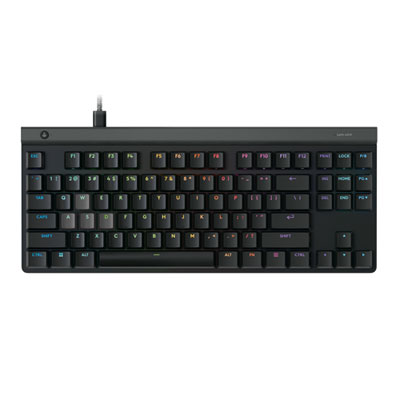
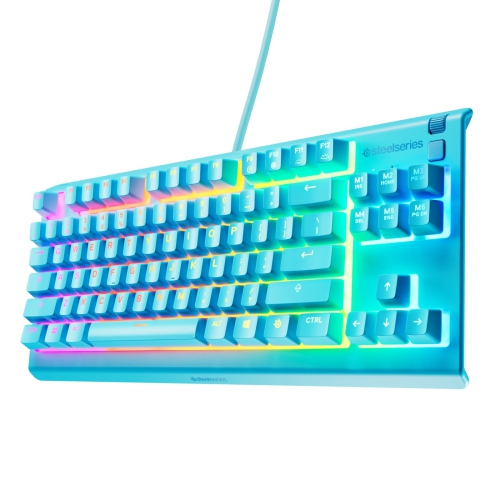
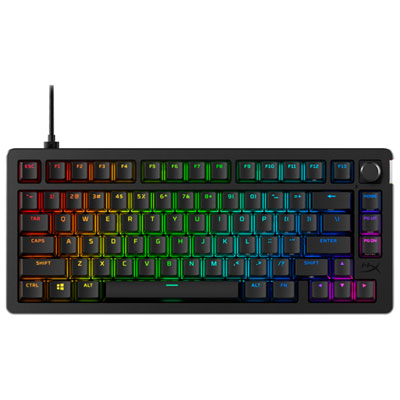
Gaming keyboards are designed to make everyday computer use feel more responsive, comfortable, and tailored to the way you play. Whether you spend evenings moving through competitive matches, exploring large story-driven worlds, building in creative sandbox games, or switching between games and school or work, the right keyboard can become the centre of your desk setup. Mechanical keyboards are a popular choice because their individual switches provide a distinct feel and audible feedback with each press. Some players prefer a light, smooth keypress that lets them move quickly, while others enjoy a more pronounced bump that confirms every input. Magnetic or Hall Effect switches offer another option, using sensors to detect key movement and allowing certain models to adjust the actuation point. This can be useful for players who want keys to register with a lighter touch or who prefer a deeper press for everyday typing. Rapid trigger technology can reset a key as soon as it begins moving upward, helping quick directional inputs feel immediate in fast-paced games. These features are especially appealing for competitive players, but they can also make a keyboard feel more precise during casual play. Membrane keyboards remain a practical choice for shoppers who prefer a quieter, softer feel, and they can be a sensible starting point for a new gaming setup. When comparing options, consider the type of games you play, how much typing you do, and whether you like a crisp, tactile response or a quieter keypress. A gaming keyboard can be a thoughtful gift for a student, a PC player setting up a first desk, or anyone who enjoys adding a personal touch to their computer station during the cooler months.
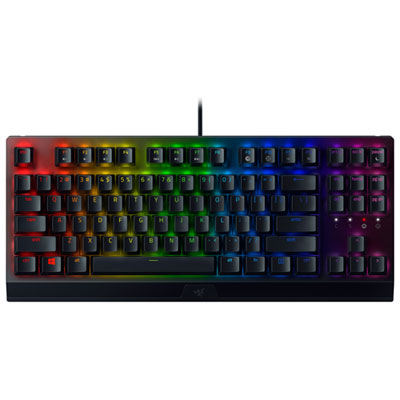
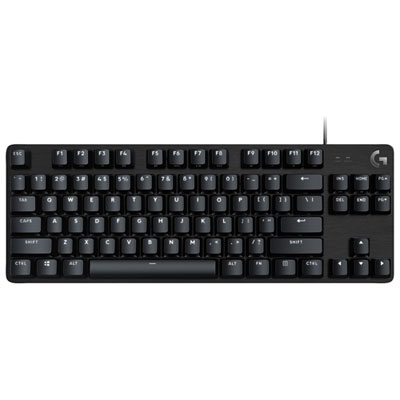
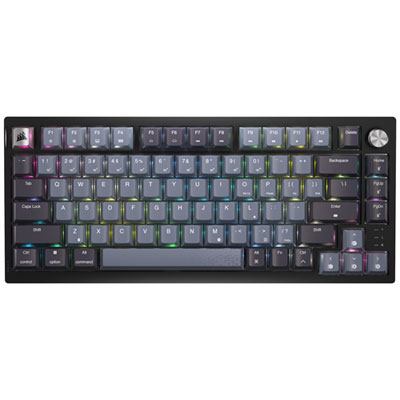
Layout is one of the most noticeable decisions because it affects both desk space and access to controls. Full-size gaming keyboards include the number pad, dedicated navigation keys, function row, and arrow keys, making them useful for spreadsheets, schoolwork, strategy games, simulation titles, and anyone who frequently enters numbers. Tenkeyless, often called TKL, removes the number pad to create more room for a mouse while keeping the function row and arrow keys. This layout is a strong middle ground for players who want a spacious mouse area without giving up familiar controls. Compact 60% and 65% keyboards reduce the footprint further, which can leave more room for broad mouse movements and fit neatly on smaller desks. A 65% layout usually retains arrow keys, while a 60% design may place more functions behind secondary key combinations. Compact boards can make a desk look clean and uncluttered, but they may take some adjustment if you regularly use navigation keys or a number pad. Wired keyboards offer a direct connection and are often preferred for a simple plug-and-play setup, while wireless models can reduce cable clutter and make it easier to move the keyboard aside when the desk is used for homework, creative projects, or watching videos. If you choose wireless, look for a connection method and battery capacity that suit your routine, as well as the option to use a cable when needed. Polling rate describes how often the keyboard reports inputs to the computer; higher rates can help reduce the time between a keypress and its report, although the difference may matter more to competitive players than to someone playing relaxed single-player games. Build quality also deserves attention. An aluminium frame can add a solid, stable feel, while PBT keycaps are valued for their textured finish and resistance to the smooth, shiny wear that can develop with frequent use. A detachable cable, adjustable feet, onboard memory, and removable keycaps can make a keyboard easier to organize, customize, and maintain.
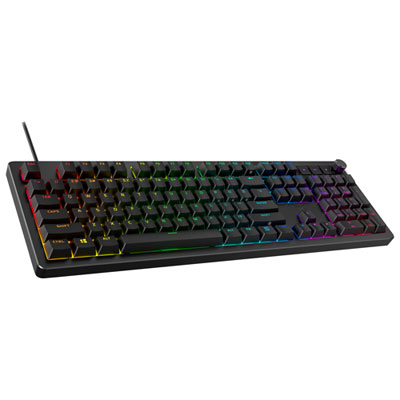
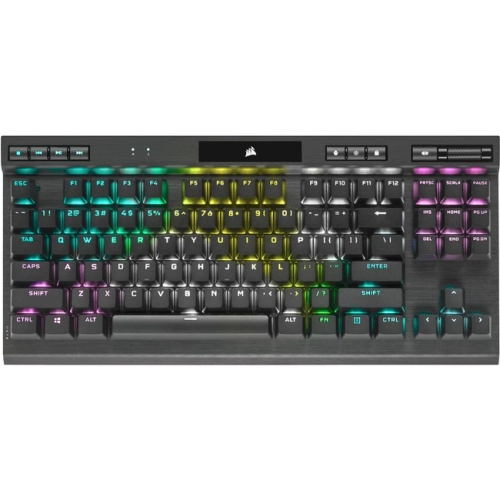
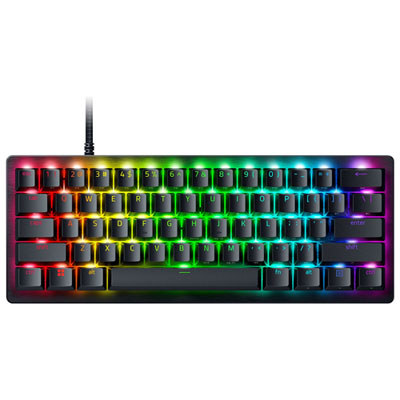
Lighting and comfort can shape the experience just as much as switch technology. RGB backlighting may illuminate legends in a dim room, highlight important controls, and coordinate the look of a complete gaming station. Per-key lighting offers more customization than a single colour or fixed pattern, with options for static colours, waves, reactive effects, and game-inspired profiles. Some players keep lighting subtle for late-night sessions, while others use bright colours to give a compact desk a lively focal point. A wrist rest can help support the hands during long sessions, particularly when the keyboard has a tall mechanical profile, though the ideal height and padding are personal preferences. Pay attention to the board’s angle, the spacing between keys, and whether the keycaps feel comfortable under your fingertips. A keyboard that sounds and feels excellent for a short test may become tiring if the layout does not suit your hands or if the switches require more force than you expect. Software support can also be helpful for remapping keys, recording macros, adjusting lighting, creating profiles, and setting controls for different games. Before choosing, measure the available desk space and consider the position of your mouse, monitor, speakers, and other accessories. Players with a dedicated desktop setup may appreciate a larger board with extra controls, while those who move between rooms or share a desk may prefer a compact wireless design. For shoppers comparing a complete computer setup, Gaming Laptops With RGB Keyboards can be another way to find a coordinated option with portable performance and illuminated controls. With the right combination of switch feel, layout, connection, lighting, and comfort features, a gaming keyboard can make every movement, message, shortcut, and command feel more natural from the first click to the final match.
Layout is one of the most noticeable decisions because it affects both desk space and access to controls. Full-size gaming keyboards include the number pad, dedicated navigation keys, function row, and arrow keys, making them useful for spreadsheets, schoolwork, strategy games, simulation titles, and anyone who frequently enters numbers. Tenkeyless, often called TKL, removes the number pad to create more room for a mouse while keeping the function row and arrow keys. This layout is a strong middle ground for players who want a spacious mouse area without giving up familiar controls. Compact 60% and 65% keyboards reduce the footprint further, which can leave more room for broad mouse movements and fit neatly on smaller desks. A 65% layout usually retains arrow keys, while a 60% design may place more functions behind secondary key combinations. Compact boards can make a desk look clean and uncluttered, but they may take some adjustment if you regularly use navigation keys or a number pad. Wired keyboards offer a direct connection and are often preferred for a simple plug-and-play setup, while wireless models can reduce cable clutter and make it easier to move the keyboard aside when the desk is used for homework, creative projects, or watching videos. If you choose wireless, look for a connection method and battery capacity that suit your routine, as well as the option to use a cable when needed. Polling rate describes how often the keyboard reports inputs to the computer; higher rates can help reduce the time between a keypress and its report, although the difference may matter more to competitive players than to someone playing relaxed single-player games. Build quality also deserves attention. An aluminium frame can add a solid, stable feel, while PBT keycaps are valued for their textured finish and resistance to the smooth, shiny wear that can develop with frequent use. A detachable cable, adjustable feet, onboard memory, and removable keycaps can make a keyboard easier to organize, customize, and maintain.
Lighting and comfort can shape the experience just as much as switch technology. RGB backlighting may illuminate legends in a dim room, highlight important controls, and coordinate the look of a complete gaming station. Per-key lighting offers more customization than a single colour or fixed pattern, with options for static colours, waves, reactive effects, and game-inspired profiles. Some players keep lighting subtle for late-night sessions, while others use bright colours to give a compact desk a lively focal point. A wrist rest can help support the hands during long sessions, particularly when the keyboard has a tall mechanical profile, though the ideal height and padding are personal preferences. Pay attention to the board’s angle, the spacing between keys, and whether the keycaps feel comfortable under your fingertips. A keyboard that sounds and feels excellent for a short test may become tiring if the layout does not suit your hands or if the switches require more force than you expect. Software support can also be helpful for remapping keys, recording macros, adjusting lighting, creating profiles, and setting controls for different games. Before choosing, measure the available desk space and consider the position of your mouse, monitor, speakers, and other accessories. Players with a dedicated desktop setup may appreciate a larger board with extra controls, while those who move between rooms or share a desk may prefer a compact wireless design. For shoppers comparing a complete computer setup, Gaming Laptops With RGB Keyboards can be another way to find a coordinated option with portable performance and illuminated controls. With the right combination of switch feel, layout, connection, lighting, and comfort features, a gaming keyboard can make every movement, message, shortcut, and command feel more natural from the first click to the final match.
Top selling and popular products
-
 Your price for this item is $39.99
 -
 Your price for this item is $76.98
 -
 Your price for this item is $94.99
 -
 Your price for this item is $319.99
 -
 Your price for this item is $364.99
 -
 Your price for this item is $119.99
 -
 Your price for this item is $124
 -
 Your price for this item is $94.99
Discover more categories related to Gaming Keyboards
Top Collections:
Pokemon Centers, Budget 4K TVs, Best Budget Office Chairs, Kindle Devices, Canon G7X Cameras, Apple iPhones 16, iPhone 15 Apple, Laptops for Business Work, Xiaomi Phones, Flip Phones
Some products may be subject to Environmental Handling Fees
(EHF) depending on your province.
Learn more about EHFs.