Gaming Laptops for College
If you're a student, a gamer, or both, you know that the laptop is your most important gaming accessory. It's what allows you to play your games and do your homework on the go. Whether it's for gaming, schoolwork, or both, we've got you covered.
Sort
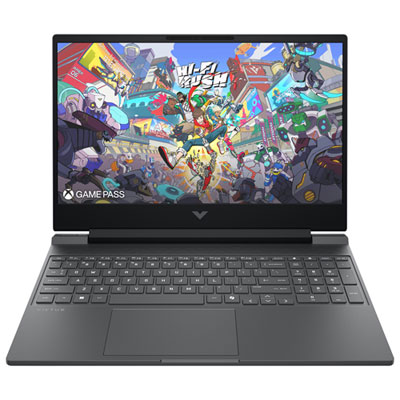
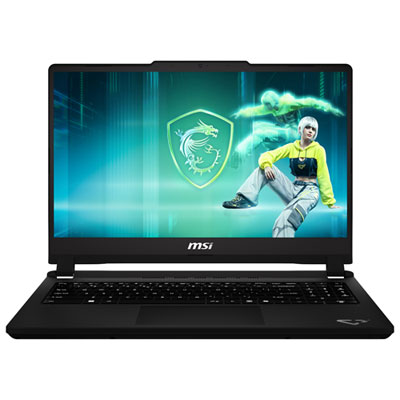
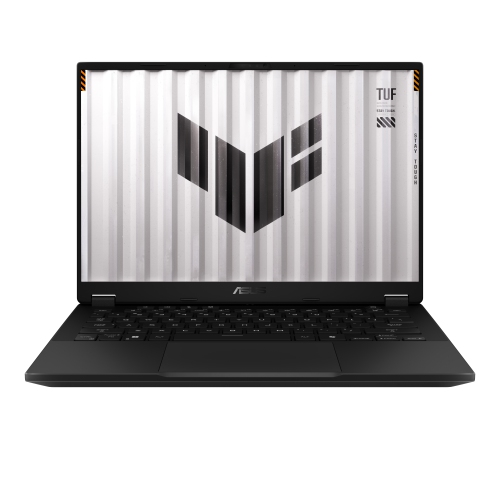
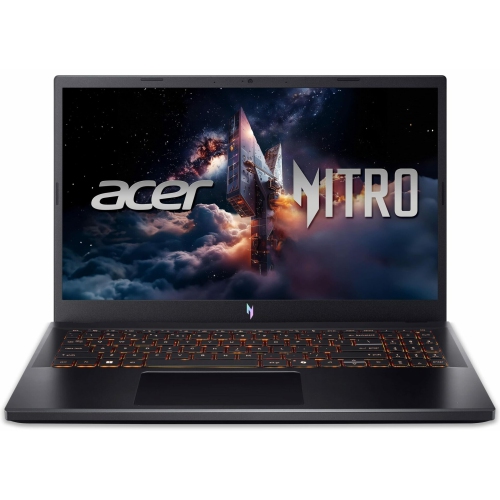
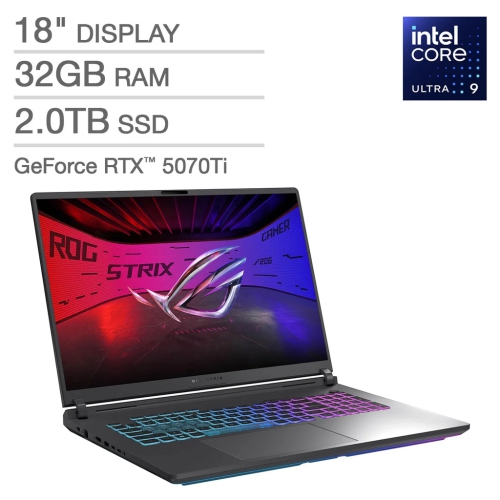
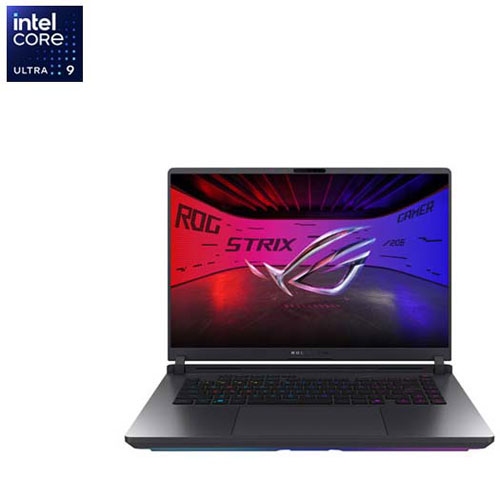
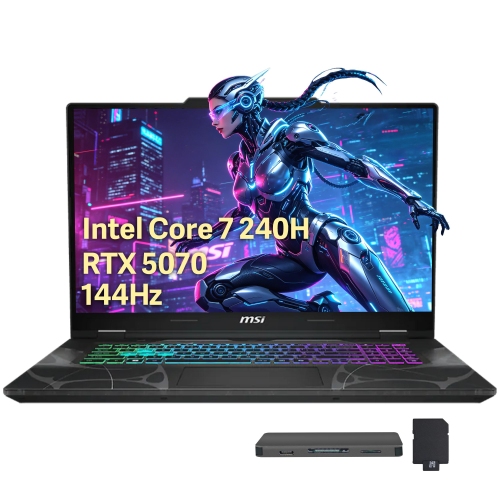
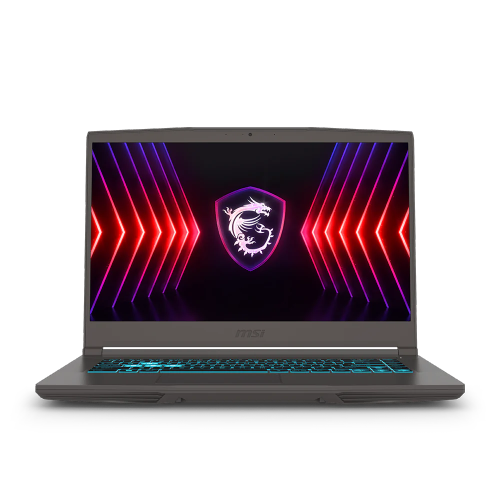
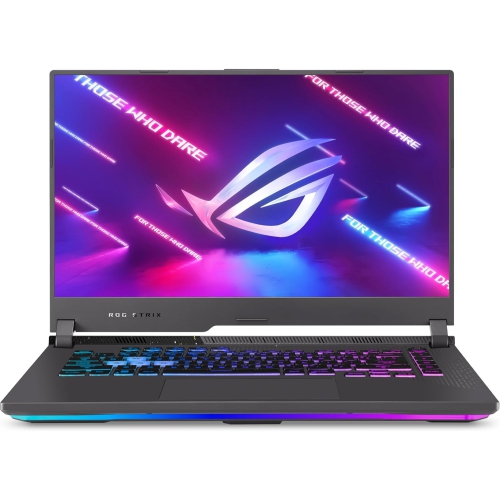
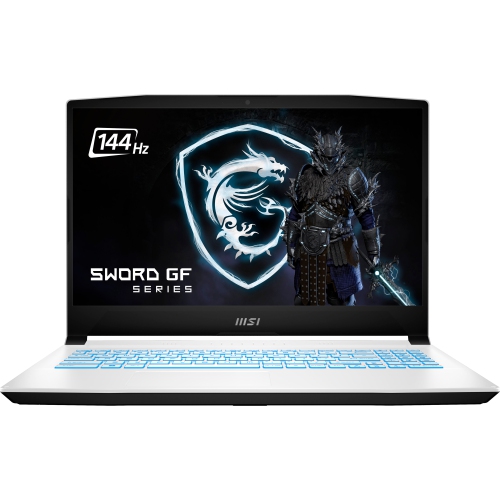
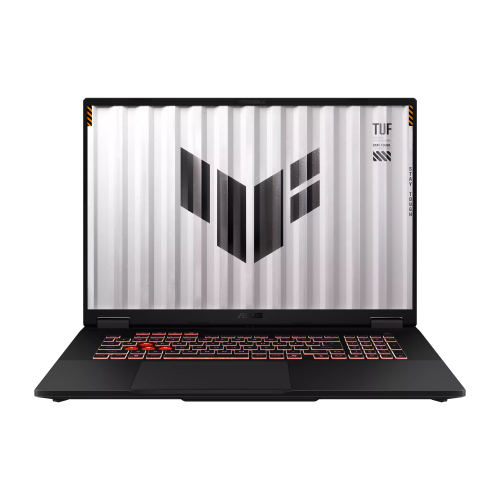

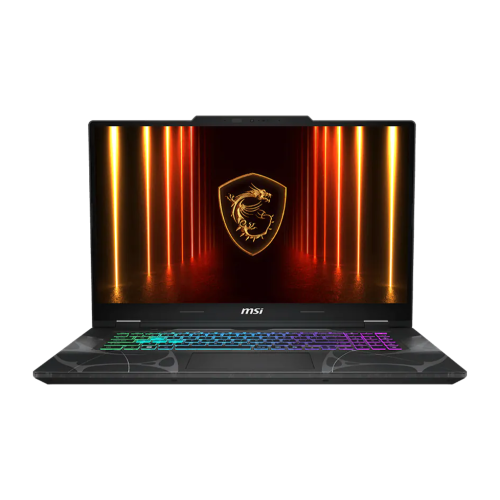
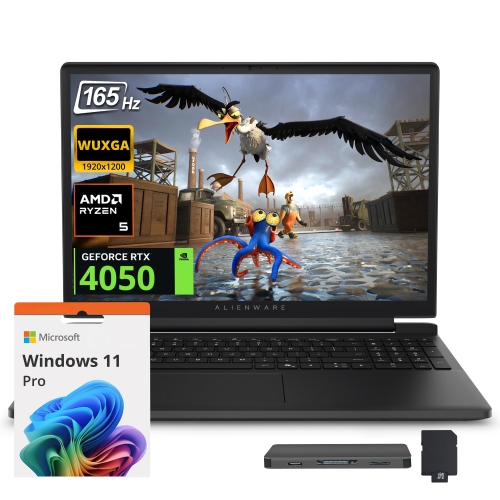
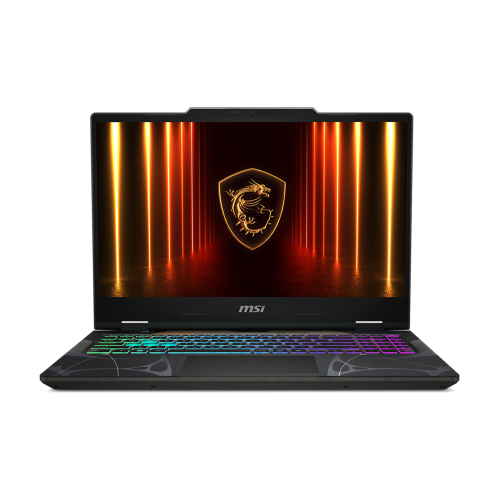
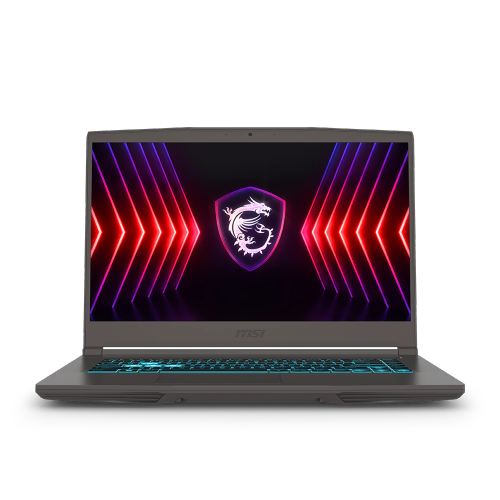
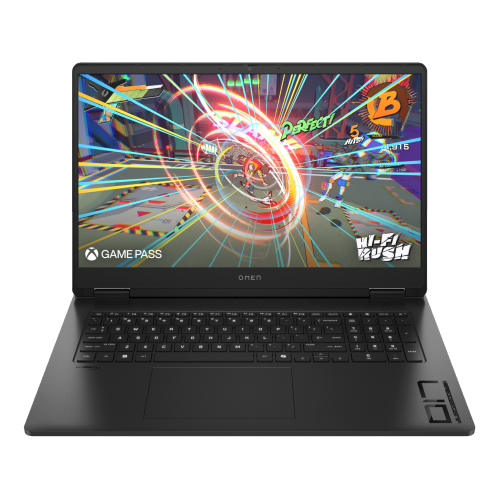
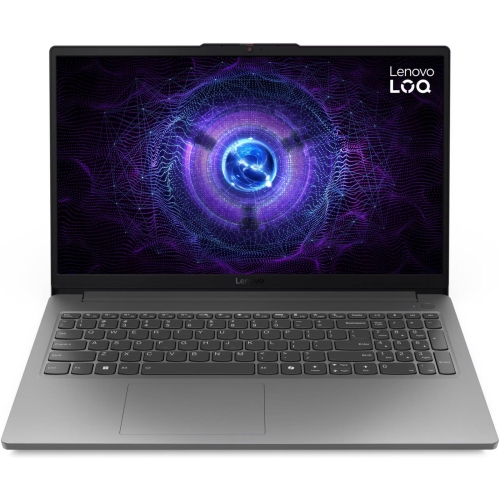
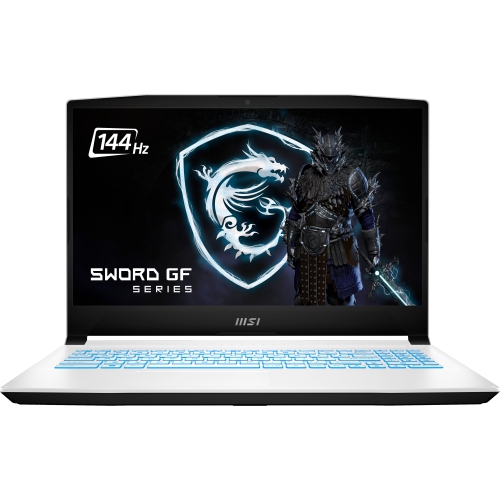
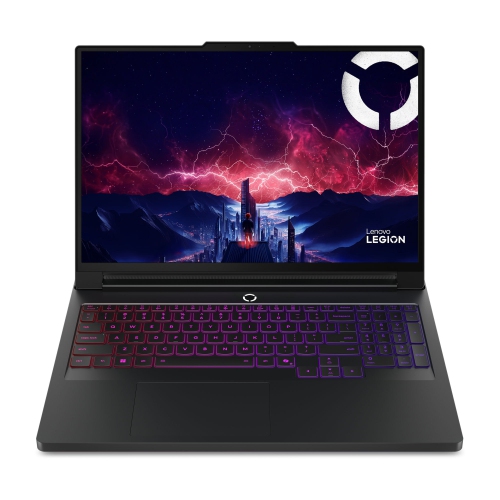
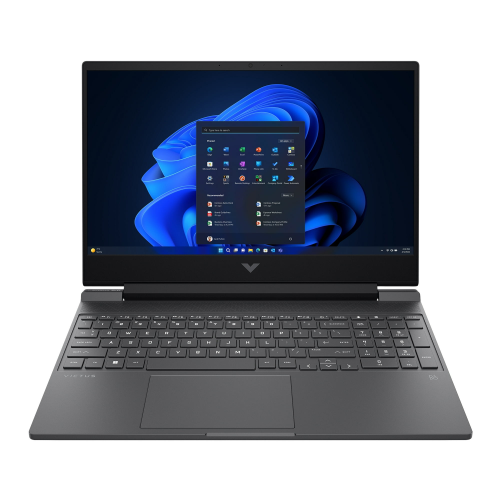
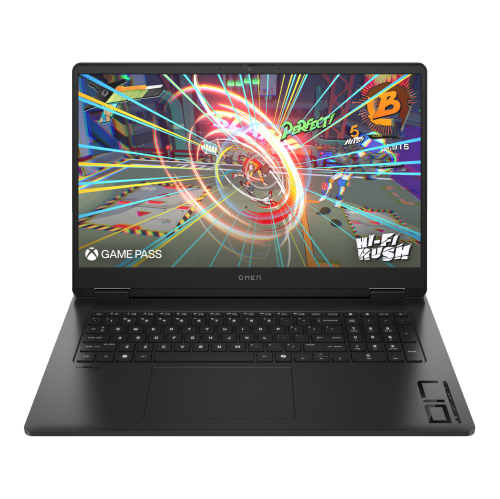
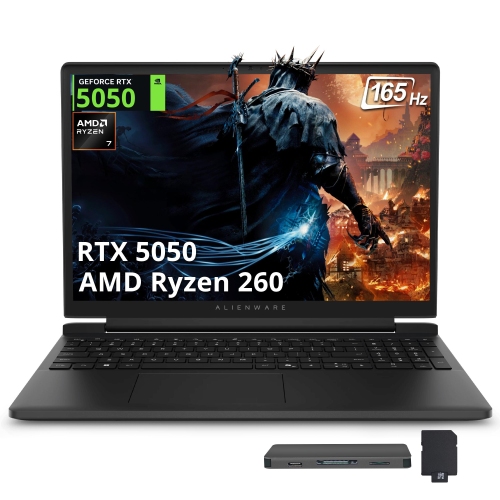
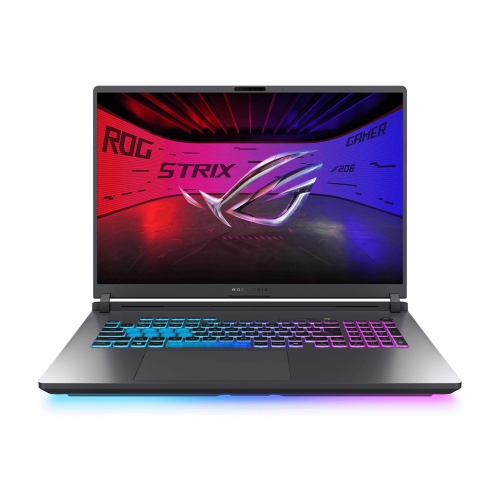
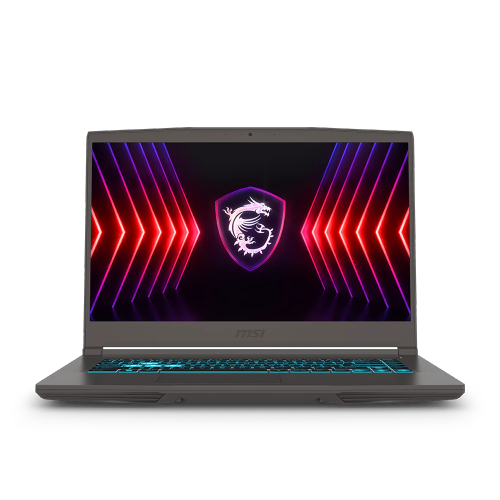
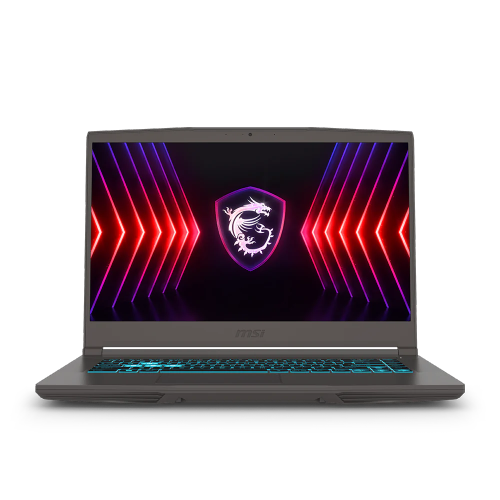
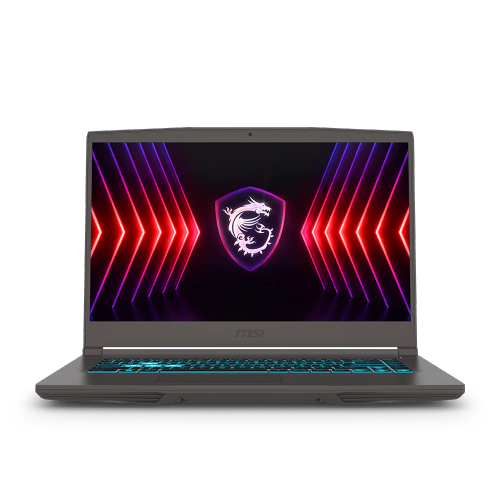
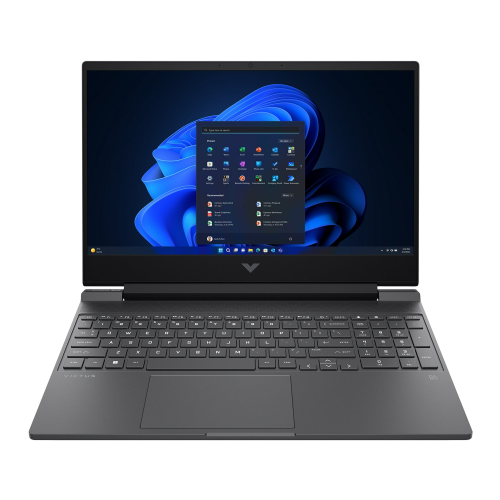
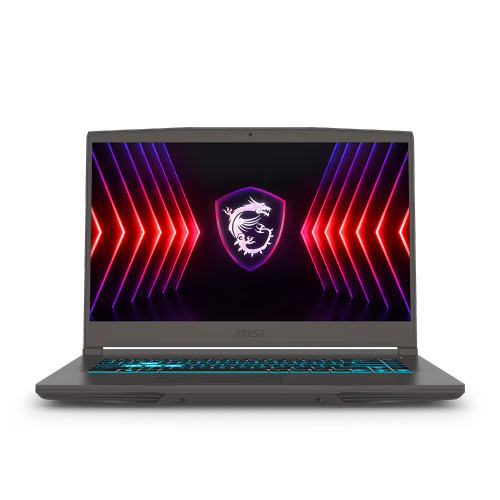
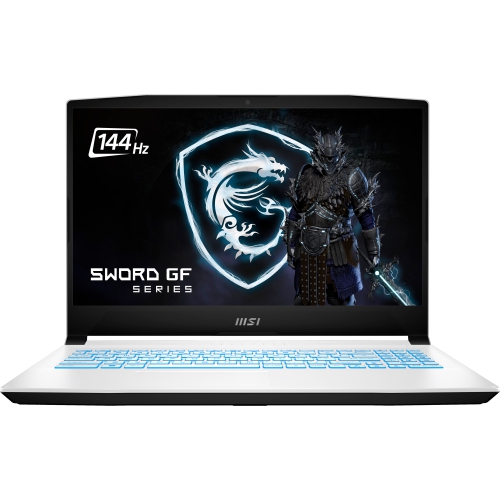
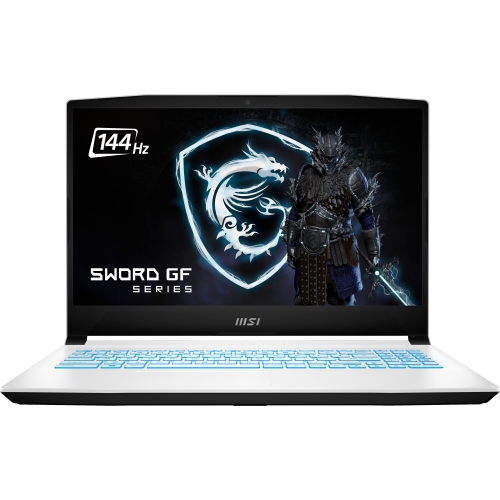
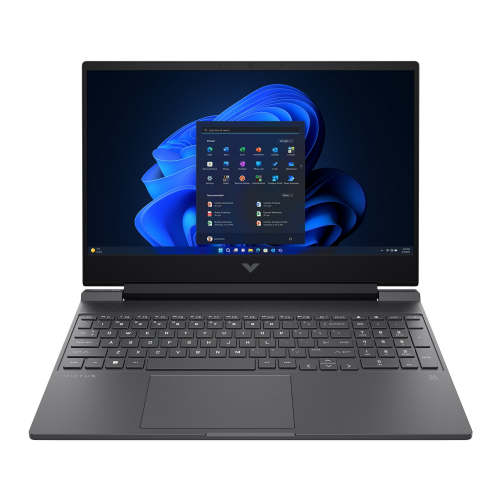
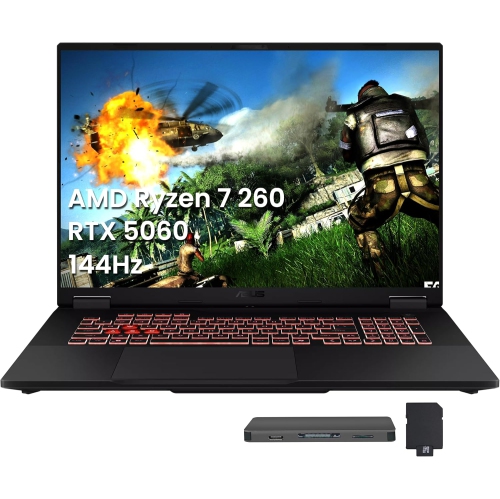
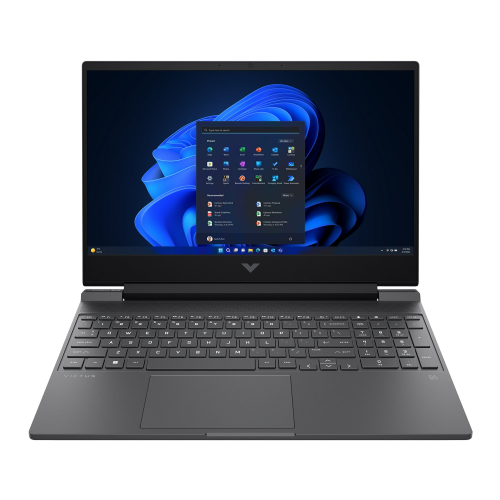
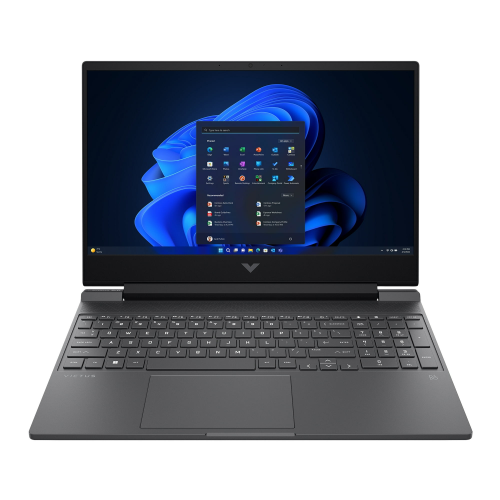
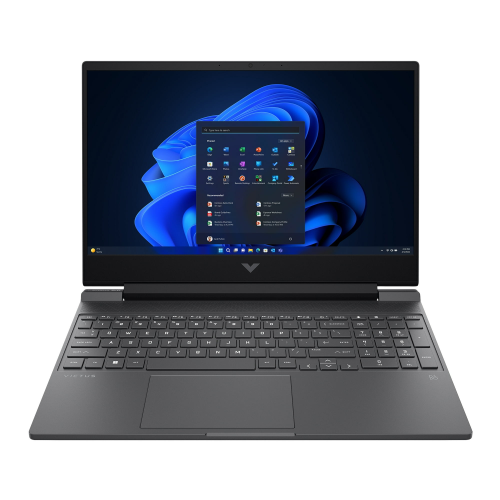
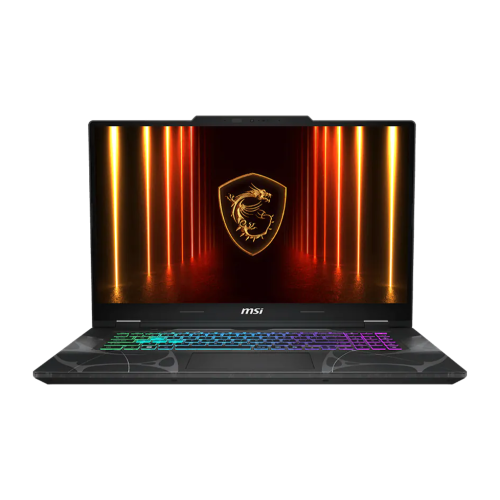
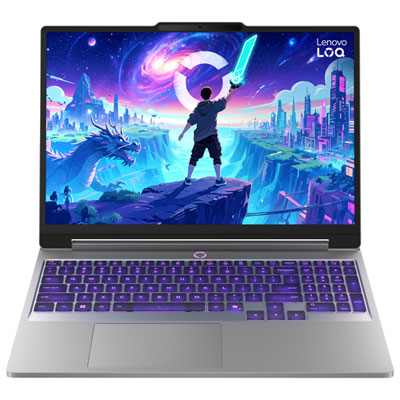
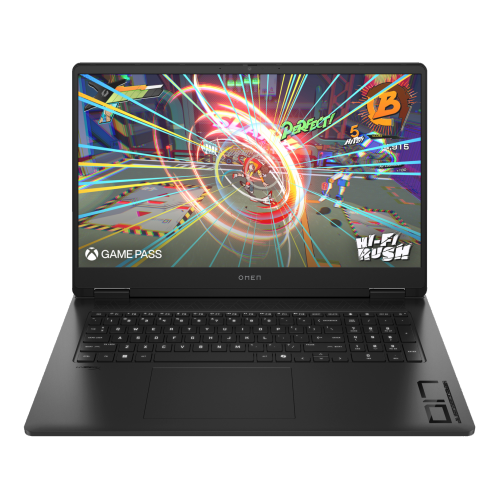
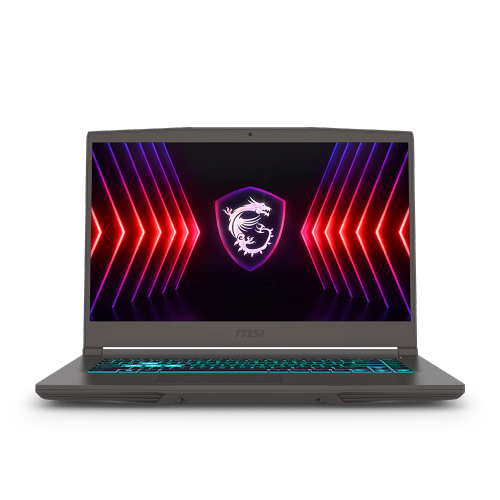
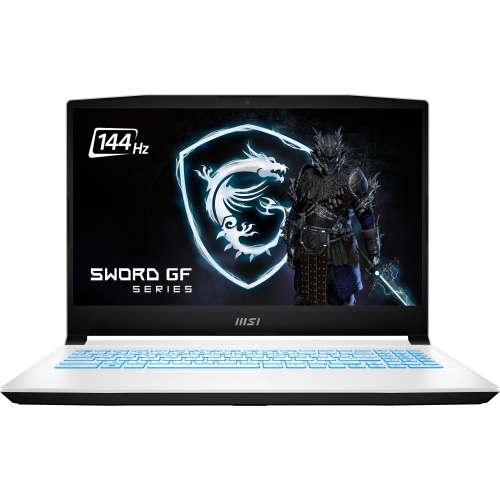
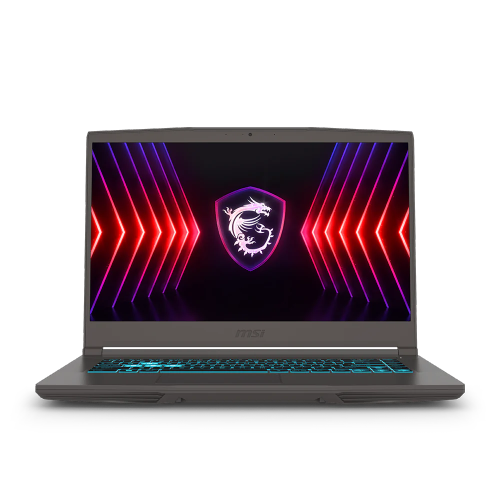
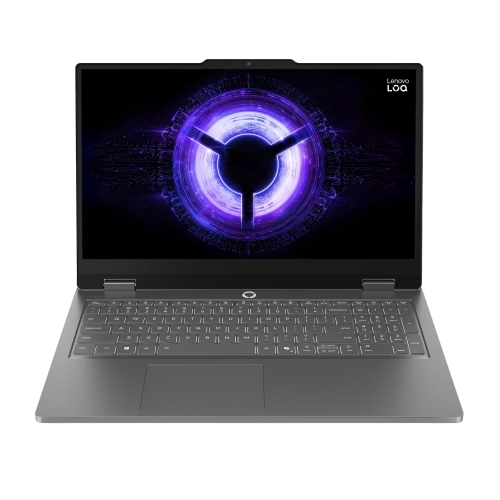
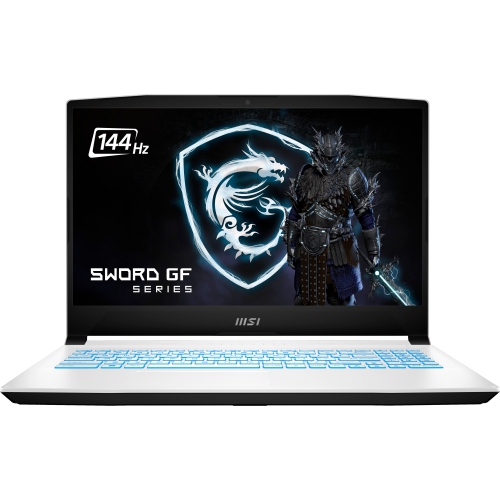
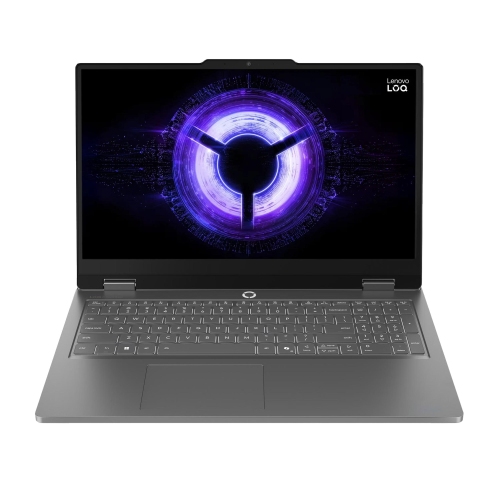
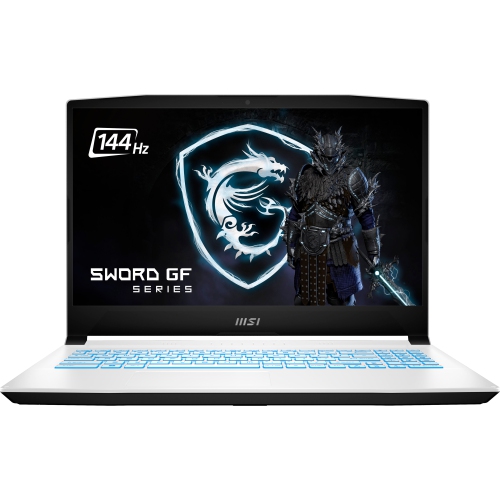
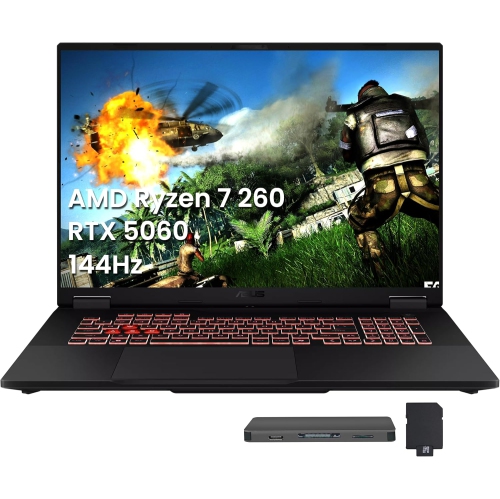
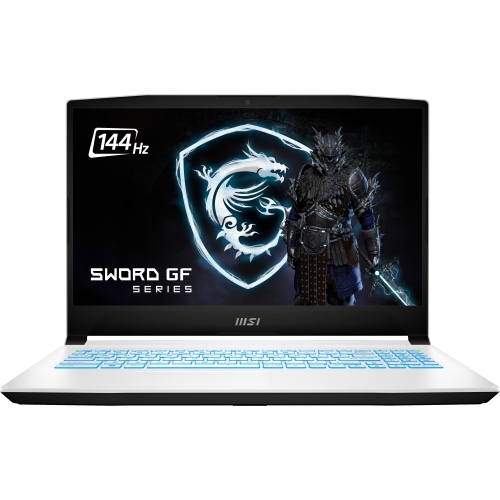
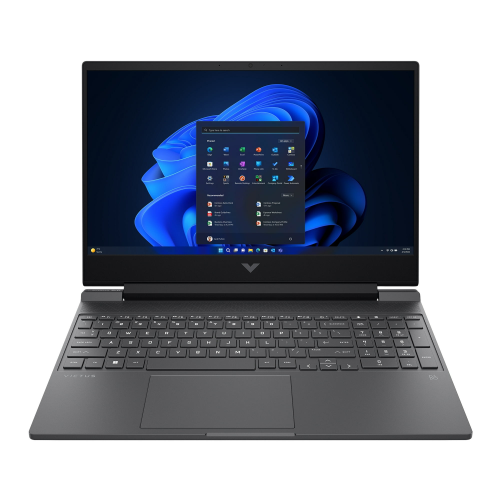
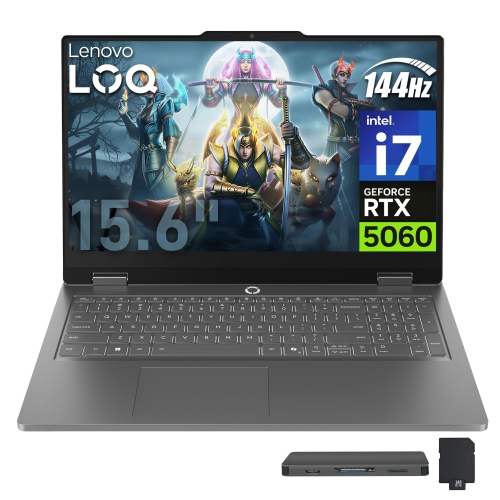
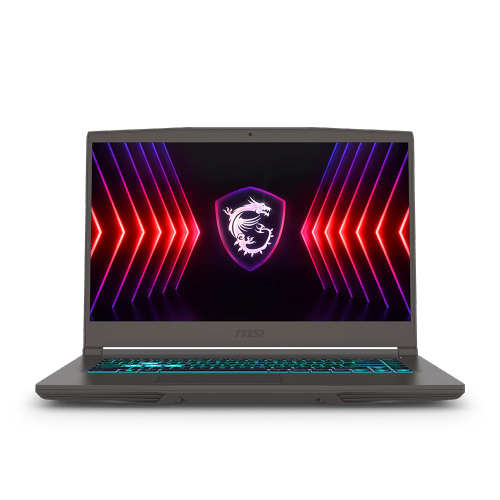
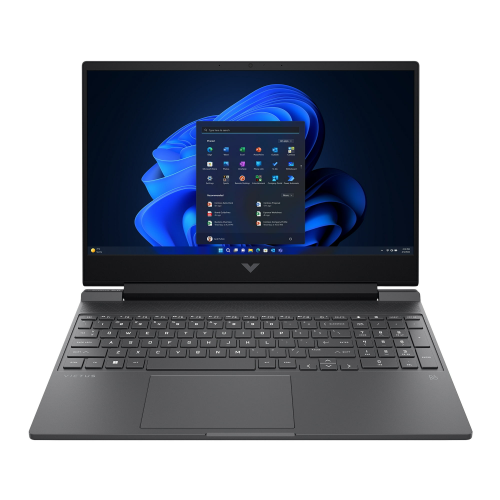
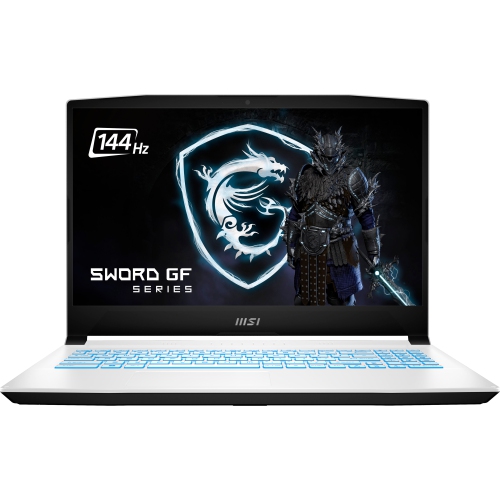
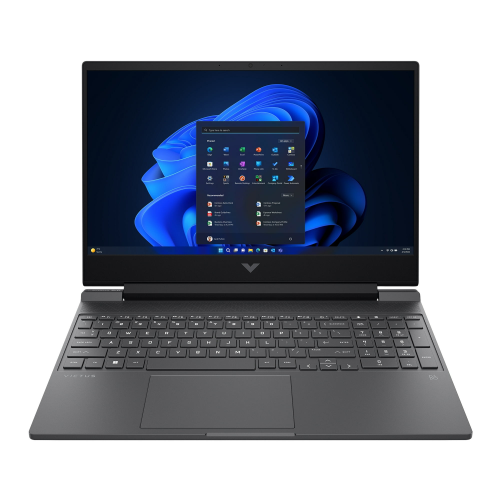
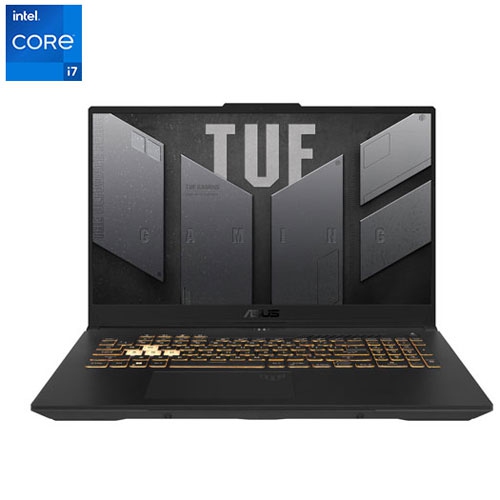
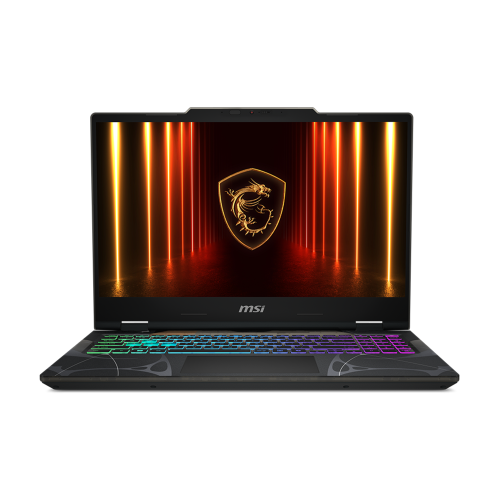

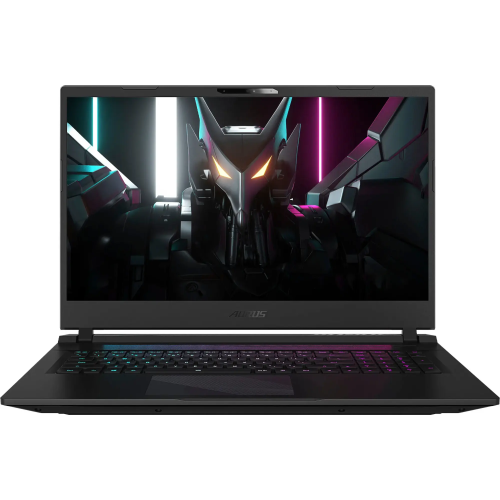
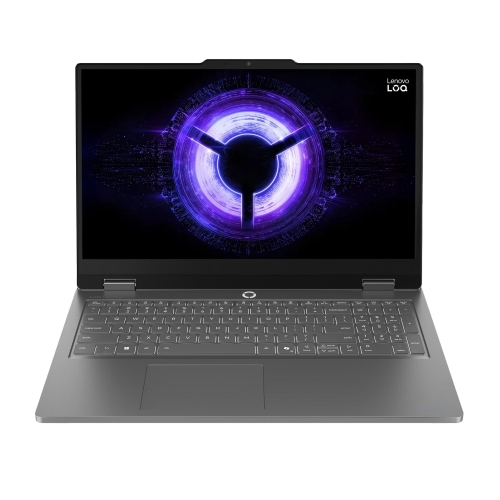
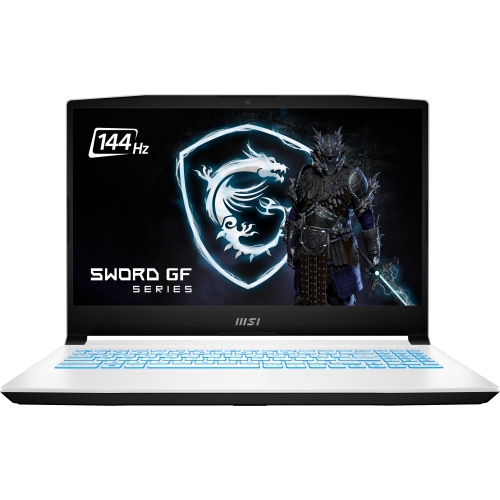
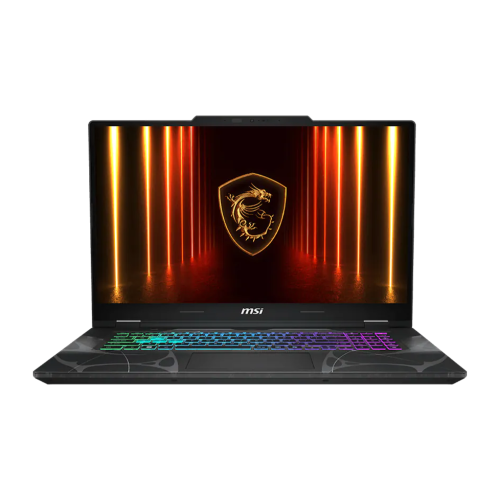
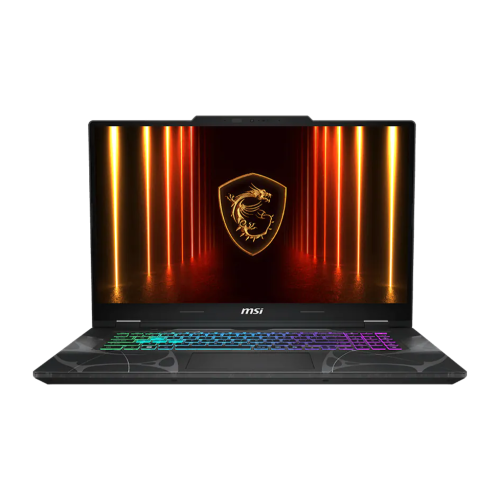
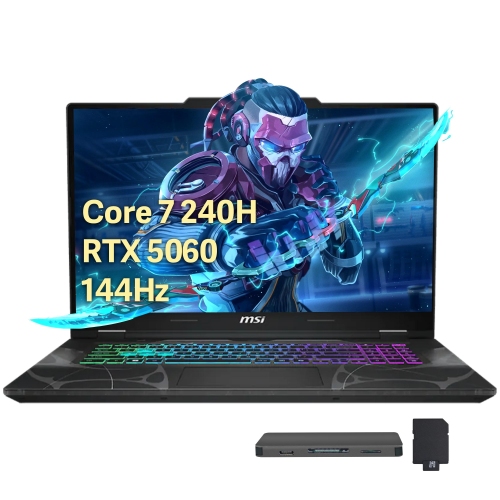
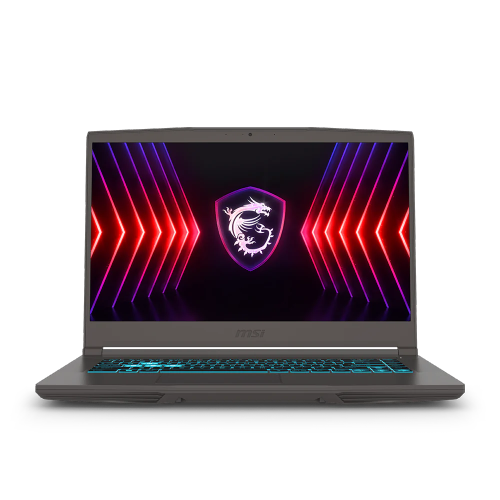
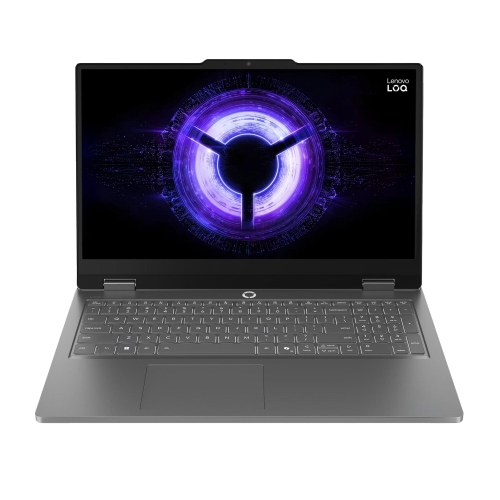
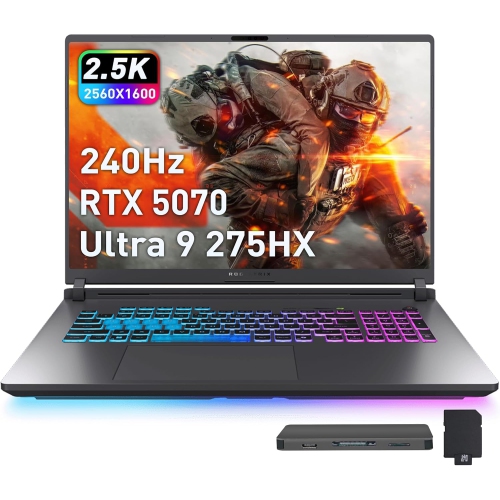
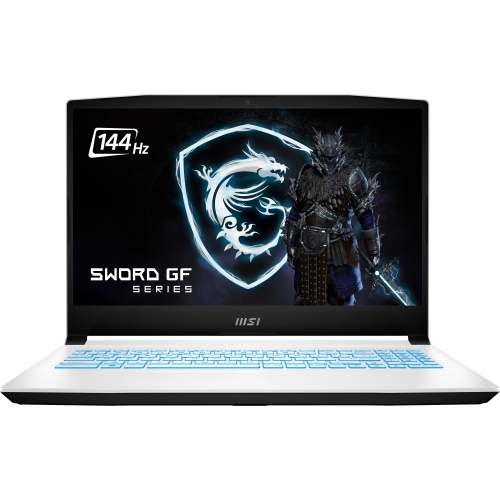
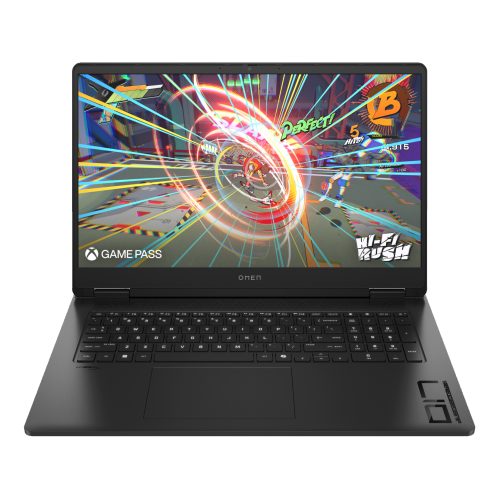
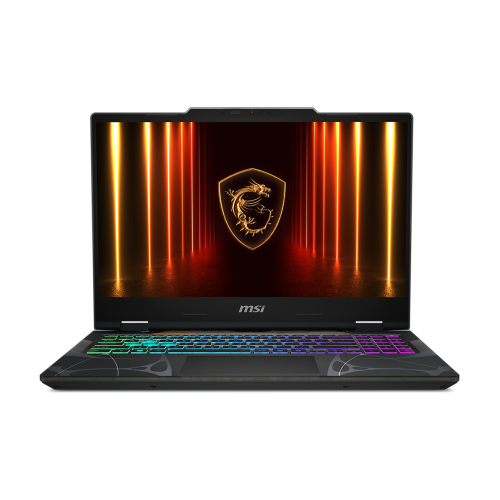
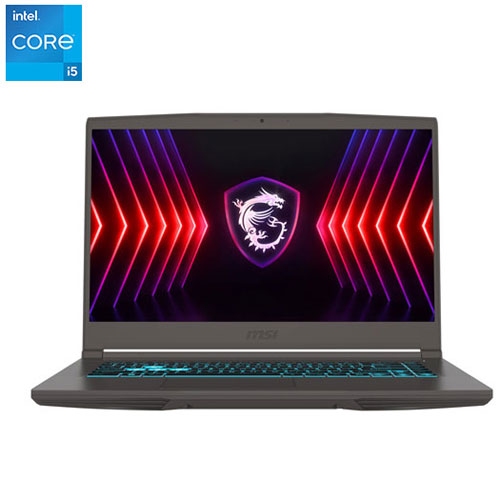
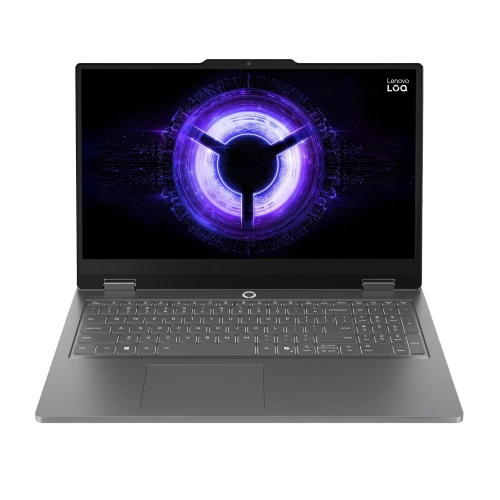
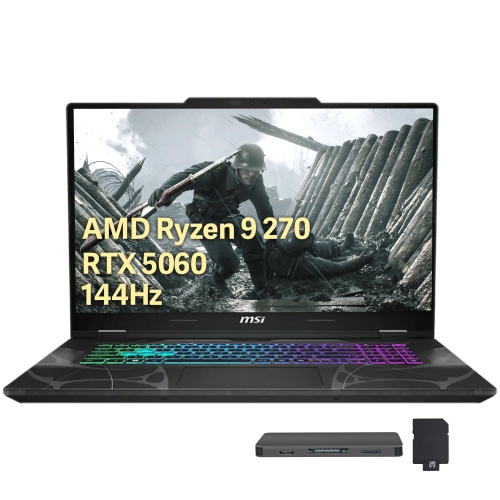
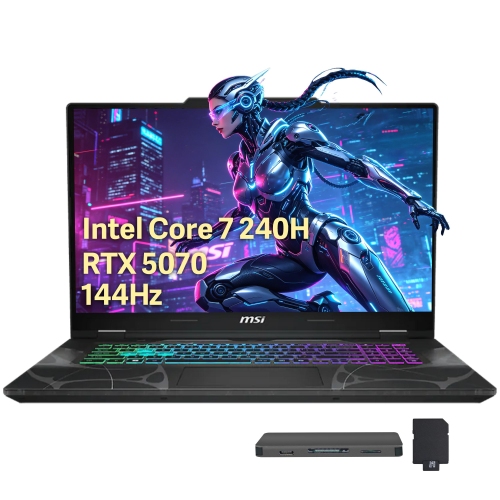
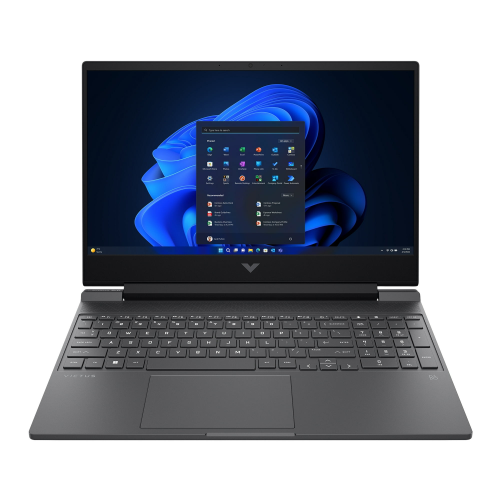
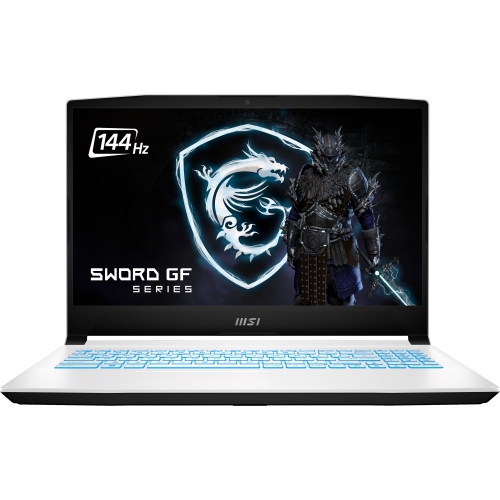
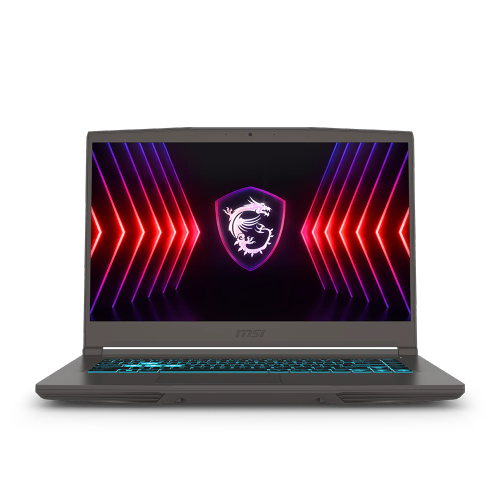
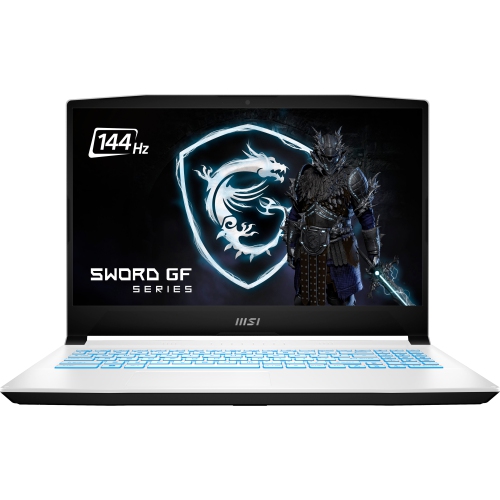
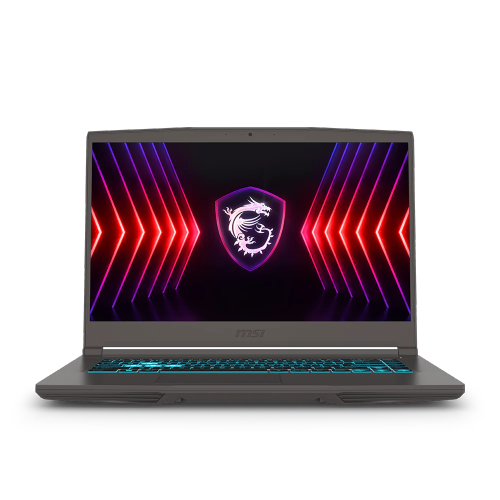
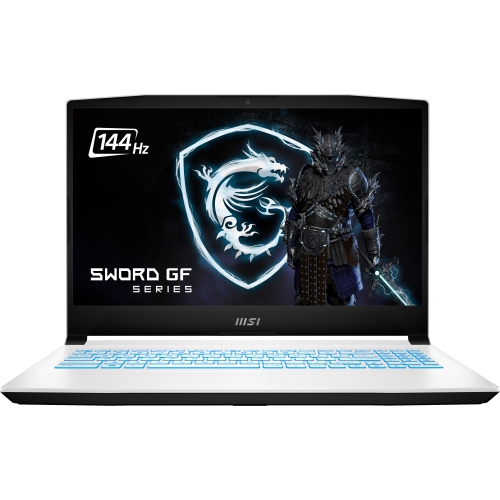
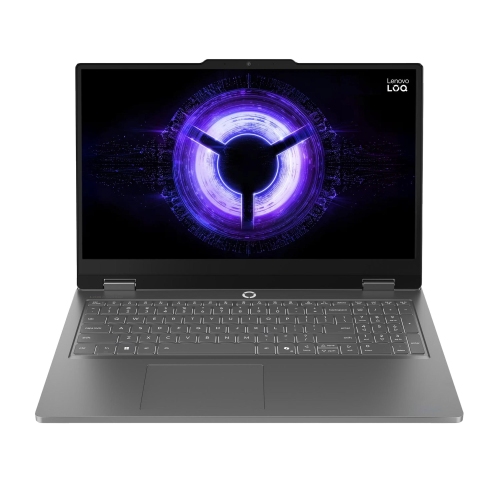
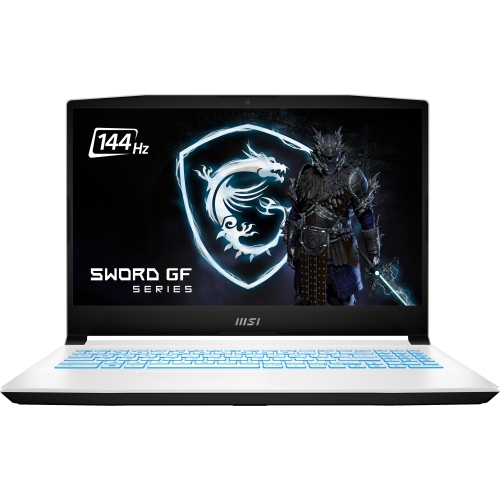
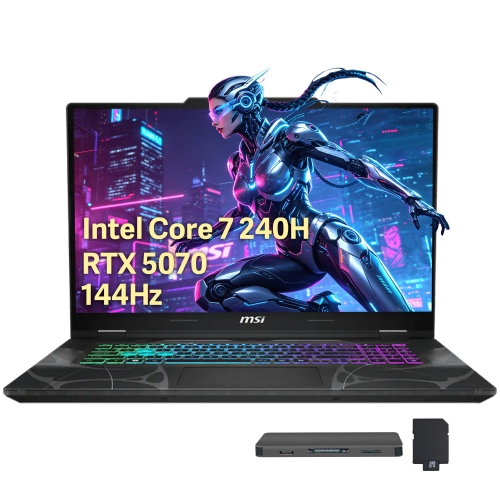
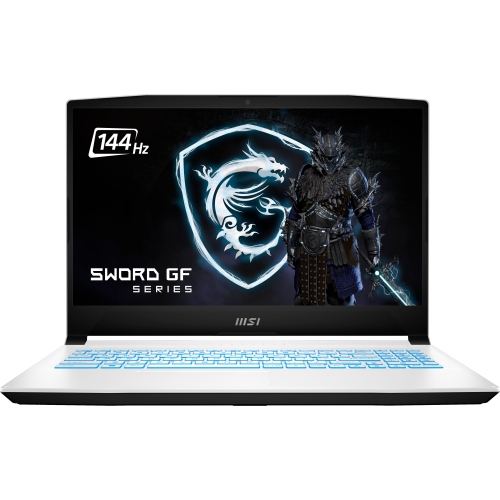
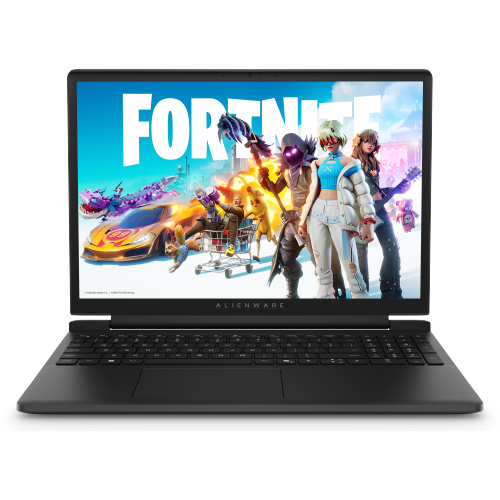

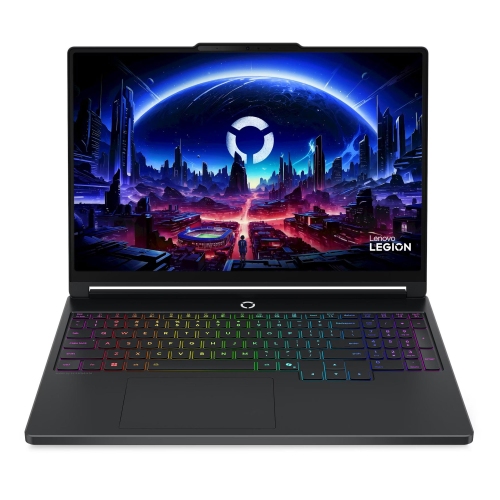
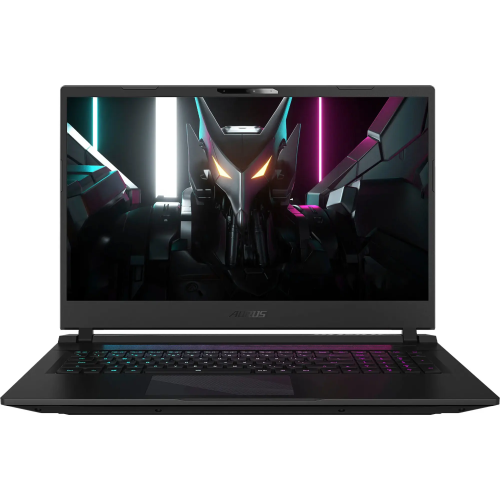
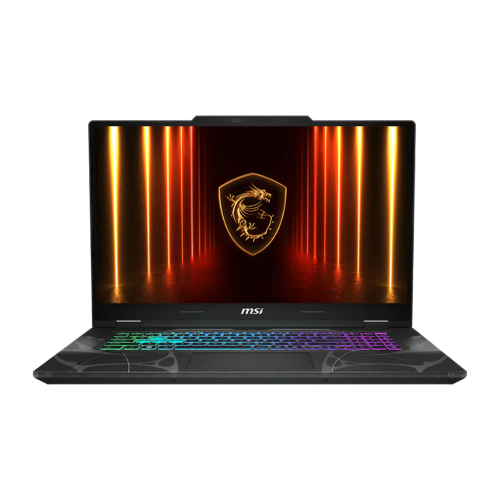
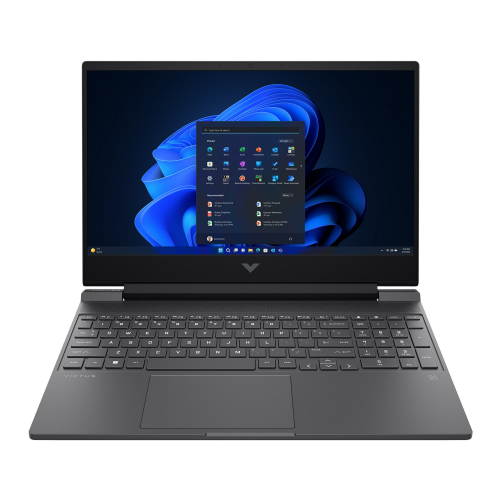
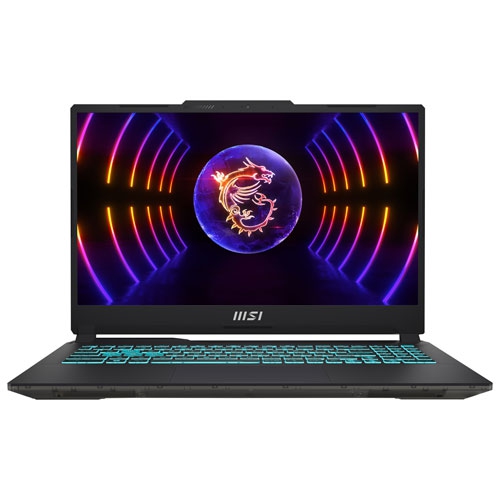
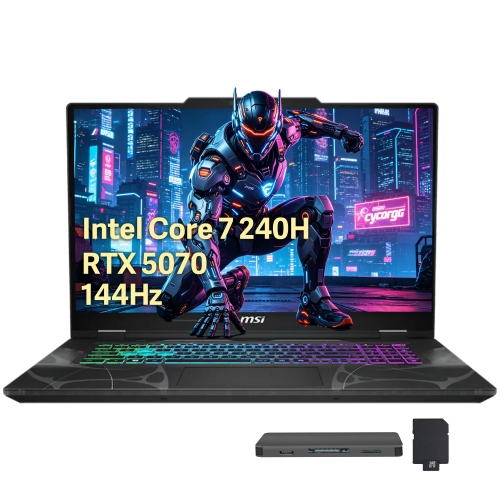
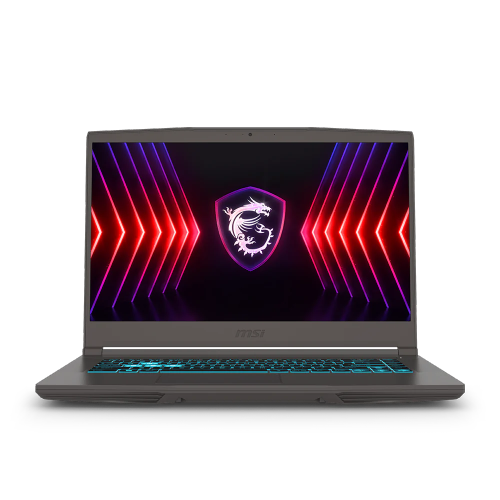
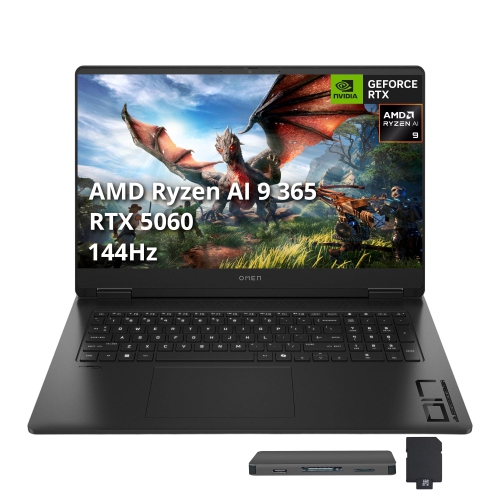
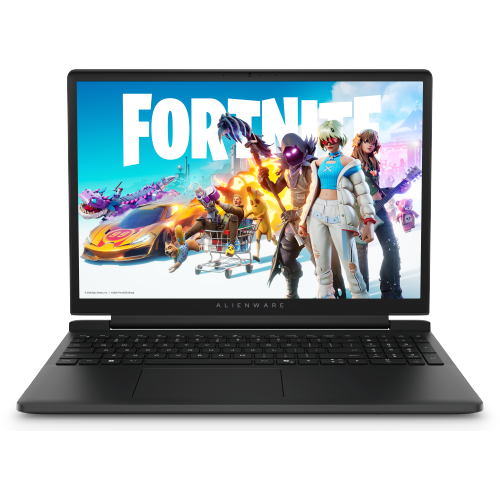
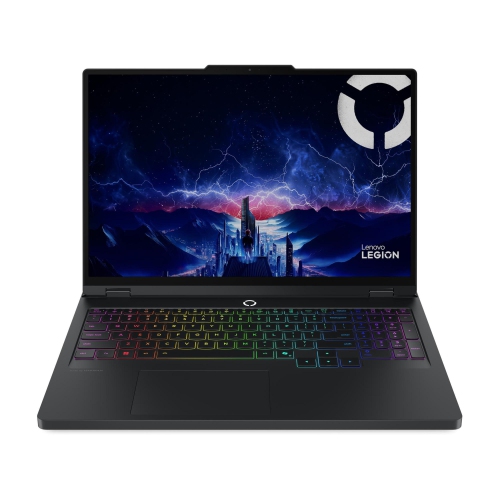
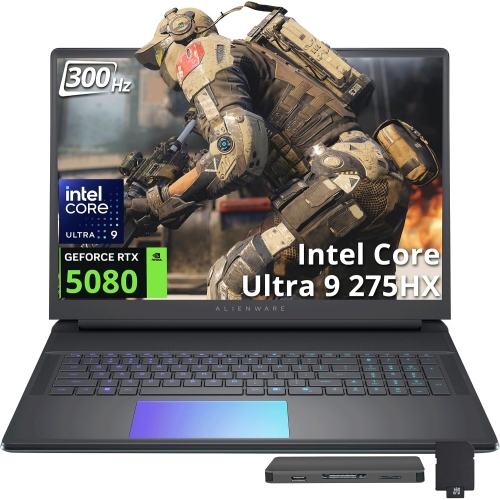
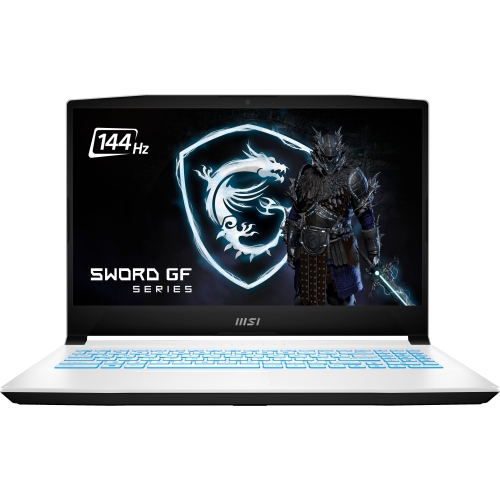
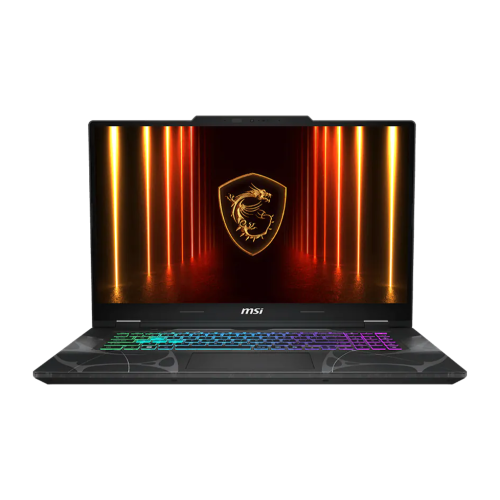
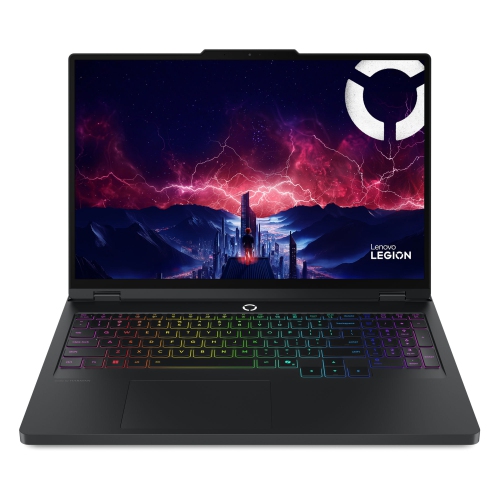
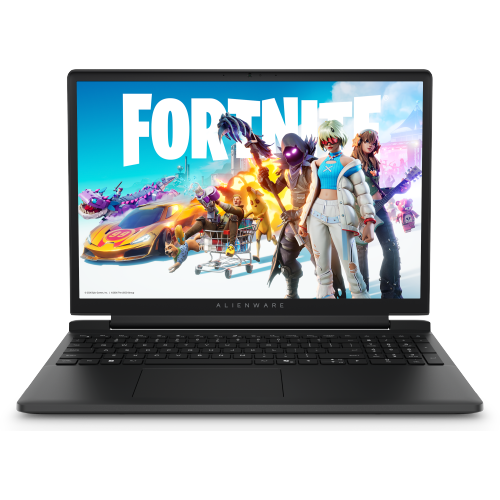
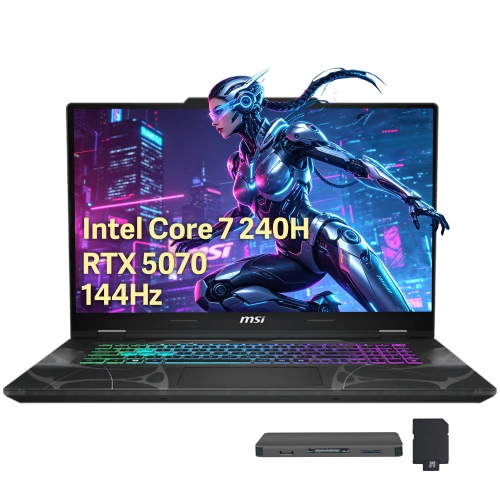
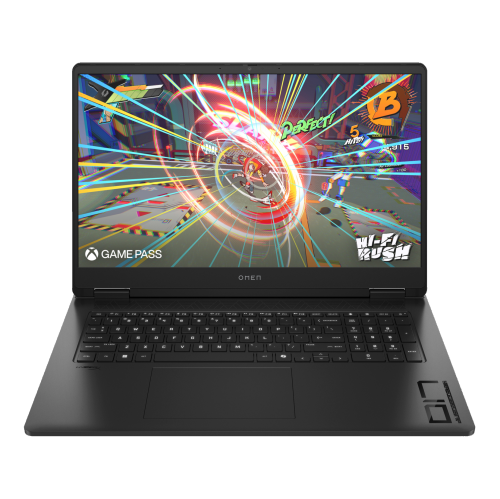
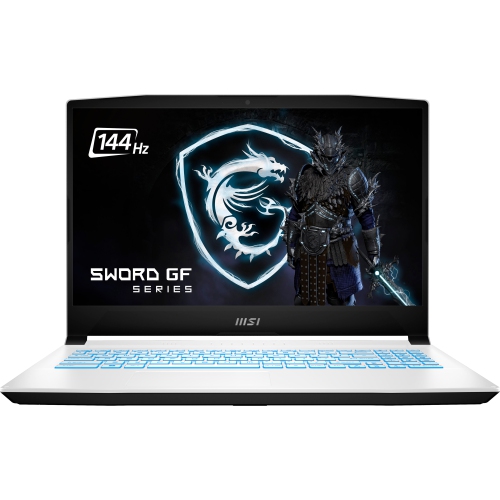

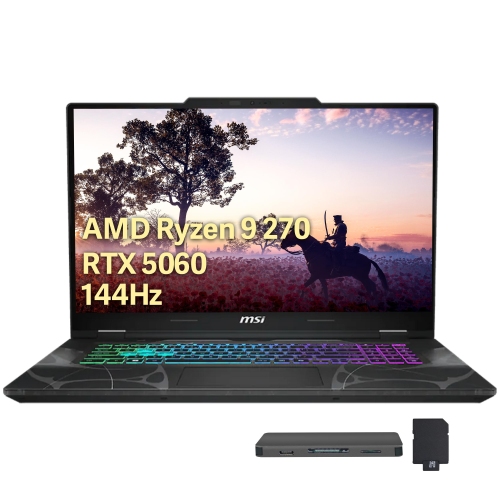
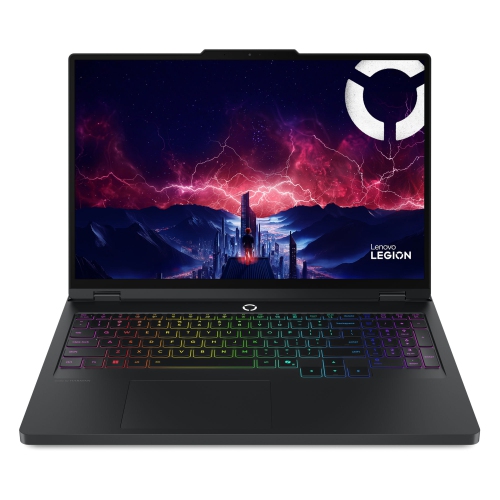
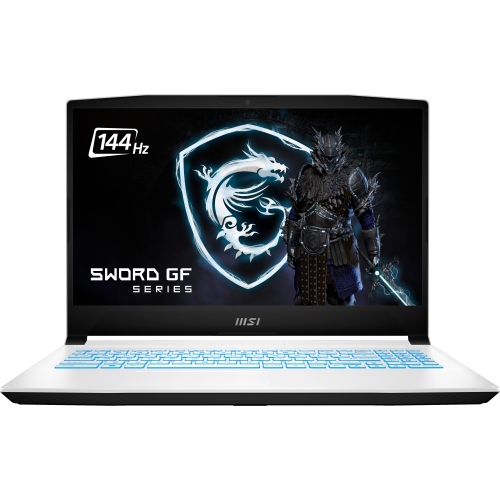
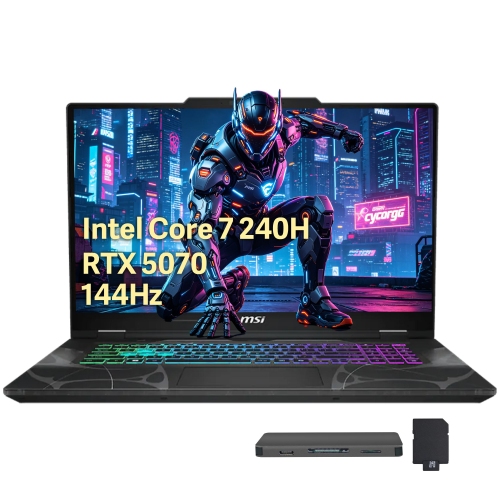
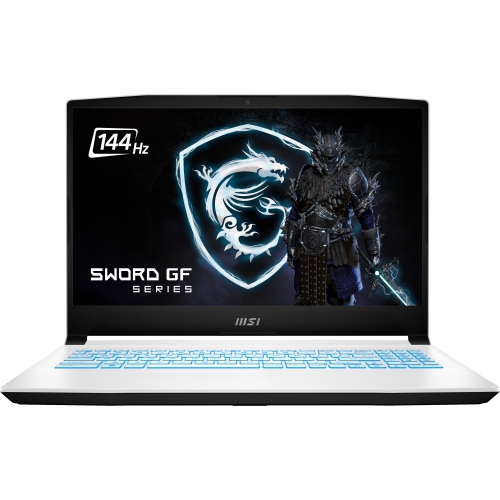
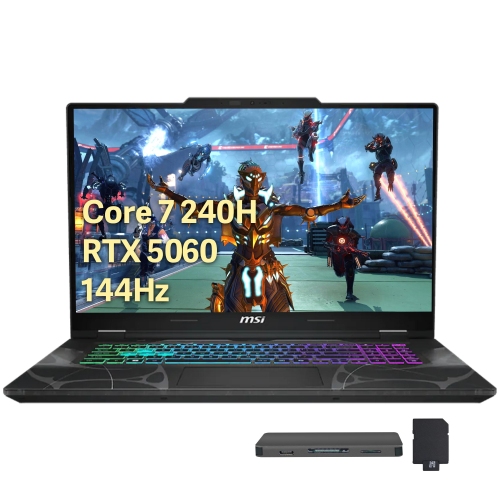
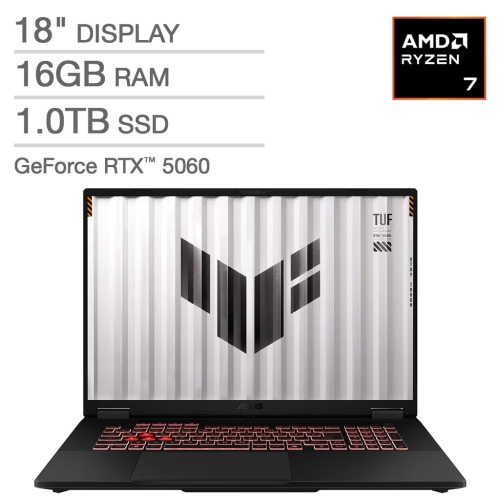
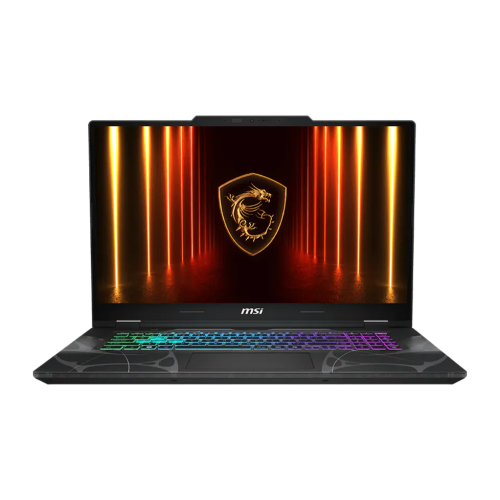
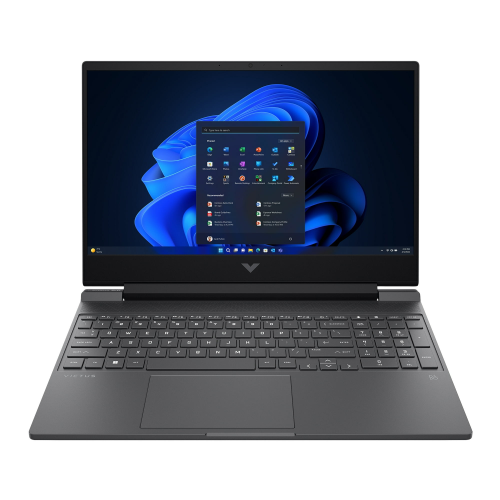
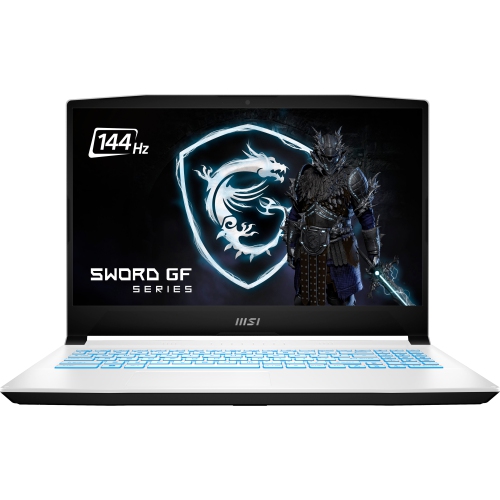
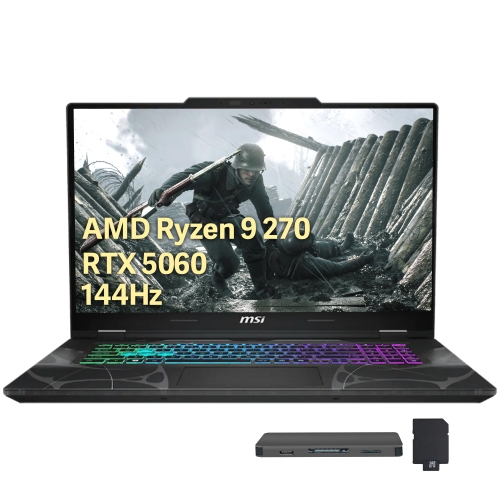
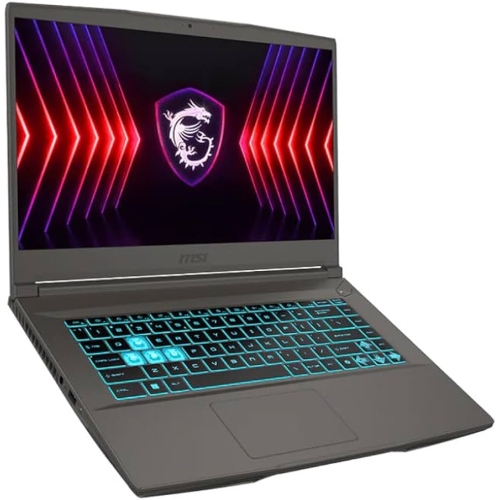
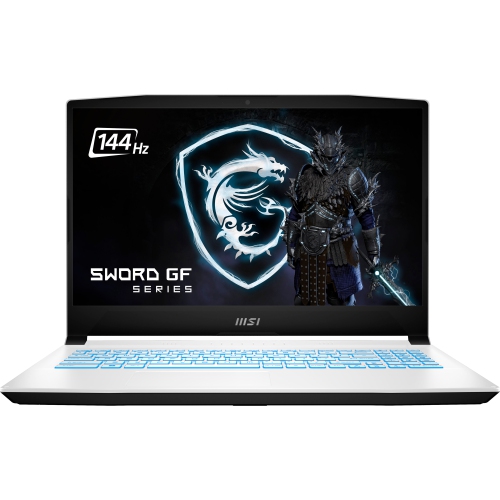
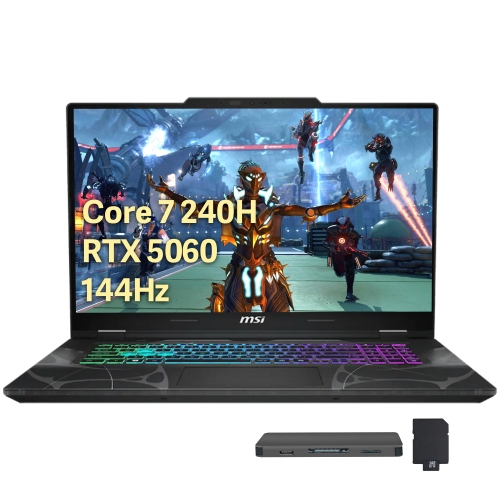
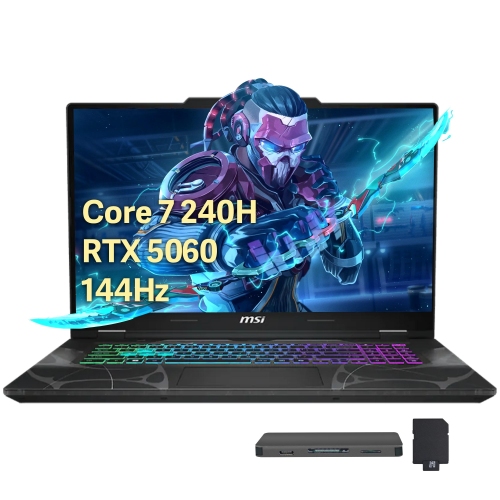
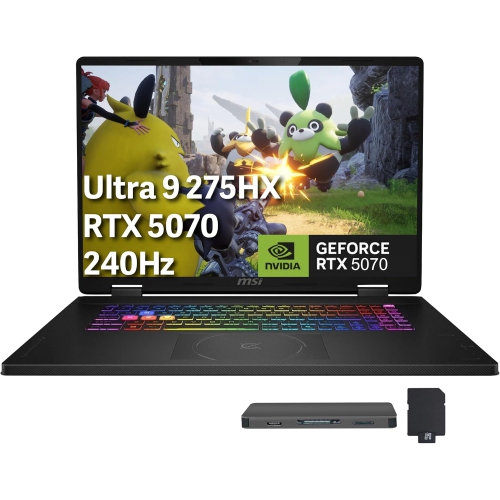
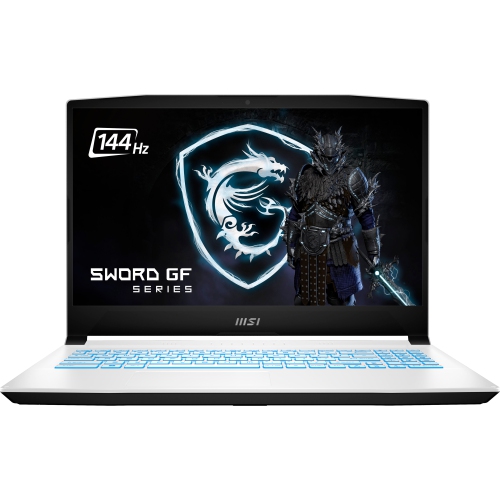
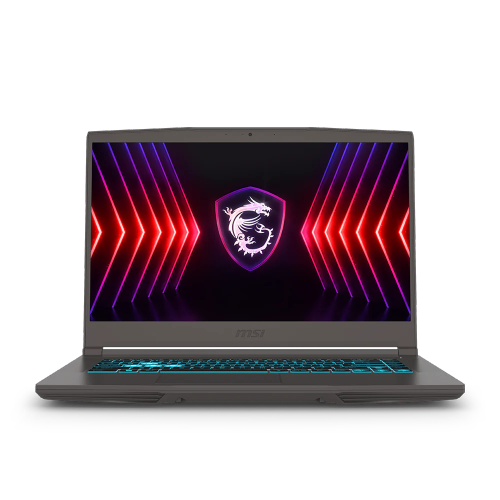
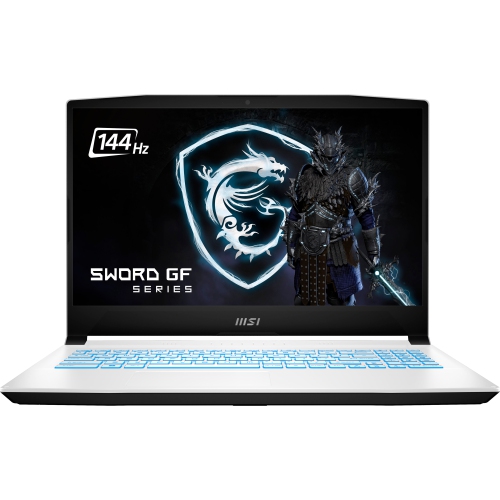
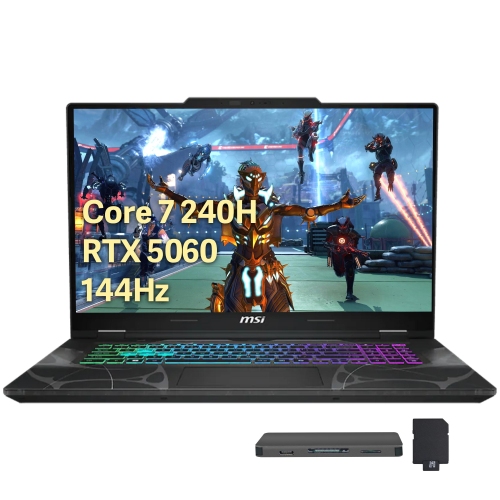
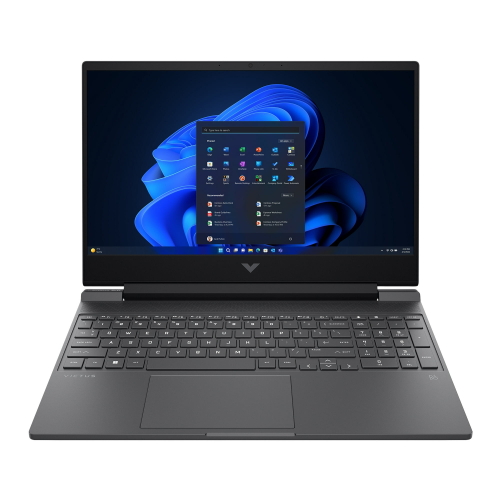
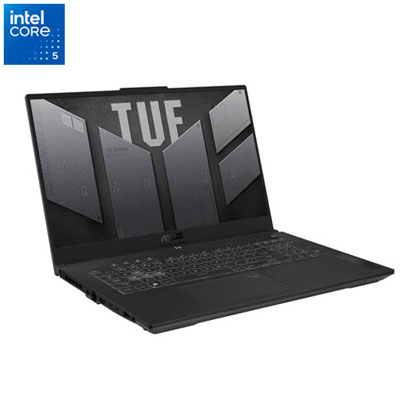
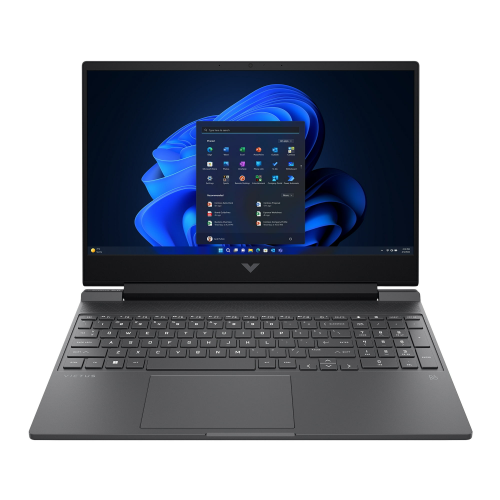
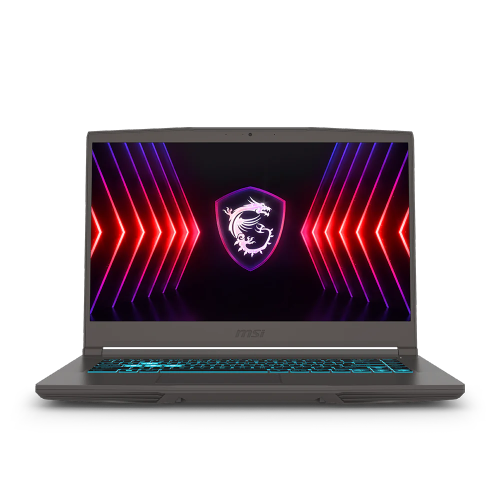
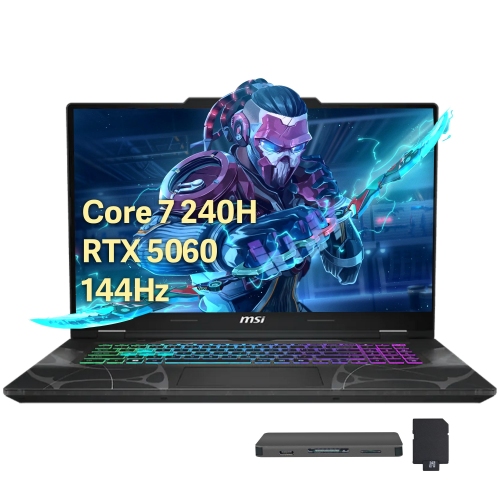
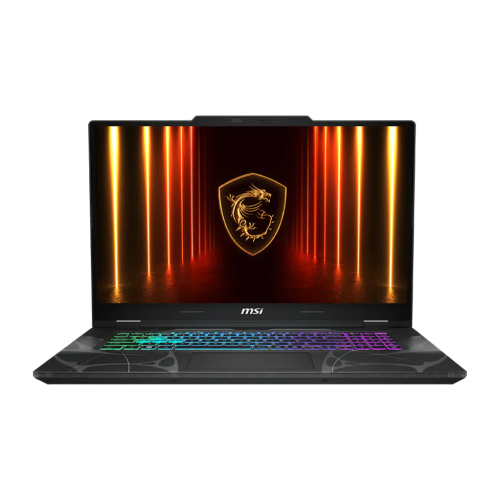
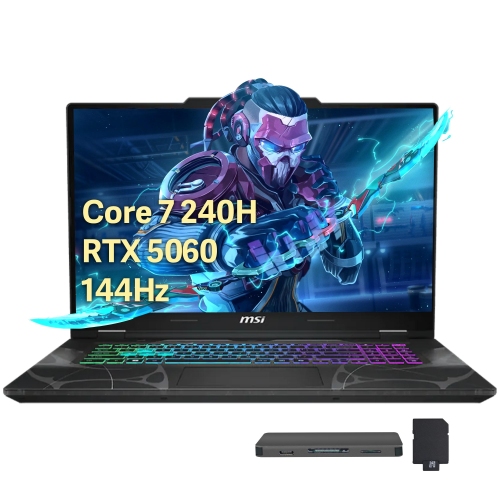
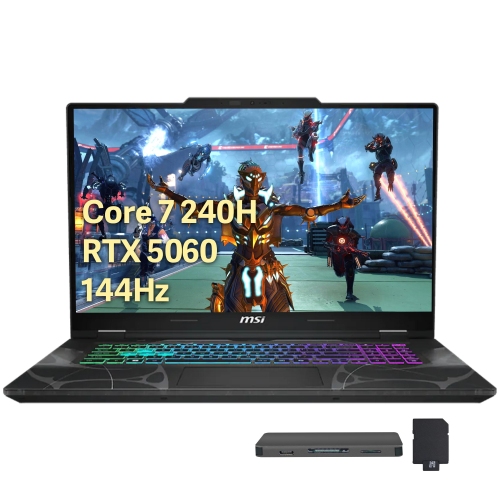
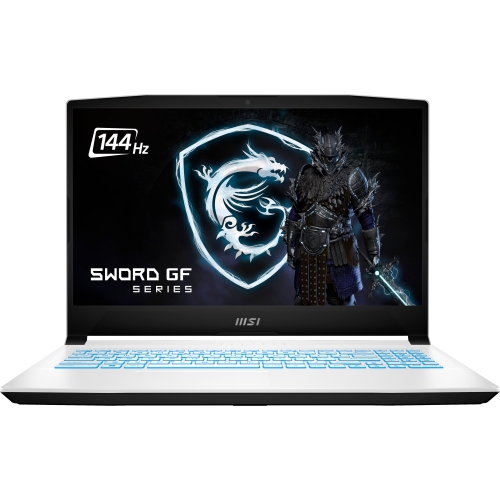
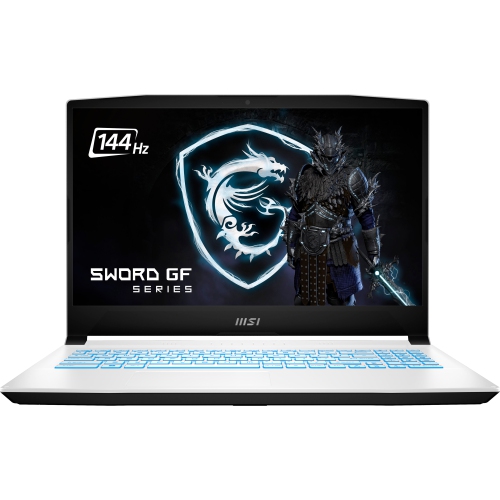
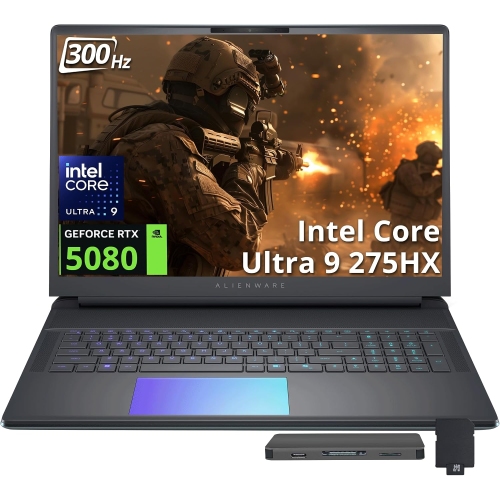
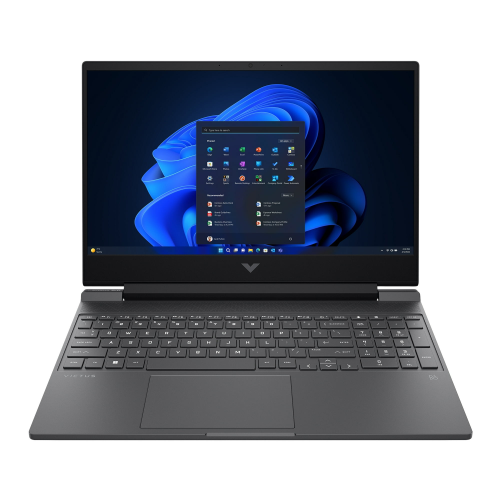
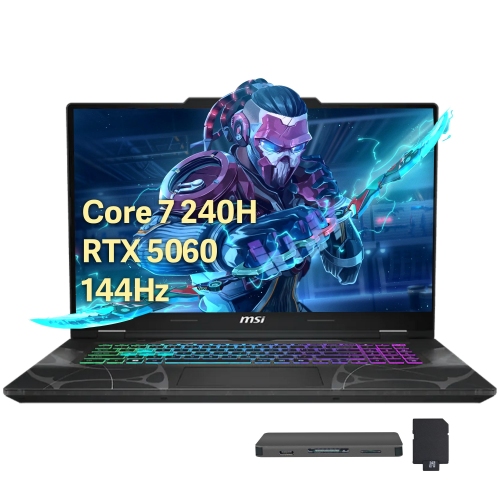
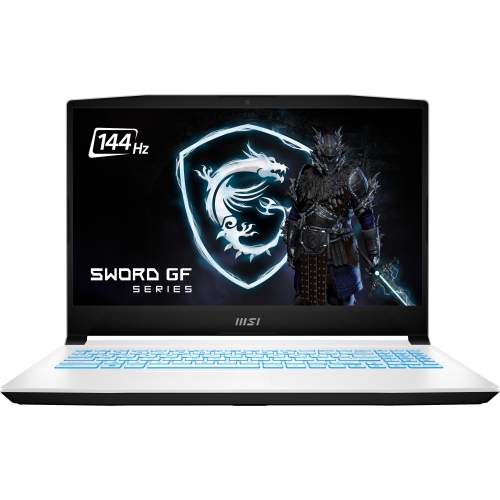
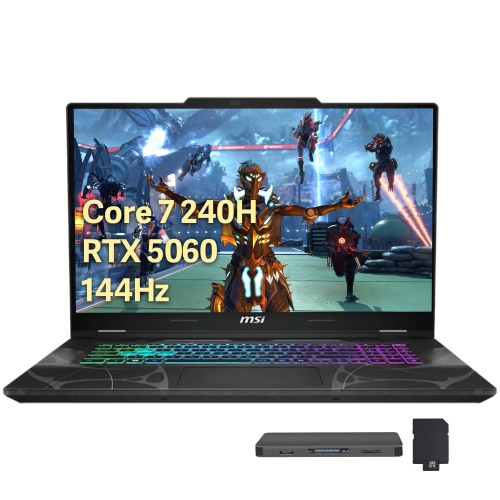
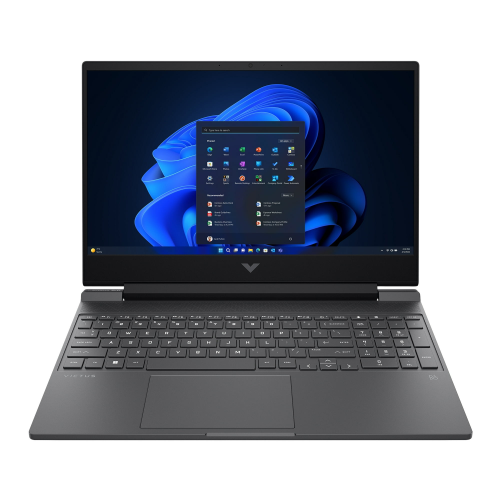
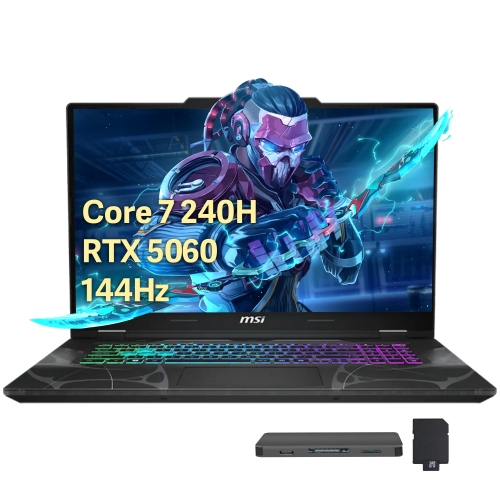
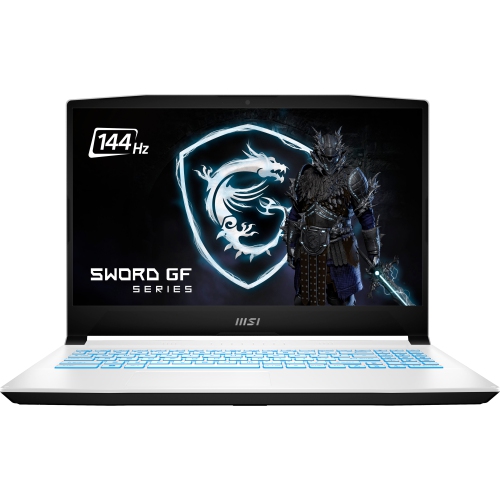
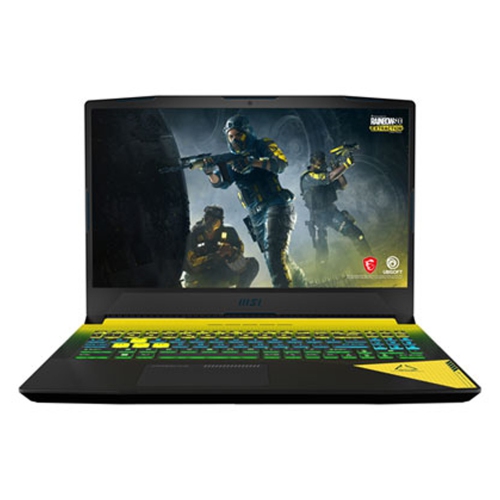
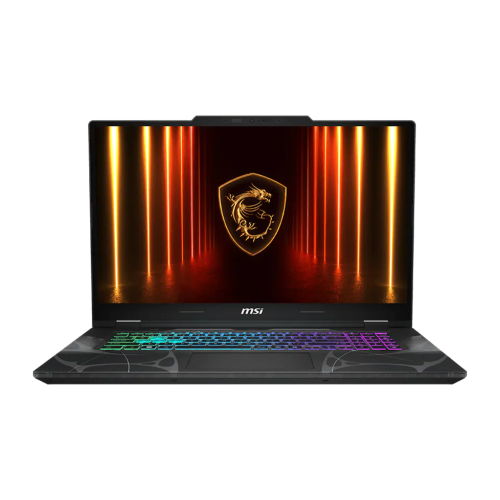
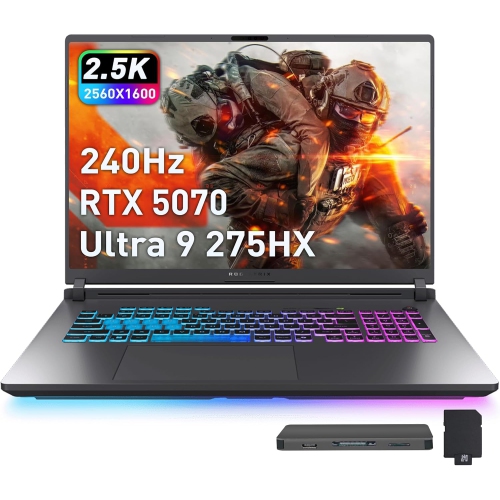
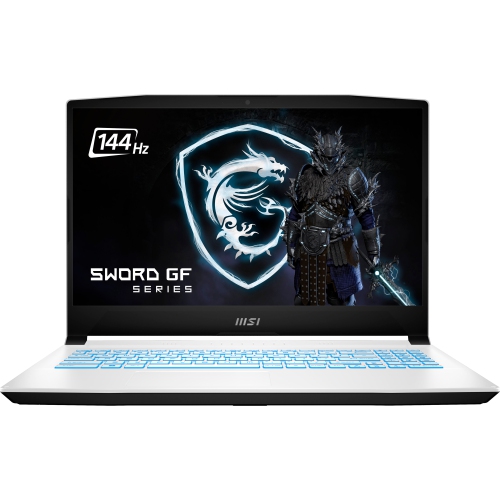
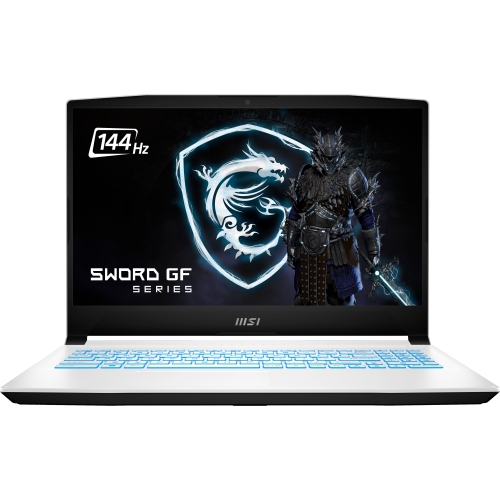
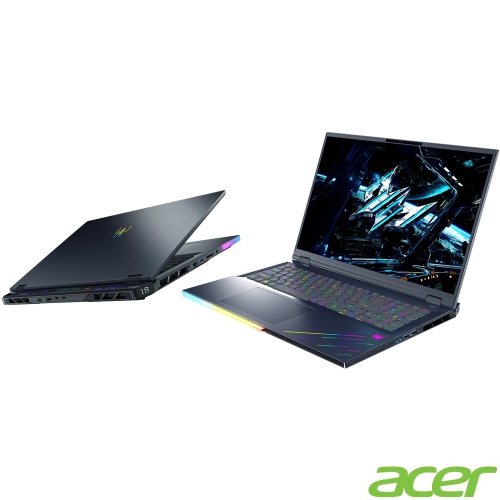
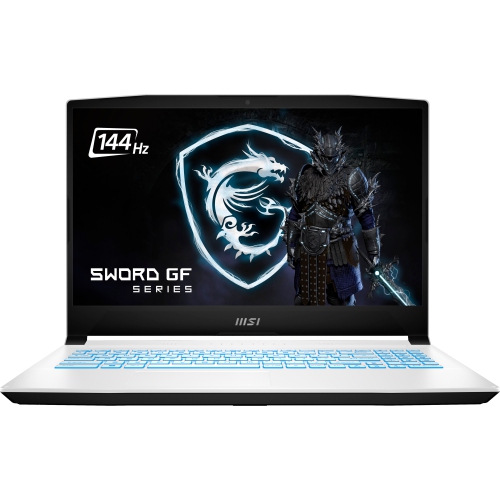
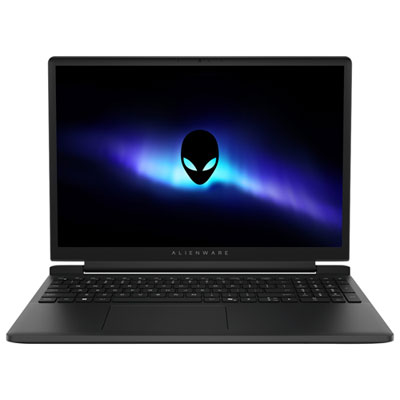
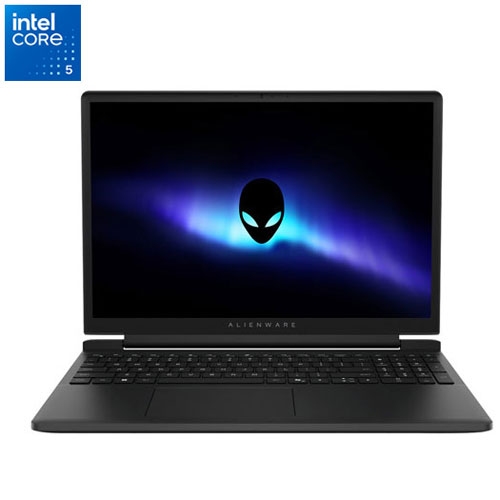
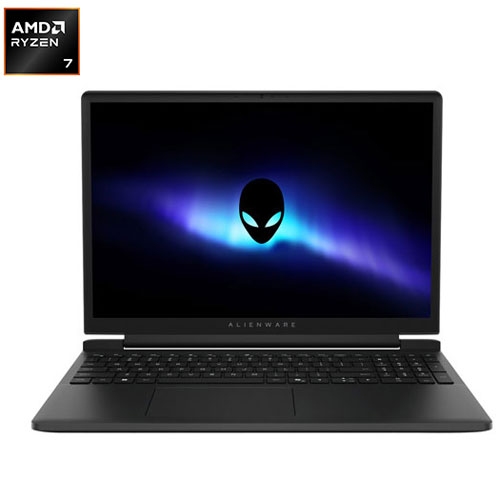
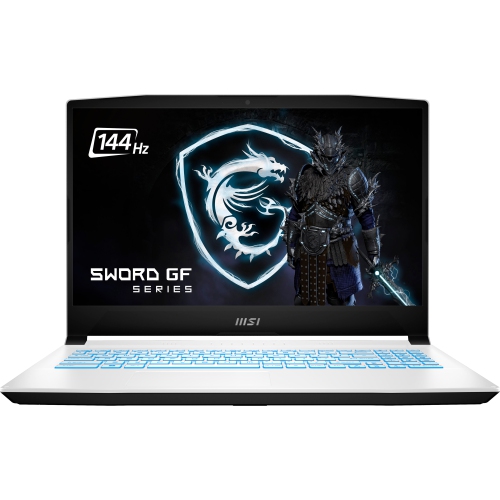
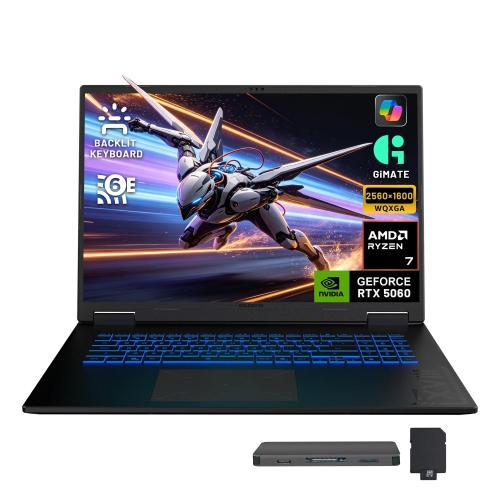
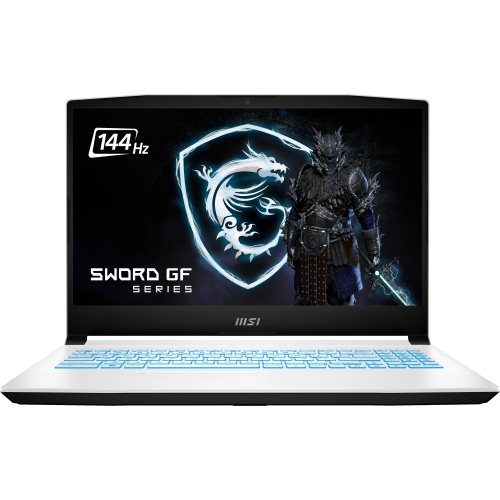
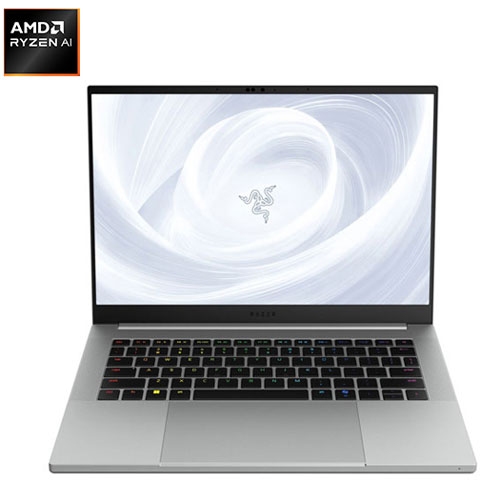
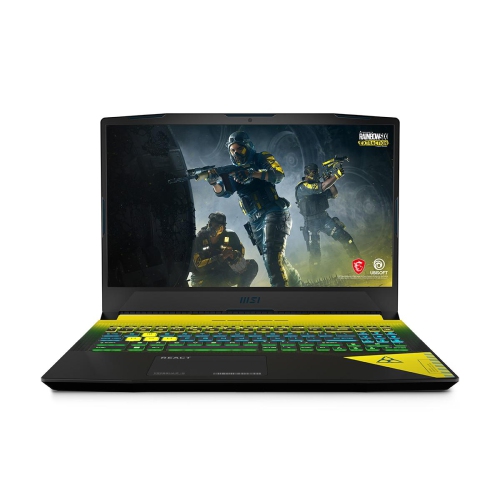
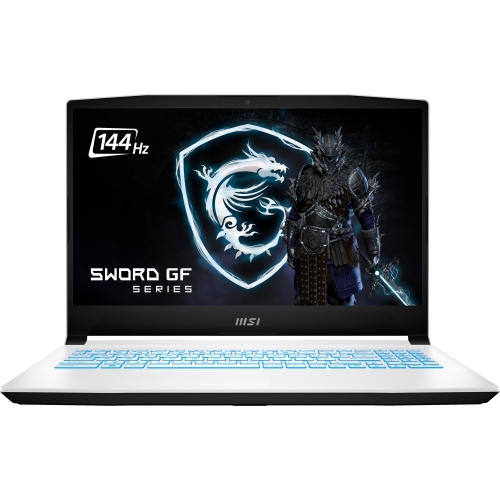
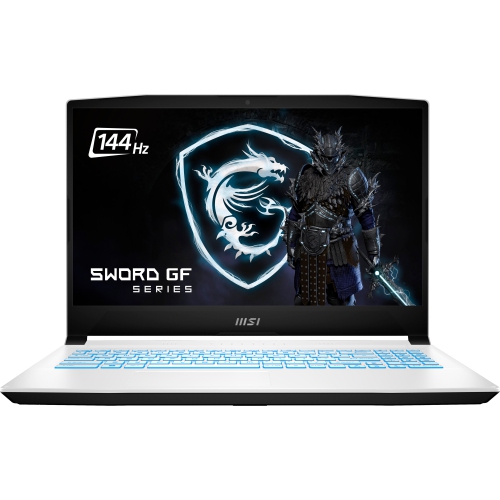
One laptop for classes, creative work, and gaming
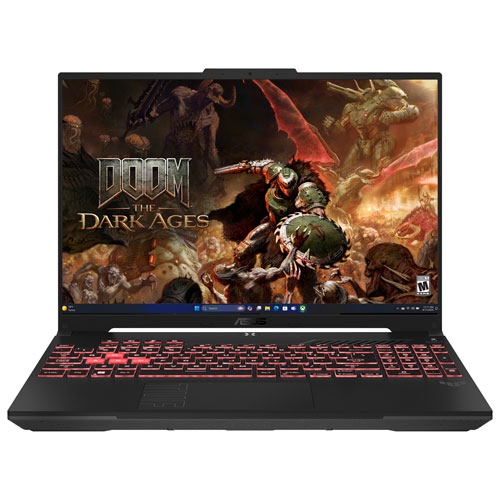
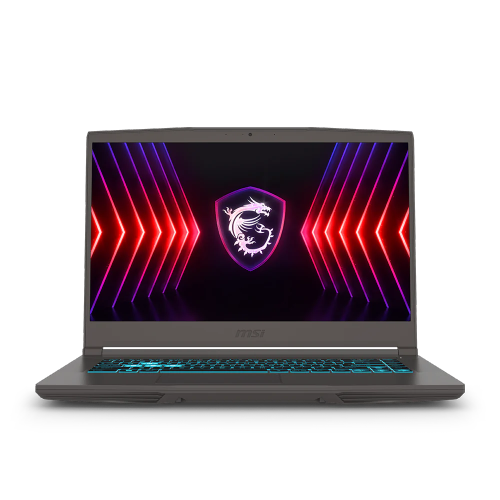
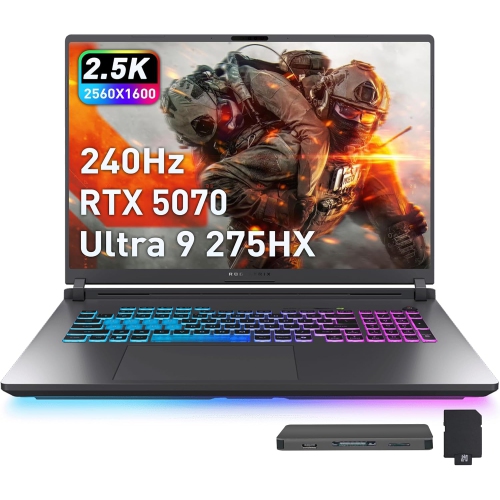
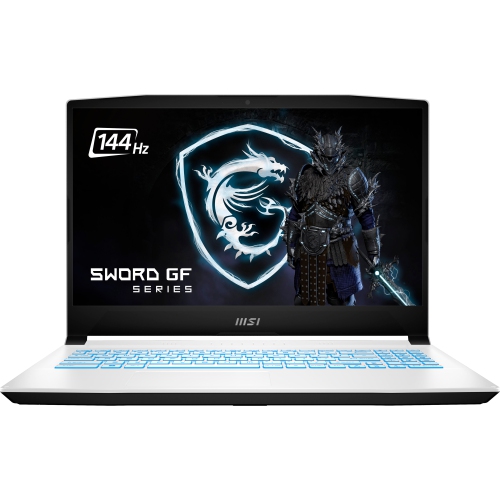
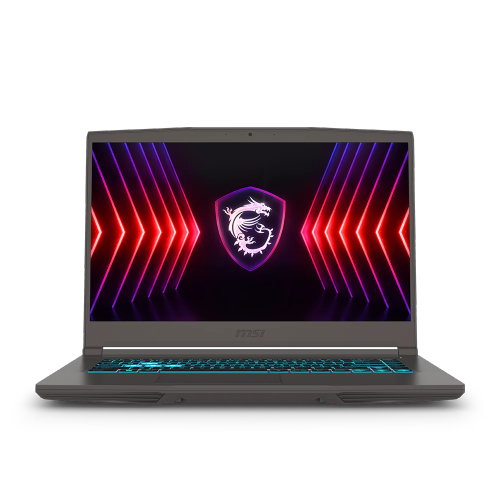
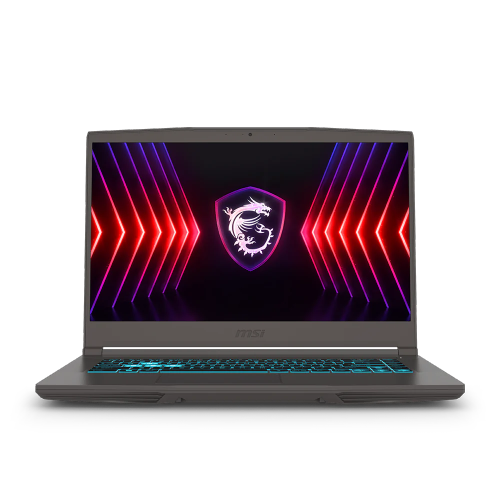
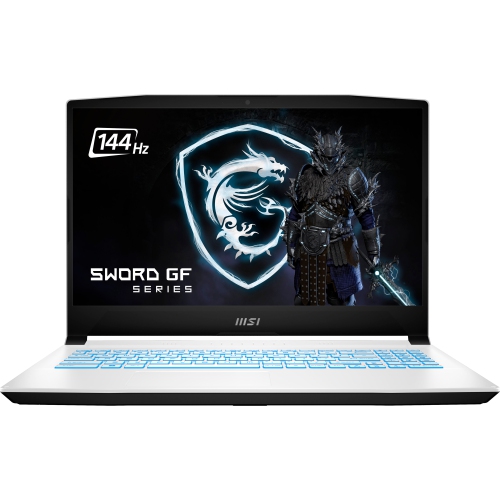
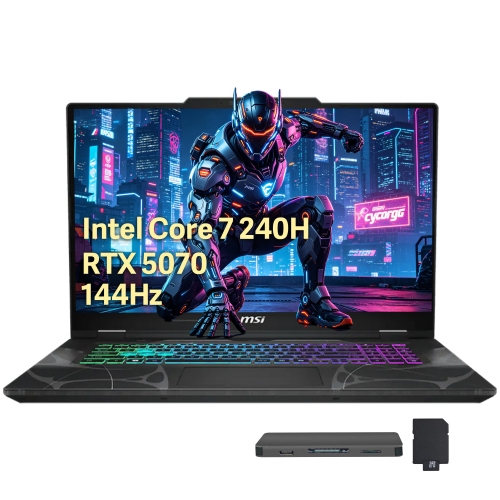
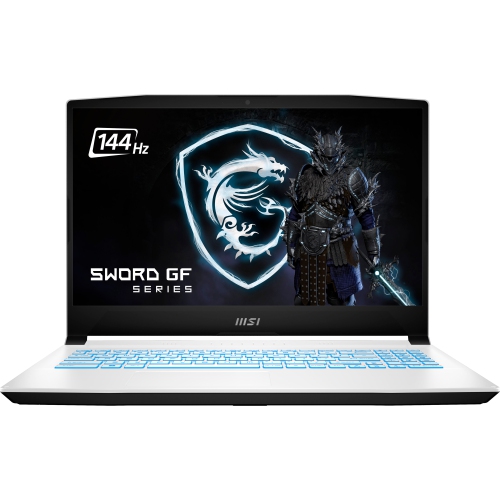
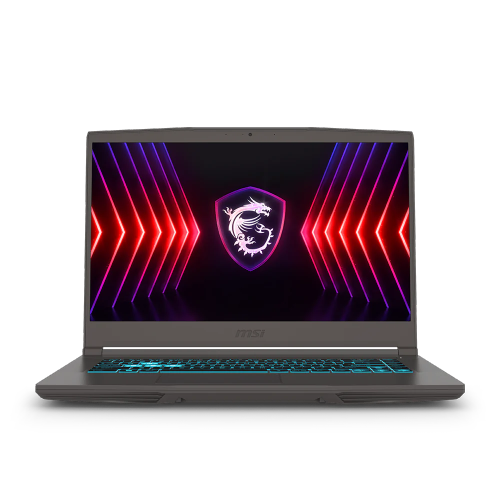
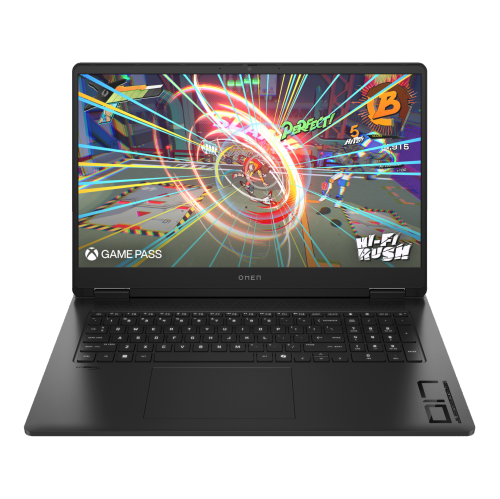
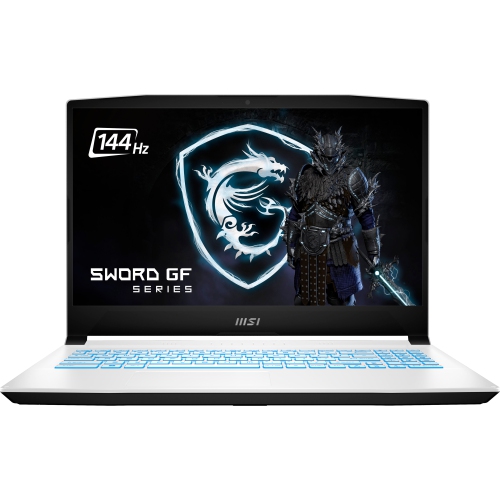
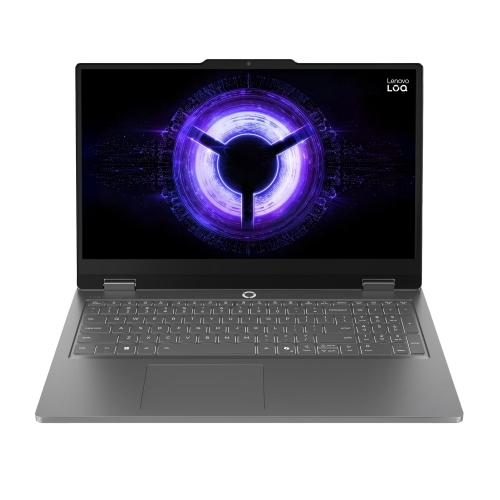
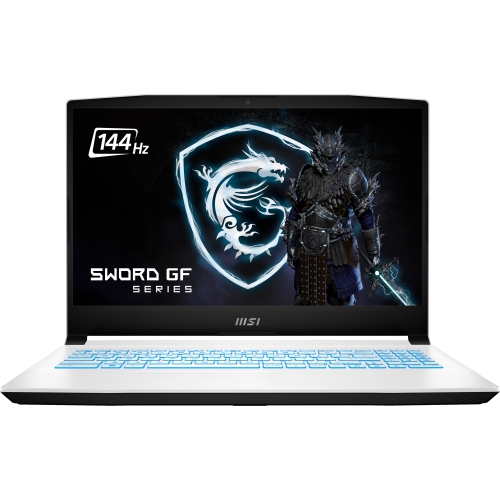
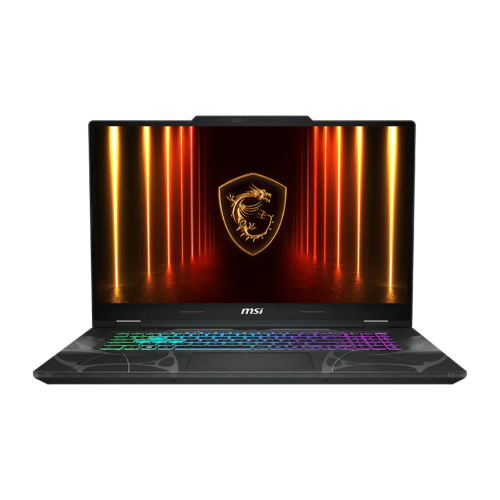
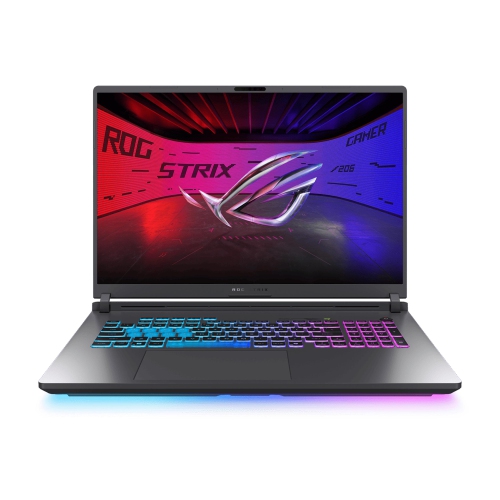
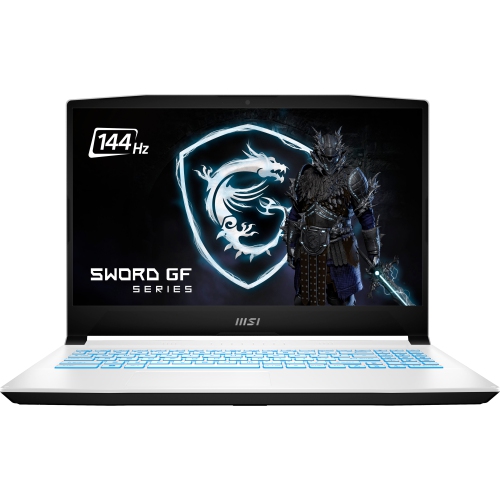
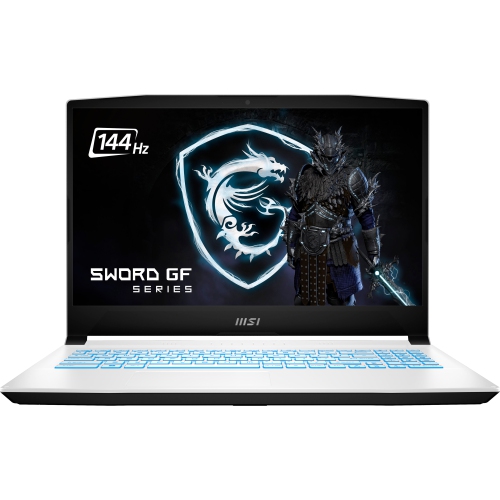
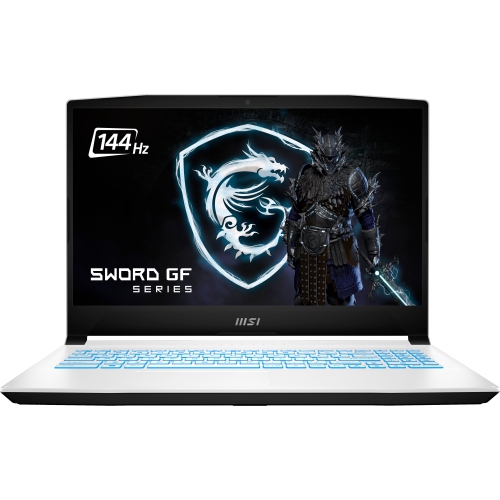
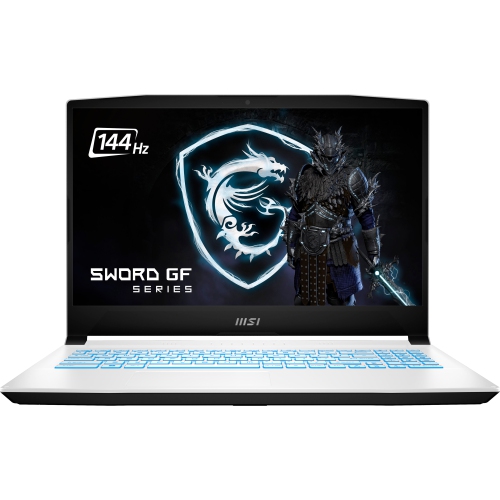
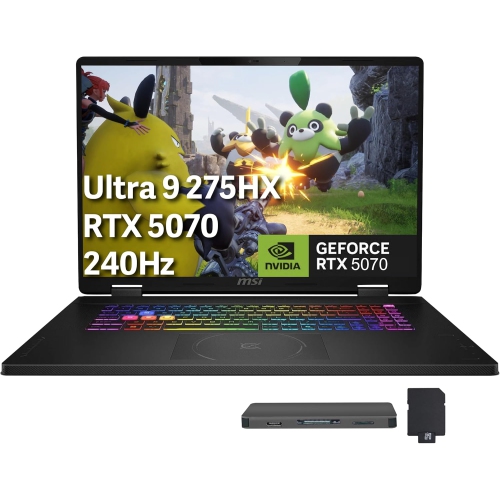
Gaming laptops for college are designed for students who want one computer that can handle coursework, entertainment, and demanding games without needing a separate desktop setup. They can be useful for writing papers, researching with multiple browser tabs open, attending online classes, creating presentations, editing photos or videos, and relaxing with games after a full day of lectures. A capable processor helps keep everyday tasks responsive when several applications are open at once, while a dedicated graphics processor supports smooth gameplay and can accelerate creative software, 3D modelling, engineering tools, and other graphics-intensive programs. For many students, a modern Intel Core i5 or i7 processor, or an AMD Ryzen 5 or Ryzen 7 processor, offers a practical balance of speed and value. Look for at least 16GB of RAM if you expect to move between research tabs, communication apps, school software, and games without slowing down. Solid-state storage also makes a noticeable difference, helping the laptop start quickly and loading applications and game worlds with less waiting. A capacity of 512GB can be a useful starting point, although students with large game libraries, media projects, or specialized software may appreciate 1TB or more. Dedicated graphics such as an NVIDIA GeForce RTX 4050 or higher can provide smooth performance in many modern games, and a higher-tier graphics processor may be worthwhile for advanced video editing, 3D rendering, architecture programs, or other demanding creative work. Since course requirements vary, it is helpful to compare the recommended specifications for your program before choosing a laptop from this collection. Students in computer science, design, media, engineering, and game development may benefit from extra processing and graphics power, while students who mainly need documents, presentations, and lighter games may prefer to focus on portability, battery life, and price.
Portability matters when a laptop travels between a residence, lecture hall, library, student centre, and a group project meeting in the same afternoon. A 14-inch display can be easier to carry in a backpack and more comfortable on a small desk, while a 15-inch or 16-inch screen gives games, spreadsheets, timelines, and creative projects more room to breathe. If you walk across campus every day, a lighter model weighing around 2.2 kg or less can reduce the strain of carrying it alongside notebooks, chargers, and other essentials. Larger gaming laptops may offer stronger cooling, a more spacious keyboard, additional ports, and a higher-performance graphics processor, but they can take up more room and may be better suited to students who spend most of their time at a desk. Battery life is another practical consideration. Gaming laptops typically use more power than thin-and-light school computers, especially during gameplay, so a charger may still be part of the daily routine. For a busy morning, it helps to charge before leaving and check whether classrooms, libraries, or study areas have convenient outlets. A screen with a 144Hz refresh rate or higher can make fast movement appear smoother in compatible games, while brightness, viewing angles, and text clarity affect comfort during long reading and writing sessions. A comfortable keyboard is valuable for essays and lab reports, and a responsive touchpad, clear webcam, and reliable microphone can make online meetings easier. Check the available ports as well: USB connections can support a mouse or external storage, HDMI can connect to a larger display, and an Ethernet port may be useful for a stable connection in a residence or gaming setup. Wi-Fi compatibility, Bluetooth support, and a sturdy hinge also contribute to an easier day-to-day experience. Students sharing a room or studying in quiet spaces may want to consider fan noise and heat during demanding tasks, while those who plan to play at a desk can add a cooling stand, external keyboard, or larger monitor as their setup develops.
Gaming laptops for college can also be practical gifts for a student starting post-secondary education, moving into residence, or upgrading from an older computer that struggles with newer software. They suit a range of interests, from someone who plays competitive games with friends to a student who spends evenings editing video, creating digital art, or building virtual environments. A compact model can fit neatly on a residence desk and be easy to bring home during school breaks, while a larger model may appeal to a student who values a generous display and desktop-like performance. Before selecting one as a gift, consider the student’s program, preferred games, commute, desk space, and existing accessories. A student studying animation or engineering may place greater importance on graphics performance and memory than someone who mainly writes papers and plays lighter games. Someone who uses a laptop in lectures may prioritize weight, battery capacity, and a subdued design, whereas a dedicated gamer may prefer a higher refresh rate, stronger cooling, customizable lighting, and a more powerful graphics processor. It is also worth checking whether the laptop has accessible memory or storage upgrades, since requirements can grow as students add applications, coursework, photos, recordings, and games. During the warmer part of the academic year and through the cooler months, these laptops can move easily from a dorm room to a shared study space, provided they are carried in a protective sleeve or padded backpack. Pairing one with a mouse, headset, laptop stand, or external storage can make the experience more comfortable, but the laptop itself should first meet the student’s essential performance and portability needs. For shoppers comparing school-focused options, Gaming Laptops for School can help connect gaming performance with the everyday demands of classes, assignments, and campus life.
Portability matters when a laptop travels between a residence, lecture hall, library, student centre, and a group project meeting in the same afternoon. A 14-inch display can be easier to carry in a backpack and more comfortable on a small desk, while a 15-inch or 16-inch screen gives games, spreadsheets, timelines, and creative projects more room to breathe. If you walk across campus every day, a lighter model weighing around 2.2 kg or less can reduce the strain of carrying it alongside notebooks, chargers, and other essentials. Larger gaming laptops may offer stronger cooling, a more spacious keyboard, additional ports, and a higher-performance graphics processor, but they can take up more room and may be better suited to students who spend most of their time at a desk. Battery life is another practical consideration. Gaming laptops typically use more power than thin-and-light school computers, especially during gameplay, so a charger may still be part of the daily routine. For a busy morning, it helps to charge before leaving and check whether classrooms, libraries, or study areas have convenient outlets. A screen with a 144Hz refresh rate or higher can make fast movement appear smoother in compatible games, while brightness, viewing angles, and text clarity affect comfort during long reading and writing sessions. A comfortable keyboard is valuable for essays and lab reports, and a responsive touchpad, clear webcam, and reliable microphone can make online meetings easier. Check the available ports as well: USB connections can support a mouse or external storage, HDMI can connect to a larger display, and an Ethernet port may be useful for a stable connection in a residence or gaming setup. Wi-Fi compatibility, Bluetooth support, and a sturdy hinge also contribute to an easier day-to-day experience. Students sharing a room or studying in quiet spaces may want to consider fan noise and heat during demanding tasks, while those who plan to play at a desk can add a cooling stand, external keyboard, or larger monitor as their setup develops.
Gaming laptops for college can also be practical gifts for a student starting post-secondary education, moving into residence, or upgrading from an older computer that struggles with newer software. They suit a range of interests, from someone who plays competitive games with friends to a student who spends evenings editing video, creating digital art, or building virtual environments. A compact model can fit neatly on a residence desk and be easy to bring home during school breaks, while a larger model may appeal to a student who values a generous display and desktop-like performance. Before selecting one as a gift, consider the student’s program, preferred games, commute, desk space, and existing accessories. A student studying animation or engineering may place greater importance on graphics performance and memory than someone who mainly writes papers and plays lighter games. Someone who uses a laptop in lectures may prioritize weight, battery capacity, and a subdued design, whereas a dedicated gamer may prefer a higher refresh rate, stronger cooling, customizable lighting, and a more powerful graphics processor. It is also worth checking whether the laptop has accessible memory or storage upgrades, since requirements can grow as students add applications, coursework, photos, recordings, and games. During the warmer part of the academic year and through the cooler months, these laptops can move easily from a dorm room to a shared study space, provided they are carried in a protective sleeve or padded backpack. Pairing one with a mouse, headset, laptop stand, or external storage can make the experience more comfortable, but the laptop itself should first meet the student’s essential performance and portability needs. For shoppers comparing school-focused options, Gaming Laptops for School can help connect gaming performance with the everyday demands of classes, assignments, and campus life.
Top selling and popular products
-
 Your price for this item is $449
 -
 Your price for this item is $3099
 -
 Your price for this item is $664.05
 -
 Your price for this item is $599.68
 -
 Your price for this item is $259
 -
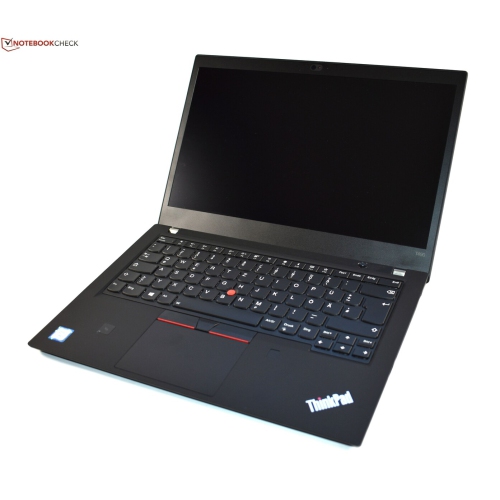 Your price for this item is $499.99
 -
 Your price for this item is $418.98
 -
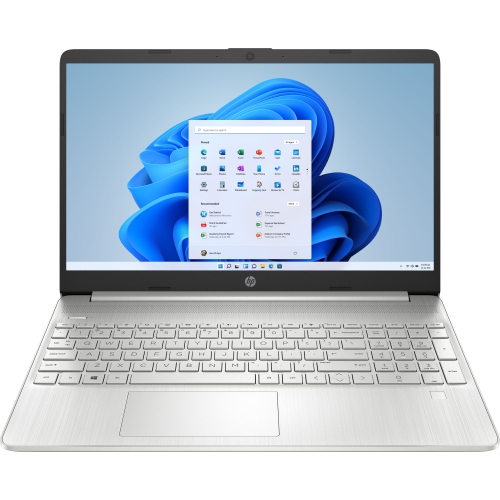 Your price for this item is $829
Discover more categories related to Gaming Laptops for College
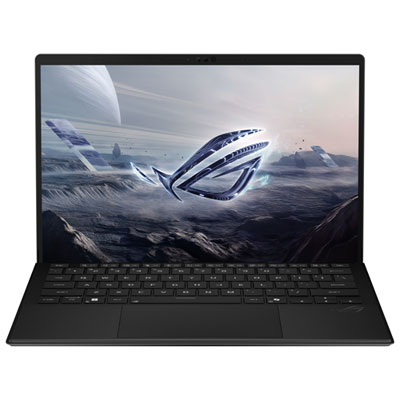

Top Collections:
Pokemon Centers, Best Cameras for Sports Photography, Kindle Devices, Samsung Galaxy Phones, Canon G7X Cameras, Pokémon 30th Celebration Cards, Refurbished Apple Laptops, iPhone 15 Apple, Laptops for Students, Budget Smartphones
Some products may be subject to Environmental Handling Fees
(EHF) depending on your province.
Learn more about EHFs.