Computer Parts To Build A Gaming PCs
If you're building a gaming PC, you'll want to make sure you have the right parts. After all, your computer is the foundation of your gaming experience. The right parts can help you get the best performance out of your system, while the wrong ones can lead to sub-optimal performance or even compatibility issues. Here are some great options available today.
Sort
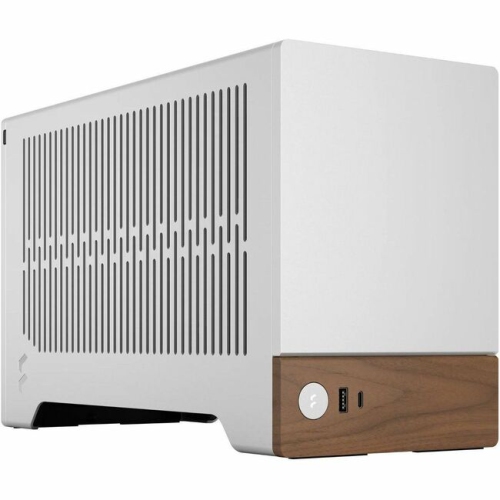
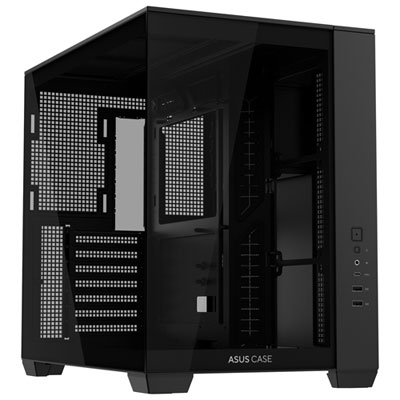
Computer Parts To Build A Gaming PC
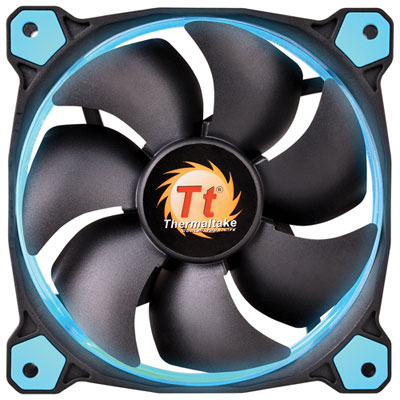
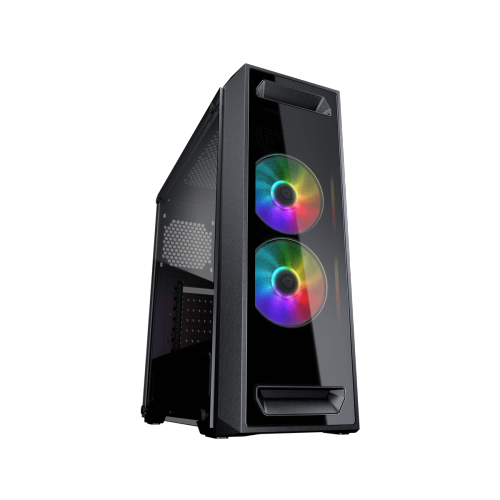
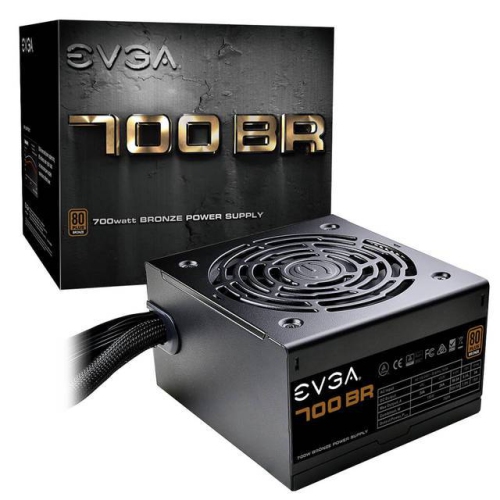
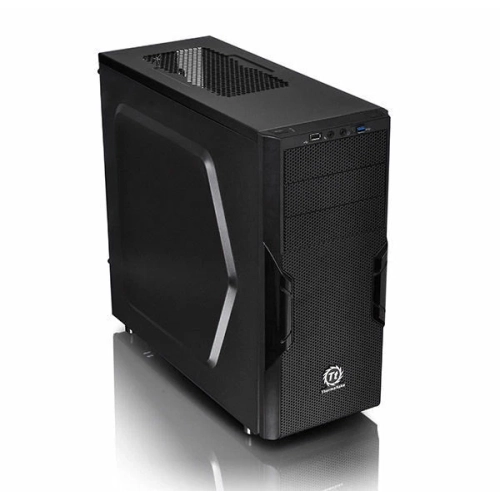
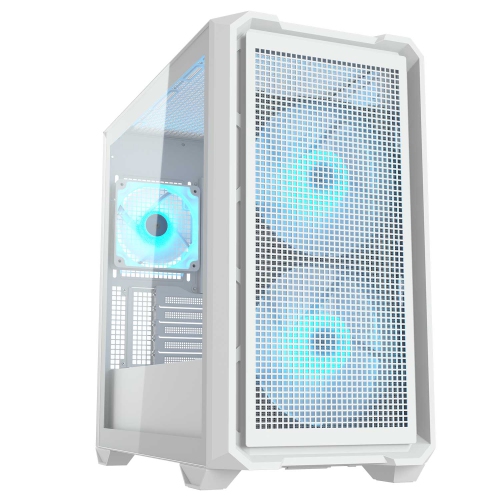
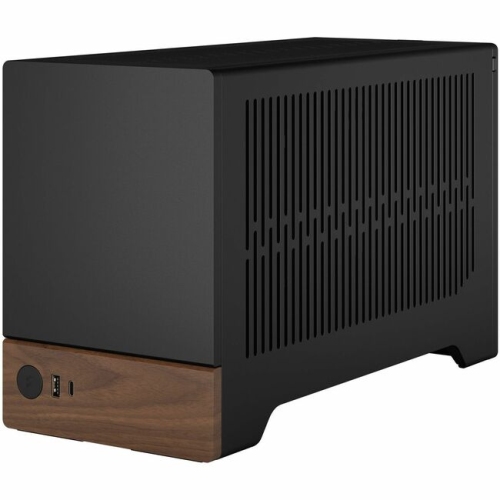
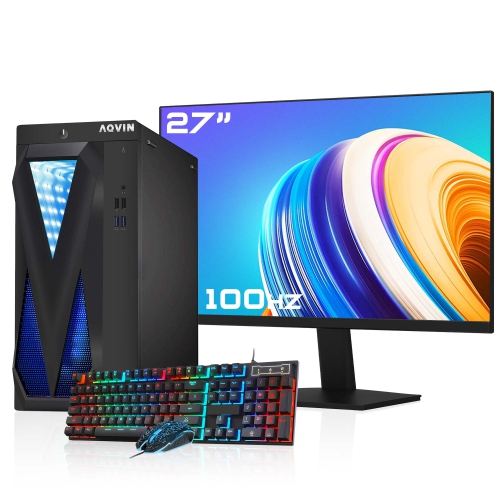
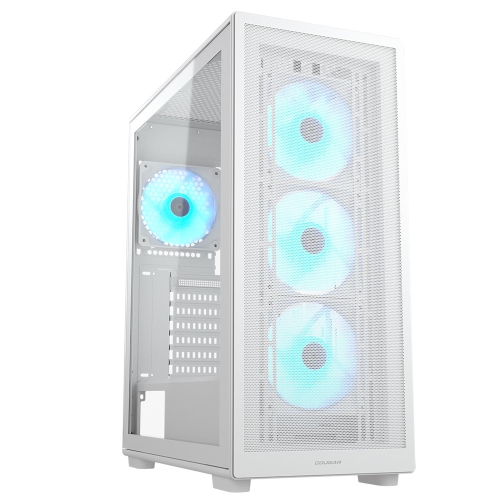
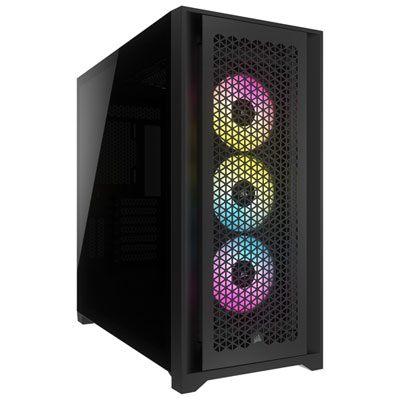
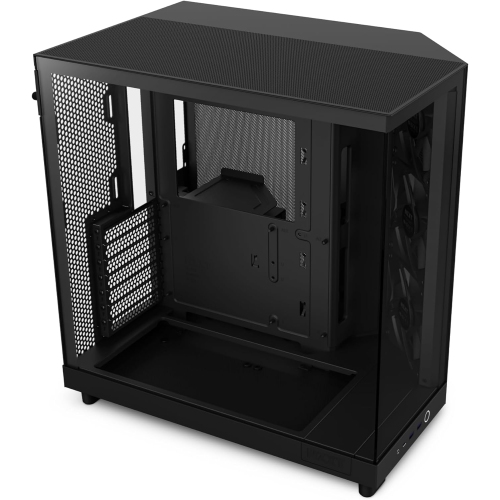
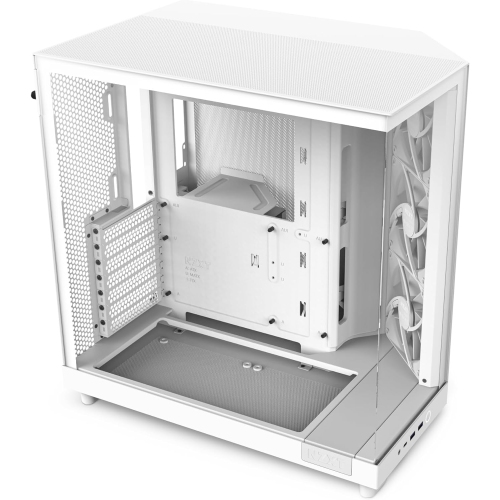
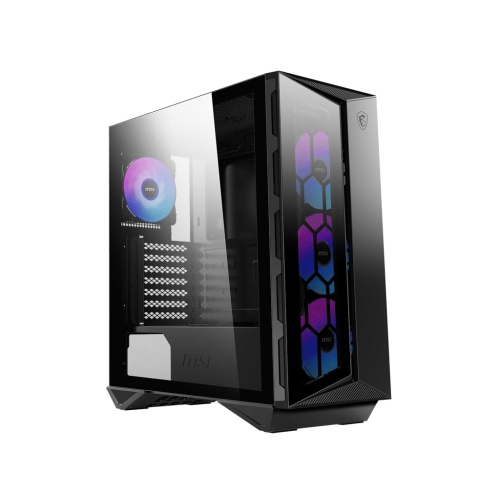
Building a gaming PC starts with choosing individual components that work together as one complete system. The central parts include a CPU, motherboard, graphics card, memory, storage, CPU cooler, power supply, and PC case, with each component playing a specific role in the finished computer. The CPU handles game logic, background tasks, and general system performance, while the graphics card has the greatest influence on frame rates, image quality, resolution, and advanced visual effects in many games. A motherboard provides the connections between these parts, so its CPU socket, chipset, memory support, expansion slots, and storage interfaces should match the rest of the build. Memory gives games and applications room to operate smoothly; 16GB can suit a basic gaming setup, while 32GB is a comfortable choice for modern games, streaming, multitasking, and creative software. Solid-state storage helps an operating system, game library, and frequently used applications load quickly, with a 1TB or 2TB drive offering practical room for a growing collection. A cooler keeps the processor within an appropriate operating temperature, whether you choose a tower-style air cooler or an all-in-one liquid cooler. The power supply delivers electricity to every part, making sufficient wattage, suitable connectors, and a reputable efficiency rating important considerations. Finally, the case houses and protects the hardware while influencing airflow, noise, cable management, lighting, and the overall appearance of the computer. Browsing Best PC Components for Gamers can help narrow down the parts that suit a particular performance target, budget, and style.
Compatibility deserves attention before any component is placed in a shopping cart. Start by considering the performance you want in the games you play, including the resolution and refresh rate of your monitor, then balance the CPU and graphics card so that one does not unnecessarily hold back the other. The motherboard must use the correct socket for the processor and support the selected memory generation, such as DDR5, as well as the number and type of drives you plan to install. Check whether the case supports the motherboard form factor, such as ATX or Micro-ATX, and confirm that it has enough clearance for the graphics card, CPU cooler, power supply, radiator, and any additional fans. Graphics cards can vary considerably in length and thickness, and a large cooler may affect access to nearby memory slots or expansion slots. Storage should match the available connections and, for an M.2 NVMe drive, the motherboard should provide the appropriate slot and interface. The power supply needs enough capacity for the complete system, including the graphics card’s requirements and a little room for future upgrades; modular cabling can also make a first build easier to route neatly. A compatibility-checking tool is useful for confirming socket types, dimensions, wattage, and connections before ordering. It is also worth reviewing the motherboard’s included features, since built-in wireless networking, Bluetooth, audio connections, display outputs, and USB ports may reduce the need for extra add-in cards. These details are easy to overlook when concentrating on headline specifications, yet they often make the difference between a straightforward build and a frustrating search for adapters or replacement parts.
Computer parts for building a gaming PC can suit first-time builders, experienced enthusiasts, students setting up a study-and-play workstation, and anyone upgrading an older desktop one component at a time. They can also make thoughtful gifts for a gamer who enjoys customising a computer, provided the recipient’s existing parts and future plans are considered first. A graphics card upgrade may improve visual settings and frame rates, while additional memory or a larger solid-state drive can make an established system feel more comfortable for games, recording, schoolwork, and everyday use. Someone assembling a new computer may prefer to select the CPU and graphics card first, then choose a compatible motherboard, memory kit, storage, cooler, power supply, and case around them. During the build, many people install the CPU, M.2 storage, and memory onto the motherboard outside the case, using the motherboard box as a stable work surface, before mounting the board in the chassis. A standard magnetic Phillips #2 screwdriver handles most screws, and a clear, well-lit workspace helps keep small fasteners and cables under control. Take care when seating the processor, installing memory, connecting the power cables, and applying or checking thermal compound according to the cooler instructions. After everything is assembled, confirm that fans spin, the system recognises the memory and storage, and the operating system and required drivers are installed correctly. Thoughtful part selection can result in a quiet, responsive computer for evening gaming, creative projects, online play, and demanding software during the cooler months and throughout the year.
Compatibility deserves attention before any component is placed in a shopping cart. Start by considering the performance you want in the games you play, including the resolution and refresh rate of your monitor, then balance the CPU and graphics card so that one does not unnecessarily hold back the other. The motherboard must use the correct socket for the processor and support the selected memory generation, such as DDR5, as well as the number and type of drives you plan to install. Check whether the case supports the motherboard form factor, such as ATX or Micro-ATX, and confirm that it has enough clearance for the graphics card, CPU cooler, power supply, radiator, and any additional fans. Graphics cards can vary considerably in length and thickness, and a large cooler may affect access to nearby memory slots or expansion slots. Storage should match the available connections and, for an M.2 NVMe drive, the motherboard should provide the appropriate slot and interface. The power supply needs enough capacity for the complete system, including the graphics card’s requirements and a little room for future upgrades; modular cabling can also make a first build easier to route neatly. A compatibility-checking tool is useful for confirming socket types, dimensions, wattage, and connections before ordering. It is also worth reviewing the motherboard’s included features, since built-in wireless networking, Bluetooth, audio connections, display outputs, and USB ports may reduce the need for extra add-in cards. These details are easy to overlook when concentrating on headline specifications, yet they often make the difference between a straightforward build and a frustrating search for adapters or replacement parts.
Computer parts for building a gaming PC can suit first-time builders, experienced enthusiasts, students setting up a study-and-play workstation, and anyone upgrading an older desktop one component at a time. They can also make thoughtful gifts for a gamer who enjoys customising a computer, provided the recipient’s existing parts and future plans are considered first. A graphics card upgrade may improve visual settings and frame rates, while additional memory or a larger solid-state drive can make an established system feel more comfortable for games, recording, schoolwork, and everyday use. Someone assembling a new computer may prefer to select the CPU and graphics card first, then choose a compatible motherboard, memory kit, storage, cooler, power supply, and case around them. During the build, many people install the CPU, M.2 storage, and memory onto the motherboard outside the case, using the motherboard box as a stable work surface, before mounting the board in the chassis. A standard magnetic Phillips #2 screwdriver handles most screws, and a clear, well-lit workspace helps keep small fasteners and cables under control. Take care when seating the processor, installing memory, connecting the power cables, and applying or checking thermal compound according to the cooler instructions. After everything is assembled, confirm that fans spin, the system recognises the memory and storage, and the operating system and required drivers are installed correctly. Thoughtful part selection can result in a quiet, responsive computer for evening gaming, creative projects, online play, and demanding software during the cooler months and throughout the year.
Top selling and popular products
-
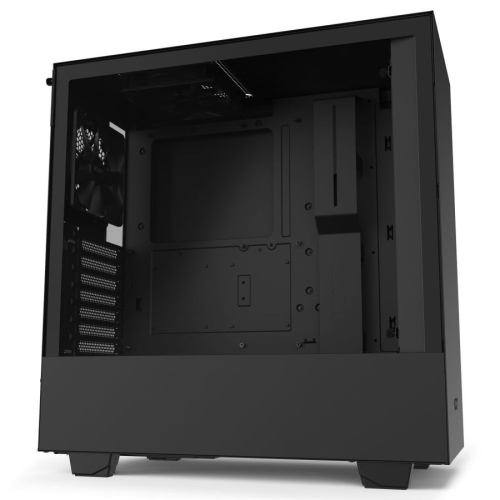 Your price for this item is $199
 -
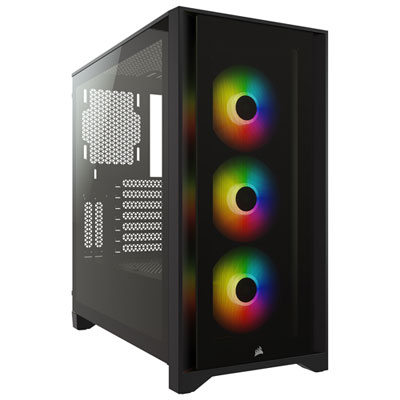 Your price for this item is $149.95
 -
 Your price for this item is $249.95
 -
 Your price for this item is $185
 -
 Your price for this item is $185.94
 -
 Your price for this item is $157.68
 -
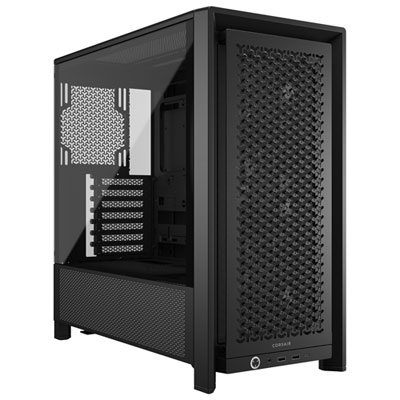 Your price for this item is $139.99
 -
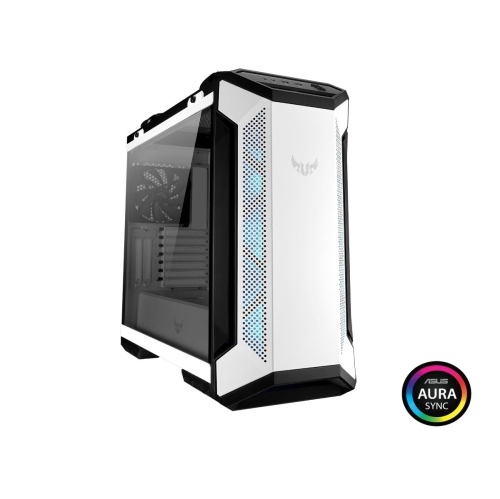 Your price for this item is $229.99
Discover more categories related to Computer Parts To Build A Gaming PCs
Top Collections:
Pokemon Centers, Kindle Devices, Budget Smartphones, Budget 4K TVs, Apple iPhones 16, Canon G7X Cameras, iPhone 15 Apple, Alarm Clock, Budget-Friendly Wireless Earbuds, iPhone 14 256GB
Some products may be subject to Environmental Handling Fees
(EHF) depending on your province.
Learn more about EHFs.