Gift Laptops
Gift Laptops are a thoughtful choice for any special occasion, making it easy to surprise students, professionals, or tech enthusiasts with a present they'll truly appreciate. Whether you're celebrating a birthday, graduation, holiday, or milestone achievement, laptops offer versatility and convenience that fit seamlessly into daily life. Explore a wide selection of options to find the perfect match for every recipient, ensuring your gift stands out and supports their goals and interests.
Sort
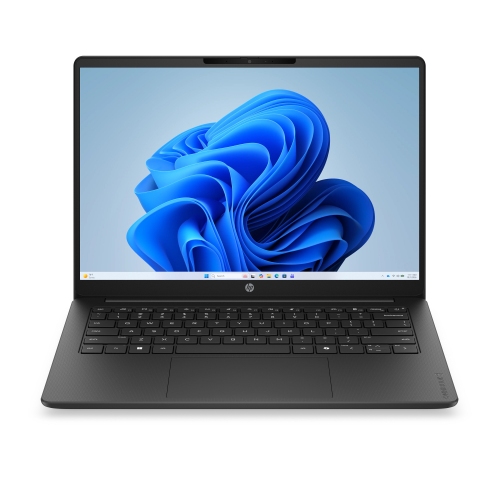
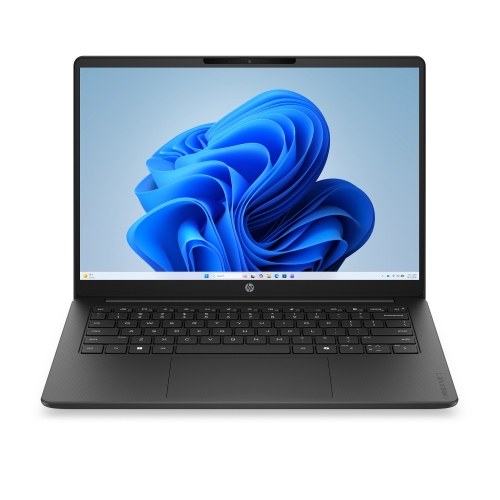
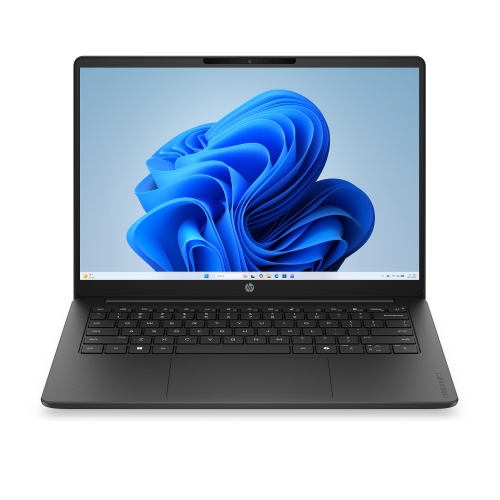
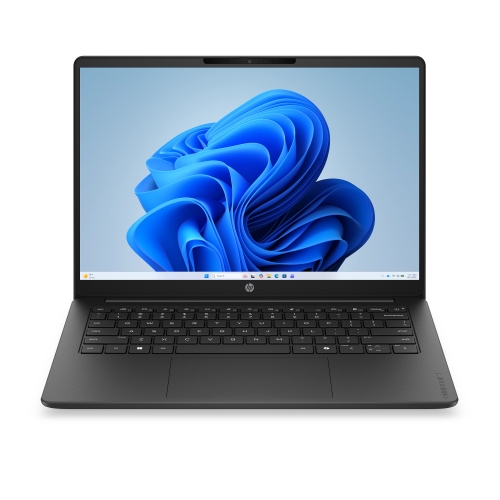
The right laptop starts with their everyday habits
A laptop is a gift that can become part of someone’s everyday routine, from writing assignments at the kitchen table to editing photos, joining video calls, or planning a family trip. Its usefulness comes from how well it fits the recipient’s interests and habits. A student may appreciate a lightweight design that slips into a backpack, while someone who mainly works at a desktop or kitchen table may prefer a larger screen and a comfortable keyboard. For a frequent traveller, a compact charger, manageable weight, and sturdy construction can make daily packing easier. A laptop for a parent or grandparent might place greater emphasis on readable text, clear speakers, and straightforward access to familiar programs. Birthdays, graduations, and other milestones can all be meaningful occasions for a gift that supports learning, work, or a favourite pastime. Size and design shape that experience as much as internal specifications. A smaller screen leaves more room in a shoulder bag, whereas a larger display can make spreadsheets, documents, and side-by-side windows easier to manage. Screen size alone does not determine portability; the dimensions and weight of the whole laptop matter when it will be carried regularly. Aluminum housings can provide a firm, substantial feel, while well-built plastic housings can also stand up to everyday handling. Hinge stability, keyboard flex, and the finish around the palm rest contribute to how a laptop feels over time. Matte surfaces may make fingerprints less noticeable, and a screen with reduced reflections can be more comfortable near a window or beneath overhead lighting. For someone who spends hours typing, key spacing, a responsive touchpad, and a layout that suits their hands can have more lasting value than a striking exterior. A convertible design with a touchscreen may suit handwritten notes or presentations, while a traditional clamshell can be a familiar fit for typing and general use.
The right level of performance depends on what the recipient actually does during a typical day. Email, web browsing, streaming, and document editing generally make different demands than video production, complex design work, or gaming. A capable processor helps programs respond smoothly, while sufficient memory supports switching between a video meeting, a presentation, and several open browser tabs. Storage capacity matters for anyone who keeps large photo libraries, recorded lectures, or creative projects on the laptop itself. Solid-state storage can help with startup and file access, although capacity and speed vary between configurations. For creative work, display quality deserves attention alongside processing power. Accurate colour reproduction can be important for photo editing, while a higher-resolution screen can show fine details clearly, though text size may need adjustment for comfortable reading. Gaming and some specialized applications may benefit from dedicated graphics, but that added capability can also bring more weight, greater power demands, and more noticeable fan noise. Battery-life estimates are useful reference points rather than promises: screen brightness, video calls, background programs, and demanding tasks all affect time between charges. Someone who moves between classrooms may value endurance more than someone who usually sits near an outlet. Connections are another everyday consideration. Enough suitable ports can make it easier to attach a monitor, use wired headphones, transfer photos, or connect existing accessories without a collection of adapters. USB-C ports do not all support the same charging, display, or data functions, so those details matter when matching a laptop with equipment the recipient already owns. Reliable Wi-Fi capabilities, a clear webcam, and a microphone that captures speech well can make remote lessons and family catch-ups more comfortable. Operating system compatibility is equally important, particularly when a school, workplace, or hobby relies on particular software. Familiar controls can help someone settle in quickly, while a different system may involve checking program support and allowing time to learn a new layout.
A thoughtful laptop gift also takes account of the details that surround ownership. Someone who works with private documents may appreciate a webcam shutter, fingerprint sign-in, or other supported security features, while a recipient who shares a home may benefit from separate user accounts. Accessibility features such as text scaling, voice input, captions, and keyboard adjustments can make everyday tasks more comfortable, depending on the person’s needs and the software in use. These details are worth considering without assuming that every laptop includes the same options. Gift ideas can also be explored by occasion through Laptops Gifts for Thanksgiving, with the recipient’s routines and interests remaining the starting point. Once a laptop becomes part of those routines, simple care helps protect its finish, connections, and moving parts. A padded sleeve or well-fitting compartment cushions it during ordinary travel, while keeping pens, keys, and loose charging plugs away from the screen reduces the chance of scratches or pressure damage. A laptop should rest on a firm surface with its vents unobstructed rather than sink into bedding or a soft cushion. Closing the lid gently, lifting the computer by its base, and keeping drinks away from the keyboard are small habits that can prevent avoidable damage. Cleaning methods should follow the manufacturer’s directions; a soft, lint-free cloth is commonly suitable for routine wiping, but cleaners should never be sprayed directly onto the device. Regular software updates, secure passwords, and a consistent backup routine help protect the recipient’s work and memories. For gifting, leaving account creation and personal sign-in to the recipient preserves their privacy and lets them customize settings themselves. The result is a present with room to become personal: a place to organize a new course, finish a long-planned project, stay connected with family, or enjoy a quiet evening with a favourite film. A laptop that fits those ordinary moments can remain useful long after the occasion has passed.
Top selling and popular products
-
 Your price for this item is $449
-
 Your price for this item is $3099
-
 Your price for this item is $1800.68
-
 Your price for this item is $664.05
-
 Your price for this item is $869.99
-
 Your price for this item is $2960.48
-
 Your price for this item is $499.68
-
 Your price for this item is $1951.79
Discover more categories related to Gift Laptops

Top Collections:
Best Black Friday Deals This Year, Best Black Friday Deals On Electronics, Kindle Devices, Pokemon Centers, Best Black Friday Deals On Apple Products, Best Cameras for Sports Photography, Dyson Airwrap, Pokémon 30th Celebration Cards, Apple iPhone 17 Pro, Canon G7X Cameras
Some products may be subject to Environmental Handling Fees
(EHF) depending on your province.
Learn more about EHFs.