Flex Laptops
Flex Laptops deliver the versatility and convenience that modern lifestyles demand, making them a top choice for students, professionals, and anyone on the go. With their adaptable design, Flex Laptops can seamlessly transition between everyday tasks, creative projects, and entertainment needs. Explore a wide selection of Flex Laptops to find the perfect match for your work, study, or play. Discover options that suit your preferences and enjoy the freedom to stay productive wherever you are.
Sort
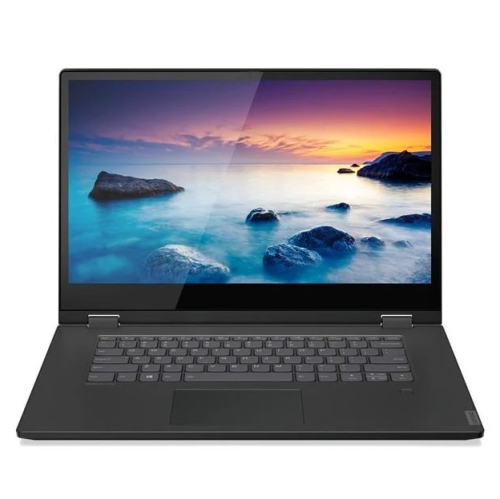
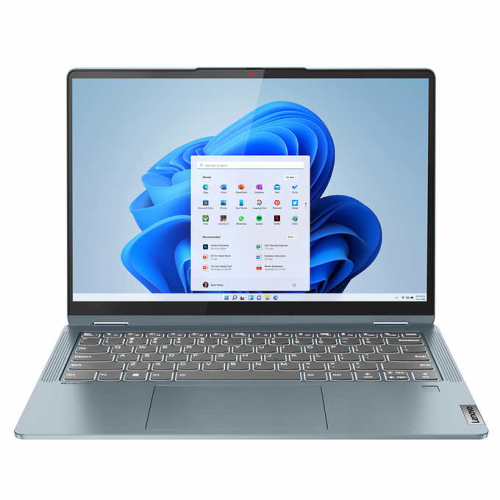
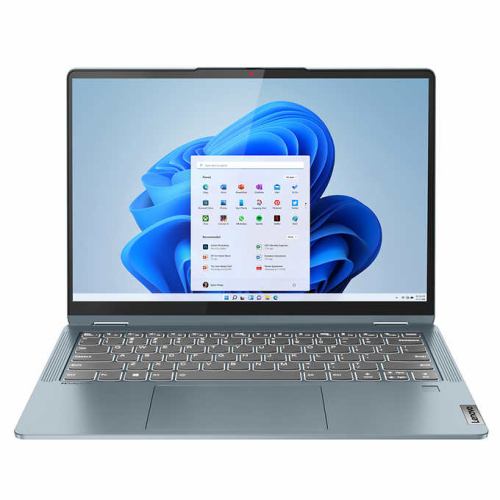
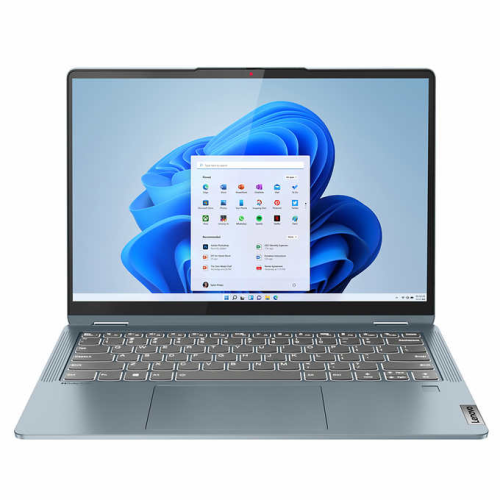
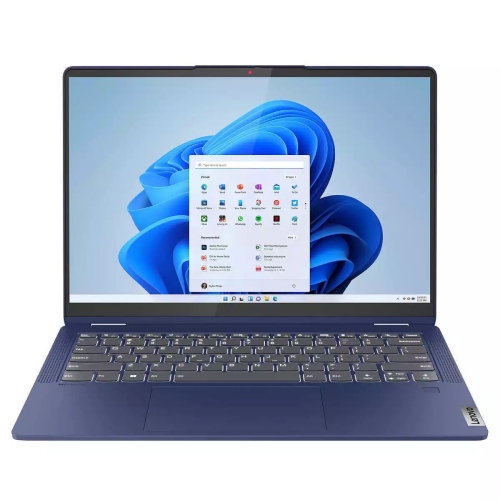
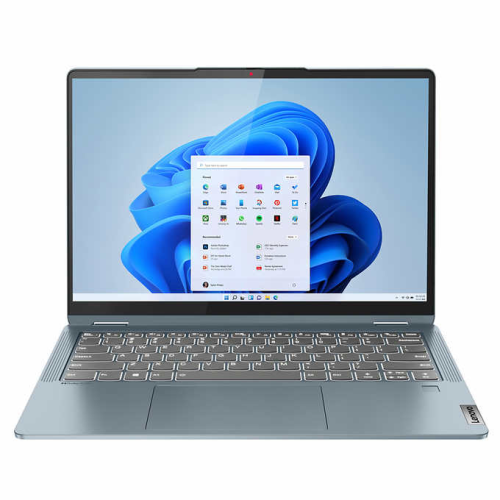
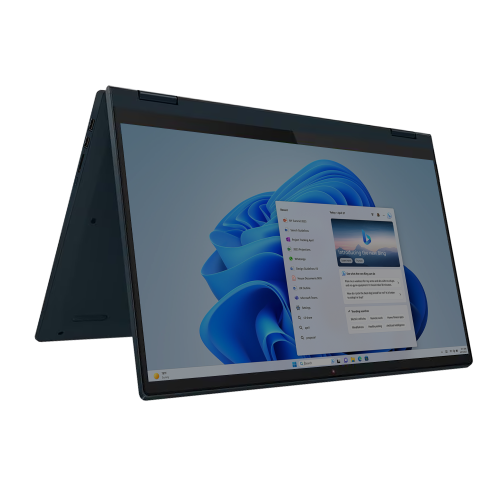

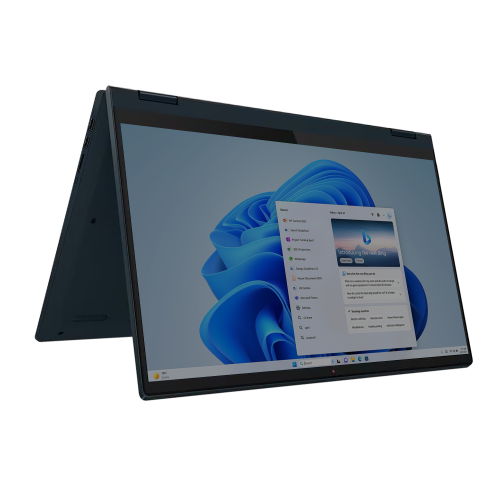
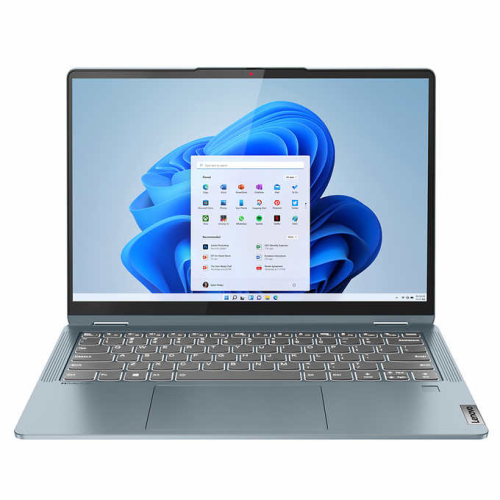
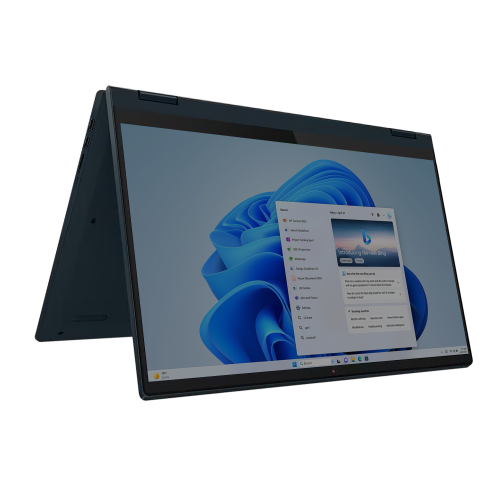
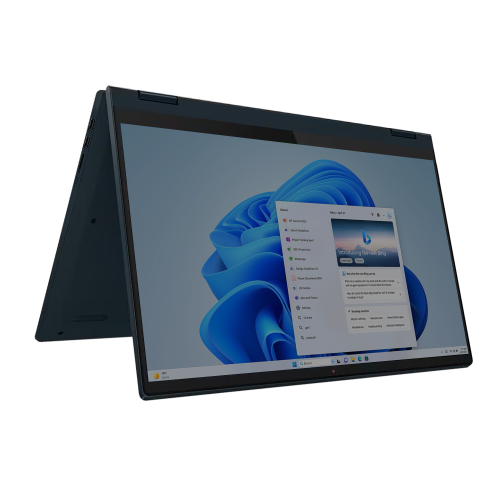
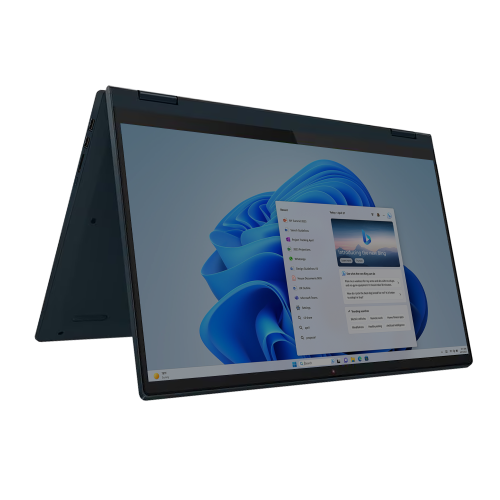
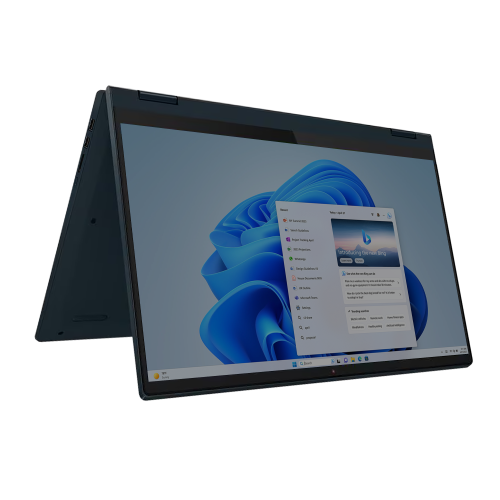
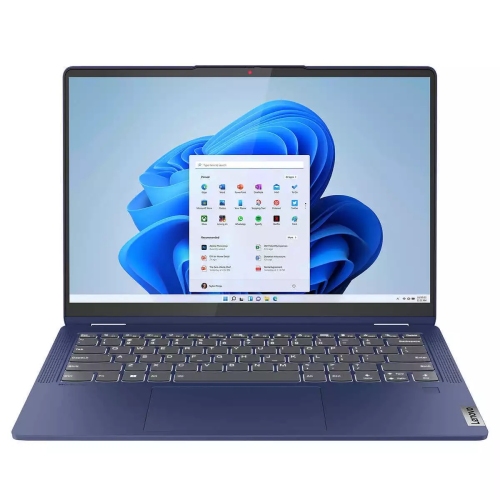
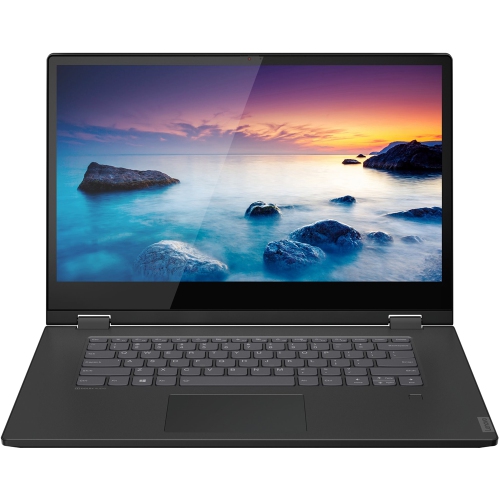
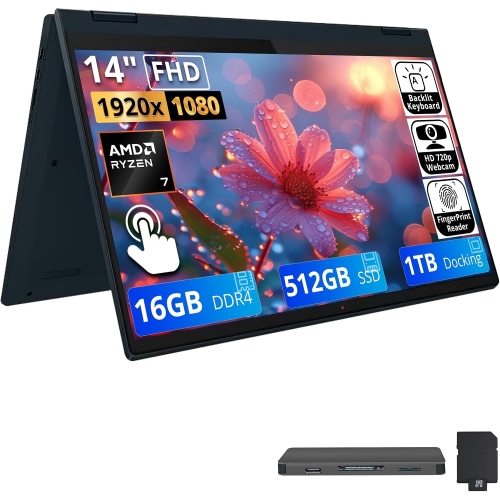
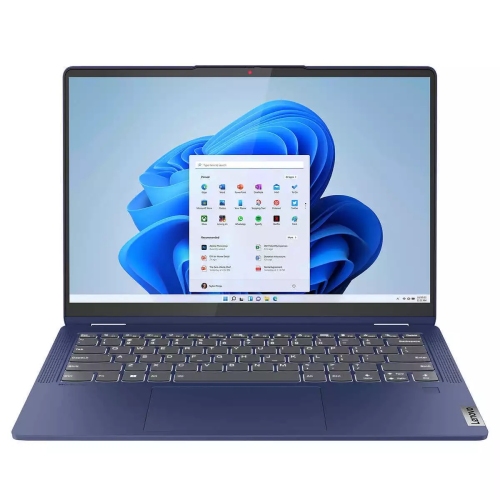
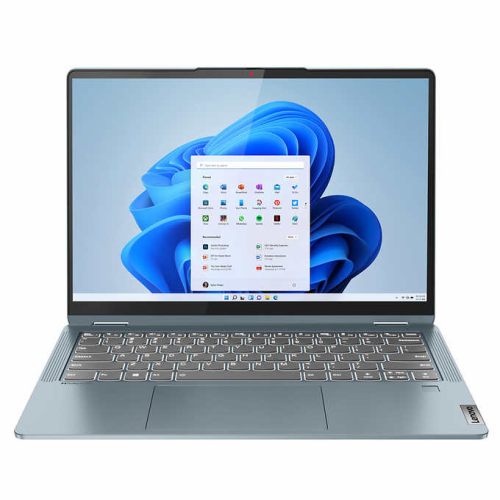
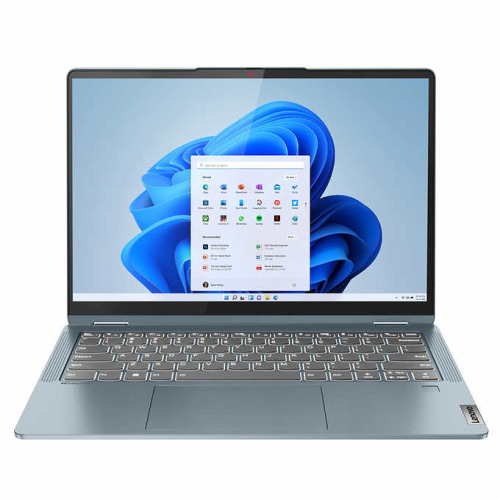
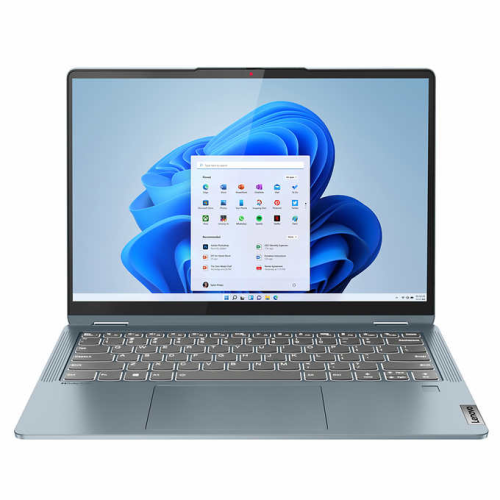
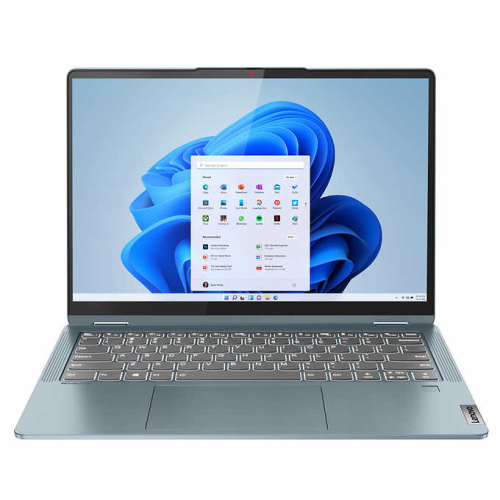
A 360-degree hinge opens up more ways to work
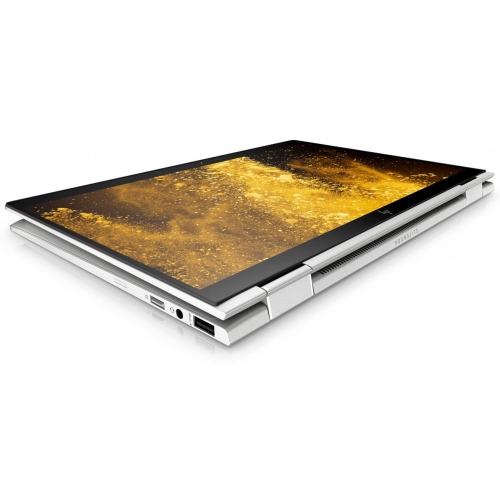
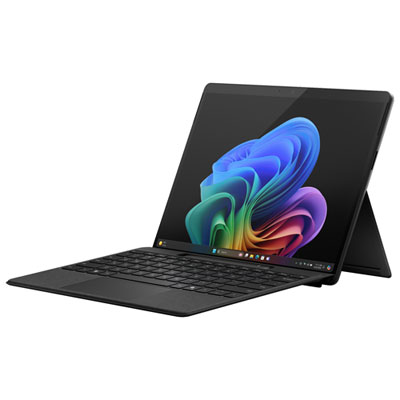
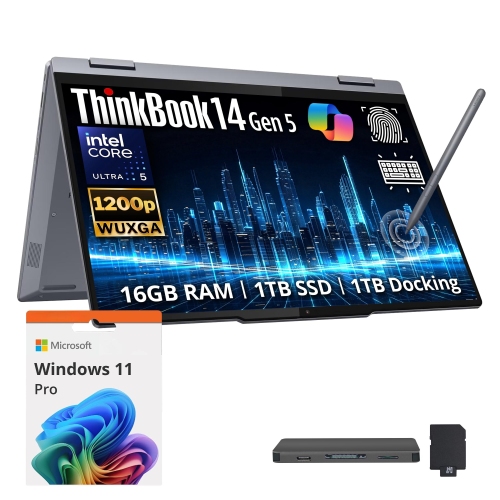
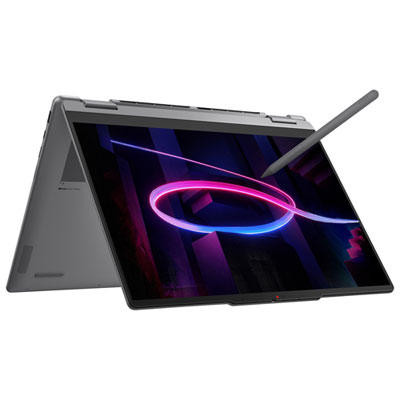
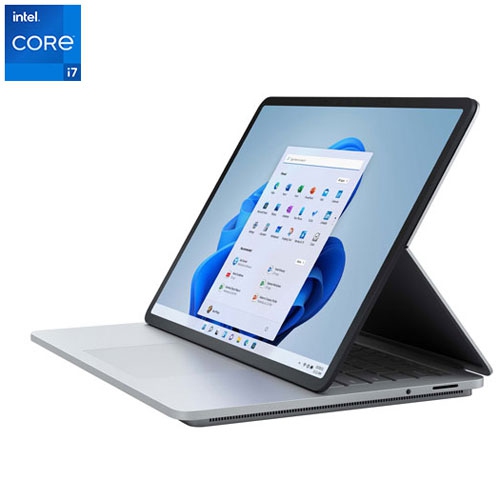
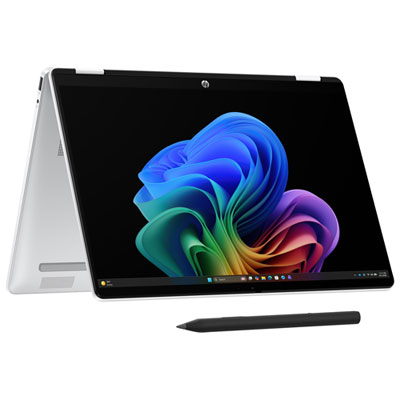
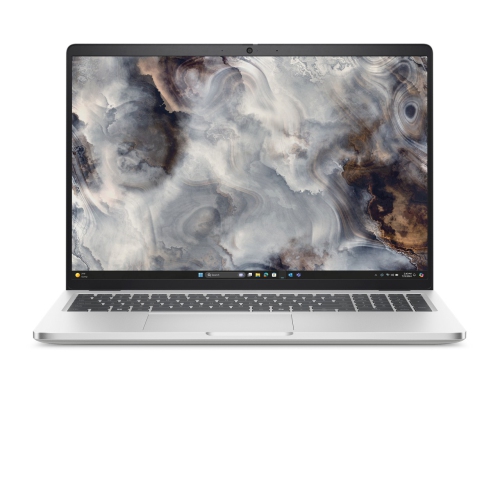
Flex laptops combine the familiar keyboard and trackpad of a notebook with the versatility of a touchscreen, typically in a convertible 2-in-1 design. A 360-degree hinge lets compatible models move between laptop, tent, stand, and tablet modes without separating the screen from the keyboard. In laptop mode, the layout suits typing assignments, working through spreadsheets, or answering messages at a desk. Fold the keyboard behind the display, and the same computer becomes a touch-focused device for reading, sketching, or marking up documents. Tent mode forms an inverted V that can sit neatly on a countertop while a recipe stays on screen, while stand mode brings the display closer for watching a film or sharing a presentation across a table. This flexibility is particularly useful for people whose routines involve both creating and viewing content, rather than typing alone. Students can move from taking lecture notes to reviewing diagrams, while someone working between home and an office can use one computer for documents, video calls, and presentations. Screen size influences how comfortably those activities fit together. A 14-inch display generally makes for a more compact travelling companion, while a 16-inch display provides more room for side-by-side windows, larger text, or detailed worksheets. Overall dimensions and weight still depend on the individual configuration, and a convertible that feels manageable on a desktop may feel quite different when held as a tablet. The keyboard remains attached when the screen folds back, so this format has a different balance and feel from a separate tablet. Chassis materials, bezel width, palm-rest space, and hinge construction also contribute to everyday comfort. Metal, rigid plastic, and display glass each affect the feel of the computer, but material alone does not determine durability. A stable hinge, a comfortable typing position, and a size that fits the intended bag or work surface are meaningful parts of how a flex laptop fits into daily life.
The touchscreen is central to the experience, although display specifications and pen compatibility differ between configurations. Full HD refers to a resolution of 1920 x 1080 pixels; higher-resolution displays can provide finer detail for text, photographs, and illustrations. Resolution is only part of the picture, since brightness, surface reflections, colour reproduction, and viewing angles also affect how comfortable a screen is to use. Wide viewing angles are helpful when two people review a document together or when the display sits at an angle in stand mode. A glossy touchscreen can make images look vivid, but reflections from a nearby window or overhead light may be noticeable. For handwritten notes or drawing, active pen support deserves particular attention. Touch input does not automatically mean compatibility with every digital pen, and features such as pressure sensitivity and palm rejection depend on the screen, pen, and software working together. A compatible pen can make it easier to annotate a diagram, sign a document, or sketch an idea directly beside written notes. Performance matters just as much as the convertible design. Everyday browsing, word processing, video calls, and streaming generally place different demands on a computer than editing large video files, building complex creative projects, or running demanding games. The processor, memory, storage, and graphics capabilities determine how well a configuration handles those tasks. More memory can help when several programs and browser tabs stay open, while a solid-state drive supports responsive file access and everyday operation. Storage capacity also matters for anyone keeping large photo libraries, downloaded course materials, or project files on the computer. Integrated graphics suit many everyday activities, but demanding 3D work and gaming may require capabilities beyond those of a typical thin convertible. Software compatibility is equally important: the operating system needs to support the programs required for school, work, or personal projects. A convertible shape adds useful ways to interact with a computer, but it does not replace the need for suitable processing power, application support, and storage.
Practical details often shape the experience after the novelty of folding the screen has worn off. A comfortable keyboard, an accurate trackpad, and clearly positioned ports make a difference during a long writing session or a busy day of meetings. Wi-Fi capability supports wireless connections, while physical ports determine how easily a laptop connects to monitors, storage drives, headphones, and other accessories. USB-C ports can have different functions, so charging, video output, and data-transfer support depend on the specifications rather than the connector shape alone. Webcam quality, microphone performance, and speaker clarity matter for remote classes and calls with colleagues or family. Some configurations include a physical camera shutter or fingerprint reader, adding convenient privacy or sign-in options. Battery life varies with screen brightness, workload, wireless activity, and power settings; streaming video and running demanding programs can produce different results from light document work. Everyday care is straightforward but especially worthwhile for a device handled in several positions. A padded sleeve helps protect the chassis and screen during travel, and keeping pens, cables, and other loose objects away from the keyboard before closing the lid helps prevent pressure against the display. The hinge should move within its intended range without being forced, and ventilation openings need space whenever the computer is running. A soft microfibre cloth helps remove fingerprints, with cleaning methods guided by the manufacturer’s care directions. For shoppers exploring Gift Laptops, a convertible can be a thoughtful choice for a student, a new graduate, or a family member who enjoys both practical tasks and touch-based activities. The recipient’s preferred screen size, required programs, and comfort with a folding design matter more than the novelty alone. A flex laptop is especially well suited to someone who wants a full keyboard for focused work and the freedom to turn the screen into a more personal space for reading, viewing, or creating.
Top selling and popular products
-
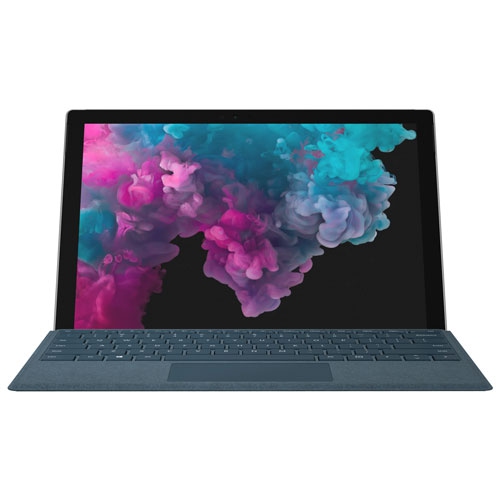 Your price for this item is $380
-
 Your price for this item is $898
-
 Your price for this item is $1549.97
-
 Your price for this item is $1849.99
-
 Your price for this item is $1899
-
 Your price for this item is $1999.99
-
 Your price for this item is $1499
-
 Your price for this item is $1799.99
Discover more categories related to Flex Laptops

Top Collections:
Best Black Friday Deals This Year, Best Black Friday Deals On Electronics, Kindle Devices, Pokemon Centers, Best Black Friday Deals On Apple Products, Best Cameras for Sports Photography, Dyson Airwrap, Pokémon 30th Celebration Cards, Apple iPhone 17 Pro, Canon G7X Cameras
Some products may be subject to Environmental Handling Fees
(EHF) depending on your province.
Learn more about EHFs.