Gold Power Supplies
Looking to upgrade your computer's power supply unit? Our gold power supplies offer top-of-the-line performance and efficiency to keep your system running smoothly. With advanced technology and high power output, these gold-rated PSUs are perfect for gamers, content creators, and professionals seeking reliable and energy-efficient solutions. Explore our selection of gold power supplies to find the perfect match for your setup and take your computing experience to the next level.
Sort
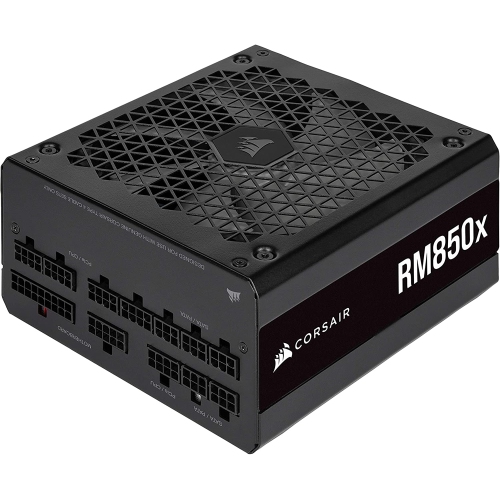

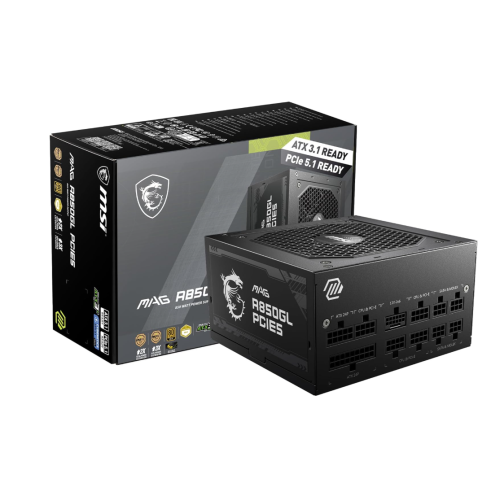
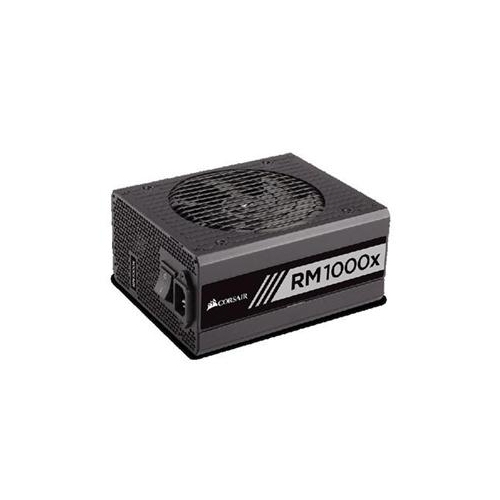
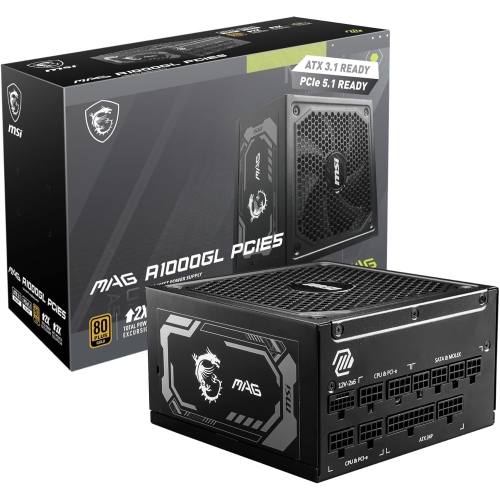
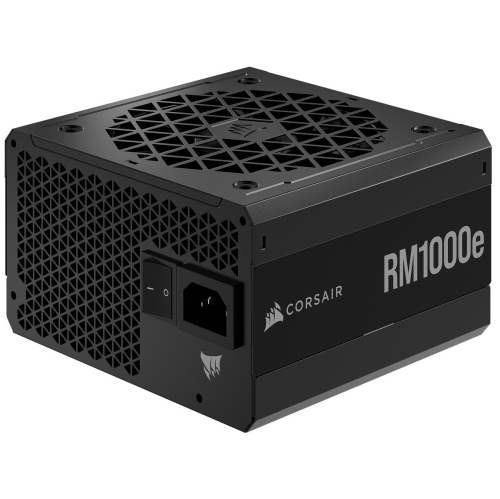
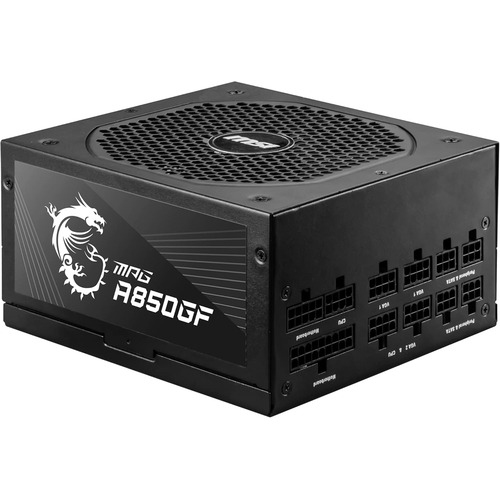
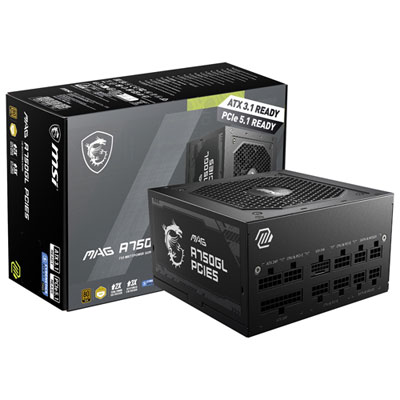
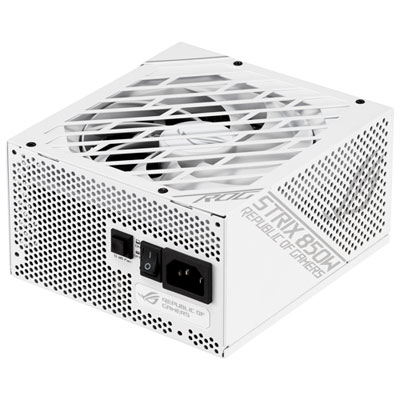
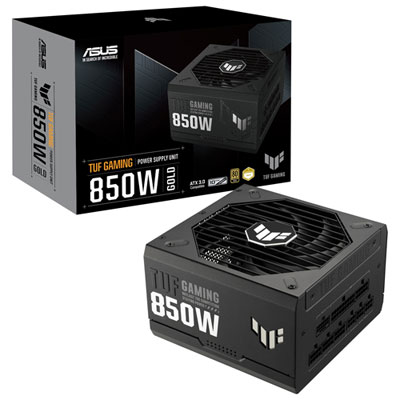
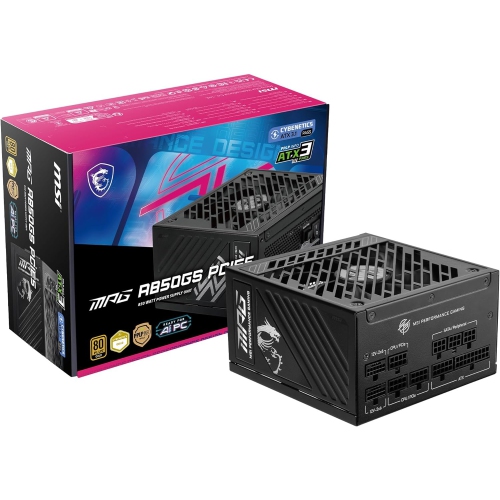
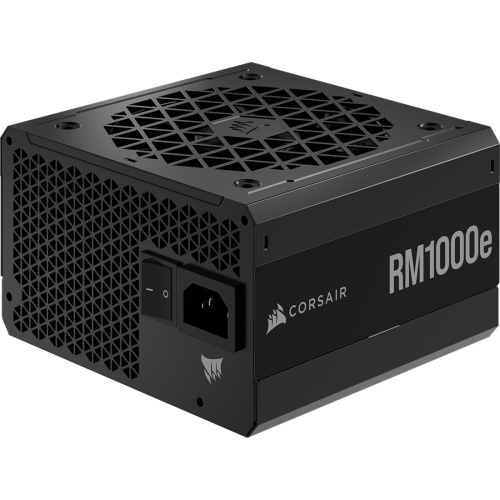
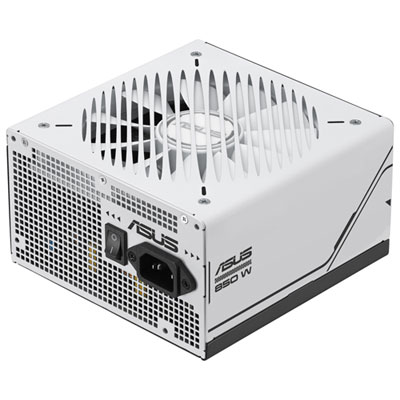
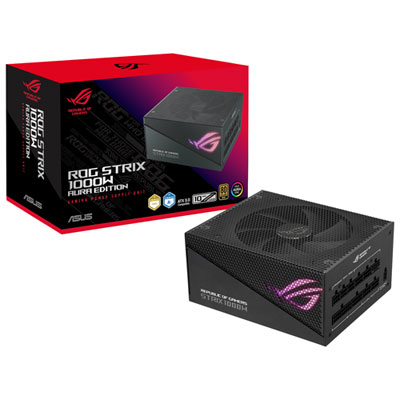
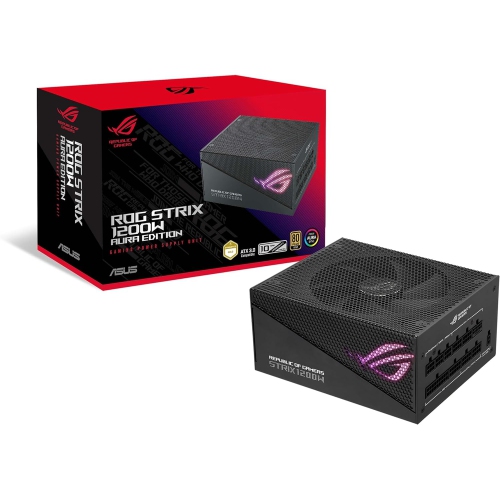
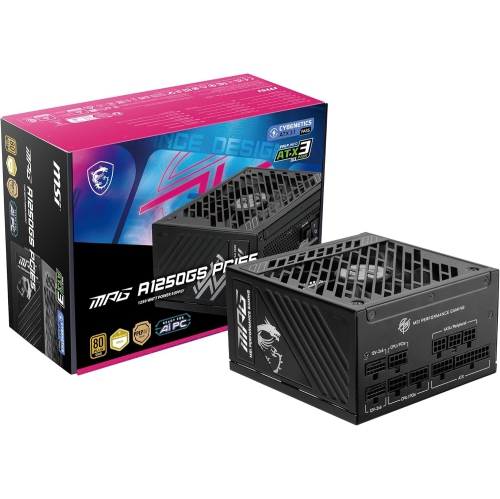
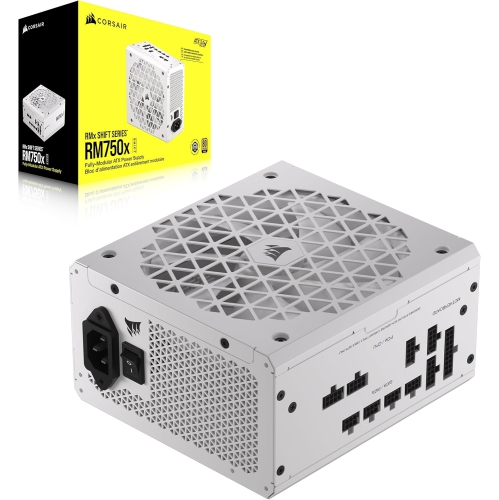
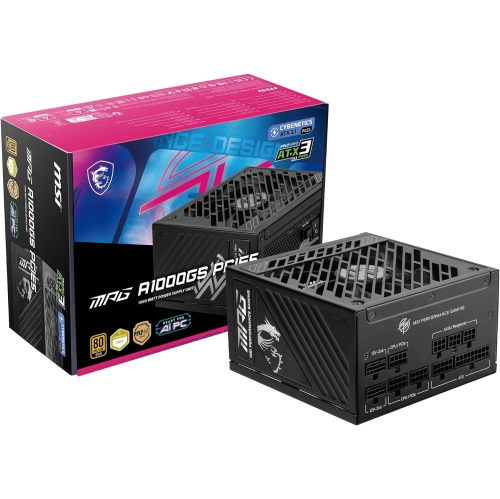
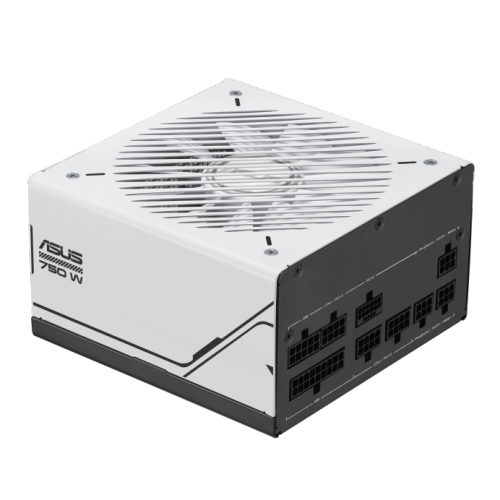
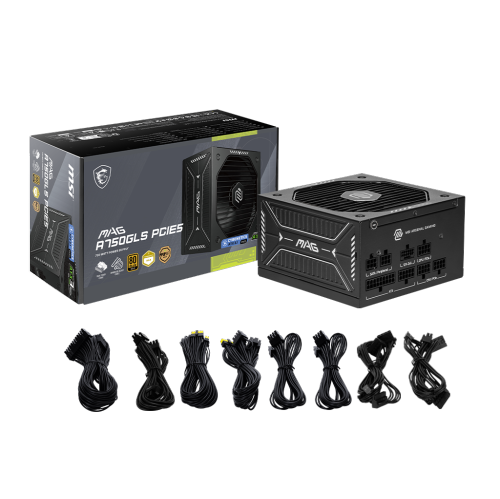
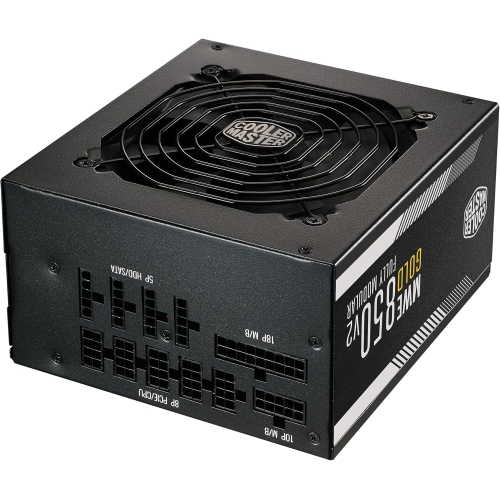
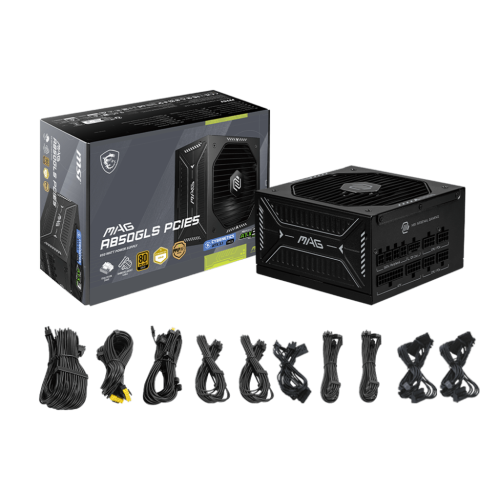

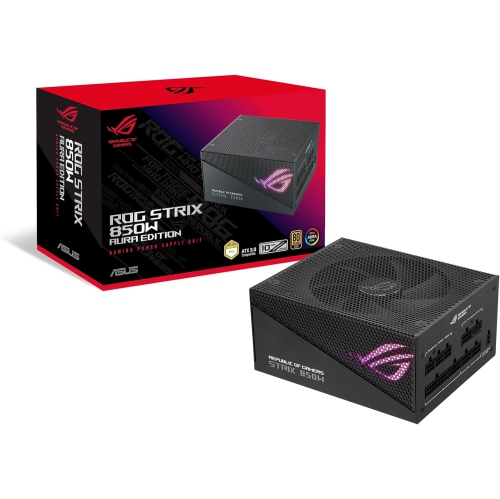
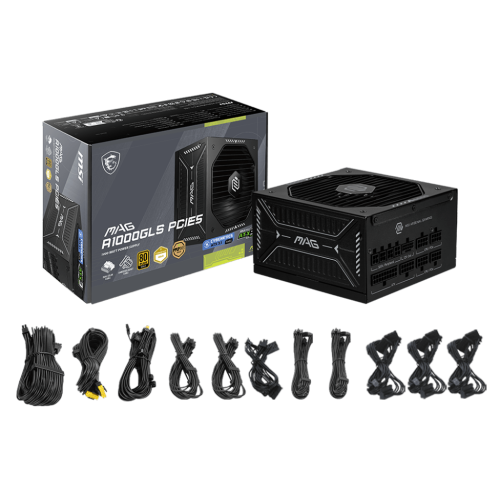
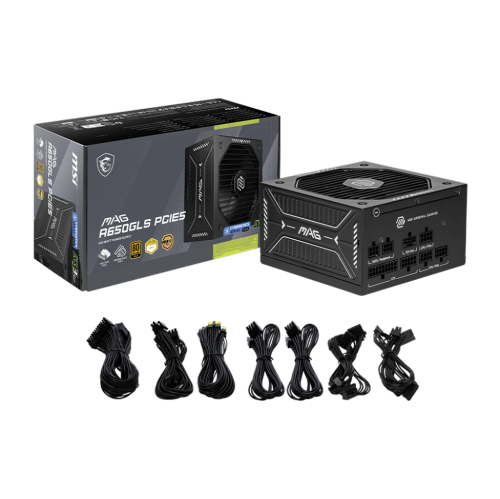

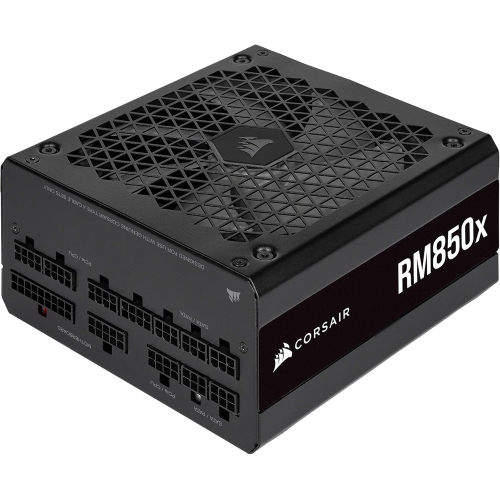
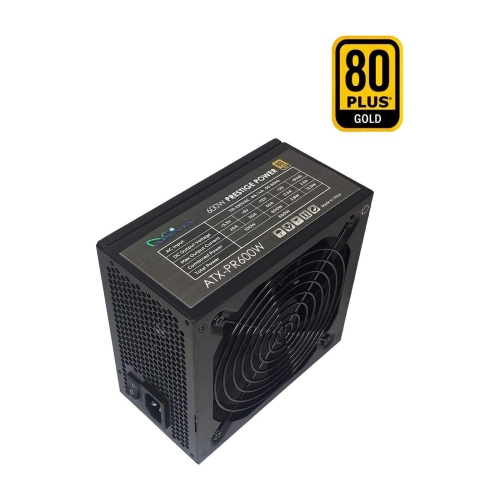
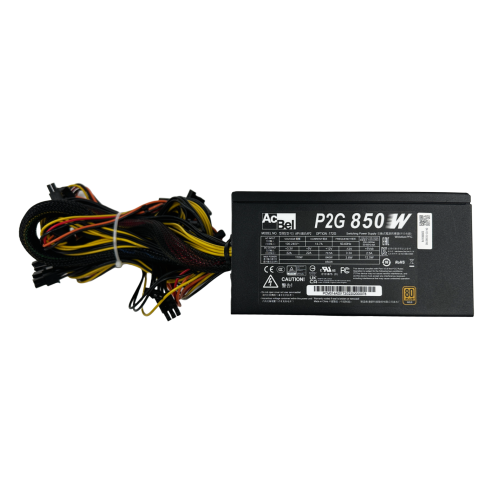
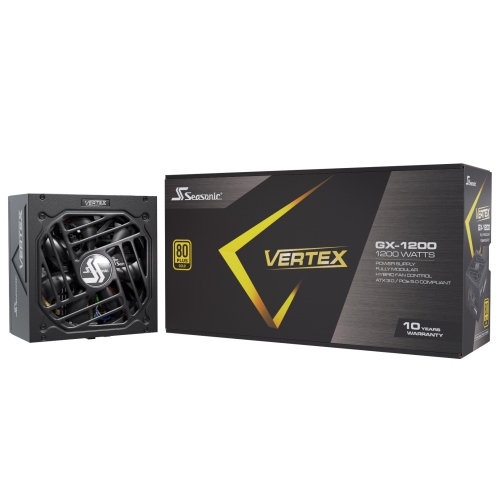
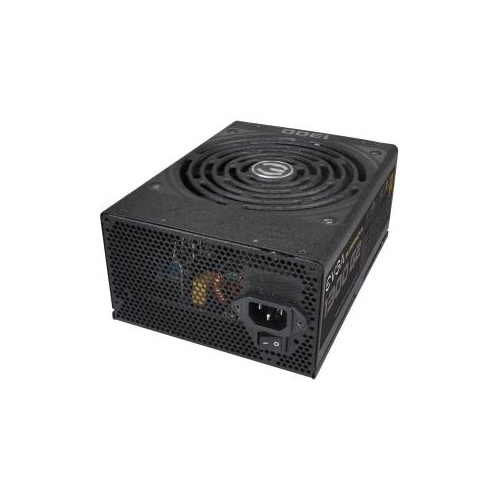
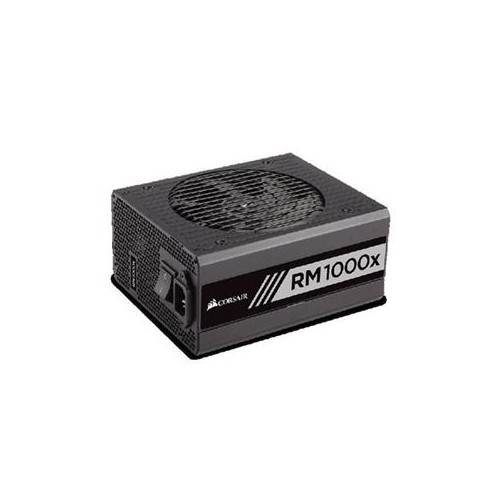
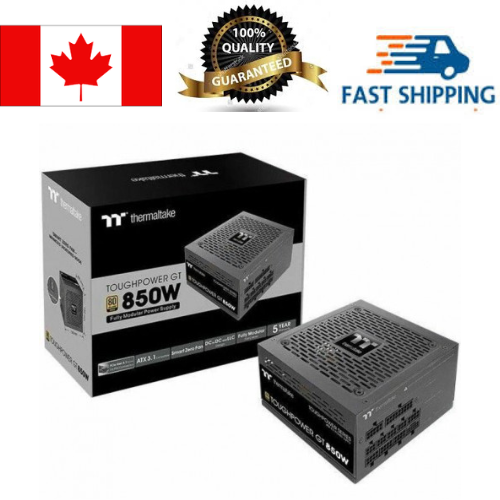
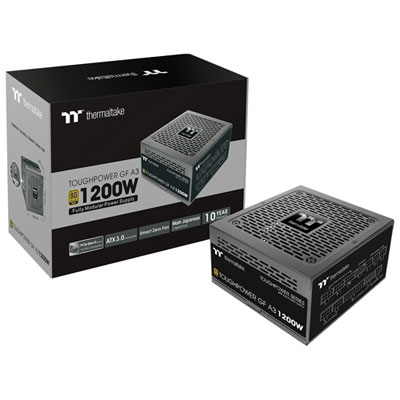
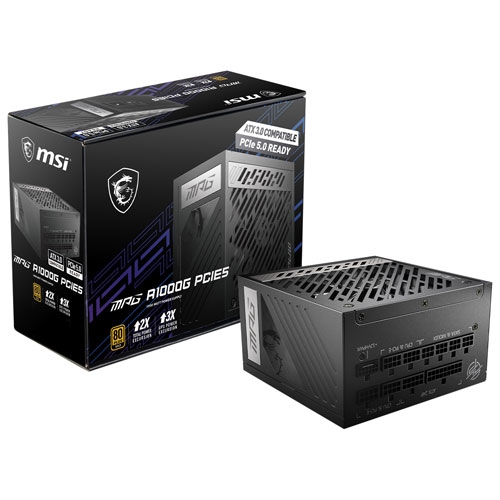
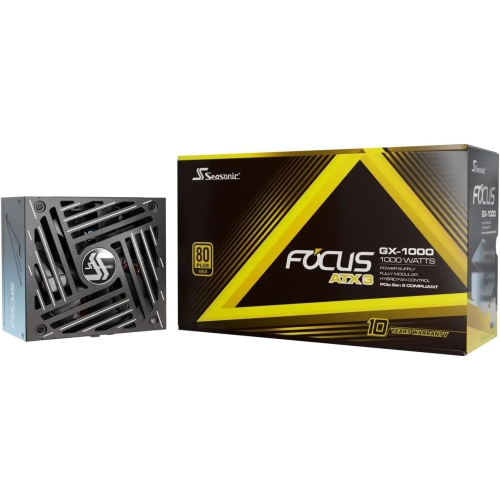
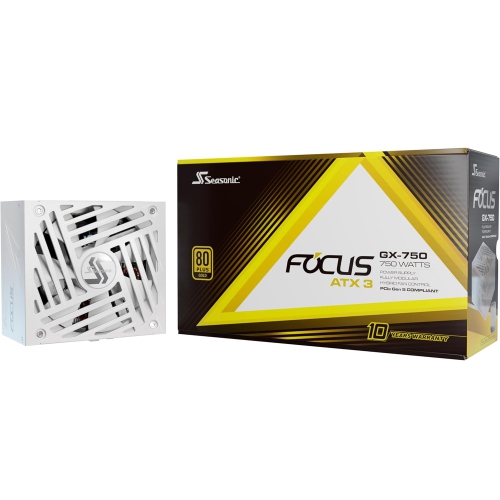
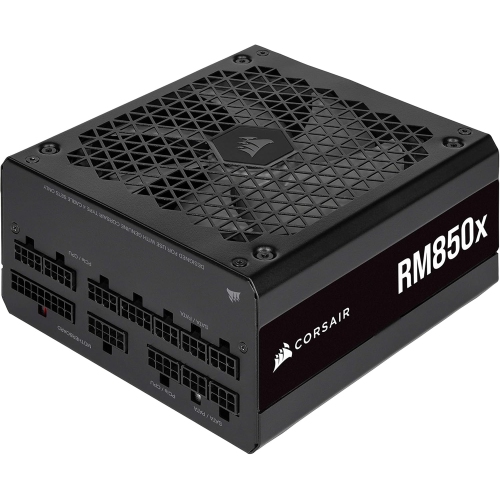
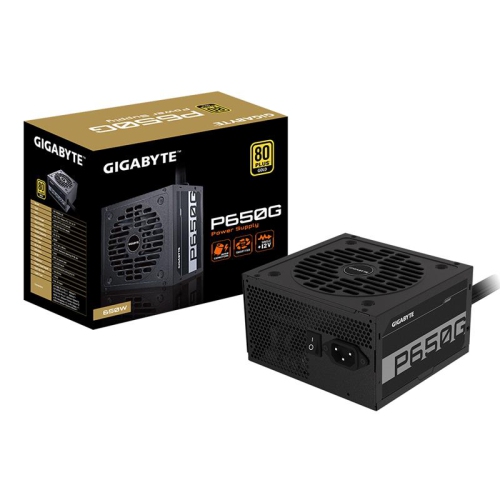
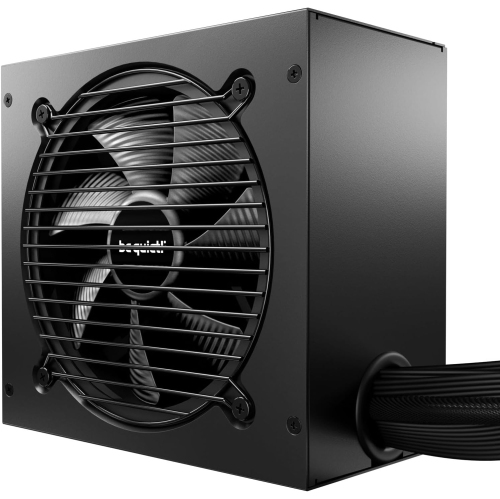
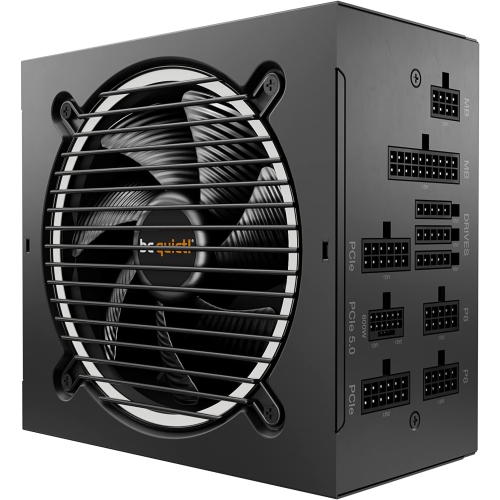
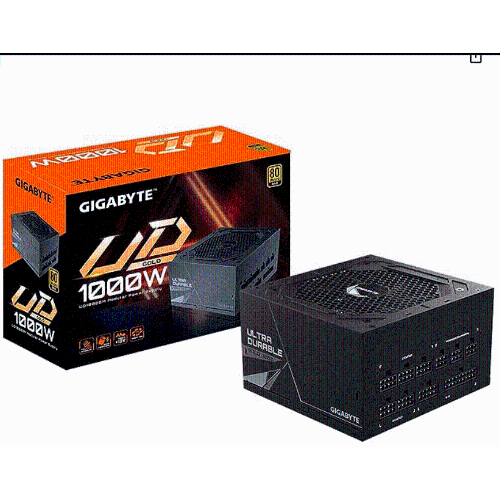
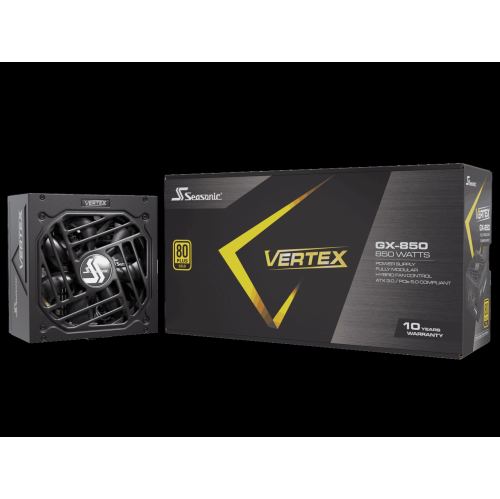
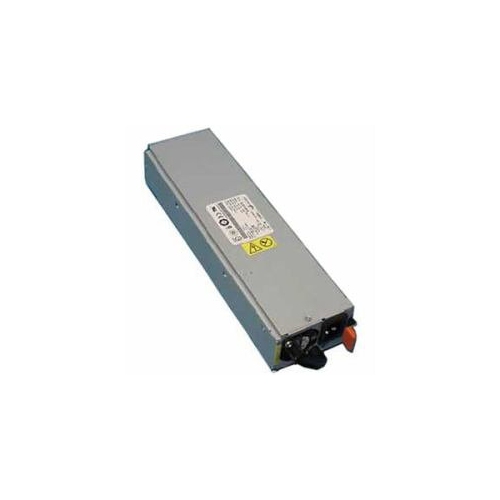
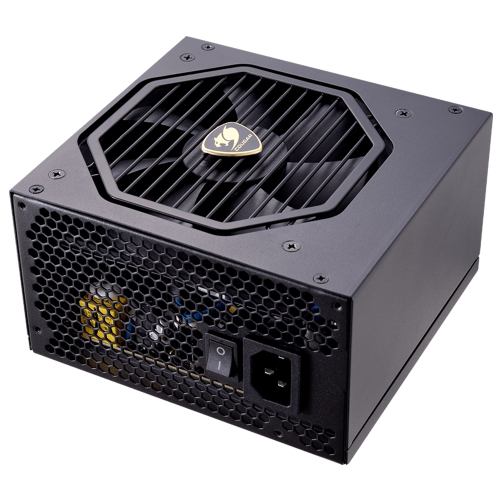
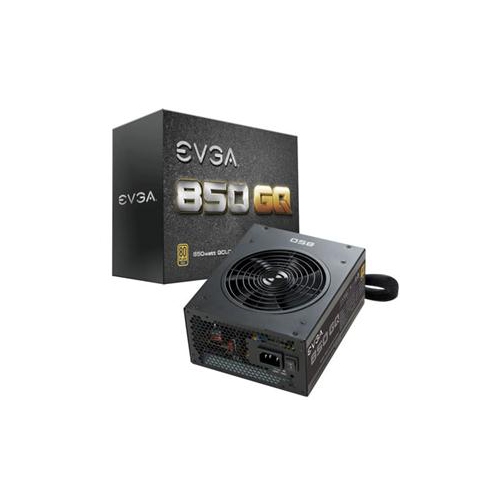


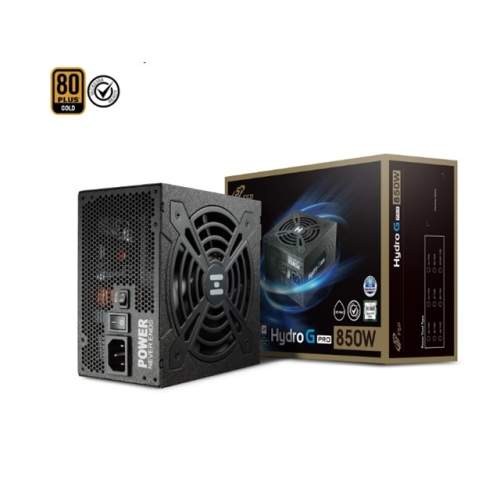
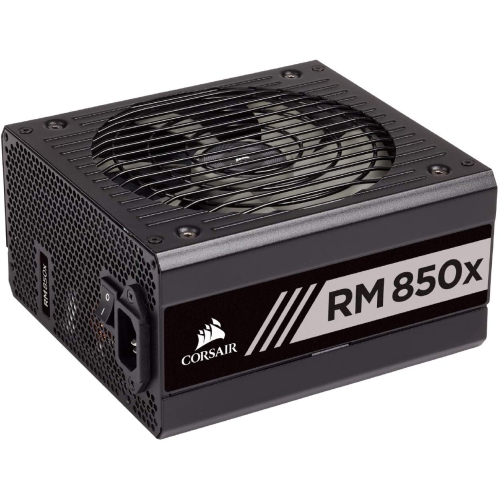
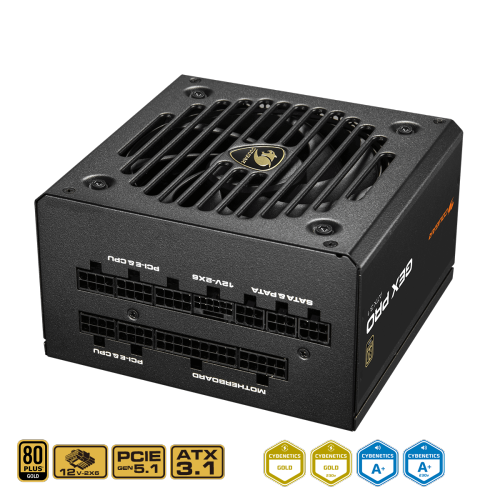
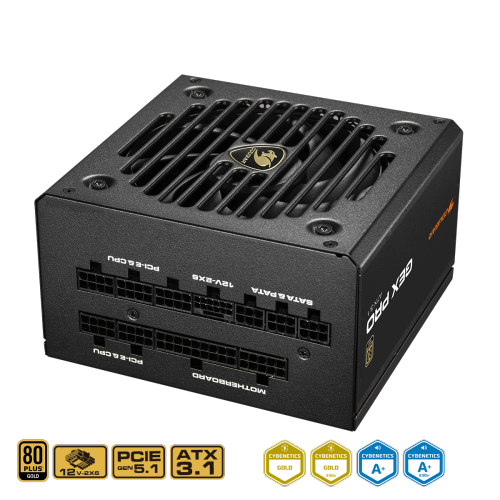

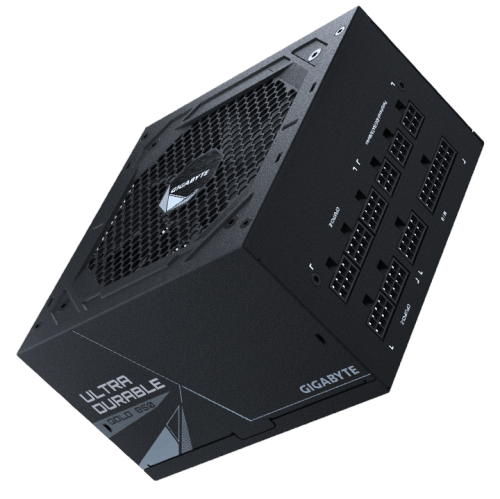
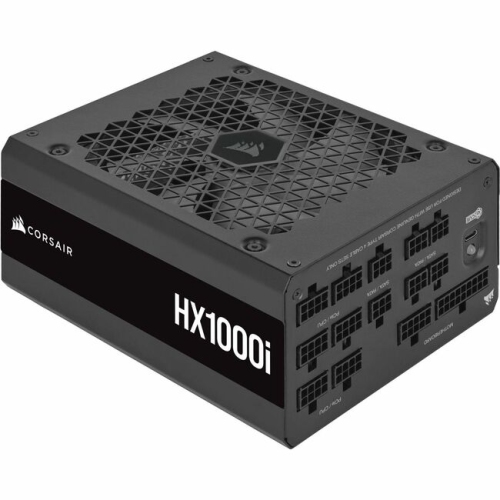
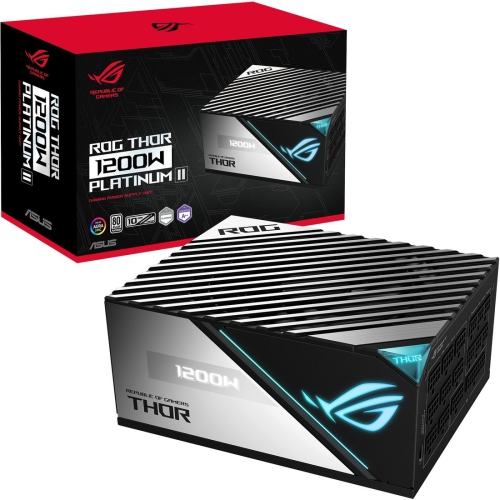
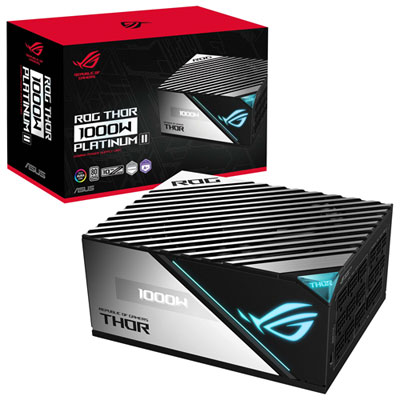
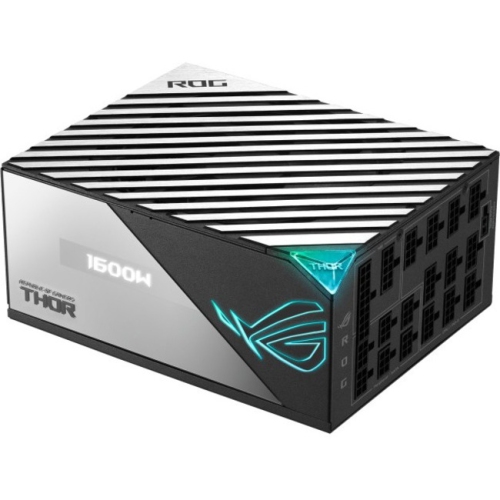
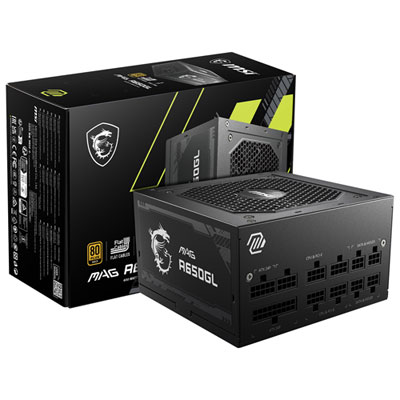
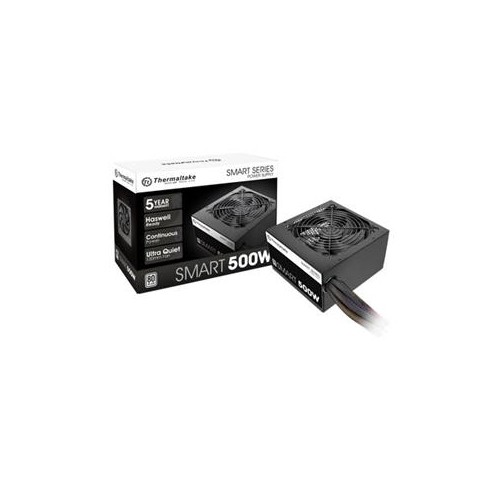
What Gold certification really means for your desktop
Gold power supplies are computer power supply units, or PSUs, with a Gold efficiency certification, most commonly expressed as 80 PLUS Gold. Here, “gold” refers to electrical efficiency rather than the colour of the casing or its materials. A PSU converts alternating current from a wall outlet into the direct current used by a desktop computer’s processor, graphics card, storage drives, and other components. Under the standard 115-volt test conditions for non-redundant desktop power supplies, 80 PLUS Gold certification requires at least 87% efficiency at 20% load, 90% efficiency at 50% load, and 87% efficiency at full rated load. These percentages describe how much of the electricity drawn from the outlet becomes usable output power, with the remainder largely released as heat. For example, a unit operating at 90% efficiency while delivering 450 watts to computer components draws approximately 500 watts from the outlet. Its wattage rating describes its output capacity, not a constant level of electricity consumption. A desktop with a higher-capacity PSU does not automatically draw that full amount whenever it is switched on; demand changes with the work being done. That distinction matters when a machine shifts from browsing and video calls to a demanding game or a lengthy video export. Gold-rated power supplies suit a broad range of desktop builds, including gaming PCs, creative workstations, and everyday systems with dedicated graphics. Compared with a less efficient unit delivering the same output under similar conditions, a Gold-rated PSU typically releases less heat, which can reduce the cooling effort required. Actual noise still depends on fan design, temperature, load, and installation. The certification is a useful measure of efficiency, but it does not independently establish build quality, voltage stability, safety protection, or expected lifespan. Those characteristics depend on the design of the power supply itself, making the Gold rating one part of a well-matched system rather than a guarantee of every aspect of performance.
The right fit for a gold power supply involves electrical capacity, physical dimensions, and connections. A desktop built around integrated graphics has different demands from a gaming tower with a high-performance graphics card, multiple drives, and additional cooling hardware. Suitable wattage accounts for the combined needs of the components, along with headroom for brief power spikes and planned upgrades. Graphics card manufacturers’ PSU requirements provide a useful starting point, although the processor and the rest of the system also affect the final choice. Someone moving from casual gaming to high-resolution play, for instance, may need both additional capacity and a different graphics power connector. Gold certification alone does not confirm either feature. For builds where output capacity is a key consideration, the Powerful Power Supply page brings that aspect of the system into focus. Case compatibility is equally important: many full-size desktops accept ATX power supplies, while compact builds may require SFX or SFX-L formats. Even within the ATX category, housing length varies, and a longer PSU can crowd a drive cage or leave too little space for cable bends. The metal enclosure, mounting points, and fan position all need to work with the case layout. Fully modular designs allow unused detachable cables to stay out of the build, while semi-modular units retain some fixed leads and non-modular units have permanently attached cables. Modular connections are especially helpful in a smaller chassis where loose cable bundles can make maintenance awkward. Connector types and quantities matter just as much as cable layout, including motherboard power, CPU power, graphics power, and SATA power for compatible drives or accessories. Newer ATX specifications can address the short-duration power demands of modern graphics hardware, but specification compliance and connector support should be checked separately from the efficiency rating. A properly matched PSU leaves enough room for its cables, reaches the required sockets without strain, and supports the intended hardware without relying on unsuitable adapters.
Day-to-day comfort and long-term durability depend on details that are less visible once the side panel is closed. A well-designed fan, suitable internal components, and effective thermal control help a power supply handle extended gaming sessions, large file exports, or a full day of desktop work. Some units include a fan-stop mode at lighter loads, allowing the fan to remain still until cooling is needed; others keep it turning at a low speed. Neither arrangement makes Gold certification a promise of silent operation, and fan behaviour can change as the room warms or the workload increases. Protection features such as over-voltage, under-voltage, over-current, short-circuit, over-temperature, and over-power protection are worth checking in the specifications rather than assuming they accompany a particular efficiency tier. Warranty coverage and stated operating conditions can also help distinguish designs intended for different levels of use. Once installed, clear intake and exhaust paths help the unit manage heat. A tower sitting on thick carpet may have its bottom intake restricted, while a case pushed tightly against furniture may struggle to move warm air away. Following the case and PSU instructions for fan orientation, keeping accessible dust filters clean, and leaving ventilation openings unobstructed support reliable operation. Before cleaning accessible areas or working on computer connections, shut down the system and unplug it from the wall. The PSU enclosure itself should never be opened, as internal components can retain dangerous electrical charge after disconnection. Detachable modular cables also require care: cables from another PSU must not be reused unless compatibility is explicitly confirmed, even when their plugs appear to fit. For a first-time builder, a gold power supply can form part of a tidy everyday desktop; for an experienced PC enthusiast, it may support a carefully planned upgrade. It can also be a practical gift for someone assembling a computer, provided the exact case, component requirements, and connector needs are known. Across these uses, the strongest match combines Gold-rated efficiency with appropriate capacity, sound construction, and straightforward integration into the intended desktop.
The right fit for a gold power supply involves electrical capacity, physical dimensions, and connections. A desktop built around integrated graphics has different demands from a gaming tower with a high-performance graphics card, multiple drives, and additional cooling hardware. Suitable wattage accounts for the combined needs of the components, along with headroom for brief power spikes and planned upgrades. Graphics card manufacturers’ PSU requirements provide a useful starting point, although the processor and the rest of the system also affect the final choice. Someone moving from casual gaming to high-resolution play, for instance, may need both additional capacity and a different graphics power connector. Gold certification alone does not confirm either feature. For builds where output capacity is a key consideration, the Powerful Power Supply page brings that aspect of the system into focus. Case compatibility is equally important: many full-size desktops accept ATX power supplies, while compact builds may require SFX or SFX-L formats. Even within the ATX category, housing length varies, and a longer PSU can crowd a drive cage or leave too little space for cable bends. The metal enclosure, mounting points, and fan position all need to work with the case layout. Fully modular designs allow unused detachable cables to stay out of the build, while semi-modular units retain some fixed leads and non-modular units have permanently attached cables. Modular connections are especially helpful in a smaller chassis where loose cable bundles can make maintenance awkward. Connector types and quantities matter just as much as cable layout, including motherboard power, CPU power, graphics power, and SATA power for compatible drives or accessories. Newer ATX specifications can address the short-duration power demands of modern graphics hardware, but specification compliance and connector support should be checked separately from the efficiency rating. A properly matched PSU leaves enough room for its cables, reaches the required sockets without strain, and supports the intended hardware without relying on unsuitable adapters.
Day-to-day comfort and long-term durability depend on details that are less visible once the side panel is closed. A well-designed fan, suitable internal components, and effective thermal control help a power supply handle extended gaming sessions, large file exports, or a full day of desktop work. Some units include a fan-stop mode at lighter loads, allowing the fan to remain still until cooling is needed; others keep it turning at a low speed. Neither arrangement makes Gold certification a promise of silent operation, and fan behaviour can change as the room warms or the workload increases. Protection features such as over-voltage, under-voltage, over-current, short-circuit, over-temperature, and over-power protection are worth checking in the specifications rather than assuming they accompany a particular efficiency tier. Warranty coverage and stated operating conditions can also help distinguish designs intended for different levels of use. Once installed, clear intake and exhaust paths help the unit manage heat. A tower sitting on thick carpet may have its bottom intake restricted, while a case pushed tightly against furniture may struggle to move warm air away. Following the case and PSU instructions for fan orientation, keeping accessible dust filters clean, and leaving ventilation openings unobstructed support reliable operation. Before cleaning accessible areas or working on computer connections, shut down the system and unplug it from the wall. The PSU enclosure itself should never be opened, as internal components can retain dangerous electrical charge after disconnection. Detachable modular cables also require care: cables from another PSU must not be reused unless compatibility is explicitly confirmed, even when their plugs appear to fit. For a first-time builder, a gold power supply can form part of a tidy everyday desktop; for an experienced PC enthusiast, it may support a carefully planned upgrade. It can also be a practical gift for someone assembling a computer, provided the exact case, component requirements, and connector needs are known. Across these uses, the strongest match combines Gold-rated efficiency with appropriate capacity, sound construction, and straightforward integration into the intended desktop.
Top selling and popular products
-
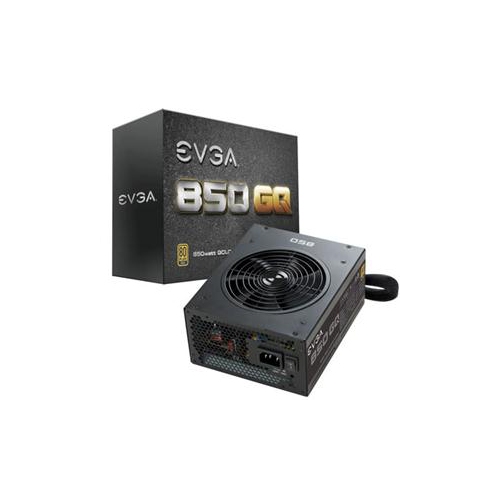 Your price for this item is $264.68
 -
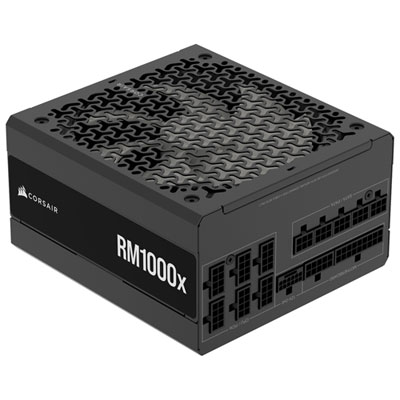 Your price for this item is $234.98
 -
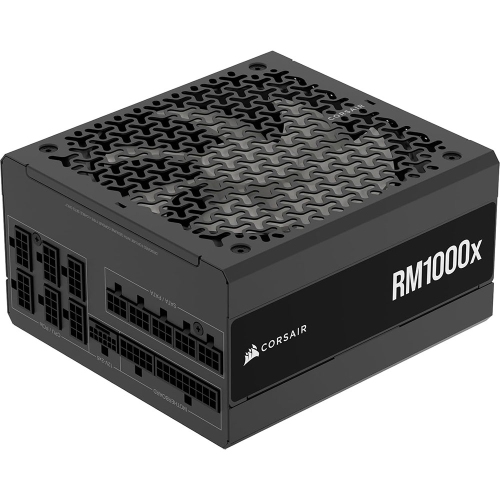 Your price for this item is $294.99
 -
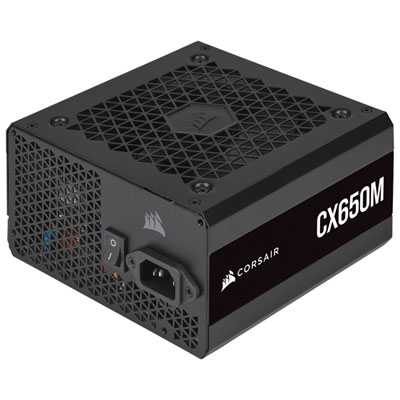 Your price for this item is $99.95
 -
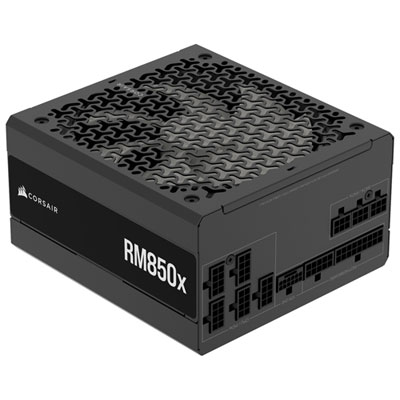 Your price for this item is $209.99
 -
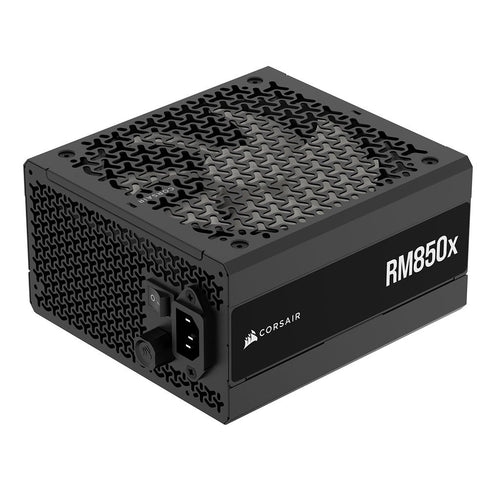 Your price for this item is $199.99
 -
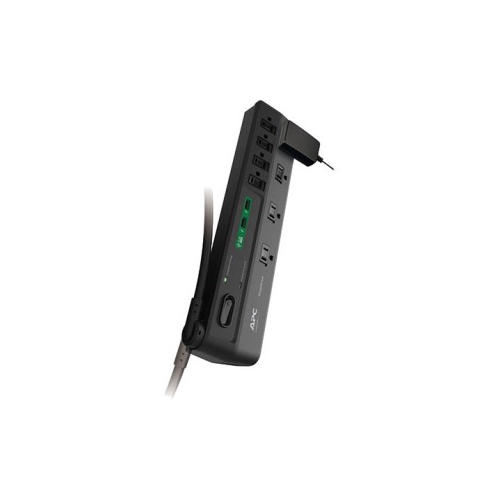 Your price for this item is $60.47
 -
 Your price for this item is $144.98
Discover more categories related to Gold Power Supplies
Top Collections:
Pokemon Centers, Kindle Devices, Best Budget Office Chairs, Apple iPhones 16, Best Laptops for Writers, iPhone 15 Apple, Canon G7X Cameras, Refurbished Apple Laptops, Alarm Clock, Motorola Razr Phones
Some products may be subject to Environmental Handling Fees
(EHF) depending on your province.
Learn more about EHFs.