Headsets With Microphone for Online Learning
Headsets with microphone for online learning help create a focused and interactive virtual classroom experience. Designed for clear communication and comfortable use during extended study sessions, these headsets are ideal for students and educators participating in remote lessons or virtual group discussions. Explore a wide range of options to find the perfect fit for your online learning needs.
Sort
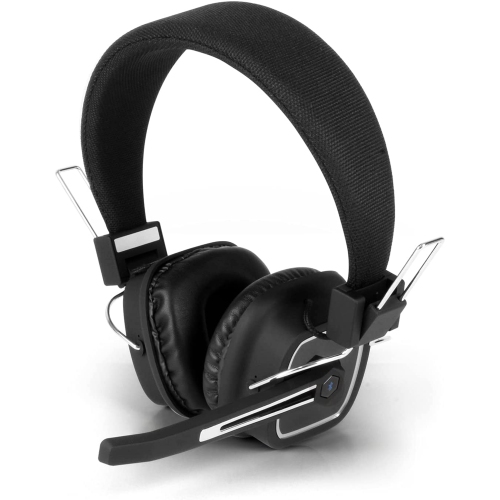
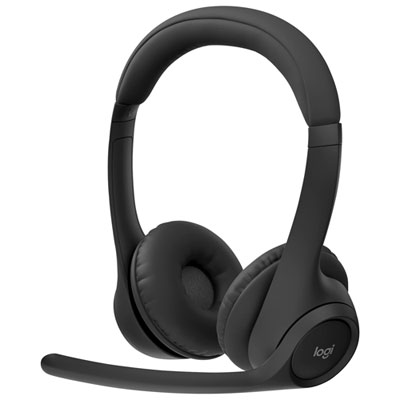
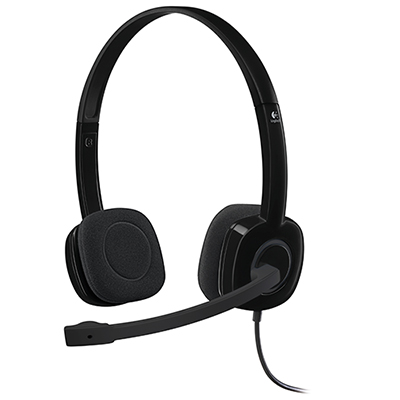
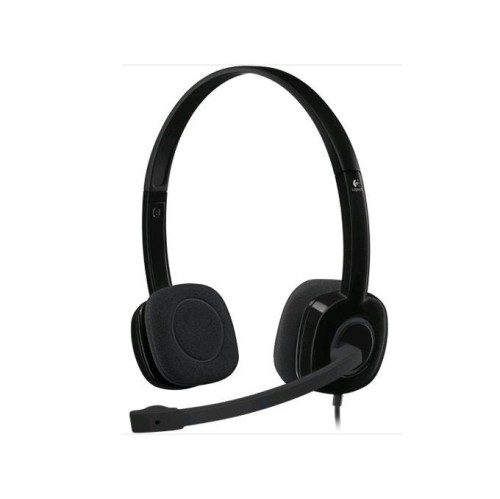
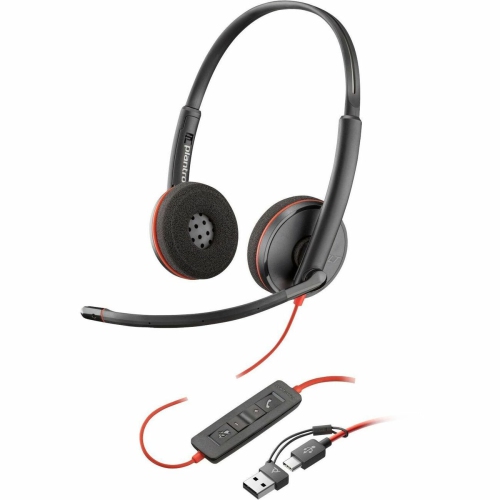
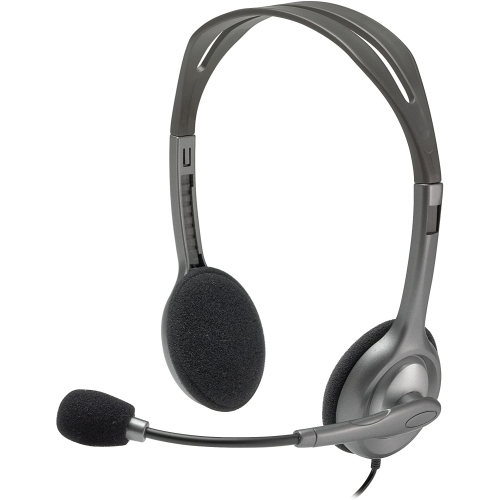
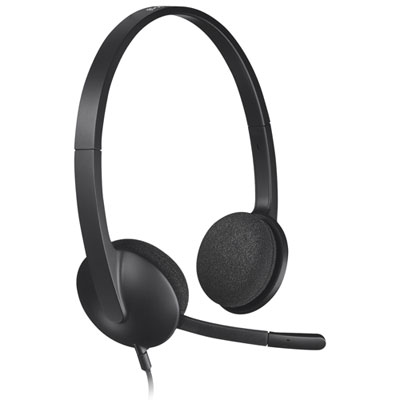
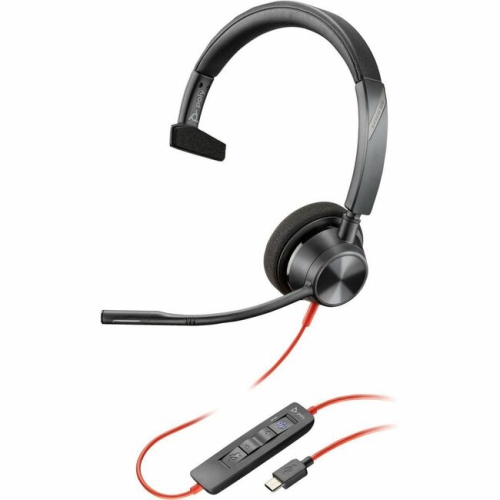
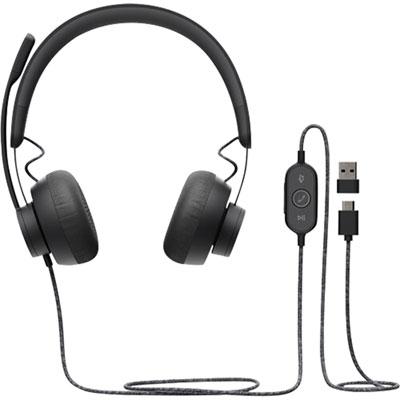
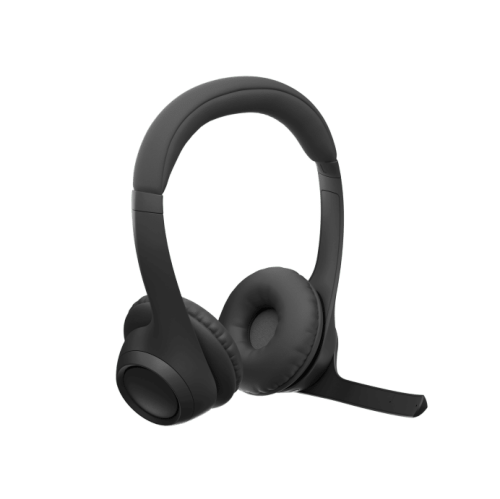

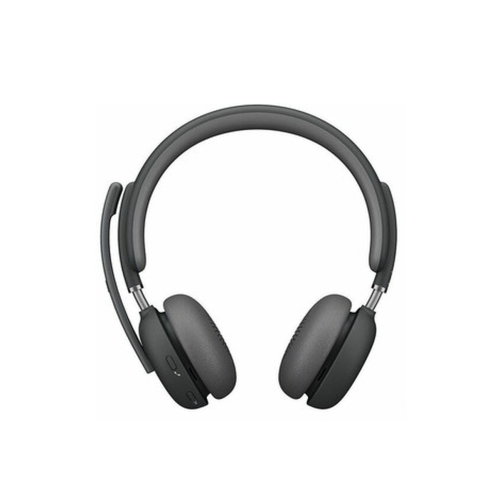
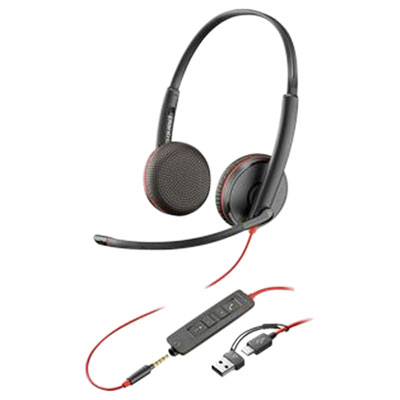
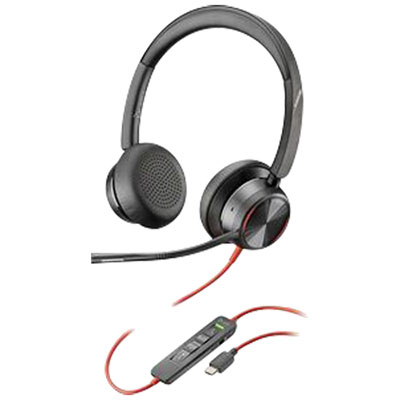
Clear lesson audio goes both ways
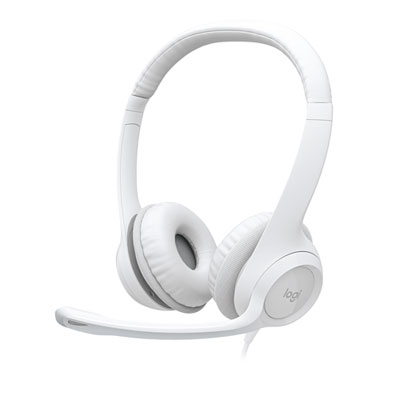
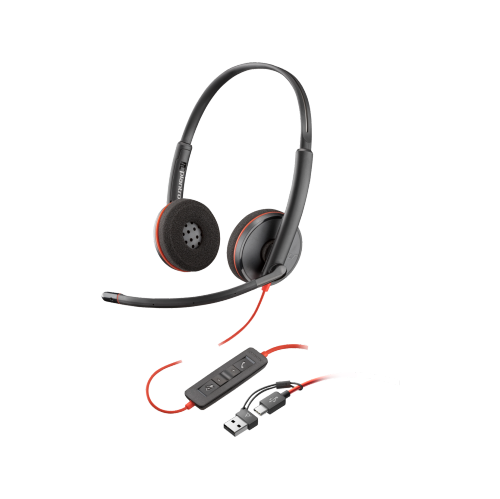
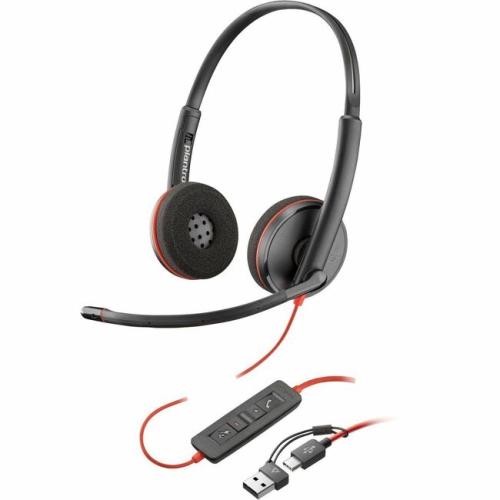
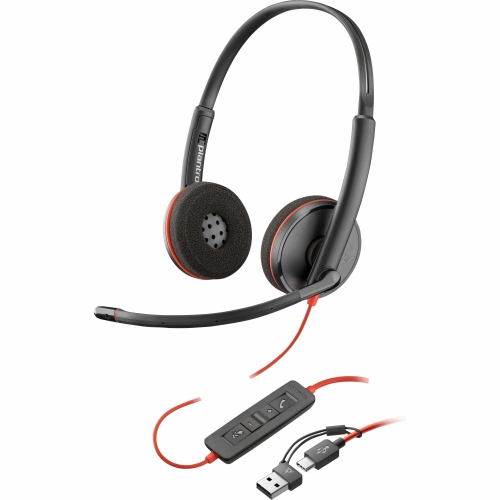
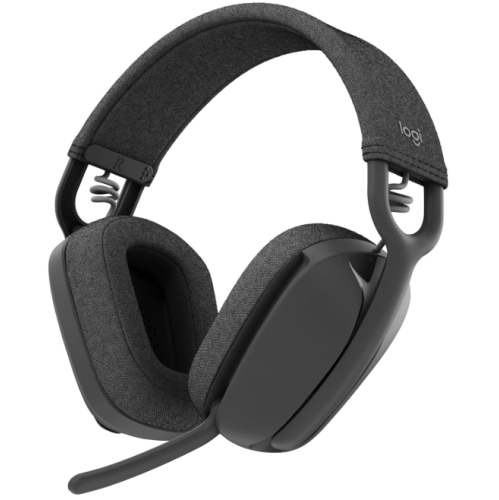
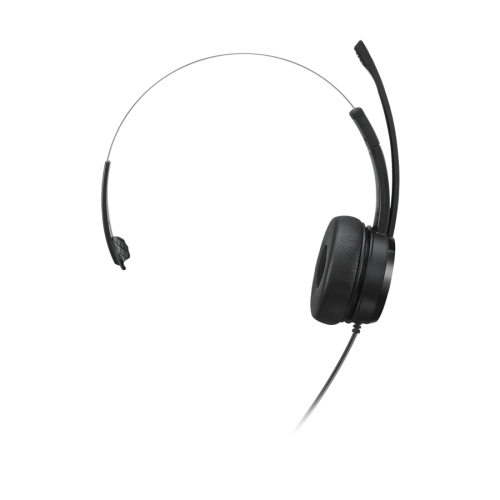
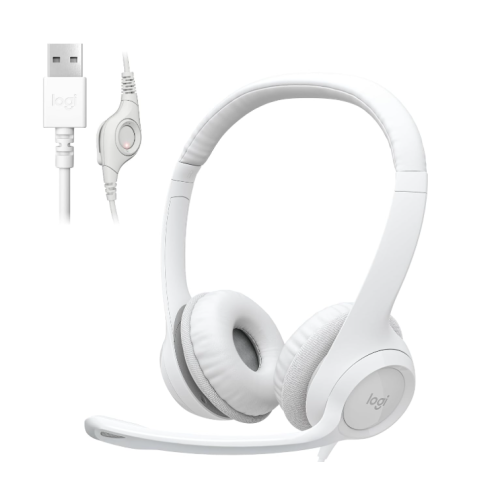
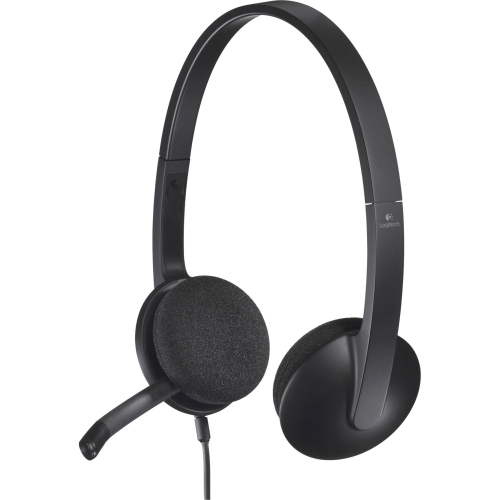
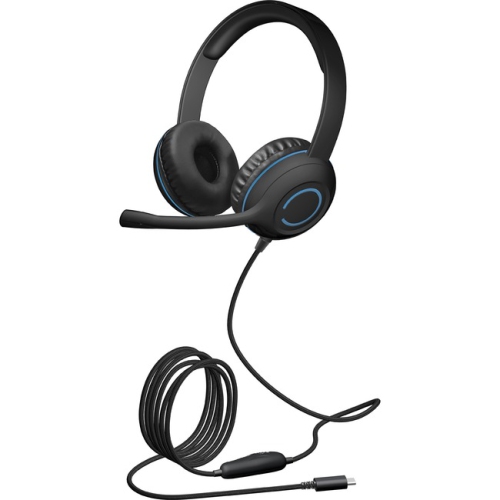
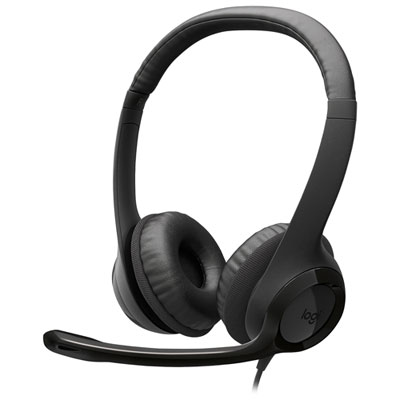
Headsets with a microphone for online learning bring lesson audio and spoken participation together, whether the day involves a live lecture, a language lesson, or a small-group project. Having the microphone close to the mouth can make speech easier to pick up than relying on a laptop microphone across the desk, particularly when a learner turns towards a notebook or moves away from the screen. Clear dialogue matters as much as clear speech: instructions, unfamiliar vocabulary, and questions from classmates all need to remain understandable without constant volume adjustments. For learners moving between listening and contributing, Microphone Headsets for Virtual Learning offer a practical format for both sides of the conversation. An adjustable boom microphone allows the pickup point to sit near the corner of the mouth rather than directly in front of each breath. A flexible or rotating arm can also move out of the way during independent reading or recorded lessons. Microphone noise reduction may help reduce some background sounds in outgoing audio, although results depend on the design, microphone placement, and surrounding activity. It is different from features that reduce distractions for the person wearing the headset, and neither feature guarantees that nearby conversations will go unheard. Stereo headsets deliver audio to both ears and can help keep lesson sound separate from household activity. Single-ear designs leave one ear uncovered, which may suit an adult learner who also needs to hear a doorbell or someone speaking nearby. Accessible volume and mute controls are useful during active discussions, especially when a learner needs to respond without searching through an on-screen menu. A visible mute indicator can make the microphone’s status easier to confirm, while controls on the earcup or cable keep common adjustments within reach. These details are especially relevant to tutoring, pronunciation practice, presentations, and collaborative assignments, where listening and speaking alternate throughout a session. For recorded coursework, comfortable listening and straightforward playback remain important even when the microphone is used less often.
Comfort becomes noticeable over a full lesson, and small differences in fit can matter more than a long list of features. Over-ear cushions surround the ears, while on-ear cushions rest against them; either style can feel comfortable when the size, padding, and clamping pressure suit the wearer. Glasses add another consideration because a tight earcup seal can press the arms of the frames against the head. A padded, adjustable headband helps distribute weight, and swivelling earcups can sit more evenly against different head shapes. Lighter designs may feel less tiring during back-to-back classes, but the balance of the headset matters too: a heavier microphone arm or uneven earcup weight can affect how securely it sits. Cushion materials also change the experience. Fabric covers can feel breathable against the skin, while smooth synthetic coverings are often easier to wipe clean. Soft foam provides cushioning, though its feel and firmness vary, and deep padding is not automatically the best fit for every ear. Replaceable ear cushions can be useful when a favourite headset is worn regularly, provided compatible replacements are supported. For children, a smaller headband adjustment range and appropriately sized earcups help prevent a headset from slipping whenever they look down to write. Child-focused volume-limiting features may provide an additional safeguard, but their operation can depend on the connection and source device; they do not replace attentive volume settings and listening breaks. Older students and adult learners may prefer a fit that remains comfortable while taking notes, reading from a second screen, or speaking through a longer seminar. A stable fit also keeps the microphone position more consistent, reducing the need to readjust it every time the wearer moves. The most useful design is one that suits the person’s usual posture and study space, rather than simply looking substantial. Easy adjustment is particularly helpful for occasional sharing, though each wearer may need a different headband position and microphone angle.
Connections and everyday handling shape how easily a headset fits into a learning routine. Wired designs provide a direct connection without a headset battery to recharge, which can suit a fixed desk used for regular classes. Cable length matters in practice: enough reach allows a learner to sit naturally and open a workbook, while excess cable can catch on a chair arm or become tangled with a mouse cord. A 3.5 mm connection needs to match the device’s audio socket, since a combined headset jack differs from separate headphone and microphone ports. USB connections also require a compatible port, and an adapter that physically fits does not necessarily support microphone audio. Wireless headsets offer more freedom to reach a shelf or change position, but battery life, charging time, connection stability, and microphone support all affect their usefulness for lessons. Compatibility with the device and learning platform is important for either format, especially when mute buttons or other controls need to work within a particular application. Some controls manage only the headset itself rather than the application’s on-screen settings. Durability is equally practical for a headset that moves between a desk, backpack, and shared study area. Reinforced cable entry points, sturdy headband adjustment, and securely attached earcups can help withstand routine handling, although any folding or rotating parts still need gentle use. A protective pouch or case can keep the microphone arm and cushions from being compressed by books. Regular care is straightforward: following the maker’s cleaning directions, keeping moisture away from openings, and allowing cushions to dry fully before storage help keep the headset ready for use. Pulling a wired connection out by the plug rather than the cable also reduces strain. As a gift, a headset can be a thoughtful choice for a student starting remote coursework, someone taking professional development classes, or a family member learning a language. Knowing the recipient’s device, preferred fit, and typical lesson length makes the choice more personal and useful, with the emphasis on comfortable participation rather than features they may never need.
Top selling and popular products
-
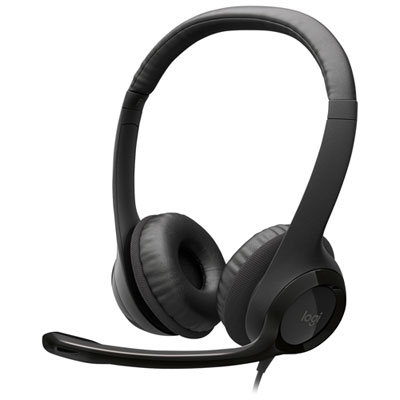 Your price for this item is $39.99
-
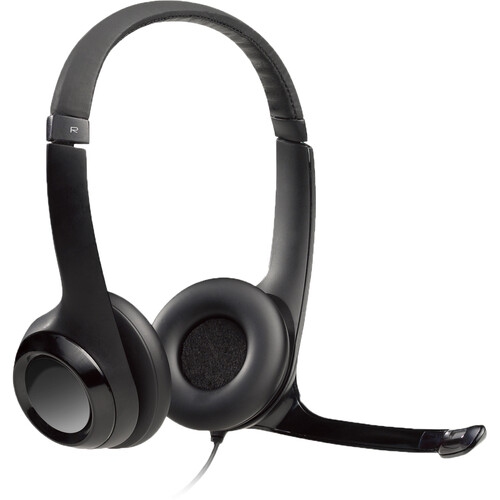 Your price for this item is $77.79
-
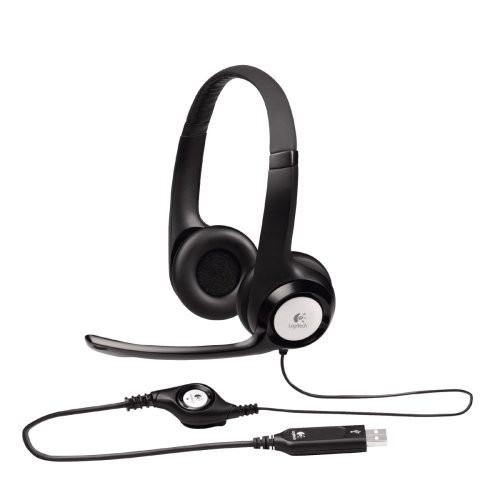 Your price for this item is $49
-
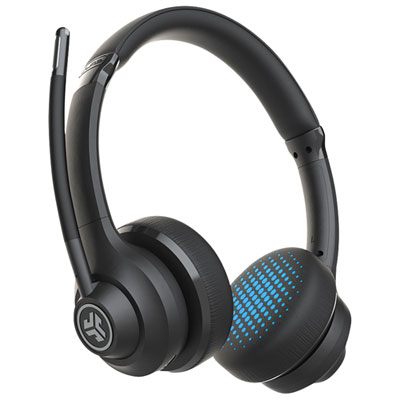 Your price for this item is $69.99
-
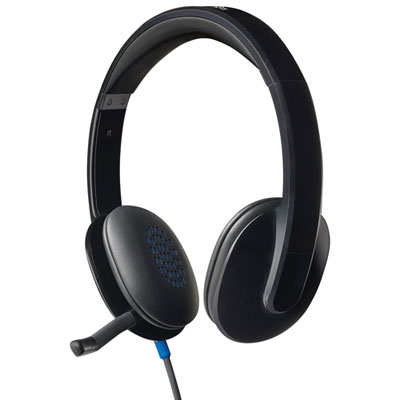 Your price for this item is $47.98
-
 Your price for this item is $62.68
-
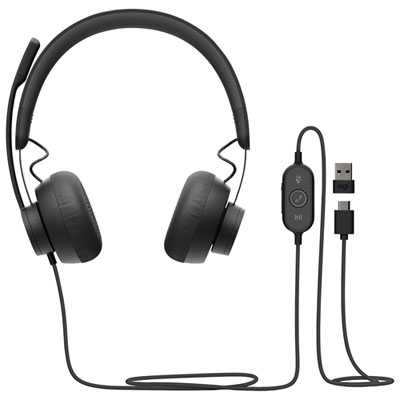 Your price for this item is $179.97
-
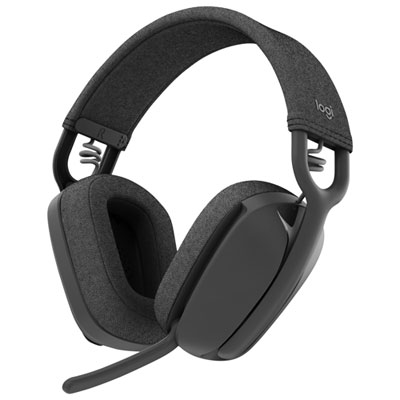 Your price for this item is $129.99
Discover more categories related to Headsets With Microphone for Online Learning

Top Collections:
Best Black Friday Deals This Year, Best Black Friday Deals On Electronics, Kindle Devices, Pokemon Centers, Best Black Friday Deals On Apple Products, Best Cameras for Sports Photography, Dyson Airwrap, Pokémon 30th Celebration Cards, Apple iPhone 17 Pro, Canon G7X Cameras
Some products may be subject to Environmental Handling Fees
(EHF) depending on your province.
Learn more about EHFs.