Heavy Duty Printers
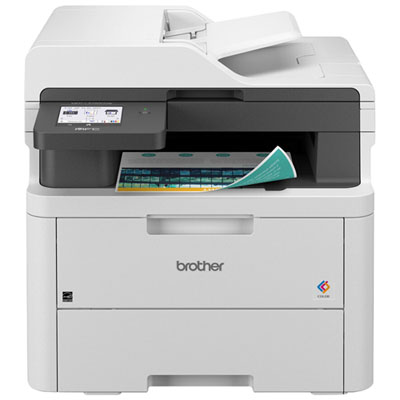
A heavy-duty printer is one that can handle a lot of printing. It is designed to be used in high-volume environments, such as schools, offices, and businesses. Heavy-duty printers are often used for printing out documents, photos, and other large print jobs. Here are some of our favorites.
Sort
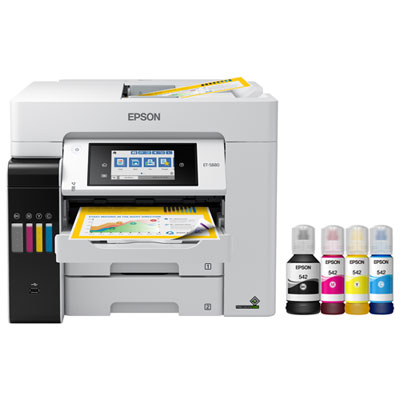
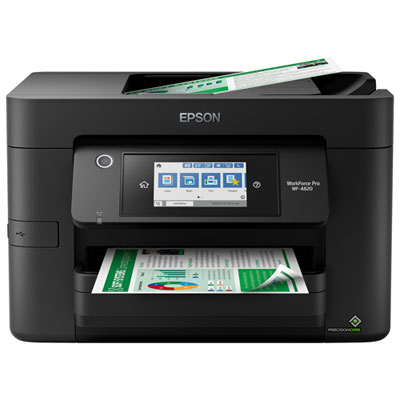
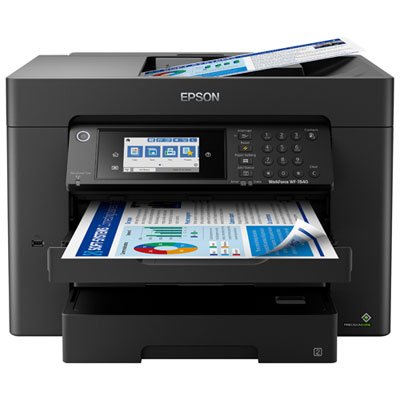
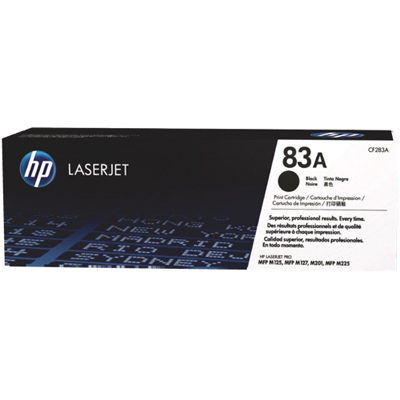
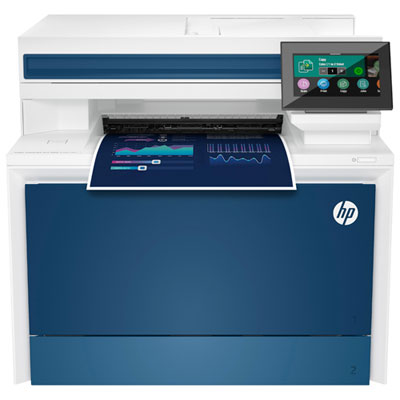
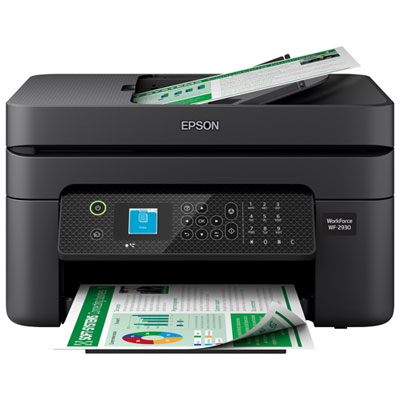
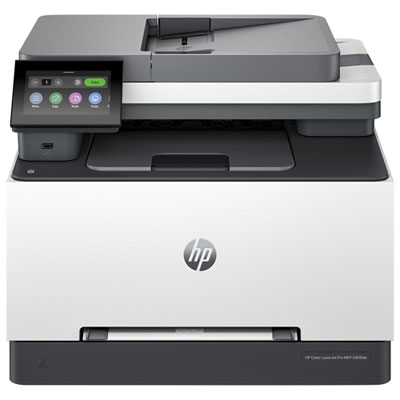
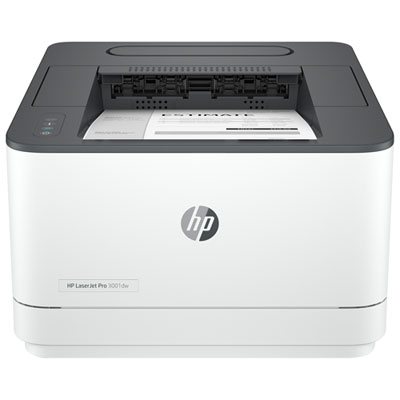
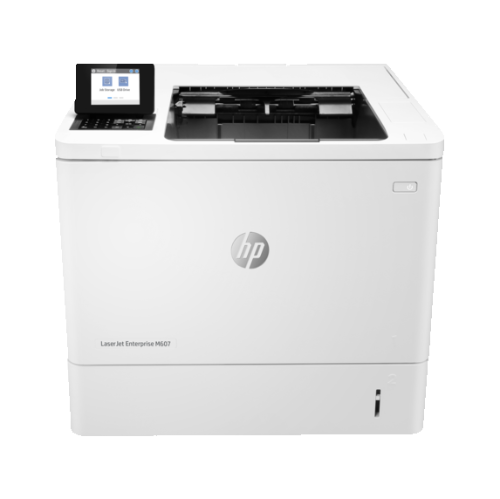
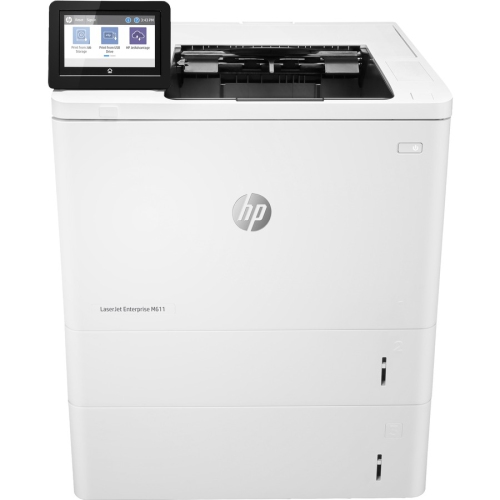
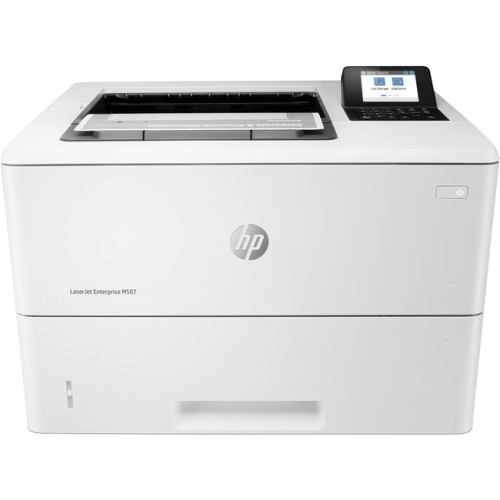
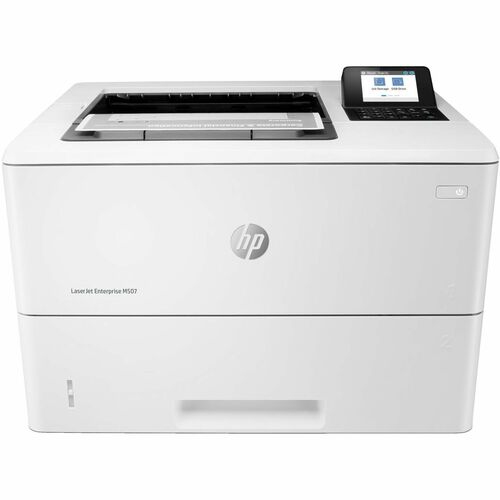
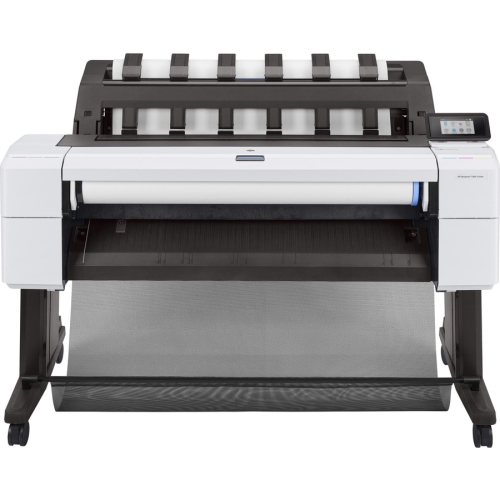
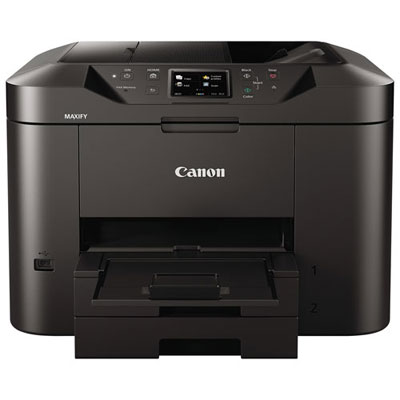
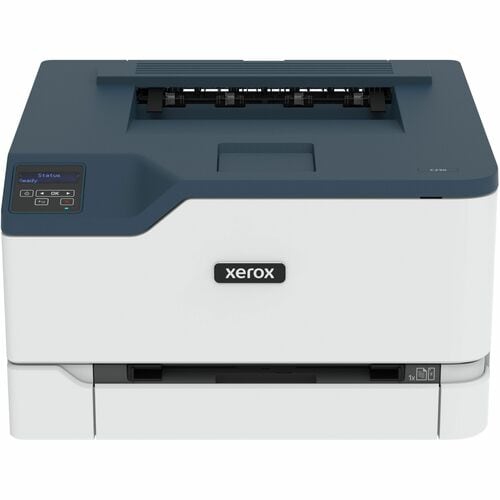
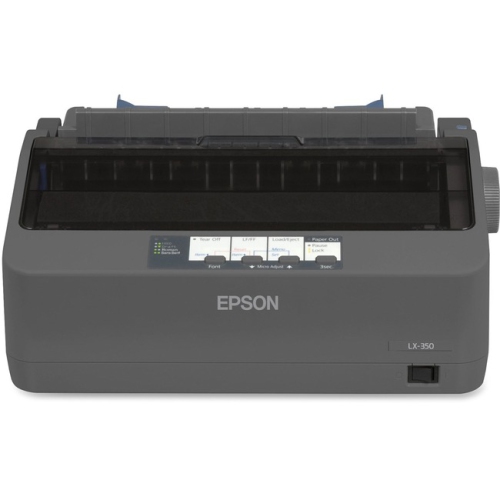
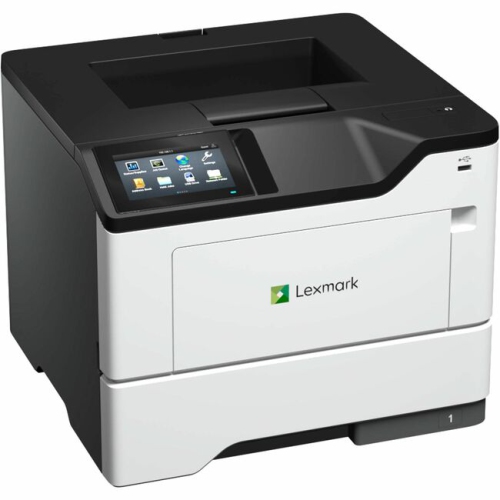
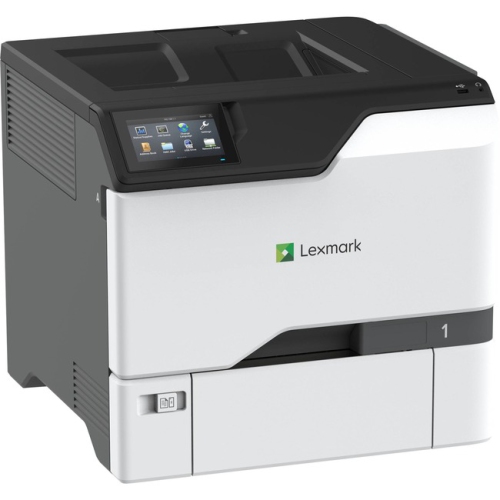
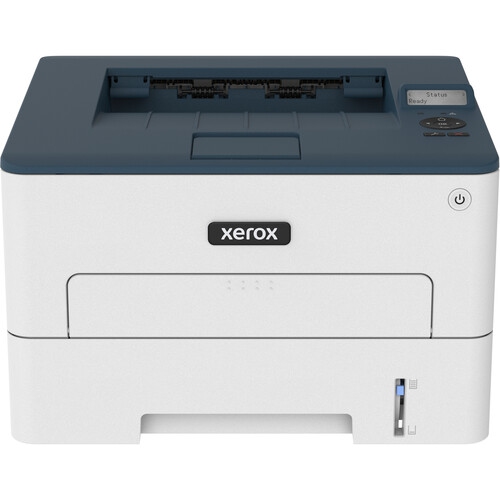
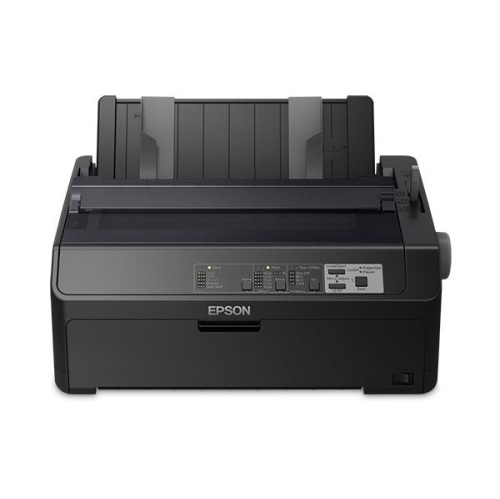

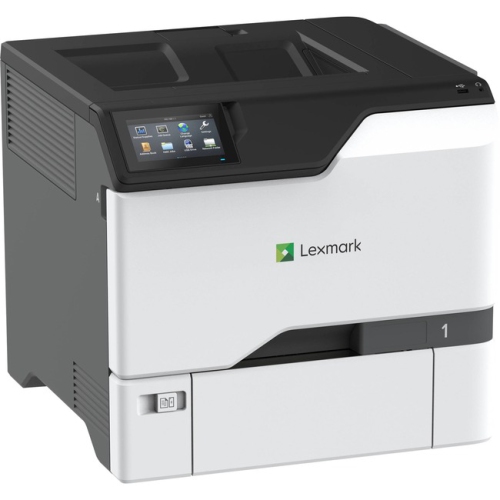
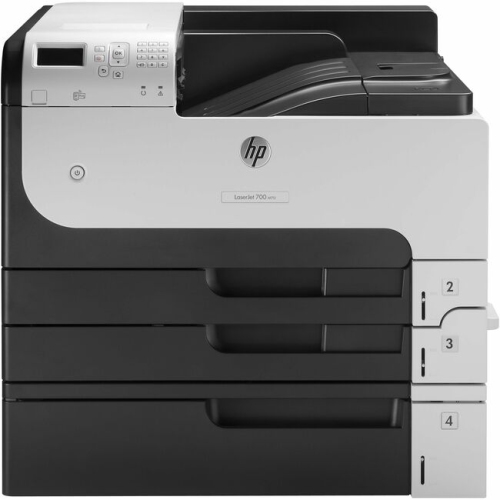
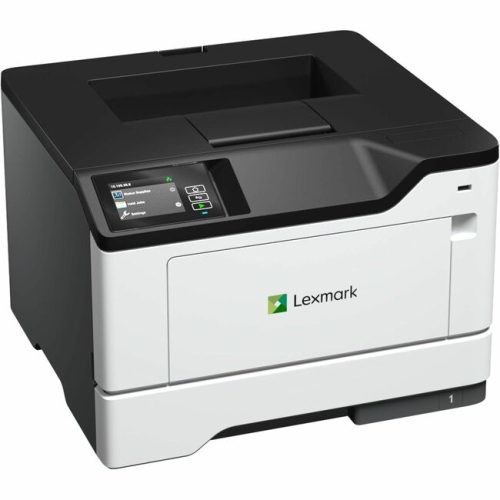
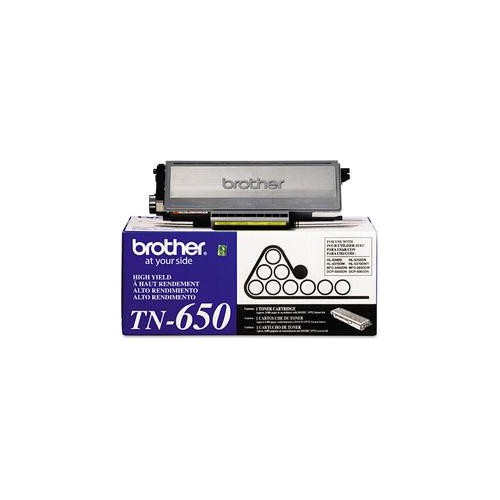
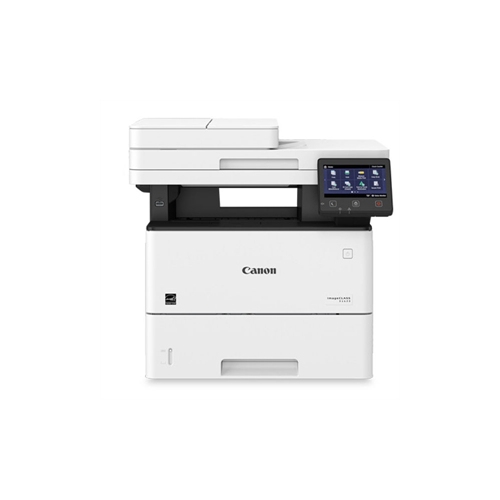
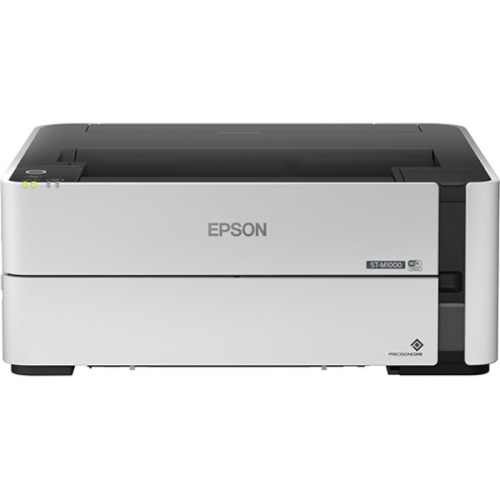
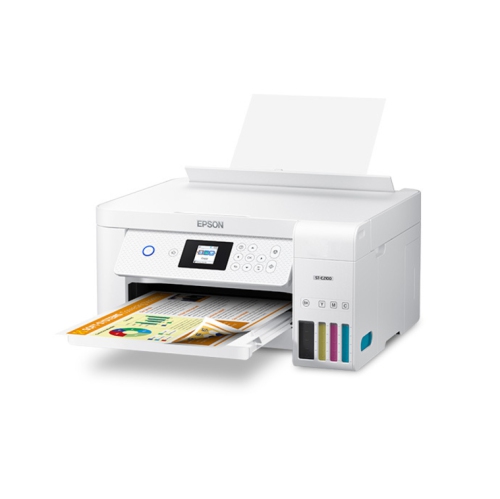
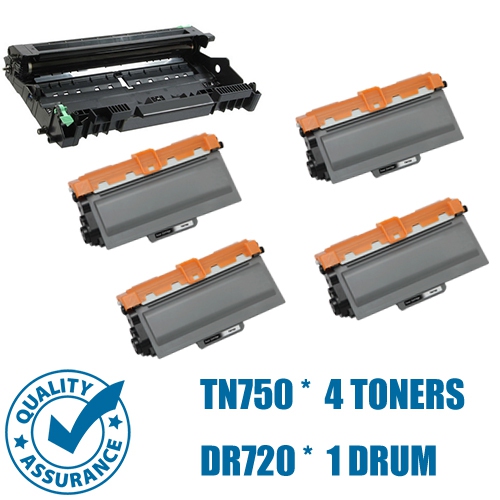
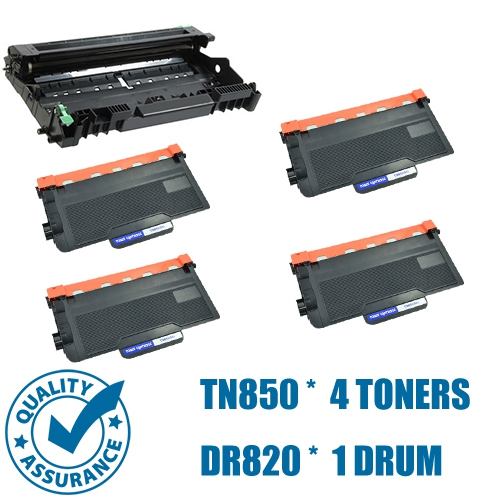
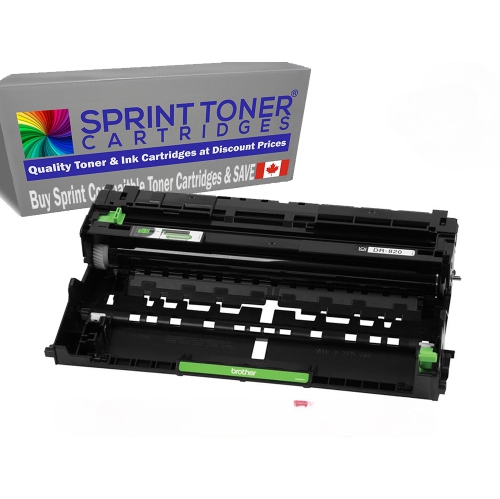
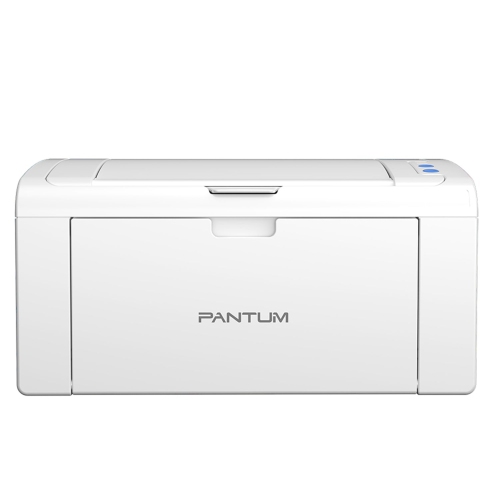
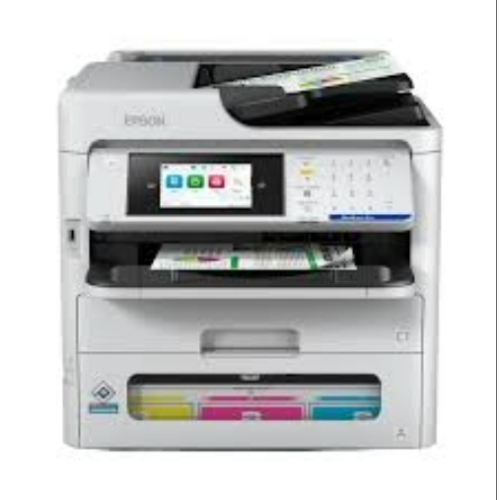
What to consider for reliable high-volume workplace printing
Heavy-duty printers are designed for workplaces where printing is part of the daily rhythm rather than an occasional task. They are built to manage substantial monthly volumes, frequent print jobs, and multiple users without the pauses and limitations that can affect basic home or small-office machines. A high-capacity printer can be a practical choice for busy offices, schools, medical and professional practices, warehouses, property managers, retail operations, and growing businesses that regularly produce invoices, forms, reports, shipping documents, manuals, labels, or client presentations. They may also suit home offices where printing demands have expanded beyond occasional correspondence. When comparing heavy-duty printers, start with the expected monthly page volume and look for a duty cycle that comfortably exceeds that figure. The duty cycle indicates the maximum number of pages a printer is designed to produce in a month, but it should not be treated as a target for everyday use. Choosing a model with extra capacity can help it operate more comfortably during busy periods, especially when several people print at once. Print speed is another important consideration. Measured in pages per minute, speed can make a noticeable difference when preparing large reports, classroom handouts, financial documents, or shipping paperwork. Many high-volume laser printers offer speeds in the range of 40 to 65 pages per minute, although actual results can vary depending on paper size, print quality, colour, and the complexity of each document. A fast first-page-out time can also be valuable when users frequently print short documents throughout the day. For a closer look at models designed around quick output, browse Printers for Fast Printing.
The choice between monochrome and colour printing should reflect the kind of documents your workplace produces most often. Monochrome heavy-duty printers are well suited to text-heavy materials such as contracts, internal reports, invoices, forms, and shipping records, while colour models are useful for presentations, charts, marketing materials, signage, diagrams, and documents where visual detail supports communication. Some offices benefit from using a fast black-and-white printer for everyday paperwork and a separate colour machine for materials that need more visual impact. Multifunction printers add scanning, copying, and sometimes faxing to the same device, which can help consolidate common office tasks and reduce the need for separate equipment. An automatic document feeder is especially helpful when digitizing or copying multi-page documents, while a duplexing feeder can scan both sides of a page with less manual handling. Automatic two-sided printing can reduce paper use and make reports, proposals, and training materials easier to manage, though it is important to confirm that the feature supports the paper types and sizes your team uses. Paper-handling capacity deserves close attention as well. Larger input trays mean fewer interruptions for refilling, and multiple trays can keep letter, legal, specialty, or pre-printed stock ready for different jobs. Optional expansion trays, high-capacity output bins, envelope handling, and finishing features such as stapling or sorting may be worthwhile in departments that prepare large document packages. Before choosing, check whether the printer supports the media you rely on, including heavier paper, labels, envelopes, cardstock, and custom sizes. A printer that is technically fast may still feel inconvenient if its tray capacity, output arrangement, or media support does not match the way your team works.
Operating costs can have as much influence on long-term value as the purchase price. Compare toner or ink yield, replacement cartridge availability, and the estimated cost per page when evaluating heavy-duty printers. High-yield cartridges can reduce the frequency of replacements and are particularly convenient in busy settings where an empty cartridge can interrupt an important run. Some printers provide alerts when supplies are running low, allowing an administrator to keep replacements on hand rather than discovering the issue midway through a large job. Consider the type of maintenance the printer requires, including access to consumables, replacement drums or maintenance kits, cleaning procedures, and service options. Network connectivity is essential for shared environments, with wired Ethernet often providing a dependable connection for a permanent office installation and Wi-Fi offering flexibility where the printer location may change. Mobile printing and cloud-printing support can help staff send documents from laptops, phones, and tablets, while compatibility with common operating systems and workplace software can simplify setup. Security features are also important when a printer handles personal information, financial records, client files, or confidential reports. Look for options such as user authentication, secure print release, encrypted connections, access controls, and storage protection where appropriate. In a shared office, a secure release function can hold a document until its sender enters a PIN or confirms their identity at the printer, helping prevent sensitive pages from sitting unattended in an output tray. A clear display, straightforward menus, and remote administration tools can make a busy machine easier to manage, particularly when multiple people depend on it throughout the day. Heavy-duty printers are generally purchased for practical workplace needs rather than as gifts, but they can be a thoughtful choice for someone establishing a home-based business, expanding a studio, running a community organization, or setting up a new office. Whether the priority is rapid black-and-white output, vivid colour documents, reliable scanning, or a combination of functions, the best match is the one that aligns with your regular page volume, document types, workspace, and expectations for ongoing use.
The choice between monochrome and colour printing should reflect the kind of documents your workplace produces most often. Monochrome heavy-duty printers are well suited to text-heavy materials such as contracts, internal reports, invoices, forms, and shipping records, while colour models are useful for presentations, charts, marketing materials, signage, diagrams, and documents where visual detail supports communication. Some offices benefit from using a fast black-and-white printer for everyday paperwork and a separate colour machine for materials that need more visual impact. Multifunction printers add scanning, copying, and sometimes faxing to the same device, which can help consolidate common office tasks and reduce the need for separate equipment. An automatic document feeder is especially helpful when digitizing or copying multi-page documents, while a duplexing feeder can scan both sides of a page with less manual handling. Automatic two-sided printing can reduce paper use and make reports, proposals, and training materials easier to manage, though it is important to confirm that the feature supports the paper types and sizes your team uses. Paper-handling capacity deserves close attention as well. Larger input trays mean fewer interruptions for refilling, and multiple trays can keep letter, legal, specialty, or pre-printed stock ready for different jobs. Optional expansion trays, high-capacity output bins, envelope handling, and finishing features such as stapling or sorting may be worthwhile in departments that prepare large document packages. Before choosing, check whether the printer supports the media you rely on, including heavier paper, labels, envelopes, cardstock, and custom sizes. A printer that is technically fast may still feel inconvenient if its tray capacity, output arrangement, or media support does not match the way your team works.
Operating costs can have as much influence on long-term value as the purchase price. Compare toner or ink yield, replacement cartridge availability, and the estimated cost per page when evaluating heavy-duty printers. High-yield cartridges can reduce the frequency of replacements and are particularly convenient in busy settings where an empty cartridge can interrupt an important run. Some printers provide alerts when supplies are running low, allowing an administrator to keep replacements on hand rather than discovering the issue midway through a large job. Consider the type of maintenance the printer requires, including access to consumables, replacement drums or maintenance kits, cleaning procedures, and service options. Network connectivity is essential for shared environments, with wired Ethernet often providing a dependable connection for a permanent office installation and Wi-Fi offering flexibility where the printer location may change. Mobile printing and cloud-printing support can help staff send documents from laptops, phones, and tablets, while compatibility with common operating systems and workplace software can simplify setup. Security features are also important when a printer handles personal information, financial records, client files, or confidential reports. Look for options such as user authentication, secure print release, encrypted connections, access controls, and storage protection where appropriate. In a shared office, a secure release function can hold a document until its sender enters a PIN or confirms their identity at the printer, helping prevent sensitive pages from sitting unattended in an output tray. A clear display, straightforward menus, and remote administration tools can make a busy machine easier to manage, particularly when multiple people depend on it throughout the day. Heavy-duty printers are generally purchased for practical workplace needs rather than as gifts, but they can be a thoughtful choice for someone establishing a home-based business, expanding a studio, running a community organization, or setting up a new office. Whether the priority is rapid black-and-white output, vivid colour documents, reliable scanning, or a combination of functions, the best match is the one that aligns with your regular page volume, document types, workspace, and expectations for ongoing use.
Top selling and popular products
-
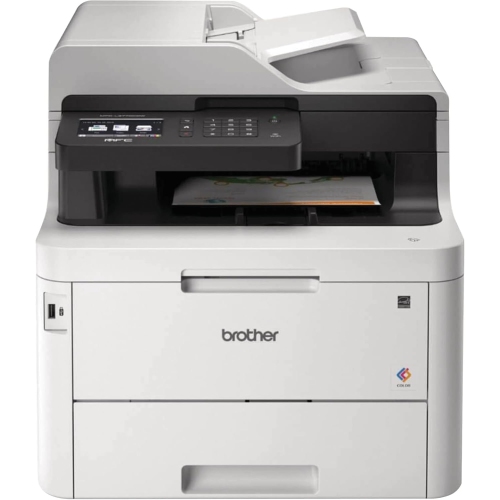 Your price for this item is $799
 -
 Your price for this item is $929.89
 -
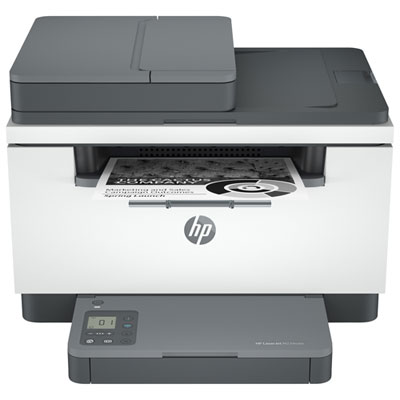 Your price for this item is $209.99
 -
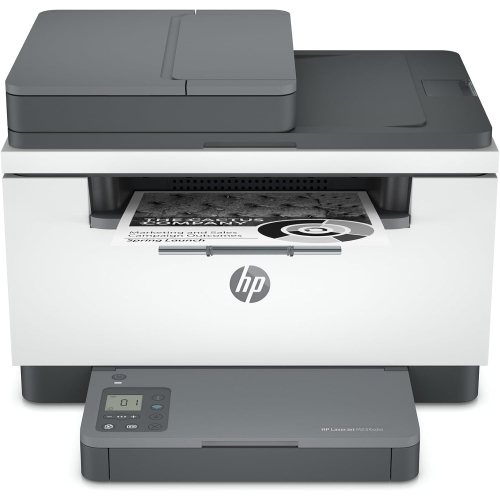 Your price for this item is $371.83
 -
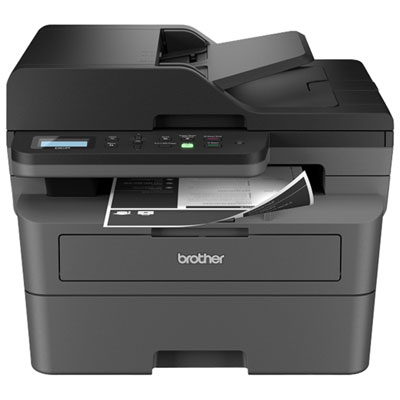 Your price for this item is $219.99
 -
 Your price for this item is $477.68
 -
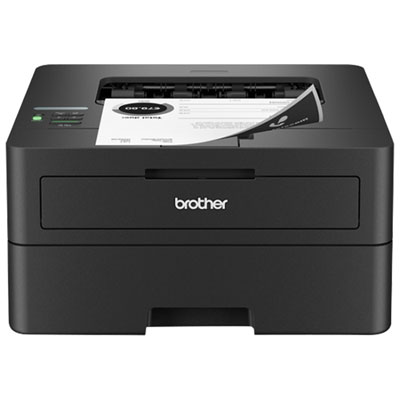 Your price for this item is $249.99
 -
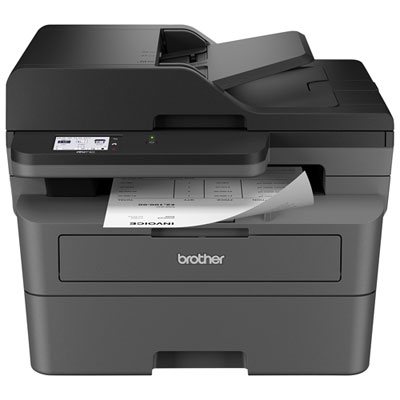 Your price for this item is $379.99
Discover more categories related to Heavy Duty Printers
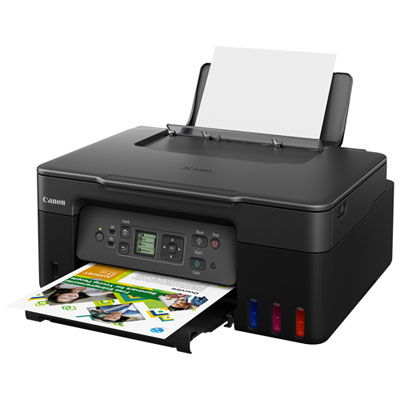

Top Collections:
Pokemon Centers, Budget 4K TVs, Best Budget Office Chairs, Kindle Devices, Canon G7X Cameras, Apple iPhones 16, iPhone 15 Apple, Laptops for Business Work, Xiaomi Phones, Flip Phones
Some products may be subject to Environmental Handling Fees
(EHF) depending on your province.
Learn more about EHFs.