High End Processors
High End Processors deliver top-tier performance for demanding computing tasks, making them an ideal choice for professionals, gamers, and tech enthusiasts. Whether you're building a powerhouse workstation or seeking seamless multitasking capabilities, these processors provide the speed and reliability needed for advanced applications. Explore the selection of High End Processors to find the perfect match for your next upgrade or custom build.
Sort
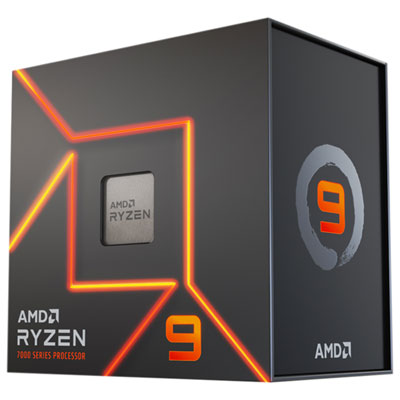
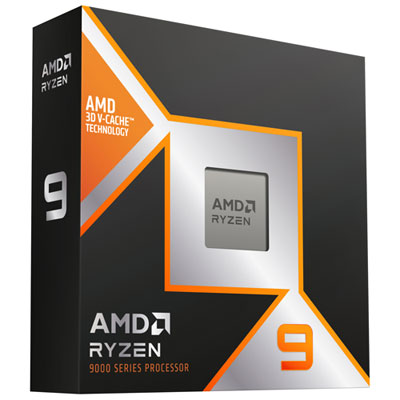
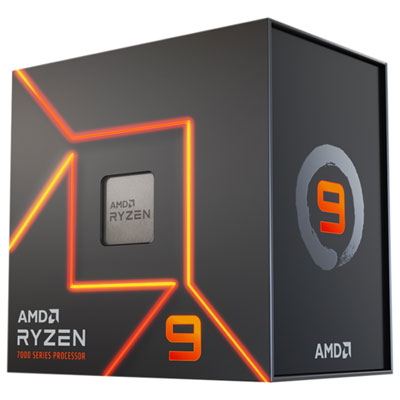
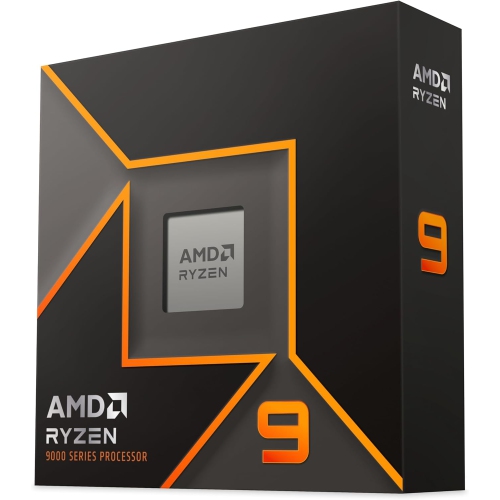
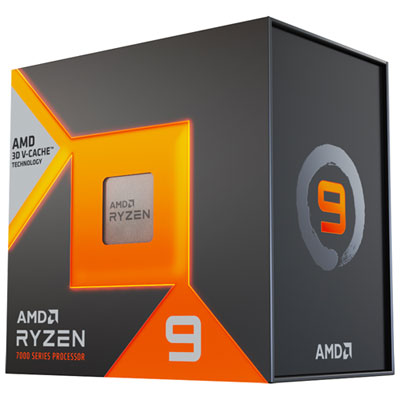
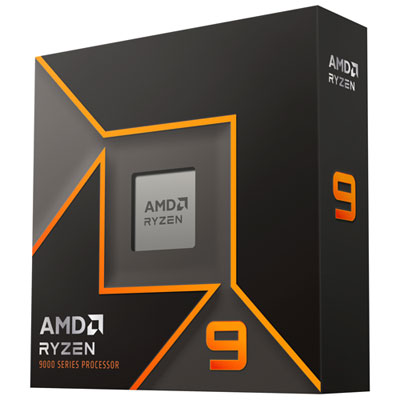
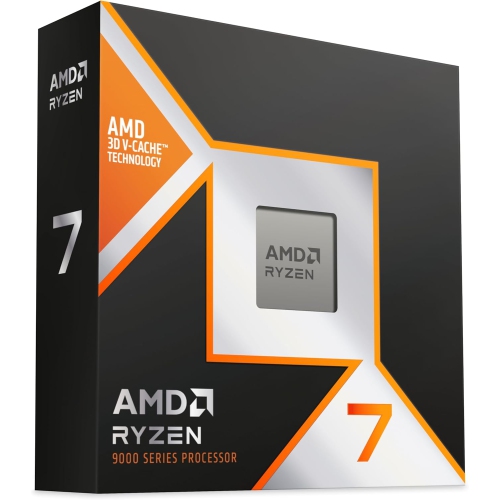
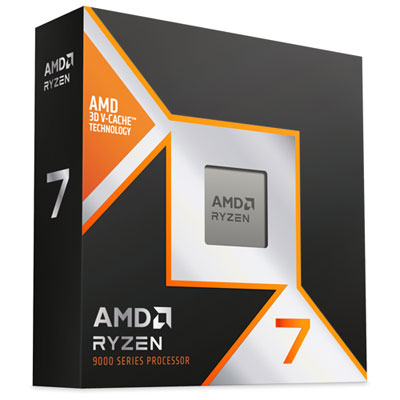
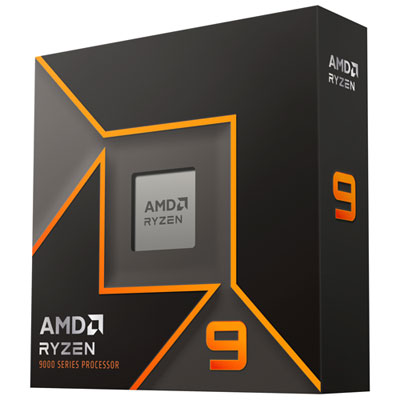
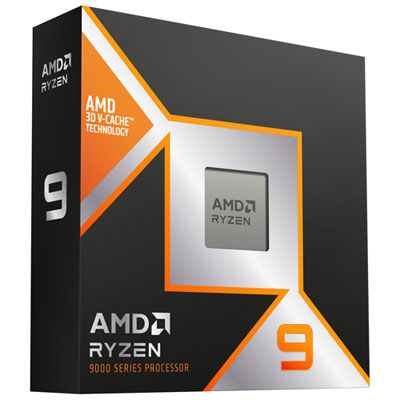
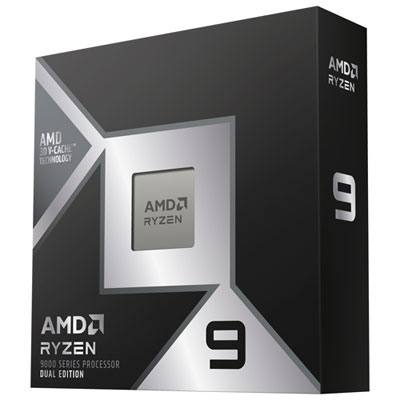
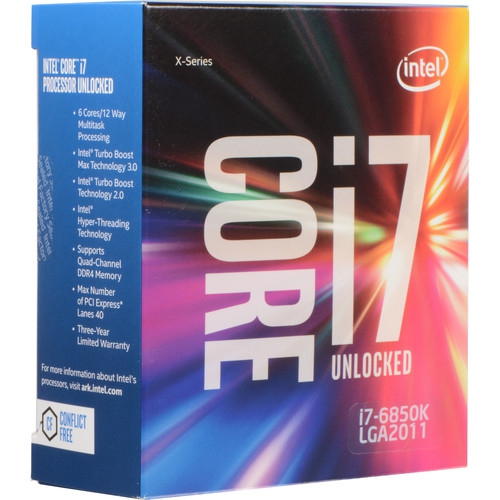

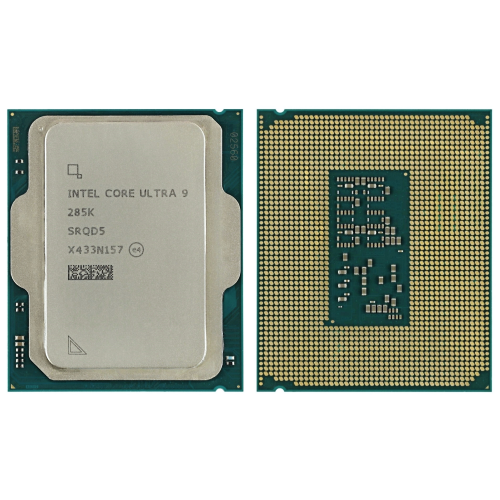
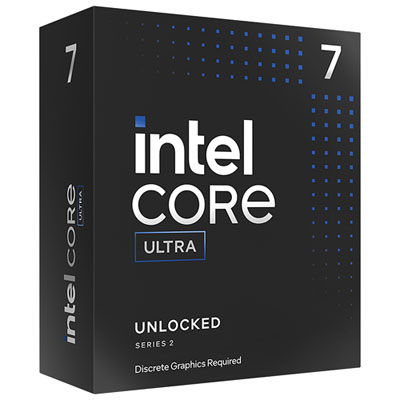
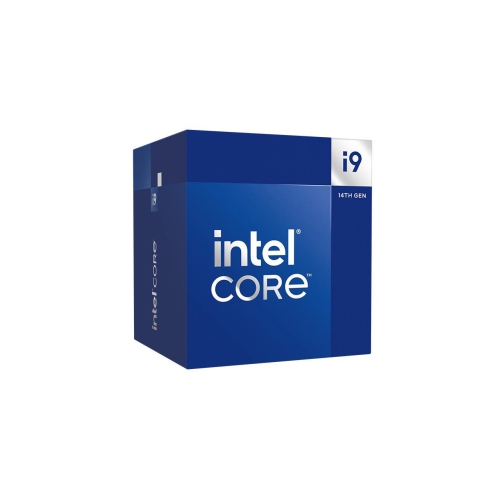
Why processor performance goes beyond clock speed
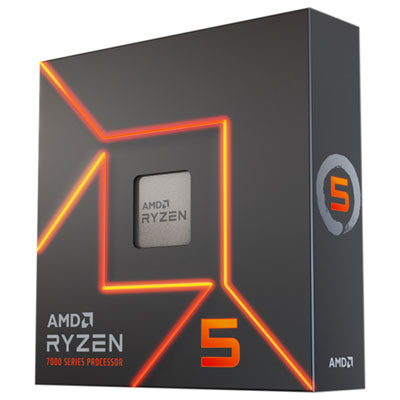
High-end processors provide the computing power behind demanding desktop tasks, from editing layered video projects to running complex simulations and playing games while recording a session. As the central processing unit, or CPU, a processor handles instructions, coordinates work across the system, and influences how quickly applications respond under pressure. The difference becomes noticeable when a project moves beyond a few simple tasks: a video editor scrubs through a detailed timeline, a developer compiles a large application, or a designer adjusts lighting in a scene filled with intricate objects. Different workloads draw on different strengths. Applications that divide work efficiently across many cores can benefit from higher core and thread counts, while others respond more strongly to fast individual cores and efficient processor architecture. Clock speed is part of that picture, but it is not a reliable comparison on its own across different processor designs. Cache memory also matters, keeping frequently used data close to the processing cores and helping reduce delays in certain tasks. For gaming, the benefits depend on the game, display resolution, graphics settings, and graphics card; a powerful CPU is particularly useful when the goal is high frame rates or when substantial background tasks run alongside a game. Creative professionals, engineers, software developers, and enthusiasts may each value a different balance of these capabilities. Someone exporting long videos may prioritize sustained multicore performance, while a musician working with virtual instruments may care more about responsive real-time processing at low audio buffer settings. Streamers often need room for a game, broadcast software, voice chat, and other applications to run together without competing too heavily for resources. High-end processors serve these varied demands, but the most suitable choice depends on the software doing the work rather than a single headline specification. Extra processing capacity can make a busy desktop feel less constrained, although the benefit still depends on whether an application can use the hardware effectively. That distinction helps explain why two processors with similar-looking specifications can behave quite differently in everyday projects.
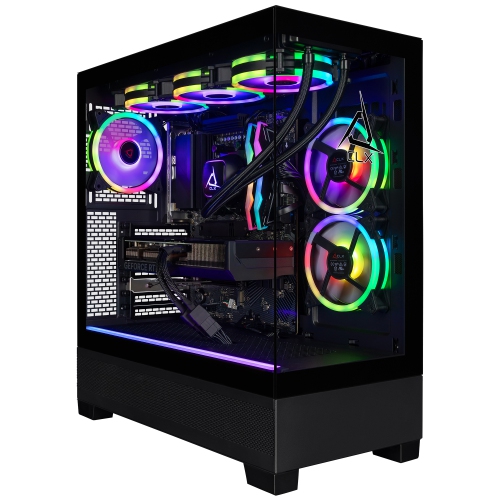
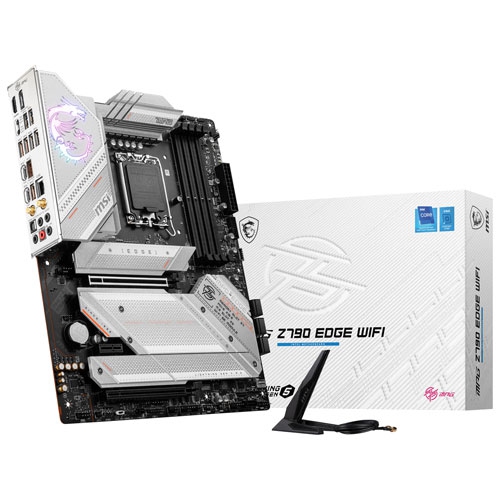
High Performance Desktop Processors belong within a carefully matched desktop platform, where physical fit and electrical compatibility matter as much as computing capability. The processor socket must match the motherboard, but a matching socket alone does not establish full support: the motherboard chipset, firmware version, and manufacturer’s compatibility information also play a role. An upgrade to an existing desktop may therefore involve more than replacing the CPU, especially when moving between processor generations. Memory support is another important distinction. The processor and motherboard together determine compatible memory types, supported capacities, and operating speeds, so existing memory cannot always move into a new build. Large editing projects, detailed design files, and multiple virtual machines may need substantial memory capacity before additional CPU power can make a meaningful difference. The same balance applies to storage and graphics. A fast processor cannot eliminate delays caused by insufficient memory, slow storage, or a graphics card that is already working at its limit. Platform features such as expansion connectivity and supported storage interfaces can also affect how comfortably a system accommodates graphics cards, capture hardware, and multiple drives. Some processors include integrated graphics, which can support everyday display output and certain media functions, while others require a separate graphics card even for basic monitor use. Integrated graphics capabilities vary and should not be assumed to replace dedicated graphics for demanding visual work. Power delivery is equally relevant: the motherboard and power supply need to support the intended configuration, including the graphics card and other components. For a compact desktop, cooler clearance, case airflow, and motherboard layout can shape which processor makes practical sense. A larger workstation may offer more space for cooling and expansion, but size alone does not guarantee better performance. The strongest configurations bring the processor, memory, storage, graphics, and cooling into balance around a clear purpose, whether that is a quiet audio workstation, a responsive gaming desktop, or a system built for lengthy rendering jobs. Software compatibility also deserves attention, particularly for specialized professional applications with specific hardware requirements or certification standards.
The physical construction of a desktop processor combines precision-manufactured silicon with a protective package, often including a metal heat spreader that transfers heat towards the cooler. Although the CPU has no moving parts, it depends on the surrounding system to manage heat and provide stable power during sustained use. A short burst of activity and an hour-long render can place very different demands on cooling, which is why peak boost figures do not necessarily describe the speed maintained throughout a lengthy job. Cooling requirements vary by processor, power settings, and workload, and high-end configurations may use substantial air coolers or liquid cooling systems with compatible mounting hardware. Thermal paste helps fill microscopic gaps between the processor’s heat spreader and the cooler, supporting efficient heat transfer when applied and mounted correctly. Fan noise is part of the experience, too: a desktop used for recording speech or mixing music may benefit from cooling that can handle its workload without abrupt, distracting changes in sound. Long-term care centres on keeping the case’s ventilation paths clear, managing dust around filters and fans, and maintaining the cooling system according to its manufacturer’s instructions. Careful handling also matters during installation or upgrades because processor contacts and motherboard socket pins can be delicate, with their location depending on the platform. Running within specified operating limits supports dependable use, while manual tuning can increase power consumption and cooling demands without delivering equal gains in every application. For a processor intended as a gift, compatibility with the recipient’s motherboard and the kind of work they do is more useful than choosing by core count alone. For any demanding desktop, a well-matched high-end processor contributes to a system that stays responsive through complex tasks, handles overlapping applications confidently, and delivers performance suited to the work it is expected to do.
Top selling and popular products
-
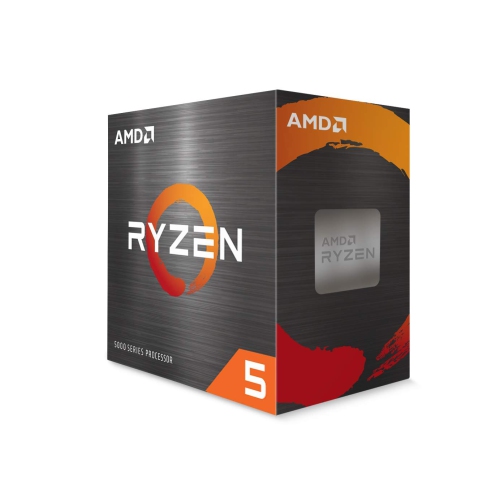 Your price for this item is $479.99
-
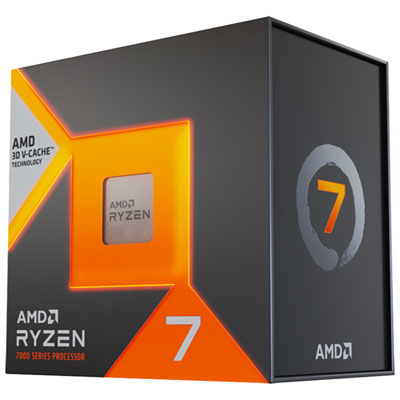 Your price for this item is $559.99
-
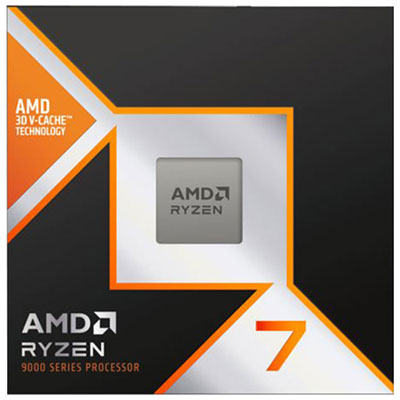 Your price for this item is $549.98
-
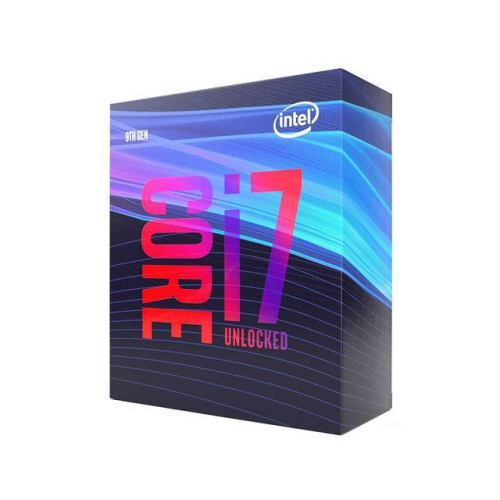 Your price for this item is $509.68
-
 Your price for this item is $690
-
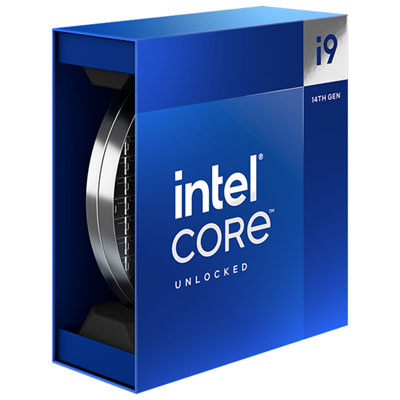 Your price for this item is $699.99
-
 Your price for this item is $487.99
-
 Your price for this item is $268.99
Discover more categories related to High End Processors
Top Collections:
Best Black Friday Deals This Year, Best Black Friday Deals On Electronics, Kindle Devices, Best Black Friday Deals On Apple Products, Best Budget Office Chairs, Best Cameras for Sports Photography, Dyson Airwrap, Canon G7X Cameras, Best Laptops for Writers, Samsung Galaxy Phones
Some products may be subject to Environmental Handling Fees
(EHF) depending on your province.
Learn more about EHFs.