High Performance Mini PCs
High Performance Mini PCs deliver powerful computing capabilities in a compact and versatile design, making them ideal for home, office, or entertainment setups. These streamlined devices offer the flexibility to fit seamlessly into any workspace while providing the performance needed for demanding tasks. Explore a wide selection of High Performance Mini PCs that combine space-saving convenience with robust functionality, perfect for users seeking efficiency without sacrificing power.
Sort
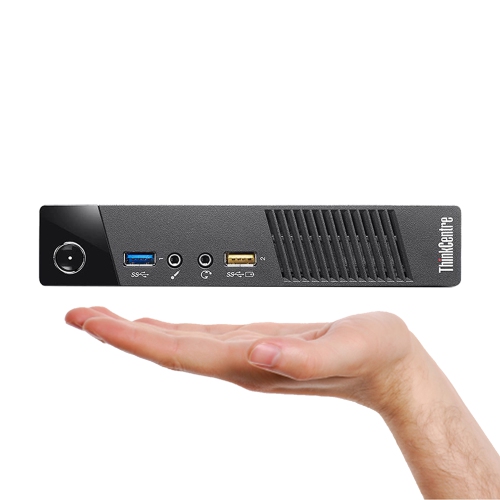

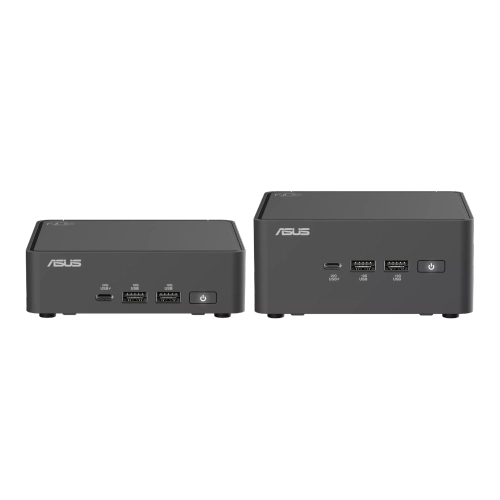
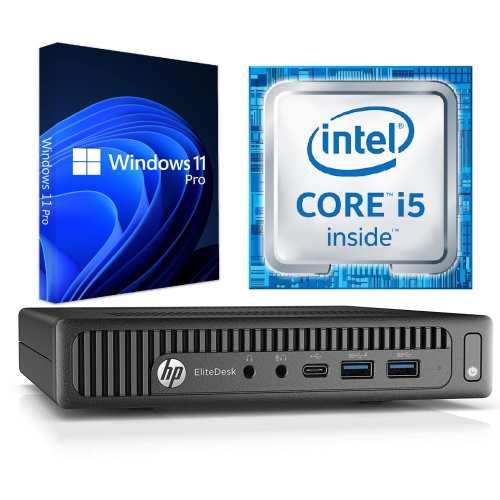
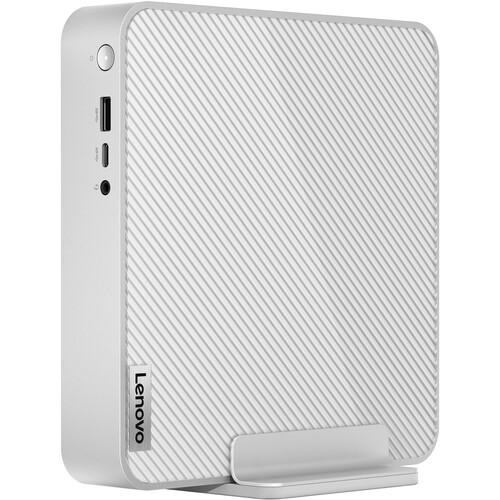

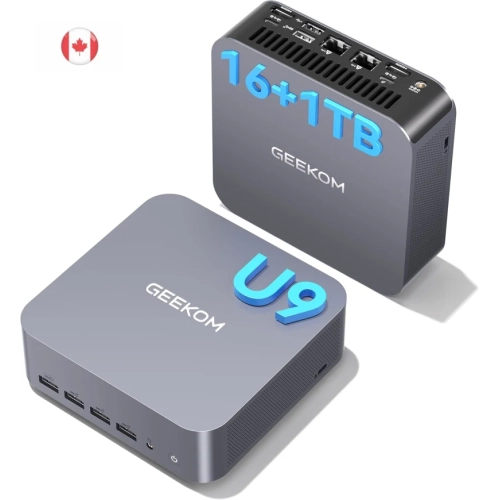
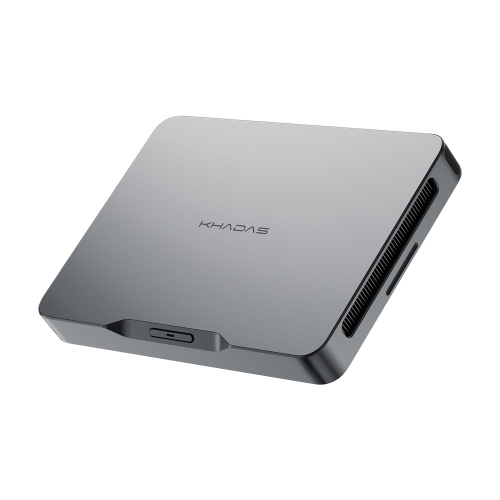
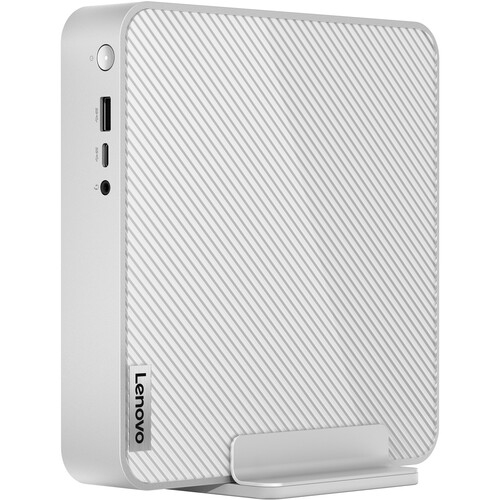
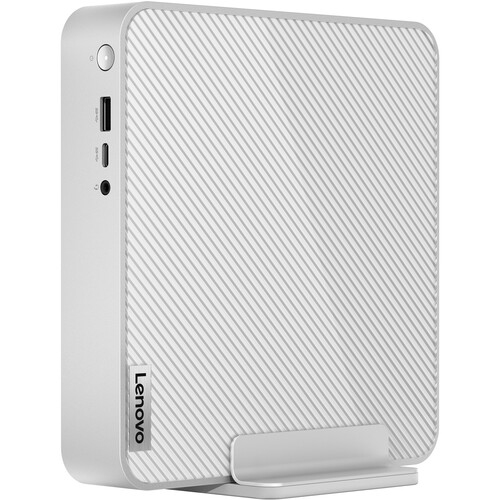
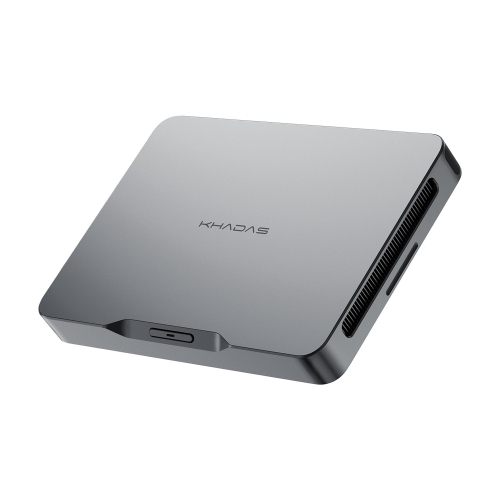

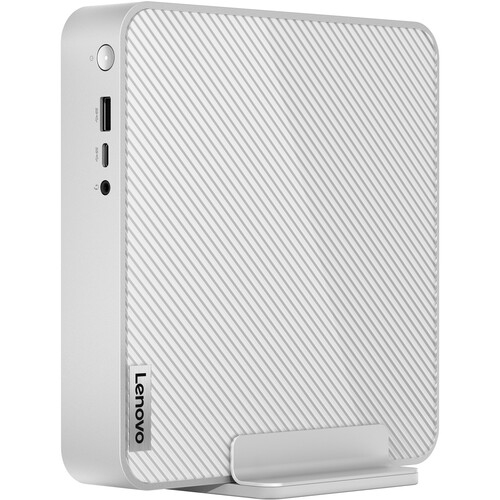
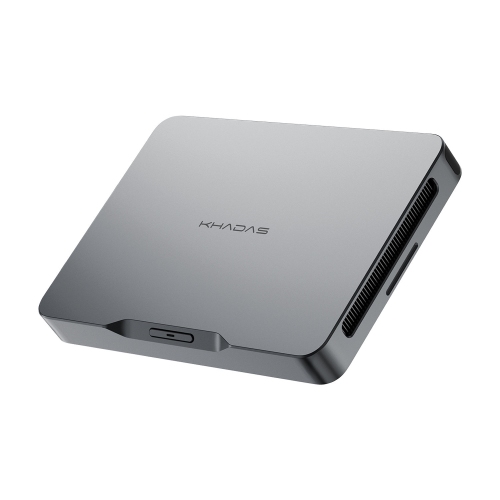
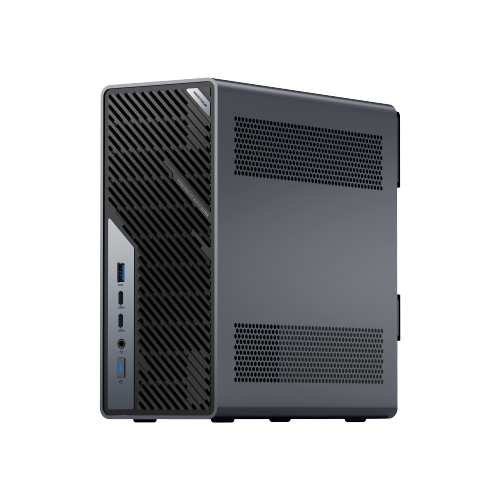
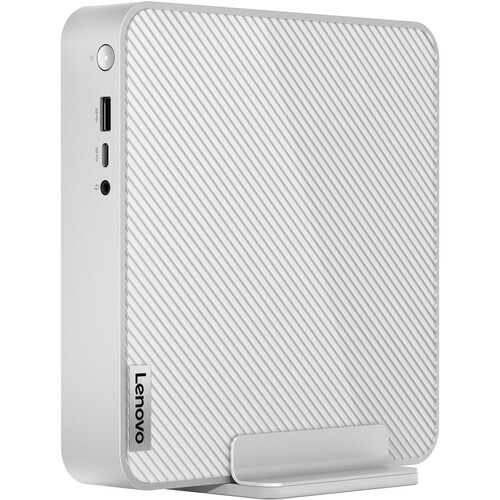

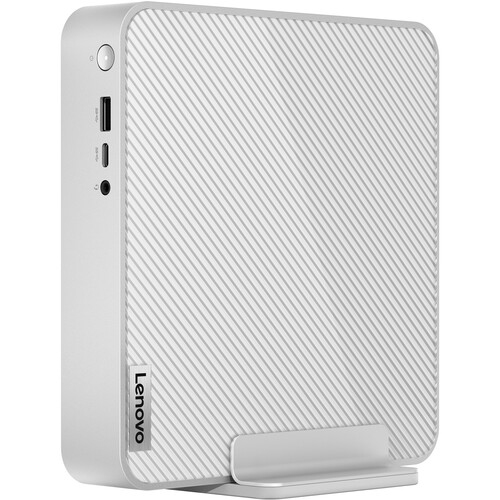
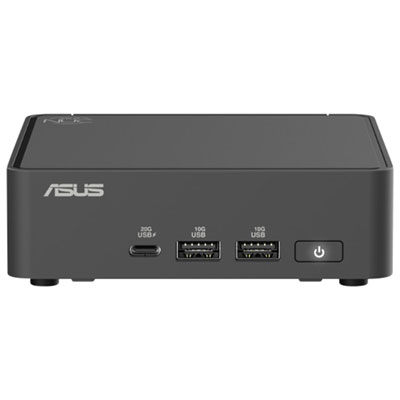

Desktop power for demanding work in smaller spaces
High-performance mini PCs are compact desktop computers built to handle demanding applications without the footprint of a traditional tower. Their appeal goes beyond saving space: a small computer can support a full desktop setup with a comfortable keyboard, a large monitor and the processing power needed for substantial everyday work. They suit home offices, shared workspaces, study areas and creative desks where room for a larger case is limited. Performance depends on the combination of processor, memory, storage, graphics and cooling rather than the size of the enclosure alone. Many compact systems use powerful mobile processors, while others accommodate desktop-class components; neither design automatically guarantees faster results across every task. Strong single-core performance helps keep many everyday applications responsive, while additional processor cores can benefit software development, video encoding, rendering and other workloads designed to use them. For someone moving between a spreadsheet, a video meeting and a browser full of research tabs, sufficient memory is just as important as processor speed. A configuration with 16GB of RAM can suit general productivity, while 32GB provides more headroom for heavier multitasking and creative applications. Larger capacities may be useful for virtual machines, complex projects or substantial local datasets, depending on the software involved. Memory requirements can also increase when integrated graphics share system RAM. Fast solid-state storage helps with startup, application launches and opening large files, although drive capacity matters just as much when a computer holds video footage, photo libraries or development tools. NVMe storage can deliver high transfer speeds, but actual results depend on the drive, its connection and the workload. A mini PC used mainly for documents and remote collaboration has different needs from one processing batches of high-resolution images. Matching the hardware to those daily tasks creates a more useful desktop than relying on a processor name or a single benchmark result.
Graphics capabilities make an important distinction within high-performance mini PCs. Modern integrated graphics can handle desktop displays, media playback and some creative work, with gaming performance varying considerably by processor, memory configuration, resolution and settings. Dedicated graphics provide separate graphics hardware and usually their own video memory, making them relevant to demanding games, 3D work and applications that support GPU acceleration. A compact computer intended for detailed architectural models or effects-heavy video projects needs more than smooth desktop navigation; the graphics hardware must also meet the application’s requirements. Video memory capacity, supported software features and driver compatibility can all affect that fit. For shoppers whose main priority is playing games in a small-space setup, Best Gaming Mini PCs focuses on that use. Even a capable graphics processor needs the right display connections to deliver the intended experience. Support for multiple monitors is useful when keeping a project open on one screen and reference material on another, but the number of ports does not tell the whole story. Maximum resolution, refresh rate and the number of simultaneously supported displays depend on the computer’s specifications, connection standards and cables. A USB-C connector does not necessarily support display output, charging input or the same data speeds as another USB-C port. Clear port specifications matter when connecting a dock, external drive, drawing tablet or capture device. External graphics support also requires an explicitly compatible connection and system implementation; it should not be assumed from the presence of USB-C alone. Networking deserves similar attention. Ethernet offers a wired connection for large transfers and shared storage, while Wi-Fi gives more flexibility when the desk is away from the router. Actual wireless performance depends on the network, placement and surrounding interference. For remote work or online collaboration, reliable connectivity and enough ports for a webcam, headset and backup drive can be more valuable than an unusually small case.
The physical design of a high-performance mini PC affects how comfortably it fits into daily life and how consistently it handles extended work. Metal and plastic enclosures are both common, with durability depending on construction, ventilation and how the computer is handled rather than the outer material alone. A compact chassis can sit neatly beside a monitor, tuck beneath a raised screen or attach to a compatible mounting bracket, but each arrangement needs clearance for cables and unobstructed airflow. Mounting behind a display can free desk space, provided the bracket, monitor and computer are compatible and frequently used connections remain accessible. The external power adapter also needs a place to sit; the computer’s dimensions do not represent the entire setup. Cooling is particularly important when powerful components share a small enclosure. Fan noise may rise during rendering, game sessions or lengthy software builds, and sustained performance can differ from the speed reached during a brief task. A quiet study area and a busy shared office may place different demands on acoustics. Keeping vents clear and removing surface dust according to the manufacturer’s care instructions helps maintain airflow. Upgradability varies widely: some designs provide access to replaceable memory and storage, while others use soldered memory or have limited expansion space. Checking supported capacities, service access and warranty terms helps clarify how the system might accommodate larger projects later. Operating system compatibility matters too, especially for specialized creative software, business applications and connected accessories. A compact desktop can make a thoughtful gift for a student, a home-office user or someone with a crowded desk, but their software needs and existing monitor connections should shape the choice. For shared household use, separate user accounts, organized storage and a regular backup routine help keep schoolwork, personal files and work projects manageable. The strongest fit is a mini PC that combines sufficient performance with practical connections, manageable noise and a layout that works where it will actually be used.
Top selling and popular products
-
 Your price for this item is $1299.99
-
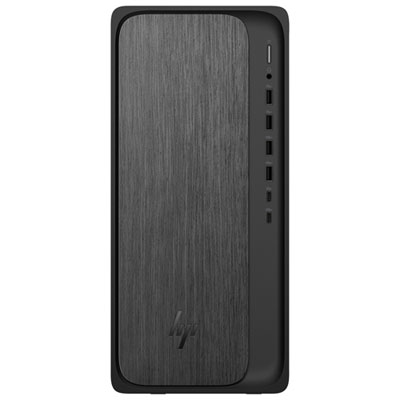 Your price for this item is $1199.99
-
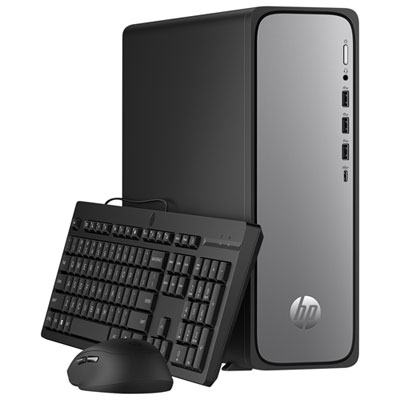 Your price for this item is $649.99
-
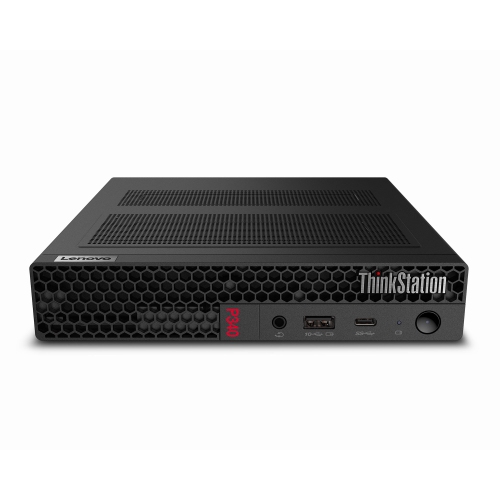 Your price for this item is $699.79
-
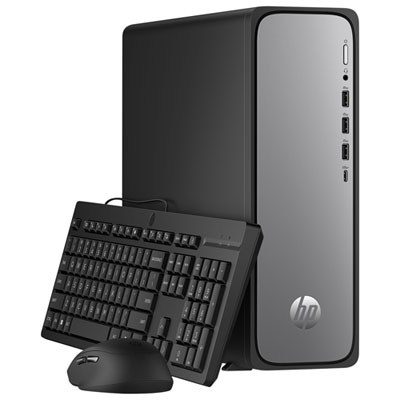 Your price for this item is $899.99
-
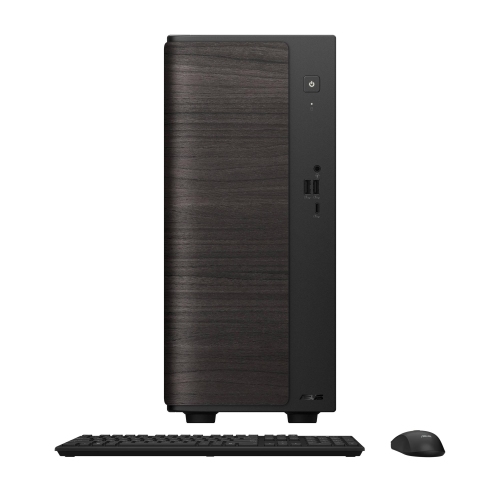 Your price for this item is $3149
-
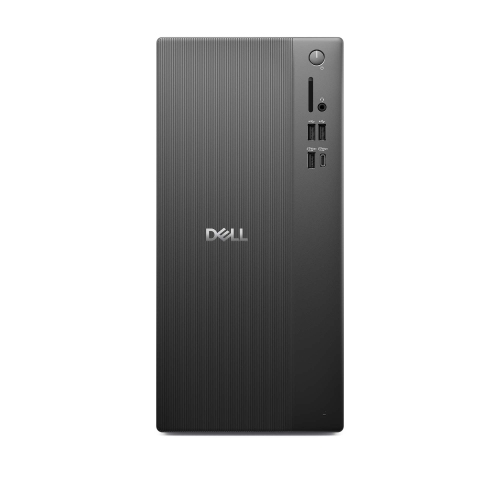 Your price for this item is $2628.79
-
 Your price for this item is $2398
Discover more categories related to High Performance Mini PCs
Top Collections:
Best Black Friday Deals This Year, Best Black Friday Deals On Electronics, Kindle Devices, Best Black Friday Deals On Apple Products, Best Budget Office Chairs, Best Cameras for Sports Photography, Dyson Airwrap, Canon G7X Cameras, Best Laptops for Writers, Samsung Galaxy Phones
Some products may be subject to Environmental Handling Fees
(EHF) depending on your province.
Learn more about EHFs.