High Performance Mobile Workstations
High Performance Mobile Workstations are designed to meet the demands of professionals who need power and reliability on the go. Whether you're tackling complex projects, editing high-resolution media, or running advanced software, these mobile workstations deliver the speed and efficiency required for intensive tasks. Explore a range of options that combine portability with robust performance, making it easy to stay productive wherever your work takes you. Find the ideal High Performance Mobile Workstation to support your workflow and help you achieve your goals with confidence.
Sort
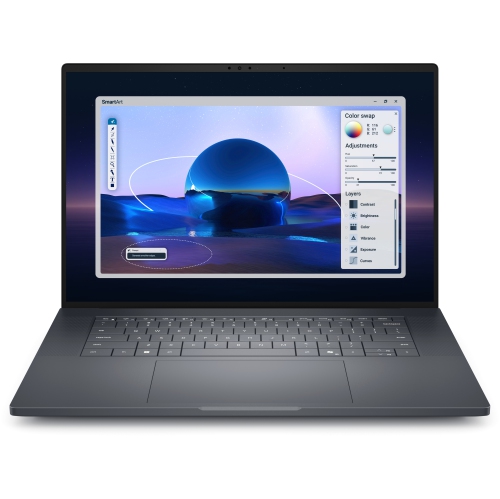
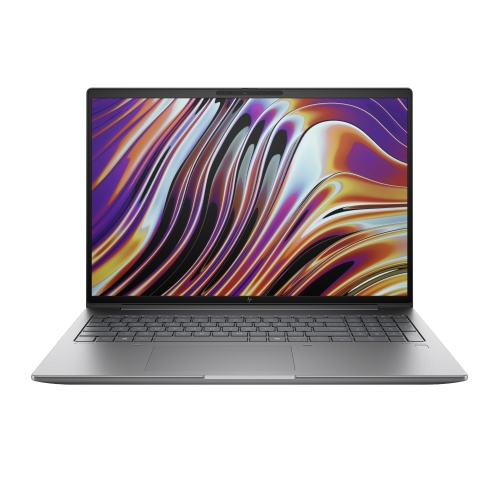
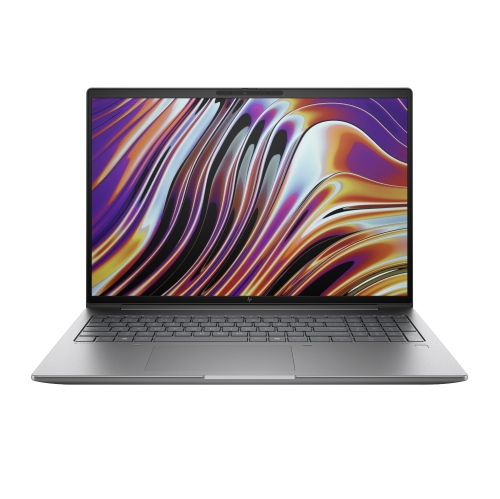
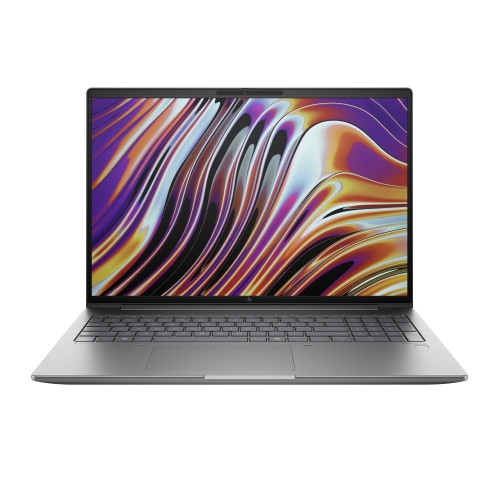
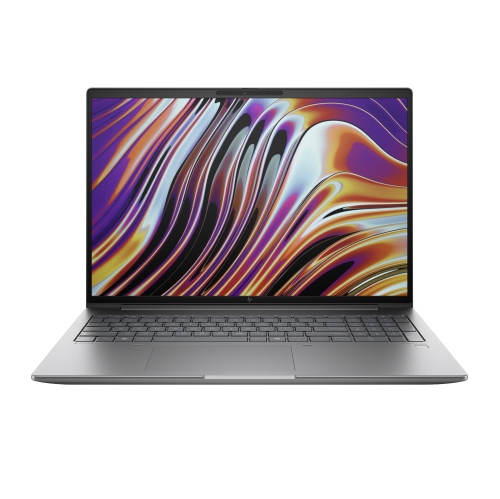
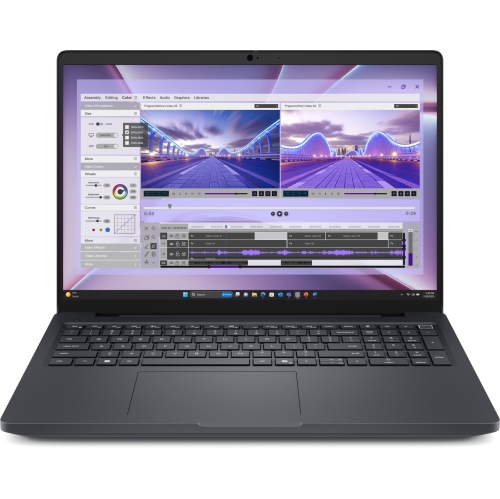
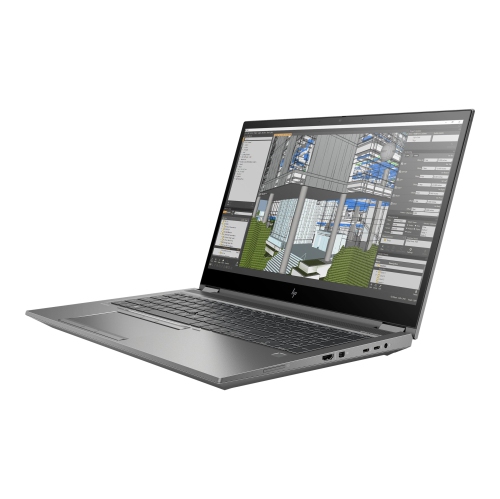
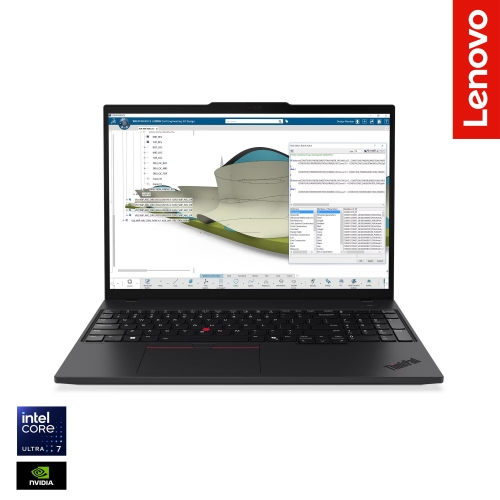
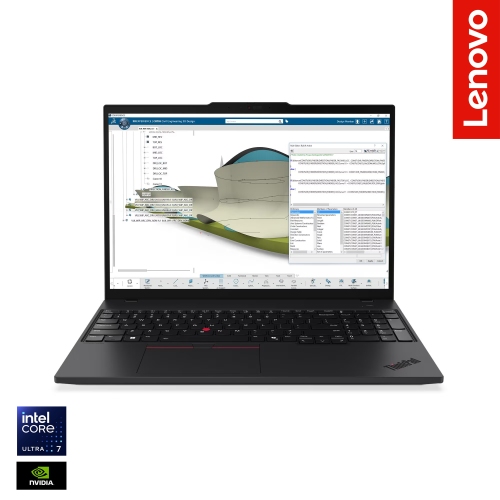
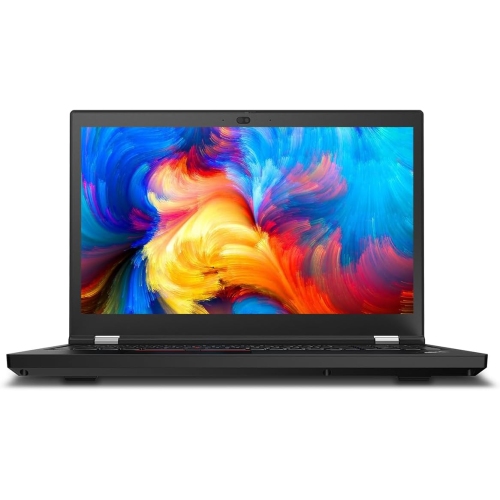
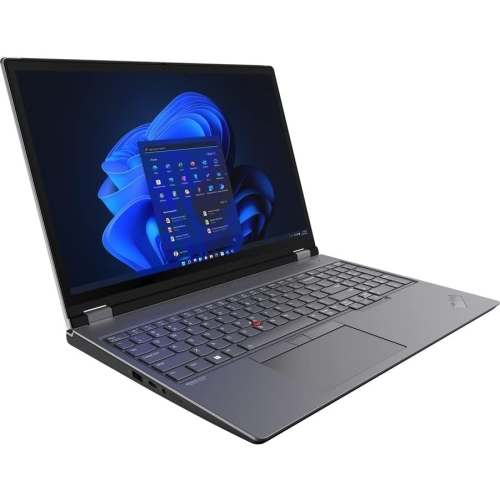
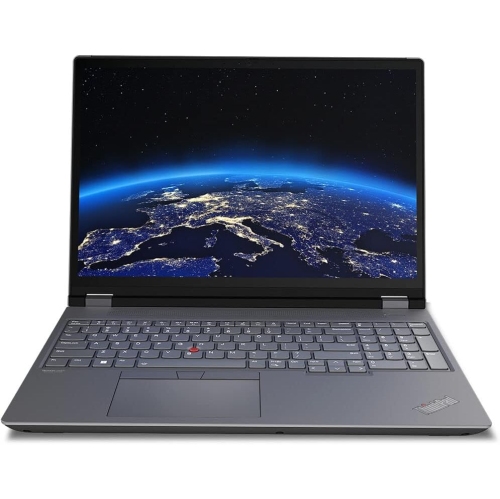
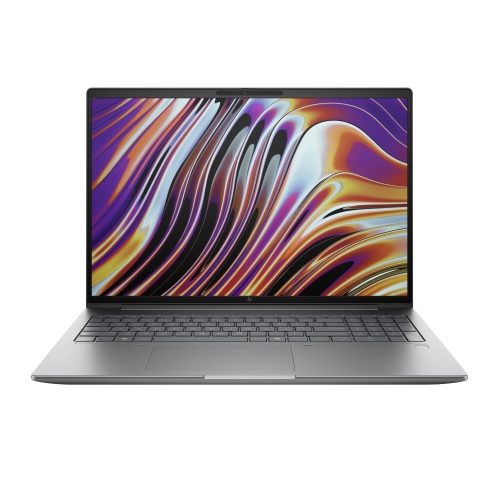
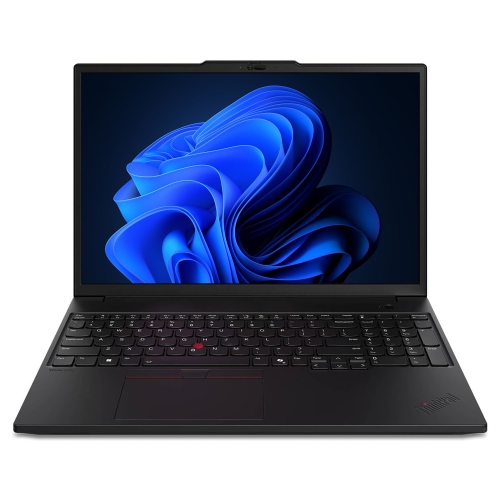
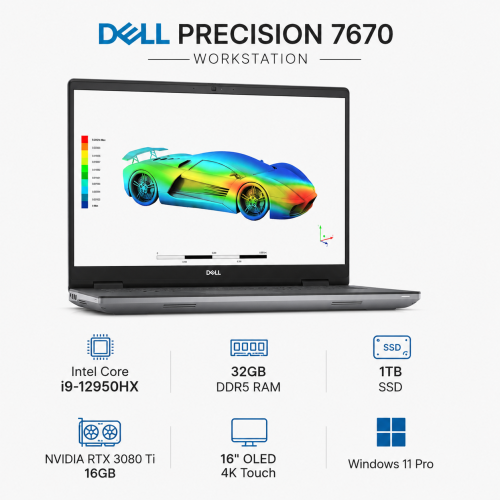
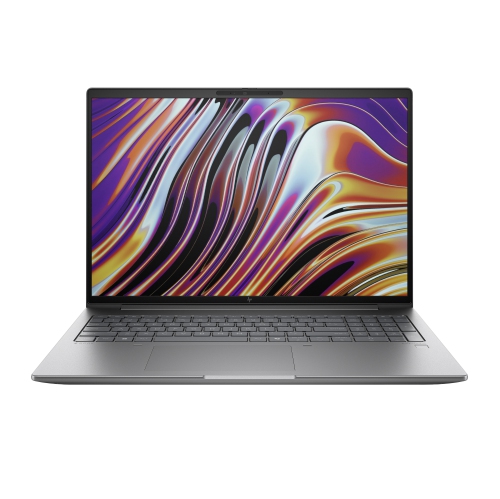
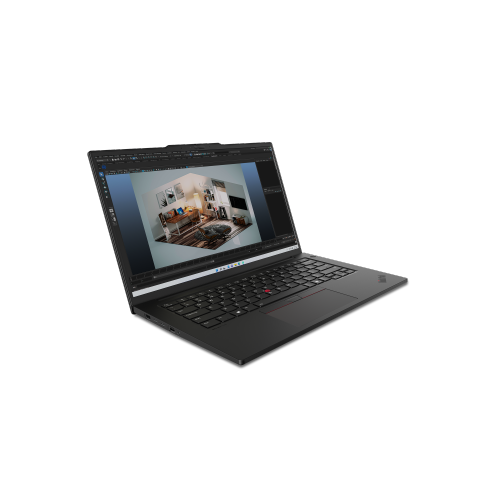
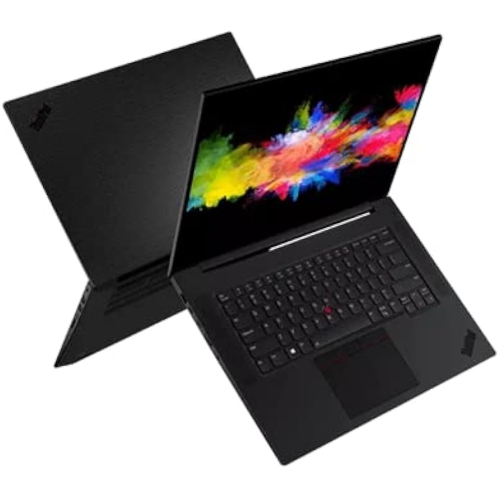
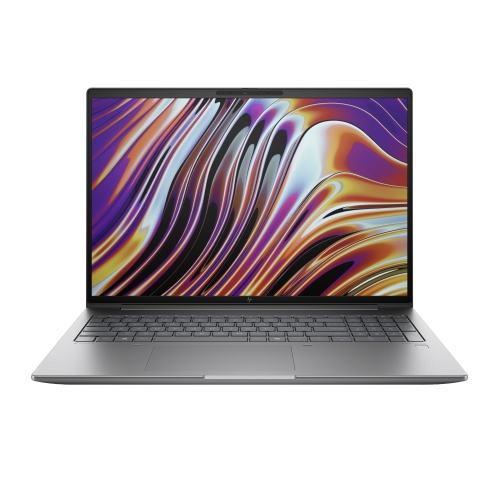
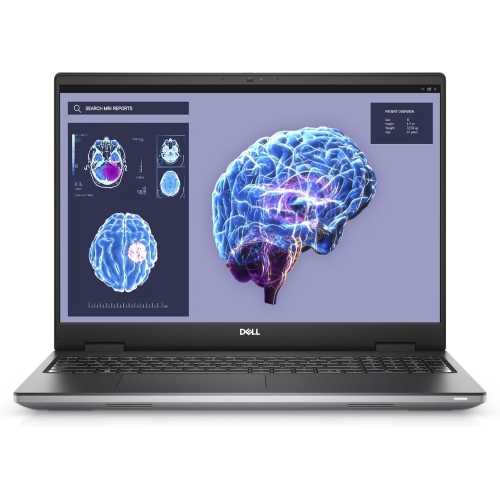
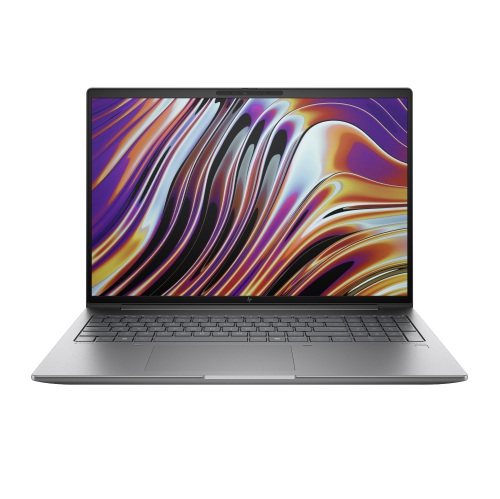
Power for complex design work beyond the desk
High-performance mobile workstations are professional laptops built for demanding technical and creative work, combining powerful processors, capable graphics, substantial memory, and cooling systems designed to support extended workloads. Their role goes beyond everyday browsing and document editing: these machines handle complex computer-aided design drawings, architectural visualizations, video production, engineering analysis, and data-intensive projects while remaining portable enough to move between a desk, meeting room, studio, and client site. For an architect, that can mean rotating a detailed building model during a presentation rather than relying on static images. For a video editor, it can mean assembling high-resolution footage on location before returning to a larger monitor and storage setup. Mobile workstations differ from general-purpose laptops through their emphasis on application compatibility, sustained performance, and professional support features, although capabilities vary by configuration. Some offer independent software vendor, or ISV, certification for particular professional applications. This certification indicates that specified hardware and driver configurations have been tested for compatibility with those applications; it is not a blanket guarantee covering every program or workflow. Processor choice matters differently across tasks. Interactive modelling and some design operations benefit from strong performance on individual processor cores, while rendering, simulation, and compiling large software projects may make greater use of multiple cores. Graphics requirements also depend on the software: a complex 3D scene, a GPU-accelerated effect, and a local machine-learning workload can place very different demands on the same system. Dedicated graphics memory helps hold textures, geometry, and other working data close to the graphics processor, but the required capacity depends on project size and application behaviour. A well-matched workstation balances these components rather than relying on one impressive specification. Engineers, animators, researchers, developers, and advanced design students may all use this category, with the strongest fit coming from hardware that supports the actual applications, file sizes, and daily tasks involved. Professional work rarely follows a single benchmark, so responsiveness while several tools are open can matter as much as the time needed to complete one export.
Memory and storage have a direct effect on how comfortably a mobile workstation handles a busy project. Keeping a large assembly open alongside reference documents, a browser, and collaboration software requires more memory than working in a single lightweight application. When memory becomes constrained, the system may need to move data to storage, which can slow switching between tasks. Larger video timelines, virtual machines, and substantial datasets can justify additional capacity, while some specialized workflows call for error-correcting memory on compatible hardware. Upgrade options deserve attention because memory may be soldered, socketed, or configured through a combination of both. Solid-state storage supports responsive application launches and file access, but capacity is equally important when source footage, project assets, caches, and exported files share one drive. Some workstation designs support additional internal drives, making it possible to separate working files from other data; this does not replace a separate backup. The display is another working tool rather than simply a viewing surface. Higher resolution can reveal fine drawing details and provide room for tool panels, while a larger screen can make side-by-side documents easier to manage. A compact chassis is easier to carry, but it leaves less physical space for a timeline, drawing canvas, or spreadsheet. Colour-sensitive work benefits from attention to colour gamut, calibration, and the requirements of the intended output. A wide-gamut display alone does not ensure accurate results without suitable settings and a colour-managed workflow. Matte finishes can help reduce distracting reflections, and comfortable text scaling matters during long sessions reviewing code or technical notes. Connections shape the rest of the setup: external displays, fast storage, wired networks, audio equipment, and docking stations each bring their own compatibility requirements. A USB-C connector does not automatically support every display, charging, or data function, so the supported standards matter. For professional work centred more on presentations, analysis, and multitasking than specialized workstation applications, High Performance Laptops for Professionals offers a related category with a broader focus on demanding business and creative tasks.
Portability involves more than the laptop’s listed weight. The power adapter, protective sleeve, external drives, and other essentials all contribute to what travels in a bag. A larger mobile workstation may offer more room for cooling hardware, expansion, and a spacious keyboard, while a smaller design can be more comfortable to carry between appointments. Neither format removes the trade-offs between processing power, battery life, fan noise, and overall size. Sustained rendering or simulation usually places greater demands on cooling and power than writing notes or reviewing a finished presentation, and full performance may depend on connecting the appropriate power adapter. Battery estimates based on light activity should not be treated as a promise for intensive graphics work. Chassis construction also affects daily handling. Depending on the design, aluminium, magnesium alloy, and reinforced polymers can contribute different balances of rigidity and weight, while hinge quality and base stiffness influence how solid the machine feels when opened repeatedly or used away from a permanent desk. Any durability claims are best understood through the specific tests and conditions provided, rather than assumed to mean protection from every drop or spill. Fit matters at the desk as well as in transit: a supportive work surface, comfortable keyboard layout, usable trackpad, and appropriately positioned screen can make lengthy editing or design sessions less awkward. A docking setup with an external keyboard and monitor can help a portable system serve as a primary workstation without changing the underlying workflow. Routine care is straightforward but important. Keep ventilation openings clear, avoid running heavy workloads on soft surfaces that block airflow, and clean the screen and exterior according to the manufacturer’s directions. Driver and firmware updates should follow the needs of the professional software in use, particularly where a validated configuration is important. Device encryption, supported sign-in features, and a reliable backup routine can help protect client files and unfinished work. For shared projects or confidential assignments, these practical details belong alongside processor and graphics specifications. A mobile workstation is most useful when its performance, construction, display, and connections work together to support demanding work wherever the next task takes place.
Memory and storage have a direct effect on how comfortably a mobile workstation handles a busy project. Keeping a large assembly open alongside reference documents, a browser, and collaboration software requires more memory than working in a single lightweight application. When memory becomes constrained, the system may need to move data to storage, which can slow switching between tasks. Larger video timelines, virtual machines, and substantial datasets can justify additional capacity, while some specialized workflows call for error-correcting memory on compatible hardware. Upgrade options deserve attention because memory may be soldered, socketed, or configured through a combination of both. Solid-state storage supports responsive application launches and file access, but capacity is equally important when source footage, project assets, caches, and exported files share one drive. Some workstation designs support additional internal drives, making it possible to separate working files from other data; this does not replace a separate backup. The display is another working tool rather than simply a viewing surface. Higher resolution can reveal fine drawing details and provide room for tool panels, while a larger screen can make side-by-side documents easier to manage. A compact chassis is easier to carry, but it leaves less physical space for a timeline, drawing canvas, or spreadsheet. Colour-sensitive work benefits from attention to colour gamut, calibration, and the requirements of the intended output. A wide-gamut display alone does not ensure accurate results without suitable settings and a colour-managed workflow. Matte finishes can help reduce distracting reflections, and comfortable text scaling matters during long sessions reviewing code or technical notes. Connections shape the rest of the setup: external displays, fast storage, wired networks, audio equipment, and docking stations each bring their own compatibility requirements. A USB-C connector does not automatically support every display, charging, or data function, so the supported standards matter. For professional work centred more on presentations, analysis, and multitasking than specialized workstation applications, High Performance Laptops for Professionals offers a related category with a broader focus on demanding business and creative tasks.
Portability involves more than the laptop’s listed weight. The power adapter, protective sleeve, external drives, and other essentials all contribute to what travels in a bag. A larger mobile workstation may offer more room for cooling hardware, expansion, and a spacious keyboard, while a smaller design can be more comfortable to carry between appointments. Neither format removes the trade-offs between processing power, battery life, fan noise, and overall size. Sustained rendering or simulation usually places greater demands on cooling and power than writing notes or reviewing a finished presentation, and full performance may depend on connecting the appropriate power adapter. Battery estimates based on light activity should not be treated as a promise for intensive graphics work. Chassis construction also affects daily handling. Depending on the design, aluminium, magnesium alloy, and reinforced polymers can contribute different balances of rigidity and weight, while hinge quality and base stiffness influence how solid the machine feels when opened repeatedly or used away from a permanent desk. Any durability claims are best understood through the specific tests and conditions provided, rather than assumed to mean protection from every drop or spill. Fit matters at the desk as well as in transit: a supportive work surface, comfortable keyboard layout, usable trackpad, and appropriately positioned screen can make lengthy editing or design sessions less awkward. A docking setup with an external keyboard and monitor can help a portable system serve as a primary workstation without changing the underlying workflow. Routine care is straightforward but important. Keep ventilation openings clear, avoid running heavy workloads on soft surfaces that block airflow, and clean the screen and exterior according to the manufacturer’s directions. Driver and firmware updates should follow the needs of the professional software in use, particularly where a validated configuration is important. Device encryption, supported sign-in features, and a reliable backup routine can help protect client files and unfinished work. For shared projects or confidential assignments, these practical details belong alongside processor and graphics specifications. A mobile workstation is most useful when its performance, construction, display, and connections work together to support demanding work wherever the next task takes place.
Top selling and popular products
-
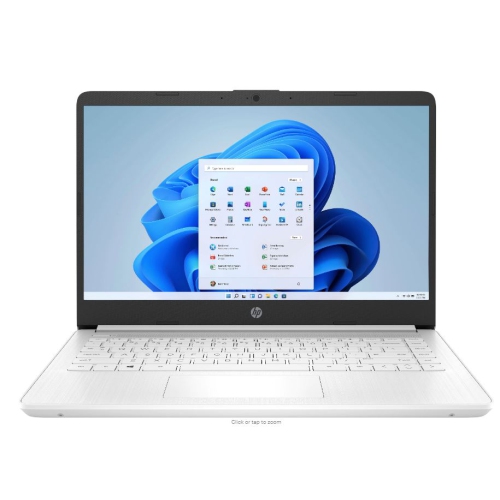 Your price for this item is $449
-
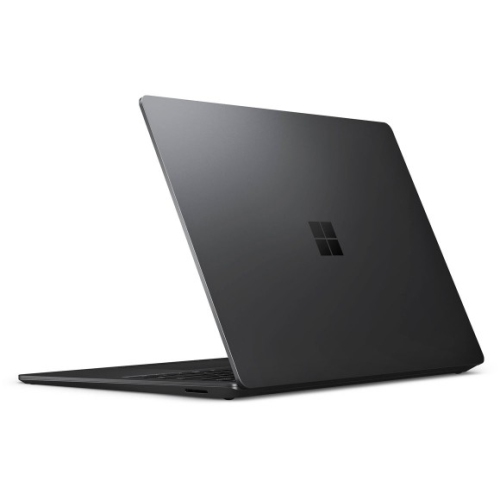 Your price for this item is $3099
-
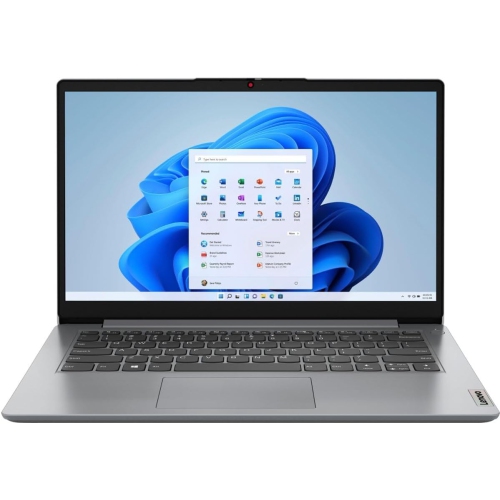 Your price for this item is $664.05
-
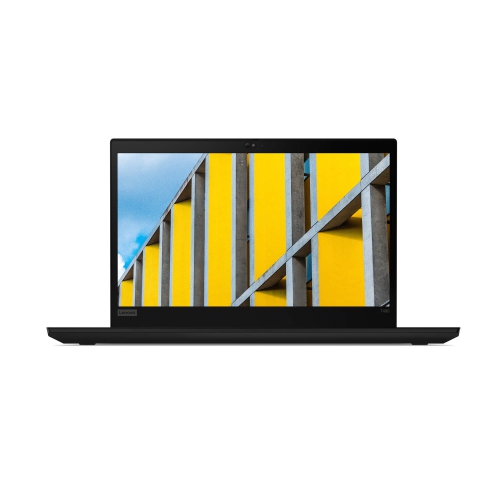 Your price for this item is $599.68
-
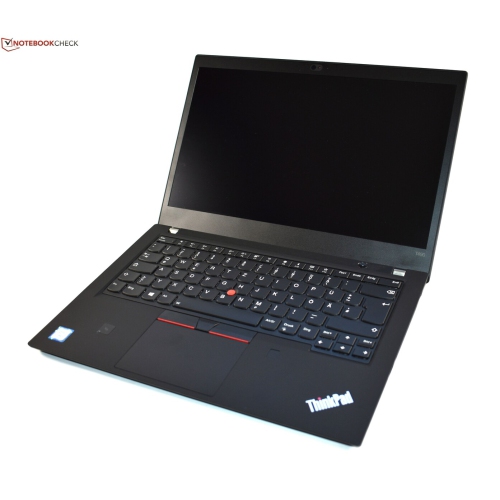 Your price for this item is $499.99
-
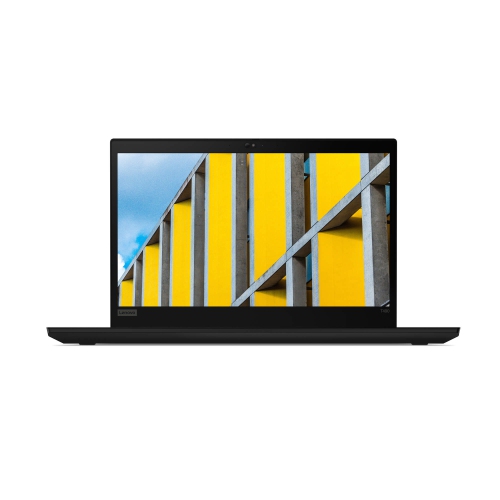 Your price for this item is $418.98
-
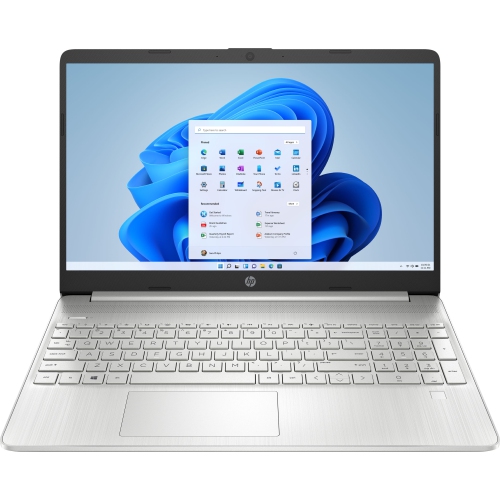 Your price for this item is $829
-
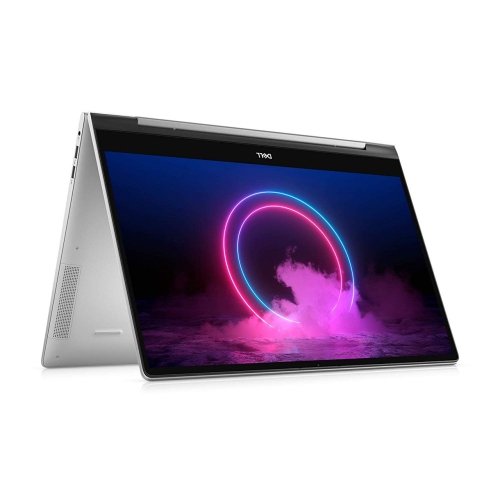 Your price for this item is $999.95
Discover more categories related to High Performance Mobile Workstations
Top Collections:
Pokemon Centers, Kindle Devices, Best Cameras for Sports Photography, Pokémon 30th Celebration Cards, Apple iPhones 16, Canon G7X Cameras, iPhone 15 Apple, Flip Phones, Samsung Galaxy Phones, Alarm Clock
Some products may be subject to Environmental Handling Fees
(EHF) depending on your province.
Learn more about EHFs.