Home Office Gadgets
Create a productive and efficient workspace with the latest home office gadgets designed to enhance your daily workflow. From ergonomic accessories to cutting-edge tech solutions, these innovative gadgets are tailored to elevate your home office setup. Stay organized, boost productivity, and streamline your tasks with these must-have devices that cater to both functionality and style. Whether you're working remotely or pursuing creative projects, these gadgets are sure to optimize your work environment and inspire peak performance.
Sort
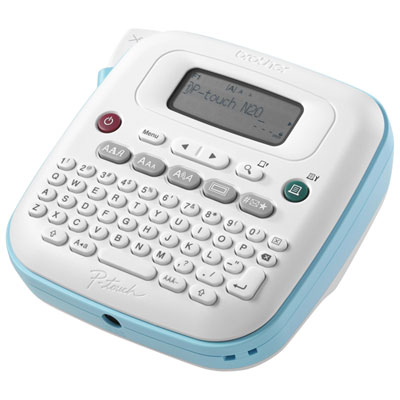
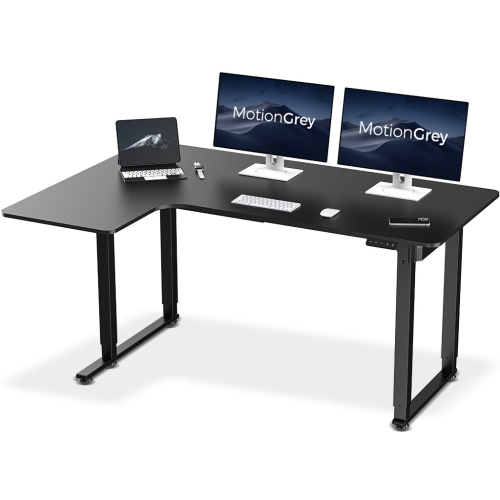
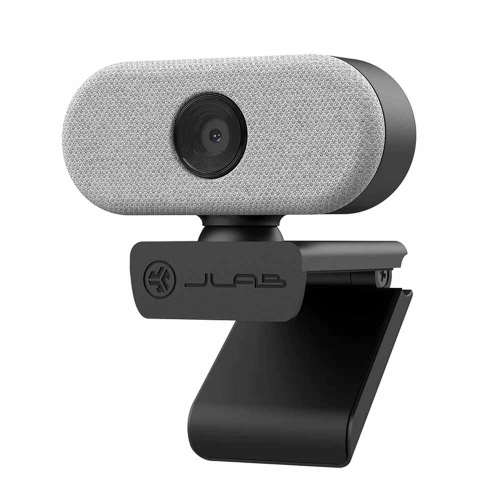
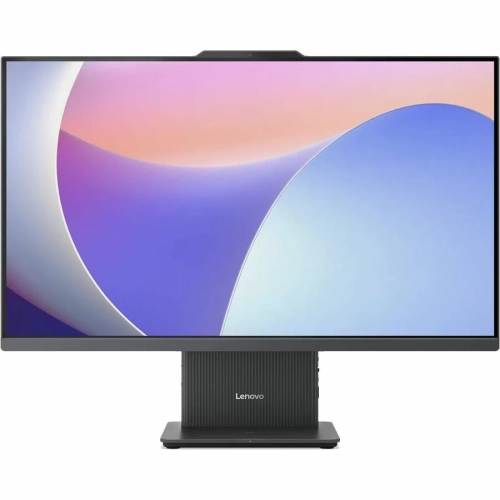
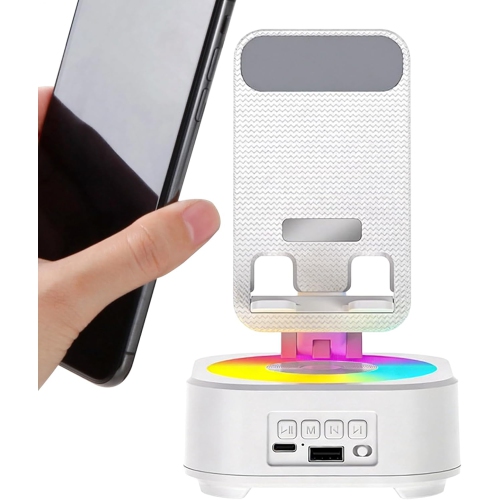
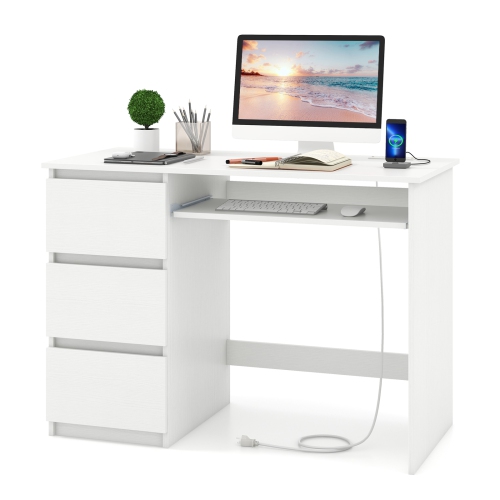
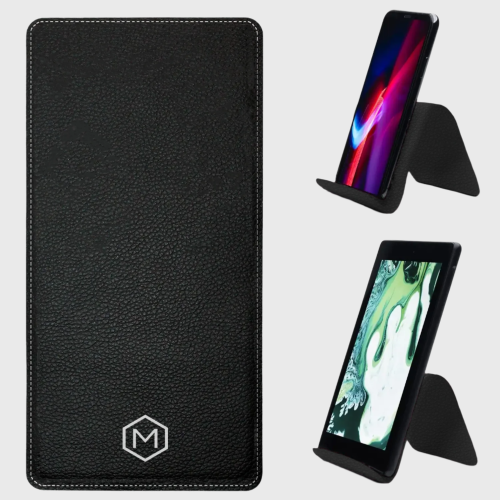
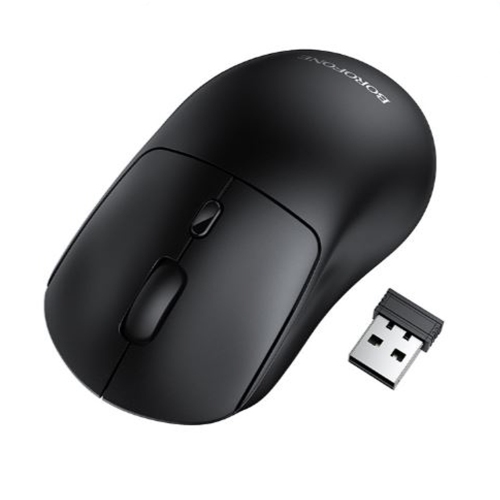





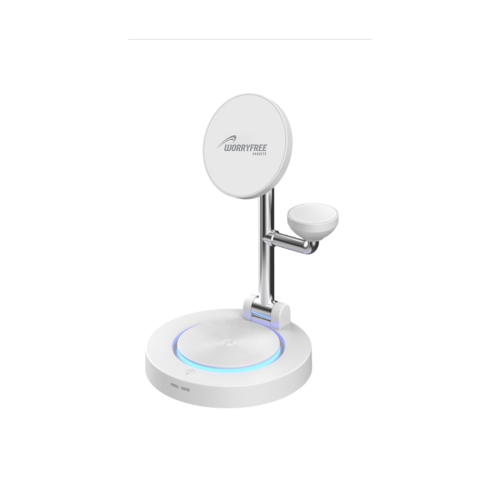
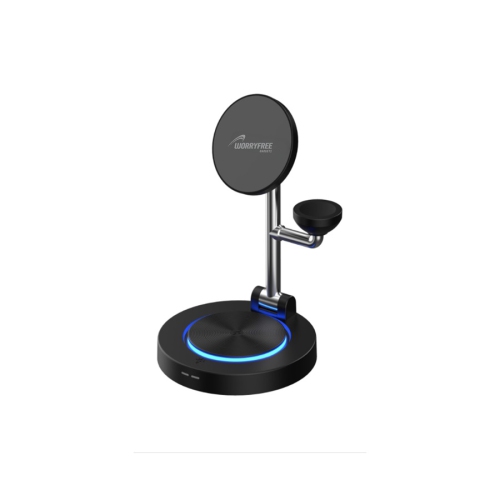
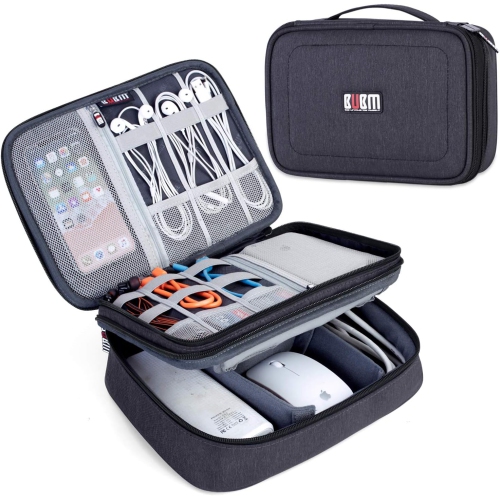
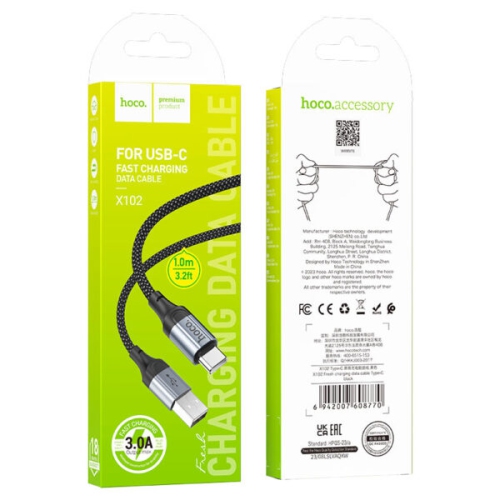
Practical upgrades that ease everyday work and reduce clutter
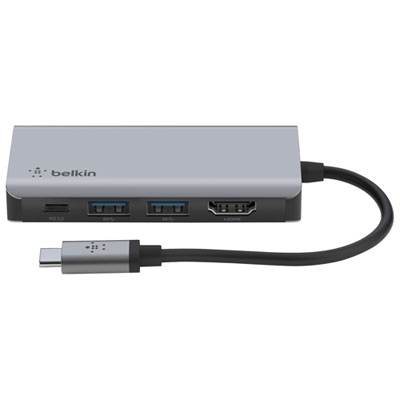
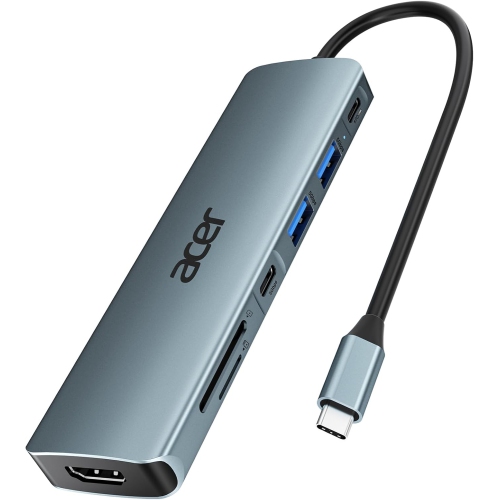
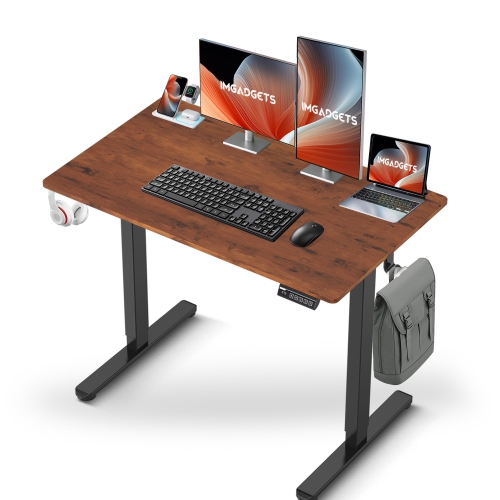
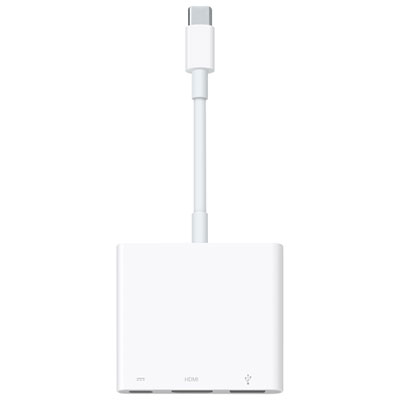
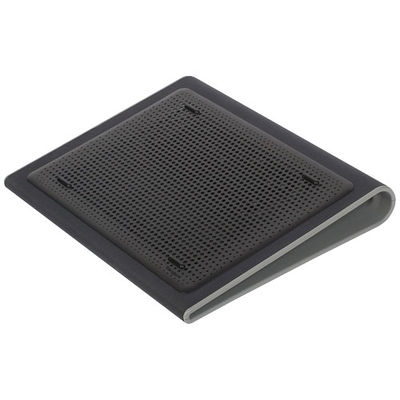
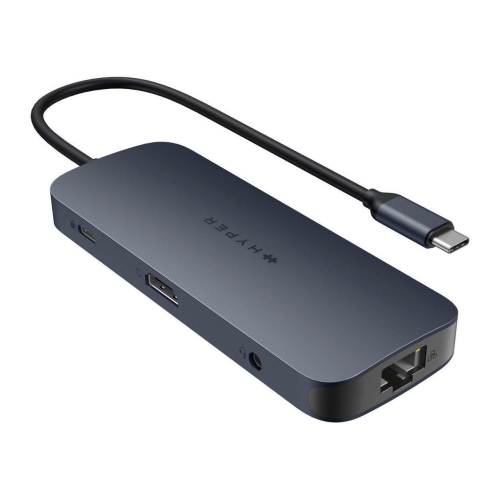
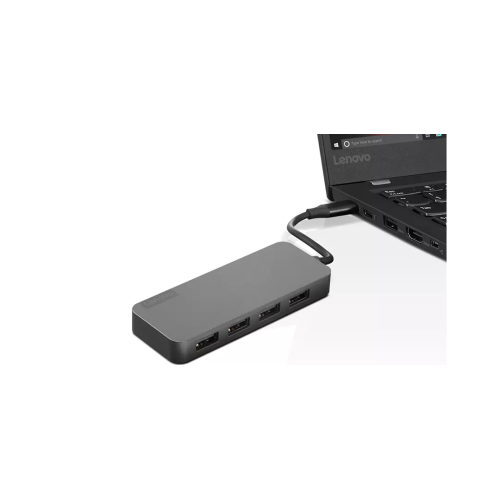
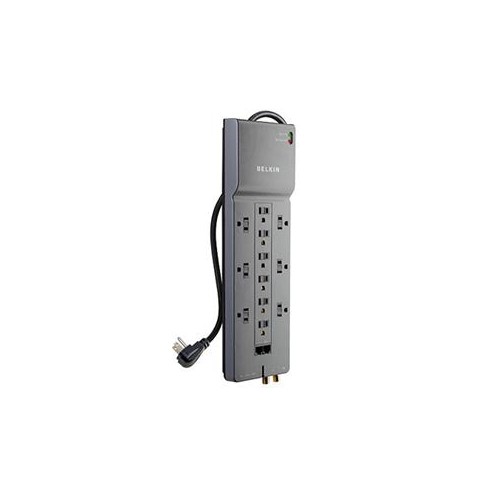
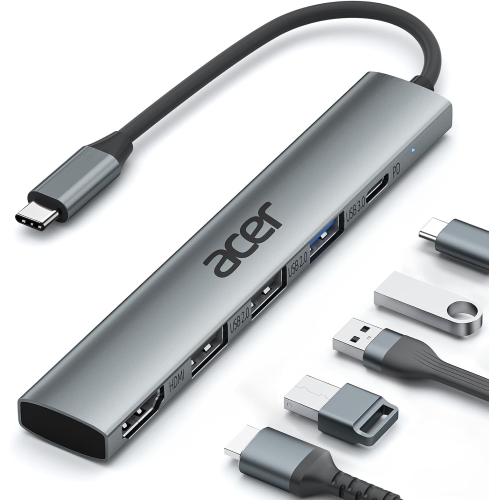
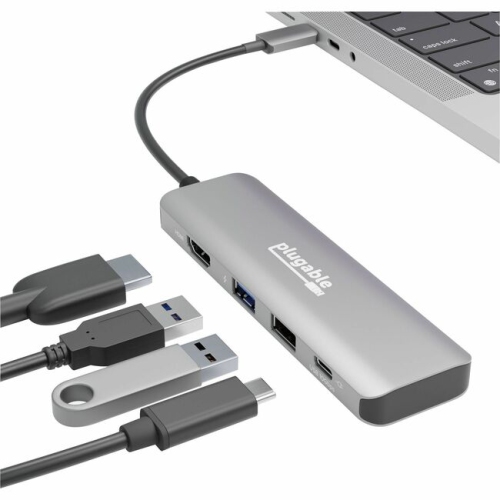
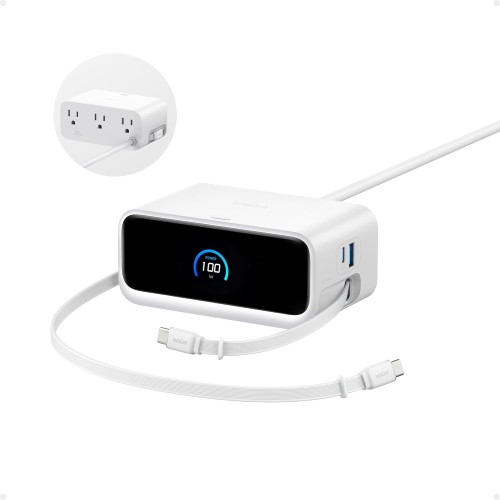
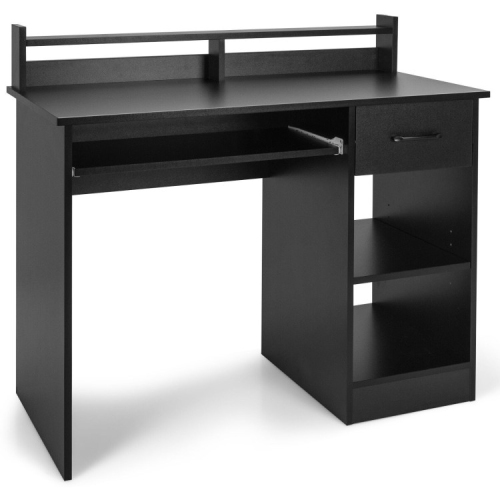
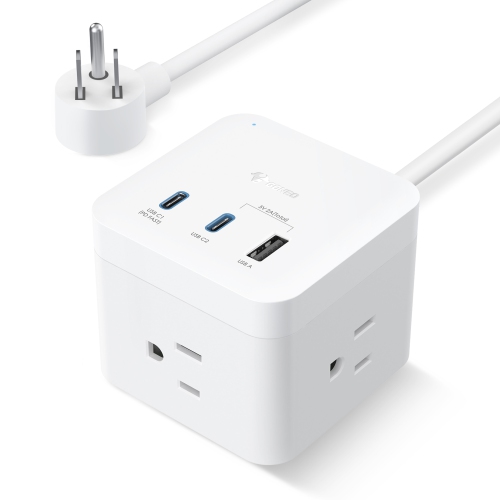
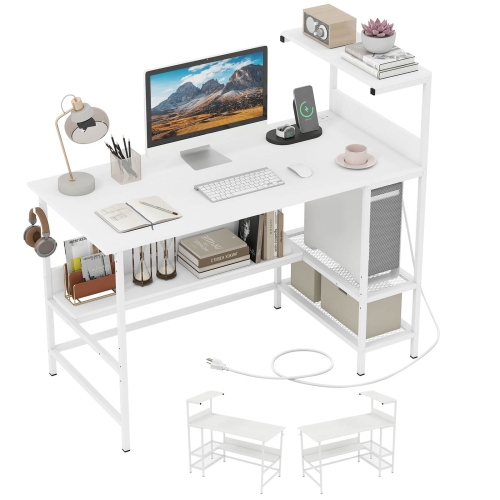
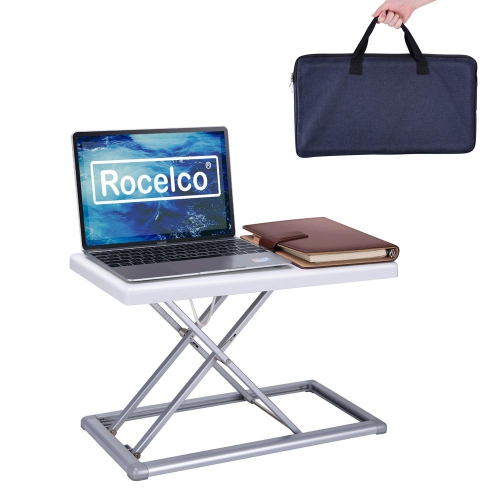
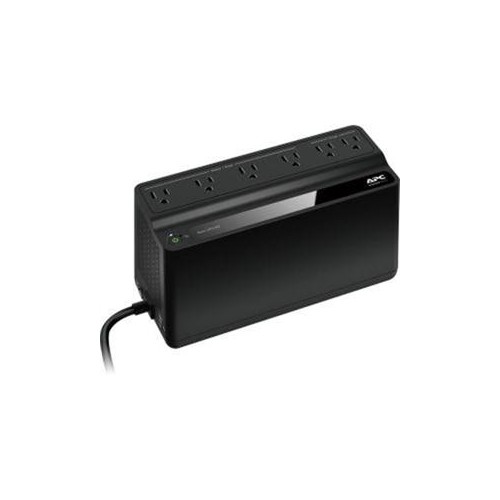
Home office gadgets can make a familiar workspace feel more comfortable, organized, and capable, whether it occupies a dedicated room, a quiet corner, or one end of the dining table. The most useful additions are often the ones that remove small sources of friction from the workday: a monitor arm that lifts a display to a more natural viewing height, a multi-port USB-C hub that brings several connections together, or a surge protector that keeps power and charging cables in one easy-to-manage place. A motorized sit-stand desk can support a flexible routine by allowing you to alternate between sitting and standing, while a compact laptop stand can raise the screen and leave room underneath for a keyboard or notebook. These adjustments can make a noticeable difference during long stretches of email, research, creative work, online learning, or video calls. When choosing gadgets for a home office, consider the size and shape of the available surface, the location of power outlets, the ports on your computer, and how easily the setup can adapt if your equipment changes. A desk with limited depth may benefit from a clamp-mounted monitor arm rather than a broad display stand, while a shared workspace may call for accessories that can be moved or stored without much effort. It is also worth checking cable lengths, weight limits, mounting requirements, and compatibility before ordering, particularly when connecting external displays, storage devices, webcams, keyboards, and charging equipment through a single hub. Browse Home Office Technology Accessories to find practical ways to refine a workspace without having to replace every part of an existing setup.
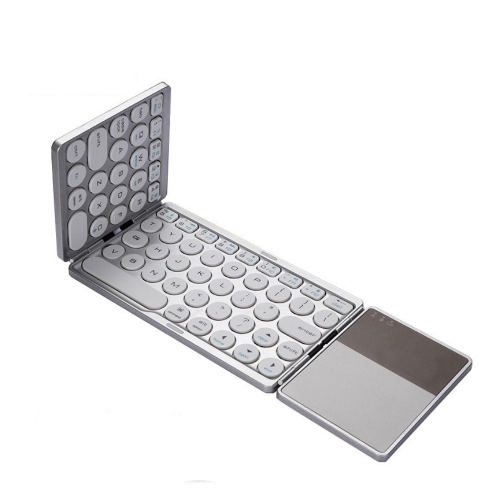
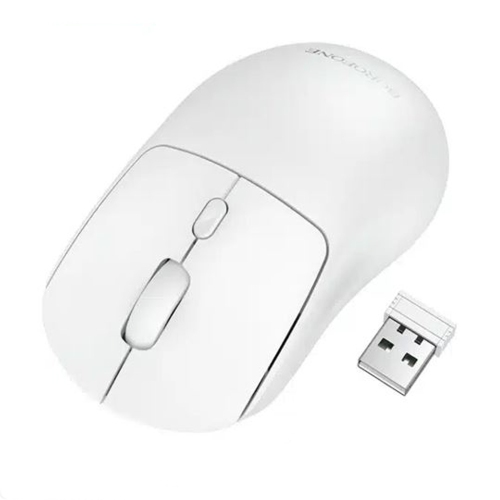
Lighting, sound, and input devices can shape how a home office feels from the first meeting of the day to the last task before shutting down. A monitor light bar can cast an even pool of light across papers and a keyboard while helping keep reflections away from the display, making it useful in rooms where overhead lighting feels harsh or a desk lamp takes up valuable space. A small LED video light can brighten your face during virtual meetings, especially when a desk is positioned near a window that changes from bright daylight to shadow as the weather shifts. For open-plan homes, busy households, or anyone who needs to concentrate through background conversation and appliance noise, active noise-cancelling headphones can create a calmer listening environment for focused work, calls, and online courses. Wireless models may help reduce cable clutter, while headsets with built-in microphones can keep meetings straightforward when a computer’s microphone is too distant or inconsistent. Ergonomic mice are another thoughtful consideration. A vertical design can place the hand in a more natural position, and adjustable sensitivity can make it easier to move across a large monitor without repeated sweeping motions. Mechanical and low-profile keyboards appeal to people who spend much of the day typing, with tactile feedback that can make each keystroke feel deliberate and responsive. The right choice depends on personal preference, desk space, noise tolerance, and whether the user shares the room with others. A quieter keyboard and a compact headset may suit a bedroom office, while a full-size keyboard with a number pad can be helpful for spreadsheets, bookkeeping, and data entry. Small details, such as a comfortable wrist position, accessible volume controls, or a webcam that can be adjusted without shifting the monitor, often become especially valuable after weeks of regular use.
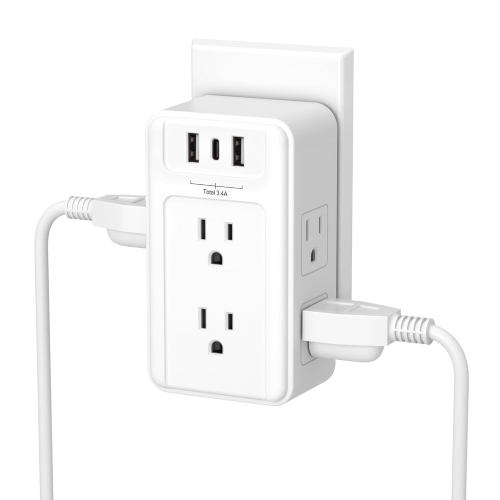
Home office gadgets also make practical gifts for students, remote workers, freelancers, creators, and family members who are settling into a new routine. A person beginning a hybrid role may appreciate a USB-C docking solution that turns a laptop into a more complete workstation, with easy access to a monitor, wired network connection, keyboard, mouse, and other peripherals. Someone moving into a first apartment may benefit from a compact power strip with USB charging, a cable-management solution, or a small desk light that makes an improvised workspace feel more intentional. For a university student preparing for cooler months of study at home, a laptop stand, comfortable headset, or webcam light can support lectures, group projects, and late-afternoon assignments when natural light fades. A monitor arm can be a thoughtful choice for a multitasker who works with documents on one screen and video calls or reference material on another, while a privacy filter may suit people handling confidential work in a shared household. When selecting a gift, look for adaptable features rather than assuming the recipient has a particular computer or desk arrangement. Adjustable brightness, reversible mounting, multiple connection options, compact dimensions, and broad device compatibility can make an accessory easier to use from one workspace to the next. It is also helpful to think about the recipient’s habits: a frequent traveller may prefer lightweight, portable equipment; a creative professional may value display flexibility and precise input; and a parent working from a shared room may place a higher priority on clear audio and quick setup. As the weather warms or during the cooler months spent indoors, a few carefully chosen additions can help keep cords under control, improve lighting, reduce distractions, and make everyday tasks feel less cramped. With the right combination of ergonomic equipment, connection tools, lighting, audio, and power management, a home office can support productive work while still fitting naturally into the home around it.
Lighting, sound, and input devices can shape how a home office feels from the first meeting of the day to the last task before shutting down. A monitor light bar can cast an even pool of light across papers and a keyboard while helping keep reflections away from the display, making it useful in rooms where overhead lighting feels harsh or a desk lamp takes up valuable space. A small LED video light can brighten your face during virtual meetings, especially when a desk is positioned near a window that changes from bright daylight to shadow as the weather shifts. For open-plan homes, busy households, or anyone who needs to concentrate through background conversation and appliance noise, active noise-cancelling headphones can create a calmer listening environment for focused work, calls, and online courses. Wireless models may help reduce cable clutter, while headsets with built-in microphones can keep meetings straightforward when a computer’s microphone is too distant or inconsistent. Ergonomic mice are another thoughtful consideration. A vertical design can place the hand in a more natural position, and adjustable sensitivity can make it easier to move across a large monitor without repeated sweeping motions. Mechanical and low-profile keyboards appeal to people who spend much of the day typing, with tactile feedback that can make each keystroke feel deliberate and responsive. The right choice depends on personal preference, desk space, noise tolerance, and whether the user shares the room with others. A quieter keyboard and a compact headset may suit a bedroom office, while a full-size keyboard with a number pad can be helpful for spreadsheets, bookkeeping, and data entry. Small details, such as a comfortable wrist position, accessible volume controls, or a webcam that can be adjusted without shifting the monitor, often become especially valuable after weeks of regular use.
Home office gadgets also make practical gifts for students, remote workers, freelancers, creators, and family members who are settling into a new routine. A person beginning a hybrid role may appreciate a USB-C docking solution that turns a laptop into a more complete workstation, with easy access to a monitor, wired network connection, keyboard, mouse, and other peripherals. Someone moving into a first apartment may benefit from a compact power strip with USB charging, a cable-management solution, or a small desk light that makes an improvised workspace feel more intentional. For a university student preparing for cooler months of study at home, a laptop stand, comfortable headset, or webcam light can support lectures, group projects, and late-afternoon assignments when natural light fades. A monitor arm can be a thoughtful choice for a multitasker who works with documents on one screen and video calls or reference material on another, while a privacy filter may suit people handling confidential work in a shared household. When selecting a gift, look for adaptable features rather than assuming the recipient has a particular computer or desk arrangement. Adjustable brightness, reversible mounting, multiple connection options, compact dimensions, and broad device compatibility can make an accessory easier to use from one workspace to the next. It is also helpful to think about the recipient’s habits: a frequent traveller may prefer lightweight, portable equipment; a creative professional may value display flexibility and precise input; and a parent working from a shared room may place a higher priority on clear audio and quick setup. As the weather warms or during the cooler months spent indoors, a few carefully chosen additions can help keep cords under control, improve lighting, reduce distractions, and make everyday tasks feel less cramped. With the right combination of ergonomic equipment, connection tools, lighting, audio, and power management, a home office can support productive work while still fitting naturally into the home around it.
Top selling and popular products
-
 Your price for this item is $162.99
 -
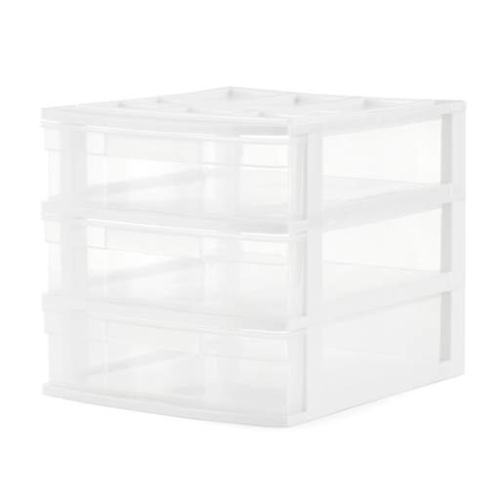 Your price for this item is $71.99
 -
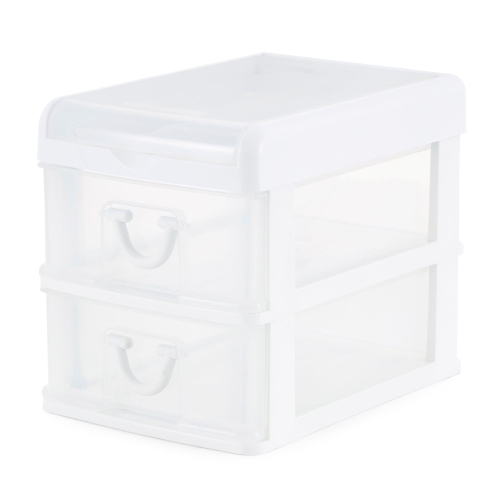 Your price for this item is $65.99
 -
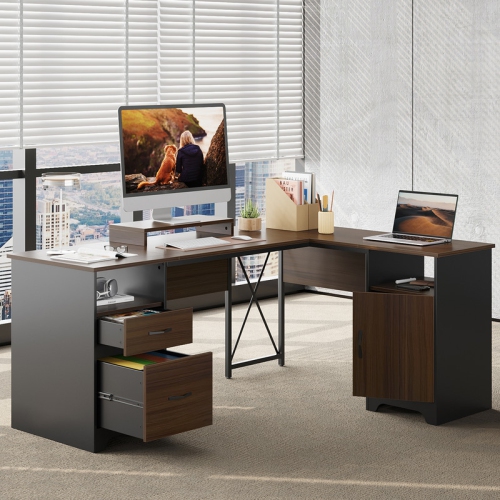 Your price for this item is $299.99
 -
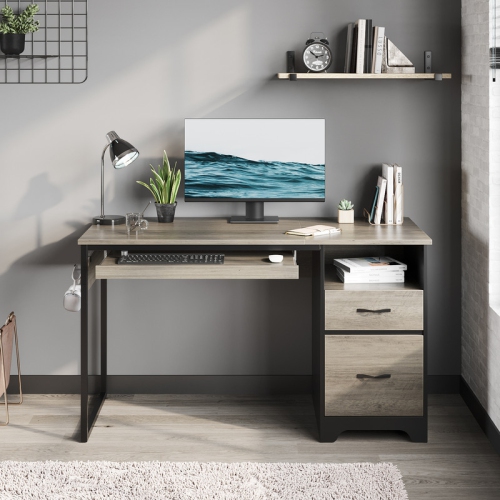 Your price for this item is $249.99
 -
 Your price for this item is $19.99
 -
 Your price for this item is $745
 -
 Your price for this item is $129.99
Discover more categories related to Home Office Gadgets

Top Collections:
Pokemon Centers, Kindle Devices, Best Budget Office Chairs, Apple iPhones 16, Best Laptops for Writers, iPhone 15 Apple, Canon G7X Cameras, Refurbished Apple Laptops, Alarm Clock, Motorola Razr Phones
Some products may be subject to Environmental Handling Fees
(EHF) depending on your province.
Learn more about EHFs.