Home Office Accessories & Devices
Upgrade your workspace with the latest home office accessories & devices designed to boost productivity and comfort. Whether you're setting up a new office or refreshing your current setup, you'll find an impressive selection of essentials to help create an efficient and organized environment. Explore options that cater to every work style and discover solutions that make working from home more enjoyable and effective. Find everything you need to personalize your space and keep your workflow running smoothly with top-quality home office accessories & devices.
Sort
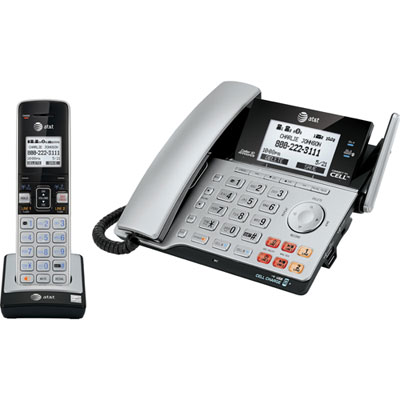
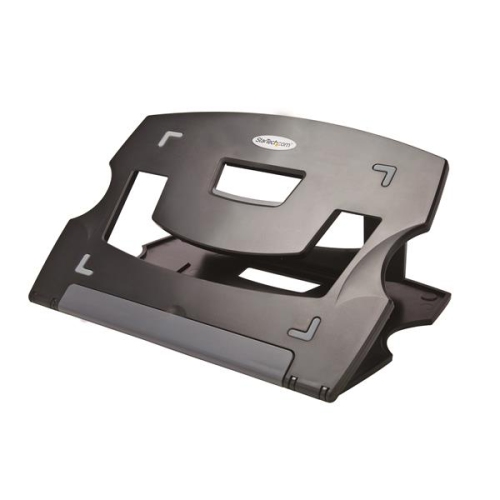
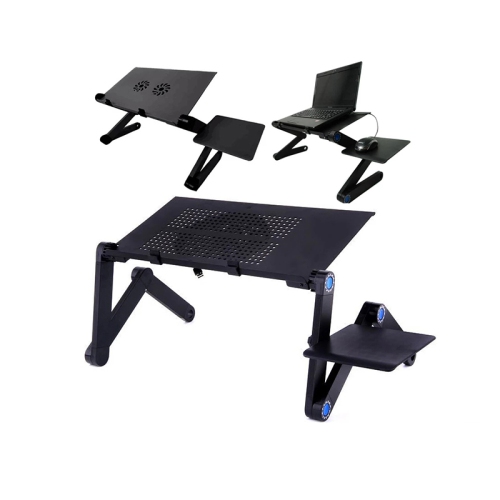
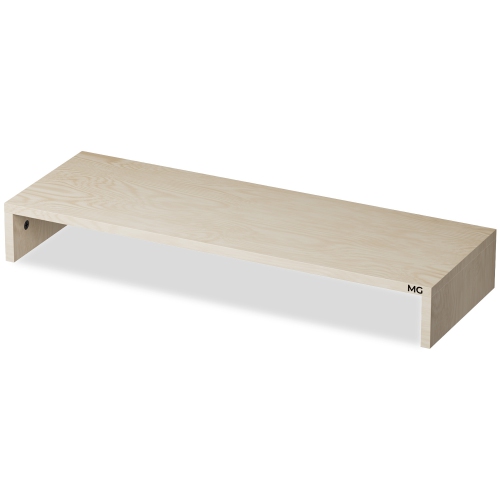

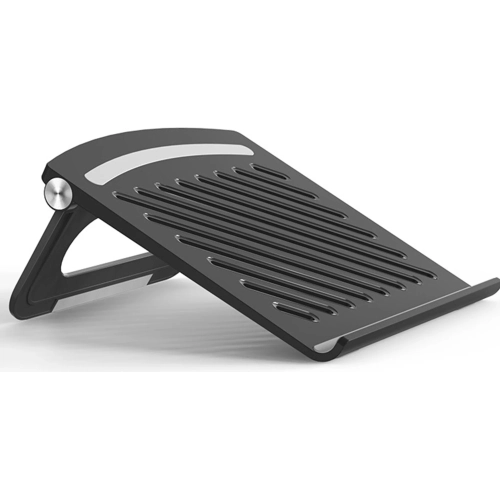

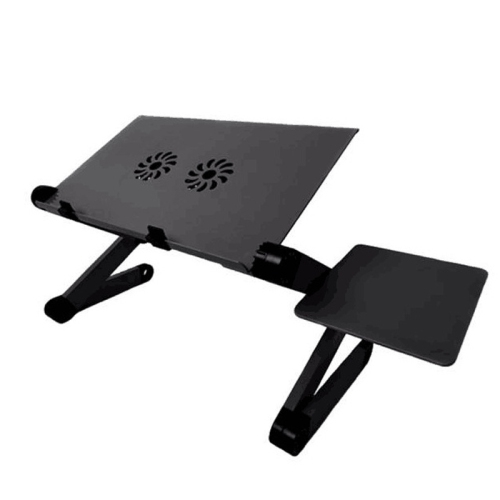

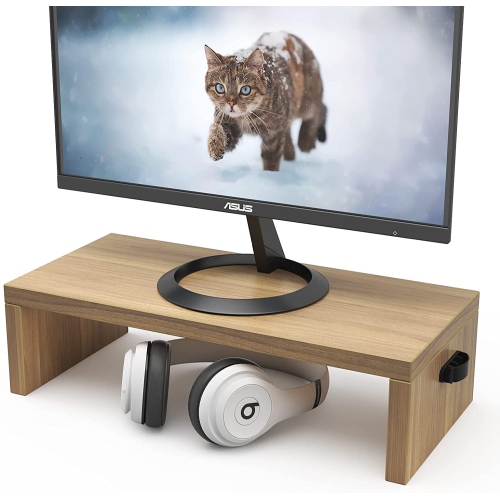
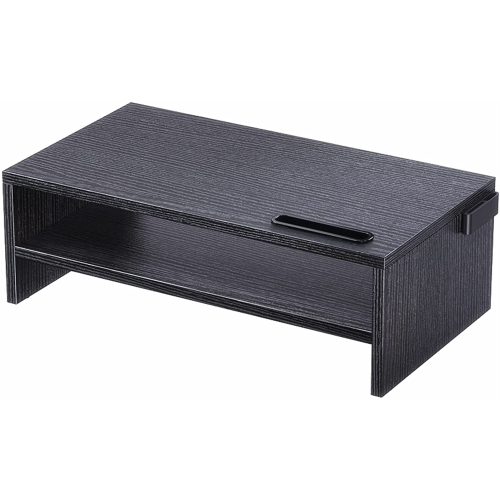







Desk essentials that fit your space and workflow
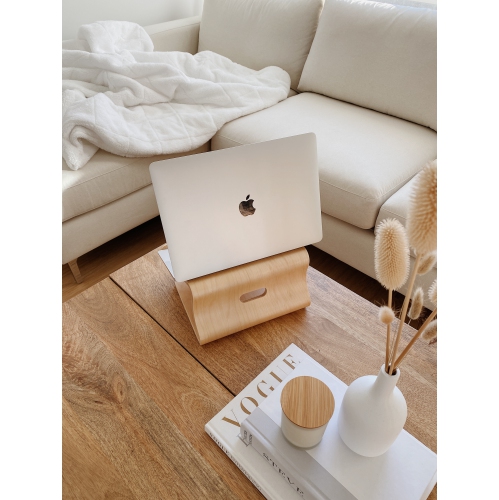
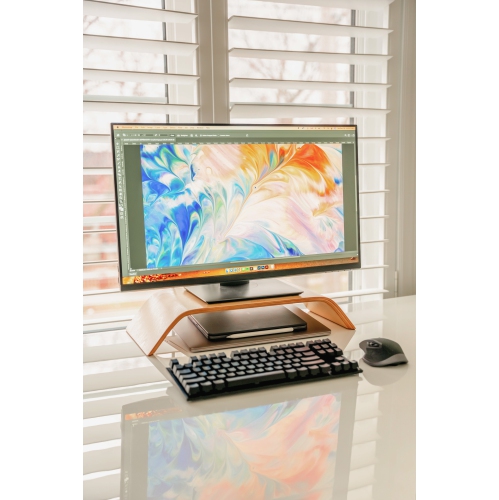
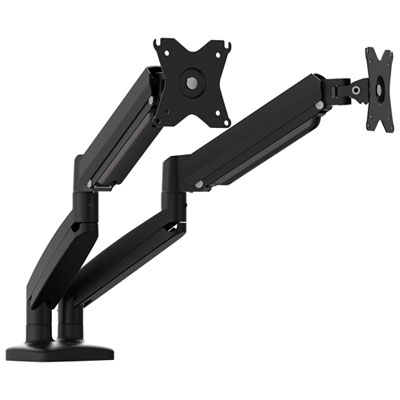
Home office accessories and devices help organize a work surface, reduce cable clutter, and make everyday tasks more comfortable. The most useful additions suit both the work being done and the space available, whether that means a dedicated office, a compact desk beside the living room, or a shared table that needs to be cleared after work. Monitor supports, keyboard accessories, task lighting, charging equipment, and desktop storage each serve a different purpose, but their fit matters as much as their features. A monitor arm can free up space beneath a screen, provided its mounting pattern, weight capacity, and attachment method match the display and desk. Clamp-mounted accessories need a suitable desktop edge and enough clearance underneath, while freestanding designs need a stable footprint. Laptop supports can raise a screen for easier viewing, with a separate keyboard and mouse allowing more flexibility in hand position. For someone who spends hours editing documents, room to rest the forearms and move a mouse comfortably may be more valuable than extra storage compartments. For a student working between textbooks and a computer, vertical storage can keep reference material within reach without covering the entire work surface. Materials influence how these accessories feel and hold up: metal supports can provide rigidity, moulded plastic is often lightweight and easy to wipe, and fabric or padded surfaces offer a softer point of contact. Surface finishes also matter on a frequently used desk, where sliding accessories can leave marks unless their bases have suitable protection. Storage works best when it reflects actual habits, with shallow compartments for frequently handled supplies and enclosed spaces for things that otherwise become visual clutter. Cable channels, clips, and sleeves can keep cords away from chair wheels and leave more usable room, although cables still need enough slack for adjustable furniture and moving equipment. Together, these details create a workspace that feels settled rather than crowded, with everyday essentials close at hand and room left for the task itself.
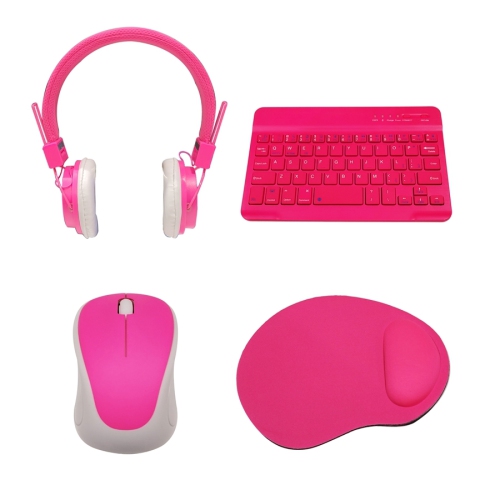
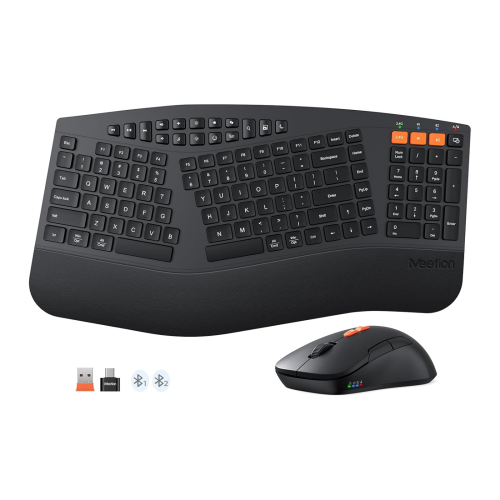
Connected devices bring another layer of convenience to a home office, especially when the same workspace supports focused work, online meetings, and personal administration. Compatibility is central to a dependable setup. A connector that fits does not necessarily support every function: USB-C connections can differ in charging capability, data speed, and display support, so a hub or docking station needs to match the computer and the intended workload. Someone connecting a screen, external storage, and several peripherals will have different requirements from someone who simply needs another charging connection. Display resolution, refresh rate, operating system support, and the number of supported screens can all affect how a setup performs. Wired keyboards and mice offer a direct connection without battery charging, while wireless designs allow more freedom of placement and fewer cords across the desktop. Bluetooth accessories may also support switching between compatible devices, which can be useful when moving between a work computer and a personal device. Keyboard layout, key spacing, mouse size, and handedness influence everyday comfort more than appearance alone. For online meetings, microphone placement and clear voice pickup matter, particularly in a shared room where nearby conversations or household sounds can be distracting. Headsets keep meeting audio closer to the listener, while webcams with adjustable positioning make it easier to frame a seated conversation without balancing equipment on nearby objects. A stable internet connection is equally important; wired networking or suitably placed Wi-Fi equipment can help support calls and file transfers, depending on the home’s layout and service. Power accessories need consideration, too, including accessible outlets, appropriate electrical ratings, and recognized Canadian safety certification. Surge protection and extra outlets serve different purposes, and neither replaces the need to follow equipment load limits. Ventilation space around powered devices helps prevent a crowded desktop from becoming a tangle of warm adapters and tightly packed cables.
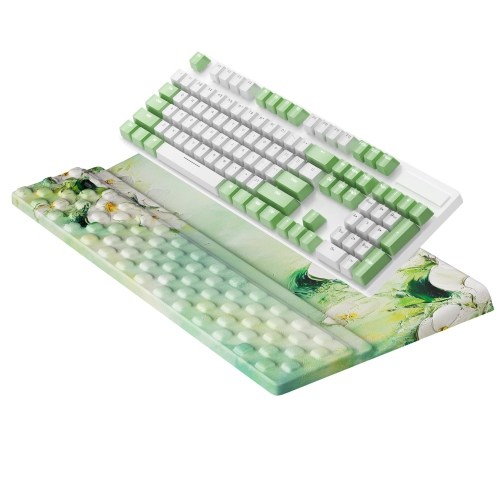
The range of Home Office Accessories also supports the smaller details that shape a working day, from reading a printed page to keeping a phone visible without propping it against a mug. Task lighting is useful where overhead illumination leaves shadows across paperwork or makes screen reflections harder to manage. An adjustable lamp can direct light towards a notebook or keyboard, while brightness and colour temperature settings offer flexibility for different tasks and preferences. Placement matters: light aimed across a glossy screen can create glare, whereas a shaded beam directed towards the work surface keeps illumination where it is needed. Comfort accessories should suit the person and the furniture rather than promise a universal fit. A footrest may be helpful when feet do not rest comfortably on the floor, and a wrist support should complement a relaxed working position rather than force the hands upwards. A desk mat can provide a consistent surface for writing and mouse movement, with dimensions that leave room for the keyboard, nearby accessories, and the desk’s edges. Care requirements vary by material. Smooth surfaces are generally straightforward to wipe according to the manufacturer’s directions, while fabric coverings may need gentler spot cleaning and time to dry. Liquids should stay away from electrical connections, and cleaning solutions should be suitable for the finish rather than chosen solely for convenience. Durability often shows in practical details such as secure hinges, reinforced cable entry points, stable bases, and controls that remain easy to reach after everything is arranged. These accessories can suit remote employees, students, freelancers, and anyone managing paperwork or creative projects at home. They can also make thoughtful gifts when the recipient’s desk dimensions, device compatibility, and working habits are known. Someone starting a new role may appreciate tools that simplify a daily setup, while a frequent video-call participant may value clearer audio and more flexible positioning. The strongest fit is an accessory that earns its space through regular use, making an ordinary task easier without adding unnecessary complication.
Connected devices bring another layer of convenience to a home office, especially when the same workspace supports focused work, online meetings, and personal administration. Compatibility is central to a dependable setup. A connector that fits does not necessarily support every function: USB-C connections can differ in charging capability, data speed, and display support, so a hub or docking station needs to match the computer and the intended workload. Someone connecting a screen, external storage, and several peripherals will have different requirements from someone who simply needs another charging connection. Display resolution, refresh rate, operating system support, and the number of supported screens can all affect how a setup performs. Wired keyboards and mice offer a direct connection without battery charging, while wireless designs allow more freedom of placement and fewer cords across the desktop. Bluetooth accessories may also support switching between compatible devices, which can be useful when moving between a work computer and a personal device. Keyboard layout, key spacing, mouse size, and handedness influence everyday comfort more than appearance alone. For online meetings, microphone placement and clear voice pickup matter, particularly in a shared room where nearby conversations or household sounds can be distracting. Headsets keep meeting audio closer to the listener, while webcams with adjustable positioning make it easier to frame a seated conversation without balancing equipment on nearby objects. A stable internet connection is equally important; wired networking or suitably placed Wi-Fi equipment can help support calls and file transfers, depending on the home’s layout and service. Power accessories need consideration, too, including accessible outlets, appropriate electrical ratings, and recognized Canadian safety certification. Surge protection and extra outlets serve different purposes, and neither replaces the need to follow equipment load limits. Ventilation space around powered devices helps prevent a crowded desktop from becoming a tangle of warm adapters and tightly packed cables.
The range of Home Office Accessories also supports the smaller details that shape a working day, from reading a printed page to keeping a phone visible without propping it against a mug. Task lighting is useful where overhead illumination leaves shadows across paperwork or makes screen reflections harder to manage. An adjustable lamp can direct light towards a notebook or keyboard, while brightness and colour temperature settings offer flexibility for different tasks and preferences. Placement matters: light aimed across a glossy screen can create glare, whereas a shaded beam directed towards the work surface keeps illumination where it is needed. Comfort accessories should suit the person and the furniture rather than promise a universal fit. A footrest may be helpful when feet do not rest comfortably on the floor, and a wrist support should complement a relaxed working position rather than force the hands upwards. A desk mat can provide a consistent surface for writing and mouse movement, with dimensions that leave room for the keyboard, nearby accessories, and the desk’s edges. Care requirements vary by material. Smooth surfaces are generally straightforward to wipe according to the manufacturer’s directions, while fabric coverings may need gentler spot cleaning and time to dry. Liquids should stay away from electrical connections, and cleaning solutions should be suitable for the finish rather than chosen solely for convenience. Durability often shows in practical details such as secure hinges, reinforced cable entry points, stable bases, and controls that remain easy to reach after everything is arranged. These accessories can suit remote employees, students, freelancers, and anyone managing paperwork or creative projects at home. They can also make thoughtful gifts when the recipient’s desk dimensions, device compatibility, and working habits are known. Someone starting a new role may appreciate tools that simplify a daily setup, while a frequent video-call participant may value clearer audio and more flexible positioning. The strongest fit is an accessory that earns its space through regular use, making an ordinary task easier without adding unnecessary complication.
Top selling and popular products
-
 Your price for this item is $34.95
-
 Your price for this item is $149.99
-
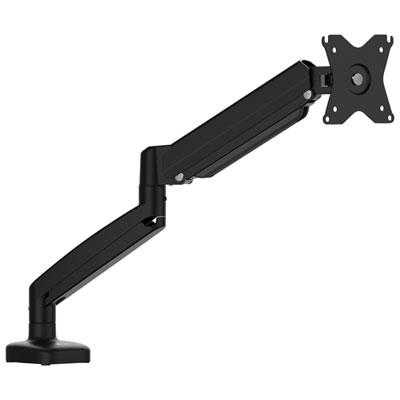 Your price for this item is $79.99
-
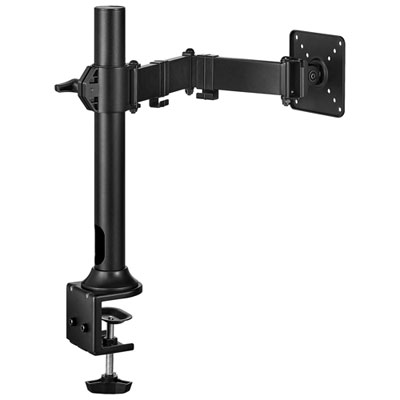 Your price for this item is $69.99
-
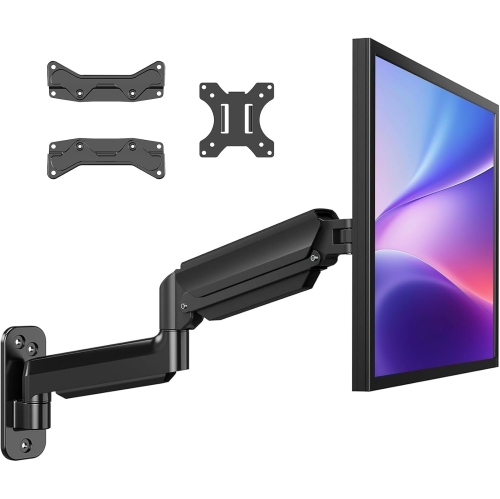 Your price for this item is $70.99
-
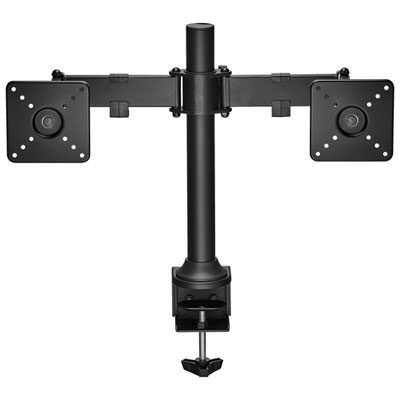 Your price for this item is $99.99
-
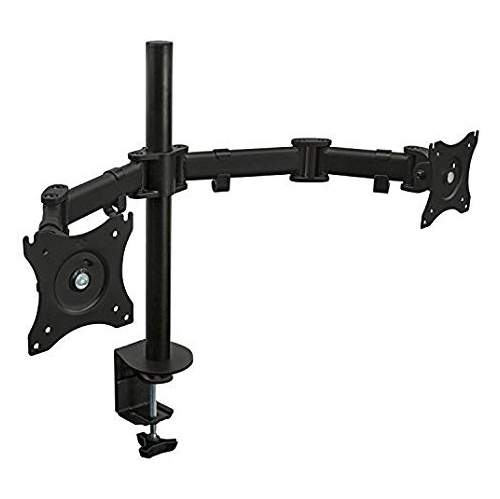 Your price for this item is $110.99
-
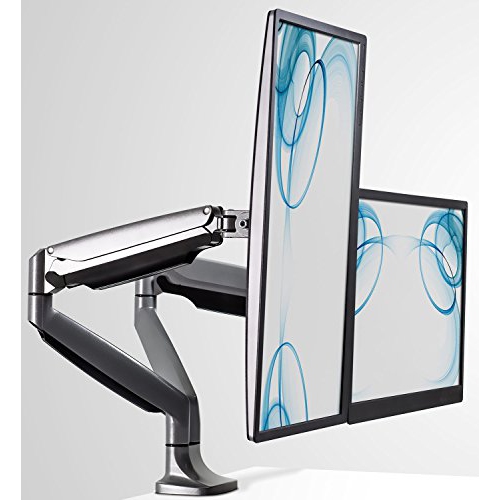 Your price for this item is $321.68
Discover more categories related to Home Office Accessories & Devices

Top Collections:
Pokemon Centers, Pokémon 30th Celebration Cards, Best Budget Office Chairs, Kindle Devices, Best Cameras for Sports Photography, Canon G7X Cameras, Best Black Friday Deals On Electronics, Best Laptops for Writers, iPhone 15 Apple, Jackery Power Stations
Some products may be subject to Environmental Handling Fees
(EHF) depending on your province.
Learn more about EHFs.