Home Office Technology Accessories
Home Office Technology Accessories are essential for creating a productive and organized workspace. Whether you’re setting up a dedicated home office or upgrading your current setup, the right accessories can help streamline your daily tasks and improve efficiency. Explore a wide range of solutions designed to support your workflow, keep devices connected, and maintain a tidy work area. Find everything you need to enhance your home office experience and stay focused throughout the day.

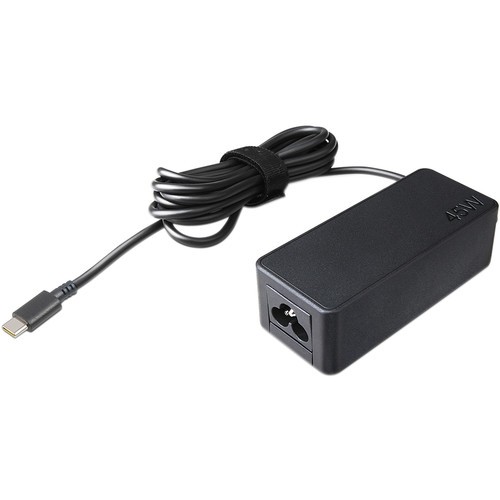
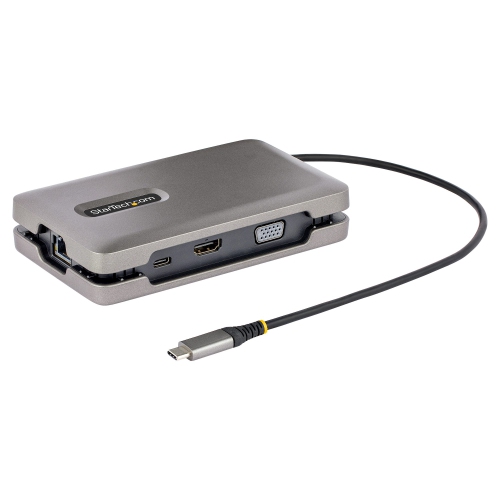

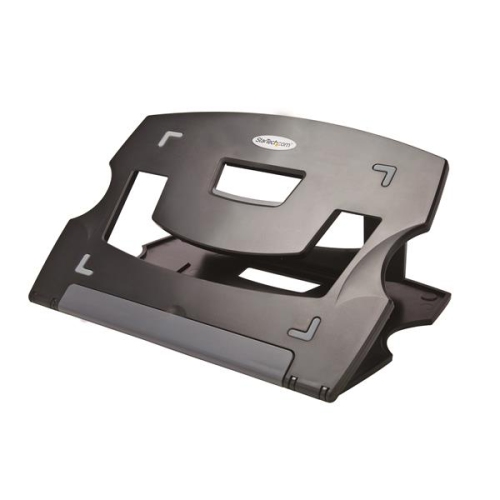
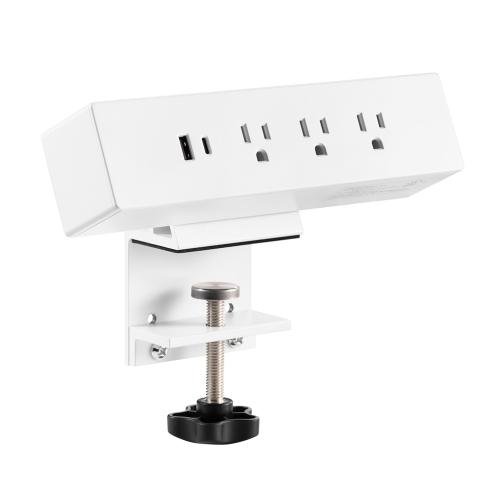
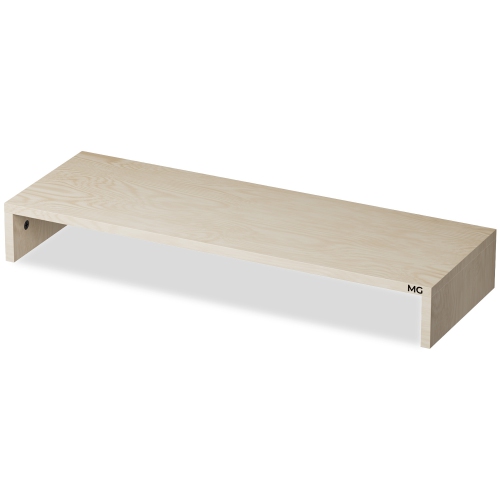
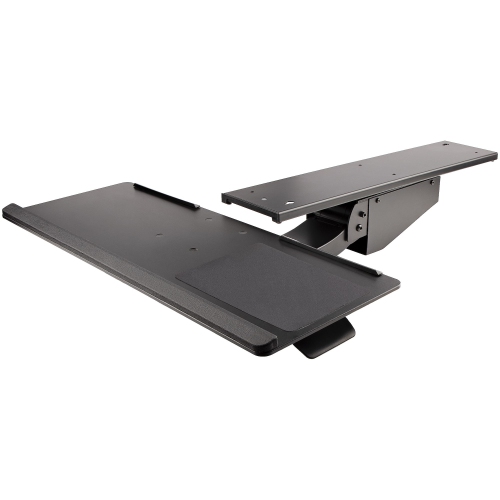
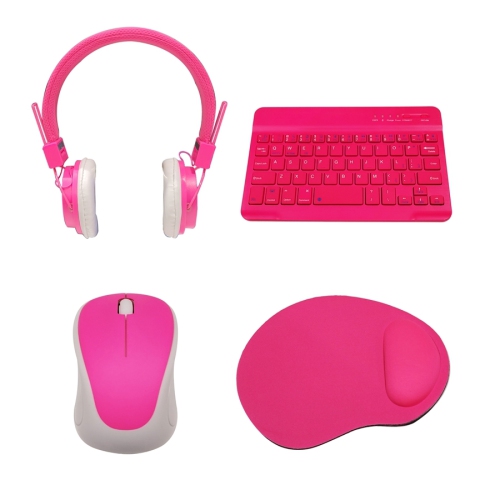

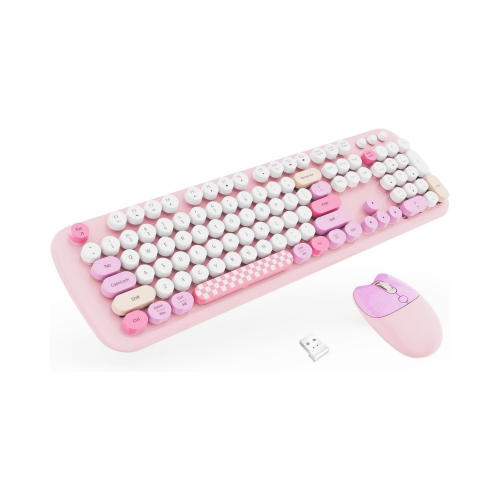

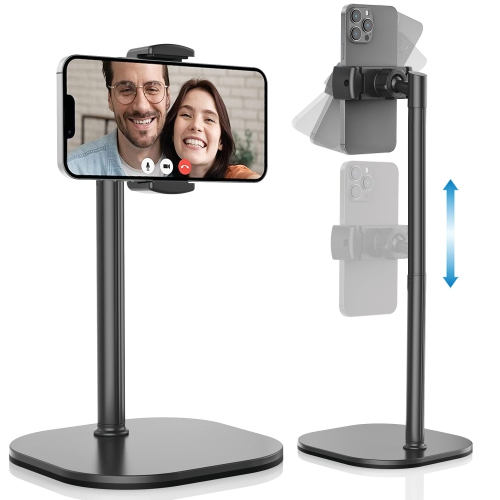

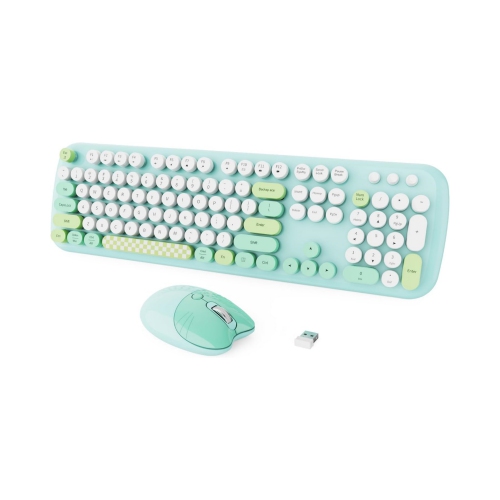
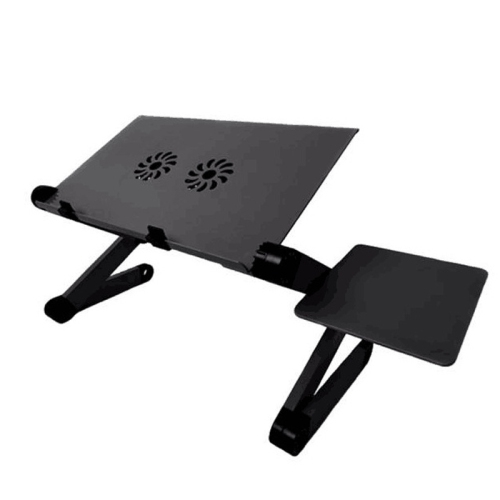

Small upgrades that improve comfort, connectivity, and daily productivity
For those who rely on video calls or virtual meetings, investing in quality webcams, microphones, and noise-cancelling headsets can make interactions smoother and more professional. Accessories like USB hubs, external storage drives, and high-speed charging stations help keep devices powered and data organized, supporting a seamless workflow whether you’re editing documents, attending webinars, or collaborating on creative projects. As routines shift with the seasons—perhaps balancing outdoor activities with work or preparing for a busy fall schedule—having the right home office accessories ensures you’re ready for anything the day brings. Personalizing your workspace with lighting solutions, smart speakers, or even a compact printer can make a big difference in both productivity and comfort, allowing you to focus on what matters most. For a comprehensive look at the latest options to upgrade your home office, explore the full range of Home Office Accessories & Devices to find the perfect fit for your needs and lifestyle.
FAQ
What are essential technology accessories for a home office setup?
Essential home office technology accessories include items like wireless keyboards and mice, ergonomic monitors, docking stations, USB hubs, webcams, headsets, and surge protectors. These accessories help improve productivity and comfort while working from home.
How can I improve my video conferencing experience with home office accessories?
To enhance your video conferencing experience, consider using an HD webcam for clear visuals, a noise-cancelling headset or microphone for better audio quality, and proper lighting such as ring lights to ensure you are well-lit during calls.
What is the benefit of using a docking station in a home office?
A docking station allows you to connect multiple devices—such as monitors, keyboards, external drives, and printers—to your laptop or desktop with a single cable. This streamlines your workspace and makes it easy to switch between devices.
Why should I use an ergonomic keyboard or mouse in my home office?
Ergonomic keyboards and mice are designed to reduce strain on your hands and wrists during extended computer use. They can help prevent repetitive strain injuries and make long work sessions more comfortable.
How do USB hubs help organize my home office workspace?
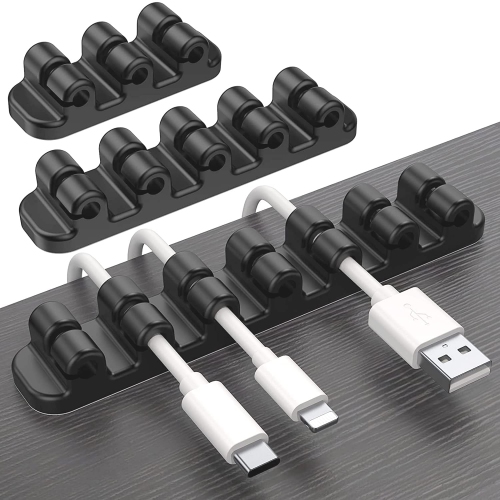
USB hubs expand the number of available ports on your computer, allowing you to connect multiple peripherals like printers, external drives, and charging cables. This helps keep your workspace organized by reducing cable clutter.
Top selling and popular products
-
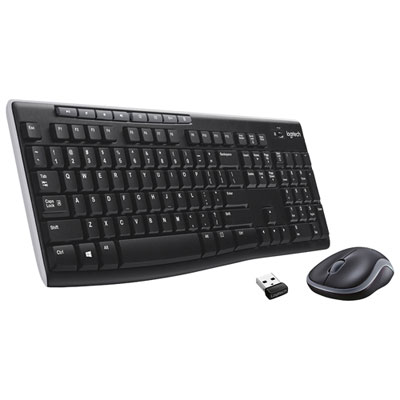 Your price for this item is $39.99
-
 Your price for this item is $50.49
-
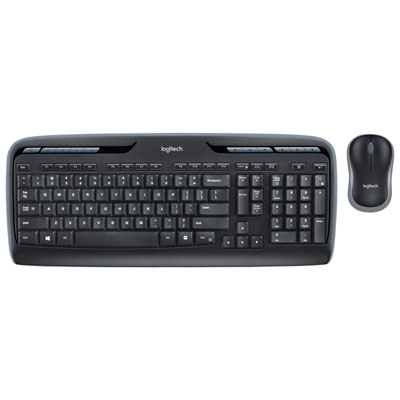 Your price for this item is $59.99
-
 Your price for this item is $59.99
-
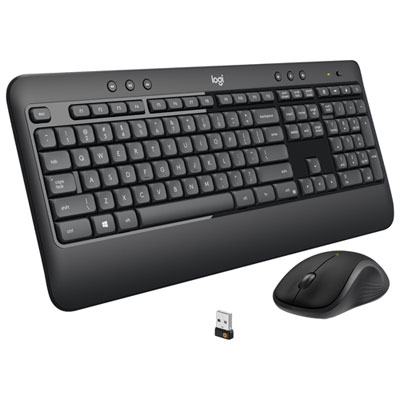 Your price for this item is $69.98
-
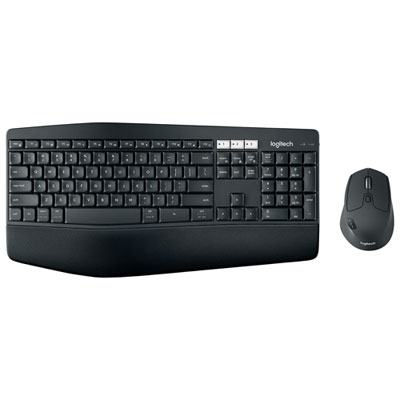 Your price for this item is $119.99
-
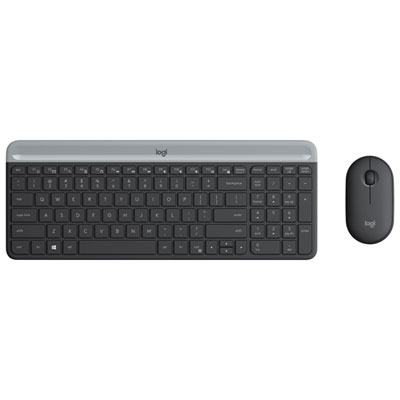 Your price for this item is $69.99
-
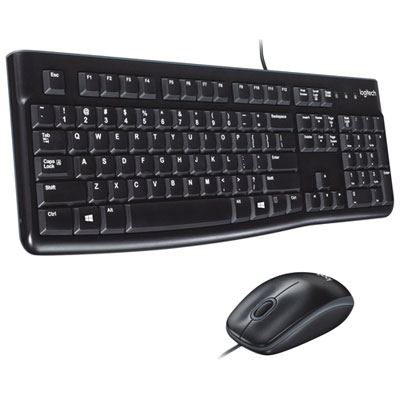 Your price for this item is $20.98