HP 15.6 Touch Screen Laptops
Discover the versatility and convenience of the HP 15.6 Touch Screen Laptop, designed to enhance your everyday computing experience. Perfect for work, school, or entertainment, this laptop offers intuitive touch screen functionality in a sleek and portable design. Whether you’re browsing the web, streaming your favorite shows, or tackling important projects, the HP 15.6 Touch Screen Laptop provides reliable performance and user-friendly features to keep you productive and connected wherever you go. Explore a range of models to find the perfect fit for your needs.
Sort
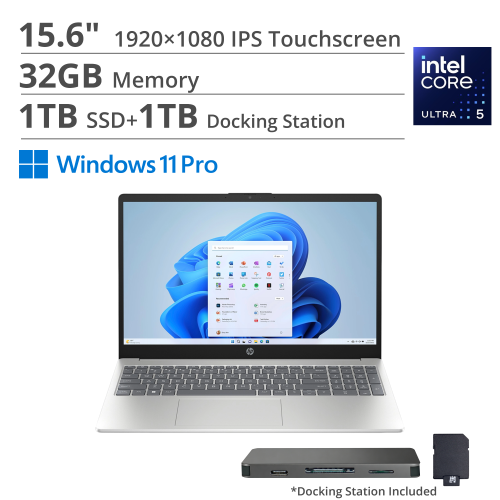
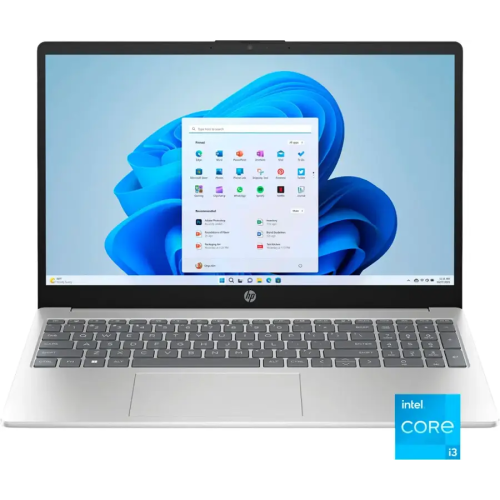
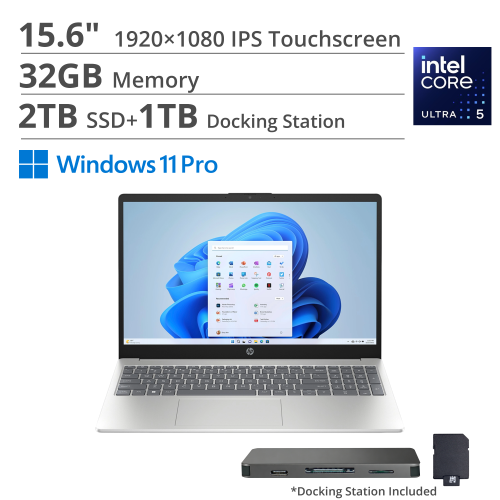
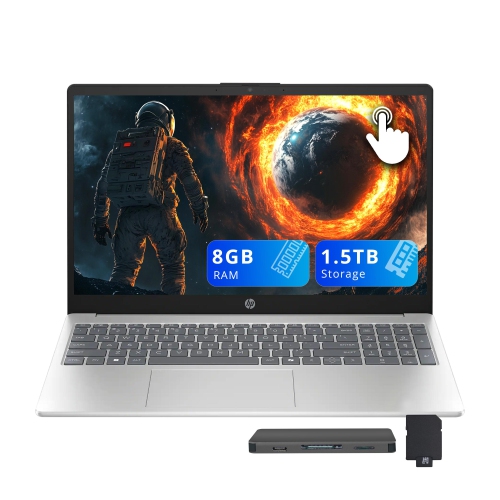
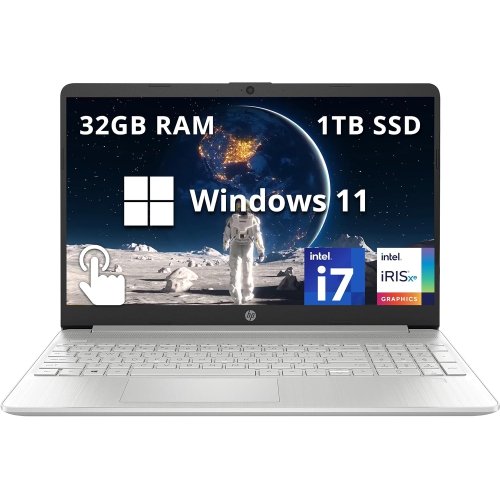
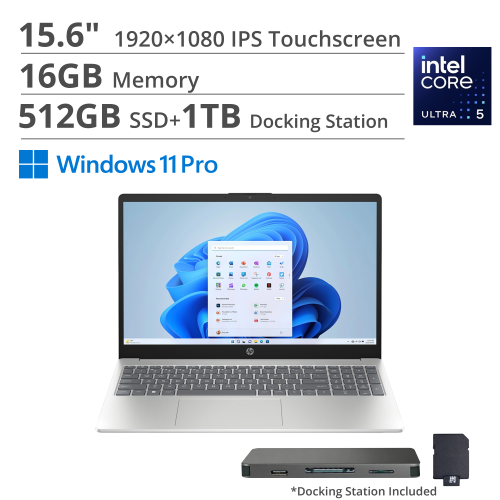
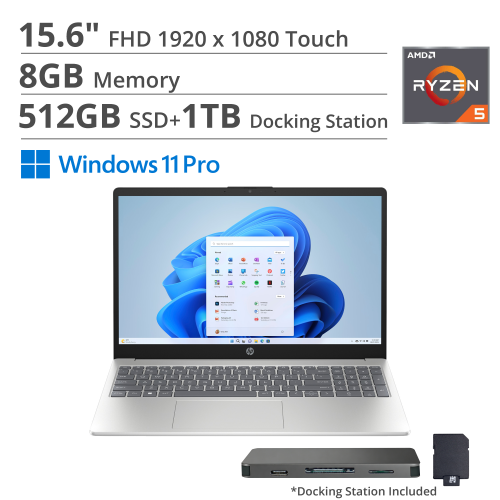
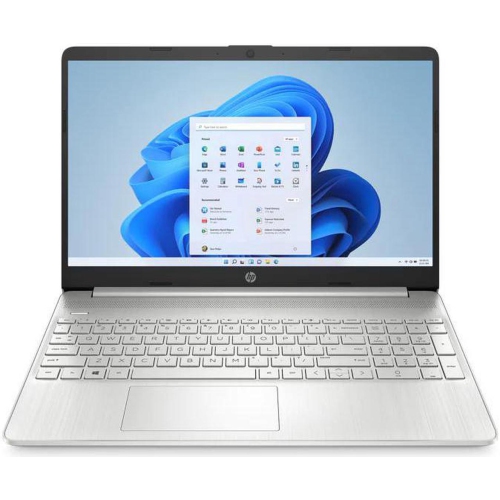
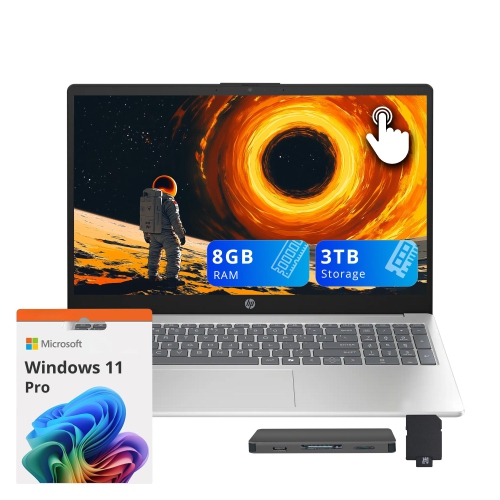
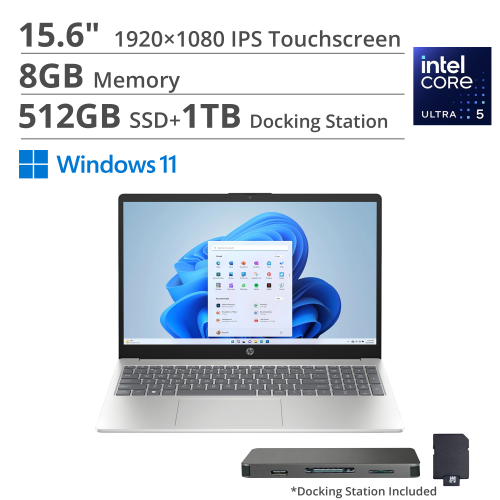
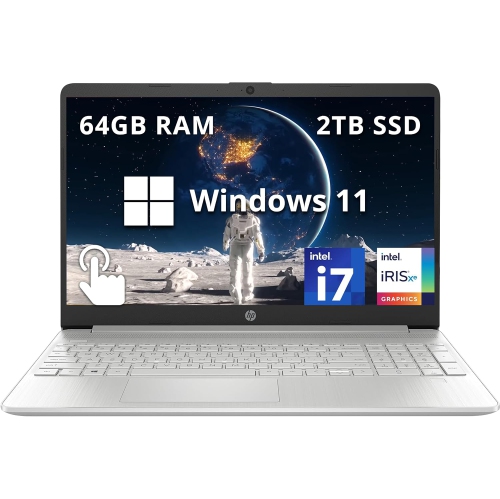
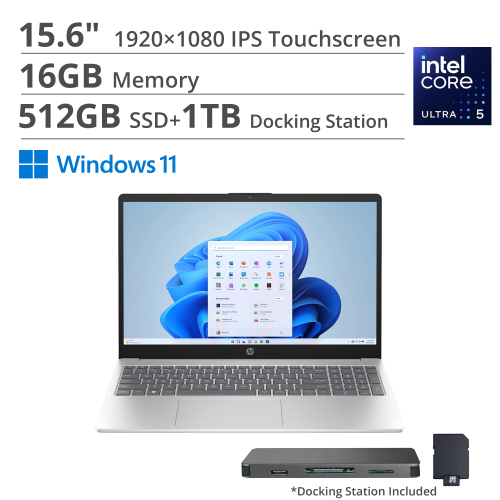
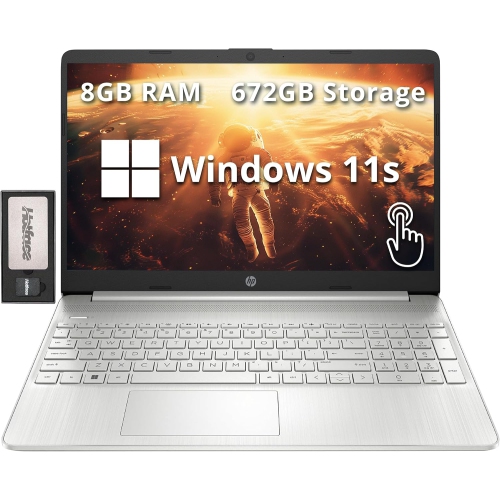
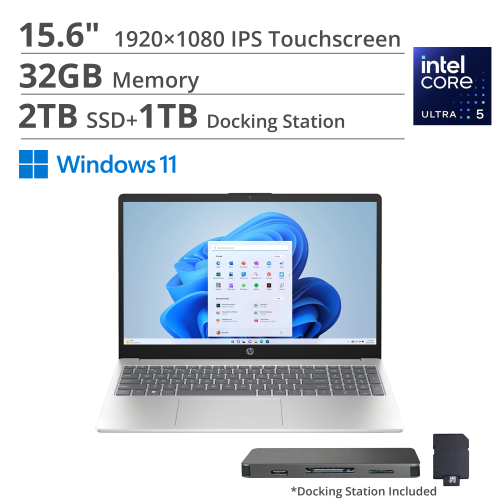
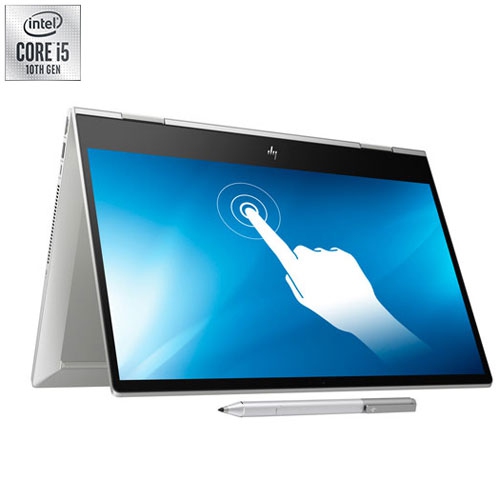
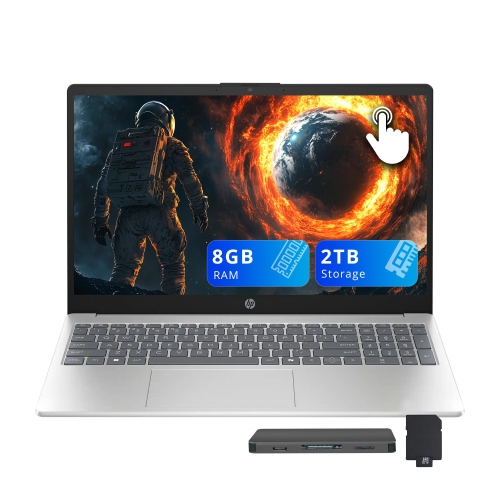
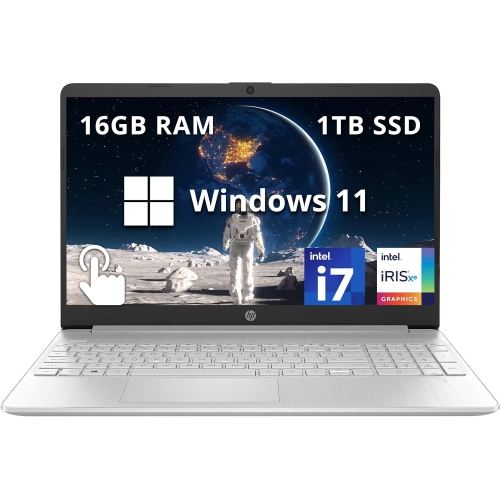
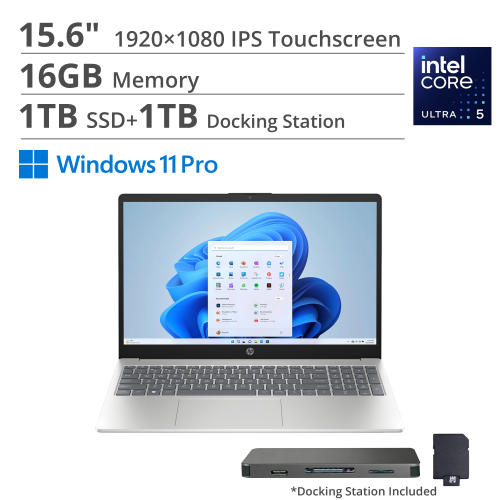
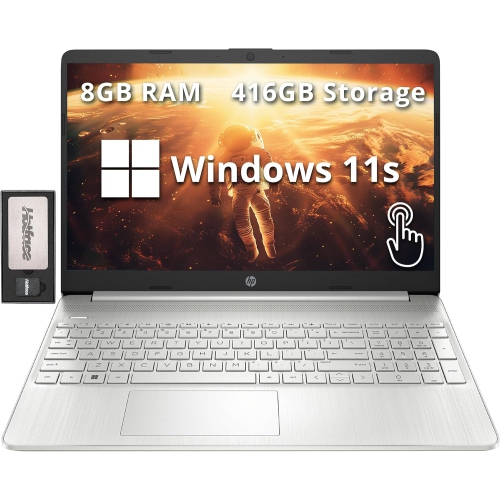
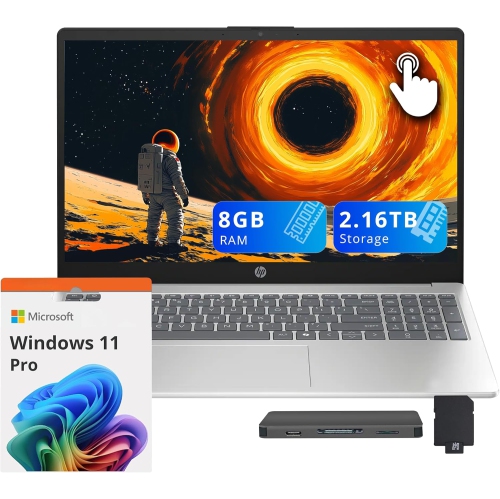
Everyday computing with the flexibility of touch and typing
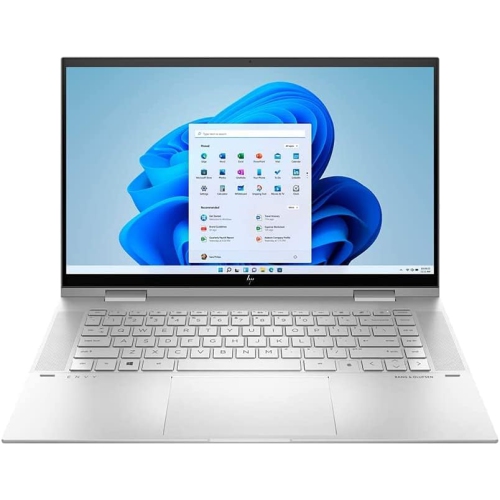
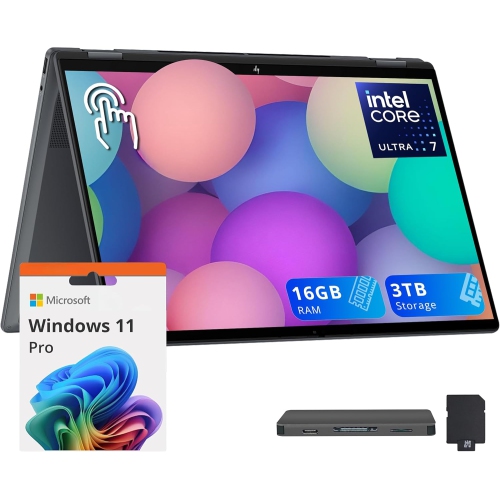
15.6-inch touch screen laptops combine a built-in keyboard and touchpad with a display that responds to taps, swipes, and supported gestures. The 15.6-inch measurement refers to the screen diagonal, rather than the width of the laptop, making this a familiar size for everyday computing with enough room to view documents, browse websites, and enjoy video. Touch input adds another way to interact: a quick tap can pause a cooking demonstration, move between presentation slides, or select a field in an online form without reaching for the touchpad. A keyboard remains useful for longer assignments, detailed spreadsheets, and messages, while the touch screen makes certain small actions feel more direct. This combination suits students moving between research and writing, people managing household paperwork, and anyone who prefers the flexibility of more than one input method. Display resolution matters alongside size. Full HD, or 1920 x 1080 resolution, provides more workspace and finer detail than lower-resolution screens of the same size, though text scaling settings also affect how much fits on screen. Brightness, viewing angles, and surface finish influence comfort during longer sessions; reflections from a nearby window or overhead light can be more noticeable on a glossy display. Colour quality may also matter for casual photo editing or creative projects, although touch capability alone says nothing about colour accuracy. A touch screen does not automatically mean the laptop folds into a tablet, and it does not guarantee support for an active pen. A conventional hinge, a convertible hinge, and a pen-compatible display serve different needs, so those features deserve separate attention. For shoppers comparing HP Touch Screen Computers, the 15.6-inch laptop format offers a useful middle ground between a compact travel device and a larger computer intended mainly for a desk. Its actual fit in a backpack or on a small table depends on the chassis dimensions, bezel width, and space needed to open the lid.
The processor, memory, and storage configuration determine much of how a laptop feels once several tasks are underway. Everyday browsing, streaming, and word processing place different demands on a computer than editing high-resolution photos, compiling code, or working with large spreadsheets. Processor generation, design, and cooling all affect performance, so a processor name or clock speed alone does not tell the whole story. Memory is particularly relevant when a video call, a document, and numerous browser tabs need to remain open together. A configuration with 16 GB of memory generally provides more room for that kind of multitasking than one with 8 GB, while more demanding applications may benefit from additional capacity. Storage serves a different purpose: it holds the operating system, applications, and saved files. A solid-state drive helps with startup and application loading, but the amount of space needed depends on what stays on the laptop. Text documents take relatively little room, whereas large photo libraries, downloaded video, and creative project files can add up quickly. Neither memory nor storage should be assumed to be upgradeable; access and supported capacities depend on the design. Graphics capability also deserves attention for games, three-dimensional work, or video editing, since a touch screen is an input feature rather than an indication of graphics performance. For everyday use, practical details can be just as noticeable as processing power. A clear webcam and microphone make remote appointments and group projects easier, while headphone connectivity helps keep conversations private in shared spaces. Wi-Fi performance depends on both the laptop and the network it connects to. USB ports, a memory card reader, or an external display connection can reduce the need for adapters, but the exact connections vary. A USB-C port may support data, charging, video output, or some combination of these functions; its shape does not confirm every capability. Battery runtime likewise changes with screen brightness, workload, wireless use, and power settings, making the charger’s size and weight worth considering for regular travel.
Build, comfort, and care help determine how well a 15.6-inch touch screen laptop fits into daily life beyond its specifications. A chassis may use plastic, metal, or a combination of materials, and each design needs to be considered as a whole rather than judged by the outer finish alone. Hinge stability matters when tapping the screen, while keyboard spacing, key feel, and touchpad placement become more noticeable during a long writing session. Some keyboards include a numeric keypad, which can be useful for entering expenses or working through calculations, but the layout is not universal at this size. A backlit keyboard can make key labels easier to see in a dim room. On a desk, positioning the screen at a comfortable viewing distance and leaving space for a mouse can make extended work more pleasant; a stand and separate keyboard may help when the laptop is used as a primary workstation. For carrying between home, school, or work, a padded sleeve should match the laptop’s external measurements rather than relying only on the advertised screen size. Keeping the device in a separate bag compartment helps prevent loose keys and charger plugs from rubbing against its surfaces. Touch displays naturally collect fingerprints, so gentle, regular cleaning keeps text and images easier to see. Follow the manufacturer’s cleaning directions, shut the laptop down before cleaning, and use an appropriate soft cloth without spraying liquid directly onto the screen. Vent openings also need clear space, which makes a firm surface preferable to bedding or a thick cushion during use. These everyday details matter whether the laptop is used for coursework, family video calls, personal projects, or a mix of work and leisure. As a gift, this format can suit someone who wants a familiar keyboard-based computer with the convenience of touch, provided its software compatibility, weight, accessibility features, and performance match the recipient’s routines. The strongest fit comes from how comfortably the laptop handles those real tasks, not from touch capability alone.
Top selling and popular products
-
 Your price for this item is $449
-
 Your price for this item is $3099
-
 Your price for this item is $1800.68
-
 Your price for this item is $664.05
-
 Your price for this item is $869.99
-
 Your price for this item is $2960.48
-
 Your price for this item is $499.68
-
 Your price for this item is $1951.79
Discover more categories related to HP 15.6 Touch Screen Laptops
Top Collections:
Best Black Friday Deals This Year, Best Black Friday Deals On Electronics, Kindle Devices, Pokemon Centers, Best Black Friday Deals On Apple Products, Best Cameras for Sports Photography, Dyson Airwrap, Pokémon 30th Celebration Cards, Apple iPhone 17 Pro, Canon G7X Cameras
Some products may be subject to Environmental Handling Fees
(EHF) depending on your province.
Learn more about EHFs.