HP 2-in-1 Touch-Screen Laptops
Experience flexible computing with the HP 2-in-1 Touch-Screen Laptop, designed to adapt to your everyday needs. Whether you’re working, streaming, or staying connected on the go, these versatile devices offer seamless transitions between laptop and tablet modes. Explore a range of models that combine portability with user-friendly touch-screen functionality, making them a smart choice for productivity and entertainment. Discover how the HP 2-in-1 Touch-Screen Laptop can bring convenience and efficiency to your digital lifestyle.
Sort
How a folding screen changes everyday laptop use
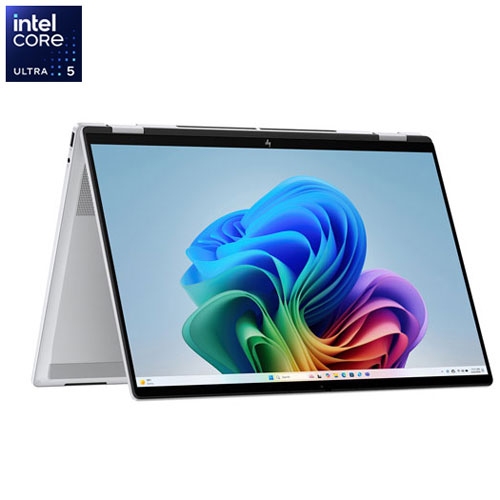
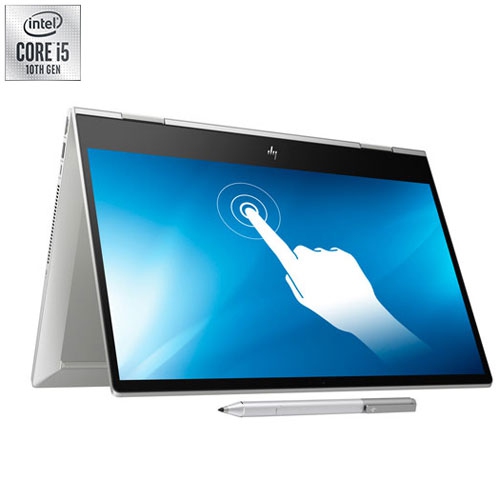
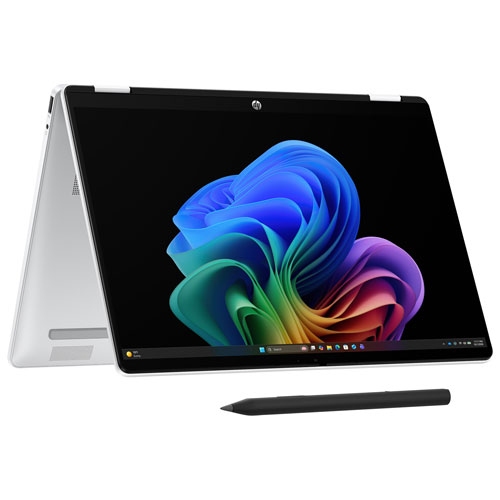
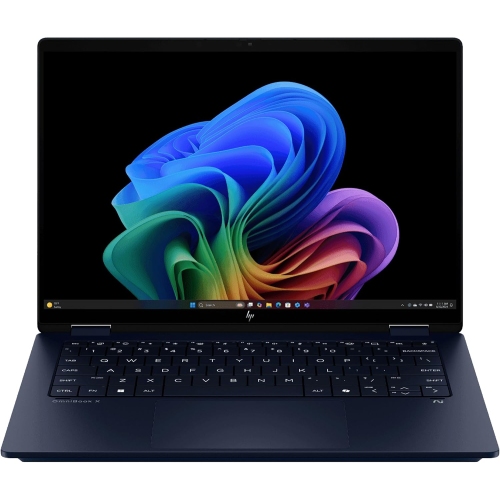
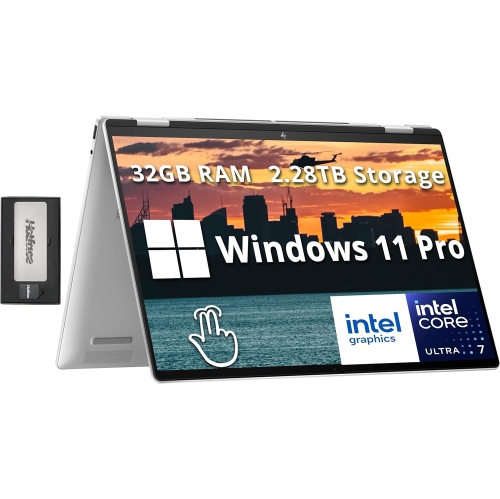
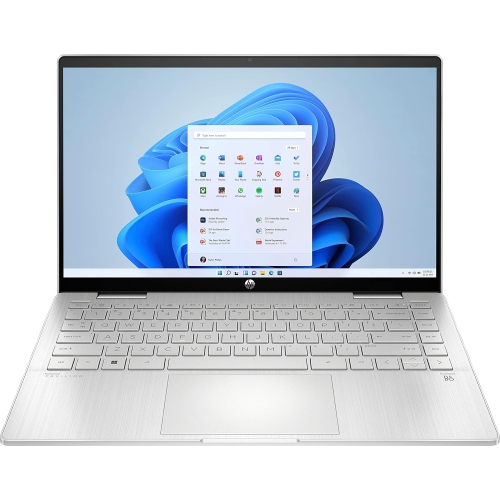
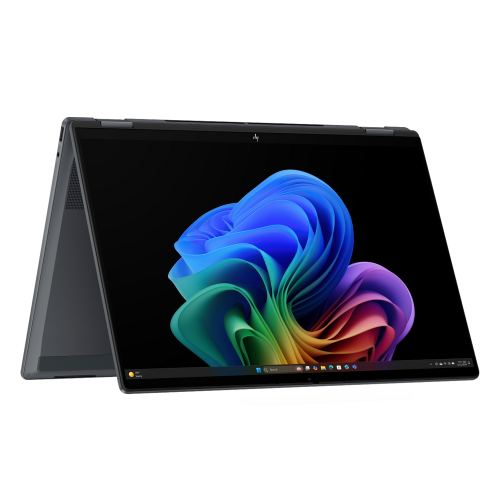
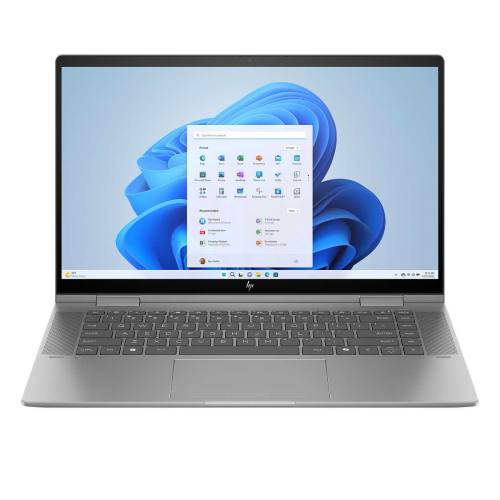
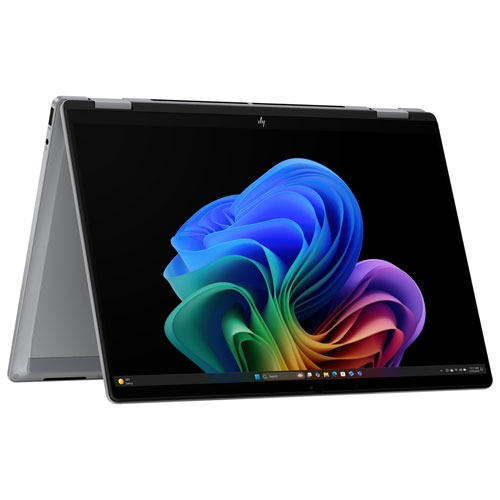
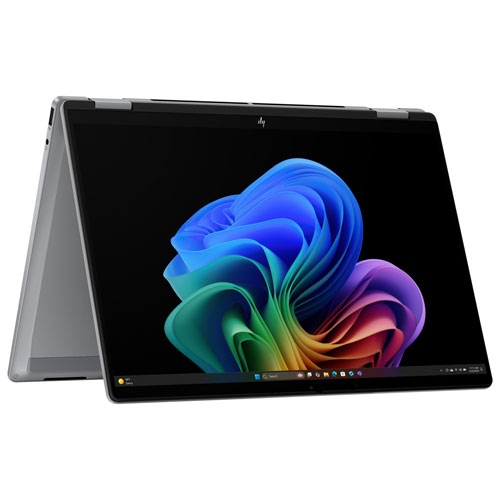
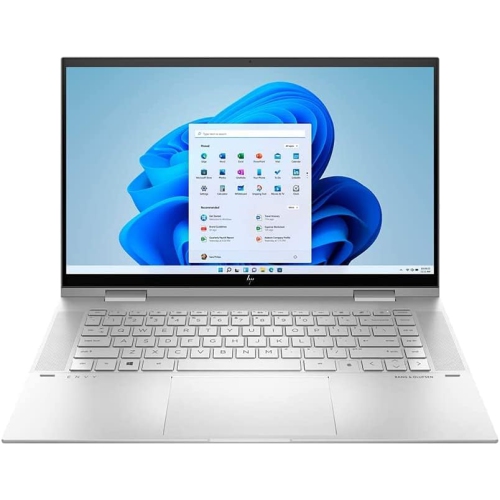
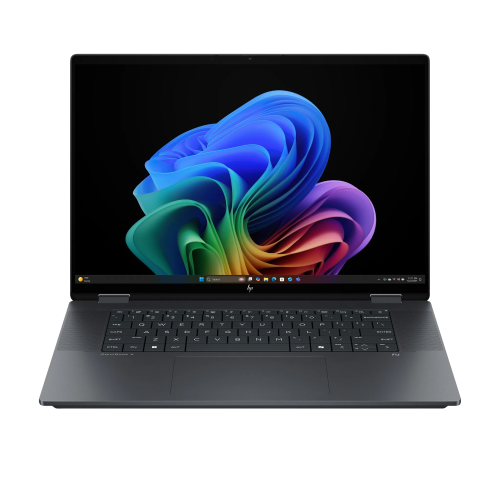
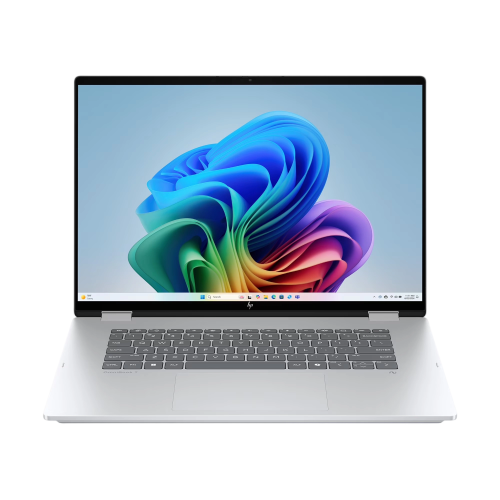
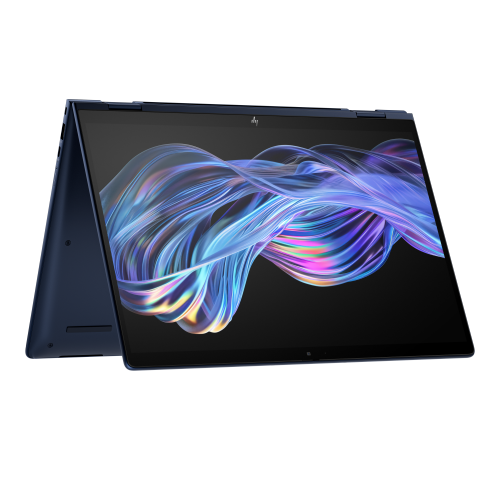
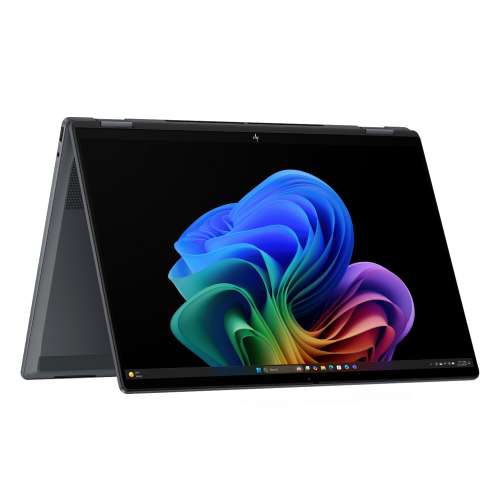
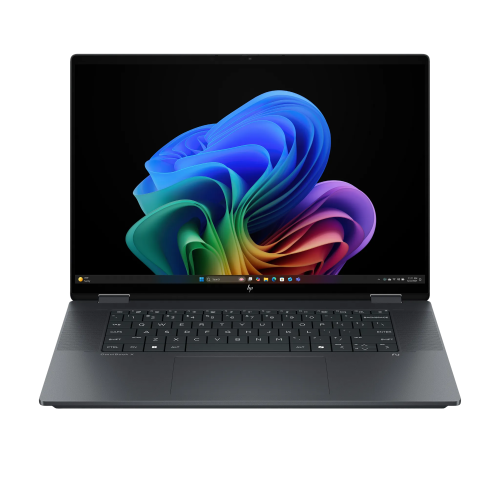
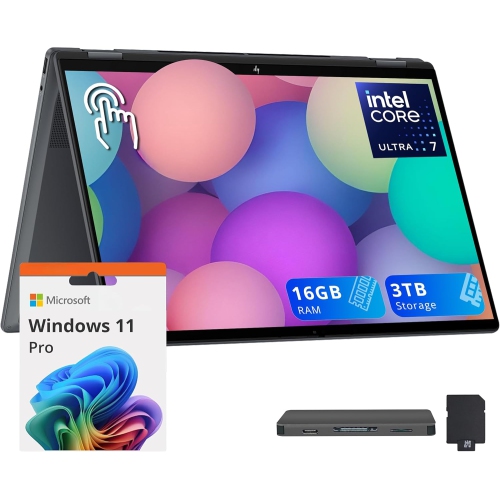
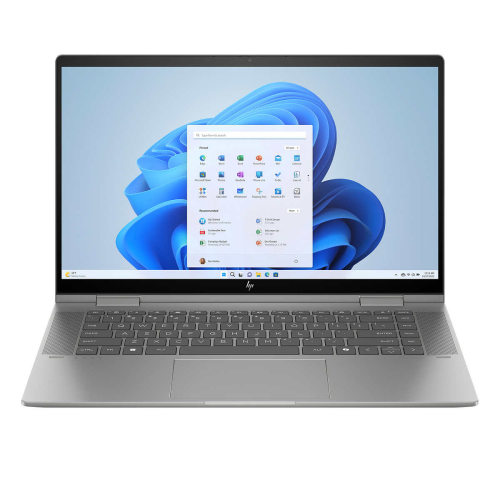
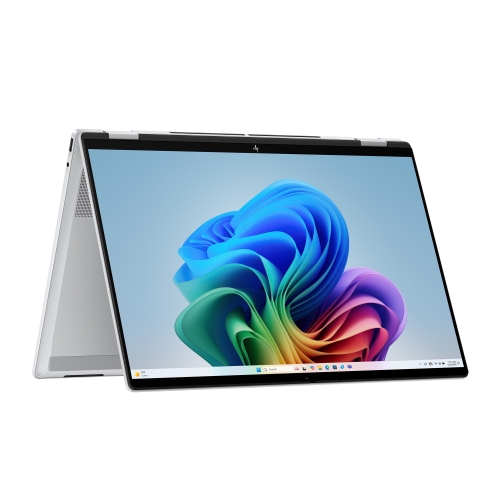
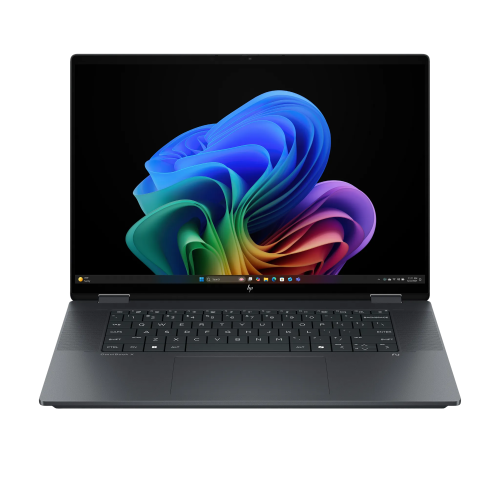
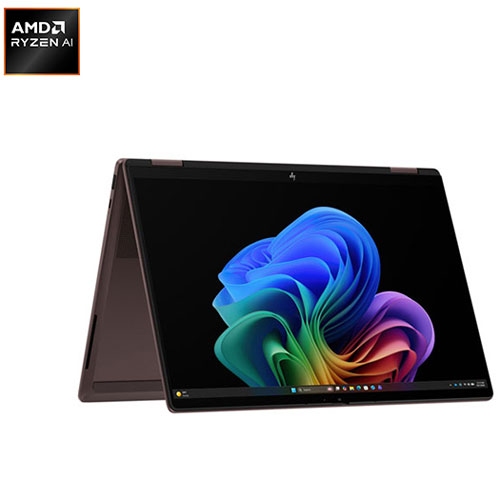
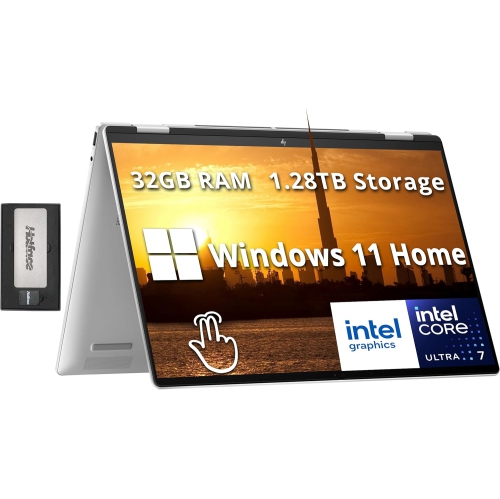
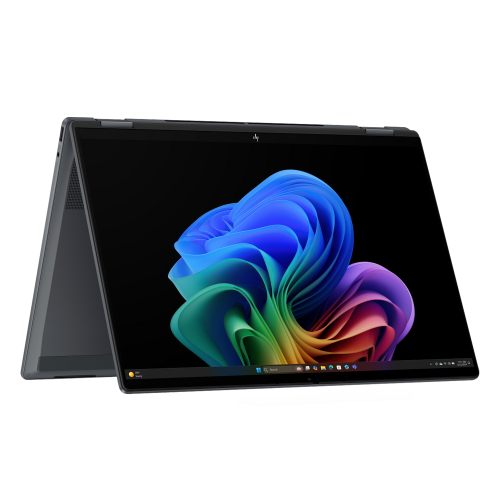
A 2-in-1 touch-screen laptop combines the familiar keyboard and trackpad of a notebook with a display that responds directly to taps, swipes, and other supported touch gestures. The convertible format is built around flexibility: a typical 360-degree hinge lets the screen fold back for tablet-style use, stand upright for presentations, or form a tent shape for watching videos on a table. In laptop mode, the same computer can handle documents, spreadsheets, research, and email with a physical keyboard. That change in position can make a noticeable difference throughout an ordinary day. A student might type an assignment at a desk, fold the keyboard behind the screen to review reading material, then prop the display up for a video call. Someone working between a home office and shared meeting spaces can move from detailed typing to showing a chart without passing a conventional laptop around the table. Within the broader range of HP Touch Screen Computers, convertible laptops pair touch interaction with an attached keyboard, making them distinct from standard clamshell notebooks and standalone tablets. The keyboard generally stays attached as the screen rotates, so tablet mode changes the shape of the computer rather than turning it into a lighter, separate device. On many designs, the keyboard and trackpad are disabled when folded back to help prevent accidental input. Touch is especially useful for scrolling through a recipe, enlarging a diagram, or moving between presentation slides, while a mouse or trackpad can remain more comfortable for precise spreadsheet work. Software also affects the experience: larger touch controls are easier to use with a fingertip than tightly packed desktop menus. This combination suits people who want a full laptop for everyday computing but appreciate a more direct way to read, present, browse, and interact with the screen.
Screen size, weight, and display quality shape how comfortably a convertible fits into those routines. A smaller chassis takes up less space on a classroom desk or café table and is usually easier to hold briefly in tablet mode. A larger display gives documents, video calls, and side-by-side windows more room, although the added size can feel less convenient when reading with the computer in hand. Resolution affects how sharp text and fine details appear, while brightness and surface reflections influence visibility near windows or under overhead lighting. Colour accuracy matters for photo editing, illustration, and other visual work, but a touch screen alone does not establish how accurately a panel reproduces colour. Pen support is another separate feature. A compatible active pen can make handwritten notes, diagram labels, and document annotations feel more natural; pressure sensitivity, palm rejection, and charging methods depend on the laptop and pen combination. Not every touch-enabled display supports the same pen technology, and a pen may be a separate accessory. Inside the computer, the processor and memory help determine how smoothly everyday programs and multiple browser tabs run together. More demanding creative projects, large datasets, and some games place additional demands on processing power, memory, and graphics hardware. Storage capacity affects how much room there is for applications, photos, videos, and downloaded coursework, while solid-state storage supports responsive startup and file access. Battery life varies with screen brightness, workload, wireless activity, and power settings, so a light reading session differs considerably from a long video meeting. Connections matter just as much in daily use. USB ports, display outputs, audio connections, and memory card readers vary by design, and a USB-C connector does not automatically support every charging or monitor function. Wi-Fi capabilities influence wireless connectivity, while the camera, microphones, and speakers contribute to the experience of remote classes, calls, and presentations. Together, these details determine whether the convertible format feels convenient beyond its folding screen.
The physical construction of a 2-in-1 laptop deserves attention because its hinge and chassis are handled in more positions than those of a conventional notebook. Metal and plastic housings can both suit everyday use; rigidity, hinge stability, surface finish, and overall construction matter more than the material name alone. A firm hinge helps keep the display steady during touch input, although tapping near the top of a large screen may still produce some movement. Rounded edges, balanced weight, and the position of buttons and ports become particularly noticeable when the computer is held like a tablet. Keyboard spacing, key travel, trackpad size, and palm-rest space remain important for anyone writing essays, preparing reports, or answering messages for extended periods. At a permanent desktop setup, an external keyboard, mouse, and supported monitor can provide more room to work, while the built-in touch screen remains useful for quick interactions. For travel between classes or workplaces, a padded sleeve with a close fit helps protect the casing from scratches and limits movement inside a bag. The screen should be free of pens, cables, and other objects before the lid closes, since pressure against trapped objects can damage the panel. Cleaning is best done with the computer powered off, using a clean, soft microfibre cloth and any cleaning method permitted by the manufacturer; liquid should not be sprayed directly onto the display or allowed into openings. Ventilation also matters, so firm work surfaces are preferable to bedding or cushions that can obstruct airflow. Gentle handling of the hinge and protection from knocks support long-term everyday use without making any laptop damage-proof. As a gift, a convertible can suit a student, a frequent note-taker, or someone who moves regularly between typing and reading, provided its software compatibility and physical size match their needs. Its lasting appeal lies in offering several practical ways to use one computer, with the keyboard ready for focused work and touch available whenever direct interaction feels simpler.
Top selling and popular products
-
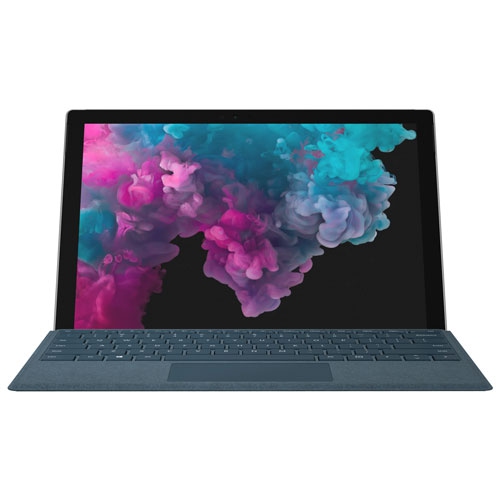 Your price for this item is $380
-
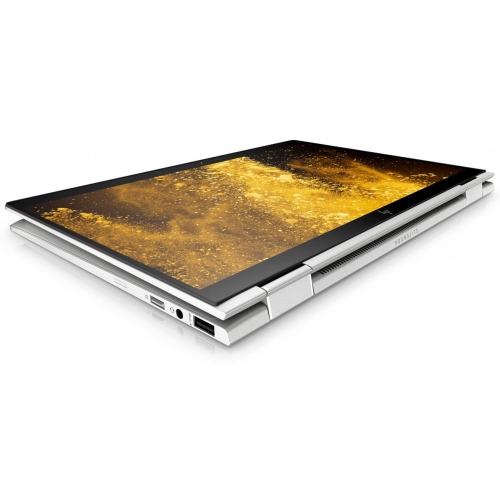 Your price for this item is $898
-
 Your price for this item is $1549.97
-
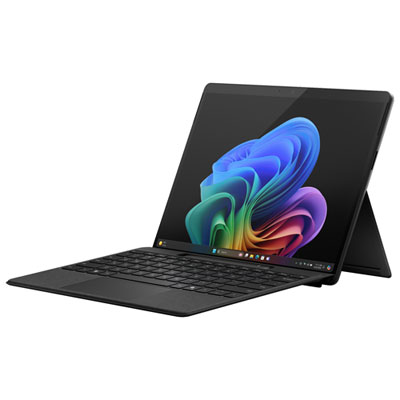 Your price for this item is $1849.99
-
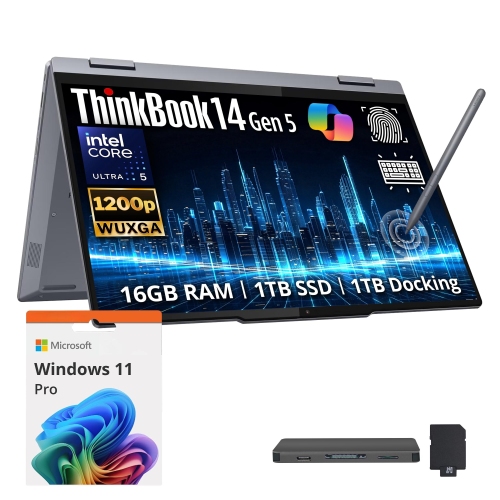 Your price for this item is $1899
-
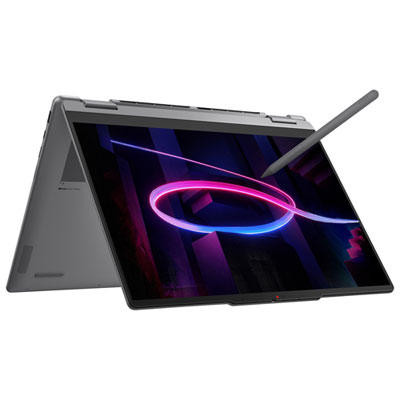 Your price for this item is $1999.99
-
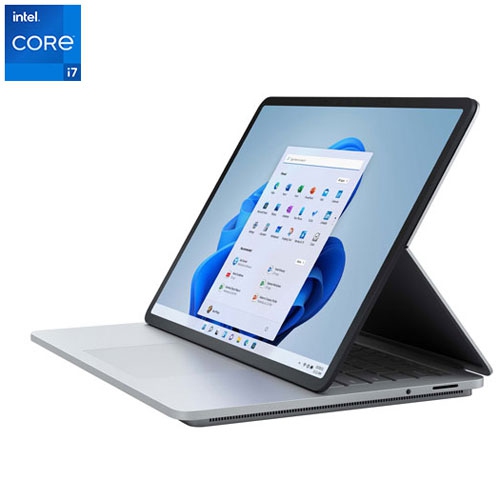 Your price for this item is $1499
-
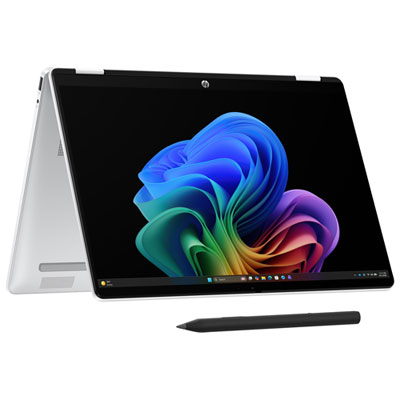 Your price for this item is $1799.99
Discover more categories related to HP 2-in-1 Touch-Screen Laptops
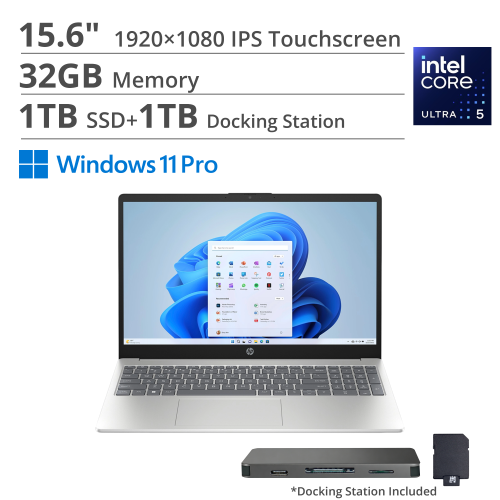
Top Collections:
Best Black Friday Deals This Year, Best Black Friday Deals On Electronics, Kindle Devices, Pokemon Centers, Best Black Friday Deals On Apple Products, Best Cameras for Sports Photography, Dyson Airwrap, Pokémon 30th Celebration Cards, Apple iPhone 17 Pro, Canon G7X Cameras
Some products may be subject to Environmental Handling Fees
(EHF) depending on your province.
Learn more about EHFs.