HP Core I7
Explore the impressive selection of HP Core I7 options designed to meet a wide range of computing needs. Whether you're working on demanding projects, streaming your favorite content, or enjoying immersive gaming experiences, these devices offer the performance and reliability you expect. Discover models that combine sleek design with powerful technology, making it easy to find the perfect fit for home, office, or on-the-go use. Find your ideal HP Core I7 and enjoy seamless multitasking and smooth operation every day.
Sort

Why computer performance depends on more than the processor
Core i7 laptops and desktop computers support a wide range of everyday and demanding tasks, from managing spreadsheets and video meetings to editing photos, writing code, and playing games. The processor handles instructions and calculations, but the experience also depends on memory, storage, graphics, cooling, and the software being used. Systems built around a Core I7 CPU can differ considerably: processor generation, core configuration, and power requirements all affect performance, so the i7 designation alone does not tell the whole story. A thin laptop designed for travel and a larger desktop designed for sustained workloads may prioritize very different needs. For someone moving between a browser full of research tabs, a presentation, and a video call, sufficient RAM helps keep those applications responsive together. Large photo libraries, virtual machines, and complex creative projects can place greater demands on memory, making capacity an important part of the overall configuration. Solid-state storage helps with starting the operating system, opening applications, and accessing files, while storage capacity determines how much space is available for documents, footage, games, and other content. Graphics hardware matters as well. Integrated graphics can suit office work, streaming, and many everyday tasks, while dedicated graphics may be important for demanding games, 3D work, and applications that use graphics acceleration. A capable processor does not replace the need for suitable graphics hardware, and software requirements remain a useful reference for specialized workloads. For students, professionals, creators, and households sharing one computer, the most useful configuration is the one that fits the actual mix of applications and working habits. Someone preparing reports and attending online classes has different requirements from someone exporting long videos or building detailed digital models. Processor specifications are therefore most meaningful alongside the rest of the system, rather than as a stand-alone promise of speed. Even within the same processor family, differences in chassis design and cooling can influence how consistently a computer maintains performance during a lengthy export, compilation, or gaming session.
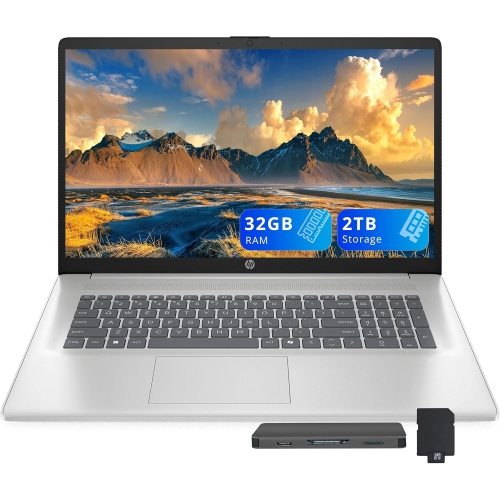
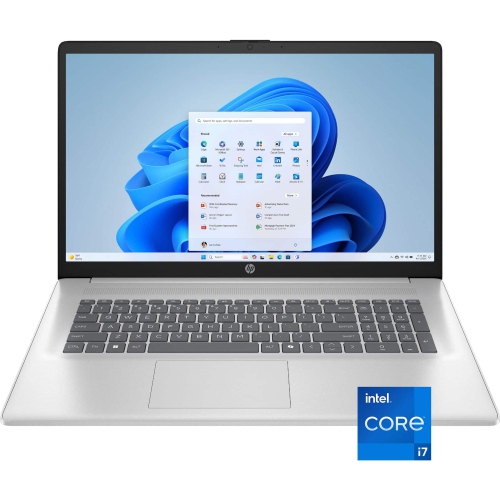
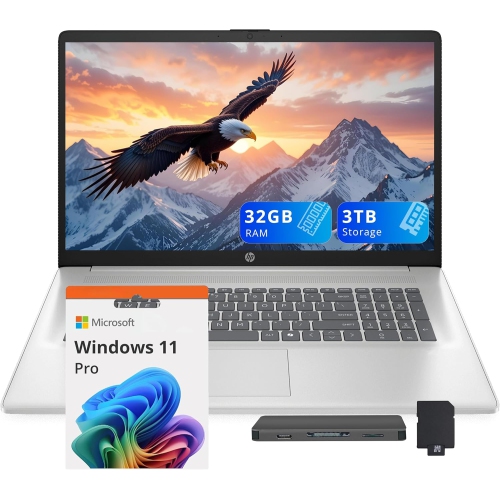
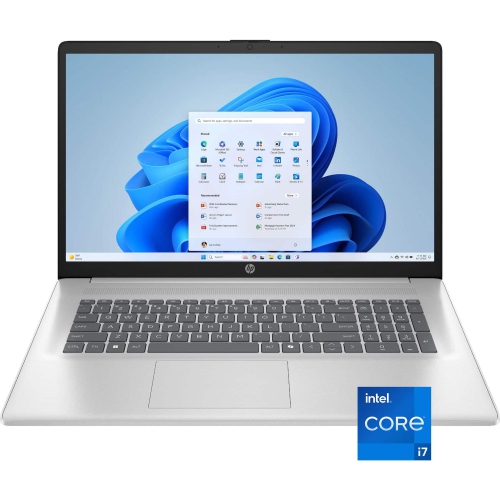
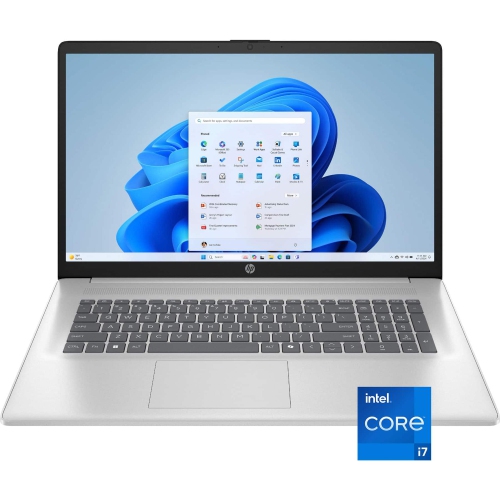
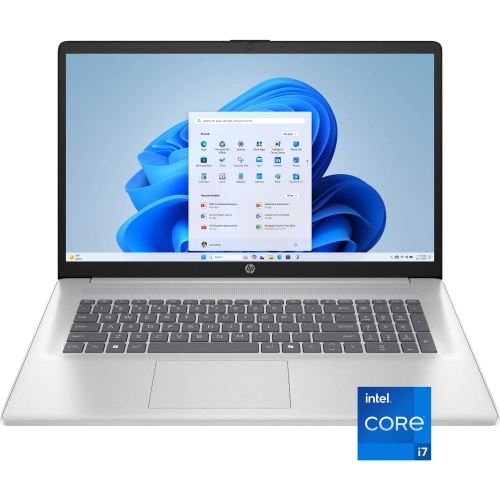
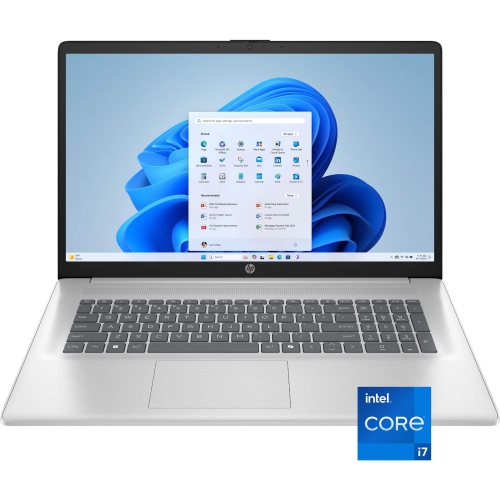
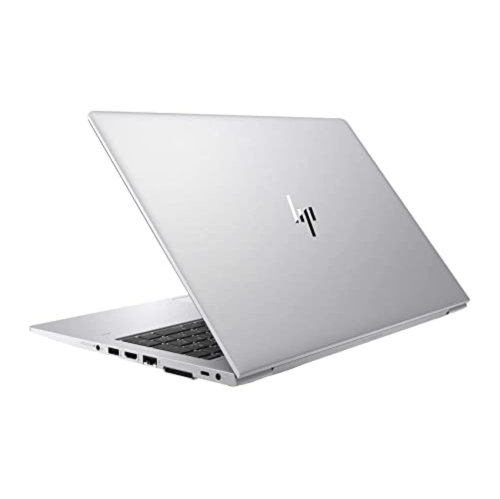
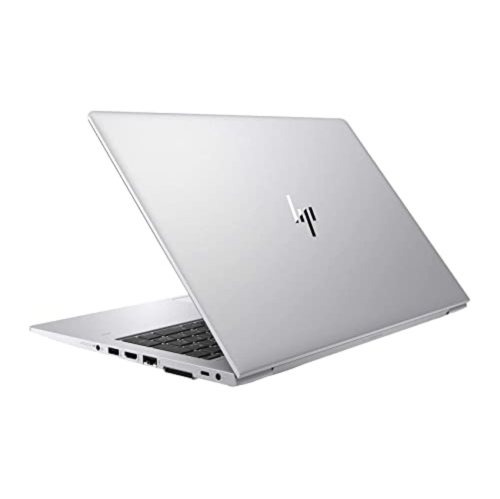
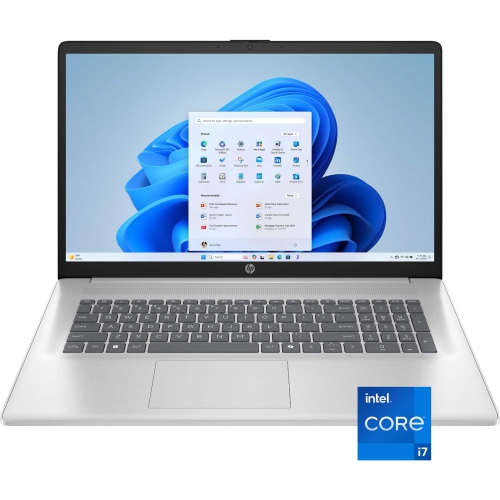
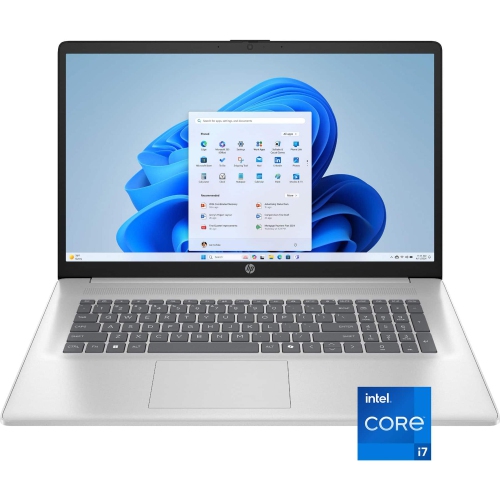
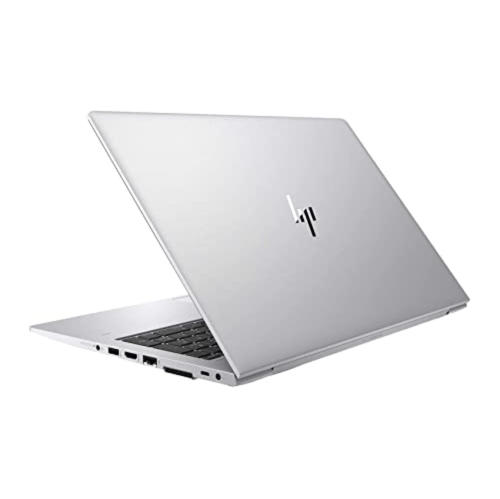
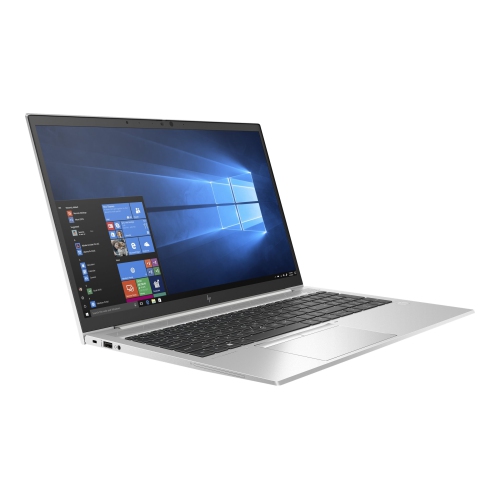
Laptop designs bring that computing capability into spaces where portability matters, whether that means carrying a computer between lectures, working at a shared desk, or presenting in a meeting room. Screen size, overall weight, and chassis dimensions influence how comfortably a laptop fits into a bag and onto a workspace. A larger display can make side-by-side documents and detailed timelines easier to view, while a smaller body can be more convenient when desk space is limited. Resolution affects the detail visible on screen, and brightness and surface finish influence readability under overhead lighting or beside a window. For photo and design work, colour accuracy and supported colour coverage deserve attention alongside resolution. Keyboard layout, key feel, and touchpad size also shape daily comfort, especially for someone who spends hours writing assignments or entering figures. A numeric keypad can be useful for frequent data entry, though its inclusion depends on the design. Materials vary by model: metal panels can provide a firm feel, while plastic construction can help keep weight manageable. Neither material alone establishes durability; hinge construction, chassis rigidity, and careful handling also matter. A padded sleeve or fitted bag helps protect the exterior during travel, and carrying the computer with the lid closed reduces strain on the display assembly. Battery life varies with processor settings, display brightness, graphics use, and workload, so unplugged document editing is a different scenario from gaming or rendering. Connections are equally practical considerations. USB-C ports can have different capabilities, with charging, display output, and data speeds depending on the port specification. External monitors, wired networks, memory cards, and older accessories may require particular connections or adapters. Wi-Fi capability, webcam quality, microphones, and speakers round out the experience for online collaboration. At a permanent desk, a compatible dock, external keyboard, and monitor can make a portable computer more comfortable for extended work without changing the convenience of taking it elsewhere.
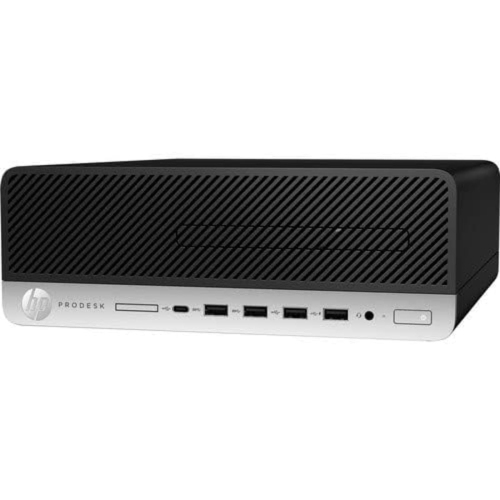
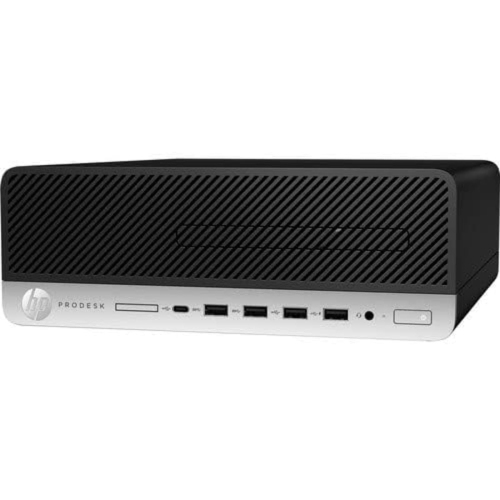
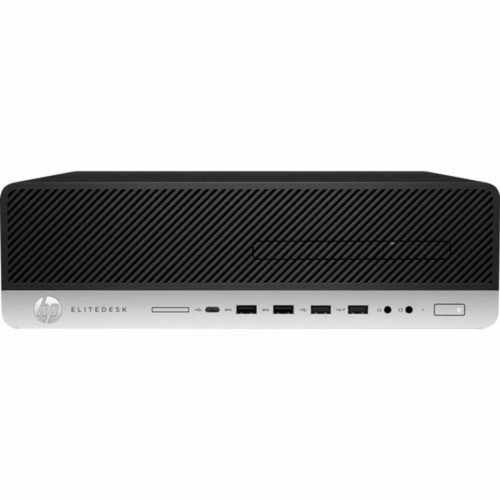
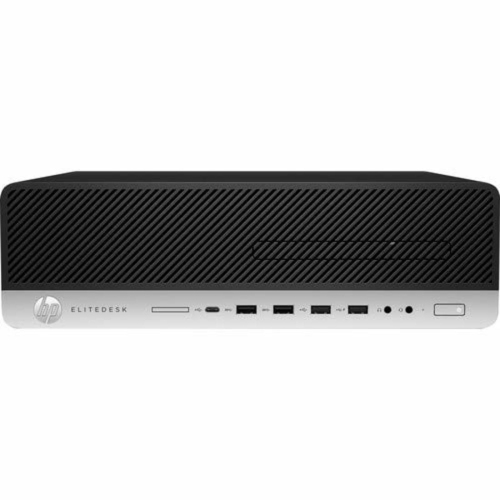
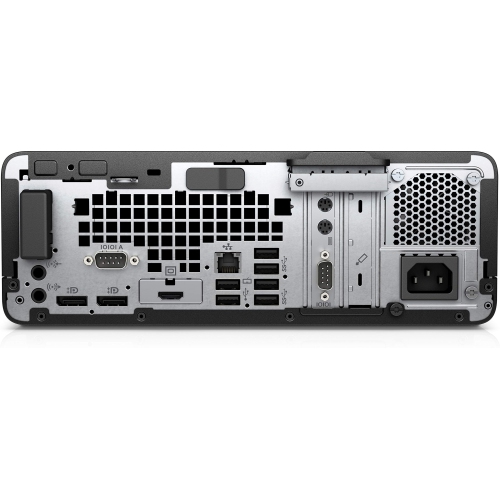
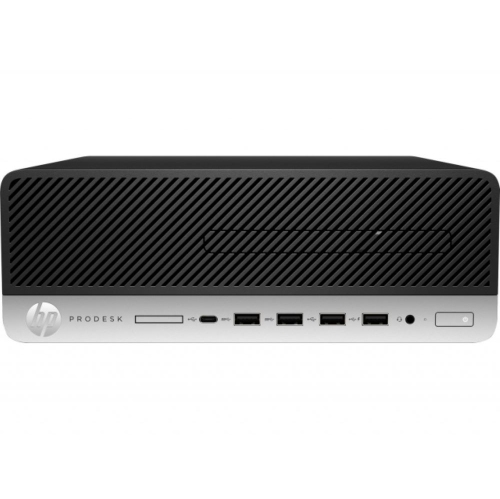
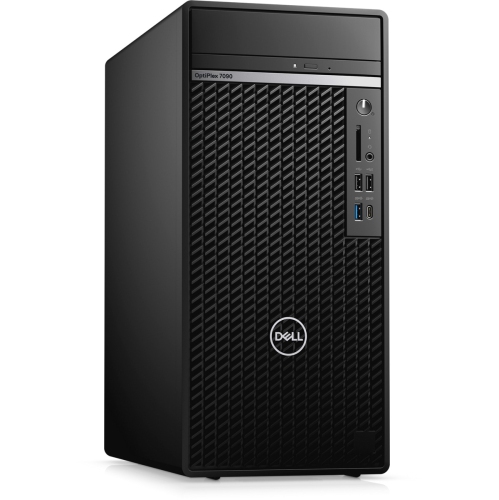
Desktop computers suit a more settled workspace, with room for separate displays, full-size input devices, and a layout arranged around the user. Depending on the case and internal design, a desktop may offer additional space for cooling, storage, or future component changes. Those possibilities are not universal: compact systems can have tighter limits, and processor, memory, graphics, and power-supply compatibility must be confirmed before any upgrade. A processor intended for a desktop is not automatically interchangeable with one in a laptop, and many laptop processors are not user-replaceable. For gaming, the balance between processor and graphics performance matters alongside the monitor’s resolution and refresh rate. For creative work, application support, memory capacity, storage space, and dependable backup arrangements can be just as important as processor speed. A home office computer might instead be centred on quiet operation, clear calls, multiple displays, and easy access to everyday files. Physical fit deserves attention too: a tower needs a stable position with unobstructed ventilation, while monitor placement should leave enough room for a comfortable viewing distance and relaxed keyboard use. Routine care helps both laptops and desktops stay ready for daily tasks. Vents should remain clear, drinks should be kept away from keyboards and openings, and exterior cleaning should follow the manufacturer’s directions using suitable materials. Laptops are best used on firm surfaces rather than bedding that can block airflow. Operating system and application updates support security and compatibility, while backups help protect coursework, business records, and personal photos if a drive fails or a computer is damaged. For a student starting a demanding program, a family member working from home, or a creator developing a new skill, a computer can also be a thoughtful gift when its format and capabilities match the recipient’s routine. Familiar software, accessibility needs, preferred screen size, and existing accessories all help determine whether that computer will feel useful and comfortable long after the initial setup.
Top selling and popular products
-
 Your price for this item is $449
-
 Your price for this item is $3099
-
 Your price for this item is $1800.68
-
 Your price for this item is $664.05
-
 Your price for this item is $869.99
-
 Your price for this item is $2960.48
-
 Your price for this item is $489.7
-
 Your price for this item is $1199
Discover more categories related to HP Core I7

Top Collections:
Best Black Friday Deals This Year, Best Black Friday Deals On Electronics, Kindle Devices, Best Black Friday Deals On Apple Products, Best Budget Office Chairs, Best Cameras for Sports Photography, Dyson Airwrap, Canon G7X Cameras, Best Laptops for Writers, Samsung Galaxy Phones
Some products may be subject to Environmental Handling Fees
(EHF) depending on your province.
Learn more about EHFs.