Acer Core I5
Discover the versatility and performance of Acer Core I5 laptops, designed to meet a wide range of computing needs. Whether you're working on important projects, streaming your favorite content, or staying connected with friends and family, these devices offer reliable solutions for everyday tasks. Explore the selection of Acer Core I5 models to find the perfect fit for your lifestyle and enjoy a seamless experience at home, work, or on the go.
Sort

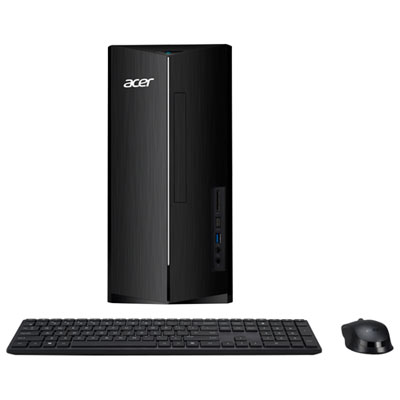
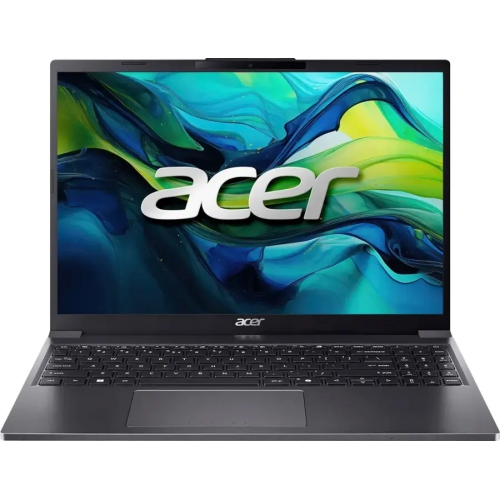
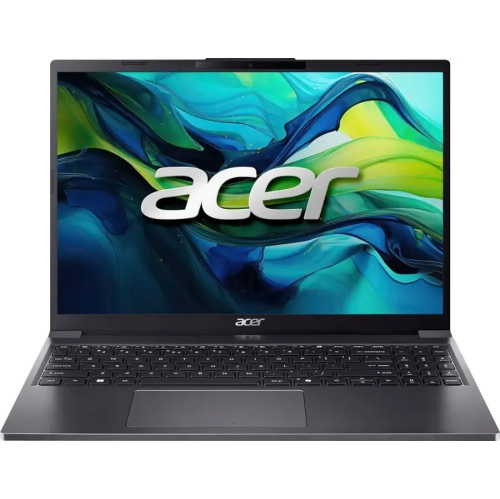
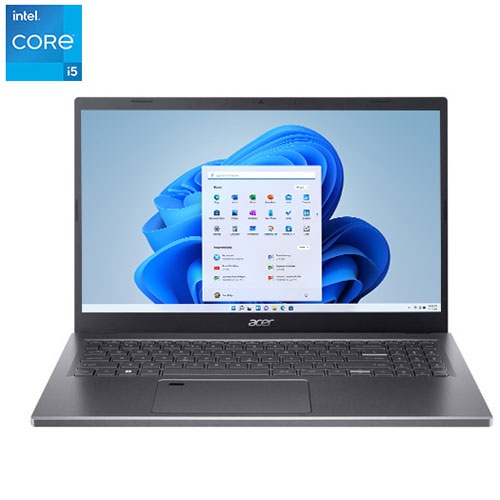
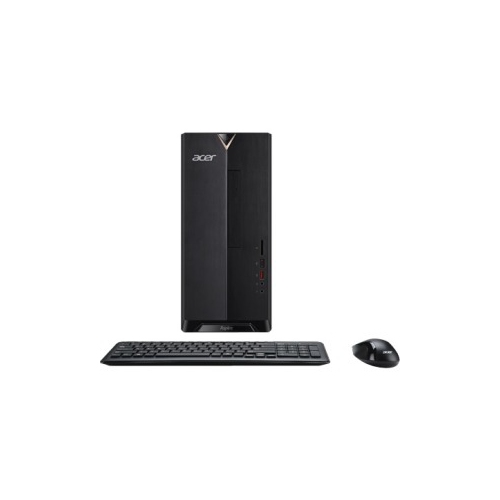
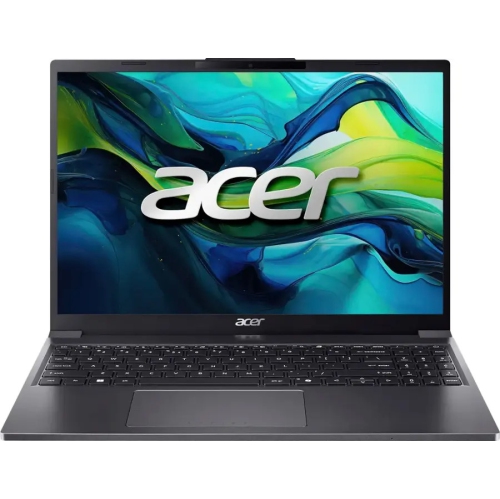
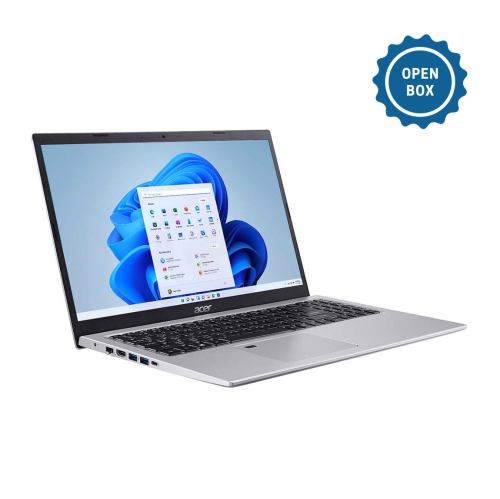
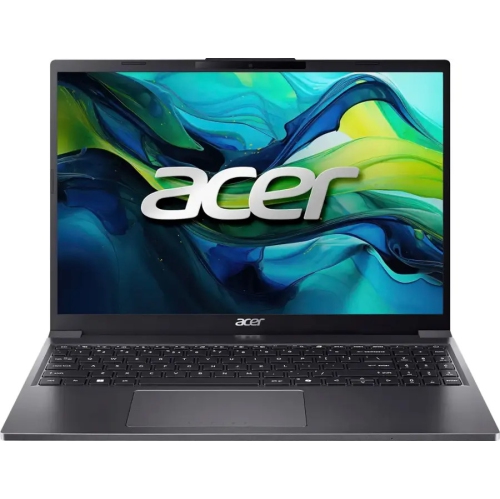
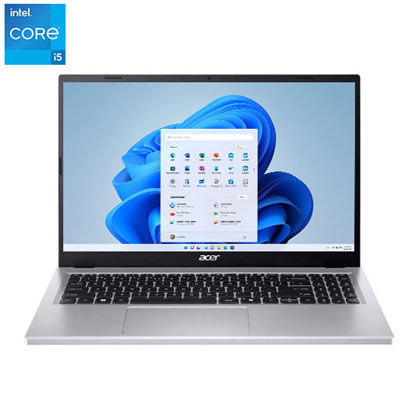
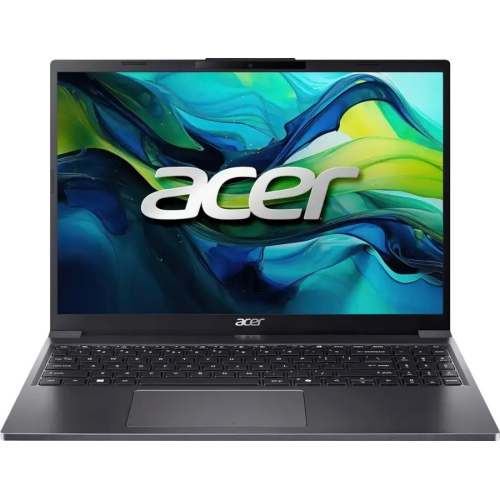
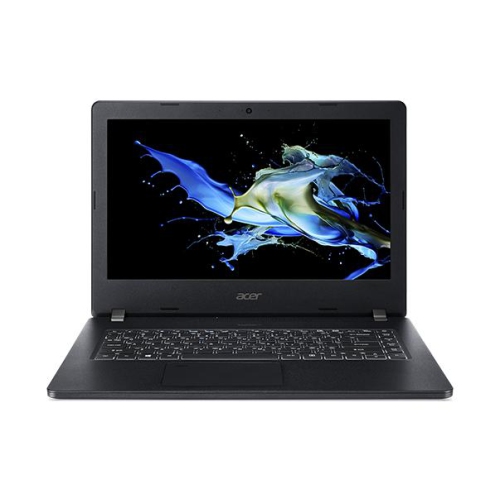
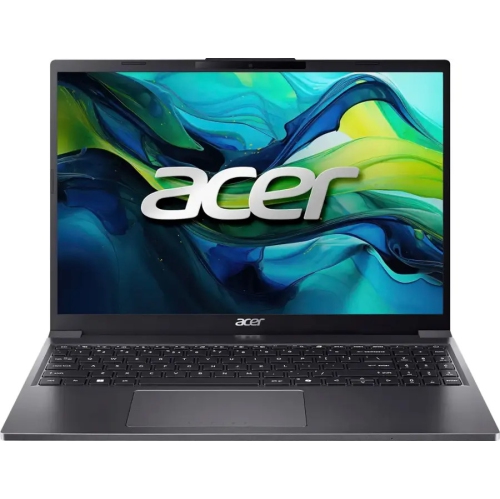
Why everyday performance depends on more than the processor
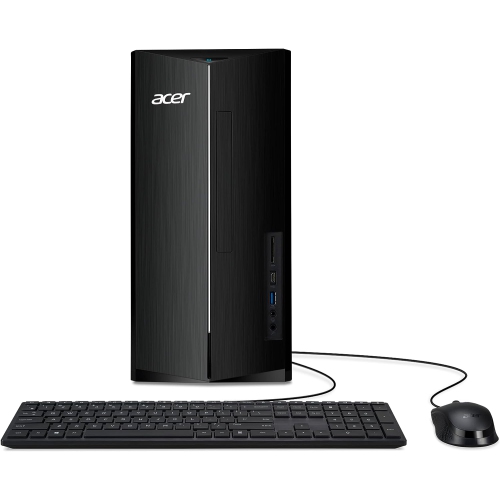
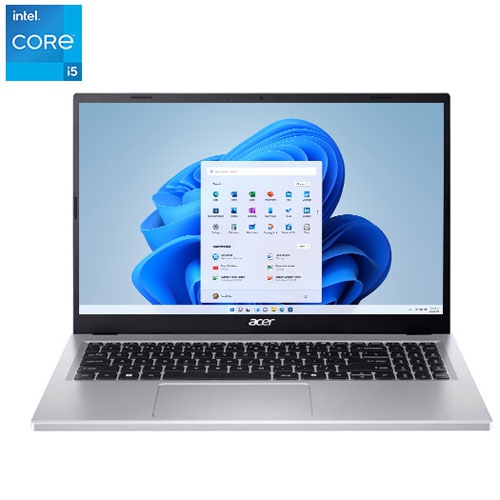
Core i5 laptops and desktops suit a broad range of everyday computing tasks, from writing assignments and managing spreadsheets to joining video calls and organizing photos. The processor handles much of the work behind these activities, but the experience also depends on memory, storage, graphics, and the demands of the software being used. A computer that feels responsive with a document and a few browser tabs open may behave differently with several large applications running at once. For students, office workers, and households sharing a computer, a balanced configuration can make the difference between a smooth routine and frequent interruptions. The Core i5 name identifies a processor family rather than one fixed level of performance, so the full processor number and generation provide important context. Laptop processors may prioritize portability and battery life, while desktop processors can have more room for power and cooling. Core counts and other capabilities also differ across generations, making the complete specifications more useful than the family name alone. A laptop brings the screen, keyboard, pointing device, and battery together in a portable package that can move between a desk, classroom, and meeting room. A desktop makes more sense for a permanent workspace where a separate monitor, full-size keyboard, and mouse can stay connected. Some desktop designs leave room for additional components, although expansion depends on the case, motherboard, power supply, and internal layout. Compact designs take up less desk space but may offer fewer upgrade options. Neither format is automatically better for every task: portability matters to someone carrying coursework between classes, while a larger display and comfortable desk setup may matter more to someone reviewing detailed documents all day. For a shared family computer, separate user accounts can help keep school files, personal photos, and work documents organized without mixing everything into one workspace.
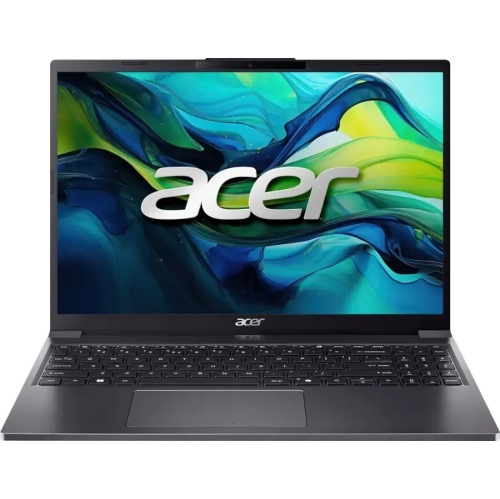
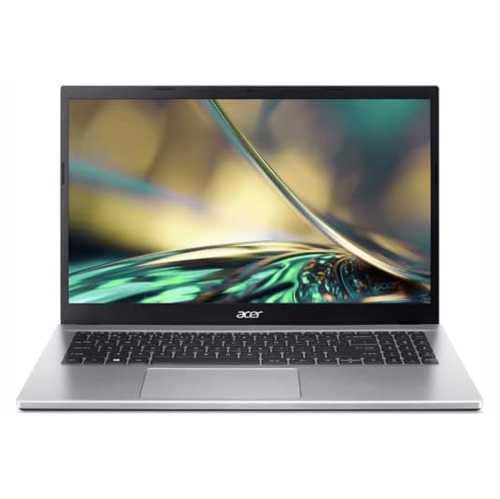
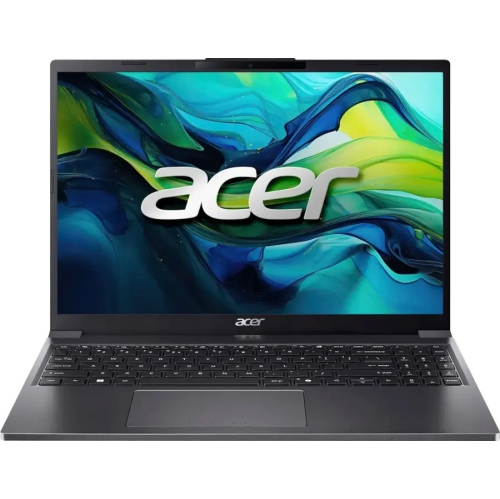
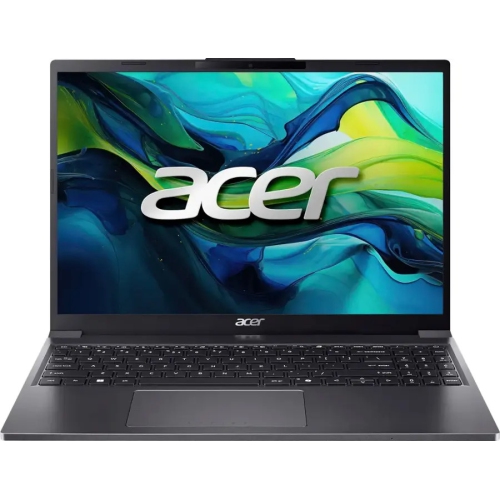
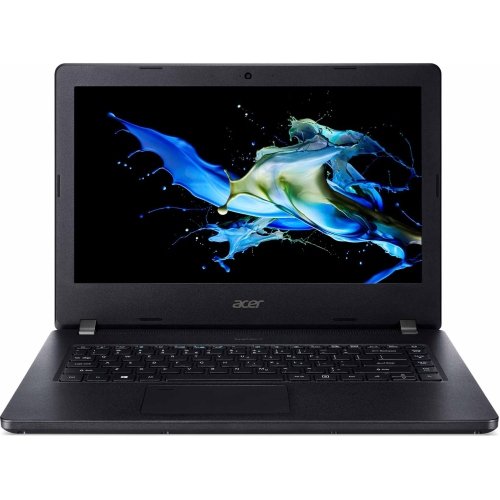
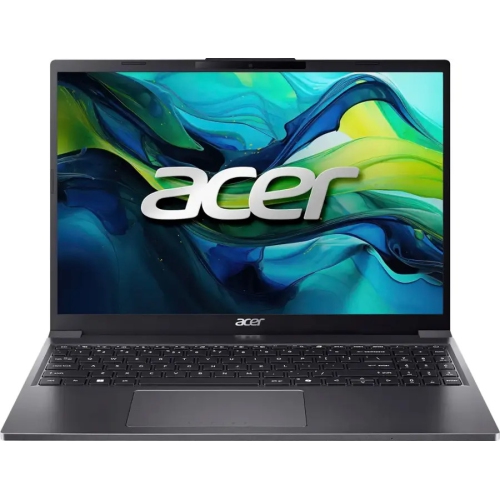
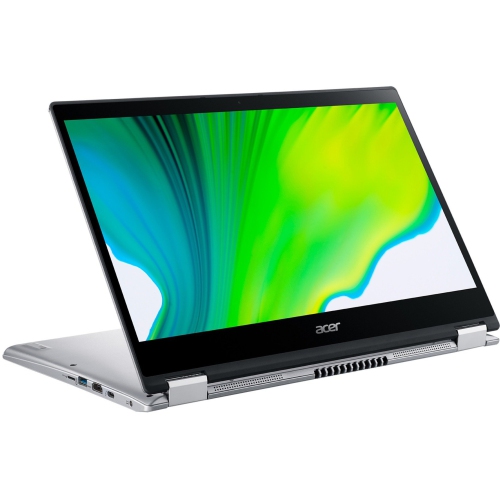
For laptops, physical fit deserves as much attention as the processor specification. Screen size affects both the working area and the space needed in a bag, while weight becomes more noticeable when a computer travels alongside books, a charger, and other daily essentials. A smaller display can be convenient for commuting, whereas a larger screen provides more room for side-by-side documents, spreadsheet columns, or application controls. Resolution influences how much detail the screen can show, and brightness and surface finish affect visibility near windows or under overhead lighting. An IPS panel generally offers wider viewing angles, which can be helpful when two people are looking at the same screen. Colour accuracy matters more for photo work and design than for email or routine document editing, and it should be assessed separately from resolution. Touch input and a folding hinge are features of certain laptop designs, not automatic benefits of the processor family. Keyboard layout also shapes daily comfort: a numeric keypad can help with frequent data entry, while key spacing, palm-rest dimensions, and touchpad placement influence how natural the computer feels during longer sessions. Materials such as plastic and aluminium contribute to weight and feel, but material alone does not establish durability. Hinge construction, chassis rigidity, and careful handling matter too. A padded sleeve or properly fitted laptop compartment helps protect a computer from bumps during travel, especially when accessories are stored separately rather than pressed against the lid. Routine care is straightforward: keep drinks away from the keyboard, leave ventilation openings clear, and follow the manufacturer’s cleaning directions. A soft microfibre cloth is useful for removing fingerprints, with cleaning liquid applied to the cloth rather than sprayed directly onto the computer. Using a laptop on a firm surface instead of bedding helps avoid blocking its vents. For desk use, an external keyboard and a raised screen can support a more comfortable viewing position, provided the setup remains stable and the connections suit the computer.
Memory, storage, and graphics help determine how well a Core i5 computer fits a particular workload. Memory holds information that active applications need, while storage keeps files and installed software when the computer is switched off. For someone moving among browser tabs, video meetings, spreadsheets, and messaging apps, 16GB of memory can provide more breathing room than 8GB, although individual requirements vary. Some laptops have soldered memory that cannot be replaced, while others use accessible memory modules; desktop upgrade options also depend on the design. A solid-state drive can help applications launch promptly and files open quickly, but capacity still matters when storing photos, videos, and large projects. A 512GB drive, for example, has less usable space after formatting, the operating system, and included software are accounted for. Regular backups remain important regardless of drive size. Graphics requirements deserve separate attention because the processor name does not establish gaming or creative performance. Integrated graphics may suit office work, streaming, and some lighter games, while demanding games, complex 3D projects, and certain editing tasks can benefit from a suitable dedicated graphics processor. Software requirements provide a useful reference for both hardware capabilities and operating-system compatibility. Connections matter just as much in a finished setup: USB ports, display outputs, an audio connection, and a memory card reader can determine whether existing accessories connect directly or need an adapter. A USB-C port does not necessarily support charging or external video, so its stated capabilities matter. Wi-Fi supports a flexible workspace, while Ethernet can provide a wired network connection where supported. For a different processor category, HP Core I7 computers offer another point of comparison, with generation and overall configuration still shaping suitability. As a gift for a student, family member, or someone setting up a home office, a computer is most useful when its size, software compatibility, and connections match the recipient’s routine. A comfortable, well-matched system supports the tasks that fill an ordinary day without adding unnecessary complexity.
Top selling and popular products
-
 Your price for this item is $449
-
 Your price for this item is $3099
-
 Your price for this item is $1800.68
-
 Your price for this item is $664.05
-
 Your price for this item is $869.99
-
 Your price for this item is $2960.48
-
 Your price for this item is $489.7
-
 Your price for this item is $1199
Discover more categories related to Acer Core I5
Top Collections:
Best Black Friday Deals This Year, Best Black Friday Deals On Electronics, Kindle Devices, Best Black Friday Deals On Apple Products, Best Budget Office Chairs, Best Cameras for Sports Photography, Dyson Airwrap, Canon G7X Cameras, Best Laptops for Writers, Samsung Galaxy Phones
Some products may be subject to Environmental Handling Fees
(EHF) depending on your province.
Learn more about EHFs.