HP Desktops
If you're looking for a powerful desktop computer to meet your computing needs, this range of HP desktops offers high performance, versatility, and reliability for both work and play. With a variety of models featuring the latest technology and sleek designs, you can find the perfect desktop to suit your lifestyle. Whether you are a professional in need of a robust workstation or a gamer looking for seamless graphics and speed, this selection of desktops has something for everyone.
Sort
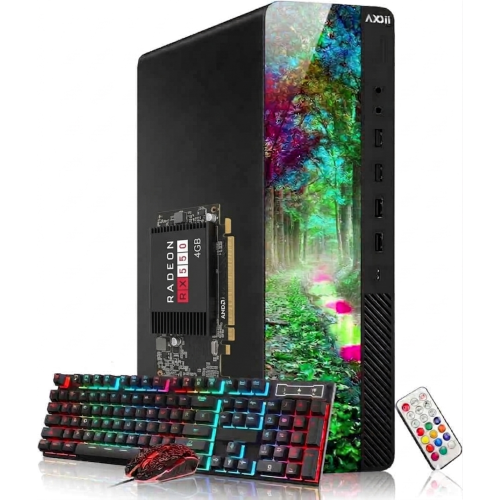
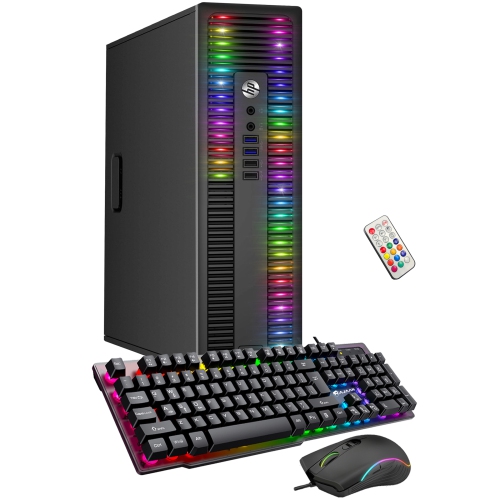
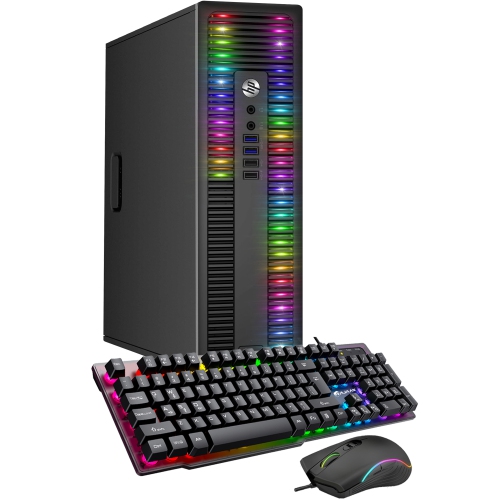
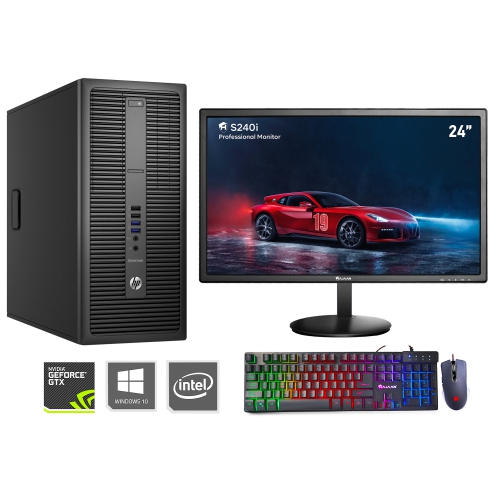
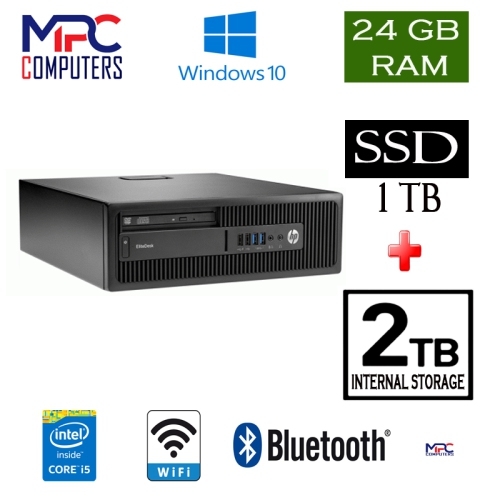
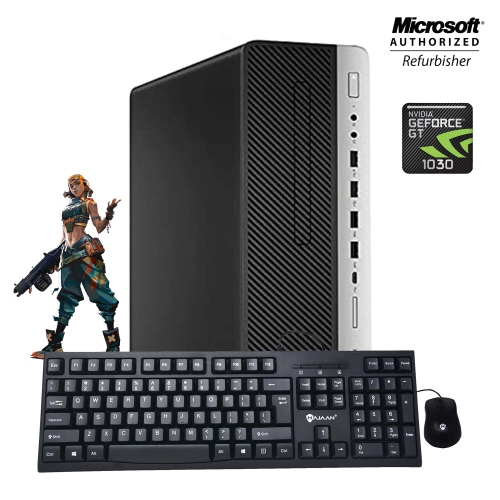
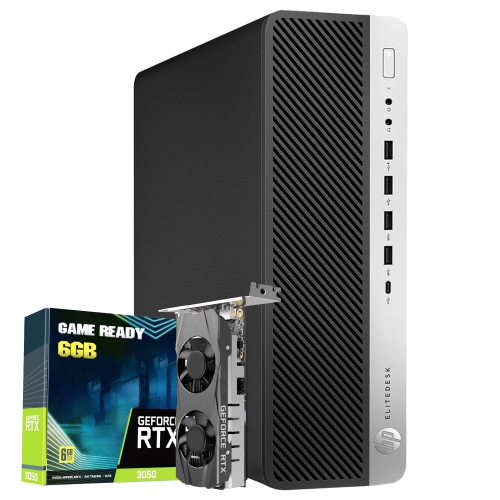
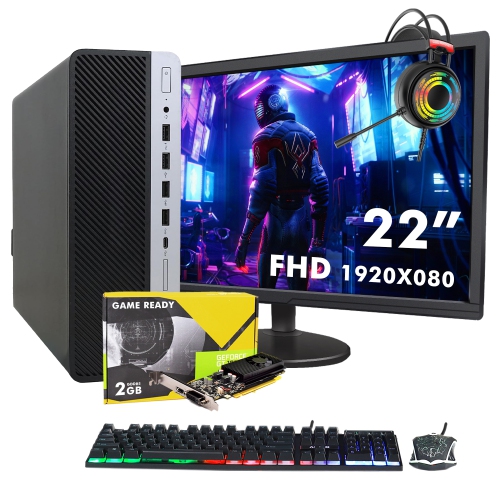
A practical guide to comfortable, capable desktop setups
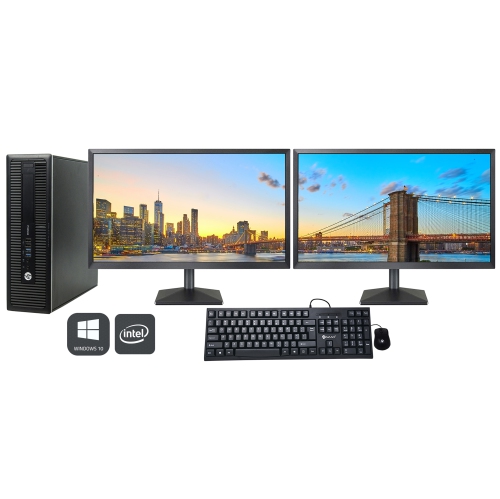
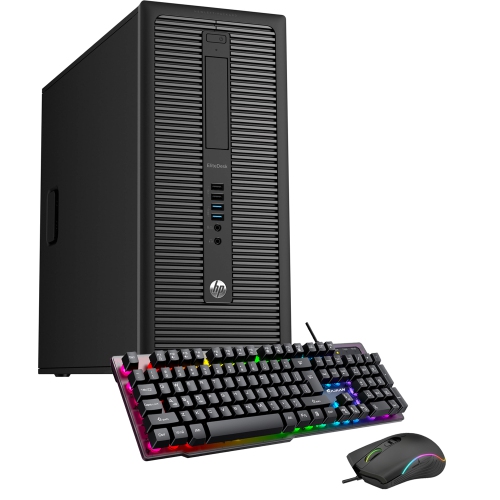
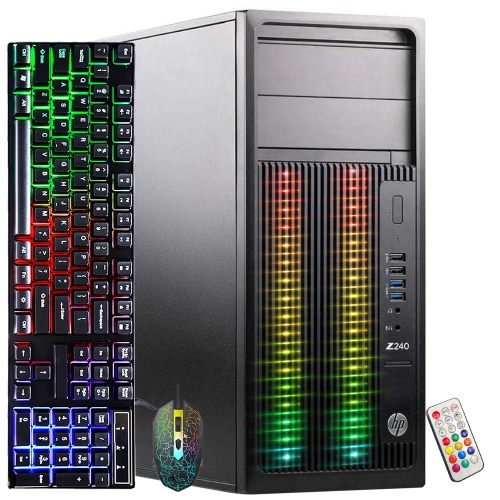
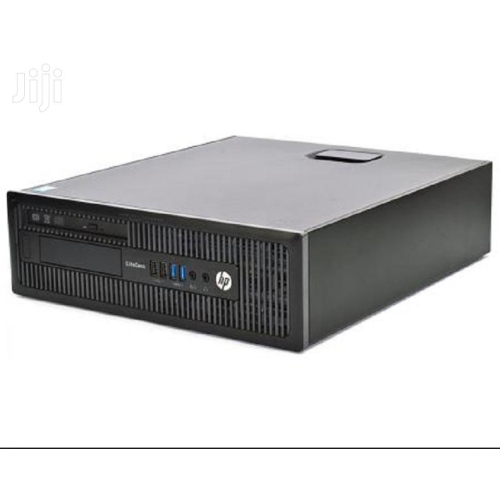
HP desktops offer a dependable foundation for work, study, creativity, communication, and everyday entertainment. Unlike a portable computer, a desktop is designed to stay in one place, giving you a dedicated setup that can be arranged around the way you live and work. Many people appreciate having a full-sized display, a comfortable keyboard, a precise mouse, and a clear, uncluttered workspace ready whenever they sit down. A desktop can be a practical choice for a home office, a student’s study area, a family room, or a shared household computer station. It can handle tasks such as browsing the web, managing finances, attending video calls, writing documents, organizing photos, streaming shows, and keeping up with online learning. For more demanding routines, the right configuration can also support photo editing, content creation, multitasking, and other applications that benefit from a capable processor, generous memory, and responsive storage. Before choosing, consider how much space is available and whether you prefer a compact all-in-one design or a traditional tower paired with a separate monitor. An all-in-one desktop can help keep a smaller desk looking neat, with many of the main components built into the display, while a tower setup may offer more flexibility for selecting a monitor, adding accessories, or making future upgrades. Think about where the computer will sit, how far you will be from the screen, and whether you need room for speakers, a printer, or other equipment. A well-planned setup can make a noticeable difference during long work sessions, from keeping cables under control to positioning the display at a comfortable height and angle.
When comparing desktop computers, start with the tasks that matter most rather than focusing on specifications in isolation. The processor influences how smoothly a computer manages everyday applications and demanding workloads, while memory affects how easily you can move between multiple programs, browser tabs, documents, and media. Storage capacity is important for school files, work projects, downloaded content, family photos, and creative libraries, and solid-state storage can contribute to quick start-up times and a responsive feel. Pay attention to the operating system and the types of applications you expect to use, especially if the computer will be shared by several people with different needs. Connectivity is another practical consideration. Look for the ports and wireless features that suit your existing accessories, such as USB devices, external storage, webcams, printers, headphones, and other peripherals. A desktop with a range of connection options can make it easier to build a complete workstation without relying on numerous adapters. Display size and resolution also deserve attention. A larger screen can make spreadsheets, timelines, and side-by-side documents easier to view, while a sharper display can be helpful for detailed images and text. If the computer will be used for video calls, check whether you will need a separate webcam or microphone. Families may also want to think about user accounts, parental controls, and the placement of the computer in a shared area where it is easy to supervise and access. During the cooler months, a dedicated desktop area can become a comfortable spot for homework, hobbies, and administrative tasks, while a stable setup remains useful as routines change throughout the year.
A desktop computer can be a thoughtful gift for a student preparing for a new school term, a family member setting up a home office, or someone ready to organize years of photographs and personal files. It can also suit a first-time computer owner who wants a straightforward, permanent workstation rather than a device that needs to travel. When choosing for someone else, consider the recipient’s habits, available space, and comfort with technology. A student working on essays and research may value a clear display and smooth multitasking, while a creative user may prioritize storage, memory, and display quality. Someone who spends much of the day in meetings may benefit from easy access to video-call accessories and a comfortable desk arrangement. For a household computer, look for a balanced combination of performance, storage, connectivity, and ease of use that can serve different people without becoming complicated. It is also worth budgeting for the accessories that make the computer feel complete, including a monitor where needed, keyboard, mouse, speakers, webcam, surge protection, and backup storage. Those small details often shape the daily experience: a comfortable mouse can make a full afternoon of paperwork easier, and an organized cable layout can keep a busy workspace feeling calm. If portability is more important than a permanent workstation, explore HP Laptops for a mobile alternative. Whether it becomes the centre of a home office, a shared family station, or a quiet corner for creative projects, a well-matched desktop can provide a reliable place to connect, create, learn, and stay organized.
When comparing desktop computers, start with the tasks that matter most rather than focusing on specifications in isolation. The processor influences how smoothly a computer manages everyday applications and demanding workloads, while memory affects how easily you can move between multiple programs, browser tabs, documents, and media. Storage capacity is important for school files, work projects, downloaded content, family photos, and creative libraries, and solid-state storage can contribute to quick start-up times and a responsive feel. Pay attention to the operating system and the types of applications you expect to use, especially if the computer will be shared by several people with different needs. Connectivity is another practical consideration. Look for the ports and wireless features that suit your existing accessories, such as USB devices, external storage, webcams, printers, headphones, and other peripherals. A desktop with a range of connection options can make it easier to build a complete workstation without relying on numerous adapters. Display size and resolution also deserve attention. A larger screen can make spreadsheets, timelines, and side-by-side documents easier to view, while a sharper display can be helpful for detailed images and text. If the computer will be used for video calls, check whether you will need a separate webcam or microphone. Families may also want to think about user accounts, parental controls, and the placement of the computer in a shared area where it is easy to supervise and access. During the cooler months, a dedicated desktop area can become a comfortable spot for homework, hobbies, and administrative tasks, while a stable setup remains useful as routines change throughout the year.
A desktop computer can be a thoughtful gift for a student preparing for a new school term, a family member setting up a home office, or someone ready to organize years of photographs and personal files. It can also suit a first-time computer owner who wants a straightforward, permanent workstation rather than a device that needs to travel. When choosing for someone else, consider the recipient’s habits, available space, and comfort with technology. A student working on essays and research may value a clear display and smooth multitasking, while a creative user may prioritize storage, memory, and display quality. Someone who spends much of the day in meetings may benefit from easy access to video-call accessories and a comfortable desk arrangement. For a household computer, look for a balanced combination of performance, storage, connectivity, and ease of use that can serve different people without becoming complicated. It is also worth budgeting for the accessories that make the computer feel complete, including a monitor where needed, keyboard, mouse, speakers, webcam, surge protection, and backup storage. Those small details often shape the daily experience: a comfortable mouse can make a full afternoon of paperwork easier, and an organized cable layout can keep a busy workspace feeling calm. If portability is more important than a permanent workstation, explore HP Laptops for a mobile alternative. Whether it becomes the centre of a home office, a shared family station, or a quiet corner for creative projects, a well-matched desktop can provide a reliable place to connect, create, learn, and stay organized.
Top selling and popular products
-
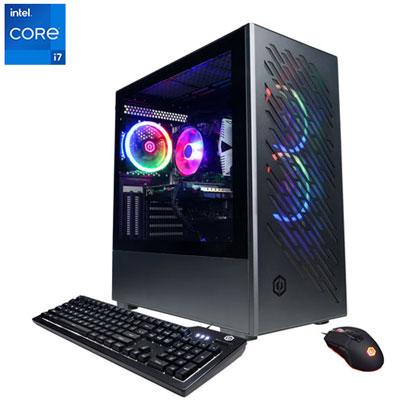 Your price for this item is $1969.99
 -
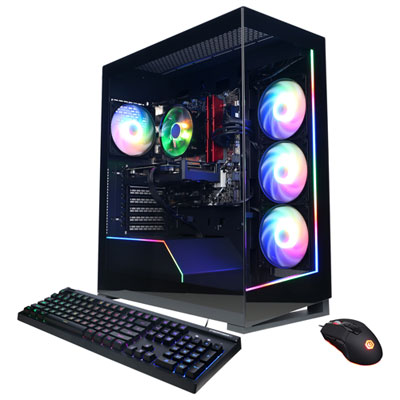 Your price for this item is $1059.99
 -
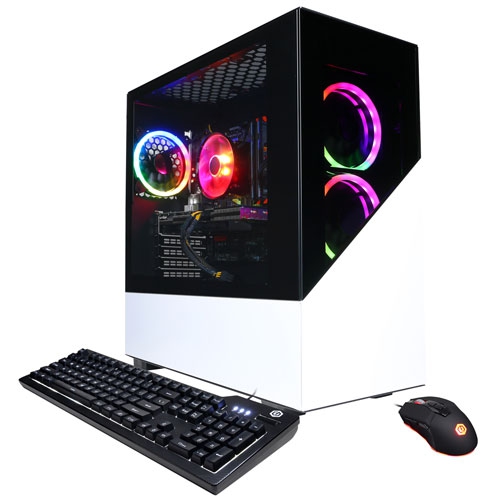 Your price for this item is $1274.97
 -
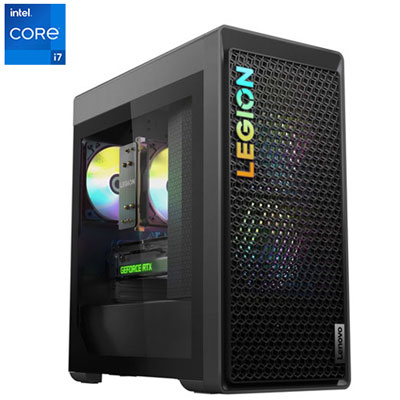 Your price for this item is $1899.95
 -
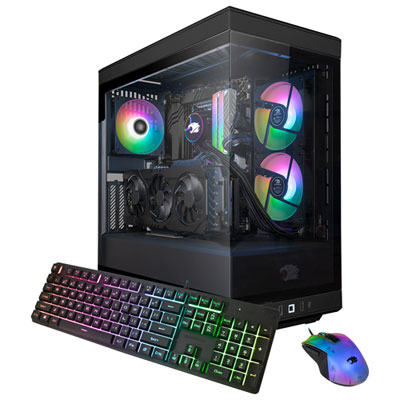 Your price for this item is $2309.99
 -
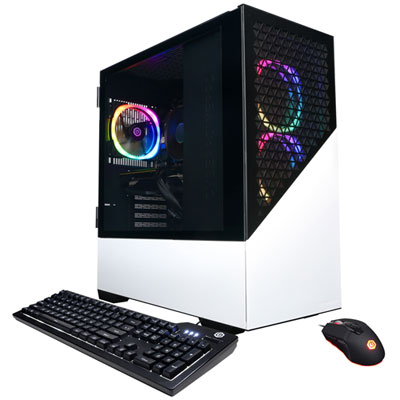 Your price for this item is $1669.99
 -
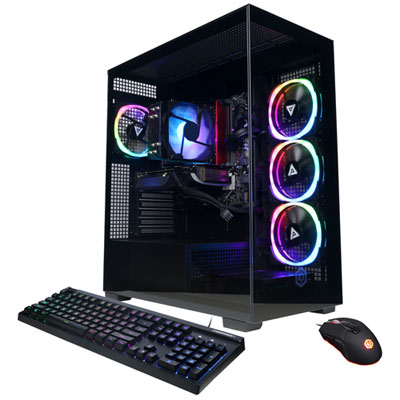 Your price for this item is $1839.99
 -
 Your price for this item is $3499.99
Discover more categories related to HP Desktops
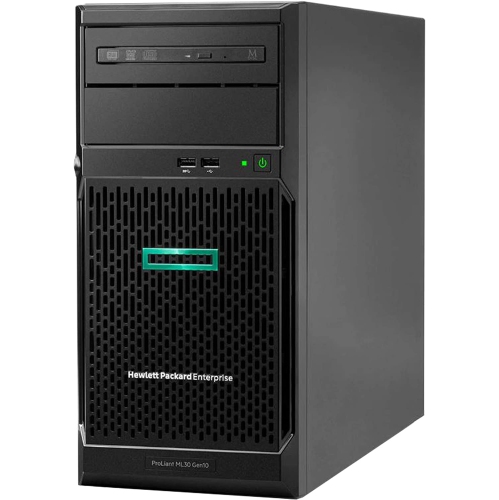
Top Collections:
Pokemon Centers, Kindle Devices, Best Budget Office Chairs, Canon G7X Cameras, Apple iPhones 16, Samsung Galaxy Phones, Refurbished Apple Laptops, Laptops for Students, iPhone 15 Apple, Budget Smartphones
Some products may be subject to Environmental Handling Fees
(EHF) depending on your province.
Learn more about EHFs.