HP Servers
Explore the power and reliability of top-tier servers that cater to businesses of all sizes. With a focus on performance and scalability, these servers are designed to meet the demands of modern workloads, ensuring seamless operations and enhanced productivity. Whether you’re looking to support a growing enterprise or streamline your IT infrastructure, our selection offers robust solutions to help you achieve your goals. Discover how these servers can transform your business environment by providing the backbone for efficient data management and secure communications.
Sort

Why server fit goes beyond processing power
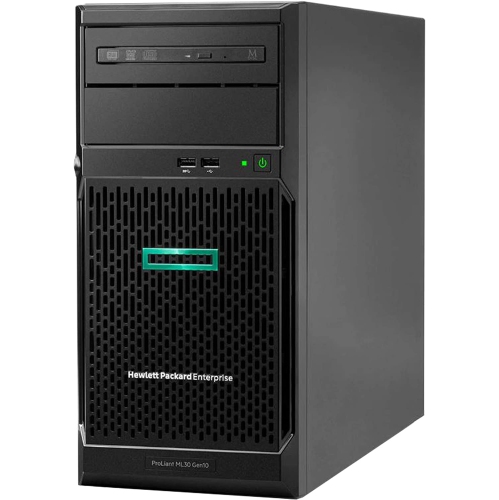
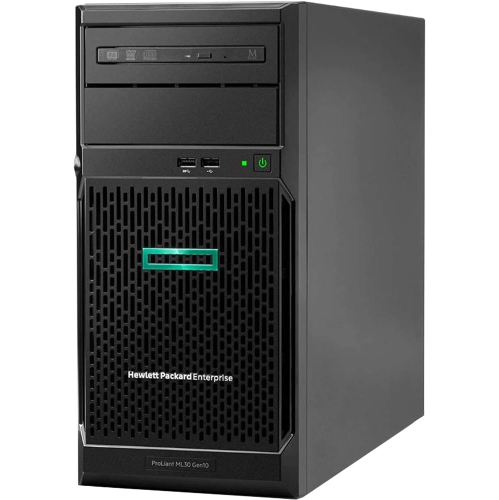
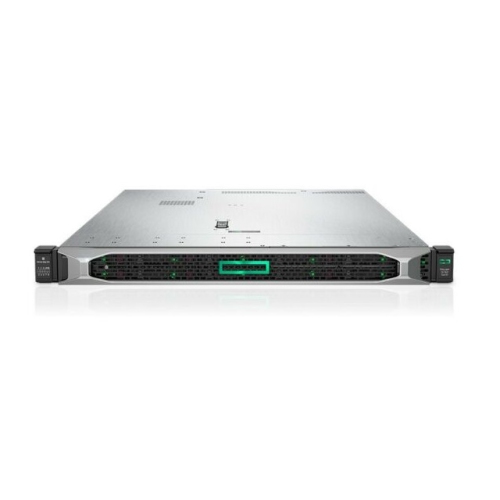
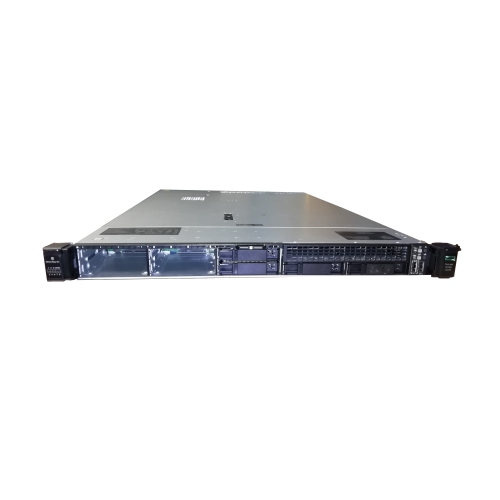
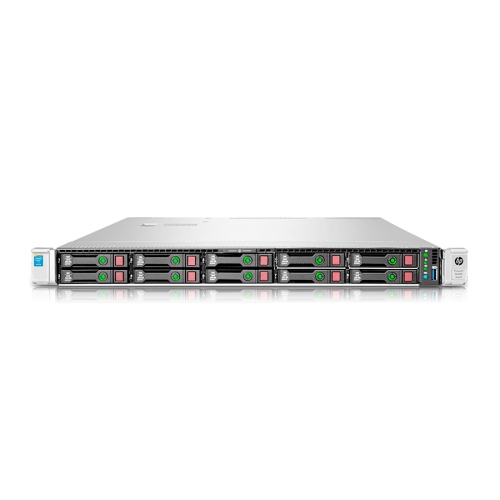
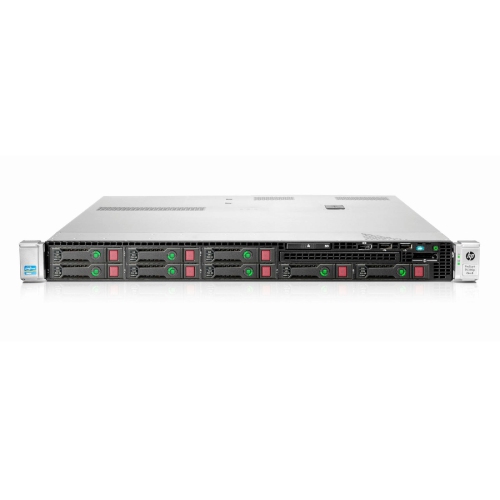
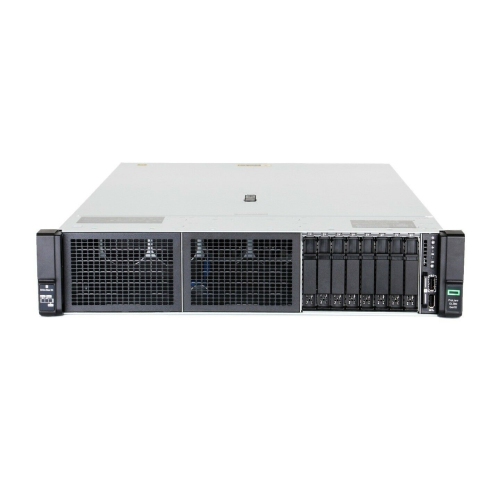
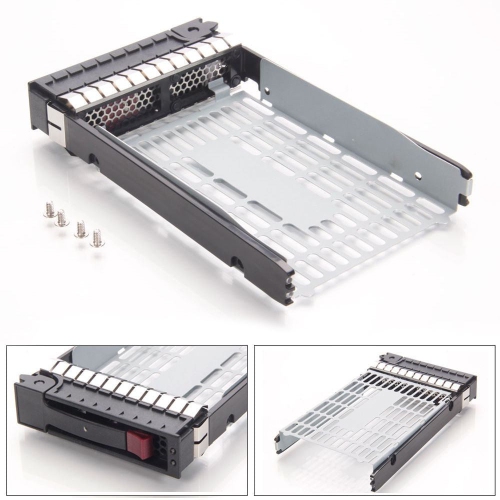
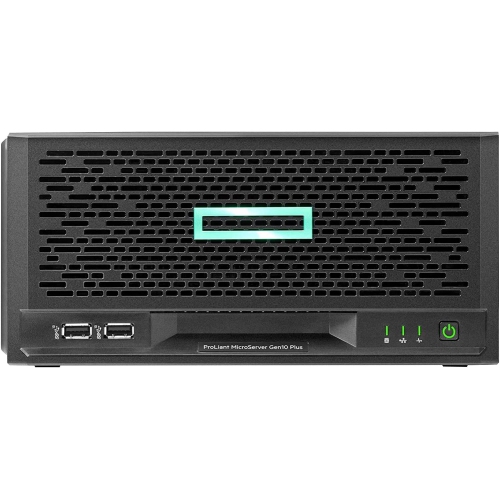
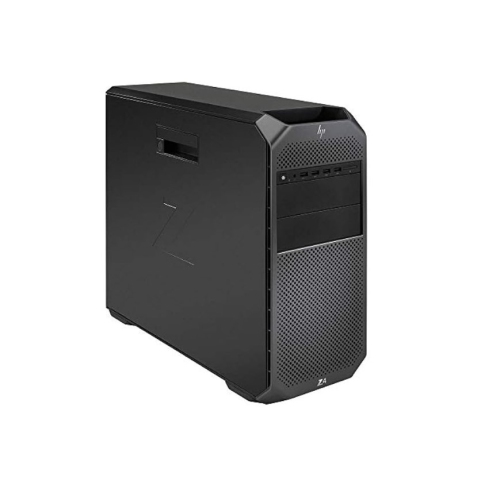
Business servers provide a central place to run applications, manage shared files, control user access, and support connected devices. Unlike a desktop used mainly by one person, a server is designed around workloads that may need to remain accessible to several employees or systems at once. In a small accounting office, that could mean keeping client documents and business software accessible to authorized staff. In a larger organization, it could mean hosting virtual machines, supporting databases, or processing information from several locations. Tower servers, rack servers, and compact servers serve different space and capacity needs. A tower server stands upright in a chassis similar to a desktop computer and can suit an office without a dedicated equipment rack. Its larger enclosure may provide room for additional drives or expansion cards, depending on the configuration. Rack servers fit into standardized equipment racks, making them practical for server rooms and data centres where multiple systems share organized cabling, power distribution, and network connections. Rack height is commonly expressed in units such as 1U or 2U, but chassis depth, rail compatibility, and clearance also affect physical fit. Compact servers can support branch offices, smaller workspaces, or local processing near connected equipment, although their smaller size may limit expansion. Metal chassis construction helps protect internal components, while drive carriers, access panels, and internal layouts influence how easily technicians can maintain the system. Placement matters as much as the enclosure: a server needs clear ventilation, secure positioning, and enough access for cables and servicing. Noise is another practical distinction, particularly when equipment will sit close to desks rather than inside a separate room. The most suitable format is the one that matches the work being handled, the available space, and the organization’s plans for adding users, storage, or applications.
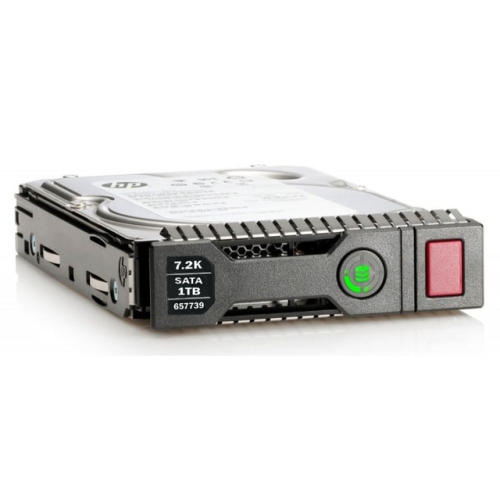
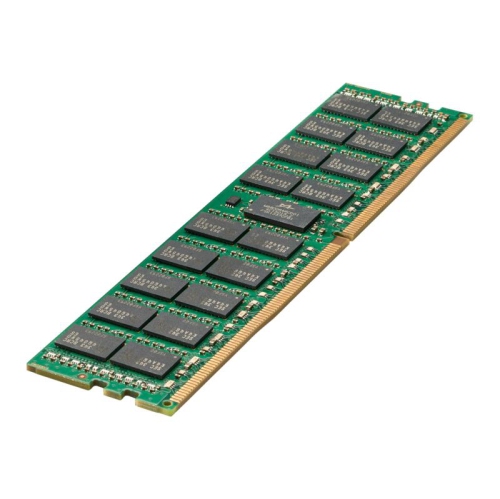
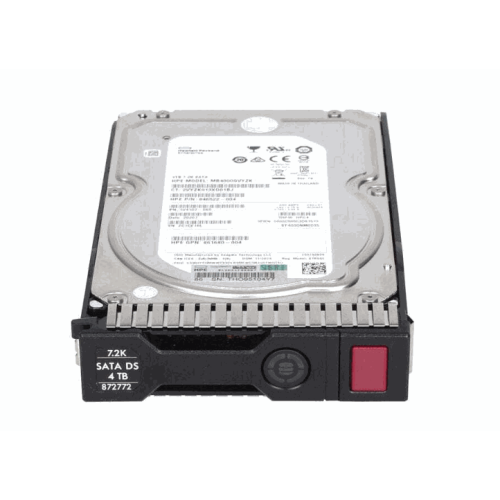
Server performance depends on how processors, memory, storage, and networking work together, rather than on a single specification. A shared file server for a small team has different demands from a system running several virtual machines or a database used throughout the working day. Processor core count can influence how many tasks run concurrently, while clock speed and application design affect how quickly individual tasks are completed. Multiple processor sockets may provide expansion potential on supported systems, but software compatibility and licensing requirements also matter. Memory capacity is especially important for virtualization, where several operating systems share the same physical hardware, and for applications that keep large amounts of active data in memory. Error-correcting memory, when supported, can detect and correct certain memory errors, helping reduce the risk of disrupted processing. Storage involves a separate balance of usable capacity, responsiveness, and resilience. Hard drives can suit larger collections of shared documents and archives, while solid-state drives can improve responsiveness for frequently accessed applications and data. Drive interface, supported form factor, controller capabilities, and available bays determine which storage options a server can use. Some configurations support hot-swappable drives, allowing a compatible drive to be replaced without shutting down the entire system, provided the storage arrangement and servicing procedure permit it. RAID can help maintain access after certain drive failures, but it does not replace a separate backup. Accidental deletion, damaged files, and malicious activity still require a recovery plan. Network connections also shape everyday performance: several employees opening large design files can place very different demands on a server from a few users accessing text documents. Supported network speeds, switch connections, and available expansion slots all influence the complete setup. A server intended to grow with a business benefits from a clear path for adding memory, drives, or network capability without assuming that every component can be upgraded. Compatibility with the intended operating system, business applications, backup software, and virtualization platform remains essential, whether the system supports a single office or forms part of a larger installation.
Reliability and manageability are central to how a server fits into daily business operations. Supported configurations may include redundant power supplies, serviceable cooling components, hardware monitoring, and remote management tools. Redundant power supplies can help maintain operation if one supply fails, though protection against an interruption to building power requires a separate power strategy. An uninterruptible power supply can provide time for an orderly shutdown or help bridge a brief interruption, depending on its capacity and the connected load. Remote management can give an administrator access to hardware status and certain maintenance functions even when the operating system is unavailable; capabilities vary by system and may require additional licensing. Hardware-based security features, secure boot support, and firmware verification can add protection, but they work alongside strong access controls, timely updates, and properly configured networks. In a branch office without an on-site technician, those management features can make troubleshooting less disruptive. For a growing professional practice, clear user permissions and dependable backups may be just as important as processing power. Employees accessing shared applications and documents from HP Work Laptops rely on the server, network, and endpoint devices working together, whether access takes place at a desk or through an approved remote connection. Ongoing care includes keeping ventilation openings clear, inspecting system alerts, maintaining firmware and software, and following the manufacturer’s procedures when handling internal components. Durable construction supports regular servicing, but long-term usefulness also depends on compatible replacement parts, service coverage, and room for the workload to grow. Documentation of drive layouts, network settings, and recovery procedures helps keep maintenance consistent when responsibilities change. A well-matched server brings these practical details together: sufficient resources for the intended applications, a physical format that fits the workspace, and management features that support the people responsible for keeping business systems running.
Server performance depends on how processors, memory, storage, and networking work together, rather than on a single specification. A shared file server for a small team has different demands from a system running several virtual machines or a database used throughout the working day. Processor core count can influence how many tasks run concurrently, while clock speed and application design affect how quickly individual tasks are completed. Multiple processor sockets may provide expansion potential on supported systems, but software compatibility and licensing requirements also matter. Memory capacity is especially important for virtualization, where several operating systems share the same physical hardware, and for applications that keep large amounts of active data in memory. Error-correcting memory, when supported, can detect and correct certain memory errors, helping reduce the risk of disrupted processing. Storage involves a separate balance of usable capacity, responsiveness, and resilience. Hard drives can suit larger collections of shared documents and archives, while solid-state drives can improve responsiveness for frequently accessed applications and data. Drive interface, supported form factor, controller capabilities, and available bays determine which storage options a server can use. Some configurations support hot-swappable drives, allowing a compatible drive to be replaced without shutting down the entire system, provided the storage arrangement and servicing procedure permit it. RAID can help maintain access after certain drive failures, but it does not replace a separate backup. Accidental deletion, damaged files, and malicious activity still require a recovery plan. Network connections also shape everyday performance: several employees opening large design files can place very different demands on a server from a few users accessing text documents. Supported network speeds, switch connections, and available expansion slots all influence the complete setup. A server intended to grow with a business benefits from a clear path for adding memory, drives, or network capability without assuming that every component can be upgraded. Compatibility with the intended operating system, business applications, backup software, and virtualization platform remains essential, whether the system supports a single office or forms part of a larger installation.
Reliability and manageability are central to how a server fits into daily business operations. Supported configurations may include redundant power supplies, serviceable cooling components, hardware monitoring, and remote management tools. Redundant power supplies can help maintain operation if one supply fails, though protection against an interruption to building power requires a separate power strategy. An uninterruptible power supply can provide time for an orderly shutdown or help bridge a brief interruption, depending on its capacity and the connected load. Remote management can give an administrator access to hardware status and certain maintenance functions even when the operating system is unavailable; capabilities vary by system and may require additional licensing. Hardware-based security features, secure boot support, and firmware verification can add protection, but they work alongside strong access controls, timely updates, and properly configured networks. In a branch office without an on-site technician, those management features can make troubleshooting less disruptive. For a growing professional practice, clear user permissions and dependable backups may be just as important as processing power. Employees accessing shared applications and documents from HP Work Laptops rely on the server, network, and endpoint devices working together, whether access takes place at a desk or through an approved remote connection. Ongoing care includes keeping ventilation openings clear, inspecting system alerts, maintaining firmware and software, and following the manufacturer’s procedures when handling internal components. Durable construction supports regular servicing, but long-term usefulness also depends on compatible replacement parts, service coverage, and room for the workload to grow. Documentation of drive layouts, network settings, and recovery procedures helps keep maintenance consistent when responsibilities change. A well-matched server brings these practical details together: sufficient resources for the intended applications, a physical format that fits the workspace, and management features that support the people responsible for keeping business systems running.
Top selling and popular products
-
 Your price for this item is $3000
 -
 Your price for this item is $4350
 -
 Your price for this item is $1649.99
 -
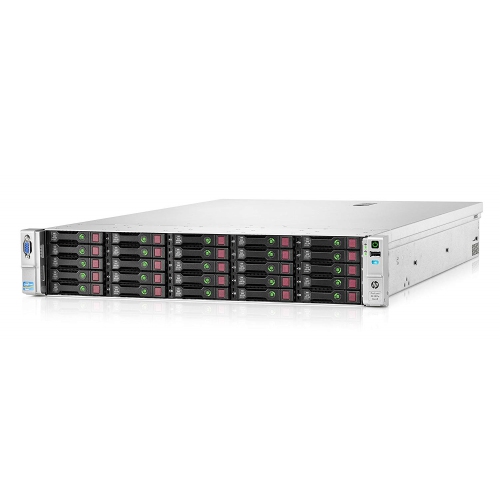 Your price for this item is $1065
 -
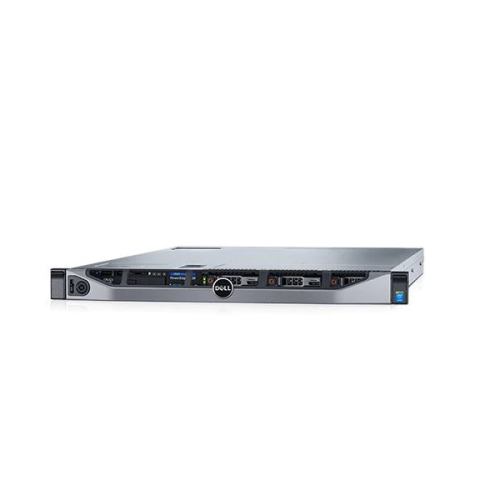 Your price for this item is $2895
 -
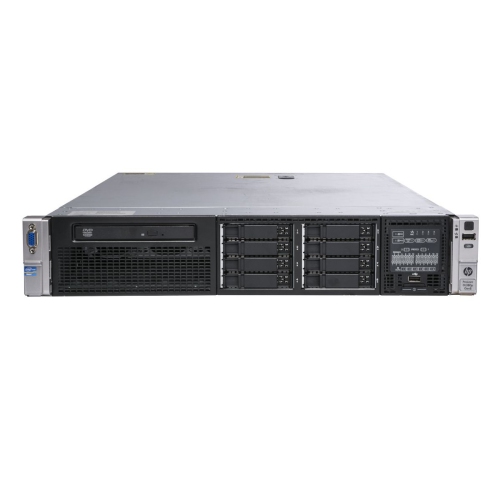 Your price for this item is $1395
 -
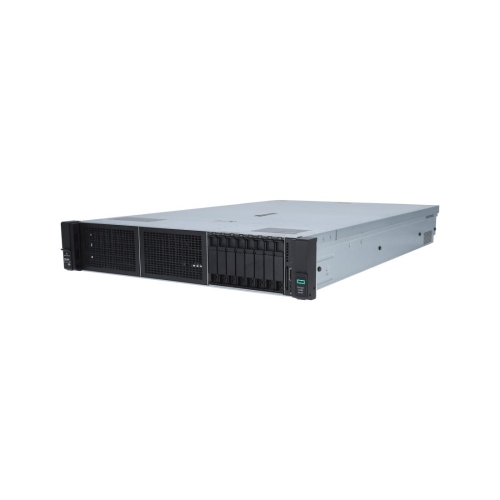 Your price for this item is $4200
 -
 Your price for this item is $4854
Discover more categories related to HP Servers
Top Collections:
Pokemon Centers, Kindle Devices, Best Budget Office Chairs, Canon G7X Cameras, Apple iPhones 16, Samsung Galaxy Phones, Refurbished Apple Laptops, Laptops for Students, iPhone 15 Apple, Budget Smartphones
Some products may be subject to Environmental Handling Fees
(EHF) depending on your province.
Learn more about EHFs.