HP EliteBook 840 G7
Discover the HP EliteBook 840 G7, designed to meet the demands of modern professionals and students alike. Whether you're tackling daily work tasks or staying connected on the go, this laptop delivers reliable performance and sleek style. Explore a range of configurations and options to find the perfect fit for your productivity needs. Elevate your computing experience with the HP EliteBook 840 G7 and enjoy seamless multitasking wherever you are.
Sort

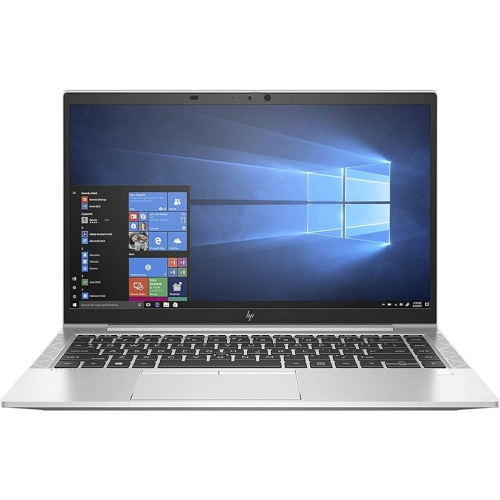
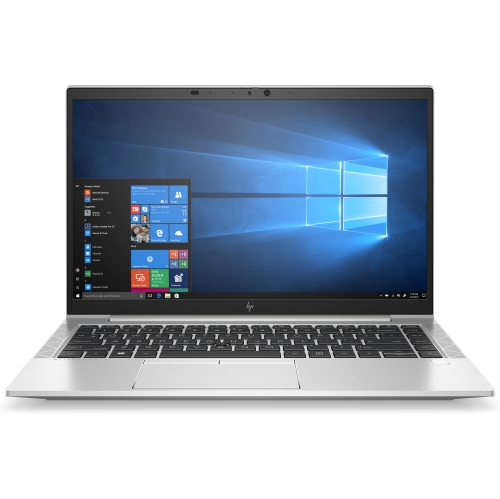
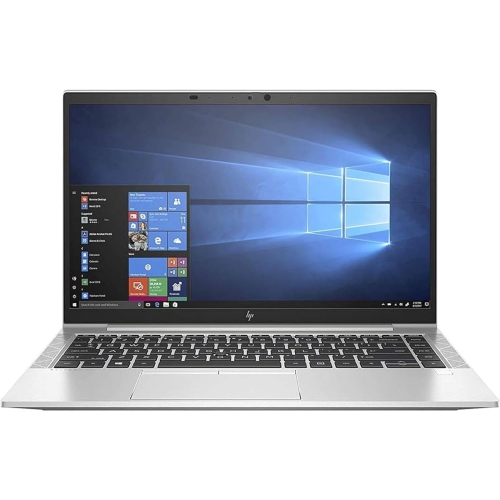
Room for everyday work without the extra bulk
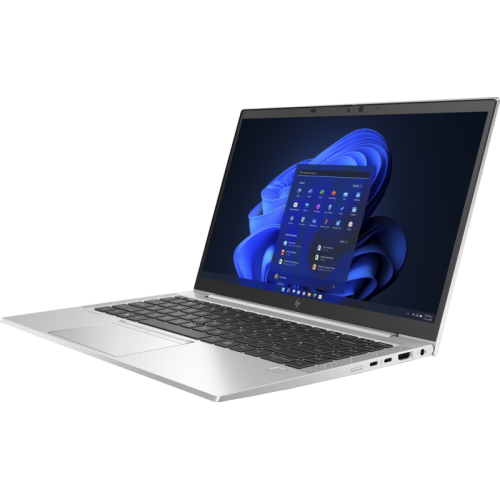
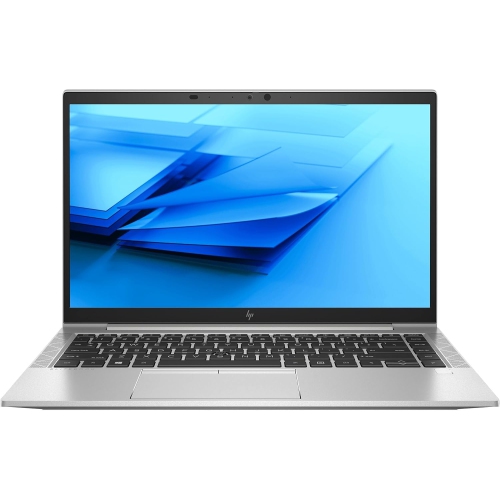
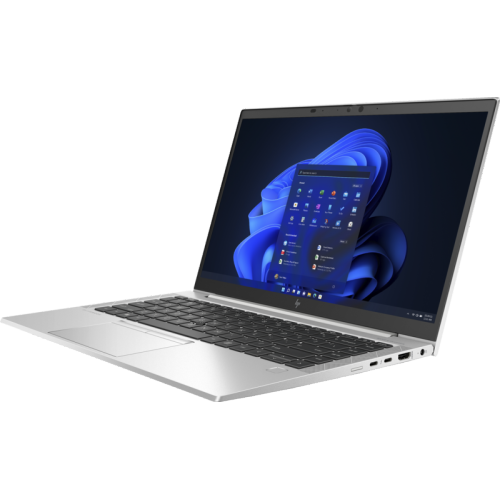
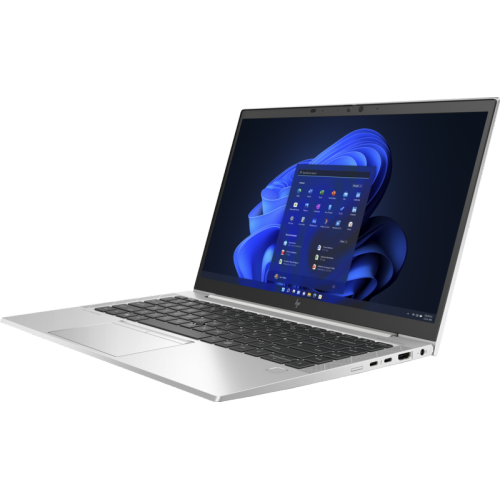
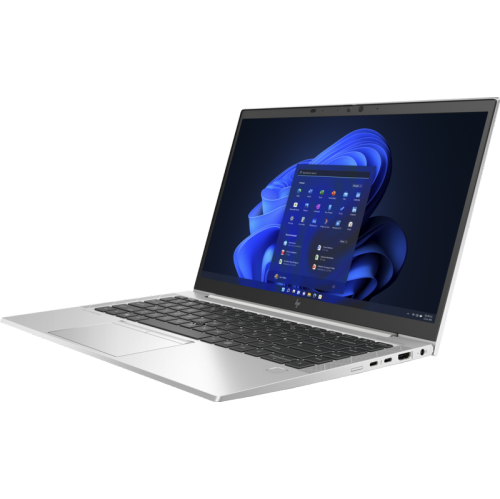
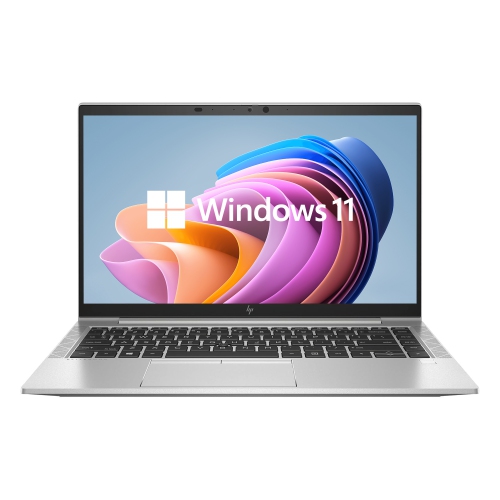
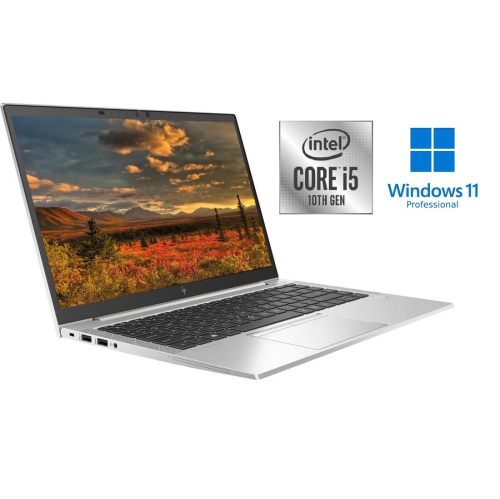
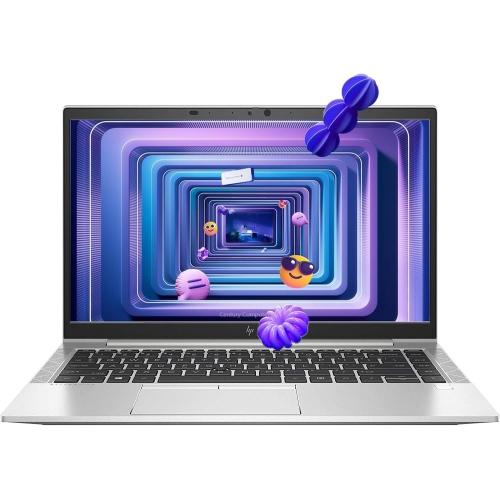
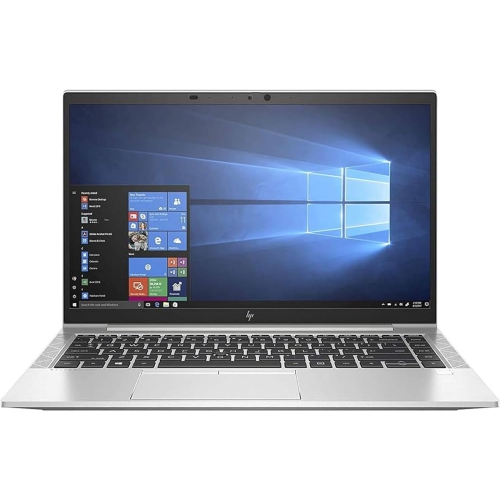
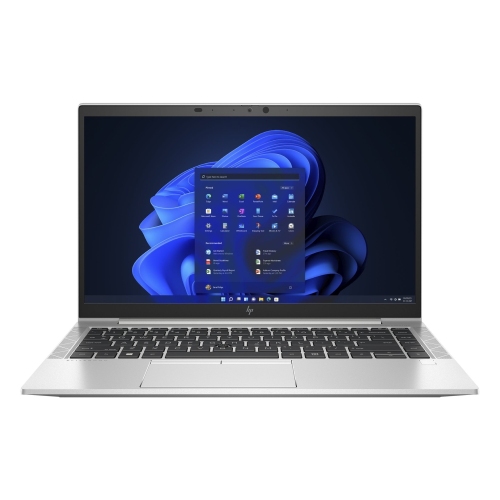
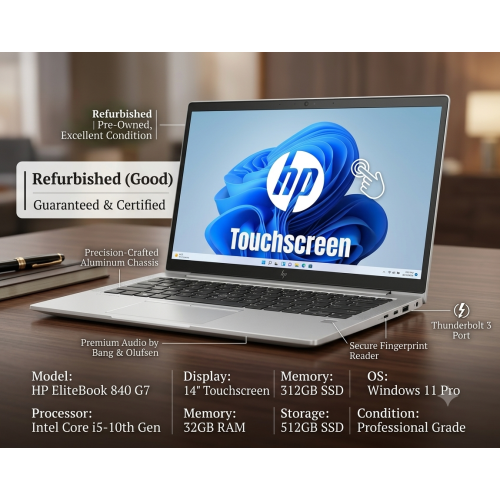
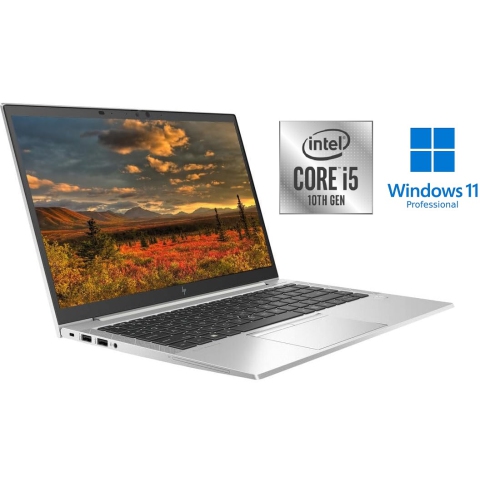
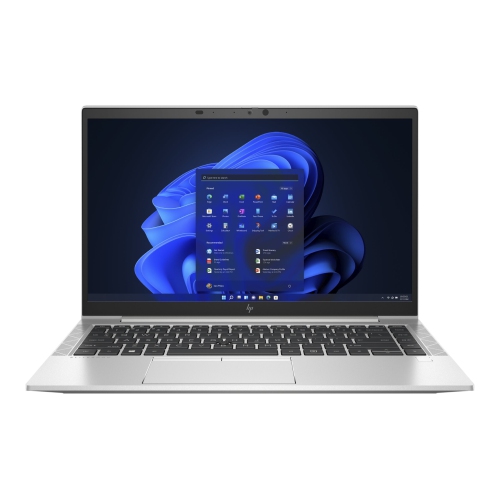
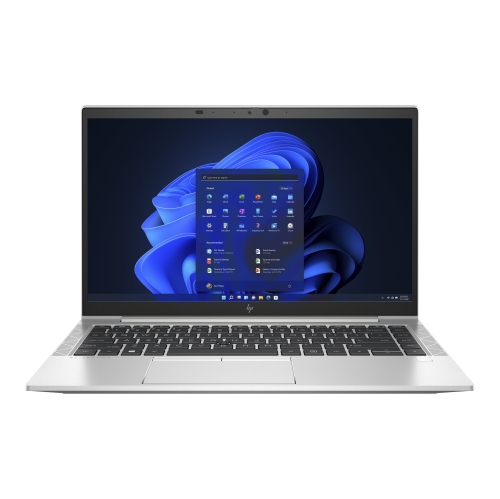
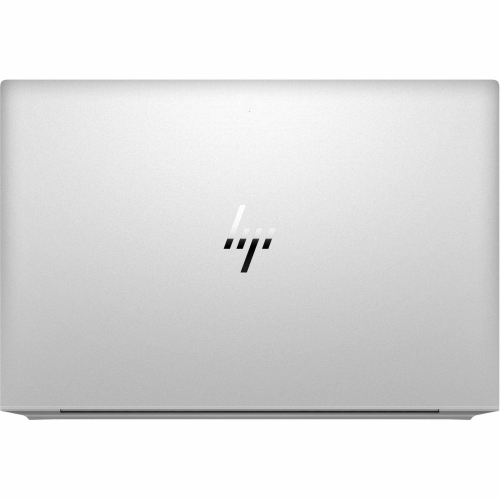
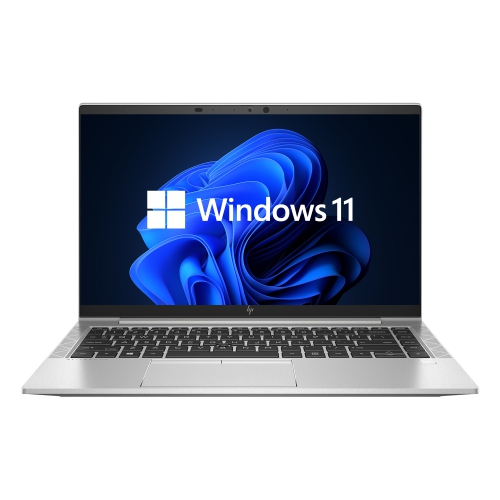
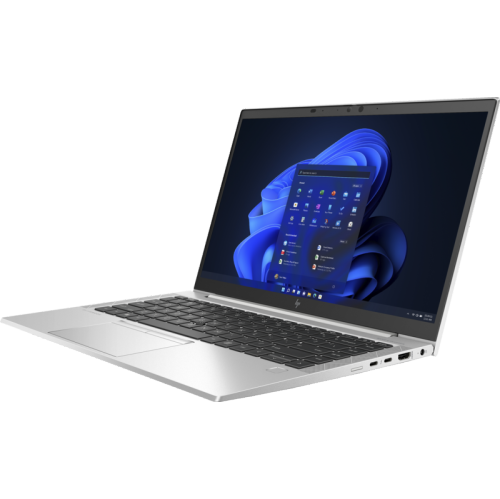
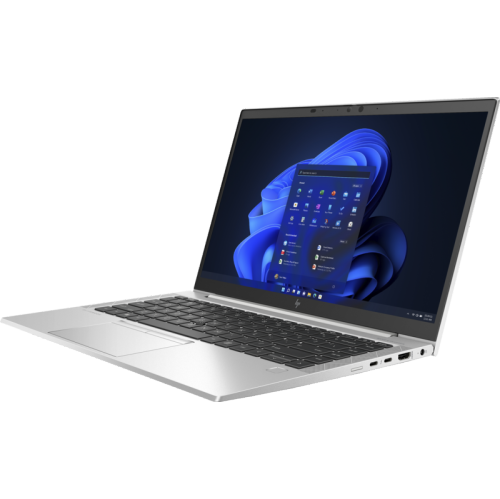
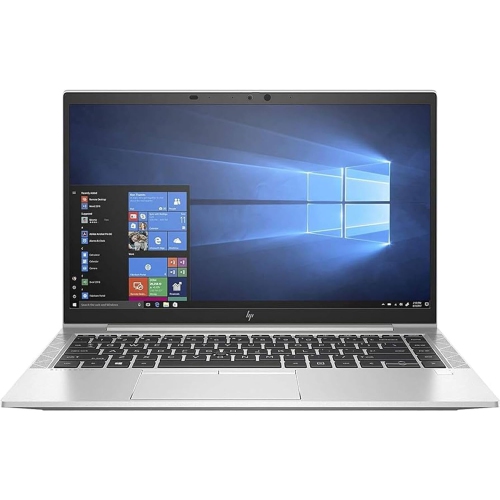
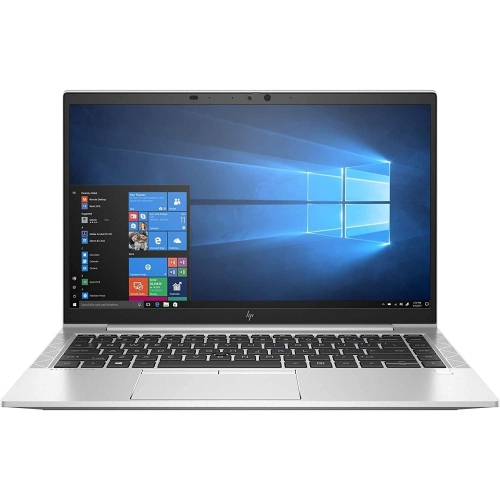
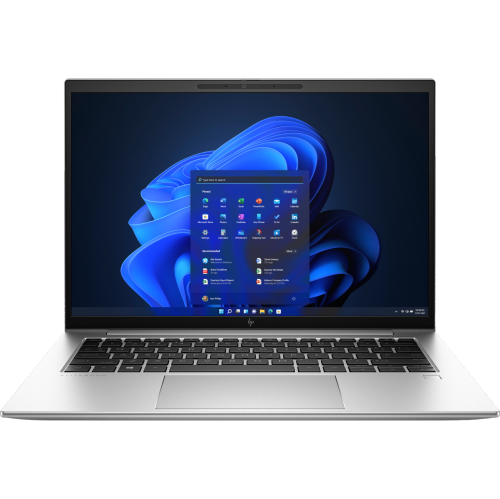
A 14-inch business laptop brings a practical balance of screen space, portability, and everyday computing performance to office work, study, and working between locations. This format leaves enough room for a document beside a reference page without taking up an entire café table or adding the bulk of a larger notebook to a shoulder bag. Business-class designs often pair a metal chassis with a restrained finish, a comfortable keyboard, and connections for familiar desk accessories. An aluminium exterior can feel sturdy when the computer is carried between meetings, although resistance to scratches and dents still depends on how it is handled. Inside, processor, memory, and storage configurations determine how comfortably the laptop handles a typical working day. A 10th-generation processor can support word processing, spreadsheets, browser-based applications, and video meetings, but performance varies with the exact processor, cooling system, and software workload. For someone who keeps several browser tabs open alongside email and a shared document, 16GB of memory provides more breathing room than a smaller configuration. A solid-state drive helps applications launch and files open promptly; a 256GB drive may suit work centred on online storage, while 512GB allows more room for downloaded course materials, presentations, and local files. Neither capacity describes how much free space remains after the operating system and applications are installed. Integrated graphics are generally suited to office software, streaming, and everyday visual tasks rather than demanding 3D rendering or high-detail gaming. Students, administrative staff, consultants, and people maintaining a separate computer for household paperwork may all find this category useful. The strongest match is a workload built around communication, organization, and documents rather than sustained graphics-intensive production. For remote work, employer requirements also matter: approved security features, operating-system support, and compatibility with workplace applications can be just as important as processor speed.
The display and keyboard shape the daily experience as much as the specifications inside the case. On a 14-inch screen, Full HD resolution of 1920 × 1080 pixels offers useful detail for reading reports, reviewing slides, and arranging two modest windows side by side. Text scaling can make small type easier to read, though larger scaling leaves less visible workspace. An anti-glare finish reduces distracting reflections from overhead lights, while brightness affects how easily the screen can be read beside a bright window. Screen panels can differ within the same laptop family, so resolution alone does not establish brightness, colour quality, touch capability, or viewing angles. Someone preparing written assignments may prioritize clear text and a comfortable keyboard, whereas a person editing photographs should pay closer attention to colour coverage and consistency. Keyboard layout deserves a similar look, especially for anyone accustomed to bilingual keys, dedicated navigation buttons, or a separate number pad. Backlighting, where included, can make keys easier to identify in a dim meeting room. For desk use, the connection layout determines whether existing accessories can plug in directly. USB Type-A ports accommodate many mice, keyboards, and external drives; HDMI can connect a compatible display or presentation screen; and an audio jack supports a wired headset. USB-C capabilities vary, so the connector shape alone does not guarantee charging, video output, or Thunderbolt support. A compatible dock can simplify the transition from carrying the laptop to using a monitor, keyboard, and mouse, but its power delivery and display support need to match the computer. Wi-Fi compatibility, webcam quality, microphone performance, and headset connections are particularly relevant for online classes and frequent calls. A camera privacy shutter or fingerprint reader can add convenience when fitted, but these features should be confirmed in the individual configuration rather than assumed from the chassis design. A short daily task, such as joining a meeting with a presentation open, often reveals which details deserve the most attention.
For refurbished business laptops, physical condition, battery health, and the refurbishment details are important parts of the overall fit. Cosmetic grading generally describes appearance, not a guaranteed level of battery endurance or processing performance, and grading terms can differ between sellers. Light marks on the lid may have little effect on everyday use, while worn keys, loose hinges, or visible screen blemishes may be more noticeable during long sessions. Battery runtime depends on its remaining capacity as well as screen brightness, wireless activity, video calls, and background applications; an original runtime claim is not a reliable promise for a previously used battery. Someone who works mostly at a desk may have different needs from a student moving between classrooms without convenient access to an outlet. The included power adapter should have the correct connector and sufficient wattage, and any replacement charger needs to meet the laptop’s requirements. Operating-system edition, activation, supported updates, and any included software should also be checked, since business-oriented hardware does not automatically include an office suite or a particular software licence. Warranty terms and return conditions help clarify what support applies if a fault becomes apparent. For carrying, a padded sleeve should fit the laptop’s actual external dimensions rather than simply match its advertised screen size, with enough protection around the corners and no pressure against the lid. Keeping vents clear, using the computer on a firm surface, and removing dust gently can help maintain airflow. A soft microfibre cloth is appropriate for routine wiping; cleaning liquid should not be sprayed directly onto the screen or keyboard, and manufacturer care directions should govern any cleaning solution. Regular backups protect assignments, records, and project files independently of the laptop’s condition. If a wider display matters more than a compact footprint, the EliteBook 850 G7 offers a related larger-screen format to consider. For everyday mobility, a well-matched 14-inch business laptop keeps the focus on comfortable typing, dependable connections, and enough performance for the work that fills the day.
The display and keyboard shape the daily experience as much as the specifications inside the case. On a 14-inch screen, Full HD resolution of 1920 × 1080 pixels offers useful detail for reading reports, reviewing slides, and arranging two modest windows side by side. Text scaling can make small type easier to read, though larger scaling leaves less visible workspace. An anti-glare finish reduces distracting reflections from overhead lights, while brightness affects how easily the screen can be read beside a bright window. Screen panels can differ within the same laptop family, so resolution alone does not establish brightness, colour quality, touch capability, or viewing angles. Someone preparing written assignments may prioritize clear text and a comfortable keyboard, whereas a person editing photographs should pay closer attention to colour coverage and consistency. Keyboard layout deserves a similar look, especially for anyone accustomed to bilingual keys, dedicated navigation buttons, or a separate number pad. Backlighting, where included, can make keys easier to identify in a dim meeting room. For desk use, the connection layout determines whether existing accessories can plug in directly. USB Type-A ports accommodate many mice, keyboards, and external drives; HDMI can connect a compatible display or presentation screen; and an audio jack supports a wired headset. USB-C capabilities vary, so the connector shape alone does not guarantee charging, video output, or Thunderbolt support. A compatible dock can simplify the transition from carrying the laptop to using a monitor, keyboard, and mouse, but its power delivery and display support need to match the computer. Wi-Fi compatibility, webcam quality, microphone performance, and headset connections are particularly relevant for online classes and frequent calls. A camera privacy shutter or fingerprint reader can add convenience when fitted, but these features should be confirmed in the individual configuration rather than assumed from the chassis design. A short daily task, such as joining a meeting with a presentation open, often reveals which details deserve the most attention.
For refurbished business laptops, physical condition, battery health, and the refurbishment details are important parts of the overall fit. Cosmetic grading generally describes appearance, not a guaranteed level of battery endurance or processing performance, and grading terms can differ between sellers. Light marks on the lid may have little effect on everyday use, while worn keys, loose hinges, or visible screen blemishes may be more noticeable during long sessions. Battery runtime depends on its remaining capacity as well as screen brightness, wireless activity, video calls, and background applications; an original runtime claim is not a reliable promise for a previously used battery. Someone who works mostly at a desk may have different needs from a student moving between classrooms without convenient access to an outlet. The included power adapter should have the correct connector and sufficient wattage, and any replacement charger needs to meet the laptop’s requirements. Operating-system edition, activation, supported updates, and any included software should also be checked, since business-oriented hardware does not automatically include an office suite or a particular software licence. Warranty terms and return conditions help clarify what support applies if a fault becomes apparent. For carrying, a padded sleeve should fit the laptop’s actual external dimensions rather than simply match its advertised screen size, with enough protection around the corners and no pressure against the lid. Keeping vents clear, using the computer on a firm surface, and removing dust gently can help maintain airflow. A soft microfibre cloth is appropriate for routine wiping; cleaning liquid should not be sprayed directly onto the screen or keyboard, and manufacturer care directions should govern any cleaning solution. Regular backups protect assignments, records, and project files independently of the laptop’s condition. If a wider display matters more than a compact footprint, the EliteBook 850 G7 offers a related larger-screen format to consider. For everyday mobility, a well-matched 14-inch business laptop keeps the focus on comfortable typing, dependable connections, and enough performance for the work that fills the day.
Top selling and popular products
-
 Your price for this item is $449
 -
 Your price for this item is $3099
 -
 Your price for this item is $664.05
 -
 Your price for this item is $599.68
 -
 Your price for this item is $259
 -
 Your price for this item is $499.99
 -
 Your price for this item is $418.98
 -
 Your price for this item is $829
Discover more categories related to HP EliteBook 840 G7
Top Collections:
Pokemon Centers, Best Cameras for Sports Photography, Kindle Devices, Samsung Galaxy Phones, Canon G7X Cameras, Pokémon 30th Celebration Cards, Refurbished Apple Laptops, iPhone 15 Apple, Laptops for Students, Budget Smartphones
Some products may be subject to Environmental Handling Fees
(EHF) depending on your province.
Learn more about EHFs.