HP EliteBook 830 G6
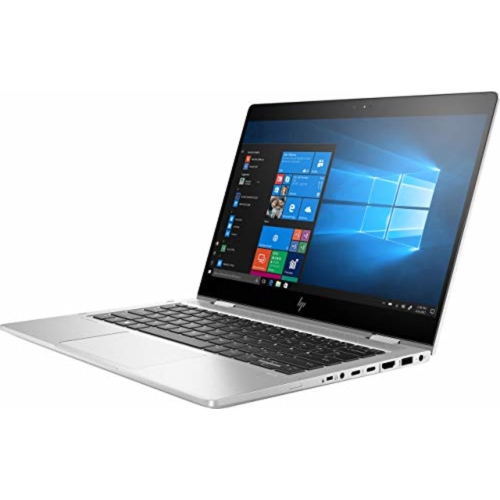
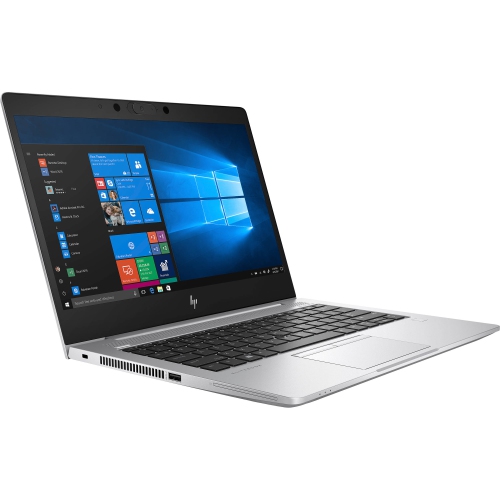
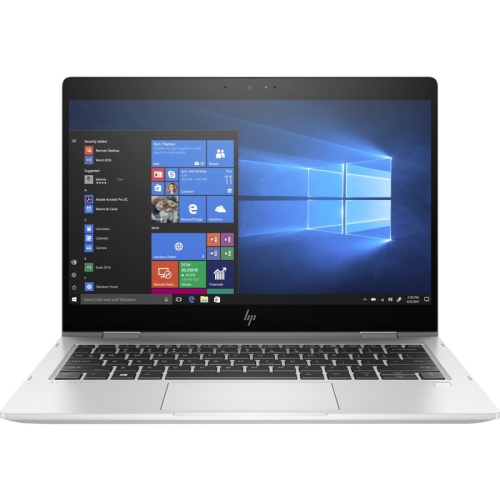
Discover the HP EliteBook 830 G6, a versatile choice for professionals and students seeking reliability and performance. Designed to keep up with demanding tasks, this laptop offers the perfect balance of portability and productivity. Whether you're working from the office, at home, or on the go, the HP EliteBook 830 G6 delivers a seamless experience to help you stay connected and efficient throughout your day. Explore available options to find the right fit for your needs.
Sort
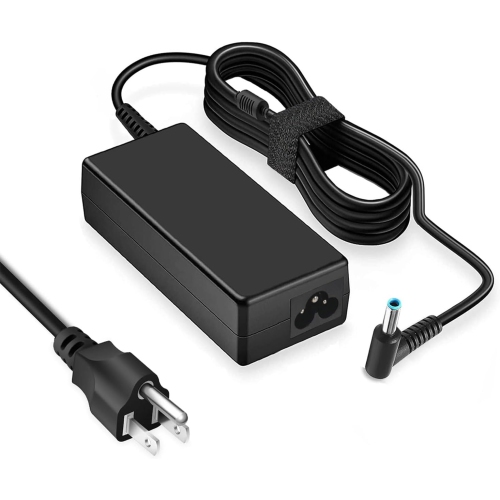
![DR. BATTERY Replacement Laptop Battery for HP Elitebook 735 G5 G6 745 G3 G5 G6 830 G5 G6 836 G5 840 G5 840 G5 G6 Healthcare Edition [11.55 / 50Wh]](https://multimedia.bbycastatic.ca/multimedia/products/500x500/170/17039/17039428.jpeg)
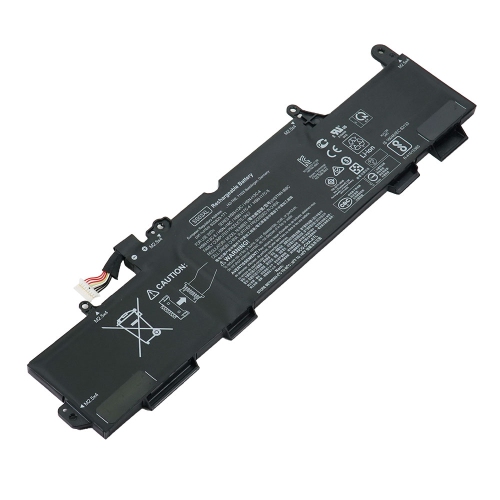
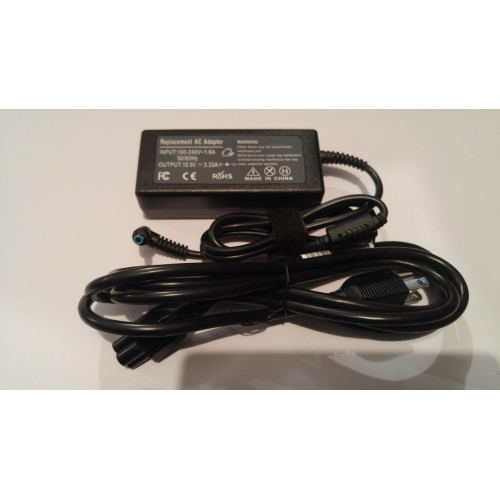
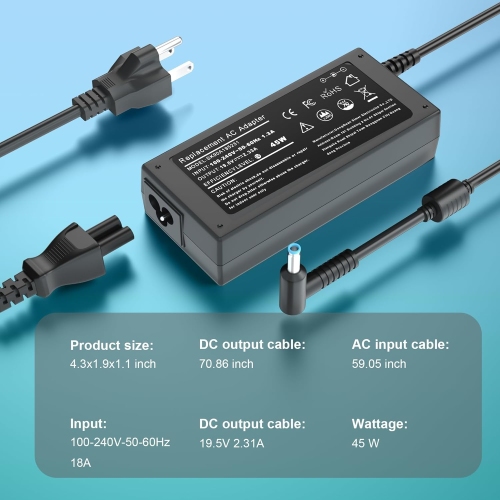
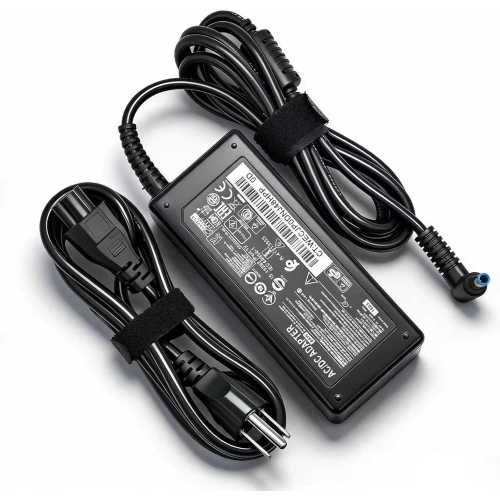
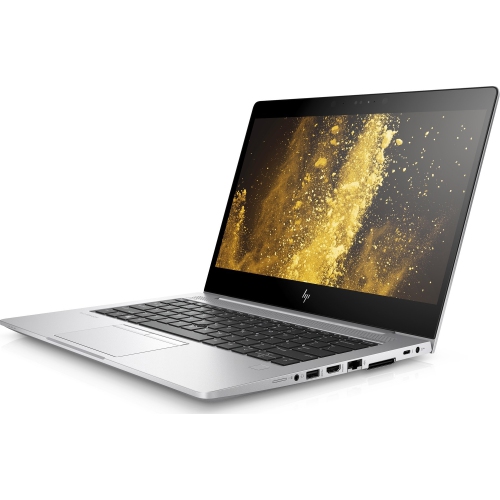
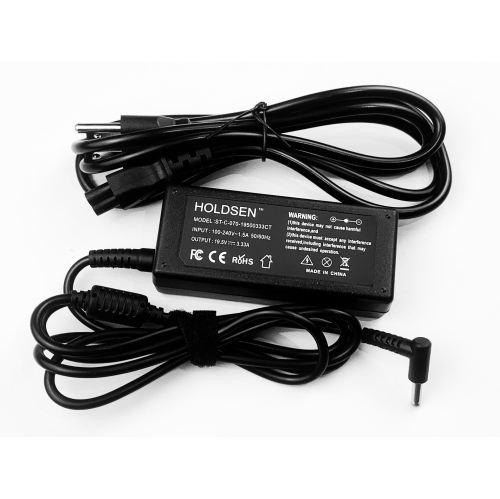
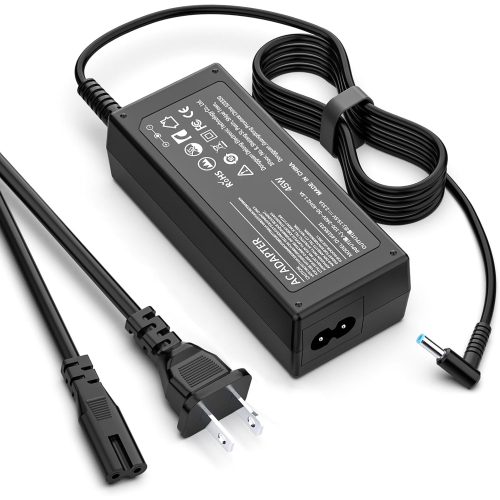
Compact business laptops for work beyond your desk
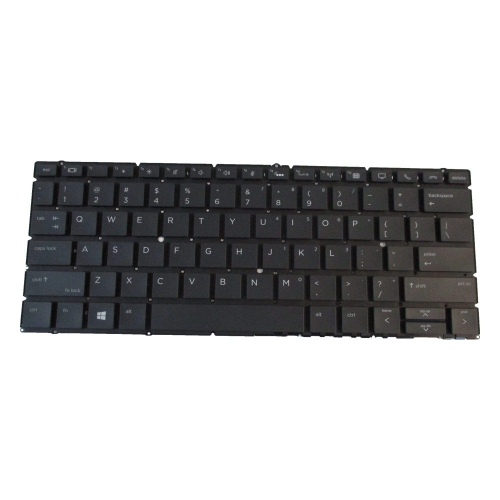
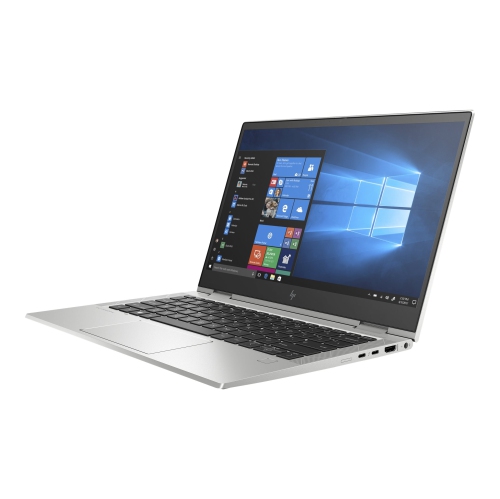
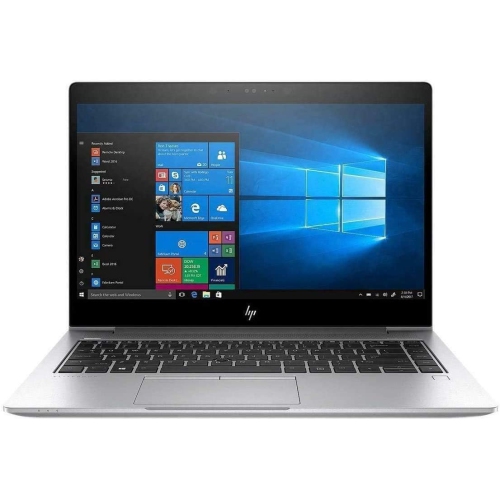
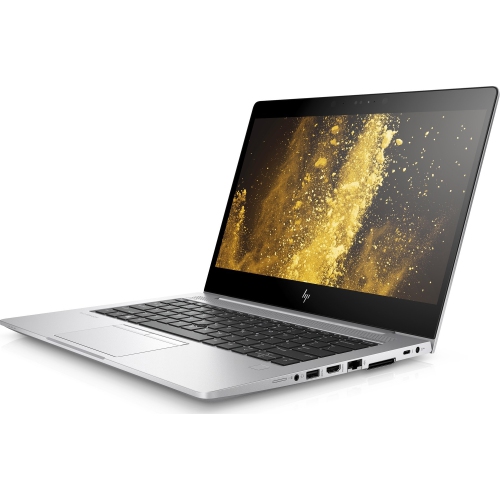
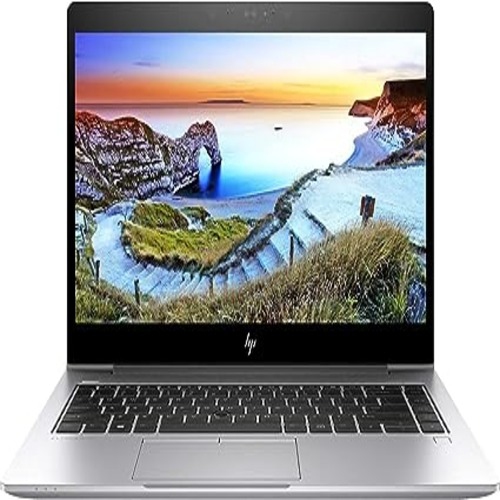
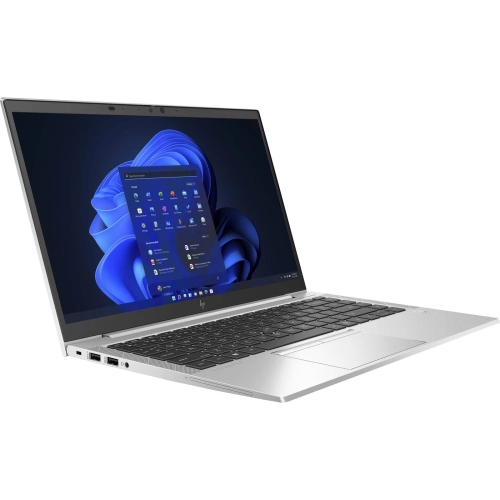
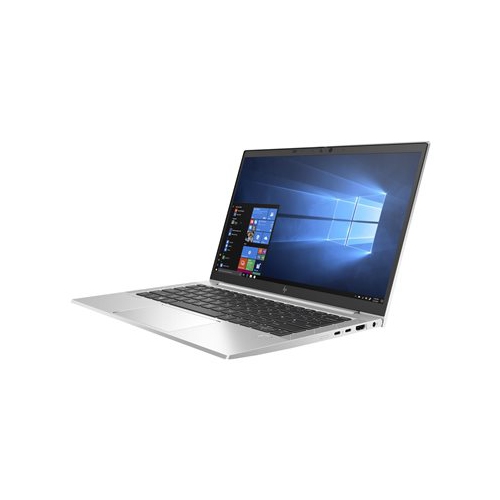
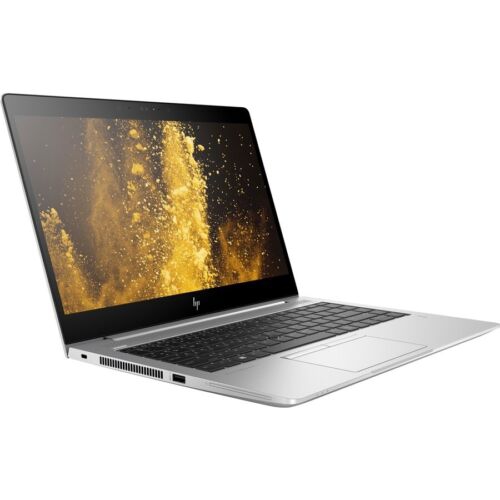
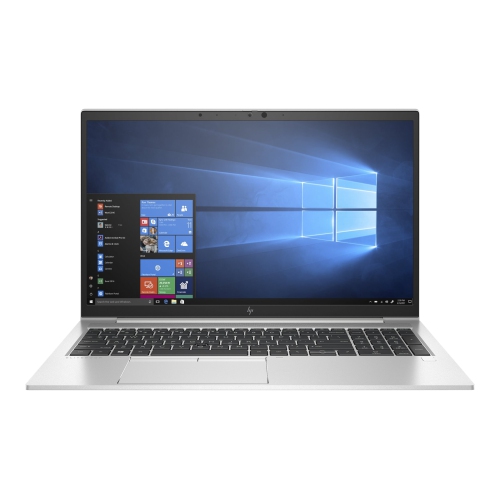
Compact 13.3-inch business laptops combine the familiarity of a full keyboard with a size that travels comfortably between a desk, a meeting room, and a lecture hall. This format suits everyday work such as preparing documents, managing spreadsheets, joining video calls, and keeping several browser tabs open alongside email. A traditional clamshell design provides a stable typing surface without the added complexity of a folding display, while a metal chassis can give the computer a firm, reassuring feel when carried or opened. A weight of approximately 1.3 kg is manageable for many commuters, although the charger and any accessories also contribute to the load in a shoulder bag. For students, consultants, administrative staff, and people who split their time between home and an office, the appeal is a useful balance of portability and practical working space. A 13.3-inch Full HD display has a resolution of 1920 x 1080, providing enough detail for readable documents, clear presentation slides, and side-by-side windows when text scaling is adjusted comfortably. Screen characteristics deserve attention beyond resolution: brightness affects visibility near a window, an anti-glare finish can reduce distracting reflections, and viewing angles influence how easily someone beside the user can see a shared document. Touch input and integrated privacy displays are configuration-dependent features rather than standard features across every laptop in this class. Privacy screens can be helpful when handling sensitive information in shared spaces, but their viewing characteristics may differ from those of a conventional panel. Keyboard layout matters just as much during a long writing session. A compact keyboard typically leaves out a dedicated number pad, so frequent spreadsheet users may prefer an external keyboard at their desk. Backlighting, key condition, touchpad responsiveness, and the language printed on the keys are worth checking, particularly for anyone who needs a specific English or bilingual layout. Small details become noticeable when the same computer handles notes, messages, and reports throughout the day.
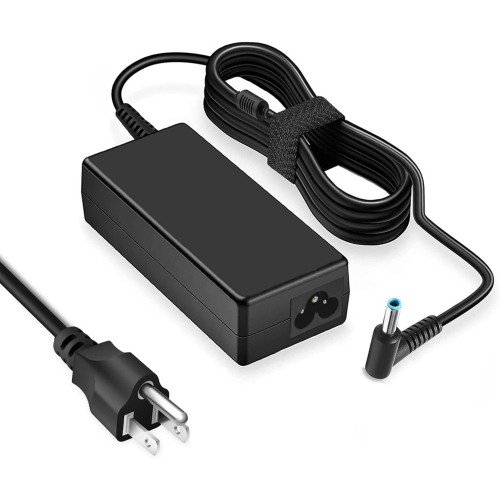
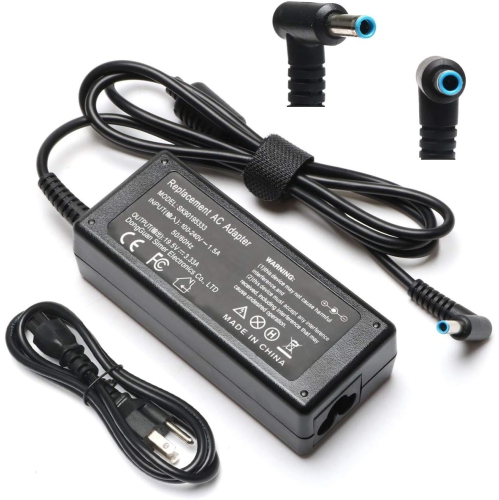
Performance in this business-laptop category depends on the combination of processor, memory, storage, and software rather than any single specification. Eighth-generation processors can handle routine productivity tasks, but the exact processor and the demands of the software determine how comfortably a system manages heavier workloads. Integrated graphics are suited to documents, web browsing, presentations, and video playback; demanding 3D work, complex visual effects, and modern gaming generally call for a different class of computer. Memory affects how smoothly applications remain open together. An 8GB configuration can accommodate lighter everyday use, while 16GB offers more room for larger spreadsheets, numerous browser tabs, and meetings running alongside other applications. Designs with two accessible memory slots may support expansion up to 32GB, subject to the computer’s specifications and the modules installed. Storage capacity is a separate consideration. An M.2 NVMe solid-state drive helps applications open promptly and keeps the computer responsive when accessing local files, but the capacity needed depends on what stays on the device. A 256GB drive can suit document-focused work with carefully managed files, whereas 512GB or 1TB provides more space for large presentations, photographs, downloaded reference material, and other local content. Neither extra storage nor additional memory removes the need for regular backups. For refurbished business laptops, the stated condition should be considered alongside the specifications. Cosmetic wear, battery health, charger inclusion, and warranty coverage can all affect the ownership experience, even when two computers have similar processors and storage. Battery runtime varies with display brightness, video calls, wireless connections, application load, and battery wear, so an original runtime estimate should not be treated as a promise for a previously used machine. Operating-system compatibility also deserves attention: confirm that required applications, security updates, and workplace tools are supported. A fingerprint reader, compatible facial-recognition camera, or smart card reader can simplify secure access where fitted, but these features vary by configuration and do not replace strong account protection.
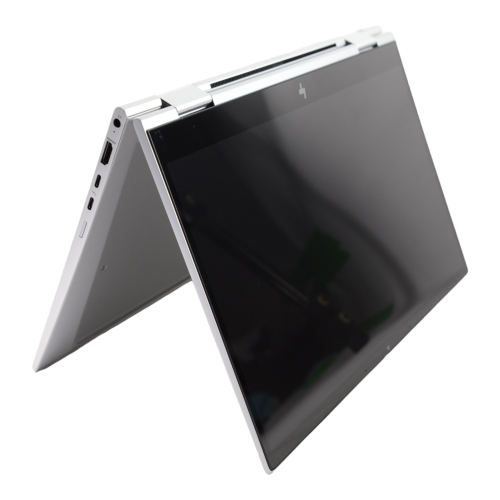
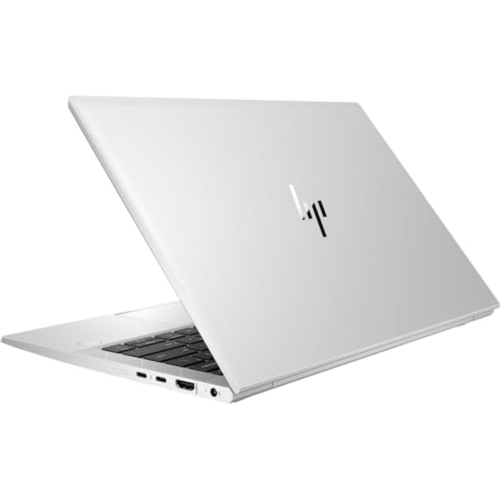
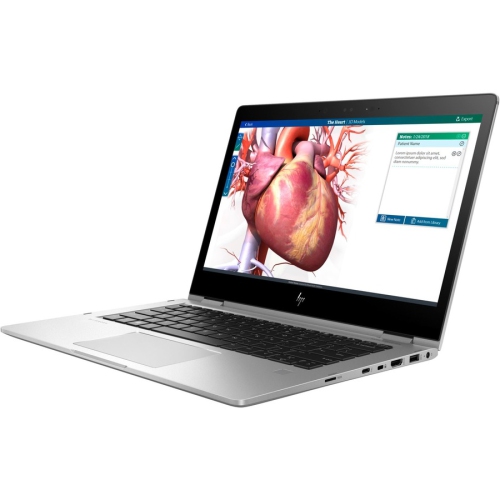
Connections and everyday handling help determine how well a compact business laptop fits into an established routine. USB-A ports remain useful for a mouse, keyboard, or removable storage, while HDMI can provide a straightforward connection to a compatible monitor or meeting-room display. A USB-C connection may support docking, external displays, charging, or high-speed data, but the functions depend on the laptop, dock, and cable; the connector shape alone does not establish compatibility. At a permanent desk, a suitable dock can bring a monitor, keyboard, mouse, and network connection together with fewer cables to reconnect. Away from that setup, dependable Wi-Fi, a clear microphone, and a usable webcam matter more than an elaborate accessory collection. Wireless standards and mobile-network capability should be confirmed from the configuration details rather than inferred from the laptop’s appearance. For frequent video meetings, headphones with a microphone can improve speech clarity and keep conversations more private in a shared room. A conventional clamshell remains practical for typing-heavy work; shoppers specifically interested in a folding touchscreen format can also explore HP EliteBook X360 1030 G2 options when comparing how they prefer to take notes or present information. Whichever format suits the task, careful handling protects the parts that receive the most daily use. A padded sleeve should fit the laptop’s actual dimensions without putting pressure on the lid, and accessories should be kept from pressing against the screen during travel. Carry the computer by its base rather than its display, keep ventilation openings unobstructed, and use it on a firm surface during longer sessions. For cleaning, shut it down, disconnect power, and follow the manufacturer’s guidance, using a soft cloth rather than spraying liquid directly onto the keyboard or screen. These straightforward habits help preserve the finish, hinges, and connections that make a portable work computer dependable.
Performance in this business-laptop category depends on the combination of processor, memory, storage, and software rather than any single specification. Eighth-generation processors can handle routine productivity tasks, but the exact processor and the demands of the software determine how comfortably a system manages heavier workloads. Integrated graphics are suited to documents, web browsing, presentations, and video playback; demanding 3D work, complex visual effects, and modern gaming generally call for a different class of computer. Memory affects how smoothly applications remain open together. An 8GB configuration can accommodate lighter everyday use, while 16GB offers more room for larger spreadsheets, numerous browser tabs, and meetings running alongside other applications. Designs with two accessible memory slots may support expansion up to 32GB, subject to the computer’s specifications and the modules installed. Storage capacity is a separate consideration. An M.2 NVMe solid-state drive helps applications open promptly and keeps the computer responsive when accessing local files, but the capacity needed depends on what stays on the device. A 256GB drive can suit document-focused work with carefully managed files, whereas 512GB or 1TB provides more space for large presentations, photographs, downloaded reference material, and other local content. Neither extra storage nor additional memory removes the need for regular backups. For refurbished business laptops, the stated condition should be considered alongside the specifications. Cosmetic wear, battery health, charger inclusion, and warranty coverage can all affect the ownership experience, even when two computers have similar processors and storage. Battery runtime varies with display brightness, video calls, wireless connections, application load, and battery wear, so an original runtime estimate should not be treated as a promise for a previously used machine. Operating-system compatibility also deserves attention: confirm that required applications, security updates, and workplace tools are supported. A fingerprint reader, compatible facial-recognition camera, or smart card reader can simplify secure access where fitted, but these features vary by configuration and do not replace strong account protection.
Connections and everyday handling help determine how well a compact business laptop fits into an established routine. USB-A ports remain useful for a mouse, keyboard, or removable storage, while HDMI can provide a straightforward connection to a compatible monitor or meeting-room display. A USB-C connection may support docking, external displays, charging, or high-speed data, but the functions depend on the laptop, dock, and cable; the connector shape alone does not establish compatibility. At a permanent desk, a suitable dock can bring a monitor, keyboard, mouse, and network connection together with fewer cables to reconnect. Away from that setup, dependable Wi-Fi, a clear microphone, and a usable webcam matter more than an elaborate accessory collection. Wireless standards and mobile-network capability should be confirmed from the configuration details rather than inferred from the laptop’s appearance. For frequent video meetings, headphones with a microphone can improve speech clarity and keep conversations more private in a shared room. A conventional clamshell remains practical for typing-heavy work; shoppers specifically interested in a folding touchscreen format can also explore HP EliteBook X360 1030 G2 options when comparing how they prefer to take notes or present information. Whichever format suits the task, careful handling protects the parts that receive the most daily use. A padded sleeve should fit the laptop’s actual dimensions without putting pressure on the lid, and accessories should be kept from pressing against the screen during travel. Carry the computer by its base rather than its display, keep ventilation openings unobstructed, and use it on a firm surface during longer sessions. For cleaning, shut it down, disconnect power, and follow the manufacturer’s guidance, using a soft cloth rather than spraying liquid directly onto the keyboard or screen. These straightforward habits help preserve the finish, hinges, and connections that make a portable work computer dependable.
Top selling and popular products
-
 Your price for this item is $449
 -
 Your price for this item is $3099
 -
 Your price for this item is $664.05
 -
 Your price for this item is $599.68
 -
 Your price for this item is $259
 -
 Your price for this item is $499.99
 -
 Your price for this item is $418.98
 -
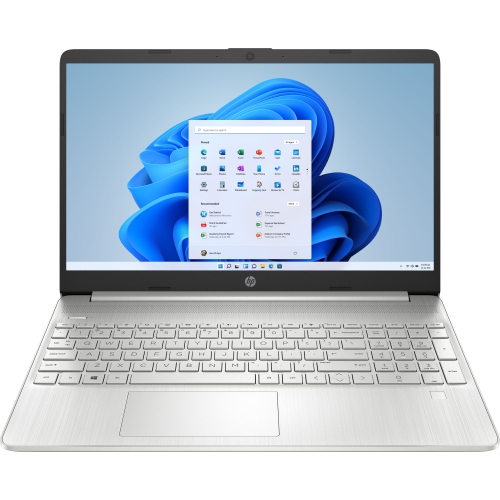 Your price for this item is $829
Discover more categories related to HP EliteBook 830 G6

Top Collections:
Pokemon Centers, Best Cameras for Sports Photography, Kindle Devices, Samsung Galaxy Phones, Canon G7X Cameras, Pokémon 30th Celebration Cards, Refurbished Apple Laptops, iPhone 15 Apple, Laptops for Students, Budget Smartphones
Some products may be subject to Environmental Handling Fees
(EHF) depending on your province.
Learn more about EHFs.