HP EliteBook X360 1030 G2
Explore the HP EliteBook X360 1030 G2, designed to meet the demands of dynamic professionals and modern workspaces. Engineered for versatility and performance, the HP EliteBook X360 1030 G2 offers a sleek profile and adaptable functionality to keep you productive wherever your day takes you. Discover a range of options to suit your workflow, whether you're in the office, at home, or on the move.
Sort
A business laptop that bends to your workday
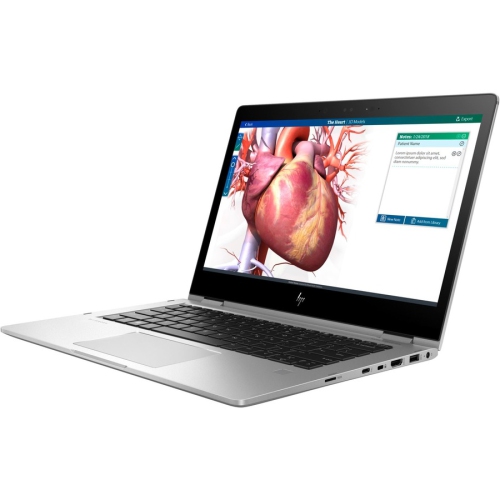
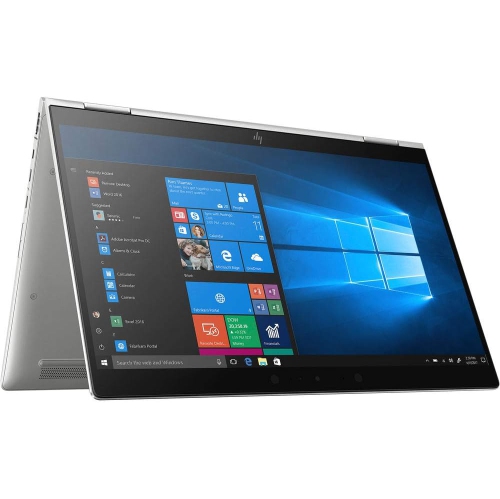
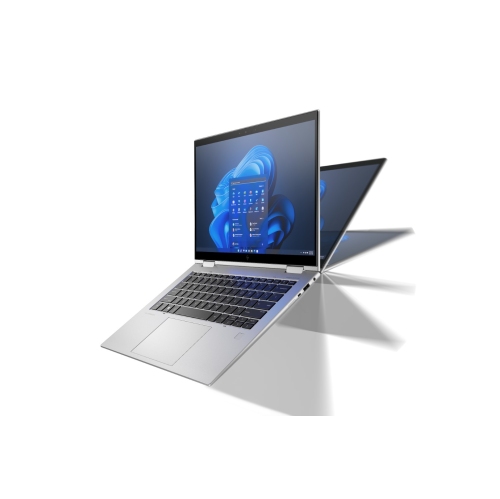
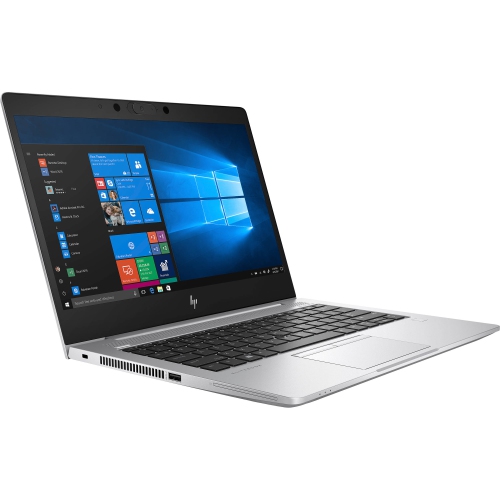
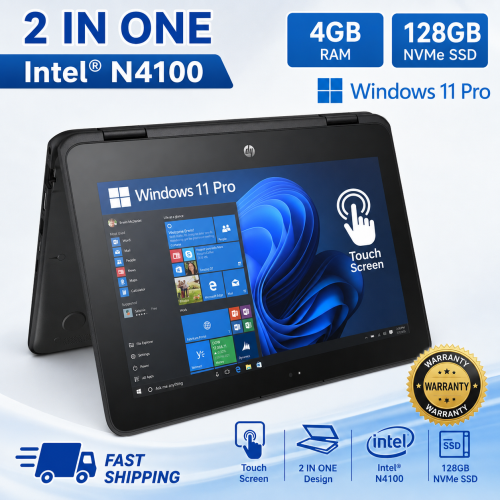
Compact convertible business laptops combine the familiar feel of a keyboard-equipped computer with the flexibility of a touchscreen that folds back for reading, presenting, and handwritten input. In the 13.3-inch category, a 360-degree hinge allows the display to move between laptop, tent, stand, and tablet positions without separating from the base. Laptop mode suits typing reports, managing spreadsheets, and answering messages, while tent mode keeps the screen upright for a video call or a presentation across a small meeting table. Folding the keyboard behind the display makes touch navigation more convenient when reviewing a document or showing a colleague a diagram. These are still full laptops, so tablet mode carries more weight than a dedicated tablet and is generally more comfortable resting on a desk or lap than held in one hand for long periods. Aluminium chassis construction is common in this business-focused category, offering a firm feel around the keyboard and helping the computer stand up to regular movement between workspaces. A compact footprint also leaves room for a notebook beside the computer on a shared desk. For shoppers exploring the broader HP EliteBook X360 family, screen size, processor generation, and individual configuration are useful distinctions because similar-looking convertible laptops can differ substantially inside. A Full HD touchscreen, with a resolution of 1920 × 1080, provides practical space for everyday documents and video playback at this size, although display specifications should be confirmed for each configuration. Touch capability is useful for scrolling and selecting controls, but it does not automatically establish compatibility with every digital pen. Active pen support, the required pen technology, and whether a pen is included are separate details. Together, these design choices make compact business convertibles suitable for office staff, students, consultants, and home users who want one computer for focused typing and more flexible screen interaction.
Everyday performance depends on the combination of processor, memory, storage, and software rather than the convertible design alone. Older business-class configurations with seventh-generation processors are best assessed against the actual workload: writing assignments, opening reference documents, maintaining household records, or joining browser-based meetings place different demands on a computer than editing high-resolution video or building complex 3D models. Many processors from this generation have fewer cores than newer alternatives, which can become noticeable when several demanding applications run together. Memory capacity matters when a video meeting, a large spreadsheet, and numerous browser tabs need to stay open at once. An 8 GB configuration can accommodate lighter routines, while 16 GB provides more headroom for multitasking, subject to the requirements of the applications involved. Some slim business laptops have memory soldered to the main board, so the installed amount may be a lasting limit rather than something that can be expanded later. Solid-state storage supports responsive startup and file access, but capacity deserves separate attention. A 128 GB drive leaves less room for locally stored photos, course materials, and applications than a 256 GB or 512 GB drive, and the operating system occupies part of that space. Connectivity also shapes daily convenience. USB-A ports can accommodate familiar peripherals, while HDMI can simplify connection to a compatible monitor or presentation display. USB-C capabilities vary, so the connector’s shape alone does not confirm charging, video output, or docking support. Wi-Fi performance depends on the wireless adapter as well as the network, and a wired connection may require a compatible adapter. For business use, fingerprint readers, infrared cameras, and firmware security features can be helpful, but their presence and functionality vary by configuration. Operating system eligibility and ongoing security updates are especially important with older hardware. A machine that runs existing software successfully is not necessarily eligible for the latest operating system release, and essential workplace or school applications may have their own support requirements.
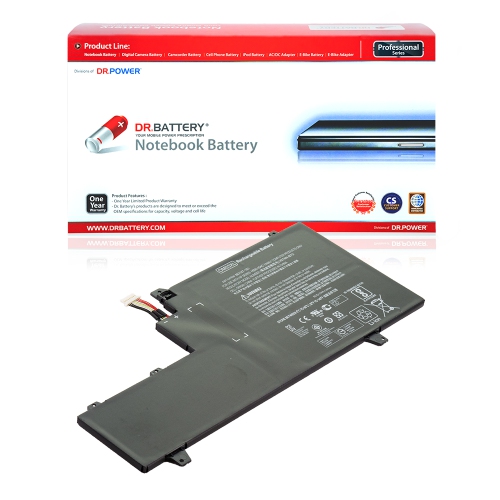
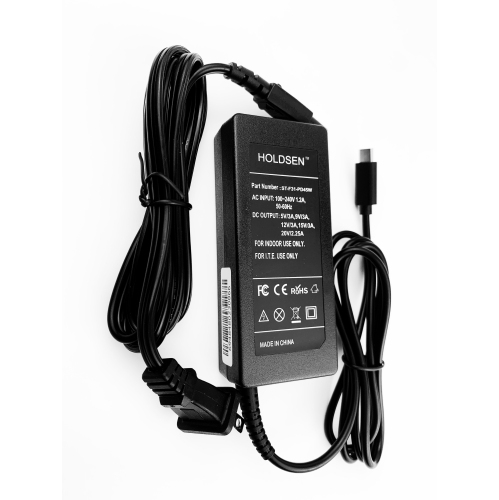
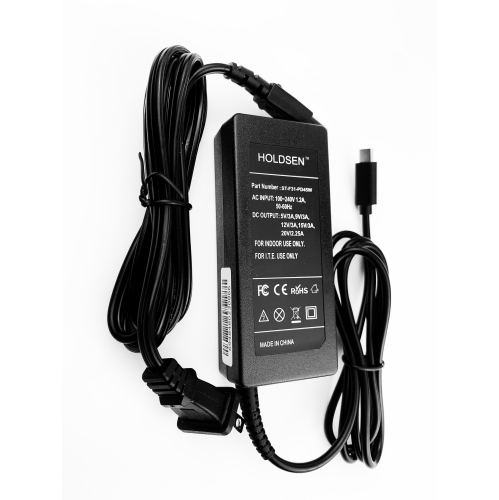
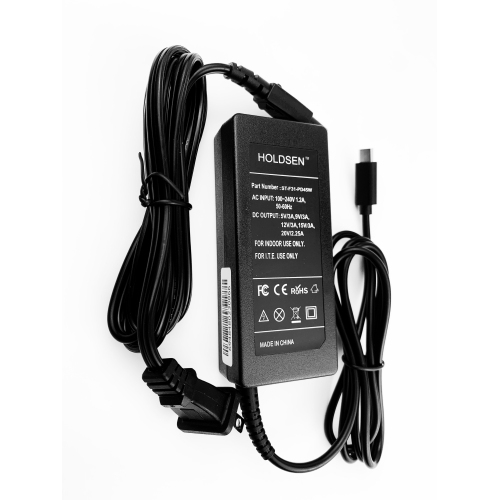
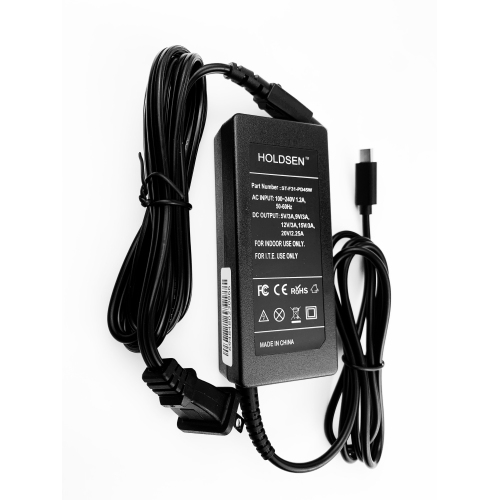
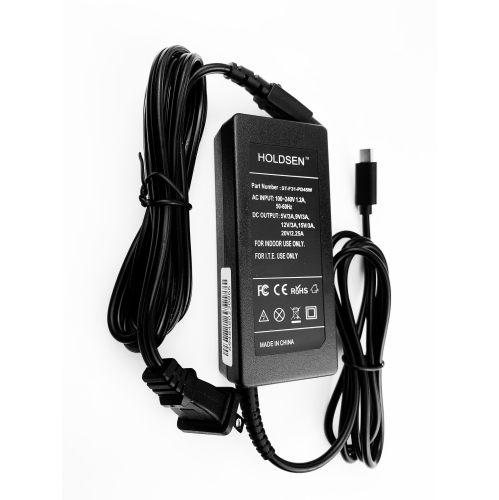
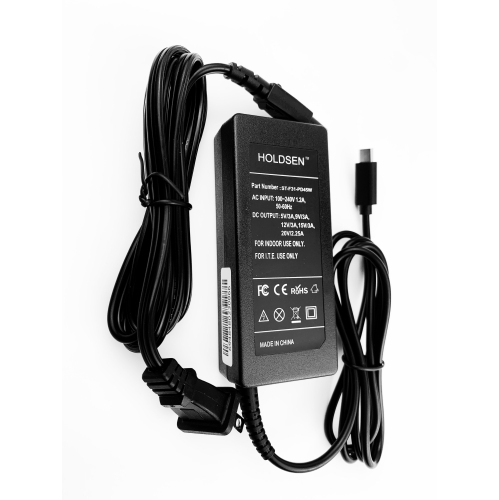
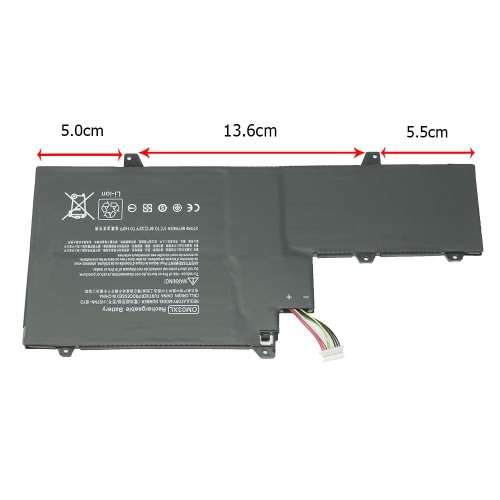
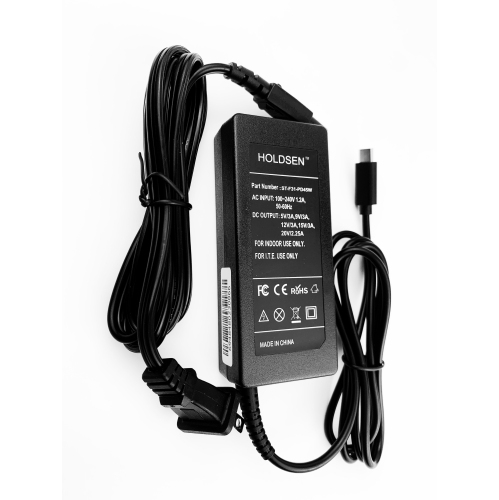
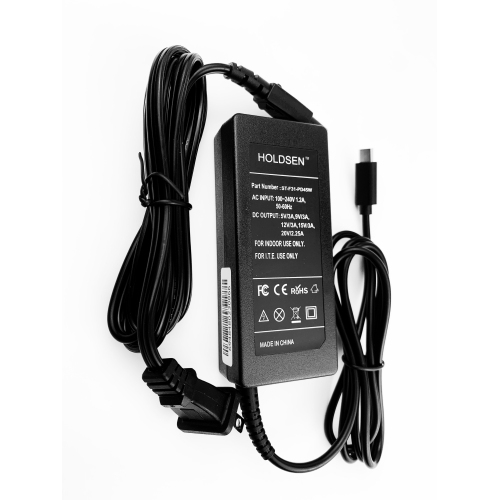
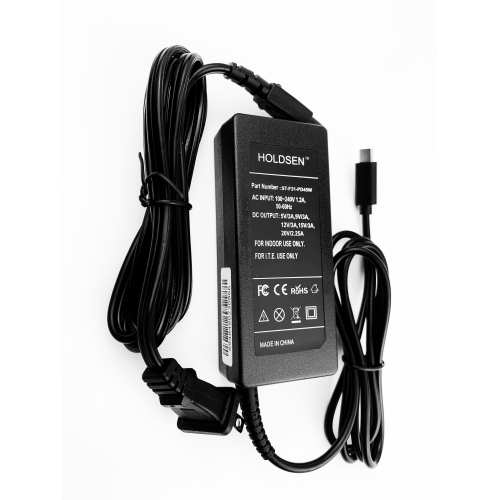
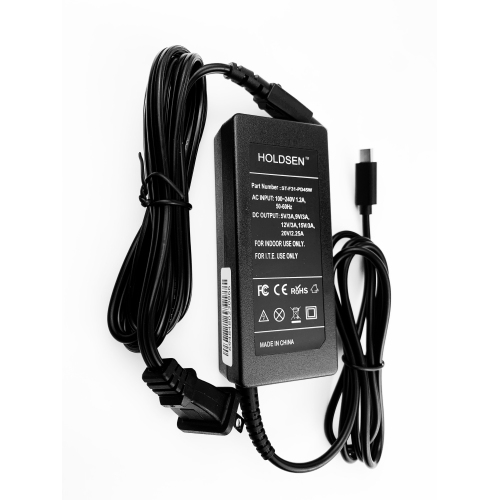
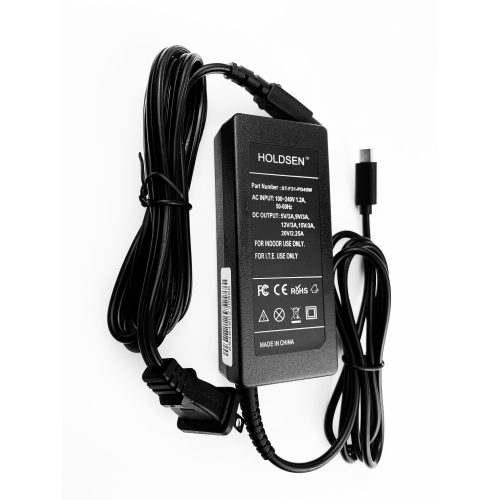
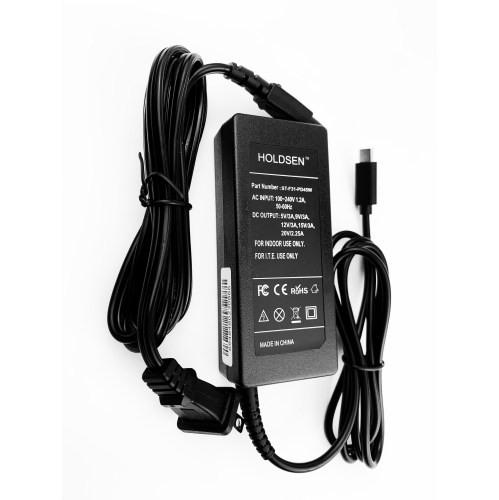
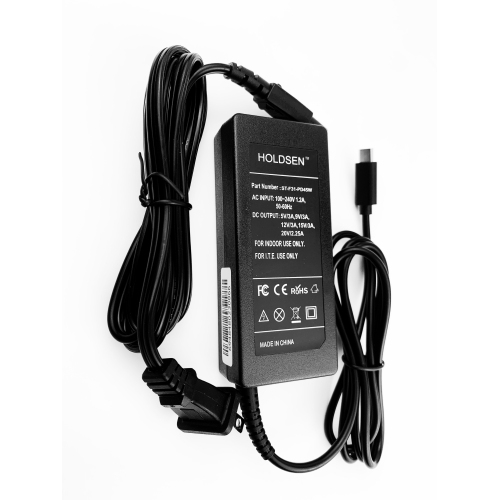
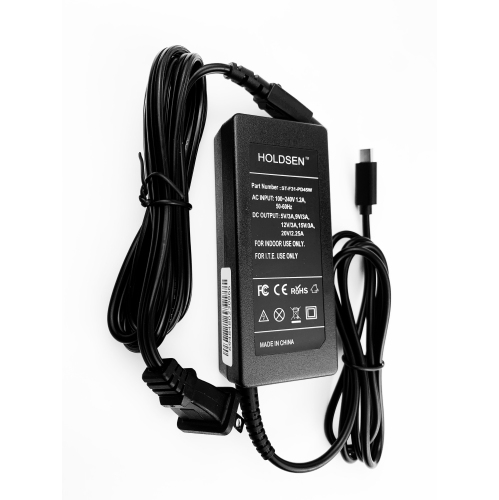
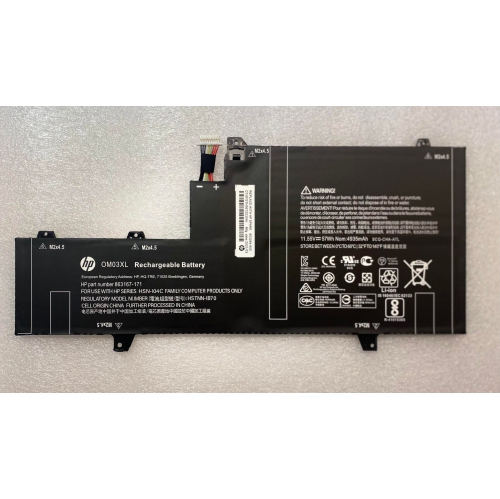
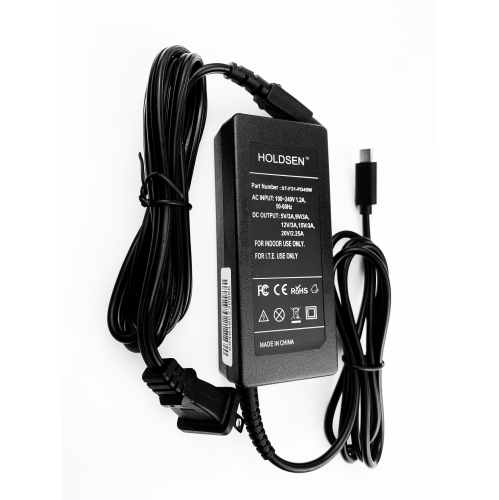
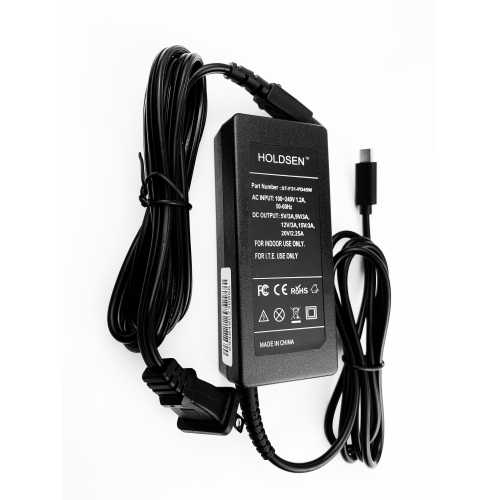
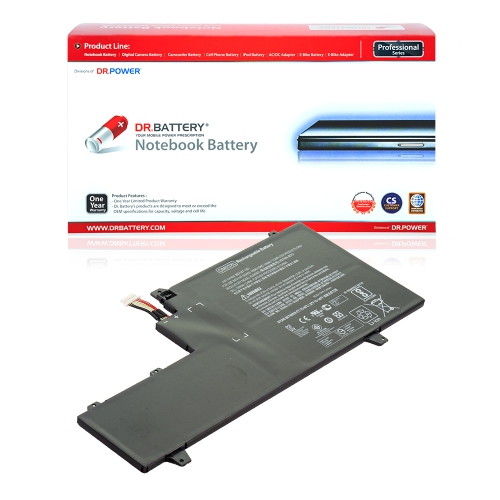
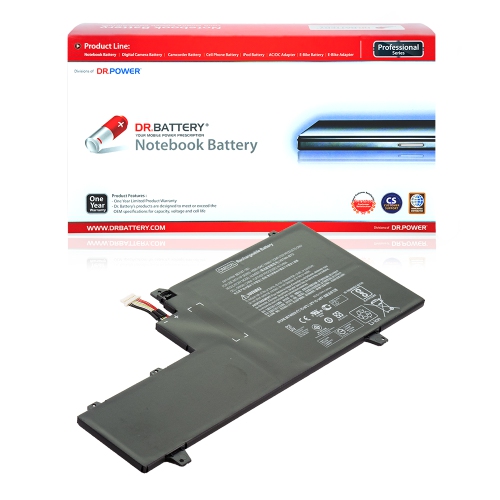
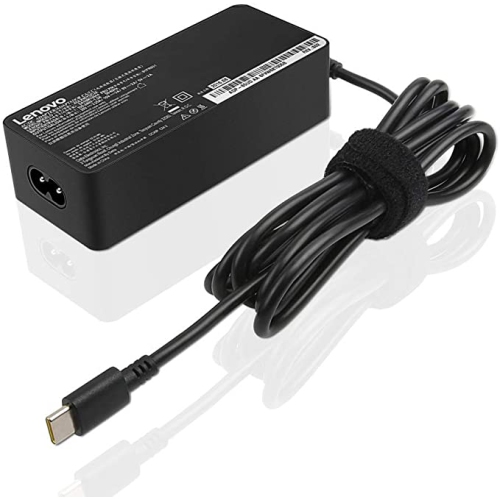
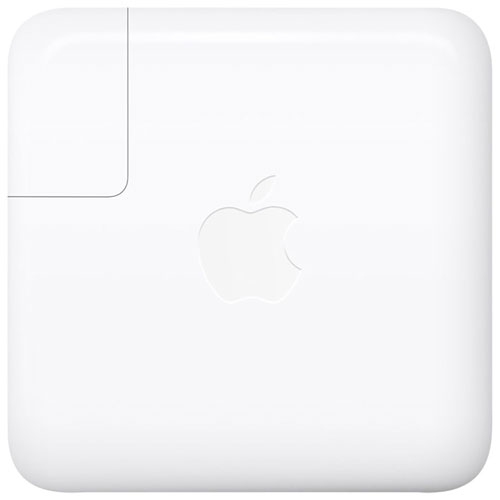
Physical condition is just as important as specifications when considering a previously used or refurbished convertible laptop. The hinge should hold the screen steadily at normal working angles, and the display should respond consistently to touch across its surface. Repeated folding puts the hinge assembly to work in a way that a conventional laptop does not experience as often, making smooth movement and secure mounting meaningful signs of condition. Cosmetic marks on an aluminium lid may have little effect on usability, whereas a loose charging connection, unreliable key, or damaged screen can interrupt everyday tasks. Condition descriptions are most useful when they distinguish appearance from tested functionality and explain what refurbishment involved. Battery health deserves particular attention because rechargeable batteries lose capacity with age and use. Original battery-life claims do not establish how long a previously used computer will last between charges; screen brightness, meetings, wireless activity, and battery wear all influence actual runtime. A compatible charger with the correct power rating is another practical detail, especially for someone who plans to move between a home desk and a shared workspace. A padded sleeve helps protect the lid and corners during travel, while a bag sized for the computer’s actual dimensions provides a better fit than screen size alone can promise. Routine care is straightforward: keep vents clear, remove dust gently, and wipe the screen with a soft microfibre cloth using only a suitable cleaning method. Liquid should never be sprayed directly onto the display or keyboard. When the computer is folded into stand or tablet mode, a clean supporting surface helps protect the exposed keyboard area. At a permanent desk, an external keyboard, mouse, and monitor can make longer sessions more comfortable without sacrificing portability elsewhere. For a student or family member receiving a convertible laptop as a gift, the most useful match is one that supports their required software, offers a comfortable keyboard layout, and includes clearly described accessories and warranty terms. Those practical details determine how naturally a compact convertible fits into daily life long after its first setup.
Everyday performance depends on the combination of processor, memory, storage, and software rather than the convertible design alone. Older business-class configurations with seventh-generation processors are best assessed against the actual workload: writing assignments, opening reference documents, maintaining household records, or joining browser-based meetings place different demands on a computer than editing high-resolution video or building complex 3D models. Many processors from this generation have fewer cores than newer alternatives, which can become noticeable when several demanding applications run together. Memory capacity matters when a video meeting, a large spreadsheet, and numerous browser tabs need to stay open at once. An 8 GB configuration can accommodate lighter routines, while 16 GB provides more headroom for multitasking, subject to the requirements of the applications involved. Some slim business laptops have memory soldered to the main board, so the installed amount may be a lasting limit rather than something that can be expanded later. Solid-state storage supports responsive startup and file access, but capacity deserves separate attention. A 128 GB drive leaves less room for locally stored photos, course materials, and applications than a 256 GB or 512 GB drive, and the operating system occupies part of that space. Connectivity also shapes daily convenience. USB-A ports can accommodate familiar peripherals, while HDMI can simplify connection to a compatible monitor or presentation display. USB-C capabilities vary, so the connector’s shape alone does not confirm charging, video output, or docking support. Wi-Fi performance depends on the wireless adapter as well as the network, and a wired connection may require a compatible adapter. For business use, fingerprint readers, infrared cameras, and firmware security features can be helpful, but their presence and functionality vary by configuration. Operating system eligibility and ongoing security updates are especially important with older hardware. A machine that runs existing software successfully is not necessarily eligible for the latest operating system release, and essential workplace or school applications may have their own support requirements.
Physical condition is just as important as specifications when considering a previously used or refurbished convertible laptop. The hinge should hold the screen steadily at normal working angles, and the display should respond consistently to touch across its surface. Repeated folding puts the hinge assembly to work in a way that a conventional laptop does not experience as often, making smooth movement and secure mounting meaningful signs of condition. Cosmetic marks on an aluminium lid may have little effect on usability, whereas a loose charging connection, unreliable key, or damaged screen can interrupt everyday tasks. Condition descriptions are most useful when they distinguish appearance from tested functionality and explain what refurbishment involved. Battery health deserves particular attention because rechargeable batteries lose capacity with age and use. Original battery-life claims do not establish how long a previously used computer will last between charges; screen brightness, meetings, wireless activity, and battery wear all influence actual runtime. A compatible charger with the correct power rating is another practical detail, especially for someone who plans to move between a home desk and a shared workspace. A padded sleeve helps protect the lid and corners during travel, while a bag sized for the computer’s actual dimensions provides a better fit than screen size alone can promise. Routine care is straightforward: keep vents clear, remove dust gently, and wipe the screen with a soft microfibre cloth using only a suitable cleaning method. Liquid should never be sprayed directly onto the display or keyboard. When the computer is folded into stand or tablet mode, a clean supporting surface helps protect the exposed keyboard area. At a permanent desk, an external keyboard, mouse, and monitor can make longer sessions more comfortable without sacrificing portability elsewhere. For a student or family member receiving a convertible laptop as a gift, the most useful match is one that supports their required software, offers a comfortable keyboard layout, and includes clearly described accessories and warranty terms. Those practical details determine how naturally a compact convertible fits into daily life long after its first setup.
Top selling and popular products
-
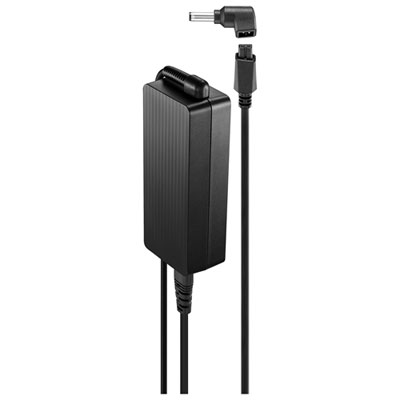 Your price for this item is $69.99
 -
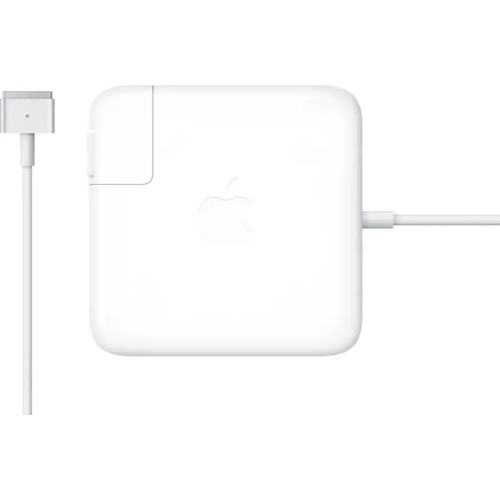 Your price for this item is $133.58
 -
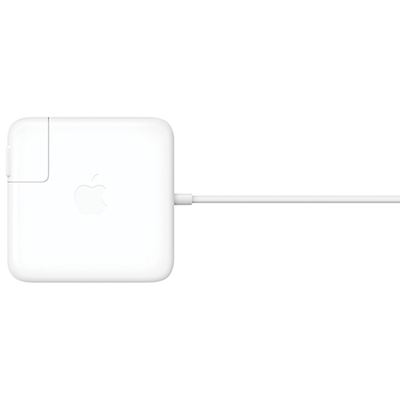 Your price for this item is $95
 -
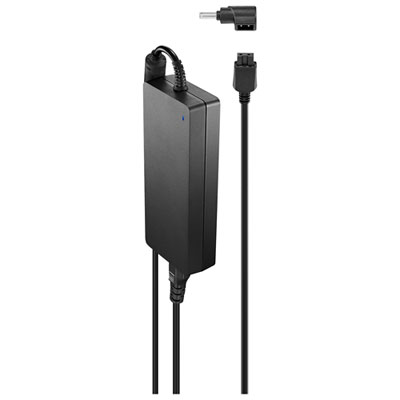 Your price for this item is $109.99
 -
 Your price for this item is $67
 -
 Your price for this item is $49.99
 -
 Your price for this item is $71
 -
 Your price for this item is $51.99
Discover more categories related to HP EliteBook X360 1030 G2
Top Collections:
Pokemon Centers, Best Cameras for Sports Photography, Kindle Devices, Samsung Galaxy Phones, Canon G7X Cameras, Pokémon 30th Celebration Cards, Refurbished Apple Laptops, iPhone 15 Apple, Laptops for Students, Budget Smartphones
Some products may be subject to Environmental Handling Fees
(EHF) depending on your province.
Learn more about EHFs.