HP Laptops for College Students
HP laptops for college students offer a reliable solution for balancing coursework, research, and everyday tasks. With a variety of models to choose from, students can find the right fit for their academic needs and personal preferences. Whether you’re attending lectures, working on group projects, or streaming your favorite shows during downtime, these laptops are designed to keep up with a busy campus lifestyle. Explore options that combine portability, performance, and style to support your educational journey.
Sort
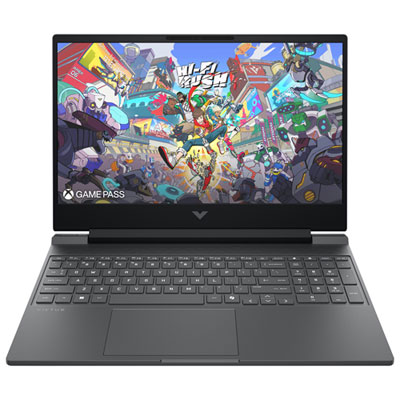
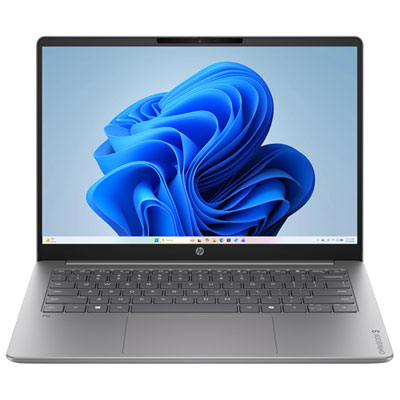
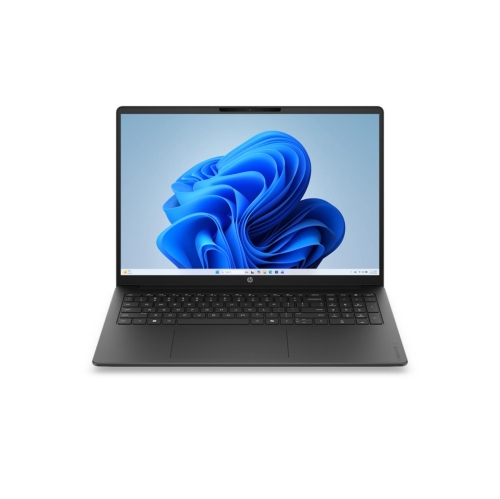
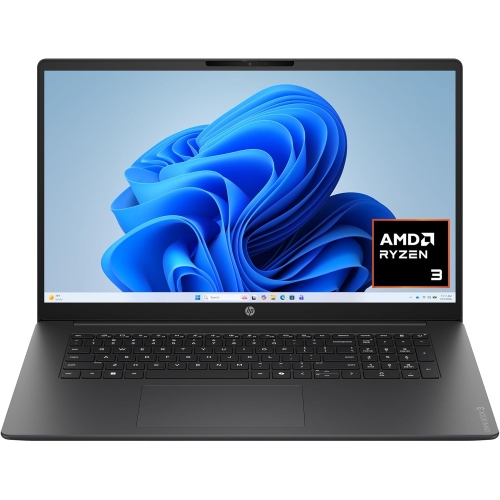
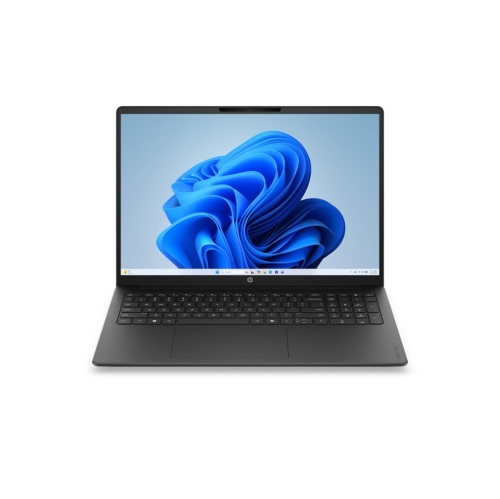
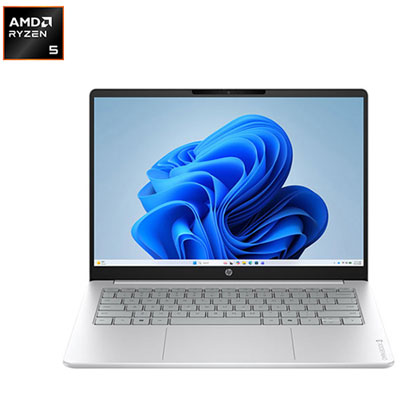
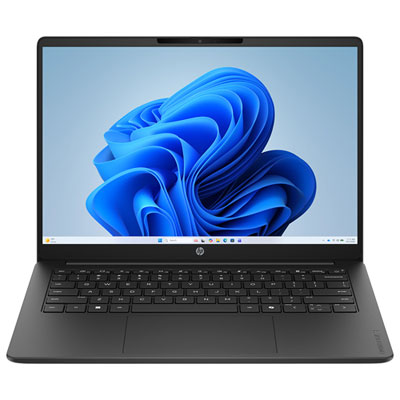
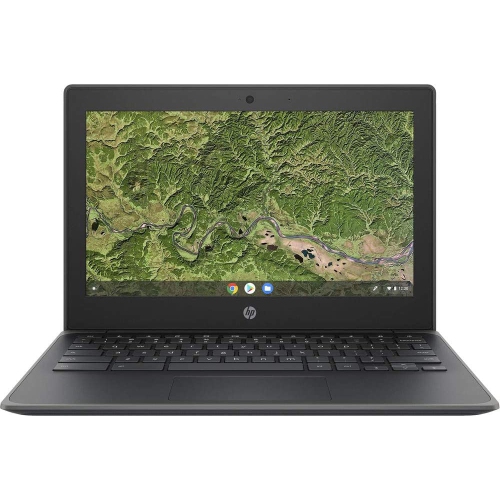
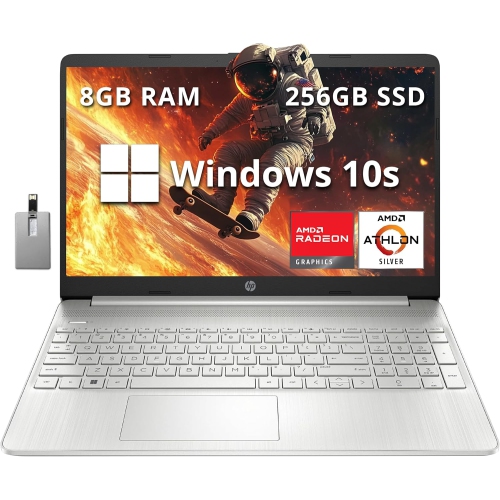
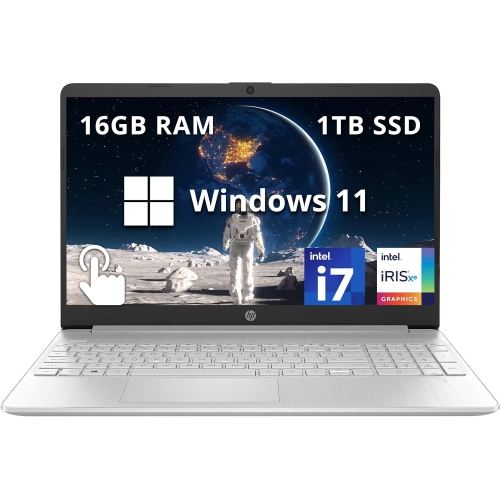
A laptop that fits your backpack and your coursework
A college laptop might spend the morning on a narrow lecture hall desk, the afternoon by a library window and the evening plugged into a monitor at home. Its fit depends as much on where it gets used as on what it needs to run. A 13- or 14-inch laptop can leave room for a notebook on a small desk and slip into a backpack already holding textbooks and lunch. A 15- or 16-inch screen gives a student more space to read a source document beside a draft, follow a demonstration while taking notes or work across a spreadsheet without scrolling as often. The trade-off is more noticeable for someone who carries the laptop between buildings all day than for someone who usually works at the same desk. The weight of the charger matters on a long commute, too, and the laptop’s outside dimensions are more useful than its screen size when checking whether it fits a padded bag compartment. A keyboard with well-spaced keys can make it easier to settle into a long writing session, while a backlit keyboard helps when the lights go down for a presentation. A matte screen can cut distracting reflections from overhead lights, and adjustable text size can make dense course readings easier to follow on a compact display. For online seminars and group meetings, a built-in camera and microphone can keep the setup simple, particularly when a student is signing in from a shared study room rather than a desk at home. Battery life matters on days with back-to-back classes and few places to plug in. Reading a downloaded article or taking notes typically uses less power than joining a video call with the display turned up, so two days with the same class schedule can put very different demands on the battery. Reliable Wi-Fi matters during class; space to keep readings and assignments on the laptop matters on the ride home, when a connection may be less dependable.
Coursework shapes what a laptop needs to handle beyond the lecture hall. A student writing papers may spend most of an afternoon moving between a browser full of research tabs, a word processor and a stack of annotated PDFs. Enough memory helps keep those applications responsive when they’re open together. Someone editing a short film or putting together a design portfolio faces a different load: large source files take up storage quickly, and a capable processor and suitable graphics hardware can make a difference when previewing edits or working with a 3D model. A display that shows colour accurately is more relevant to a student adjusting photos for print than it is to someone working mostly in spreadsheets. For courses that use a particular application for drafting, statistics or exams, the program’s published requirements are a useful starting point. Some tools need a particular operating system or more memory than everyday schoolwork does, while others run in a browser. A touchscreen can be useful for marking up lecture slides or working through equations by hand, but pen compatibility varies, and typing may still be quicker for a lecture that moves through slides at a brisk pace. Ports matter when the laptop travels beyond the classroom, too. A student taking a presentation to a placement site may have to connect to a display they haven’t used before, while someone in a media course may routinely transfer files from a camera. USB-C ports can look identical but differ in whether they support charging or an external display. That distinction matters for a student who expects to connect a monitor and charge the laptop through a single cable at a shared desk. The broader selection of HP Laptops for Students is also relevant for students preparing for college or balancing coursework with a job, where the same laptop might serve for evening classes, shift schedules and video calls.
Materials and construction affect how a laptop feels after a full day of opening it, packing it away and setting it down somewhere new. A metal lid can give the display a more rigid feel, while a well-built plastic chassis can help keep carrying weight down. Material alone doesn’t tell the whole story: a hinge that holds the screen steady and a keyboard deck that doesn’t flex much under normal typing can make the laptop more comfortable to use day after day. A padded sleeve helps prevent scuffs, especially in a bag with keys or charging cables, but packing a laptop alongside a water bottle is still better done with the bottle in a separate compartment. Thick books pressed against the lid can put unnecessary pressure on the screen. Around a residence room or at home, a hard, flat surface keeps vents clear during a long video call or a large file export; a duvet or sofa cushion can block airflow. For routine care, a soft microfibre cloth can clear fingerprints from the display, and the manufacturer’s cleaning directions are worth following before applying any cleaner. Backing up coursework is part of that routine, too. A copy of a term project stored separately from the laptop can save hours of work if the device needs repair. As a graduation gift or a gift for someone starting a college program, a laptop is easiest to match when the recipient’s course requirements and routines are known. A commuter moving between a lab, the library and a part-time job may care most about carry weight and battery life, while a student working from a small apartment may get more use from a larger screen that doubles as the main display at home. For a student in a hands-on program who spends most class time in a workshop or clinic, the laptop may be used chiefly for submitting reports, reviewing demonstrations and keeping placement documents organized. Those differences help explain why the most practical laptop for one college student can feel quite different from the one that suits a classmate.
Top selling and popular products
-
 Your price for this item is $449
-
 Your price for this item is $3099
-
 Your price for this item is $1800.68
-
 Your price for this item is $664.05
-
 Your price for this item is $3400.68
-
 Your price for this item is $489.7
-
 Your price for this item is $1199
-
 Your price for this item is $1951.79
Discover more categories related to HP Laptops for College Students
Top Collections:
Best Black Friday Deals This Year, Best Black Friday Deals On Electronics, Kindle Devices, Dyson Airwrap, Best Cameras for Sports Photography, Best Budget Office Chairs, Canon G7X Cameras, PS5 Pro Consoles, Best Black Friday Deals On Apple Products, XBOX One S Consoles
Some products may be subject to Environmental Handling Fees
(EHF) depending on your province.
Learn more about EHFs.