HP USB C To DisplayPort
Find the perfect solution for connecting your devices with the HP USB C To DisplayPort selection. Whether you're looking to expand your workstation or enjoy high-quality visuals on a larger screen, these adapters make it easy to bridge the gap between USB-C and DisplayPort connections. Browse a variety of options designed to help you get the most out of your compatible laptops, monitors, and other devices. Discover reliable connectivity and seamless integration with HP USB C To DisplayPort adapters available now.
Sort

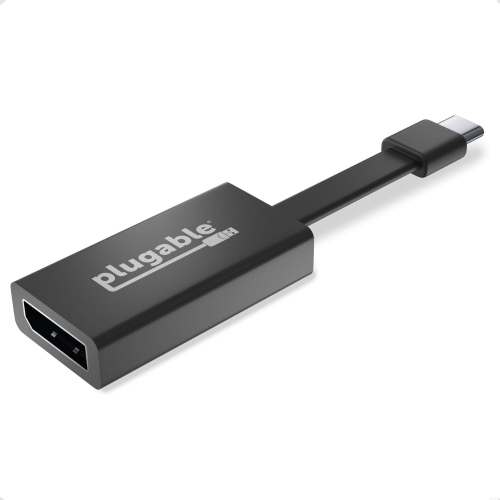
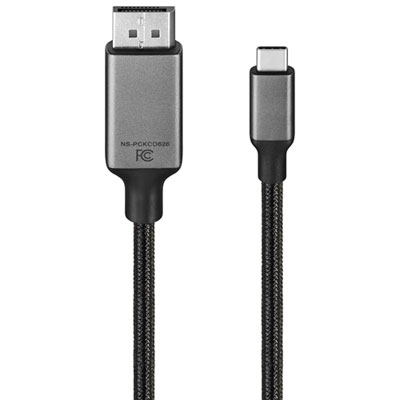
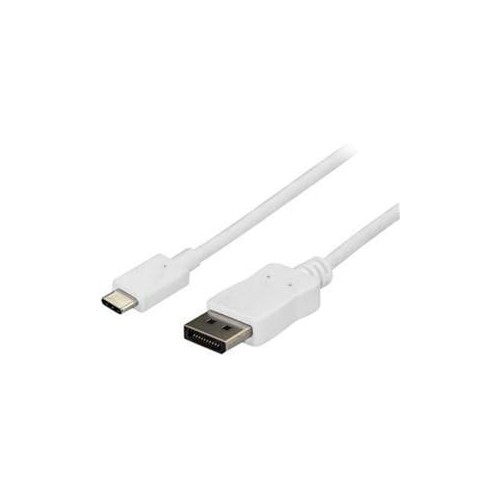
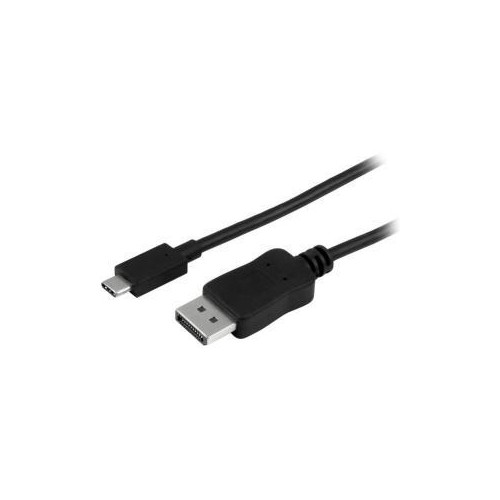
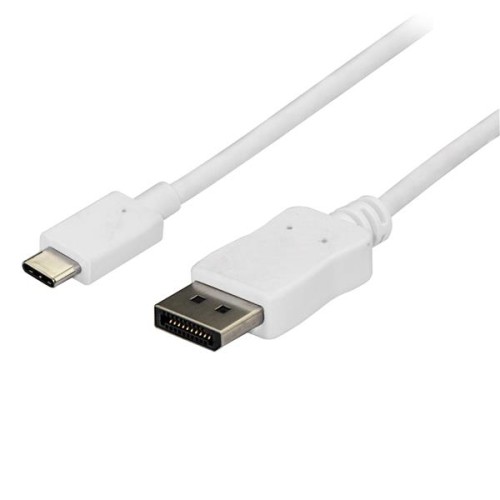
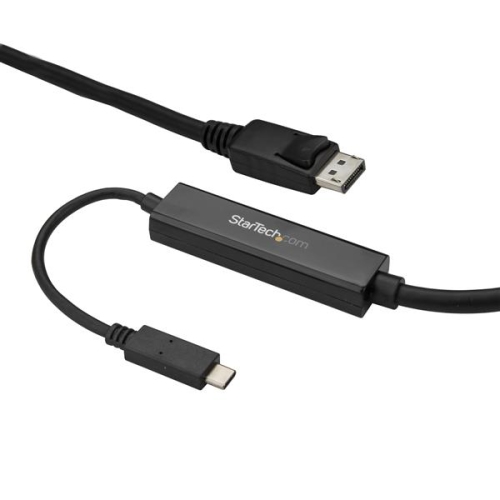
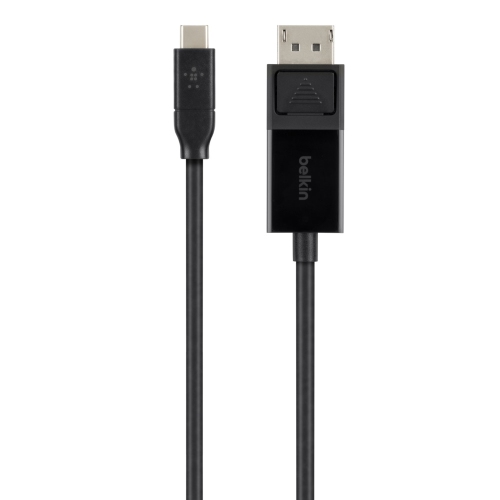

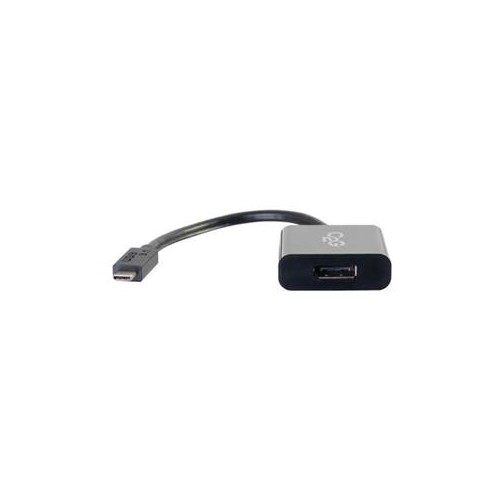
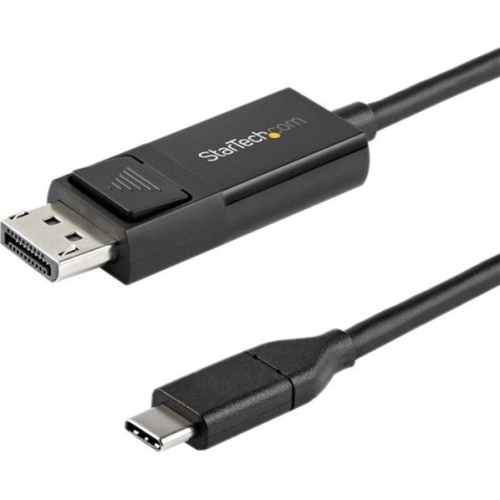
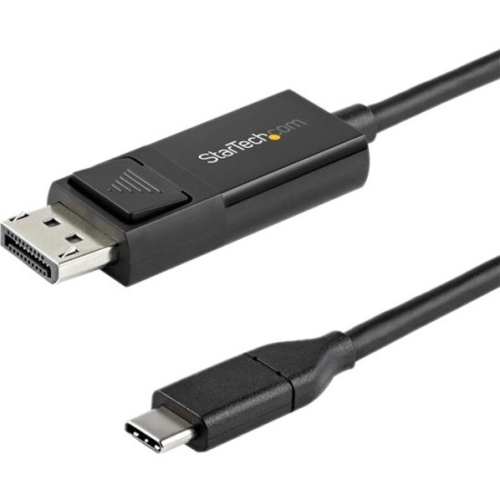
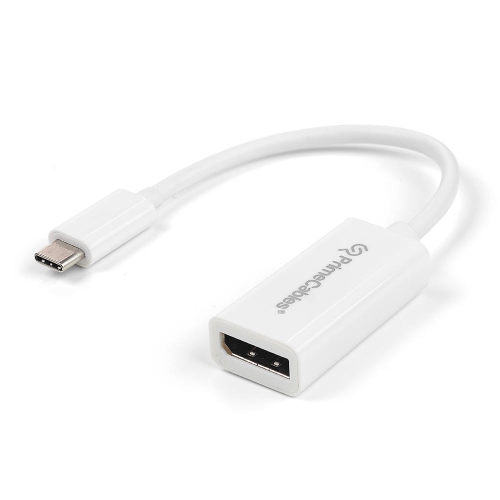
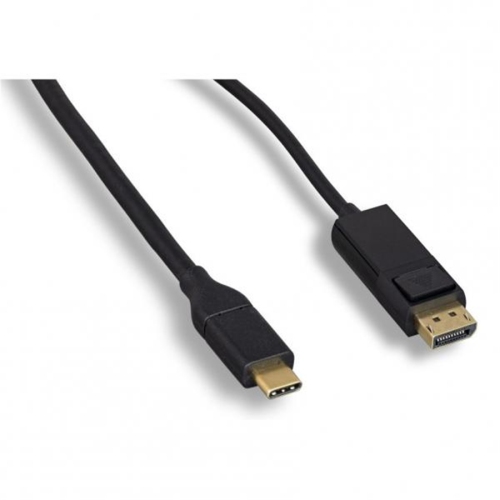
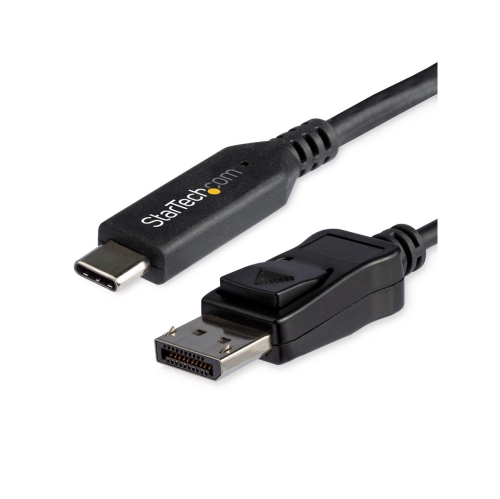
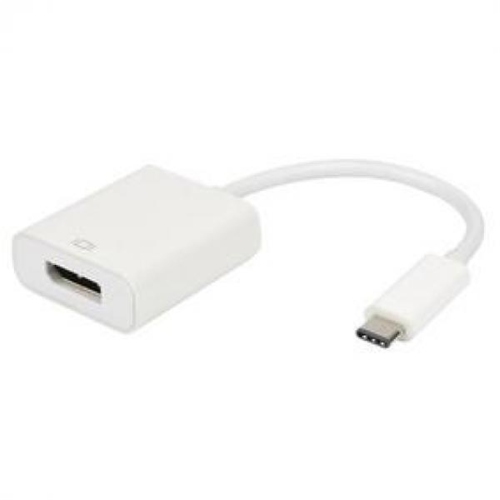
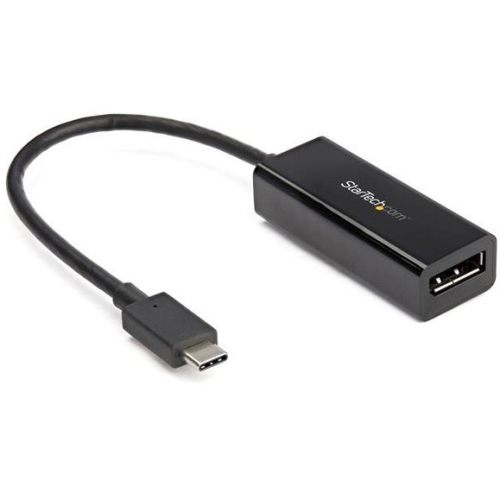
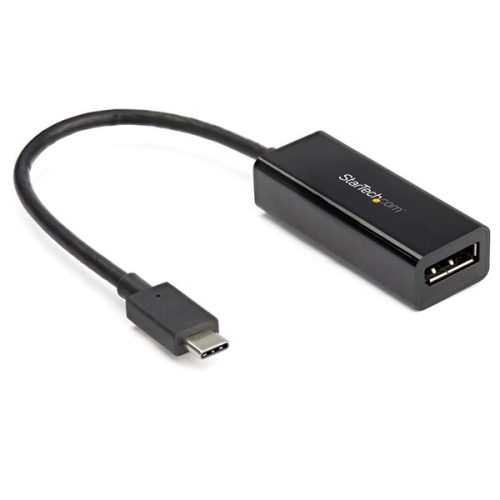
Seamless connections for expanded workspaces and larger displays
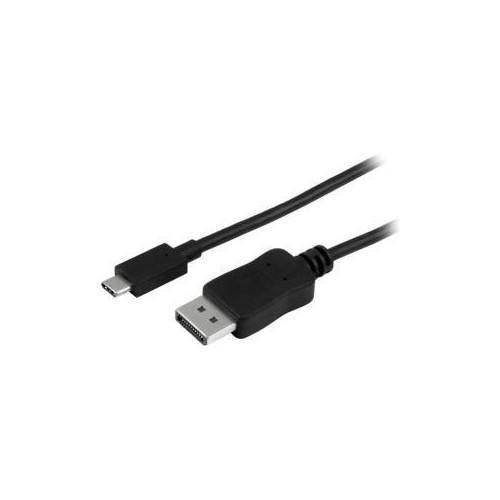
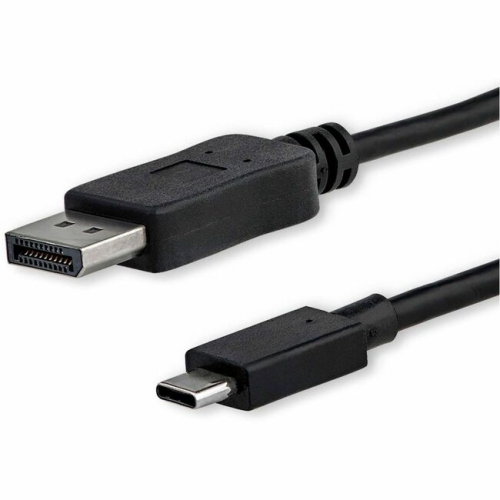
As technology continues to evolve and workplaces become increasingly flexible, the need for reliable connectivity solutions grows more important than ever. USB-C to DisplayPort adapters and cables are essential tools for anyone looking to expand their digital workspace, whether at home, in the office, or on the go. These adapters make it possible to connect modern laptops, tablets, or smartphones equipped with USB-C ports to external monitors, projectors, or TVs that use DisplayPort inputs. This versatility is especially valuable during the busy spring months, when many people are refreshing their home offices or setting up new workstations to accommodate changing schedules and routines. Students, remote workers, creative professionals, and gamers alike benefit from the seamless integration these adapters provide, allowing for high-resolution video output, smooth multi-monitor setups, and efficient multitasking. With a simple connection, you can mirror your screen for presentations, extend your desktop for increased productivity, or enjoy immersive entertainment experiences on larger displays.
When considering which USB-C to DisplayPort solution is right for you, there are several factors to keep in mind to ensure you get the most out of your setup. Compatibility is key—make sure your device supports video output over USB-C, often referred to as DisplayPort Alternate Mode. It’s also important to consider the resolution and refresh rate you require; those working with graphic design, video editing, or gaming may need adapters that support 4K or even higher resolutions for crisp visuals and smooth performance. Cable length and build quality can make a difference, especially if your workstation is spread out or you need to connect devices across a conference table. For those who frequently travel between home and office or participate in hybrid work environments, compact and durable adapters are ideal for packing in a laptop bag and setting up quickly wherever you are. These products also make thoughtful gifts for students heading off to university, professionals upgrading their tech gear, or anyone looking to enhance their digital experience as the days grow longer and schedules get busier.
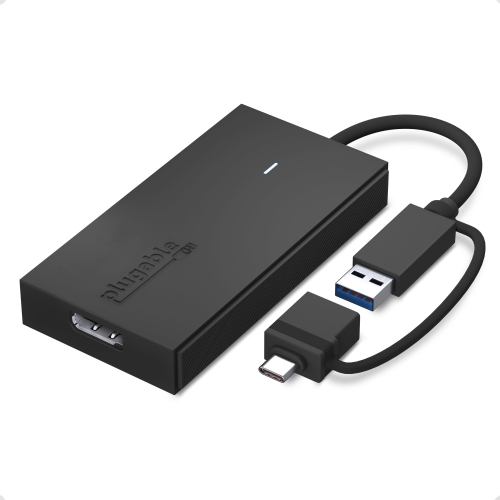
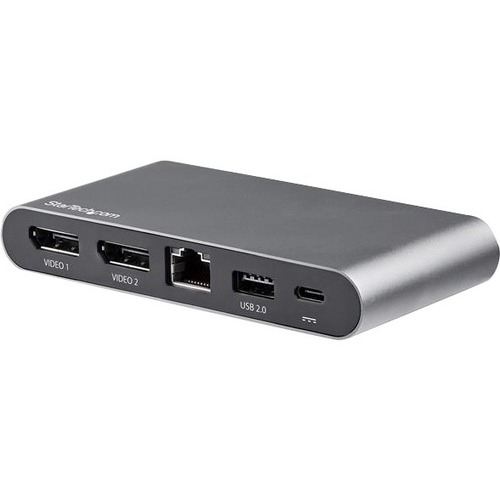
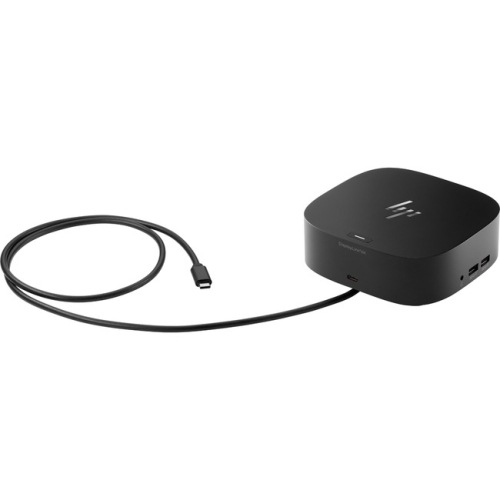
For users seeking an even more streamlined solution, consider exploring docking stations that offer a range of connectivity options, including USB-C to DisplayPort, USB-A, Ethernet, and more. These all-in-one hubs can transform a single USB-C port into a powerful command centre for your devices, making it easy to connect monitors, keyboards, and other peripherals with minimal cable clutter. If you’re interested in expanding your workspace with additional features, take a look at the HP USB-C Dock for a convenient and versatile option. Whether you’re setting up for an important video call, enjoying a movie night with friends, or working on a creative project, having the right connectivity tools on hand ensures a smooth and enjoyable experience every time you plug in.
When considering which USB-C to DisplayPort solution is right for you, there are several factors to keep in mind to ensure you get the most out of your setup. Compatibility is key—make sure your device supports video output over USB-C, often referred to as DisplayPort Alternate Mode. It’s also important to consider the resolution and refresh rate you require; those working with graphic design, video editing, or gaming may need adapters that support 4K or even higher resolutions for crisp visuals and smooth performance. Cable length and build quality can make a difference, especially if your workstation is spread out or you need to connect devices across a conference table. For those who frequently travel between home and office or participate in hybrid work environments, compact and durable adapters are ideal for packing in a laptop bag and setting up quickly wherever you are. These products also make thoughtful gifts for students heading off to university, professionals upgrading their tech gear, or anyone looking to enhance their digital experience as the days grow longer and schedules get busier.
For users seeking an even more streamlined solution, consider exploring docking stations that offer a range of connectivity options, including USB-C to DisplayPort, USB-A, Ethernet, and more. These all-in-one hubs can transform a single USB-C port into a powerful command centre for your devices, making it easy to connect monitors, keyboards, and other peripherals with minimal cable clutter. If you’re interested in expanding your workspace with additional features, take a look at the HP USB-C Dock for a convenient and versatile option. Whether you’re setting up for an important video call, enjoying a movie night with friends, or working on a creative project, having the right connectivity tools on hand ensures a smooth and enjoyable experience every time you plug in.
Top selling and popular products
-
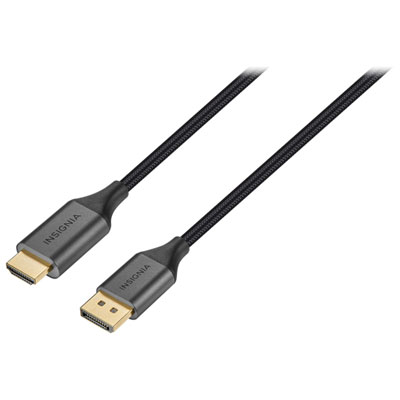 Your price for this item is $39.95
 -
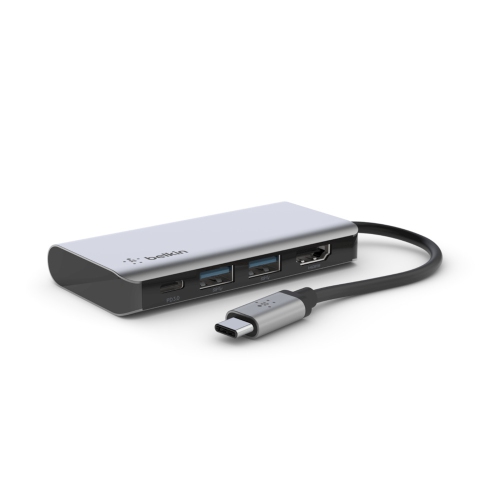 Your price for this item is $62.99
 -
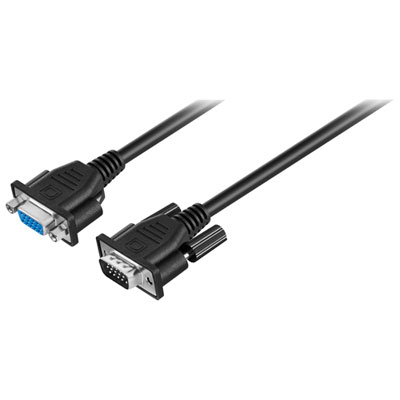 Your price for this item is $29.95
 -
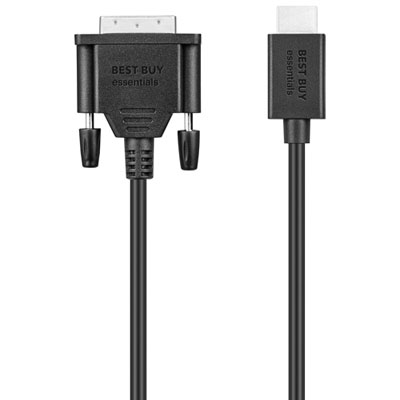 Your price for this item is $14.99
 -
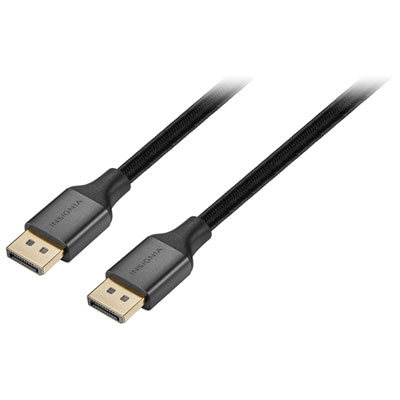 Your price for this item is $29.99
 -
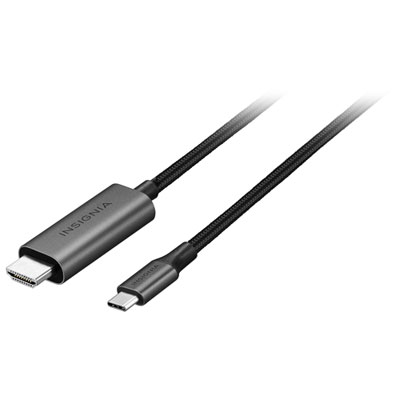 Your price for this item is $39.99
 -
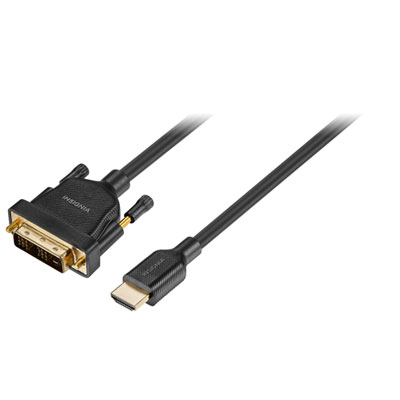 Your price for this item is $29.99
 -
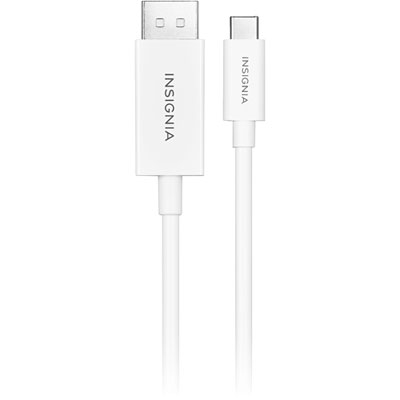 Your price for this item is $24.97
Discover more categories related to HP USB C To DisplayPort
Top Collections:
Pokemon Centers, Kindle Devices, Best Budget Office Chairs, Apple iPhones 16, Best Laptops for Writers, iPhone 15 Apple, Canon G7X Cameras, Refurbished Apple Laptops, Alarm Clock, Motorola Razr Phones
Some products may be subject to Environmental Handling Fees
(EHF) depending on your province.
Learn more about EHFs.