HP USB-C Dock
Discover the ultimate solution for seamless connectivity and enhanced productivity with a versatile USB-C dock. Perfect for both home and office environments, these docks offer expanded capabilities by connecting multiple devices through a single, streamlined hub. Whether you’re looking to boost your workstation's efficiency or simplify your tech setup, a USB-C dock provides the flexibility and convenience you need. Enjoy easy access to additional ports, quick data transfer, and the ability to charge devices simultaneously, all while maintaining a clutter-free workspace. Embrace the power of simplicity and elevate your tech experience today.
Sort
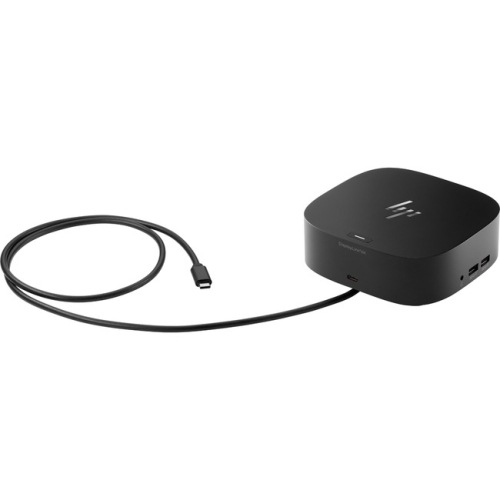
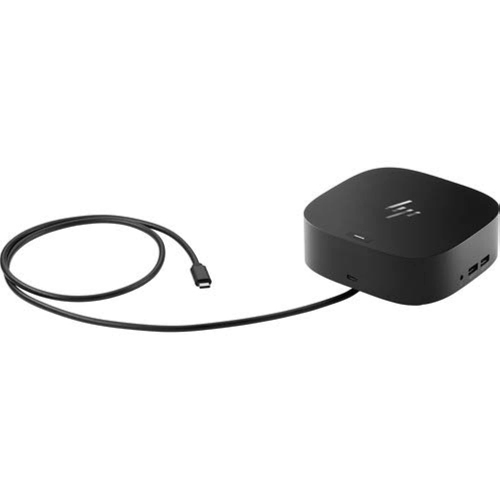
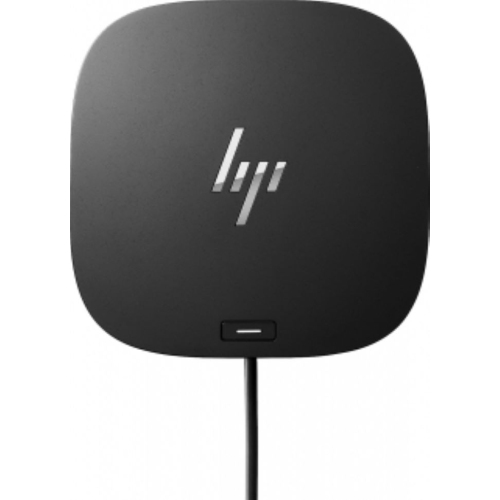
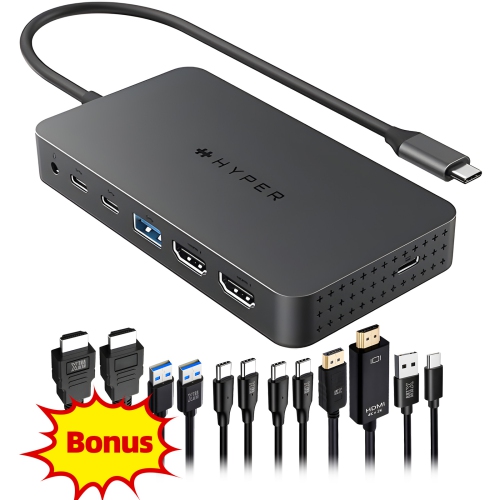
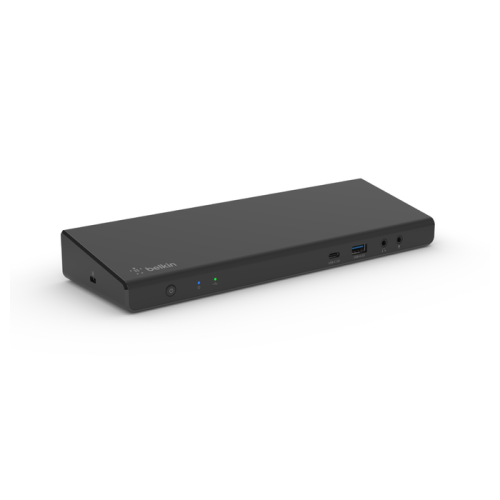
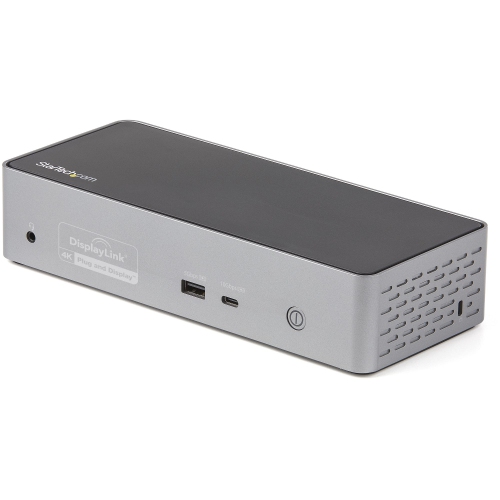
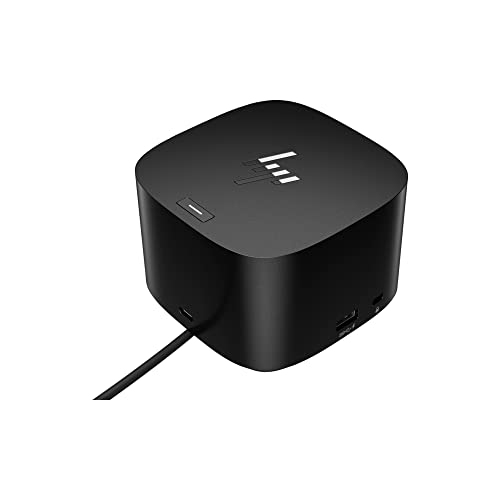
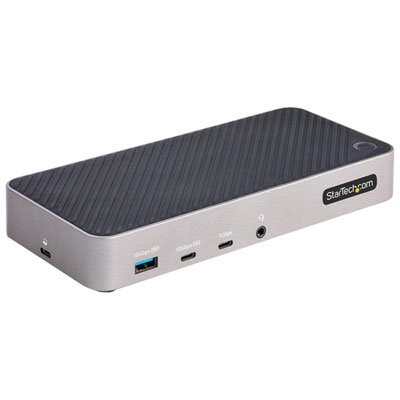
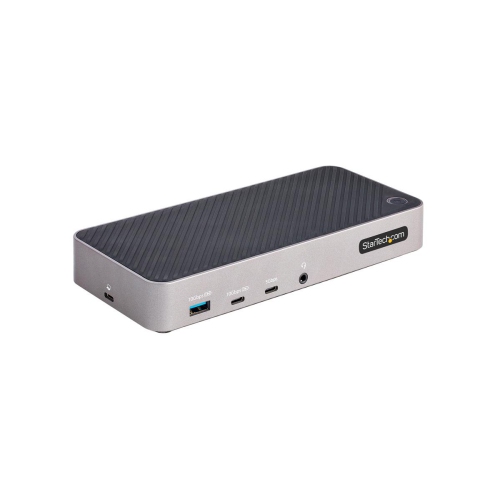
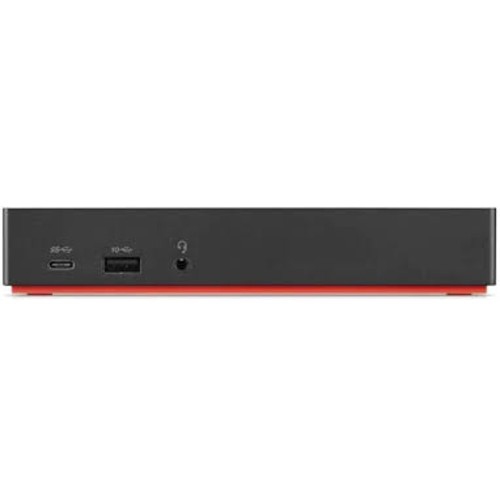
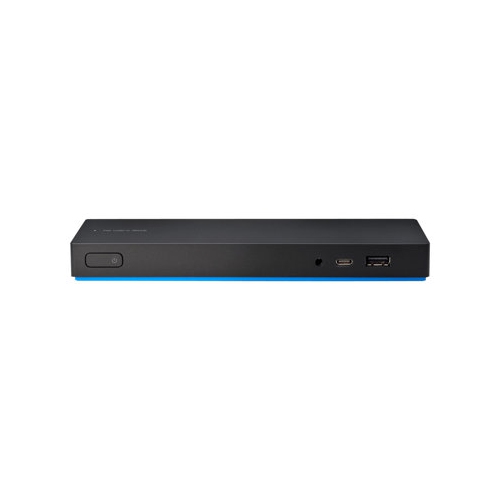
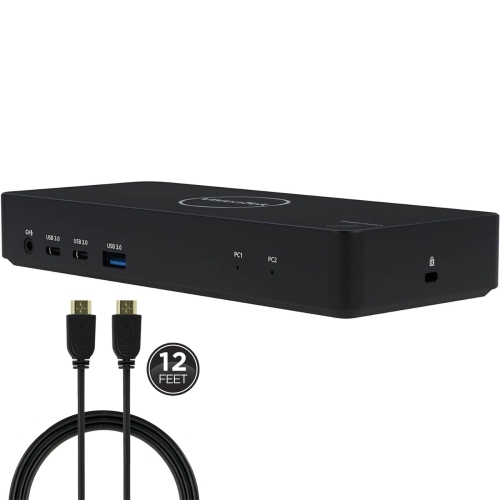
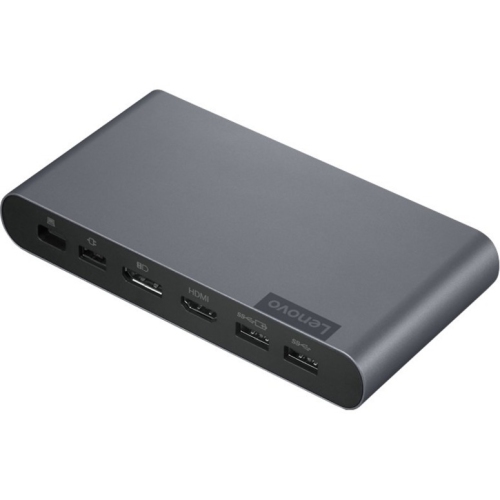
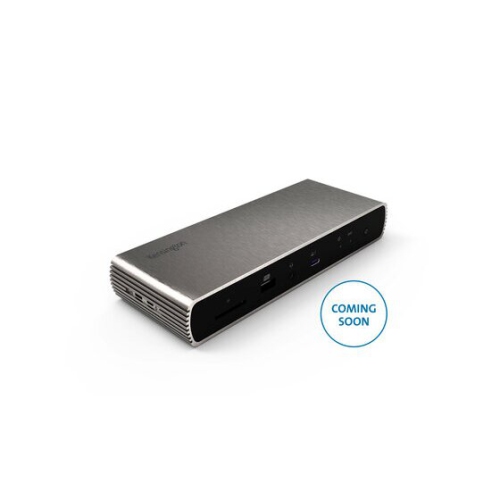
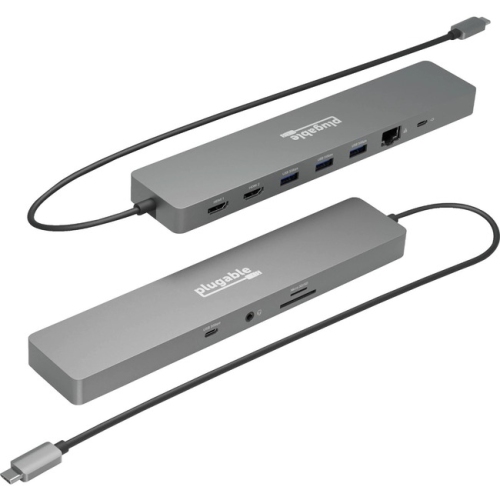
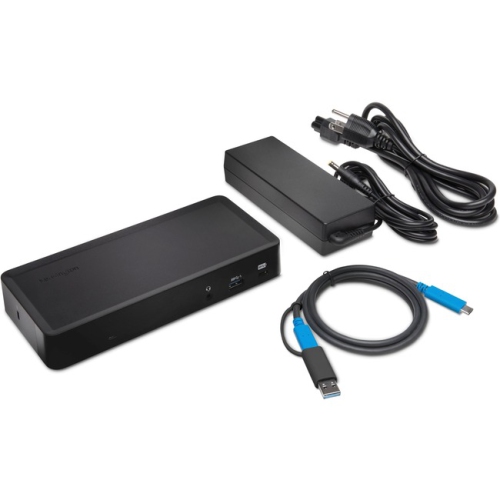
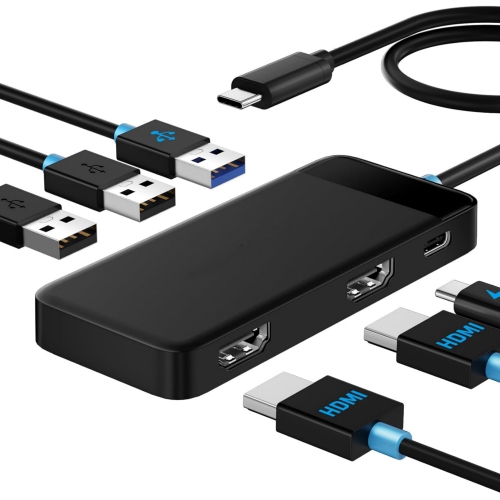


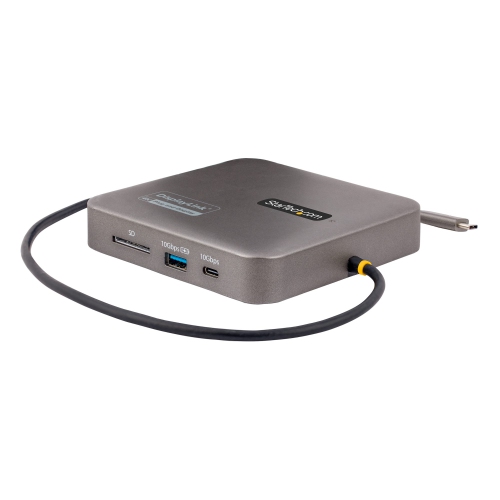

One cable connects your laptop to a complete workspace
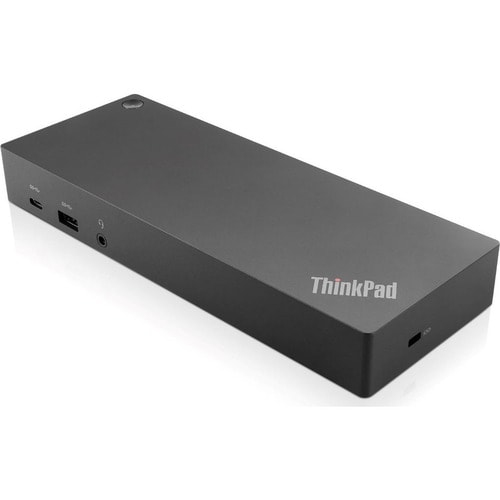
A USB-C docking station is a practical way to turn a compatible laptop into a more capable desktop setup without filling a workspace with separate adapters and cables. With one USB-C connection, a dock can link a laptop to external displays, a keyboard, mouse, storage drive, headset, wired network and other everyday accessories, while also charging the computer through the same cable. This arrangement is especially useful for people who move between home, office and classroom settings: unplug one cable to take the laptop on the road, then reconnect it at a desk to restore the full setup. A USB-C dock for an HP laptop may also work with compatible computers from other manufacturers, provided the laptop supports the required USB-C functions. Compatibility is worth checking carefully, since USB-C describes the connector shape rather than every feature it may support. For charging, video output and data transfer to work as expected, the laptop may need USB-C Power Delivery, DisplayPort Alt Mode or Thunderbolt support. Operating system compatibility can vary as well, although many universal docks are designed to work with Windows, macOS and ChromeOS computers. For a helpful starting point when comparing connection options, browse the Best USB C Dock selection alongside the specifications for the laptop and monitors you plan to use.
The number and type of ports should match the way the dock will be used. For a simple home office, one HDMI or DisplayPort connection, several USB ports and a headset jack may be enough. A workstation used for spreadsheets, design applications, coding or video editing may benefit from support for two or three external displays, with DisplayPort 1.4 and HDMI 2.0 connections helping accommodate different monitor arrangements. Display support depends on the dock, laptop, graphics hardware, operating system, refresh rate and resolution, so a three-monitor setup should be confirmed against the complete specifications rather than the port count alone. USB-A ports remain useful for familiar accessories such as printers, flash drives, webcams and full-size keyboards, while USB-C ports can support newer storage devices and mobile accessories. A Gigabit Ethernet port is valuable where a stable wired connection is preferred for video calls, large file transfers, remote work or online gaming; it can also provide a dependable alternative to Wi-Fi in busy homes and offices. Some docks include an audio combo jack for headphones or a microphone, reducing the need for another adapter. Power delivery is another important consideration. Certain USB-C docks can provide up to 100W to a connected laptop, but the actual charging rate depends on the dock, power adapter and computer requirements. A dock that supplies enough power for an ultrabook may not fully support a high-performance laptop under heavy workloads, so check the wattage before purchasing and confirm whether a power adapter is included.
These docks are suited to students, hybrid workers, small-business owners, professionals and anyone who wants a neater, more comfortable desk arrangement. A student can connect a laptop to a larger monitor, external keyboard and Ethernet cable for focused study, then disconnect quickly when heading to class. At a home office, a single-cable setup helps keep the desk ready for video meetings, document work and research, with the laptop screen available for notes while a larger display handles the main task. Creative users may appreciate the extra screen space for timelines, reference images and editing tools, while travellers can use a compact dock to make a temporary workspace feel more familiar in a hotel or shared office. A USB-C dock can also make a thoughtful gift for someone setting up a first workstation, returning to school or bringing work home during the cooler months, particularly when paired with a compatible monitor, keyboard or ergonomic mouse. Before choosing one, count the accessories that need to remain connected, note the monitor inputs, check the laptop’s USB-C and Thunderbolt specifications, and consider where the dock will sit. A model with a short, integrated cable can reduce clutter near the computer, while a longer cable may be more convenient when the laptop is placed on a stand. It is also sensible to confirm support for the desired display resolution, refresh rate, charging wattage and operating system. With the right match, a USB-C docking station can make daily connections feel almost effortless while giving a laptop the ports and desktop flexibility needed for work, study and entertainment.
The number and type of ports should match the way the dock will be used. For a simple home office, one HDMI or DisplayPort connection, several USB ports and a headset jack may be enough. A workstation used for spreadsheets, design applications, coding or video editing may benefit from support for two or three external displays, with DisplayPort 1.4 and HDMI 2.0 connections helping accommodate different monitor arrangements. Display support depends on the dock, laptop, graphics hardware, operating system, refresh rate and resolution, so a three-monitor setup should be confirmed against the complete specifications rather than the port count alone. USB-A ports remain useful for familiar accessories such as printers, flash drives, webcams and full-size keyboards, while USB-C ports can support newer storage devices and mobile accessories. A Gigabit Ethernet port is valuable where a stable wired connection is preferred for video calls, large file transfers, remote work or online gaming; it can also provide a dependable alternative to Wi-Fi in busy homes and offices. Some docks include an audio combo jack for headphones or a microphone, reducing the need for another adapter. Power delivery is another important consideration. Certain USB-C docks can provide up to 100W to a connected laptop, but the actual charging rate depends on the dock, power adapter and computer requirements. A dock that supplies enough power for an ultrabook may not fully support a high-performance laptop under heavy workloads, so check the wattage before purchasing and confirm whether a power adapter is included.
These docks are suited to students, hybrid workers, small-business owners, professionals and anyone who wants a neater, more comfortable desk arrangement. A student can connect a laptop to a larger monitor, external keyboard and Ethernet cable for focused study, then disconnect quickly when heading to class. At a home office, a single-cable setup helps keep the desk ready for video meetings, document work and research, with the laptop screen available for notes while a larger display handles the main task. Creative users may appreciate the extra screen space for timelines, reference images and editing tools, while travellers can use a compact dock to make a temporary workspace feel more familiar in a hotel or shared office. A USB-C dock can also make a thoughtful gift for someone setting up a first workstation, returning to school or bringing work home during the cooler months, particularly when paired with a compatible monitor, keyboard or ergonomic mouse. Before choosing one, count the accessories that need to remain connected, note the monitor inputs, check the laptop’s USB-C and Thunderbolt specifications, and consider where the dock will sit. A model with a short, integrated cable can reduce clutter near the computer, while a longer cable may be more convenient when the laptop is placed on a stand. It is also sensible to confirm support for the desired display resolution, refresh rate, charging wattage and operating system. With the right match, a USB-C docking station can make daily connections feel almost effortless while giving a laptop the ports and desktop flexibility needed for work, study and entertainment.
Top selling and popular products
-
 Your price for this item is $149.99
 -
 Your price for this item is $69.99
 -
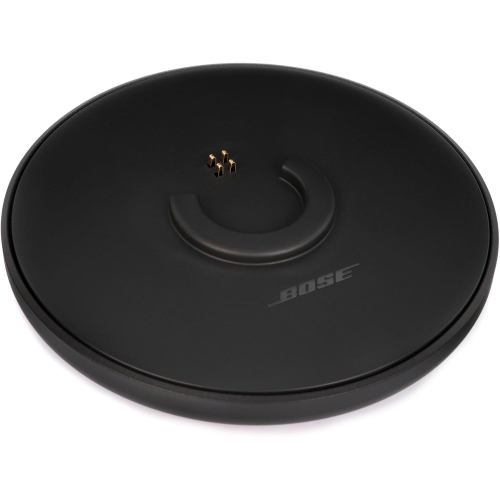 Your price for this item is $35
 -
 Your price for this item is $59.99
 -
 Your price for this item is $179.99
 -
 Your price for this item is $209.99
 -
 Your price for this item is $89.99
 -
 Your price for this item is $154.99
Discover more categories related to HP USB-C Dock


Top Collections:
Pokemon Centers, Kindle Devices, Best Budget Office Chairs, Apple iPhones 16, Best Laptops for Writers, iPhone 15 Apple, Canon G7X Cameras, Refurbished Apple Laptops, Alarm Clock, Motorola Razr Phones
Some products may be subject to Environmental Handling Fees
(EHF) depending on your province.
Learn more about EHFs.