iPad 10.2 Inch Cases
Protect your iPad 10.2 inch with a stylish and durable case. Whether you're a student, professional, or simply someone who loves to stay connected on the go, a reliable case is essential to safeguard your device from accidental drops, scratches, and everyday wear and tear. With a wide range of options available, you can find the perfect iPad 10.2 inch case that not only provides maximum protection but also complements your personal style. From sleek and slim designs to rugged and shockproof constructions, explore our collection of iPad 10.2 inch cases to find the ideal fit for your device.
Sort





























































The right fit goes beyond screen size
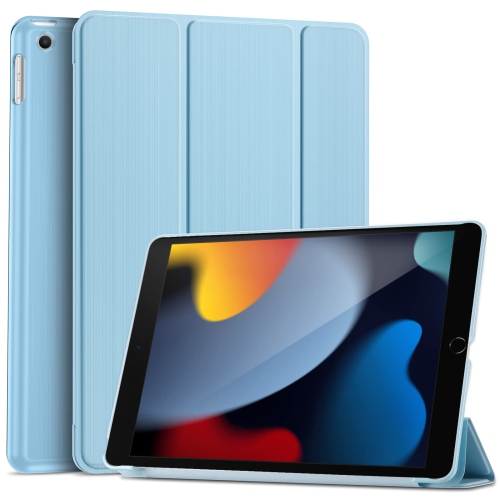
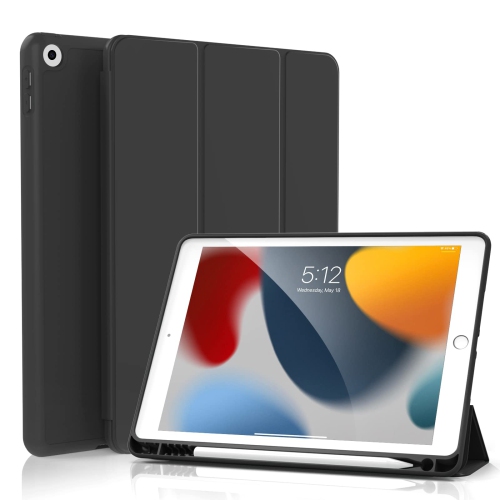
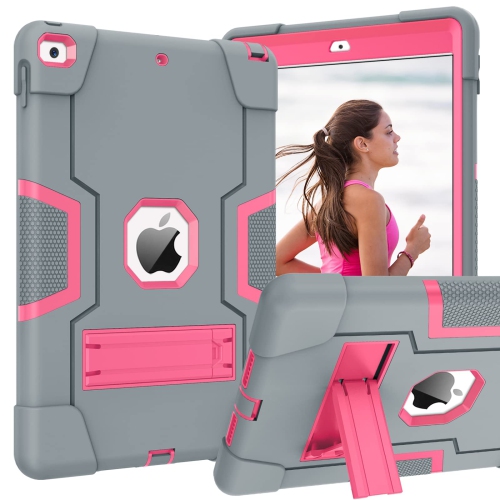
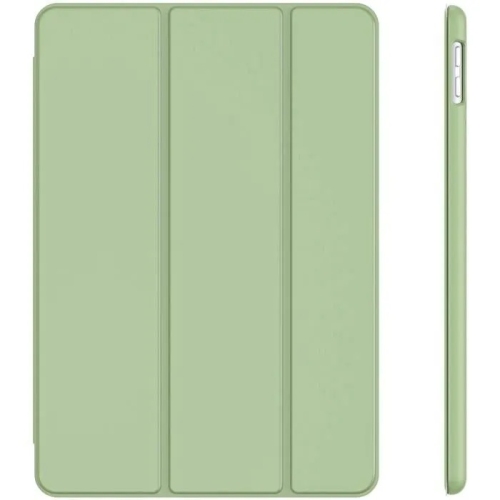
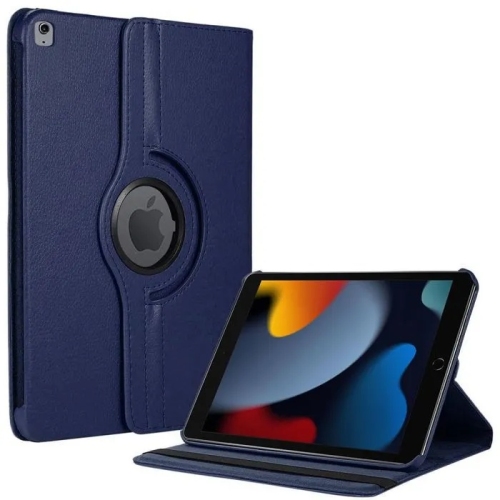
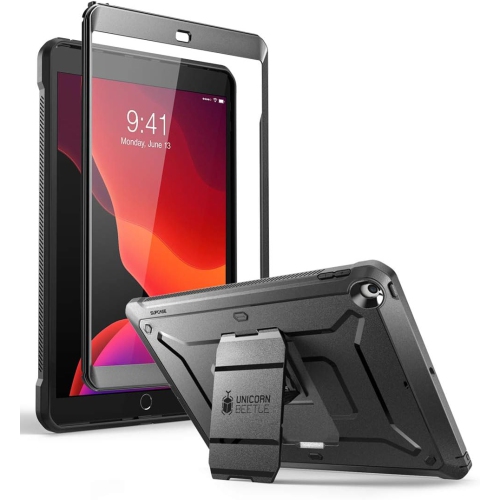
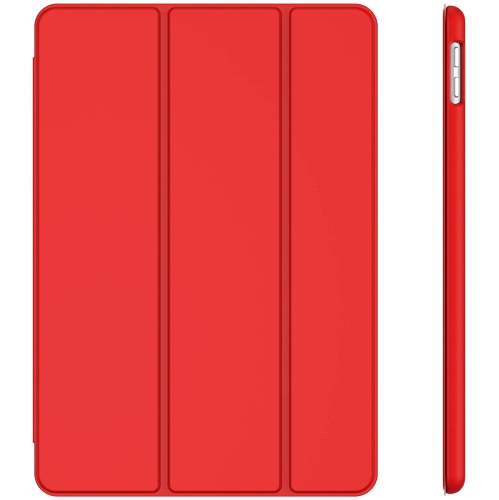
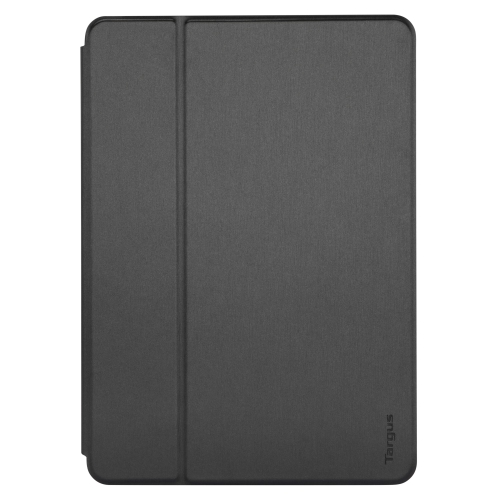
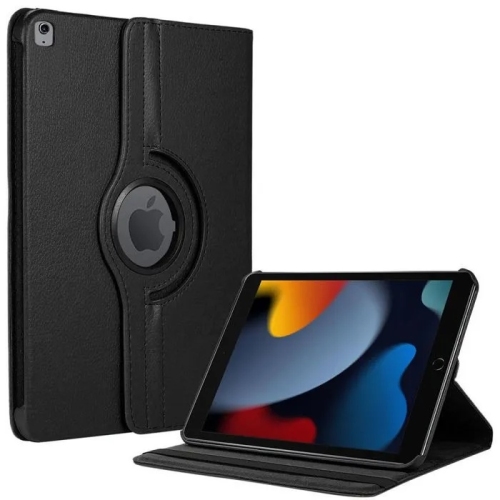
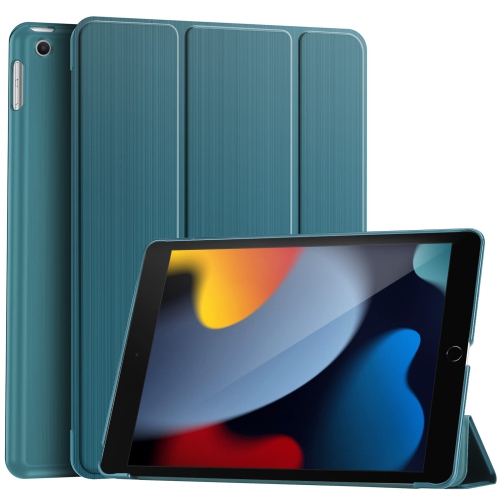
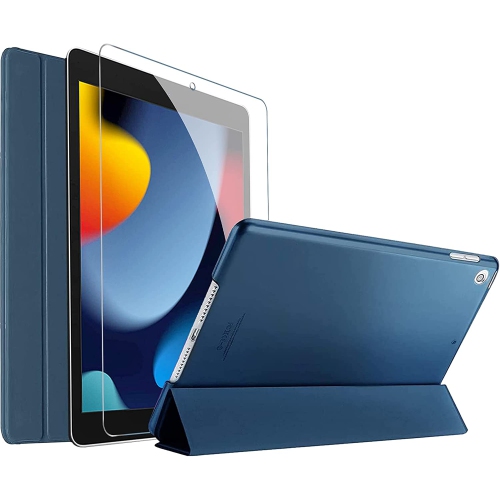
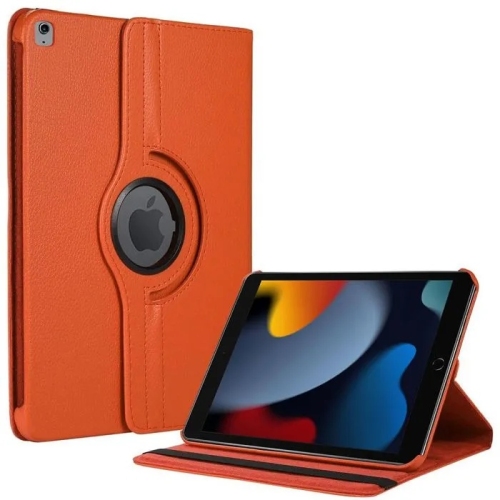
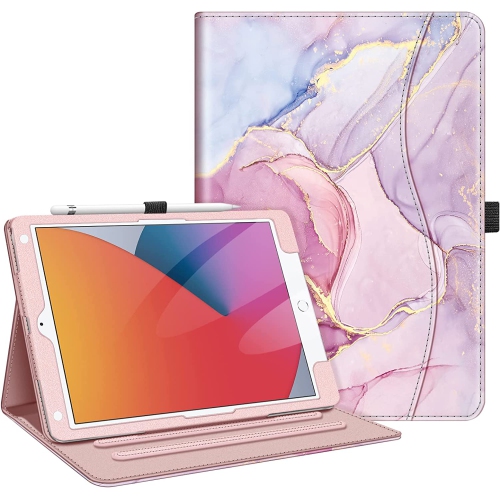
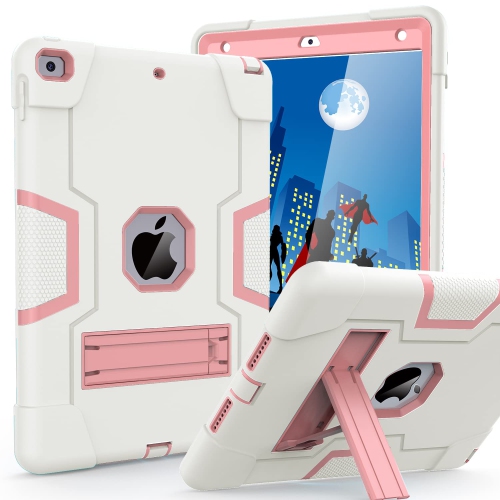
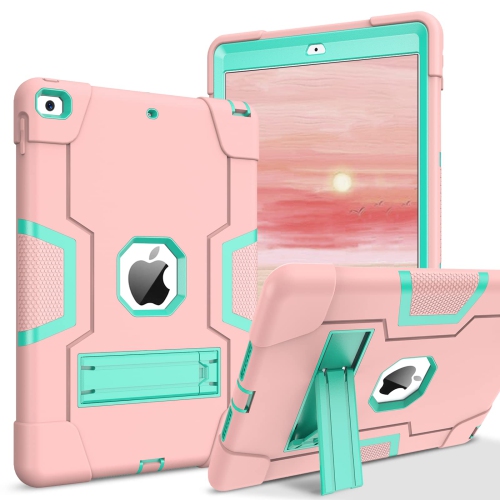
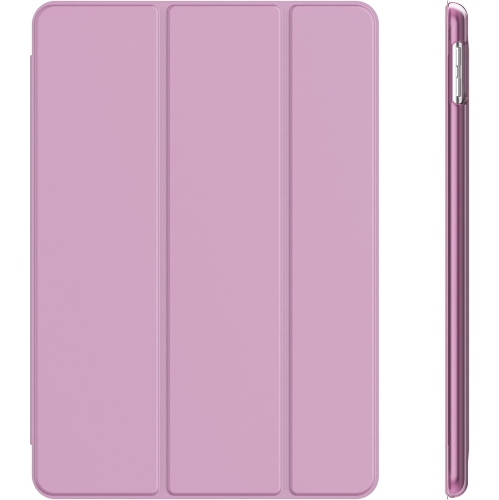
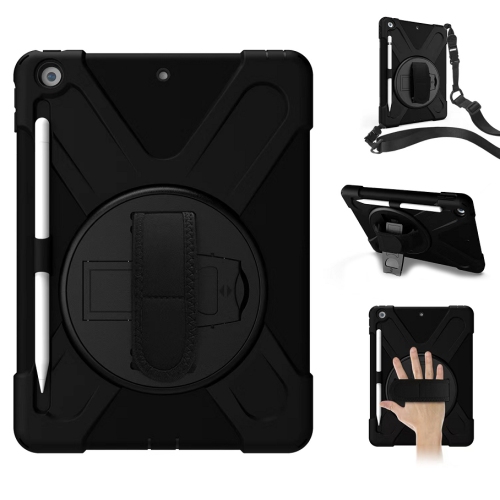
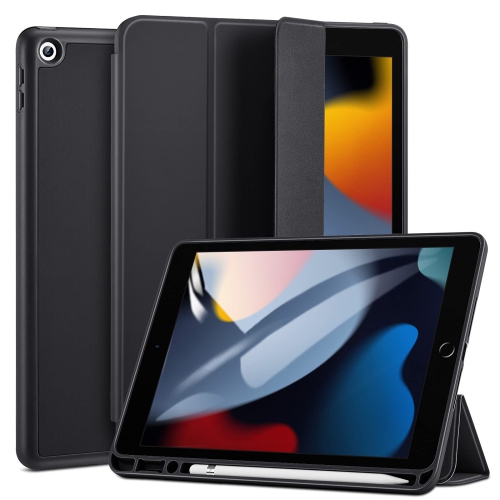
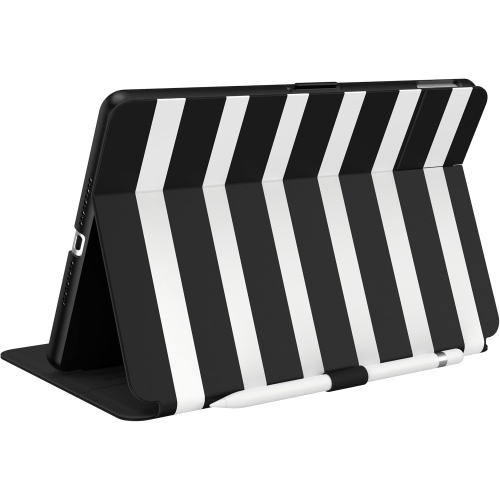
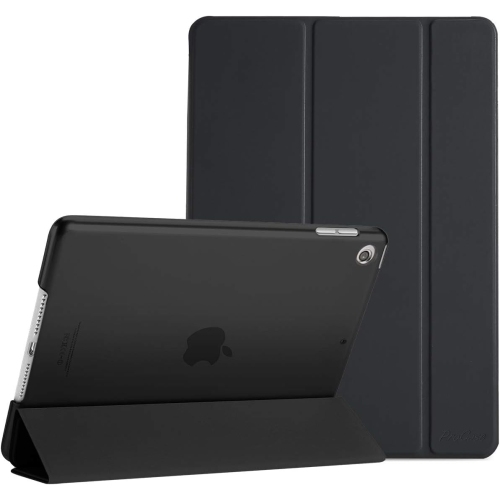
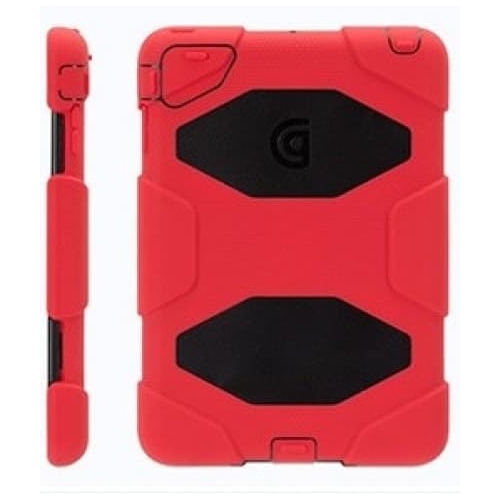
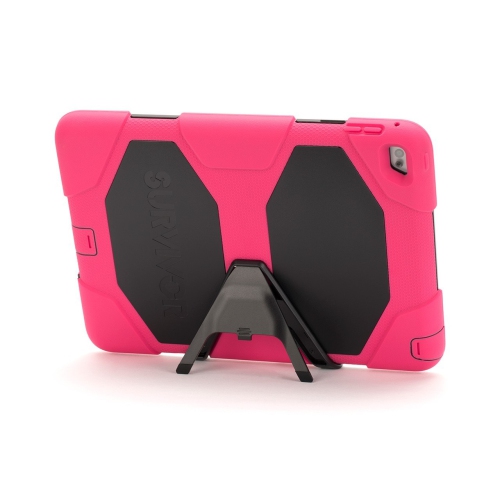
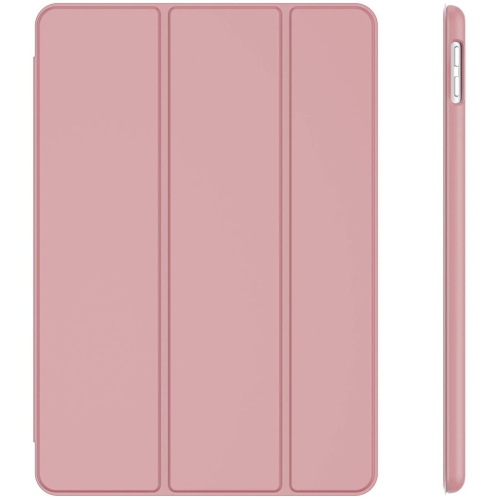
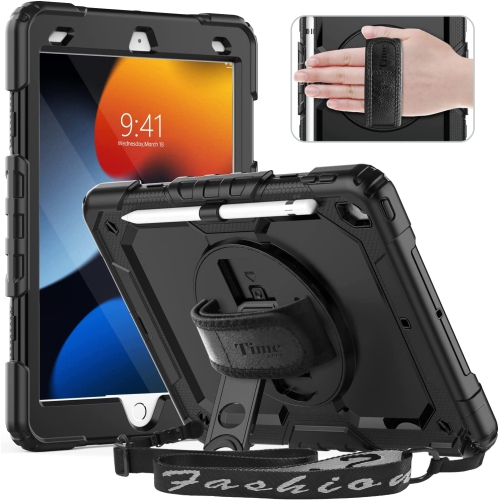
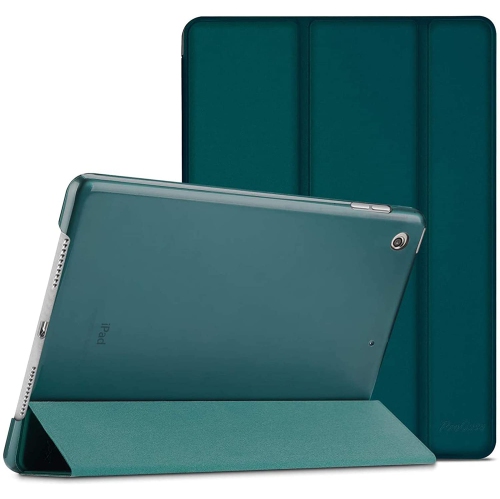
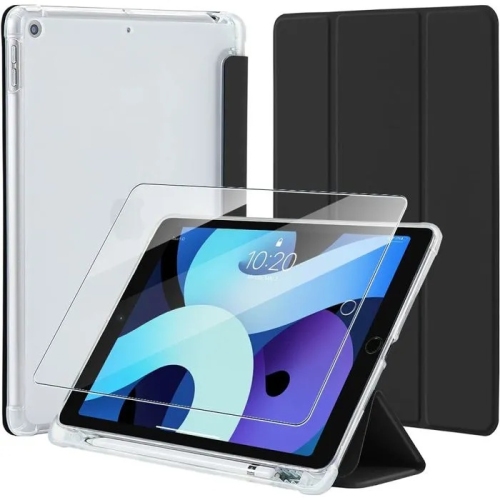
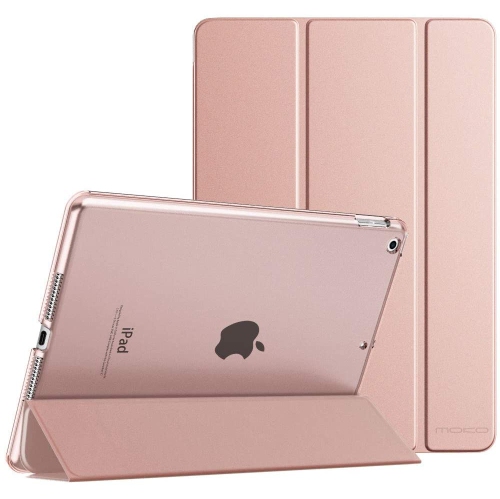
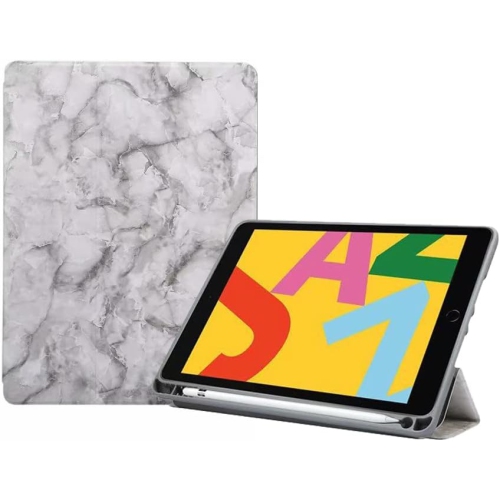
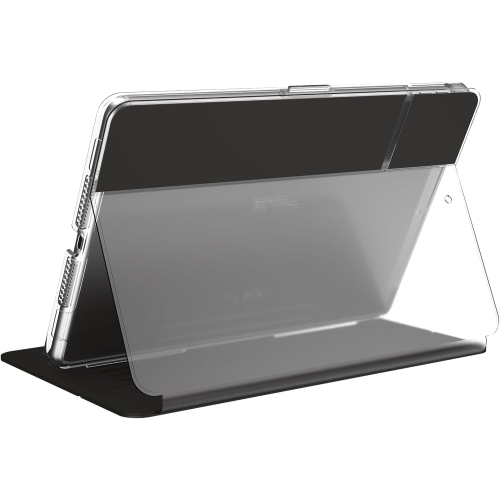
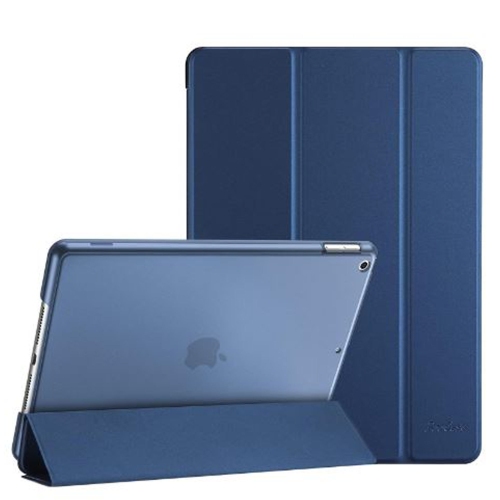
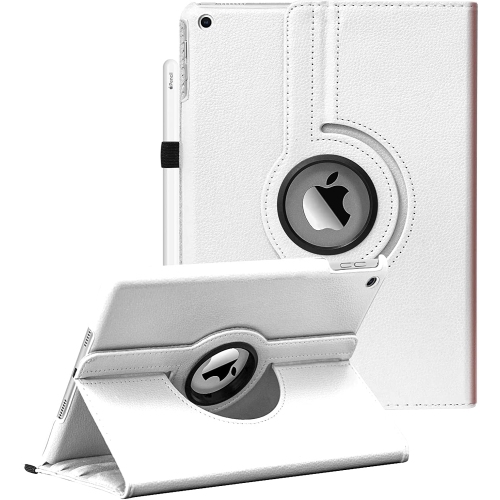
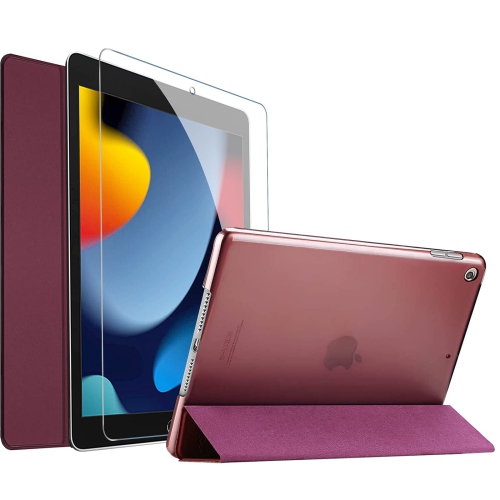
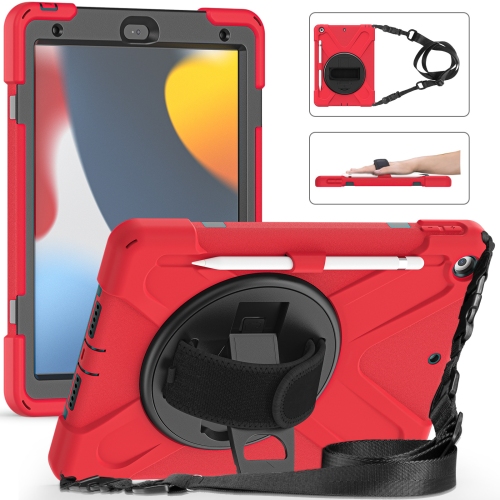
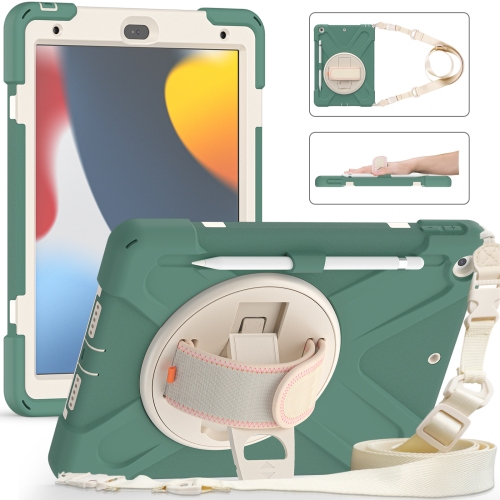
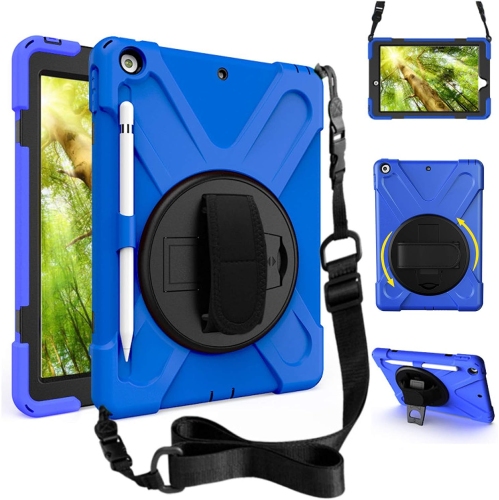
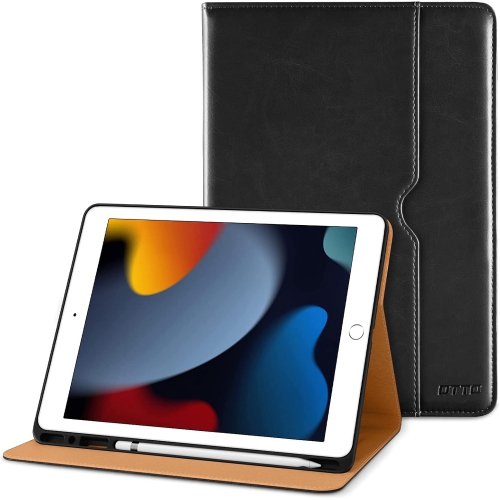
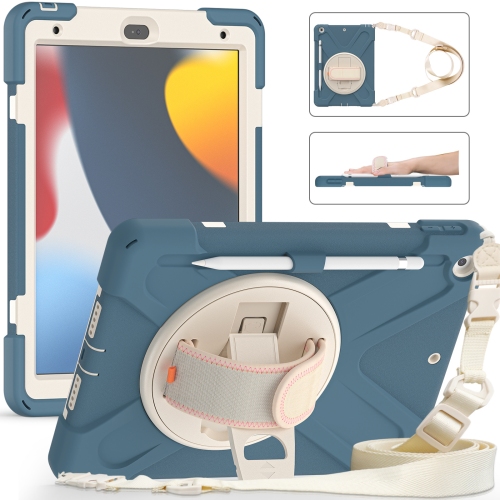
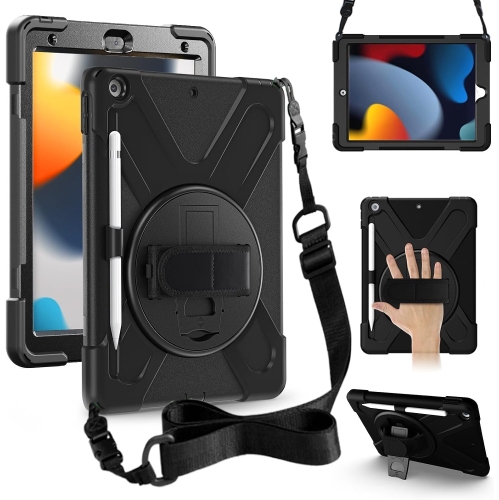
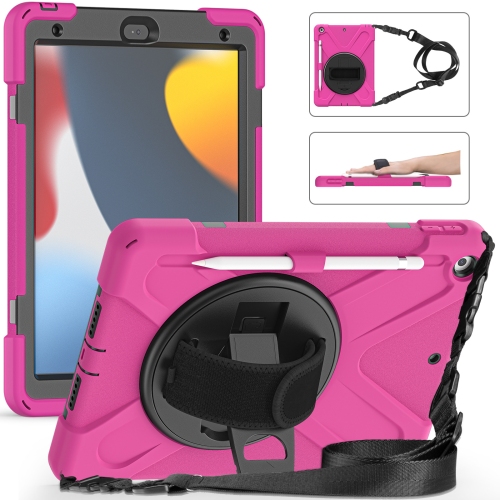
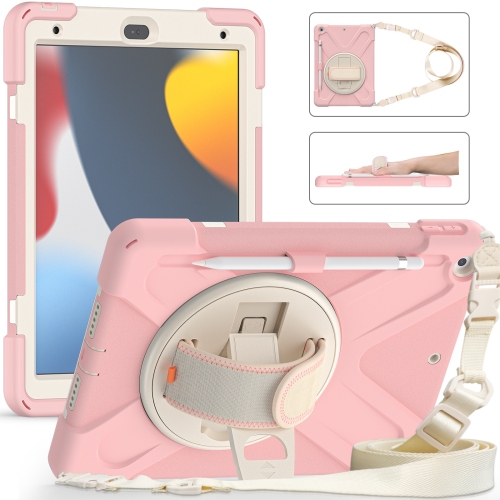
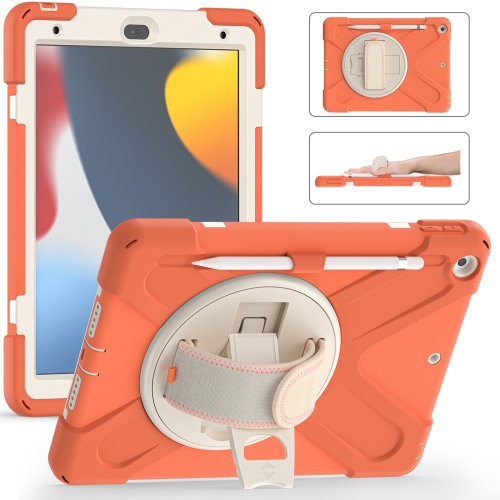
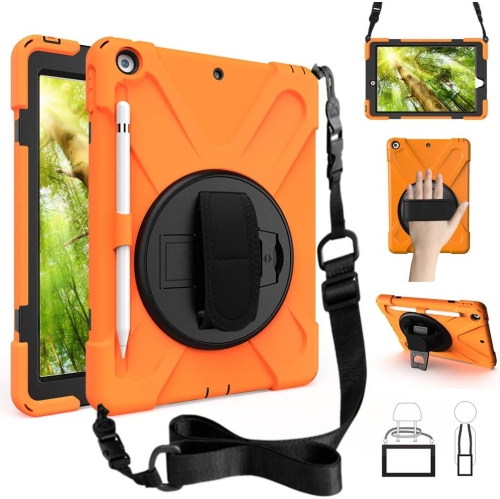
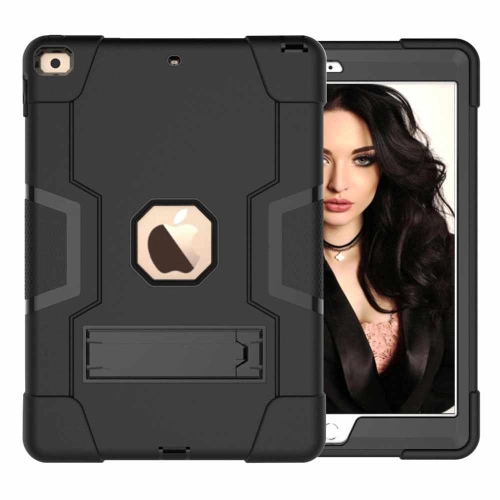
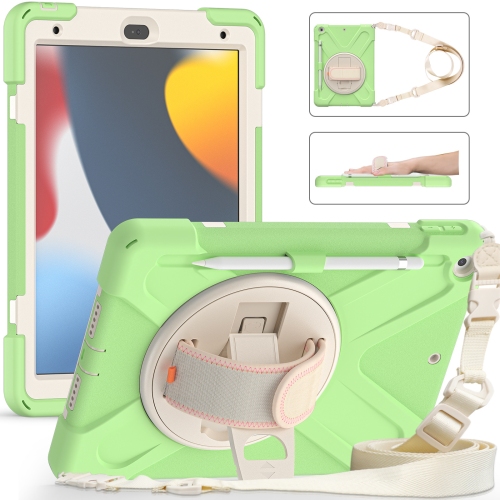
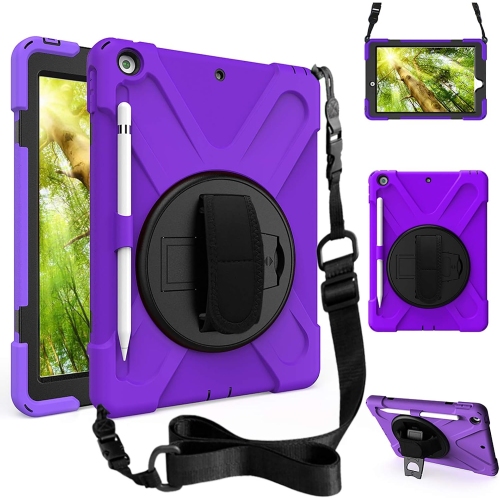
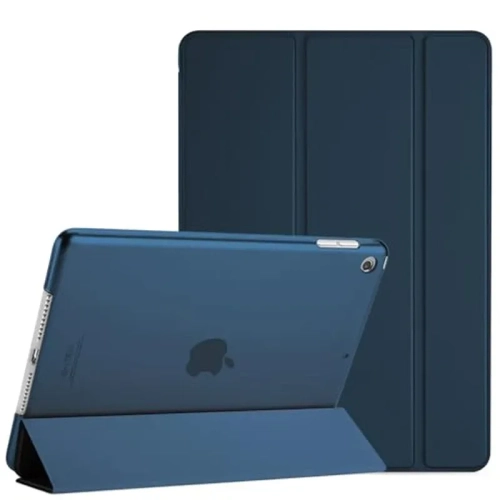
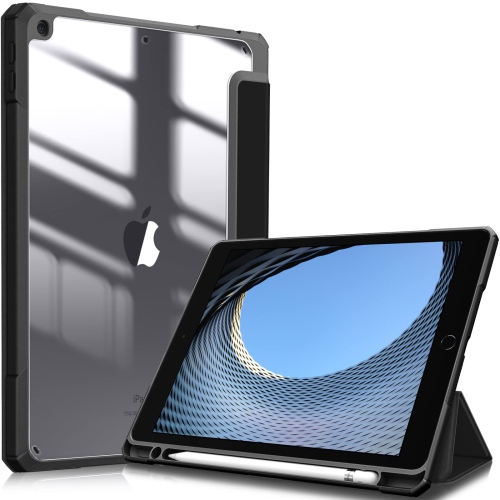
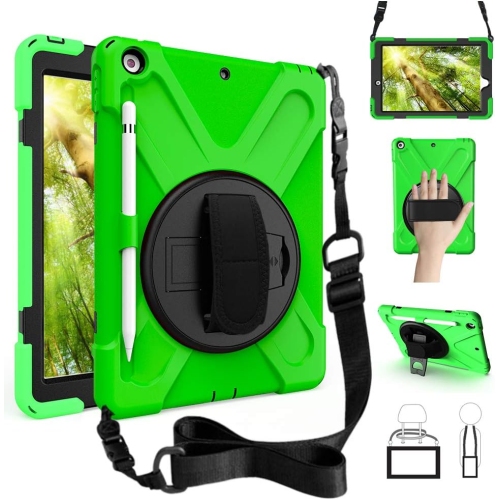
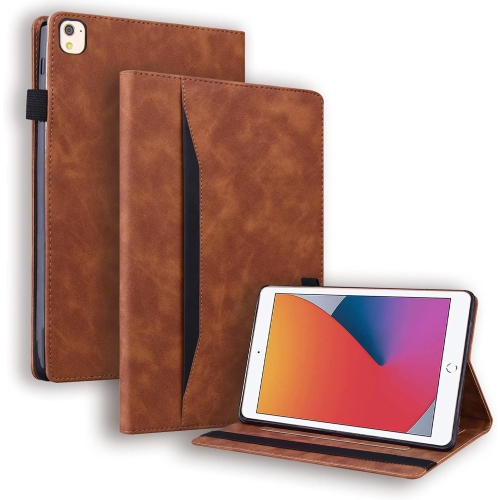
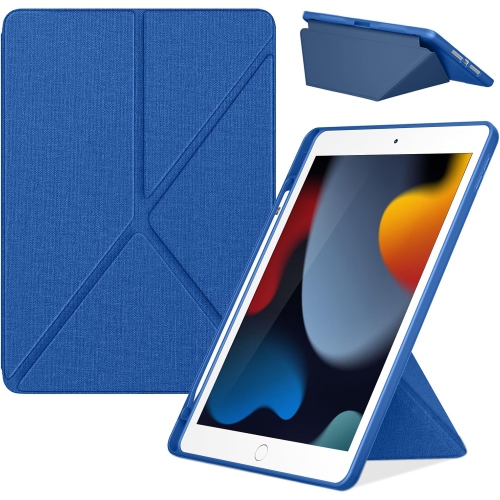
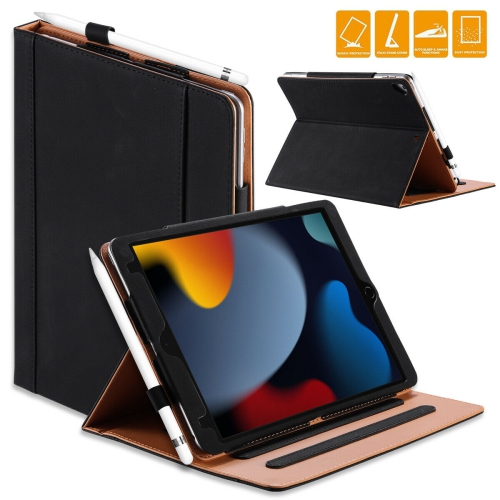
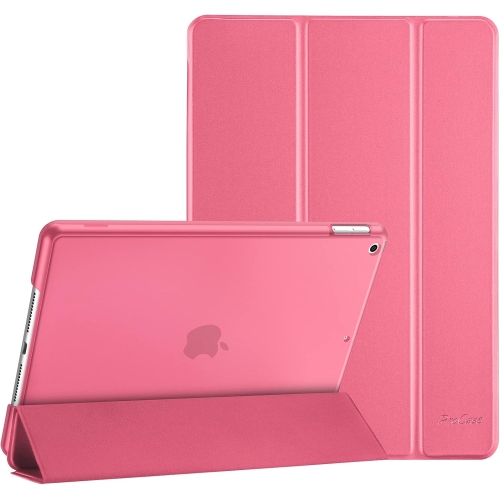
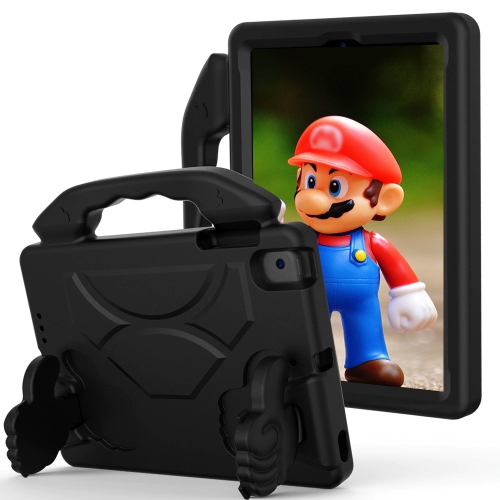
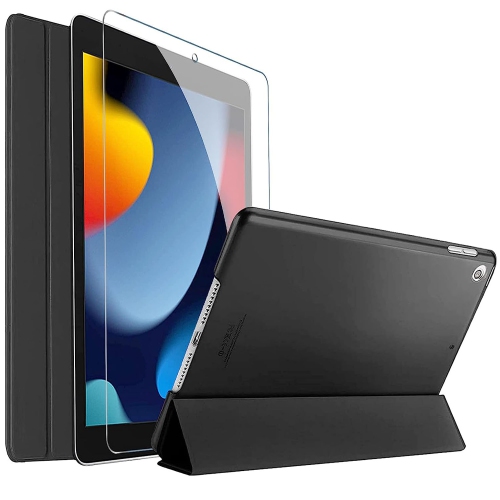
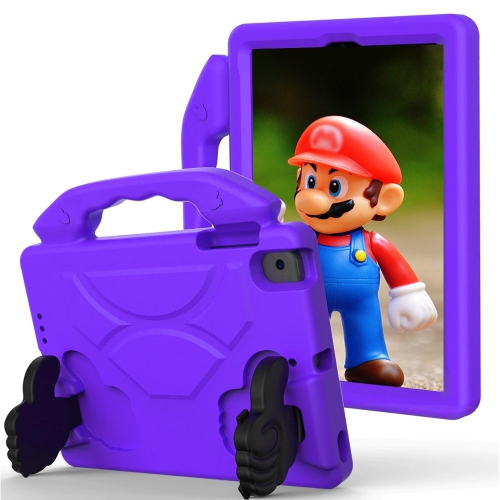
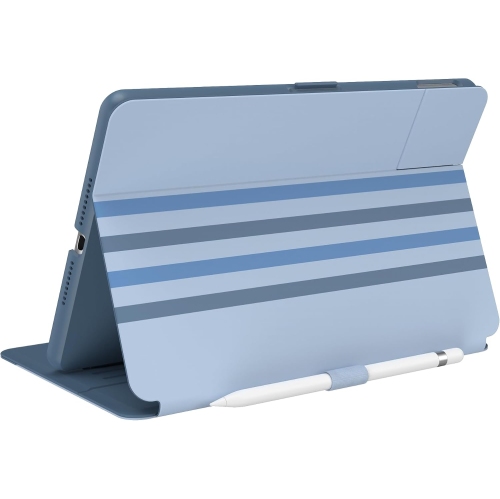
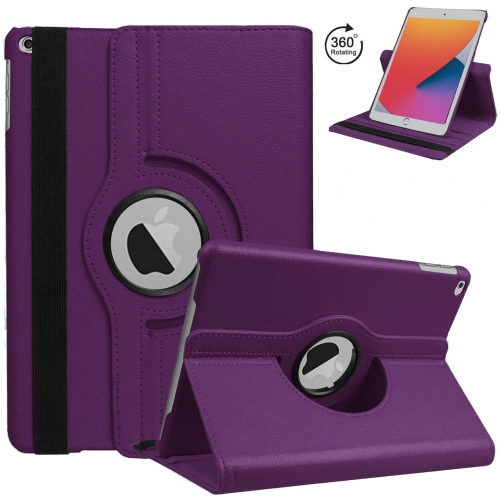
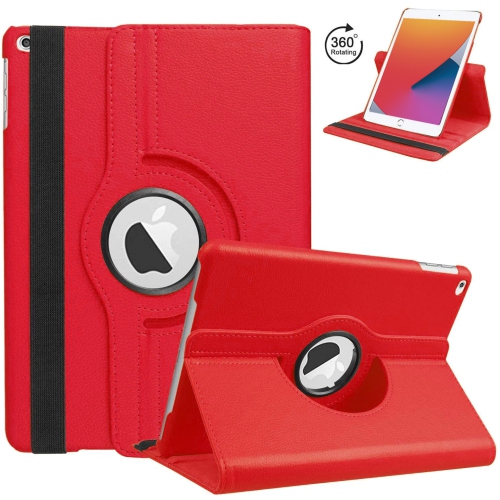
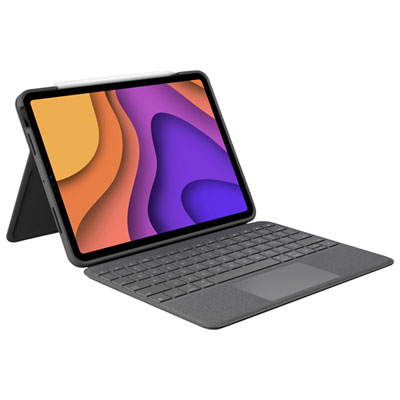
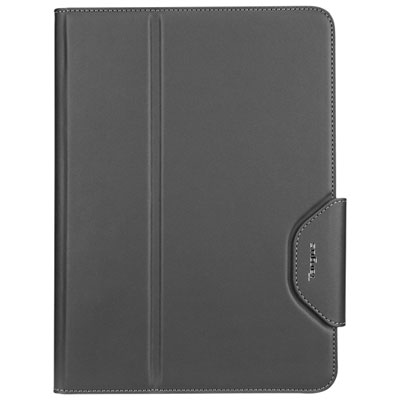
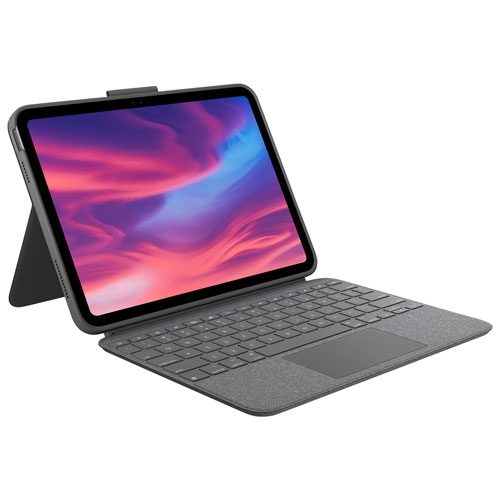
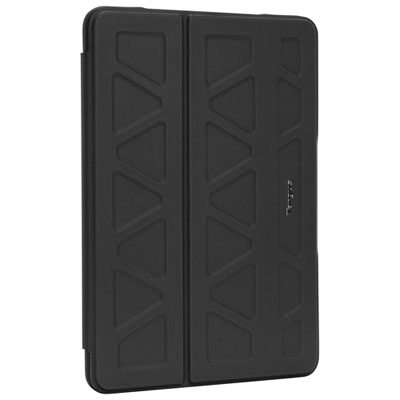
iPad 10.2-inch cases add a protective layer around a tablet used for reading, studying, video calls, entertainment, and everyday tasks. The 10.2-inch display is found on the 7th-, 8th-, and 9th-generation iPad, and many cases are designed to accommodate all three generations. Screen size alone does not establish compatibility, however: the tablet’s model number and the case’s stated fit are the most useful details to compare. A properly fitted case should leave the camera, charging port, speakers, headphone jack, and home button accessible, with button covers that respond without excessive pressure. Cases intended for a different screen size may have similar proportions but still place openings or retaining clips incorrectly. Within this category, slim back shells, folding covers, keyboard cases, and reinforced designs serve different purposes. A lightweight shell adds grip and helps protect the back from scratches while keeping the tablet easy to hold for a long reading session. The book-style format of iPad Folio Cases adds a front cover that closes over the display when the tablet goes into a bag. Reinforced cases typically use thicker corners, layered construction, or raised edges to provide additional cushioning against everyday bumps. They can make sense for a tablet shared by children, carried between classrooms, or used while moving around a workplace. The trade-off is usually extra weight and a larger footprint, which matters when the tablet needs to fit into an existing sleeve or a narrow bag compartment. A snug fit is important across every style: corners should remain seated, the frame should not bow, and the cover should close without pressing awkwardly against the screen. Raised borders can help keep the display or camera away from a flat tabletop, although they do not prevent every scratch or impact. Any drop-protection claim is best understood alongside the manufacturer’s stated testing conditions rather than treated as a guarantee against damage.
Materials influence how a case feels in the hand, how much bulk it adds, and how it wears with repeated handling. Hard polycarbonate shells provide structure and resist flexing, while flexible TPU can wrap around edges with a little more give. Silicone often has a softer, grippier feel that can be useful when carrying a tablet from room to room, though some finishes attract lint inside a bag. Layered cases combine materials to balance a firm outer frame with more flexible sections around the tablet. Fabric covers offer texture, while synthetic leather and leather finishes create a smoother, book-like exterior; their cleaning requirements and response to scuffs can differ considerably. Stitching, bonded seams, hinge areas, and corner reinforcement deserve attention because these points experience repeated stress as a cover opens, folds, and travels. For a tablet that is held for extended periods, rounded edges and a comfortable surface may matter more than an elaborate exterior. A heavily textured back can improve grip, but a smoother finish may slide into a sleeve more easily. Light colours can make marks more noticeable, while patterns and textured finishes can make minor wear less obvious. Routine care is straightforward when it follows the case manufacturer’s directions: remove loose dust, wipe suitable surfaces with a soft cloth, and allow any damp areas to dry before refitting the tablet. Grit trapped between the case and the back of the device can cause rubbing, so occasional removal and inspection are useful, especially for a tablet carried in a school bag or work tote. Leather, fabric, and cases with electronic components may need different cleaning methods; soaking or using strong cleaners can damage finishes, adhesives, or circuitry. A protective case should not be assumed to resist spills or immersion unless that capability is specifically stated. Keeping ports and speaker openings clear also helps preserve everyday access without requiring the case to be removed for routine use.
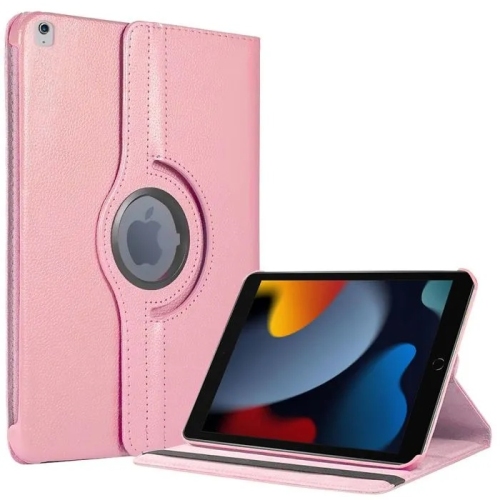
Practical features become especially noticeable when the tablet moves between activities. A folding stand can support a screen for watching a programme at a kitchen table, joining a video call at a desk, or following notes beside a workbook. Viewing angles differ between designs: a more upright position suits watching and calls, while a lower angle can feel more natural for typing on the screen or drawing with a compatible stylus. Stand stability depends on the folding mechanism, the surface underneath, and the tablet’s orientation, so a design that works well on a firm desk may be less steady on a lap. Some cases rotate between portrait and landscape positions, which can be useful for switching from reading documents to watching videos. An integrated hand strap can make the tablet easier to hold during a presentation or while checking information away from a desk, while an adjustable carrying strap serves a different need and adds hardware to the case. Stylus storage is another detail worth matching carefully: a holder should fit the stylus being used without blocking access to its cap or charging connection. Keyboard cases can provide a compact setup for writing assignments or handling longer messages, but they add weight and may require charging or a separate connection. Their layouts, attachment methods, and compatibility should suit both the tablet and the way it will be used. Some covers support automatic sleep and wake functions when opened or closed; this feature depends on compatible construction and correct alignment. For a gift, confirming the recipient’s tablet generation is more important than choosing a colour first. A student may value a dependable stand and secure stylus storage, a frequent reader may prefer a lighter case, and a family sharing one tablet may appreciate an easy-to-clean surface with reinforced corners. The most useful iPad 10.2-inch cases bring those everyday needs together without making the tablet awkward to carry, hold, charge, or enjoy.
Materials influence how a case feels in the hand, how much bulk it adds, and how it wears with repeated handling. Hard polycarbonate shells provide structure and resist flexing, while flexible TPU can wrap around edges with a little more give. Silicone often has a softer, grippier feel that can be useful when carrying a tablet from room to room, though some finishes attract lint inside a bag. Layered cases combine materials to balance a firm outer frame with more flexible sections around the tablet. Fabric covers offer texture, while synthetic leather and leather finishes create a smoother, book-like exterior; their cleaning requirements and response to scuffs can differ considerably. Stitching, bonded seams, hinge areas, and corner reinforcement deserve attention because these points experience repeated stress as a cover opens, folds, and travels. For a tablet that is held for extended periods, rounded edges and a comfortable surface may matter more than an elaborate exterior. A heavily textured back can improve grip, but a smoother finish may slide into a sleeve more easily. Light colours can make marks more noticeable, while patterns and textured finishes can make minor wear less obvious. Routine care is straightforward when it follows the case manufacturer’s directions: remove loose dust, wipe suitable surfaces with a soft cloth, and allow any damp areas to dry before refitting the tablet. Grit trapped between the case and the back of the device can cause rubbing, so occasional removal and inspection are useful, especially for a tablet carried in a school bag or work tote. Leather, fabric, and cases with electronic components may need different cleaning methods; soaking or using strong cleaners can damage finishes, adhesives, or circuitry. A protective case should not be assumed to resist spills or immersion unless that capability is specifically stated. Keeping ports and speaker openings clear also helps preserve everyday access without requiring the case to be removed for routine use.
Practical features become especially noticeable when the tablet moves between activities. A folding stand can support a screen for watching a programme at a kitchen table, joining a video call at a desk, or following notes beside a workbook. Viewing angles differ between designs: a more upright position suits watching and calls, while a lower angle can feel more natural for typing on the screen or drawing with a compatible stylus. Stand stability depends on the folding mechanism, the surface underneath, and the tablet’s orientation, so a design that works well on a firm desk may be less steady on a lap. Some cases rotate between portrait and landscape positions, which can be useful for switching from reading documents to watching videos. An integrated hand strap can make the tablet easier to hold during a presentation or while checking information away from a desk, while an adjustable carrying strap serves a different need and adds hardware to the case. Stylus storage is another detail worth matching carefully: a holder should fit the stylus being used without blocking access to its cap or charging connection. Keyboard cases can provide a compact setup for writing assignments or handling longer messages, but they add weight and may require charging or a separate connection. Their layouts, attachment methods, and compatibility should suit both the tablet and the way it will be used. Some covers support automatic sleep and wake functions when opened or closed; this feature depends on compatible construction and correct alignment. For a gift, confirming the recipient’s tablet generation is more important than choosing a colour first. A student may value a dependable stand and secure stylus storage, a frequent reader may prefer a lighter case, and a family sharing one tablet may appreciate an easy-to-clean surface with reinforced corners. The most useful iPad 10.2-inch cases bring those everyday needs together without making the tablet awkward to carry, hold, charge, or enjoy.
Top selling and popular products
-
 Your price for this item is $44.99
-
 Your price for this item is $229.99
-
 Your price for this item is $62.99
-
 Your price for this item is $179.99
-
 Your price for this item is $41.98
-
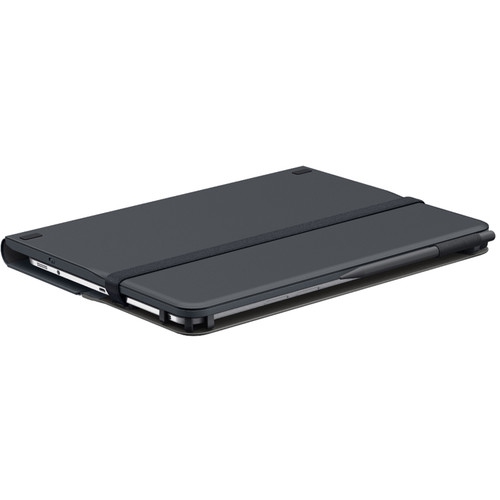 Your price for this item is $115.68
-
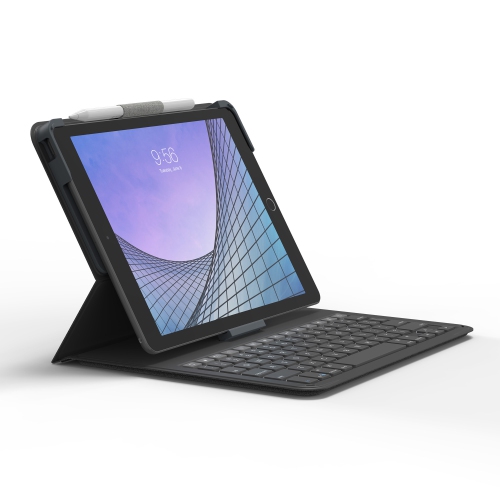 Your price for this item is $69.99
-
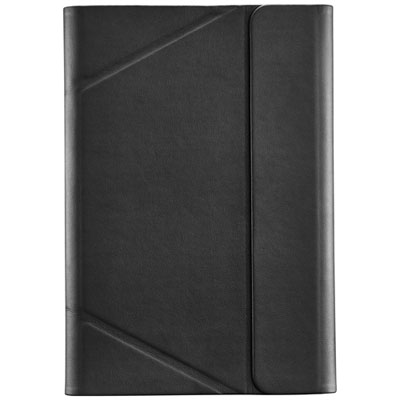 Your price for this item is $39.99
Discover more categories related to iPad 10.2 Inch Cases


Top Collections:
Best Black Friday Deals This Year, Best Black Friday Deals On Electronics, Kindle Devices, Pokemon Centers, Best Black Friday Deals On Apple Products, Best Cameras for Sports Photography, Dyson Airwrap, Pokémon 30th Celebration Cards, Apple iPhone 17 Pro, Canon G7X Cameras
Some products may be subject to Environmental Handling Fees
(EHF) depending on your province.
Learn more about EHFs.