iPad Accessories for Teachers
Enhance your classroom experience with iPad accessories for teachers designed to support productivity, organization, and creativity. Whether you're managing lesson plans, engaging students, or staying connected on the go, the right accessories can help streamline your daily tasks and make teaching more efficient. Explore a wide selection of options tailored to meet the unique needs of educators using iPads in any learning environment. Find everything you need to maximize the potential of your device and create a dynamic classroom atmosphere.
Sort


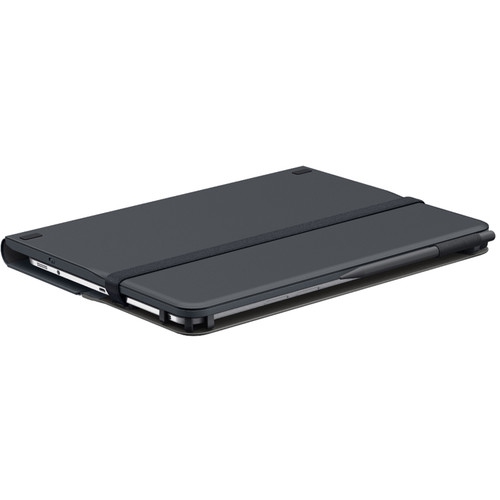
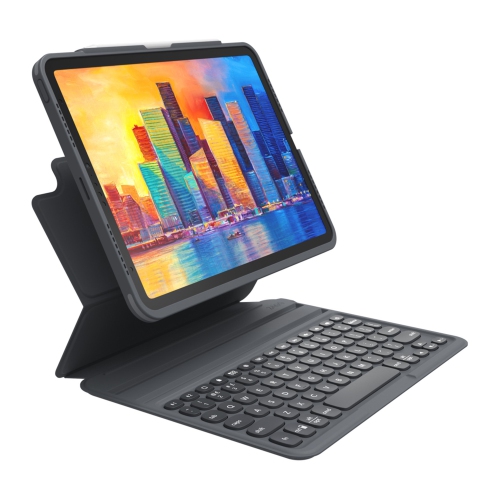
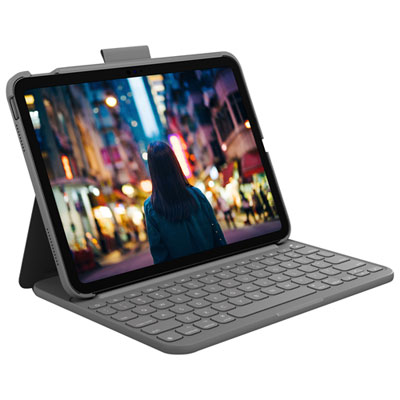
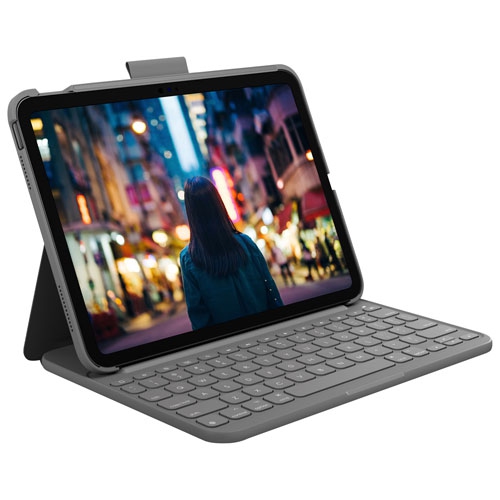
From lesson planning to classroom presentations and handwritten feedback
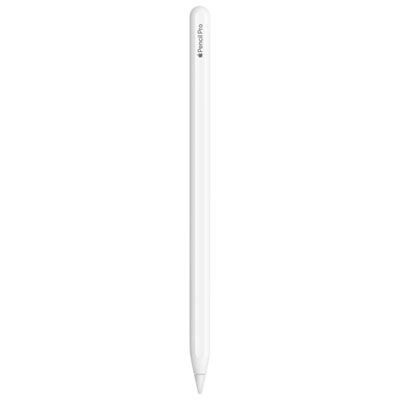
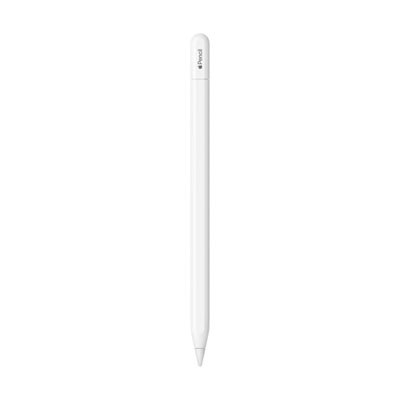
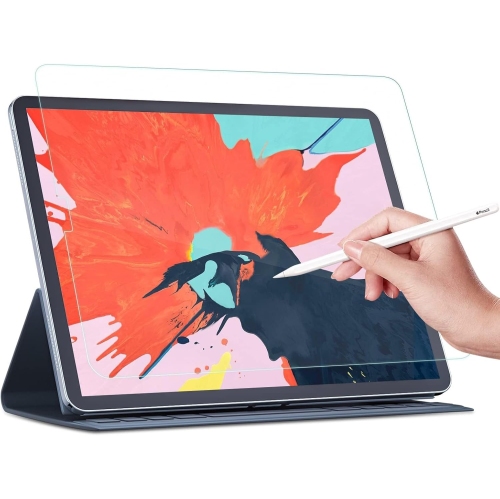
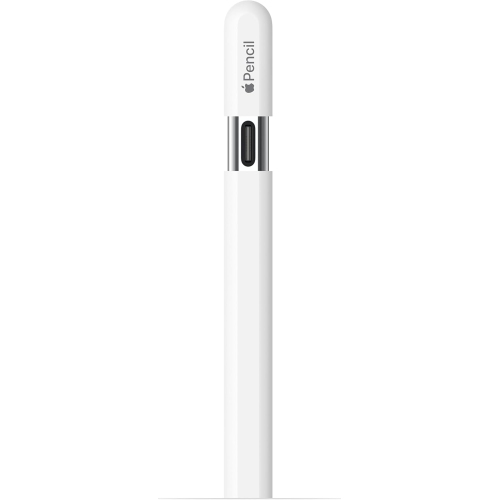
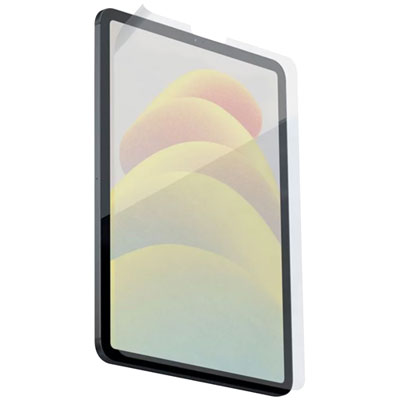
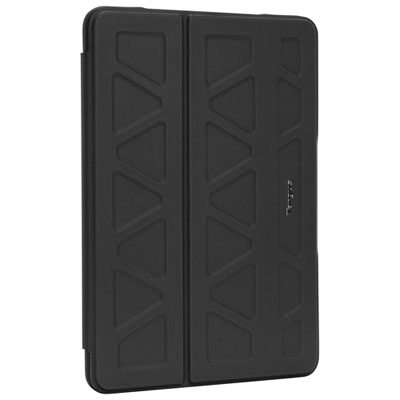
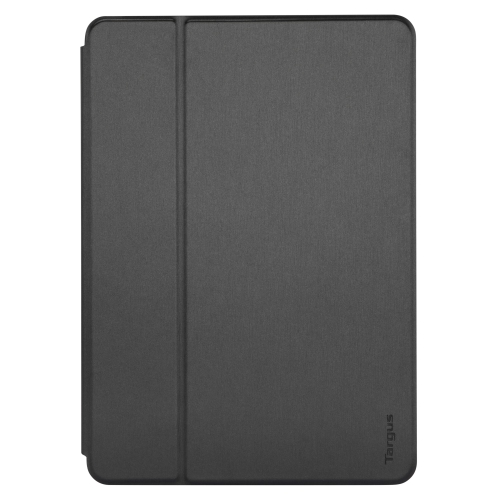
iPad accessories for teachers support the everyday work that happens between lesson preparation, classroom instruction, and reviewing student assignments. A tablet might spend one period displaying a diagram, the next collecting handwritten observations, and the afternoon beside a stack of papers waiting to be marked. Cases, screen protectors, styluses, and keyboard accessories each serve a different part of that routine. For teachers who carry an iPad between classrooms or pass it around during small-group activities, a well-fitting case can add grip and help protect the back, corners, and edges from everyday bumps. Flexible materials can make a case easier to hold, while a rigid shell provides structure; reinforced corners and a raised edge around the screen offer additional coverage without replacing careful handling. Precise openings matter when the camera, speakers, charging port, and buttons are used throughout the day. A case also needs to accommodate any stylus attachment or charging area without obstructing it. Screen protectors offer another layer between the display and repeated contact with fingers, pens, and items inside a bag. Matte finishes can reduce visible reflections and add texture for handwriting, although that texture may slightly soften the appearance of fine text and images. Clearer, smoother finishes preserve a different writing feel, so the choice depends partly on whether the tablet is used mainly for annotation, reading, or displaying visual material. A compatible stylus can help with labelling a science diagram, working through a maths problem, or leaving handwritten feedback directly on a document. Palm rejection, charging method, tip replacement, and support within teaching apps are useful distinctions, rather than features that every pen automatically provides. Stylus compatibility depends on the exact iPad model and generation. A comfortable barrel and a secure storage loop or holder can also make a practical difference when moving from a demonstration at the front of the room to checking work at a student’s desk.
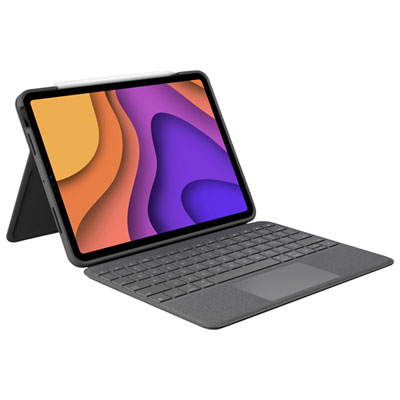
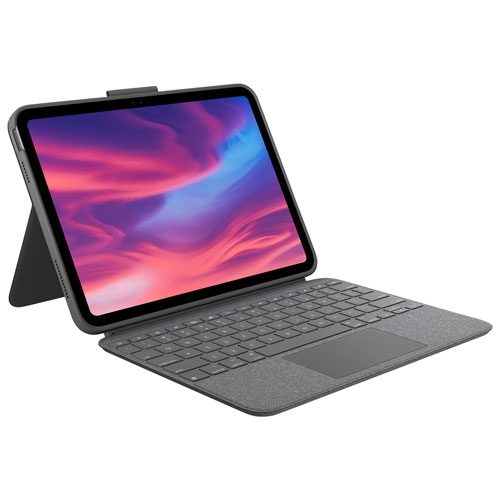
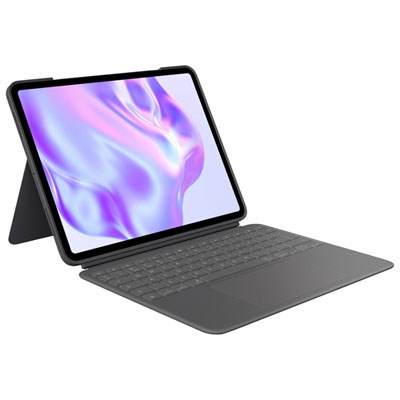
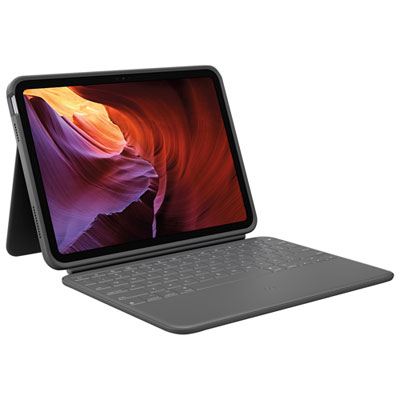
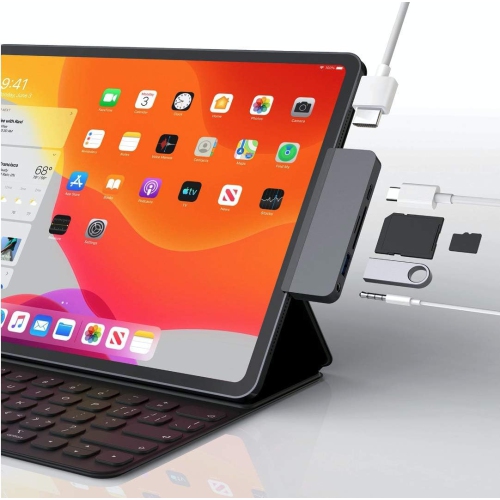
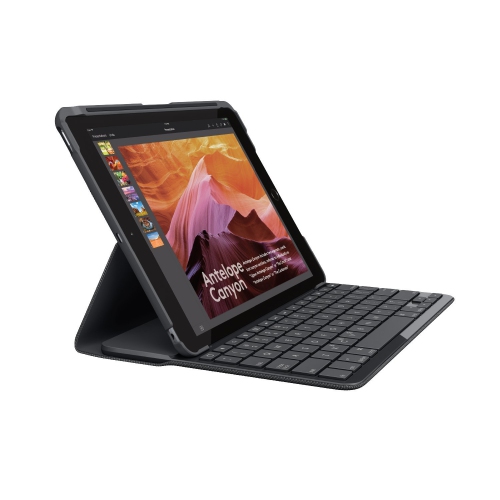
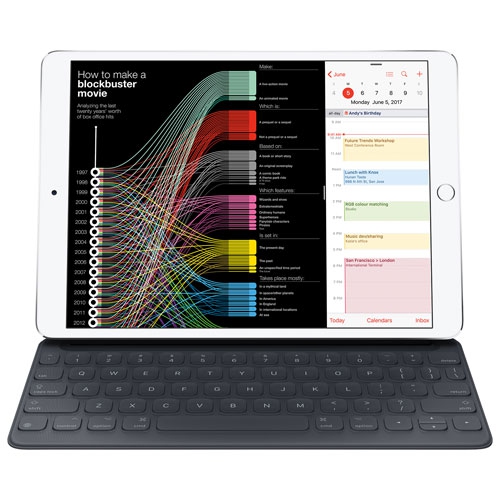
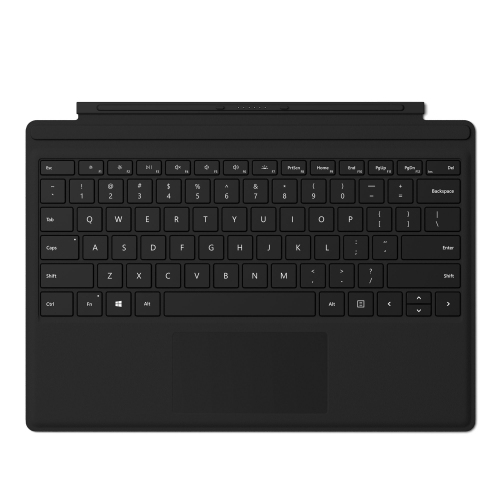
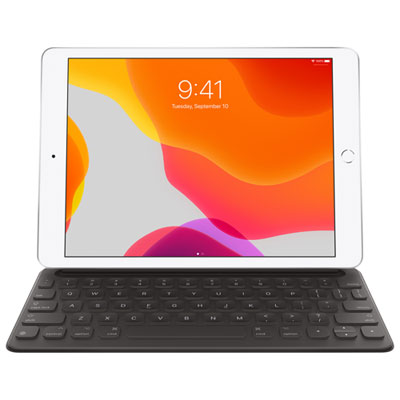
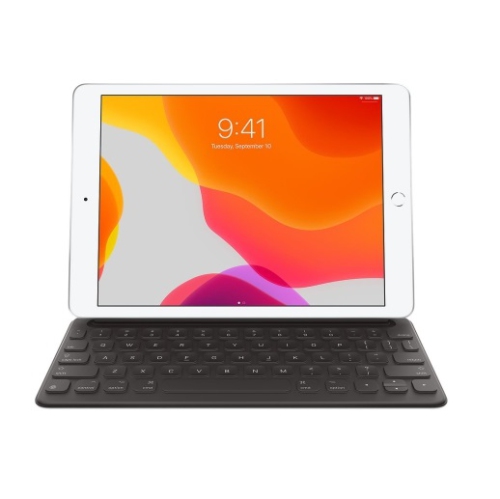
Typing, connecting, and charging accessories help an iPad move between focused desk work and classroom presentation. A keyboard case combines typing support with a cover, while a separate keyboard allows more flexibility in the distance between the screen and the keys. For longer lesson plans, report comments, or correspondence, key spacing, a familiar layout, and a steady typing surface can matter more than a particularly slim profile. A detachable design may suit teachers who switch frequently between typing and handwritten notes, while a keyboard with a trackpad can make selecting text and navigating documents more convenient when the software supports it. Connection type also affects daily use: wireless keyboards need their own power source or charging routine, and some keyboard designs rely on a specific physical connector. Presentation accessories have a similarly important compatibility check. A suitable display adapter or hub can connect an iPad to a classroom screen or projector, but the tablet’s port, the display’s input, and the required video support all need to match. A connector that fits physically does not necessarily provide video output. Where a presentation setup also needs charging, a hub with compatible power pass-through can reduce the need to disconnect everything between activities. Cable length should allow comfortable placement without leaving loose loops across walkways or pulling against a port. Charging cables and adapters are useful for keeping a teaching station organized, with power capability and connector type matched to the tablet and any attached accessories. Audio accessories can support recorded instructions, language practice, and online meetings. Headphones with a microphone help separate a teacher’s voice from nearby activity, while microphone placement and a comfortable fit matter during longer calls. Wired connections avoid battery management but may require an adapter; wireless connections offer more freedom of movement but still need charging and pairing. For any setup used with pupils, keeping volume controls accessible and cables neatly routed makes the equipment easier to manage alongside books, worksheets, and classroom supplies.
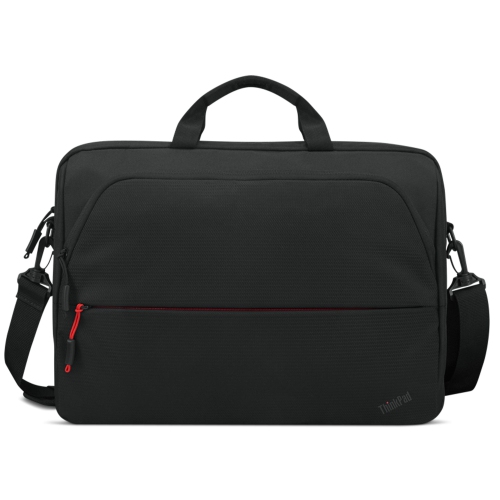
Stands, mounts, sleeves, and carrying organizers help shape where and how a teacher uses an iPad. A low-profile stand can hold a reading passage beside a keyboard, while an adjustable design can position the screen closer to eye level for a video meeting. Stability is especially important when tapping the display or writing on it: a broad base, suitable weight capacity, and joints that hold their position help keep the tablet steady. Some mounts can position a tablet’s camera above a worksheet or small demonstration, allowing it to act as a document camera when used with suitable software and a compatible display connection. That use calls for enough clearance beneath the camera, a secure grip on the device, and a base or clamp that suits the furniture. Camera placement and case thickness can affect the result, so screen size alone is not a complete fit check. For teachers moving between rooms, a padded sleeve can separate the tablet from books and stationery, while compartments keep charging leads and a stylus from disappearing into the bottom of a bag. Soft interior linings help limit abrasion, and sturdy seams, reliable closures, and wipeable outer materials suit repeated handling. Care depends on the accessory’s materials and construction; abrasive cleaners, excess liquid near openings, and rough cloths can damage surfaces or finishes. Regularly clearing grit from a case and checking cable ends for wear can also help keep frequently handled equipment in good condition. Teachers who alternate between a tablet and a computer may find complementary laptop accessories for teachers useful for a shared workspace. For an educator receiving an accessory as a gift, knowing the exact iPad model, existing case, and preferred way of working helps avoid an unsuitable fit. Accessories that accommodate the teacher’s actual routine are more useful than features with little connection to classroom tasks.
Typing, connecting, and charging accessories help an iPad move between focused desk work and classroom presentation. A keyboard case combines typing support with a cover, while a separate keyboard allows more flexibility in the distance between the screen and the keys. For longer lesson plans, report comments, or correspondence, key spacing, a familiar layout, and a steady typing surface can matter more than a particularly slim profile. A detachable design may suit teachers who switch frequently between typing and handwritten notes, while a keyboard with a trackpad can make selecting text and navigating documents more convenient when the software supports it. Connection type also affects daily use: wireless keyboards need their own power source or charging routine, and some keyboard designs rely on a specific physical connector. Presentation accessories have a similarly important compatibility check. A suitable display adapter or hub can connect an iPad to a classroom screen or projector, but the tablet’s port, the display’s input, and the required video support all need to match. A connector that fits physically does not necessarily provide video output. Where a presentation setup also needs charging, a hub with compatible power pass-through can reduce the need to disconnect everything between activities. Cable length should allow comfortable placement without leaving loose loops across walkways or pulling against a port. Charging cables and adapters are useful for keeping a teaching station organized, with power capability and connector type matched to the tablet and any attached accessories. Audio accessories can support recorded instructions, language practice, and online meetings. Headphones with a microphone help separate a teacher’s voice from nearby activity, while microphone placement and a comfortable fit matter during longer calls. Wired connections avoid battery management but may require an adapter; wireless connections offer more freedom of movement but still need charging and pairing. For any setup used with pupils, keeping volume controls accessible and cables neatly routed makes the equipment easier to manage alongside books, worksheets, and classroom supplies.
Stands, mounts, sleeves, and carrying organizers help shape where and how a teacher uses an iPad. A low-profile stand can hold a reading passage beside a keyboard, while an adjustable design can position the screen closer to eye level for a video meeting. Stability is especially important when tapping the display or writing on it: a broad base, suitable weight capacity, and joints that hold their position help keep the tablet steady. Some mounts can position a tablet’s camera above a worksheet or small demonstration, allowing it to act as a document camera when used with suitable software and a compatible display connection. That use calls for enough clearance beneath the camera, a secure grip on the device, and a base or clamp that suits the furniture. Camera placement and case thickness can affect the result, so screen size alone is not a complete fit check. For teachers moving between rooms, a padded sleeve can separate the tablet from books and stationery, while compartments keep charging leads and a stylus from disappearing into the bottom of a bag. Soft interior linings help limit abrasion, and sturdy seams, reliable closures, and wipeable outer materials suit repeated handling. Care depends on the accessory’s materials and construction; abrasive cleaners, excess liquid near openings, and rough cloths can damage surfaces or finishes. Regularly clearing grit from a case and checking cable ends for wear can also help keep frequently handled equipment in good condition. Teachers who alternate between a tablet and a computer may find complementary laptop accessories for teachers useful for a shared workspace. For an educator receiving an accessory as a gift, knowing the exact iPad model, existing case, and preferred way of working helps avoid an unsuitable fit. Accessories that accommodate the teacher’s actual routine are more useful than features with little connection to classroom tasks.
Top selling and popular products
-
 Your price for this item is $89.99
-
 Your price for this item is $49.99
-
 Your price for this item is $159.99
-
 Your price for this item is $218.97
-
 Your price for this item is $149
-
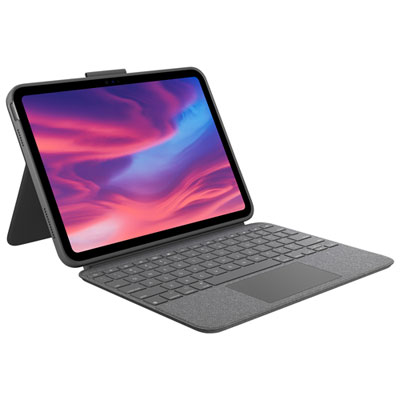 Your price for this item is $219.99
-
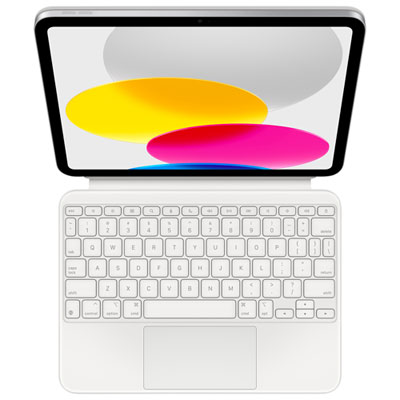 Your price for this item is $329.99
-
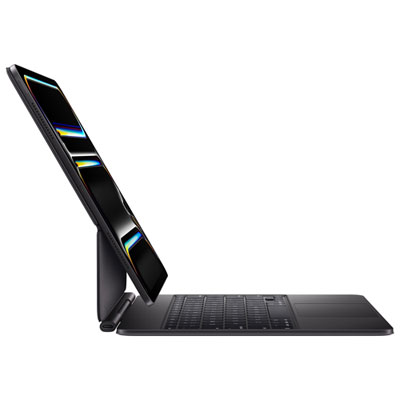 Your price for this item is $449.99
Discover more categories related to iPad Accessories for Teachers
Top Collections:
Best Black Friday Deals This Year, Best Black Friday Deals On Electronics, Kindle Devices, Pokemon Centers, Best Black Friday Deals On Apple Products, Best Cameras for Sports Photography, Dyson Airwrap, Pokémon 30th Celebration Cards, Apple iPhone 17 Pro, Canon G7X Cameras
Some products may be subject to Environmental Handling Fees
(EHF) depending on your province.
Learn more about EHFs.