iPad Air 512GB
Discover the power and versatility of the iPad Air 512GB, designed to elevate your digital experience whether you're working, streaming, creating, or staying connected on the go. With ample storage capacity, you can keep your favorite apps, photos, videos, and important files right at your fingertips. Explore a range of options and find the perfect iPad Air 512GB to match your lifestyle and needs.
Sort

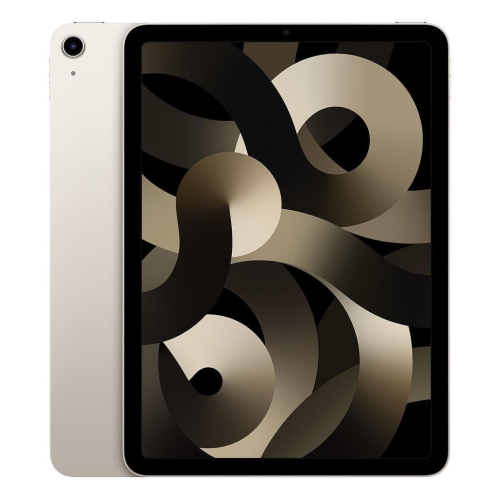

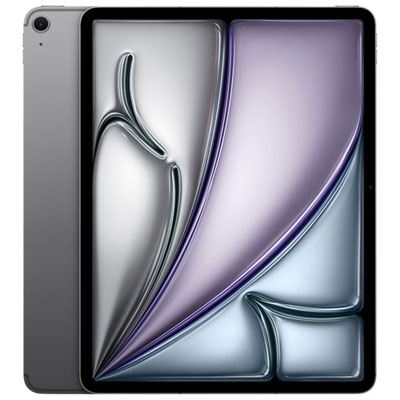
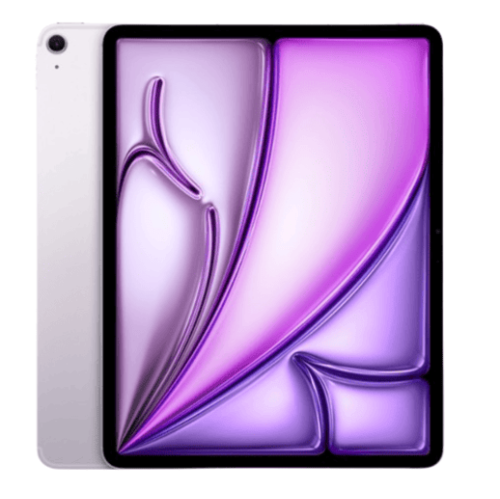


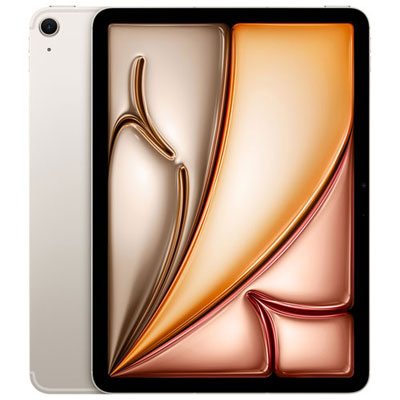





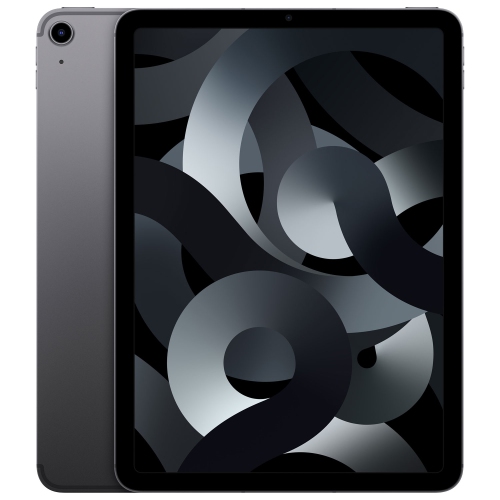
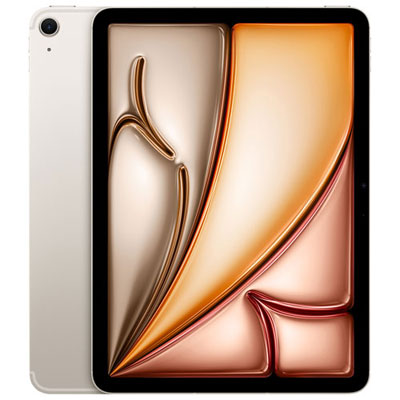
More room for projects that travel with you
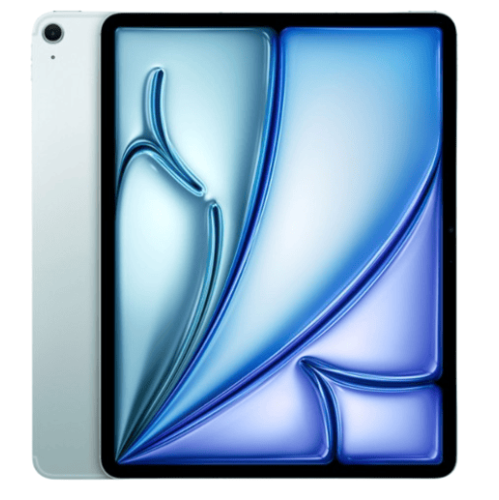
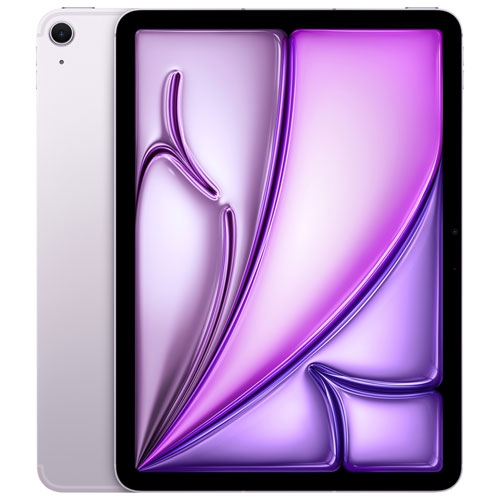
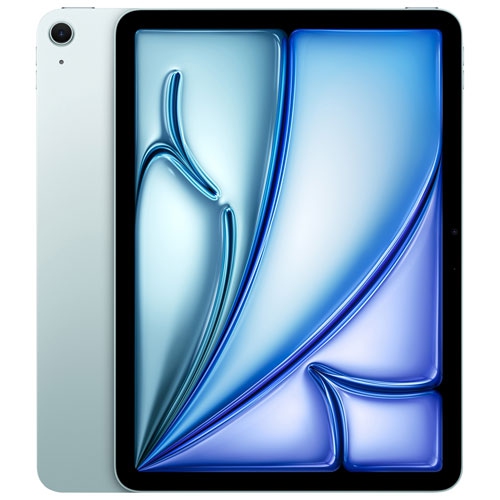
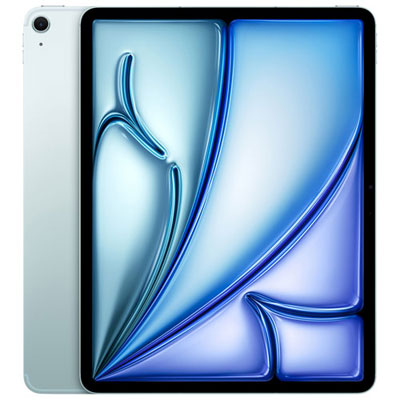
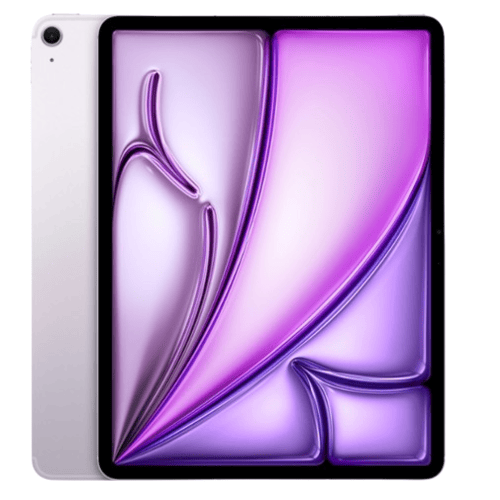
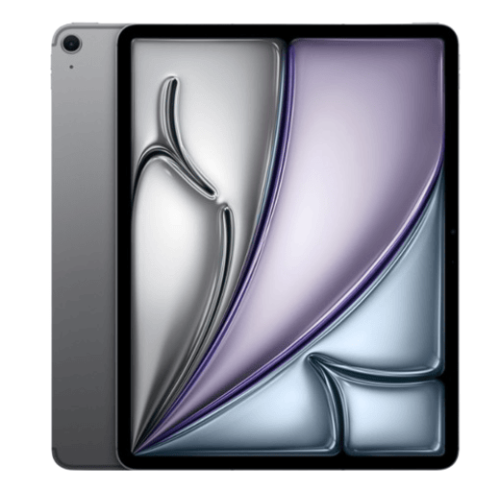
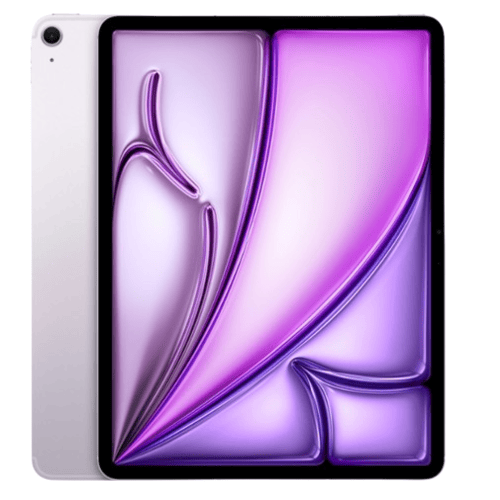
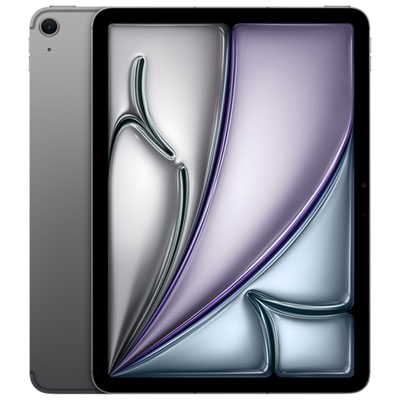
iPad Air 512GB tablets combine a portable touchscreen format with substantial built-in storage for apps, documents, photos, downloaded entertainment, and creative projects. The range includes 11-inch and 13-inch screen sizes, while processing hardware, display details, and accessory compatibility depend on the generation. A 512GB capacity describes the space used to store files and applications; it is different from the working memory that helps software run. That distinction matters when comparing tablets for tasks beyond browsing and streaming. Someone carrying lecture notes, annotated textbooks, design references, and several large apps has different storage needs from someone mainly checking email. For students, a tablet can keep a term’s reading and handwritten notes together in a device that fits into a backpack. For creative work, the touchscreen provides a direct way to sketch, arrange images, review photographs, or mark changes on a draft, using compatible software and input accessories. At home, the same format suits recipes on the kitchen counter, video calls at a desk, and downloaded programmes watched away from a reliable connection. Screen size shapes those experiences as much as storage does. An 11-inch format is easier to accommodate on a crowded desk or hold while reading, while a 13-inch display gives documents, drawing canvases, and side-by-side apps more room. Nominal screen measurements do not describe the full dimensions of the device, so its width, height, and weight are useful considerations for a daily bag or tablet stand. A larger screen can make small spreadsheet cells and detailed illustrations easier to work with, but it also needs more space on a lap or tray table. The right balance comes from the tasks the tablet will handle most often, whether that means reading comfortably on a commute, taking notes between meetings, or setting up a compact workspace with a keyboard. Storage capacity alone does not determine processing speed, so the generation and software requirements remain important for more demanding work.
The appeal of 512GB is the flexibility to keep a sizeable collection of material on the tablet instead of continually deciding what to remove. Large games, high-resolution photographs, video footage, and layered creative files can occupy far more space than email or text documents. Downloaded films and course materials also use local storage, even when they originate from a streaming or subscription service. Usable capacity is lower than the stated total because the operating system and other essential files take up space, and individual file sizes vary considerably. For that reason, a fixed promise about how many photos or videos will fit is less useful than the types of files being stored. A photographer reviewing image selections, a student saving recorded lectures, and a family sharing entertainment downloads may all value extra room for different reasons. Internal storage cannot be expanded with a microSD card. Compatible external drives can provide another place for supported files, but they do not function as a simple extension of internal app storage, and workflows depend on the connection and software involved. Cloud storage offers another way to access documents across devices, although files may need to be downloaded before they can be used without an internet connection. Comparing storage needs with screen preferences can also make the choice clearer: the iPad Air 13 256GB category combines a larger display format with a lower internal capacity. Connectivity is a separate consideration. Wi-Fi configurations connect through suitable wireless networks, while cellular-capable configurations can also use a compatible mobile data service, subject to carrier support and a suitable plan. Cellular connectivity does not increase storage, and it is not required to read downloaded books, edit locally stored documents, or use supported offline apps. Battery life likewise depends on the activity, brightness, connection, and other settings rather than storage capacity alone. These distinctions are especially relevant when the tablet travels between a classroom, office, and home, where access to charging and reliable internet may differ.
Materials, handling, and accessory fit influence how comfortably an iPad Air 512GB tablet settles into everyday use. Its aluminium enclosure and glass touchscreen benefit from protection against scratches, impacts, and pressure inside a bag. A fitted case can add grip and cover vulnerable edges, while a folio-style cover can support the screen for reading or video calls. Case compatibility needs to match the exact generation and dimensions, not just a similar screen-size description: camera openings, buttons, connectors, and attachment points can differ. The same attention applies to a keyboard or stylus, since accessories that look alike are not necessarily interchangeable. For frequent typing, the keyboard layout, key spacing, and stability on a desk may matter more than a slim profile. For handwritten notes and drawing, compatible stylus features and the feel of the screen surface deserve attention. A screen protector may help limit surface scratches, although its finish can change reflections, clarity, or the sensation of writing. Routine care is straightforward: follow the device’s cleaning instructions, use a soft, lint-free cloth, and avoid letting moisture enter openings. A padded bag compartment helps keep the tablet apart from keys, loose cables, and other objects that could rub against it. Intended use also determines whether the tablet needs to work comfortably on its own or as part of a larger setup. A stand and keyboard can suit a study desk, while a lightweight cover may be more practical for reading and carrying between rooms. Before relying on a tablet for work or school, checking required applications and file formats helps establish whether the mobile software supports the necessary tasks; a familiar application name does not always mean identical desktop features. As a gift, a 512GB configuration can suit someone who already enjoys digital drawing, keeps extensive study materials, or carries a large personal media library. Matching the screen size and accessories to that person’s habits makes the choice more useful than storage capacity alone, especially when existing cases, keyboards, or styluses are part of their routine.
The appeal of 512GB is the flexibility to keep a sizeable collection of material on the tablet instead of continually deciding what to remove. Large games, high-resolution photographs, video footage, and layered creative files can occupy far more space than email or text documents. Downloaded films and course materials also use local storage, even when they originate from a streaming or subscription service. Usable capacity is lower than the stated total because the operating system and other essential files take up space, and individual file sizes vary considerably. For that reason, a fixed promise about how many photos or videos will fit is less useful than the types of files being stored. A photographer reviewing image selections, a student saving recorded lectures, and a family sharing entertainment downloads may all value extra room for different reasons. Internal storage cannot be expanded with a microSD card. Compatible external drives can provide another place for supported files, but they do not function as a simple extension of internal app storage, and workflows depend on the connection and software involved. Cloud storage offers another way to access documents across devices, although files may need to be downloaded before they can be used without an internet connection. Comparing storage needs with screen preferences can also make the choice clearer: the iPad Air 13 256GB category combines a larger display format with a lower internal capacity. Connectivity is a separate consideration. Wi-Fi configurations connect through suitable wireless networks, while cellular-capable configurations can also use a compatible mobile data service, subject to carrier support and a suitable plan. Cellular connectivity does not increase storage, and it is not required to read downloaded books, edit locally stored documents, or use supported offline apps. Battery life likewise depends on the activity, brightness, connection, and other settings rather than storage capacity alone. These distinctions are especially relevant when the tablet travels between a classroom, office, and home, where access to charging and reliable internet may differ.
Materials, handling, and accessory fit influence how comfortably an iPad Air 512GB tablet settles into everyday use. Its aluminium enclosure and glass touchscreen benefit from protection against scratches, impacts, and pressure inside a bag. A fitted case can add grip and cover vulnerable edges, while a folio-style cover can support the screen for reading or video calls. Case compatibility needs to match the exact generation and dimensions, not just a similar screen-size description: camera openings, buttons, connectors, and attachment points can differ. The same attention applies to a keyboard or stylus, since accessories that look alike are not necessarily interchangeable. For frequent typing, the keyboard layout, key spacing, and stability on a desk may matter more than a slim profile. For handwritten notes and drawing, compatible stylus features and the feel of the screen surface deserve attention. A screen protector may help limit surface scratches, although its finish can change reflections, clarity, or the sensation of writing. Routine care is straightforward: follow the device’s cleaning instructions, use a soft, lint-free cloth, and avoid letting moisture enter openings. A padded bag compartment helps keep the tablet apart from keys, loose cables, and other objects that could rub against it. Intended use also determines whether the tablet needs to work comfortably on its own or as part of a larger setup. A stand and keyboard can suit a study desk, while a lightweight cover may be more practical for reading and carrying between rooms. Before relying on a tablet for work or school, checking required applications and file formats helps establish whether the mobile software supports the necessary tasks; a familiar application name does not always mean identical desktop features. As a gift, a 512GB configuration can suit someone who already enjoys digital drawing, keeps extensive study materials, or carries a large personal media library. Matching the screen size and accessories to that person’s habits makes the choice more useful than storage capacity alone, especially when existing cases, keyboards, or styluses are part of their routine.
Top selling and popular products
-
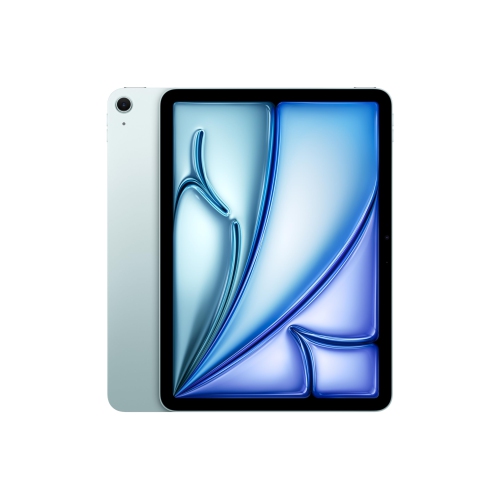 Your price for this item is $889.99
-
 Your price for this item is $949.97
-
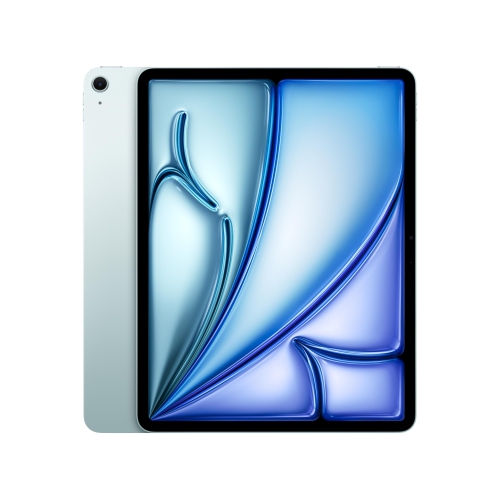 Your price for this item is $1549.99
-
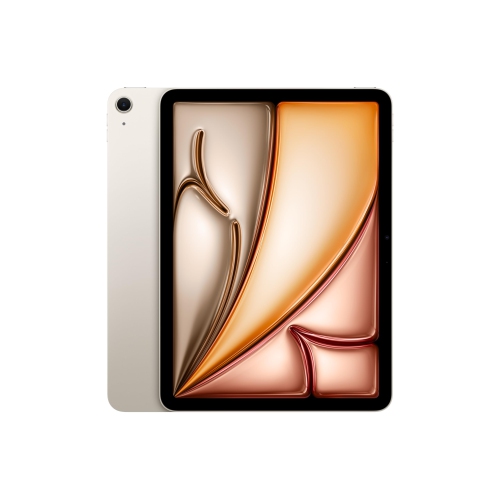 Your price for this item is $869.99
-
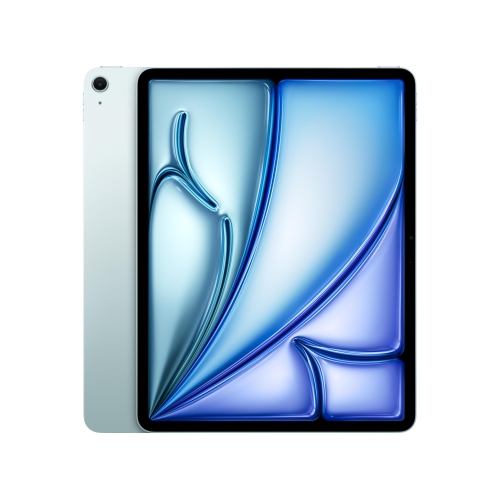 Your price for this item is $1195.99
-
 Your price for this item is $949.99
-
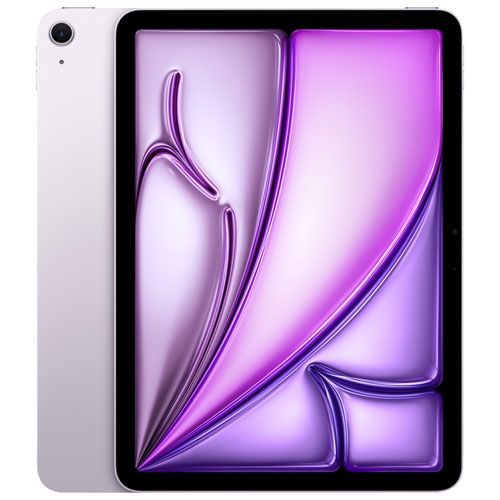 Your price for this item is $949.98
-
 Your price for this item is $979.99
Discover more categories related to iPad Air 512GB


Top Collections:
Best Black Friday Deals This Year, Best Black Friday Deals On Electronics, Kindle Devices, Pokemon Centers, Best Black Friday Deals On Apple Products, Best Cameras for Sports Photography, Dyson Airwrap, Pokémon 30th Celebration Cards, Apple iPhone 17 Pro, Canon G7X Cameras
Some products may be subject to Environmental Handling Fees
(EHF) depending on your province.
Learn more about EHFs.