iPad 11 256GB
Discover the convenience and performance of the iPad 11 256GB, designed to keep up with your busy lifestyle. With ample storage for apps, photos, and files, this versatile tablet is perfect for work, play, or staying connected on the go. Explore models that offer a seamless experience whether you're streaming videos, managing tasks, or unleashing your creativity. Find the ideal iPad 11 256GB to match your needs and elevate your everyday routine.
Sort

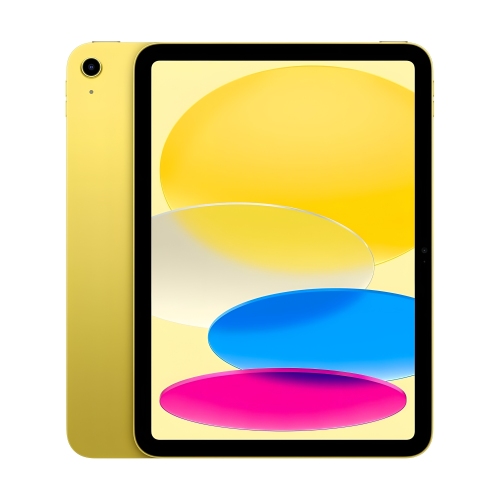


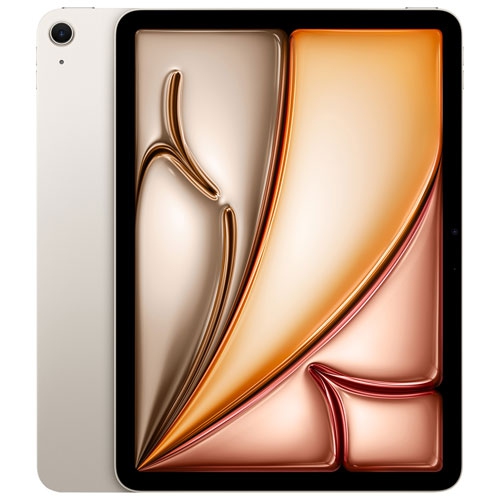

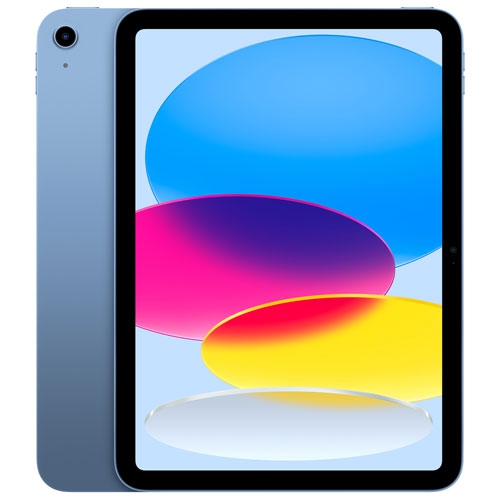


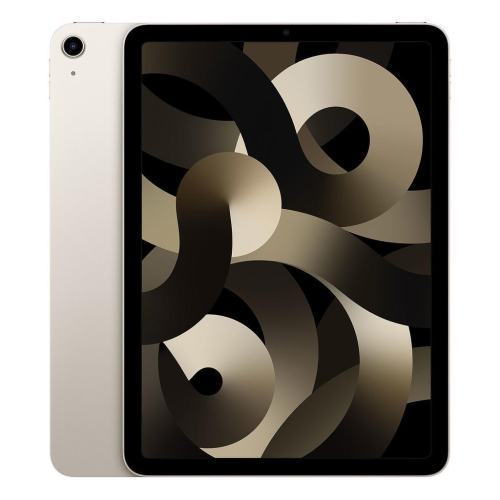


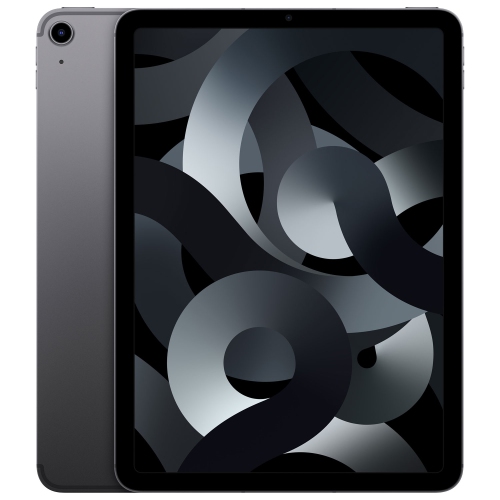


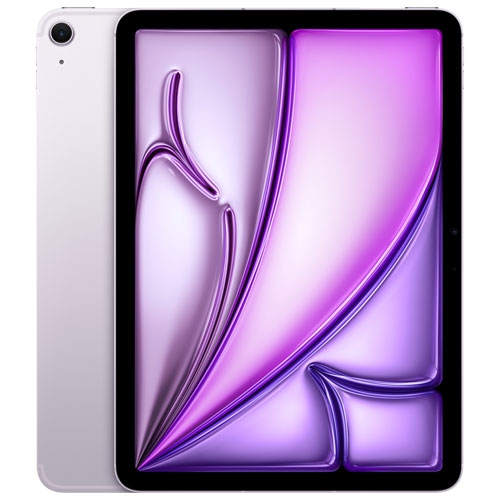


What 256GB means for your everyday tablet use
Tablets with 256GB of storage offer space for everyday apps, personal files, and downloaded entertainment in a format that moves easily between a desk, a sofa, and a travel bag. That capacity can suit a student keeping course readings alongside handwritten notes, a parent organizing family photos, or someone who likes having films and playlists ready without relying on an internet connection. The advertised storage is not all available for personal files: the operating system, built-in software, and system data occupy part of it, and the amount used can change over time. Storage also serves a different purpose from memory. A 256GB capacity describes space for files and apps; it does not, by itself, indicate how quickly a tablet runs demanding software or switches between tasks. Generation numbers and screen measurements are separate details, too. A generation identifies a hardware release, while an 11-inch measurement describes a screen’s diagonal size. In this general size range, a tablet can provide a comfortable surface for reading a digital textbook, viewing a recipe beside a mixing bowl, or watching a lesson with enough room to follow on-screen details. Larger documents may still need zooming, particularly when two apps share the display. For many everyday routines, 256GB leaves flexibility to keep useful content close at hand rather than downloading it repeatedly. Large games, high-resolution video, and creative projects can consume that space more quickly than documents and ebooks, so the kinds of files being stored matter as much as their number. Cloud storage can complement local capacity, but files kept only online may require a connection unless they have been downloaded in advance. A familiar routine might include saving several episodes before a train journey, keeping presentation files ready for a meeting, and leaving frequently used reference materials on the device. These uses make storage capacity a practical consideration rather than simply a specification, especially when a tablet is expected to handle both personal entertainment and school or work tasks.
The physical design shapes how comfortable a tablet feels throughout those routines. Glass touchscreens provide a smooth surface for gestures, reading, and drawing, while metal housings, often made from aluminium, can give the body a firm, substantial feel. Neither material makes a device immune to damage: glass can crack after a fall, and a metal back can acquire scratches or dents. Weight, edge shape, and the added bulk of a case all affect comfort when holding a tablet through a long chapter or carrying it between appointments. A stand can be particularly useful for following a video call, consulting sheet music, or keeping instructions visible while both hands are occupied. Screen brightness, reflections, viewing angles, and text settings also influence everyday readability; a display that looks comfortable at a desk may feel different beneath bright overhead lighting. For written work, an on-screen keyboard suits short messages and searches, while a compatible physical keyboard can make longer assignments or detailed emails more comfortable. Stylus support deserves equally careful attention because compatibility depends on the exact tablet generation and accessory, not just the screen size or storage capacity. Features such as pressure sensitivity, charging method, and attachment can differ. Cases must also match the device’s dimensions, camera placement, buttons, and connector positions. Connectivity affects where the tablet can be used: Wi-Fi provides internet access through a suitable network, while cellular-capable versions can connect through a supported mobile service and plan. A Wi-Fi model can also use a compatible phone’s hotspot, subject to the phone’s service and settings. Downloaded books, saved videos, and many creative tasks remain useful offline, though individual apps may require a connection for certain functions. Battery life varies with brightness, video calls, games, accessories, and other activity, so charging access matters for longer days away from a desk. The charging connector and any display-output support should match the cables, hubs, and screens intended for use with the tablet.
A tablet’s suitability also depends on the people sharing it and the tasks it is expected to handle. Students may value searchable notes and annotated readings, while home users may prefer a comfortable screen for recipes, banking, puzzles, and calls with relatives. For someone who draws or edits photographs, the software, processor, display characteristics, and compatible input tools deserve attention alongside storage. A tablet can make a thoughtful gift for a reader, a learner, or a relative who wants a portable screen, but familiar software and accessibility preferences matter more than an impressive-looking specification. Adjustable text, screen-reading features, voice input, and supported hearing or vision tools can influence how comfortably a person uses the device. Shared family use brings other considerations, including parental controls, purchase permissions, and whether the operating system supports the kind of separate user access expected. A tablet should not be assumed to behave like a household computer in that respect. For workflows involving substantial photo libraries, video files, or creative projects, a comparison with iPad Air 512GB can help put higher storage capacity in context, although storage alone does not determine performance or accessory compatibility. Day-to-day care helps protect whichever configuration suits the task. A properly fitted case can reduce exposure to everyday knocks, and a clean, soft, lint-free cloth helps remove fingerprints without abrasive scrubbing. Cleaning methods should follow the manufacturer’s directions, with liquids kept away from openings and cleaners never sprayed directly onto the device. Carrying a tablet apart from loose keys and other hard objects can help prevent surface marks. Regular software updates, a secure passcode, and a suitable backup routine support continued use and help protect personal information. With the right fit between storage, software, accessories, and handling, a 256GB tablet can serve as a practical companion for reading, creating, communicating, and keeping everyday information within reach.
The physical design shapes how comfortable a tablet feels throughout those routines. Glass touchscreens provide a smooth surface for gestures, reading, and drawing, while metal housings, often made from aluminium, can give the body a firm, substantial feel. Neither material makes a device immune to damage: glass can crack after a fall, and a metal back can acquire scratches or dents. Weight, edge shape, and the added bulk of a case all affect comfort when holding a tablet through a long chapter or carrying it between appointments. A stand can be particularly useful for following a video call, consulting sheet music, or keeping instructions visible while both hands are occupied. Screen brightness, reflections, viewing angles, and text settings also influence everyday readability; a display that looks comfortable at a desk may feel different beneath bright overhead lighting. For written work, an on-screen keyboard suits short messages and searches, while a compatible physical keyboard can make longer assignments or detailed emails more comfortable. Stylus support deserves equally careful attention because compatibility depends on the exact tablet generation and accessory, not just the screen size or storage capacity. Features such as pressure sensitivity, charging method, and attachment can differ. Cases must also match the device’s dimensions, camera placement, buttons, and connector positions. Connectivity affects where the tablet can be used: Wi-Fi provides internet access through a suitable network, while cellular-capable versions can connect through a supported mobile service and plan. A Wi-Fi model can also use a compatible phone’s hotspot, subject to the phone’s service and settings. Downloaded books, saved videos, and many creative tasks remain useful offline, though individual apps may require a connection for certain functions. Battery life varies with brightness, video calls, games, accessories, and other activity, so charging access matters for longer days away from a desk. The charging connector and any display-output support should match the cables, hubs, and screens intended for use with the tablet.
A tablet’s suitability also depends on the people sharing it and the tasks it is expected to handle. Students may value searchable notes and annotated readings, while home users may prefer a comfortable screen for recipes, banking, puzzles, and calls with relatives. For someone who draws or edits photographs, the software, processor, display characteristics, and compatible input tools deserve attention alongside storage. A tablet can make a thoughtful gift for a reader, a learner, or a relative who wants a portable screen, but familiar software and accessibility preferences matter more than an impressive-looking specification. Adjustable text, screen-reading features, voice input, and supported hearing or vision tools can influence how comfortably a person uses the device. Shared family use brings other considerations, including parental controls, purchase permissions, and whether the operating system supports the kind of separate user access expected. A tablet should not be assumed to behave like a household computer in that respect. For workflows involving substantial photo libraries, video files, or creative projects, a comparison with iPad Air 512GB can help put higher storage capacity in context, although storage alone does not determine performance or accessory compatibility. Day-to-day care helps protect whichever configuration suits the task. A properly fitted case can reduce exposure to everyday knocks, and a clean, soft, lint-free cloth helps remove fingerprints without abrasive scrubbing. Cleaning methods should follow the manufacturer’s directions, with liquids kept away from openings and cleaners never sprayed directly onto the device. Carrying a tablet apart from loose keys and other hard objects can help prevent surface marks. Regular software updates, a secure passcode, and a suitable backup routine support continued use and help protect personal information. With the right fit between storage, software, accessories, and handling, a 256GB tablet can serve as a practical companion for reading, creating, communicating, and keeping everyday information within reach.
Top selling and popular products
-
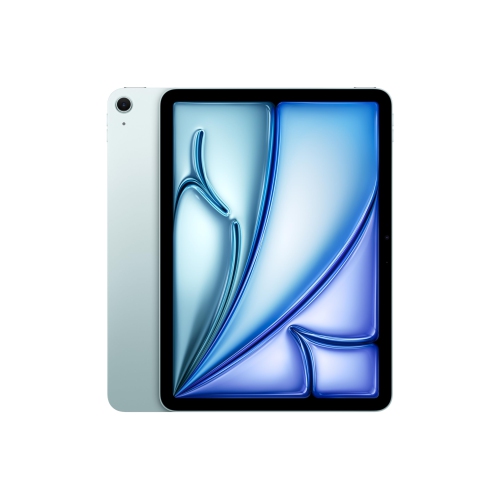 Your price for this item is $889.99
-
 Your price for this item is $949.97
-
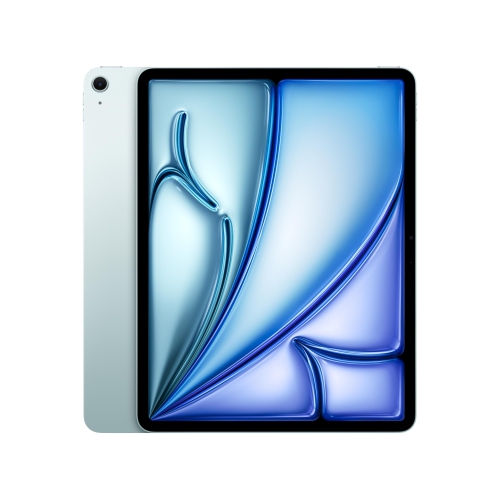 Your price for this item is $1549.99
-
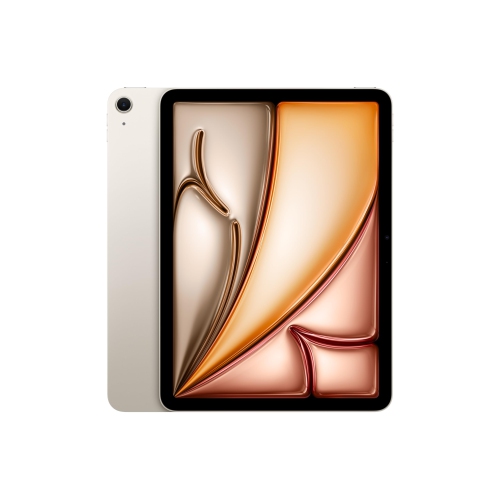 Your price for this item is $869.99
-
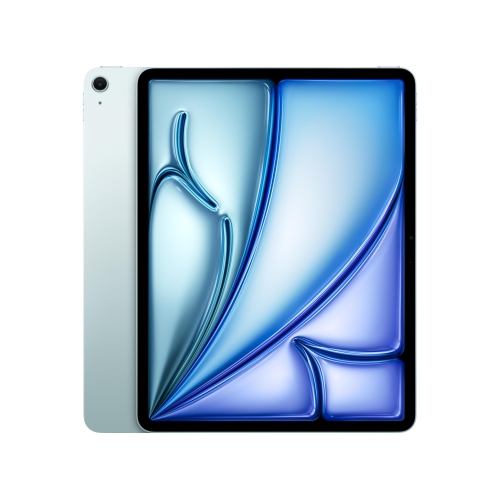 Your price for this item is $1195.99
-
 Your price for this item is $949.99
-
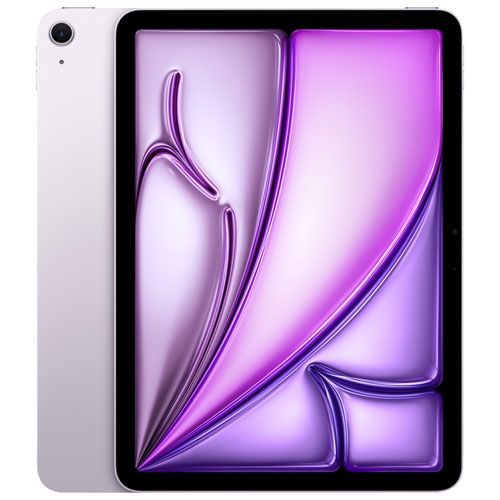 Your price for this item is $949.98
-
 Your price for this item is $979.99
Discover more categories related to iPad 11 256GB

Top Collections:
Best Black Friday Deals This Year, Best Black Friday Deals On Electronics, Kindle Devices, Pokemon Centers, Best Black Friday Deals On Apple Products, Best Cameras for Sports Photography, Dyson Airwrap, Pokémon 30th Celebration Cards, Apple iPhone 17 Pro, Canon G7X Cameras
Some products may be subject to Environmental Handling Fees
(EHF) depending on your province.
Learn more about EHFs.