iPads for Small Business
iPad for small business offers a versatile solution to help streamline daily operations, enhance productivity, and support on-the-go work. Whether managing appointments, accessing important documents, or collaborating with your team, iPads provide the flexibility and convenience that small businesses need. Discover a range of options designed to fit various business needs and budgets, making it easier to stay connected and efficient in any setting.
Sort




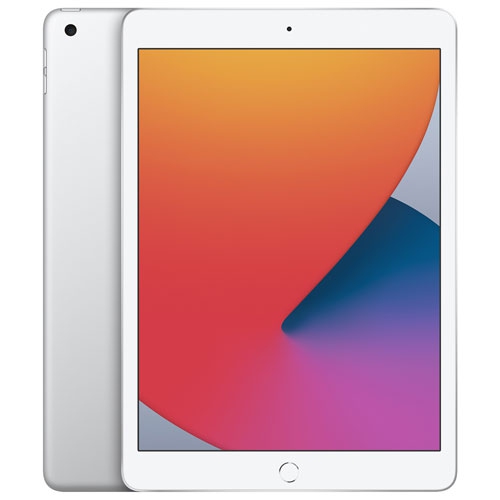

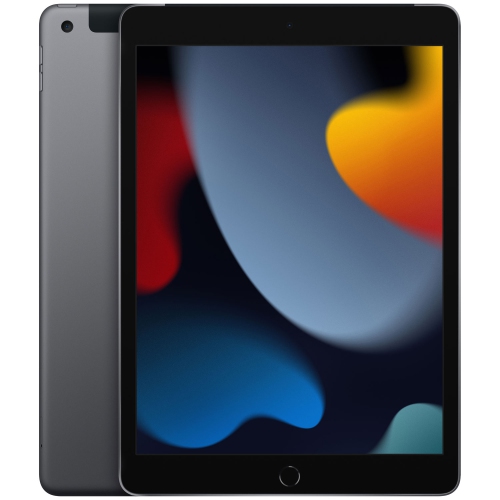
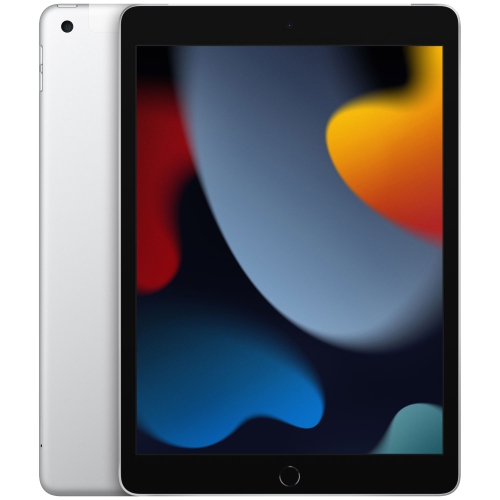
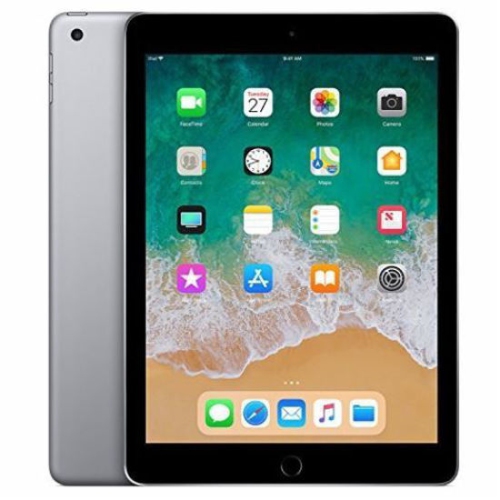
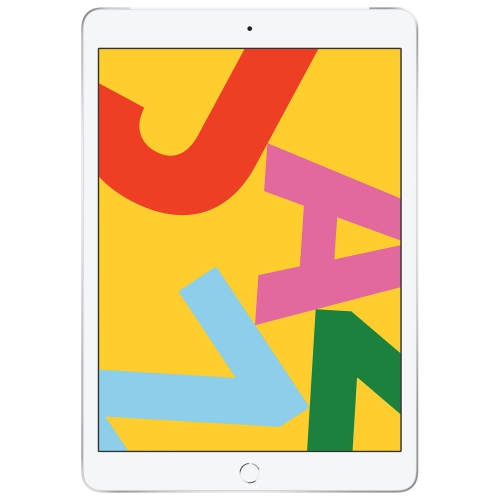
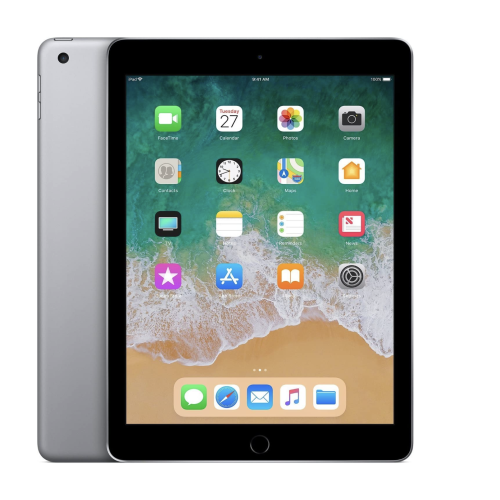


The right tablet setup starts with your daily tasks
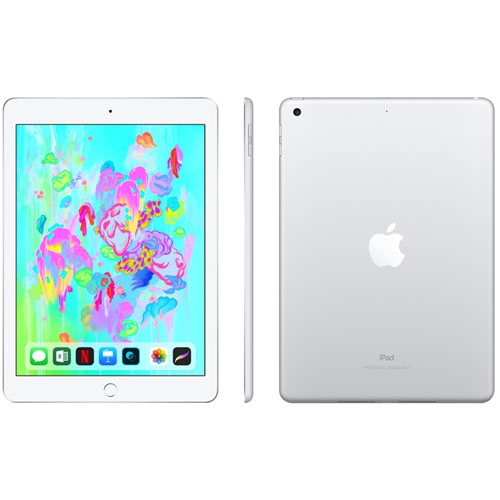
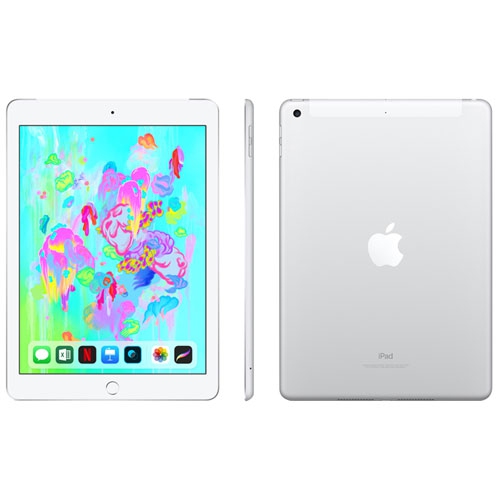
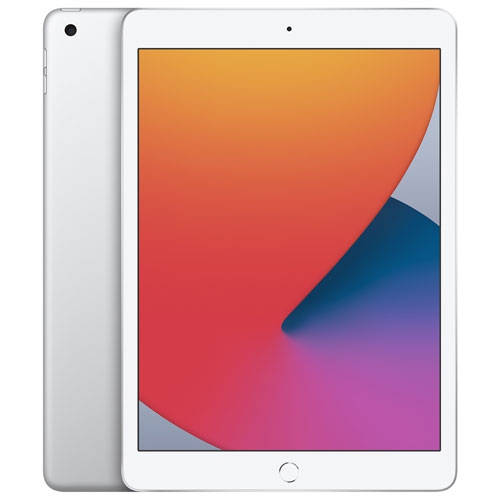
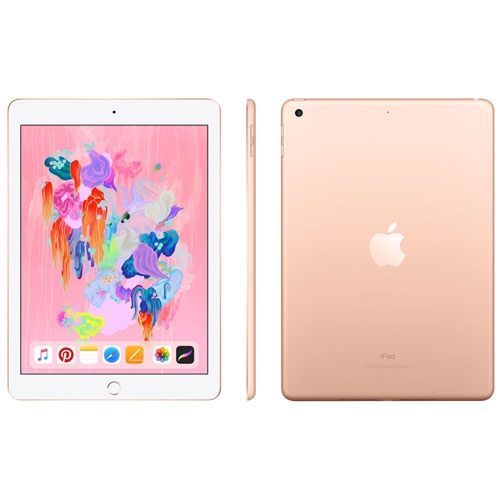
Tablets for small business can serve as portable checkout stations, digital clipboards, appointment books and presentation screens, with the best fit depending on the apps and accessories each task requires. A device used for customer check-in has different demands from one used to edit promotional videos or handle several business apps throughout the day. For businesses considering Apple iPads for Business Use, screen size, software compatibility and the way employees work often matter as much as processing power. At a service counter, a tablet can keep appointment details and client notes within reach without taking up the space of a desktop computer. In a shop, it can help an employee look up product information beside a customer rather than stepping away to a fixed terminal. A contractor visiting a job site might use a touchscreen to annotate plans, photograph completed work or collect a signature on a service form. These tasks benefit from a screen that is comfortable to read, a device that is easy to carry and enough battery capacity for the expected workload. Payment processing brings additional requirements: the tablet, checkout app, card reader and any receipt printer need to work together and meet the payment provider’s requirements. A tablet alone does not replace the full checkout setup. For appointments and customer intake, an adjustable stand can position the screen for comfortable viewing, while a suitable case helps protect it when it moves between rooms. Business tablets also suit independent professionals who split their time between a desk, client meetings and shared workspaces. Their value comes from keeping useful tools close at hand, whether that means opening a portfolio across a meeting table, reviewing an estimate before a site visit or updating a booking between appointments. The most useful configuration supports those repeat tasks without adding unnecessary bulk or complexity.
Screen dimensions and accessory support shape how comfortable a tablet feels during a full working day. A compact device is easier to hold while counting supplies or walking through a property, while a larger display gives spreadsheets, design layouts and side-by-side documents more breathing room. Larger screens can also make customer presentations easier to share, although the added size may be less convenient for one-handed use. Display brightness and reflections matter near windows or under strong overhead lighting, and text size settings can help make forms and schedules easier to read. For frequent typing, a compatible keyboard can make email, proposals and longer notes more comfortable to handle than an onscreen keyboard alone. A supported stylus can be useful for marking up drawings, sketching ideas and adding handwritten notes, but compatibility varies between devices and accessories. Storage needs depend on what stays on the tablet: a business that mainly uses web-based booking software may have different needs from a photographer carrying image files or a consultant keeping large presentations accessible without a connection. Performance matters most when the work involves demanding creative apps, large documents or frequent movement between tasks. Ports and adapters also affect practical use, particularly when connecting a display, transferring files or attaching supported peripherals. Glass screens and metal housings still need protection from knocks, scratches and spills. A fitted case with reinforced corners may suit a device carried between locations, while a stable stand can help keep a shared tablet secure on a counter. Neither a case nor a screen protector makes a device indestructible or automatically suitable for wet or dusty work. Cleaning should follow the manufacturer’s instructions, using appropriate materials and keeping moisture away from openings. Shared devices benefit from a consistent cleaning routine and a designated place to rest and charge, especially when several employees handle the same screen throughout the day. Secure mounting is also worth considering wherever customers interact with the device or charging cables could be pulled accidentally.
Connectivity, account access and software support determine how smoothly a tablet fits into daily operations. Wi-Fi can be sufficient for a device that stays within reliable coverage at a shop, studio or office. A cellular-capable tablet may be more practical for mobile appointments or travel between client locations, but mobile service requires a compatible plan and coverage, and not every business app supports the same offline functions. Forms, files and customer details may need to be downloaded in advance when a connection cannot be relied on. Battery life also varies with screen brightness, video calls, mobile data use and demanding apps, so a full day of work may call for access to charging rather than reliance on a headline battery estimate. For teams, shared-device use deserves attention alongside hardware specifications. Separate access where supported, appropriate permission settings, strong passcodes and timely software updates help keep work information better protected. Customer records and payment-related information should be handled through suitable business systems rather than left in personal notes or an open photo library. Device management tools may help an organization configure settings, distribute supported apps and respond to a lost tablet, depending on its setup. A tablet can take on many laptop tasks, including email, video meetings, document review and some spreadsheet work, but it is not a universal replacement for a computer. Desktop-only software, specialized peripherals, complex spreadsheet features and particular file-handling requirements can still make a laptop or desktop necessary. Browser-based services may also behave differently on a tablet, making support for the actual workflow important. For a sole proprietor, the ideal arrangement may be one portable device for bookings, correspondence and client presentations, with a computer reserved for heavier administrative work. For a growing team, dedicated tablets for checkout, service forms or meeting rooms can provide a more focused setup. The strongest fit is a device that works with existing software, feels comfortable in its intended setting and remains straightforward for the people using it every day.
Screen dimensions and accessory support shape how comfortable a tablet feels during a full working day. A compact device is easier to hold while counting supplies or walking through a property, while a larger display gives spreadsheets, design layouts and side-by-side documents more breathing room. Larger screens can also make customer presentations easier to share, although the added size may be less convenient for one-handed use. Display brightness and reflections matter near windows or under strong overhead lighting, and text size settings can help make forms and schedules easier to read. For frequent typing, a compatible keyboard can make email, proposals and longer notes more comfortable to handle than an onscreen keyboard alone. A supported stylus can be useful for marking up drawings, sketching ideas and adding handwritten notes, but compatibility varies between devices and accessories. Storage needs depend on what stays on the tablet: a business that mainly uses web-based booking software may have different needs from a photographer carrying image files or a consultant keeping large presentations accessible without a connection. Performance matters most when the work involves demanding creative apps, large documents or frequent movement between tasks. Ports and adapters also affect practical use, particularly when connecting a display, transferring files or attaching supported peripherals. Glass screens and metal housings still need protection from knocks, scratches and spills. A fitted case with reinforced corners may suit a device carried between locations, while a stable stand can help keep a shared tablet secure on a counter. Neither a case nor a screen protector makes a device indestructible or automatically suitable for wet or dusty work. Cleaning should follow the manufacturer’s instructions, using appropriate materials and keeping moisture away from openings. Shared devices benefit from a consistent cleaning routine and a designated place to rest and charge, especially when several employees handle the same screen throughout the day. Secure mounting is also worth considering wherever customers interact with the device or charging cables could be pulled accidentally.
Connectivity, account access and software support determine how smoothly a tablet fits into daily operations. Wi-Fi can be sufficient for a device that stays within reliable coverage at a shop, studio or office. A cellular-capable tablet may be more practical for mobile appointments or travel between client locations, but mobile service requires a compatible plan and coverage, and not every business app supports the same offline functions. Forms, files and customer details may need to be downloaded in advance when a connection cannot be relied on. Battery life also varies with screen brightness, video calls, mobile data use and demanding apps, so a full day of work may call for access to charging rather than reliance on a headline battery estimate. For teams, shared-device use deserves attention alongside hardware specifications. Separate access where supported, appropriate permission settings, strong passcodes and timely software updates help keep work information better protected. Customer records and payment-related information should be handled through suitable business systems rather than left in personal notes or an open photo library. Device management tools may help an organization configure settings, distribute supported apps and respond to a lost tablet, depending on its setup. A tablet can take on many laptop tasks, including email, video meetings, document review and some spreadsheet work, but it is not a universal replacement for a computer. Desktop-only software, specialized peripherals, complex spreadsheet features and particular file-handling requirements can still make a laptop or desktop necessary. Browser-based services may also behave differently on a tablet, making support for the actual workflow important. For a sole proprietor, the ideal arrangement may be one portable device for bookings, correspondence and client presentations, with a computer reserved for heavier administrative work. For a growing team, dedicated tablets for checkout, service forms or meeting rooms can provide a more focused setup. The strongest fit is a device that works with existing software, feels comfortable in its intended setting and remains straightforward for the people using it every day.
Top selling and popular products
-
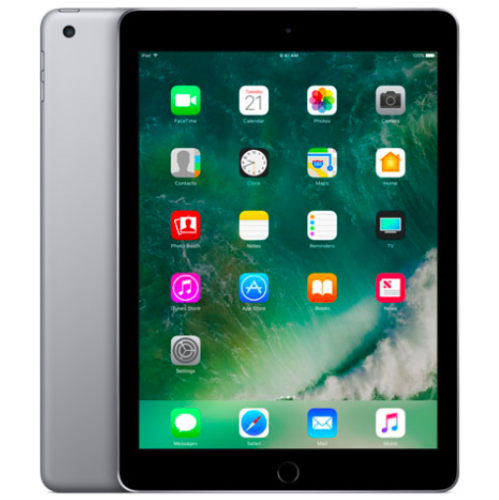 Your price for this item is $109.99
-
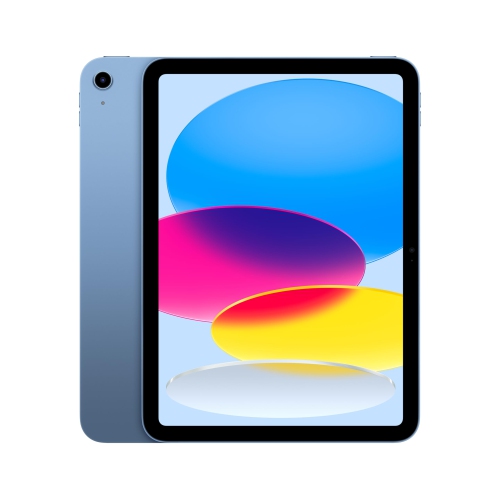 Your price for this item is $649
-
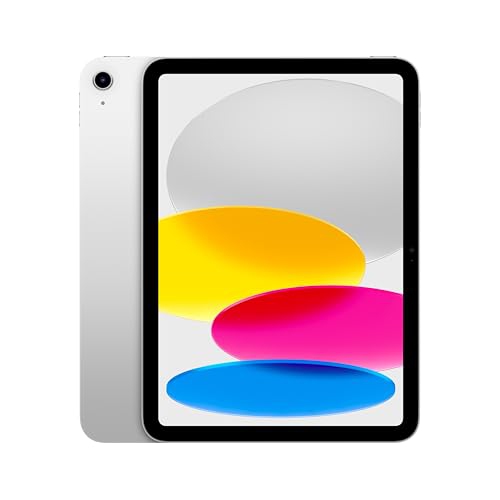 Your price for this item is $669.95
-
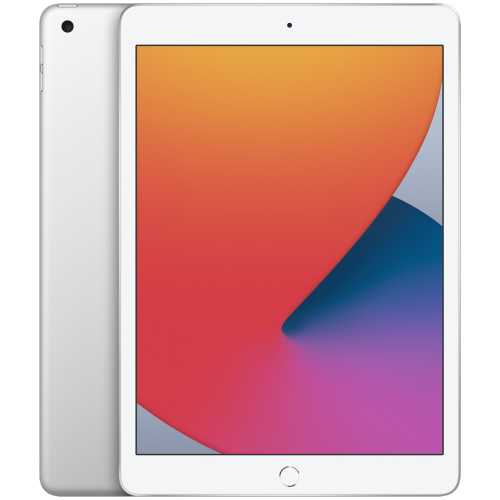 Your price for this item is $141.98
-
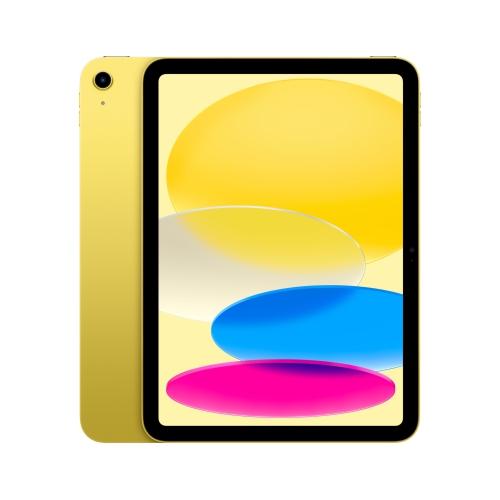 Your price for this item is $639.99
-
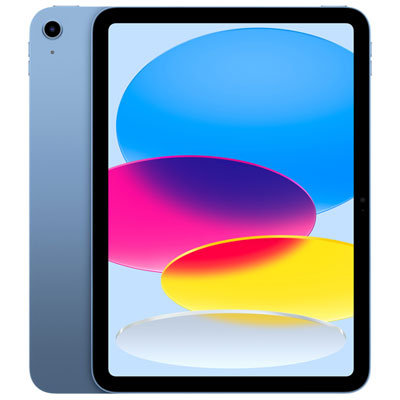 Your price for this item is $649.99
-
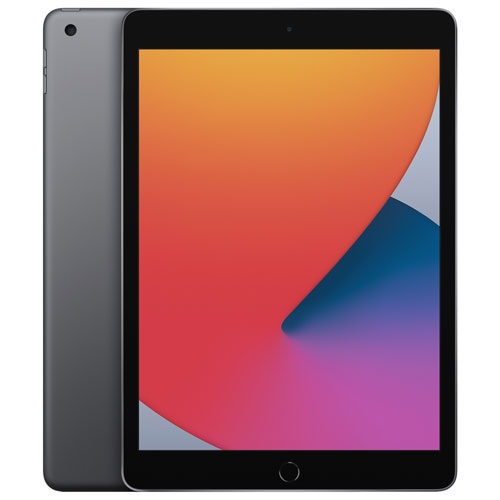 Your price for this item is $249.99
-
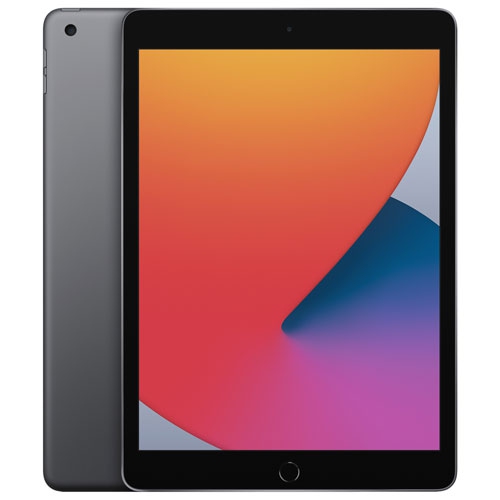 Your price for this item is $169.99
Discover more categories related to iPads for Small Business

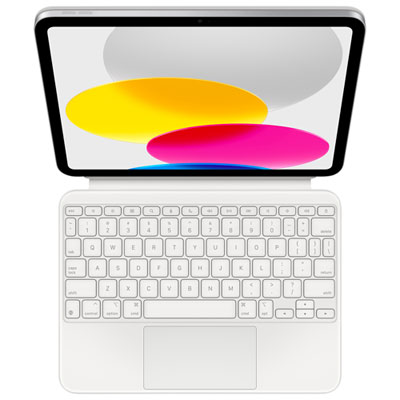

Top Collections:
Best Black Friday Deals This Year, Best Black Friday Deals On Electronics, Kindle Devices, Pokemon Centers, Best Black Friday Deals On Apple Products, Best Cameras for Sports Photography, Dyson Airwrap, Pokémon 30th Celebration Cards, Apple iPhone 17 Pro, Canon G7X Cameras
Some products may be subject to Environmental Handling Fees
(EHF) depending on your province.
Learn more about EHFs.