iPad Accessories for Business
Enhance productivity and streamline your workflow with iPad accessories for business. Designed to support professionals on the go, these accessories help you get more done, whether you're working from the office, at home, or traveling between meetings. Discover a wide selection of options that complement your device and elevate your business experience. Find the right iPad accessories for business to keep you organized, efficient, and ready for every task.
Sort
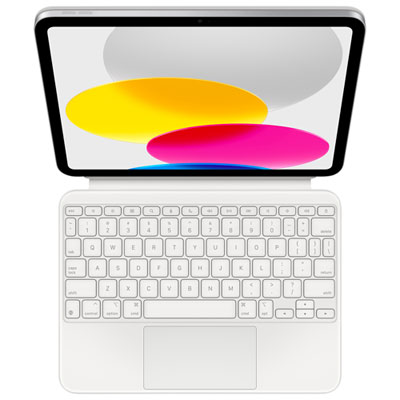
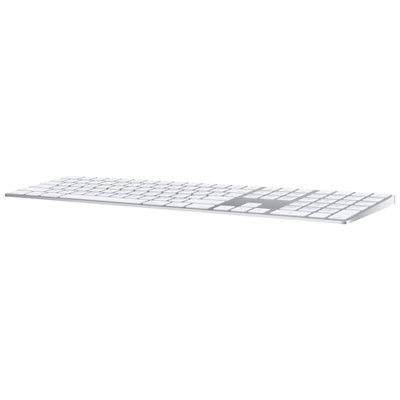
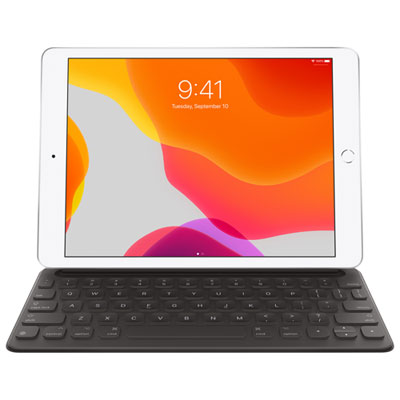

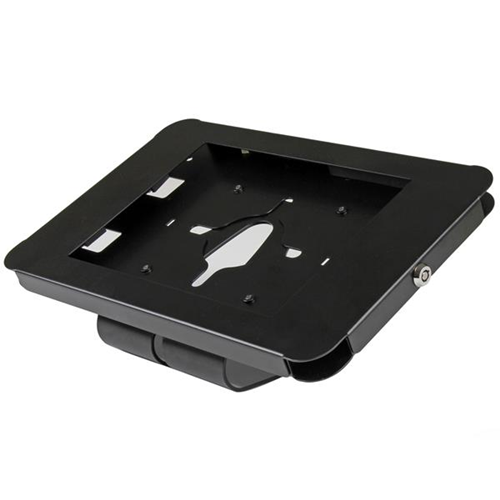





From portable workstation to customer-facing checkout
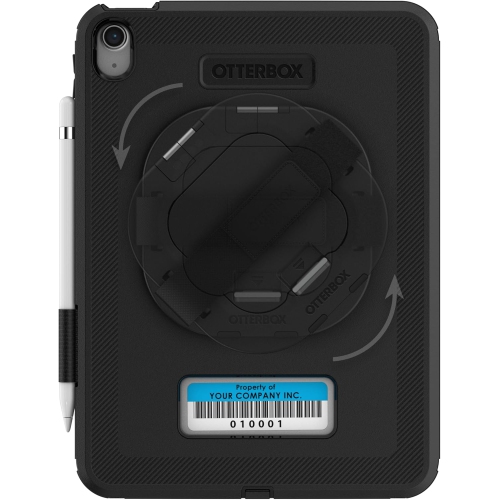
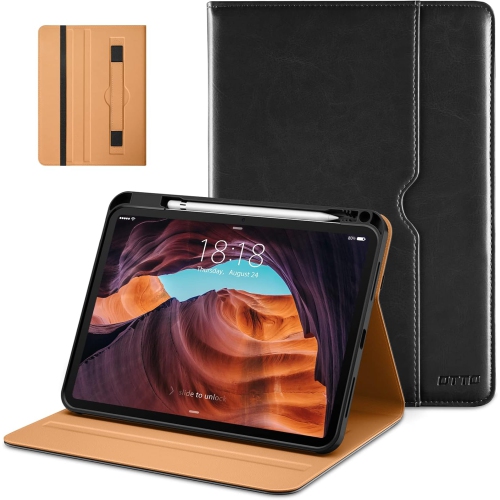
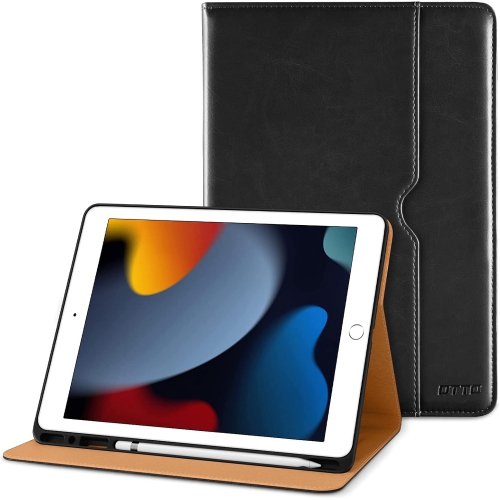
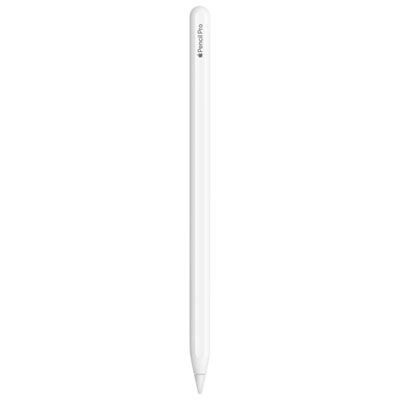
iPad accessories for business support three common roles: a portable workstation for documents and meetings, a customer-facing checkout or service station, and a mounted device for check-ins or shared information. The most useful combination depends on how the tablet moves through a working day. A consultant carrying it between appointments may need a slim keyboard case, a precise stylus, and a protective sleeve, while an office-based employee may benefit more from an adjustable stand, a separate keyboard, and a connection hub. Keyboard cases combine typing support with protection, and detachable designs allow the keyboard to be set aside when reviewing drawings or presenting a proposal across a table. Key spacing, palm support, viewing angles, and stability on a lap all affect comfort during longer writing sessions. An integrated trackpad or compatible mouse can make spreadsheet editing, text selection, and navigation more comfortable, although available functions depend on the tablet, operating system, and application. A compatible active stylus adds precision for handwritten meeting notes, document annotation, sketches, and signatures in supported apps. Pen storage is worth considering for anyone moving frequently between rooms, since a secure holder helps keep the stylus with the device. For desk-based work, a stand that raises the screen can make video calls more natural and leave space for a keyboard beneath it. Adjustable height and tilt also help when the same tablet is used for reading, typing, and face-to-face presentations. Connection hubs can extend a compatible tablet with ports for storage, wired networking, or an external display, but connector shape alone does not establish support for every function. Display capabilities, data transfer, and charging behaviour vary by device and adapter. For a travelling professional, a compact arrangement that packs neatly into a briefcase may be more practical than a heavier desktop setup, even when both support the same daily tasks.
In customer-facing settings, business accessories help position an iPad where people can see and use it comfortably while keeping the counter organized. Point-of-sale stands typically prioritize a stable base, accessible charging, and a viewing angle suited to transactions. A rotating or tilting mount can let an employee enter an order and then turn the screen towards a customer for review, where the checkout software supports that workflow. Card readers, receipt printers, barcode scanners, and other payment peripherals require compatibility with the chosen payment service and application; a stand by itself does not add payment processing. For reception desks, visitor check-in stations, and appointment counters, an enclosed mount can help limit casual access to the device’s buttons and connections. Physical security features may include keyed enclosures, lock slots, or mounting points that attach the stand to a suitable surface. These features can discourage removal, but they work alongside device settings, account controls, and appropriate supervision rather than replacing them. Application restrictions and access permissions are especially important when customers or visitors handle a shared tablet. Mounting position matters, too: the screen needs to be readable and reachable without forcing someone to lean across a desk, and the base should leave room for paperwork or a payment terminal. Cable routing channels reduce loose cords around the work surface and help protect connectors from repeated pulling. Charging arrangements need to suit extended use, with access to a suitable outlet and enough space around the device for normal heat dissipation. Where supported, wired Ethernet can provide a network connection, and a compatible Power over Ethernet adapter may carry both power and data through the network cable. That setup requires matching network equipment and tablet connections. In meeting rooms or shared workspaces, adjustable arms and wall mounts can free desk space, provided their weight limits, attachment method, and range of movement suit the intended location.
Across the wider category of iPad Accessories, fit and construction make a noticeable difference to everyday business use. Cases, keyboard covers, screen protectors, and fitted mounts need to match the exact tablet model and generation, not simply a similar screen size. Differences in camera placement, button positions, speaker openings, charging connections, and magnetic attachment points can affect whether an accessory fits or functions correctly. A case should also leave room for any required charging adapter or hub, particularly when a thick protective edge surrounds the port. Materials influence both handling and upkeep. Flexible silicone or thermoplastic polyurethane edges can add grip, while rigid shells provide structure; layered cases may combine these features with reinforced corners. Drop-protection claims apply to the manufacturer’s stated testing conditions and do not make a device damage-proof. Leather folios offer a professional finish for client meetings but may develop marks with use, while fabric-covered designs can feel comfortable in hand and may need more attention around spills. Smooth, wipeable surfaces can be practical for shared devices, subject to the maker’s cleaning instructions. Screen protectors can help reduce surface scratches, and textured versions may change the feel of stylus input, with possible trade-offs in clarity or glare. Cleaning with a suitable soft cloth, avoiding excess moisture near openings, and inspecting hinges, straps, and charging cables help keep frequently handled accessories in good working order. For employees moving between an office, client site, and home workspace, padded sleeves and organized cable compartments protect the tablet during transport and make setup less cumbersome. Privacy filters may help limit side-angle viewing of sensitive material, though they can also affect brightness and viewing comfort. The strongest business setup is not necessarily the one with the most attachments: it is the combination that supports the actual work, fits the device properly, and remains manageable to carry, clean, and use throughout the day.
In customer-facing settings, business accessories help position an iPad where people can see and use it comfortably while keeping the counter organized. Point-of-sale stands typically prioritize a stable base, accessible charging, and a viewing angle suited to transactions. A rotating or tilting mount can let an employee enter an order and then turn the screen towards a customer for review, where the checkout software supports that workflow. Card readers, receipt printers, barcode scanners, and other payment peripherals require compatibility with the chosen payment service and application; a stand by itself does not add payment processing. For reception desks, visitor check-in stations, and appointment counters, an enclosed mount can help limit casual access to the device’s buttons and connections. Physical security features may include keyed enclosures, lock slots, or mounting points that attach the stand to a suitable surface. These features can discourage removal, but they work alongside device settings, account controls, and appropriate supervision rather than replacing them. Application restrictions and access permissions are especially important when customers or visitors handle a shared tablet. Mounting position matters, too: the screen needs to be readable and reachable without forcing someone to lean across a desk, and the base should leave room for paperwork or a payment terminal. Cable routing channels reduce loose cords around the work surface and help protect connectors from repeated pulling. Charging arrangements need to suit extended use, with access to a suitable outlet and enough space around the device for normal heat dissipation. Where supported, wired Ethernet can provide a network connection, and a compatible Power over Ethernet adapter may carry both power and data through the network cable. That setup requires matching network equipment and tablet connections. In meeting rooms or shared workspaces, adjustable arms and wall mounts can free desk space, provided their weight limits, attachment method, and range of movement suit the intended location.
Across the wider category of iPad Accessories, fit and construction make a noticeable difference to everyday business use. Cases, keyboard covers, screen protectors, and fitted mounts need to match the exact tablet model and generation, not simply a similar screen size. Differences in camera placement, button positions, speaker openings, charging connections, and magnetic attachment points can affect whether an accessory fits or functions correctly. A case should also leave room for any required charging adapter or hub, particularly when a thick protective edge surrounds the port. Materials influence both handling and upkeep. Flexible silicone or thermoplastic polyurethane edges can add grip, while rigid shells provide structure; layered cases may combine these features with reinforced corners. Drop-protection claims apply to the manufacturer’s stated testing conditions and do not make a device damage-proof. Leather folios offer a professional finish for client meetings but may develop marks with use, while fabric-covered designs can feel comfortable in hand and may need more attention around spills. Smooth, wipeable surfaces can be practical for shared devices, subject to the maker’s cleaning instructions. Screen protectors can help reduce surface scratches, and textured versions may change the feel of stylus input, with possible trade-offs in clarity or glare. Cleaning with a suitable soft cloth, avoiding excess moisture near openings, and inspecting hinges, straps, and charging cables help keep frequently handled accessories in good working order. For employees moving between an office, client site, and home workspace, padded sleeves and organized cable compartments protect the tablet during transport and make setup less cumbersome. Privacy filters may help limit side-angle viewing of sensitive material, though they can also affect brightness and viewing comfort. The strongest business setup is not necessarily the one with the most attachments: it is the combination that supports the actual work, fits the device properly, and remains manageable to carry, clean, and use throughout the day.
Top selling and popular products
-
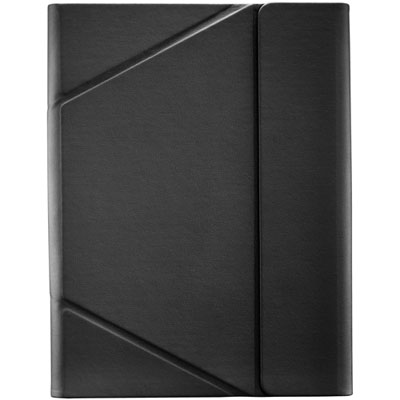 Your price for this item is $44.99
-
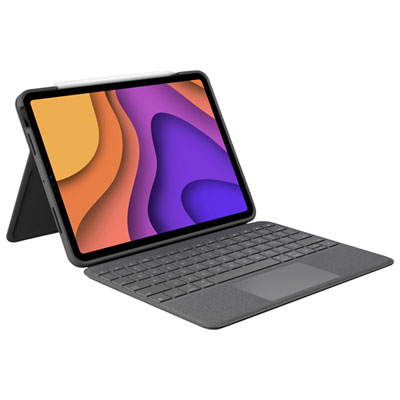 Your price for this item is $229.99
-
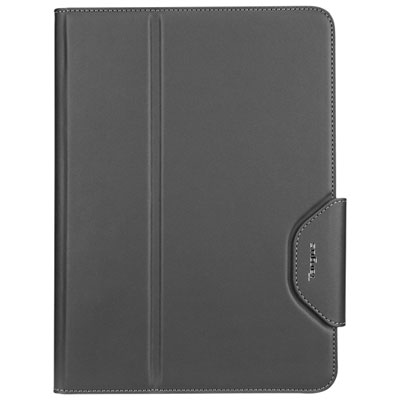 Your price for this item is $62.99
-
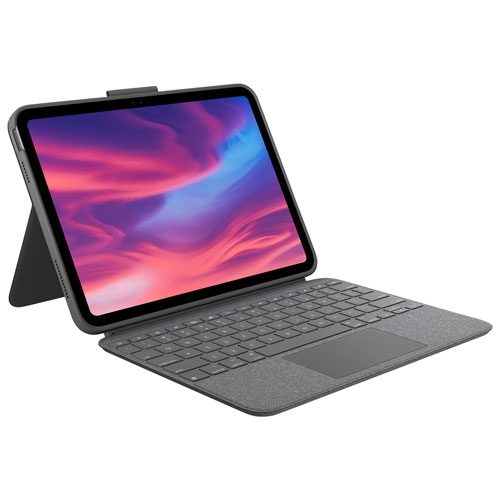 Your price for this item is $179.99
-
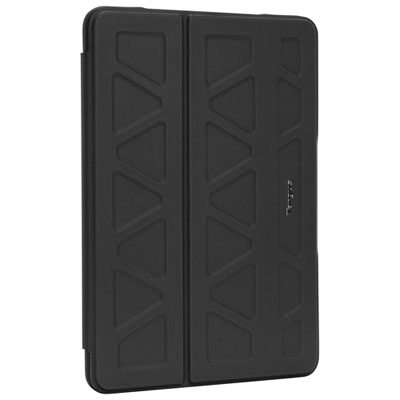 Your price for this item is $41.98
-
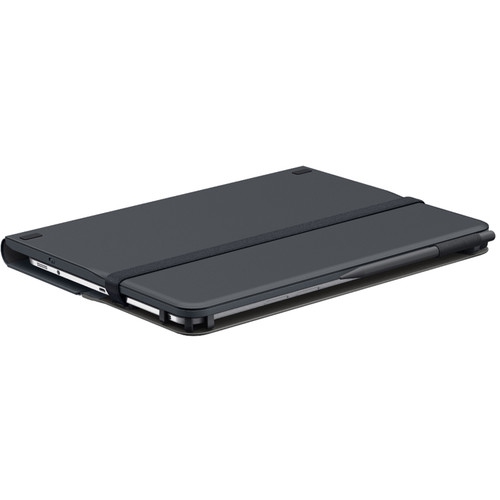 Your price for this item is $115.68
-
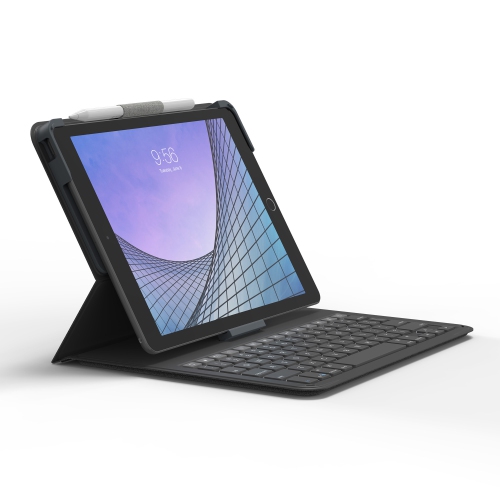 Your price for this item is $69.99
-
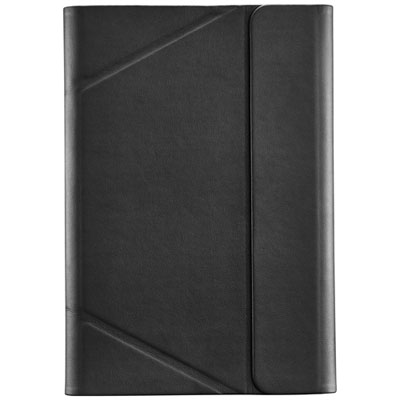 Your price for this item is $39.99
Discover more categories related to iPad Accessories for Business


Top Collections:
Best Black Friday Deals This Year, Best Black Friday Deals On Electronics, Kindle Devices, Pokemon Centers, Best Black Friday Deals On Apple Products, Best Cameras for Sports Photography, Dyson Airwrap, Pokémon 30th Celebration Cards, Apple iPhone 17 Pro, Canon G7X Cameras
Some products may be subject to Environmental Handling Fees
(EHF) depending on your province.
Learn more about EHFs.