iPad Mini Cases for Work
iPad Mini Cases for Work are designed to help you stay organized and productive throughout your busy day. Whether you’re heading to the office, working remotely, or traveling for business, these cases offer a convenient way to keep your device protected and ready for any task. With options that cater to a variety of professional needs, finding the right iPad Mini case can make it easier to transition from meetings to presentations and everything in between. Explore a selection of styles and functions to find the ideal companion for your work routine.
Sort
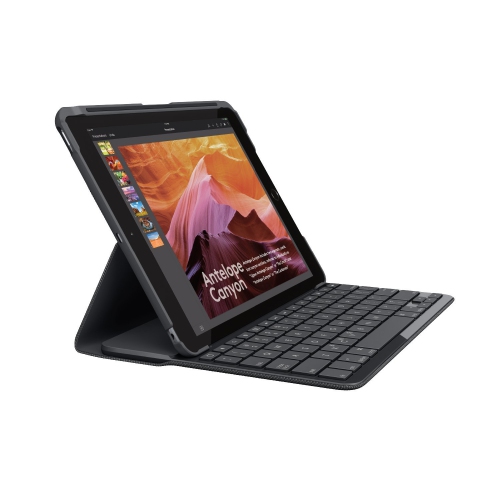

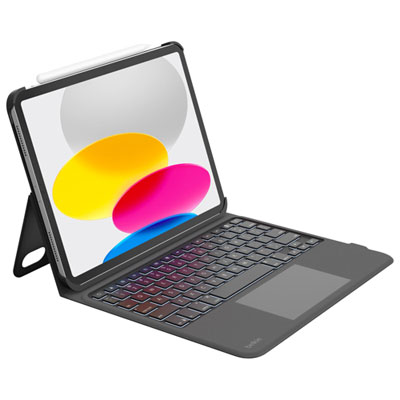



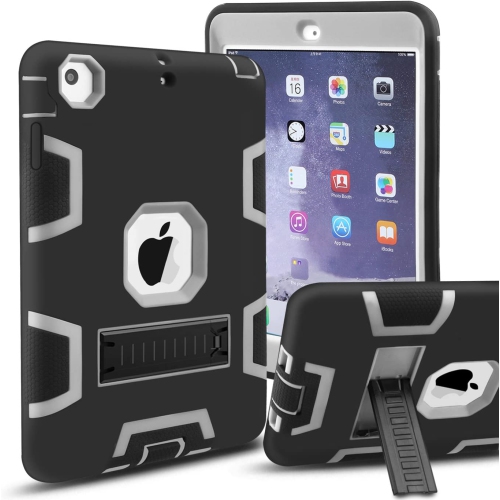

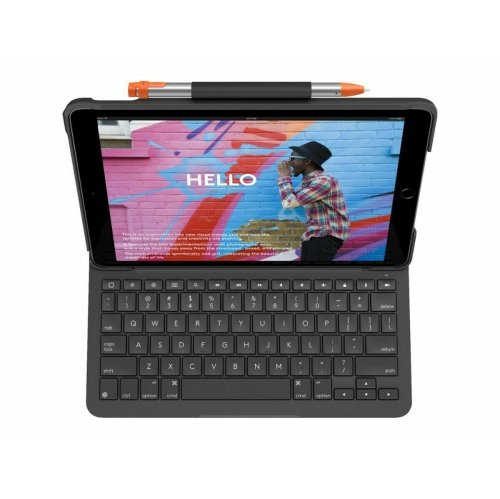
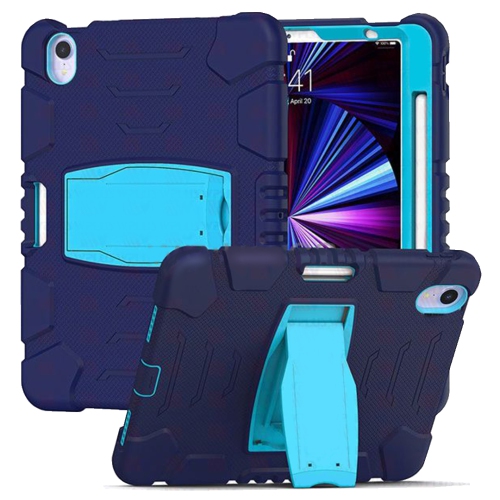
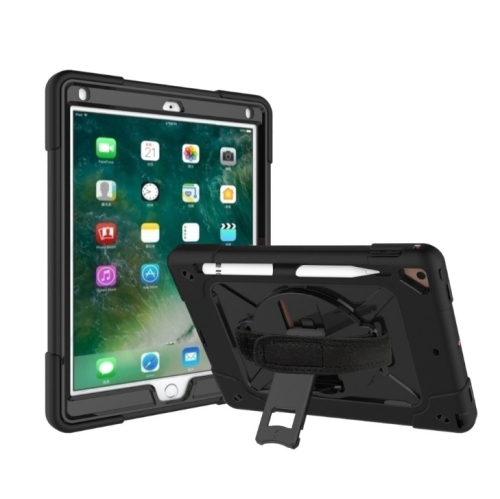
Case features that support notes and hands-free presentations
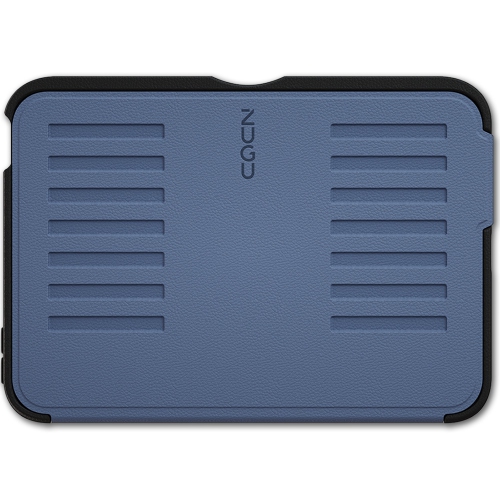
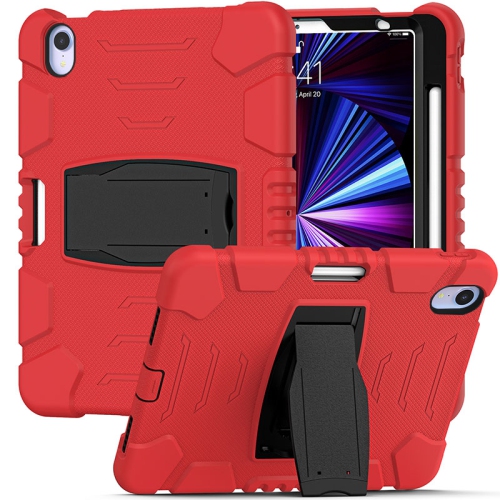
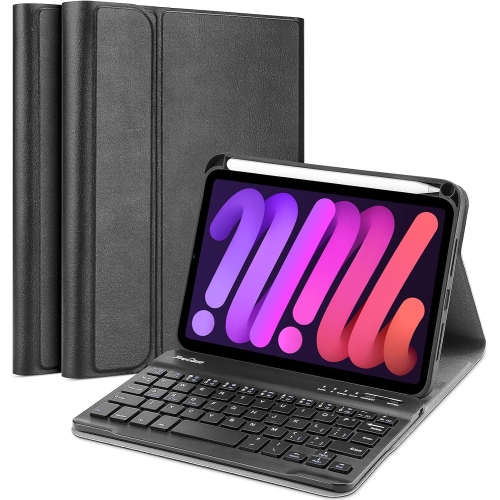
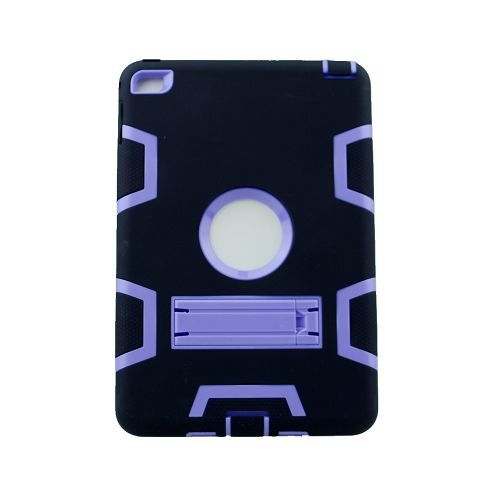
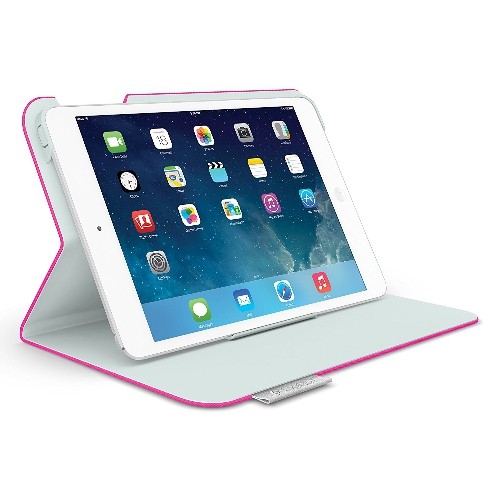
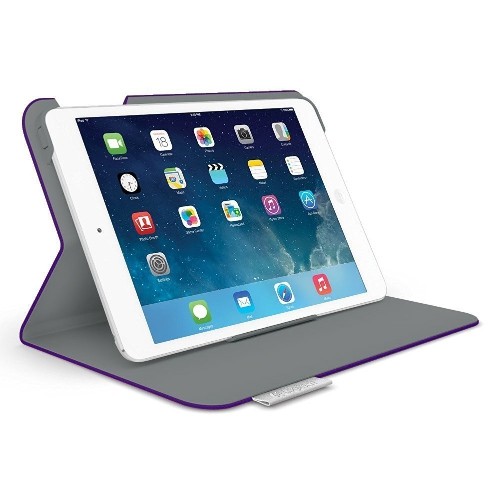
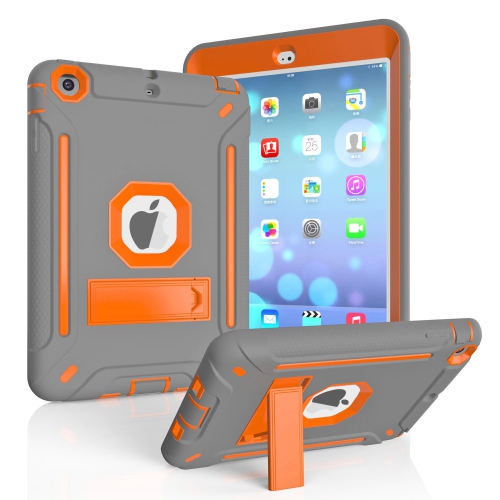
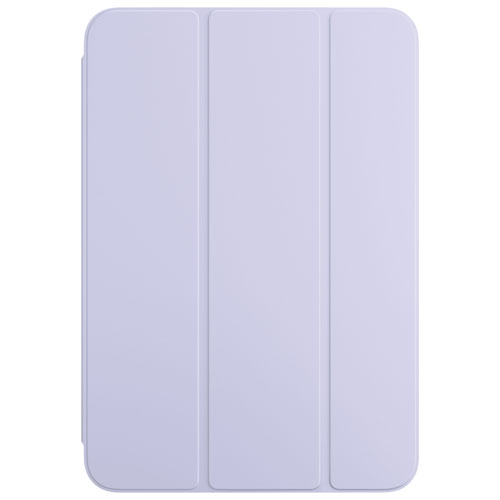
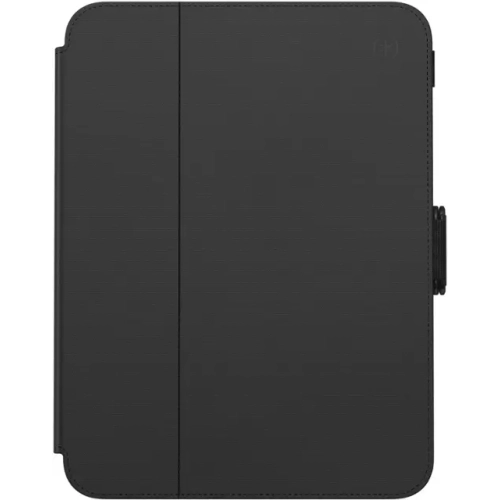
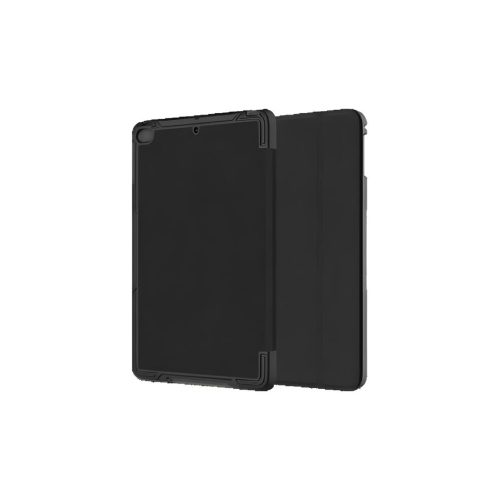
iPad mini cases for work combine everyday protection with features that make a compact tablet easier to use at a desk, in meetings, or while moving between appointments. The most useful design depends on how the tablet fits into the working day: a slim folio suits reading documents and taking notes, a case with an adjustable stand supports hands-free viewing, and a more substantial protective shell can suit frequent handling away from a desk. For someone who carries a tablet alongside a laptop, a low-profile cover helps keep a work bag manageable while separating the screen from keys, charging cables, and notebook corners. A consultant presenting a proposal across a small table may place greater value on a stable folding stand, while a stockroom supervisor checking quantities may prefer a textured grip and reinforced corners. Materials affect both the feel and the bulk of a case. Rigid polycarbonate can provide structure around the back and edges, while flexible thermoplastic polyurethane can add grip and cushioning, depending on its thickness and construction. Silicone often feels secure in the hand, although some finishes attract lint inside a bag. Leather and synthetic leather folios offer a notebook-like appearance that fits naturally beside a planner or document folder; their surfaces, stitching, and edge finishing influence how they wear with repeated use. Fabric-covered designs bring a softer texture but may need more attention around spills and marked surfaces. A lining can help limit direct contact between the display and the cover, though grit trapped inside can still cause scratches. Muted colours can blend into a shared office, while a distinctive colour makes a tablet easier to identify on a busy counter. Appearance matters, but a work case earns its place through comfortable handling, reliable access to controls, and protection suited to the tasks the tablet actually performs.
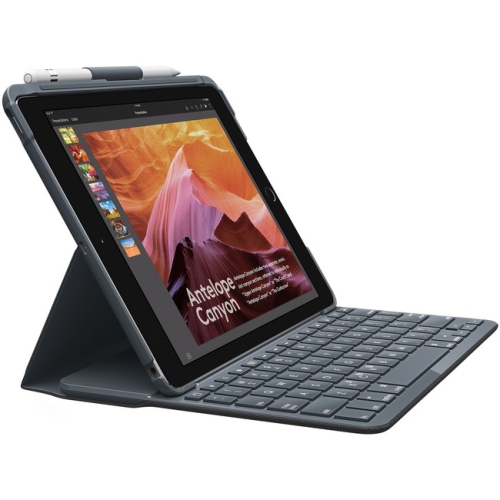
Fit is the starting point for any work-ready case because iPad mini generations can differ in dimensions, button placement, camera layout, and charging connections. Screen size alone does not establish compatibility, and a cover that looks close in shape may still obstruct a control or fit loosely around an edge. A properly matched case should hold the tablet securely without requiring excessive force during installation, with openings that leave the camera, speakers, microphones, and charging port usable. Fingerprint access also matters on models with a sensor built into the top button: a tight or awkward cutout can make unlocking the tablet cumbersome during a customer conversation. For handwritten notes, sketches, and document annotation, stylus storage deserves equal attention. A fitted loop or recessed holder helps keep a compatible stylus close at hand, but storage and charging support are separate features. Cases intended for tablets with side-mounted magnetic stylus charging need to leave the relevant area accessible or explicitly support charging through their construction. Stand design makes another noticeable difference during longer tasks. A shallow angle can be comfortable for writing on a table, while a more upright position suits reading reference material or joining a video call. Portrait support is helpful for reviewing lengthy documents, and landscape support works well for presentations and use with a separate keyboard. Not every folding cover offers both orientations, and a stand that holds steady during viewing may move when the screen is tapped repeatedly. A broad base and secure folding sections can make touch input less frustrating on a small desk. Magnetic covers offer convenient opening and closing, but magnetic attachment alone does not establish how much edge or corner protection a case provides. Automatic sleep and wake functions also depend on compatibility between the tablet and cover. For workplaces using tablets in several sizes, iPad Cases for Business brings the same practical focus to a broader range of devices, with the exact tablet model remaining essential to fit.
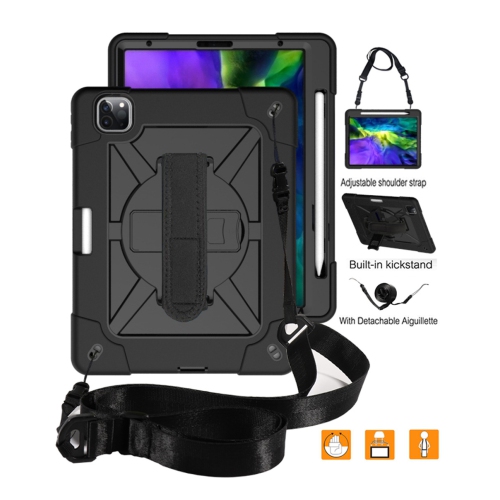
Durability is best judged against the way a tablet is carried, set down, and shared throughout the day. A case used mainly between a home office and a meeting room has different demands from one handled repeatedly at a reception desk or carried during site visits. Reinforced corners, raised edges, and layered construction can help reduce exposure to everyday knocks, but they do not make a tablet damage-proof. Any stated drop protection applies to the conditions described by the manufacturer, and a raised screen edge offers limited help when the display meets an uneven surface. Extra protection also adds weight and thickness, which can become noticeable when reading while standing or holding the tablet through a lengthy appointment. An integrated hand strap may make one-handed use more comfortable, provided its position suits the hand and does not interfere with the stand. A detachable shoulder strap can be useful when both hands are needed for another task, although attachment points and workplace rules should be considered before relying on it. For shared devices, surfaces that are straightforward to wipe down can simplify routine care. Cleaning methods should follow the case maker’s directions, particularly for leather, fabric, adhesives, and coated finishes; a cleaner suitable for a desk may damage a cover or its lining. Removing the case periodically, where its design allows, makes it easier to clear dust from edges and inspect areas around the camera and charging port. Letting cleaned components dry fully before reassembly helps avoid trapping moisture. Hinges, folding creases, elastic loops, and strap anchors are worth checking as part of that routine because these sections receive repeated stress. A case can also make a thoughtful gift for a colleague, graduate, or self-employed professional who already uses an iPad mini, as long as the tablet generation and preferred working style are known. The strongest match is not necessarily the bulkiest or most elaborate design, but the one that supports everyday tasks without adding unnecessary steps.
Fit is the starting point for any work-ready case because iPad mini generations can differ in dimensions, button placement, camera layout, and charging connections. Screen size alone does not establish compatibility, and a cover that looks close in shape may still obstruct a control or fit loosely around an edge. A properly matched case should hold the tablet securely without requiring excessive force during installation, with openings that leave the camera, speakers, microphones, and charging port usable. Fingerprint access also matters on models with a sensor built into the top button: a tight or awkward cutout can make unlocking the tablet cumbersome during a customer conversation. For handwritten notes, sketches, and document annotation, stylus storage deserves equal attention. A fitted loop or recessed holder helps keep a compatible stylus close at hand, but storage and charging support are separate features. Cases intended for tablets with side-mounted magnetic stylus charging need to leave the relevant area accessible or explicitly support charging through their construction. Stand design makes another noticeable difference during longer tasks. A shallow angle can be comfortable for writing on a table, while a more upright position suits reading reference material or joining a video call. Portrait support is helpful for reviewing lengthy documents, and landscape support works well for presentations and use with a separate keyboard. Not every folding cover offers both orientations, and a stand that holds steady during viewing may move when the screen is tapped repeatedly. A broad base and secure folding sections can make touch input less frustrating on a small desk. Magnetic covers offer convenient opening and closing, but magnetic attachment alone does not establish how much edge or corner protection a case provides. Automatic sleep and wake functions also depend on compatibility between the tablet and cover. For workplaces using tablets in several sizes, iPad Cases for Business brings the same practical focus to a broader range of devices, with the exact tablet model remaining essential to fit.
Durability is best judged against the way a tablet is carried, set down, and shared throughout the day. A case used mainly between a home office and a meeting room has different demands from one handled repeatedly at a reception desk or carried during site visits. Reinforced corners, raised edges, and layered construction can help reduce exposure to everyday knocks, but they do not make a tablet damage-proof. Any stated drop protection applies to the conditions described by the manufacturer, and a raised screen edge offers limited help when the display meets an uneven surface. Extra protection also adds weight and thickness, which can become noticeable when reading while standing or holding the tablet through a lengthy appointment. An integrated hand strap may make one-handed use more comfortable, provided its position suits the hand and does not interfere with the stand. A detachable shoulder strap can be useful when both hands are needed for another task, although attachment points and workplace rules should be considered before relying on it. For shared devices, surfaces that are straightforward to wipe down can simplify routine care. Cleaning methods should follow the case maker’s directions, particularly for leather, fabric, adhesives, and coated finishes; a cleaner suitable for a desk may damage a cover or its lining. Removing the case periodically, where its design allows, makes it easier to clear dust from edges and inspect areas around the camera and charging port. Letting cleaned components dry fully before reassembly helps avoid trapping moisture. Hinges, folding creases, elastic loops, and strap anchors are worth checking as part of that routine because these sections receive repeated stress. A case can also make a thoughtful gift for a colleague, graduate, or self-employed professional who already uses an iPad mini, as long as the tablet generation and preferred working style are known. The strongest match is not necessarily the bulkiest or most elaborate design, but the one that supports everyday tasks without adding unnecessary steps.
Top selling and popular products
-
 Your price for this item is $152.47
 -
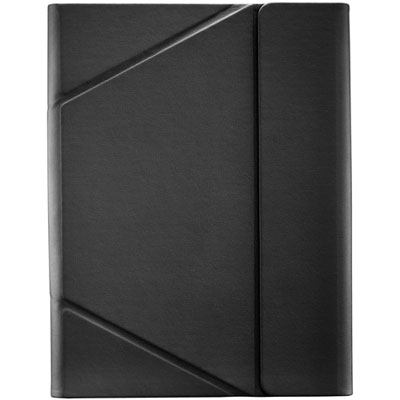 Your price for this item is $44.99
 -
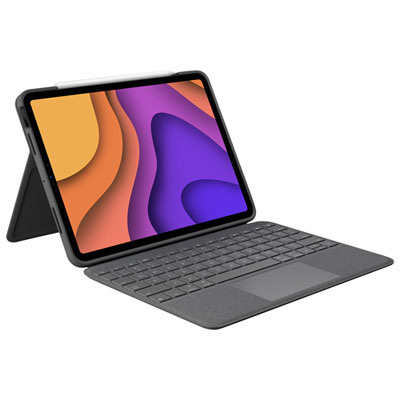 Your price for this item is $229.99
 -
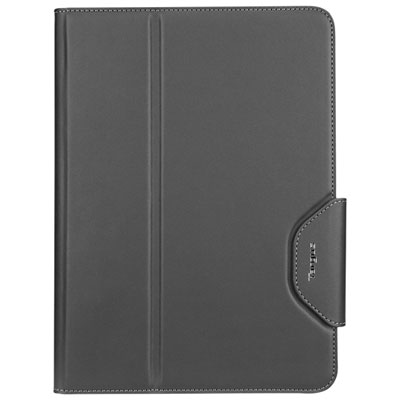 Your price for this item is $62.99
 -
 Your price for this item is $187.47
 -
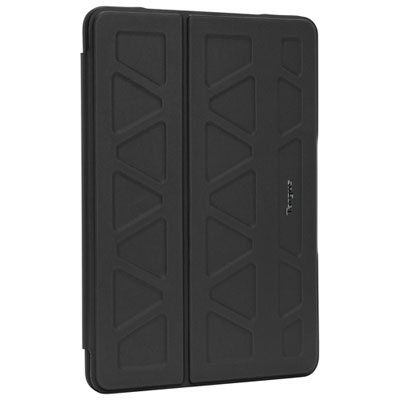 Your price for this item is $52.99
 -
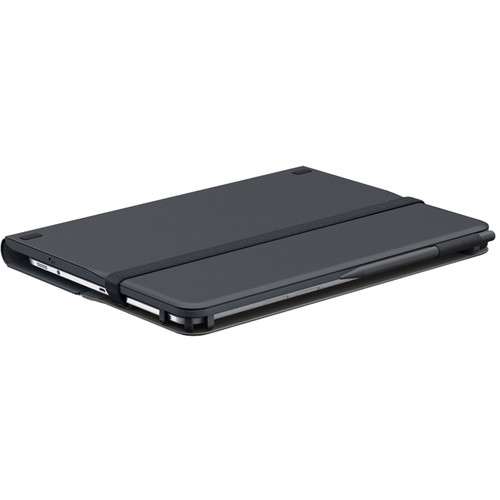 Your price for this item is $105.68
 -
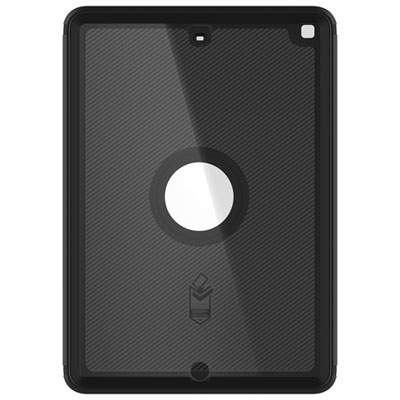 Your price for this item is $98.97
Discover more categories related to iPad Mini Cases for Work
Top Collections:
Pokemon Centers, Kindle Devices, Best Budget Office Chairs, Apple iPhones 16, Best Laptops for Writers, iPhone 15 Apple, Canon G7X Cameras, Refurbished Apple Laptops, Alarm Clock, Motorola Razr Phones
Some products may be subject to Environmental Handling Fees
(EHF) depending on your province.
Learn more about EHFs.