iPad Paper Screen Protectors
Enhance your digital experience with an iPad Paper Screen Protector, designed to bring a unique tactile feel to your device. Whether you're an artist, student, or professional, these screen protectors offer an ideal solution for those who want a more natural touch while using their iPad. Browse a range of options that help you get the most out of your tablet, making every interaction smoother and more enjoyable. Find the right iPad Paper Screen Protector to match your needs and elevate your everyday tasks.
Sort
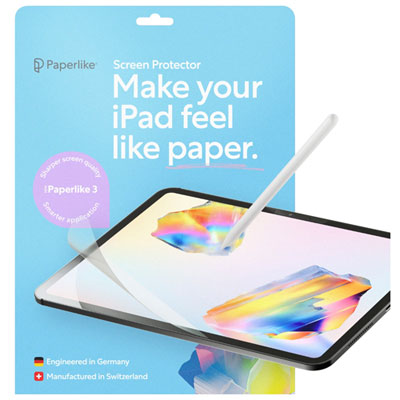
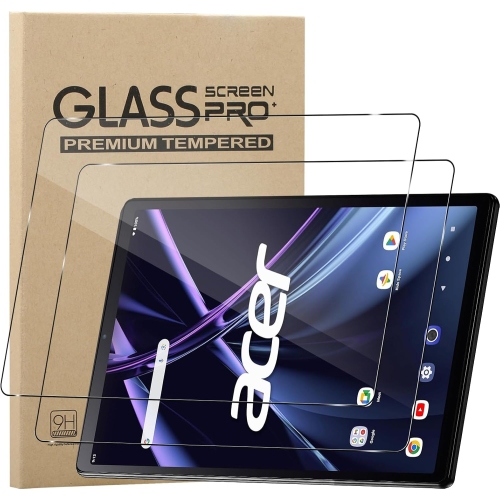
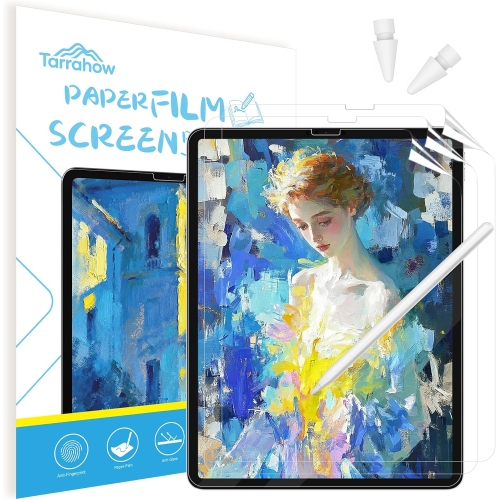
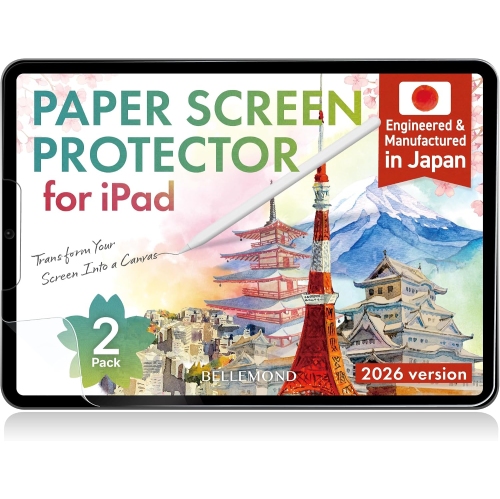



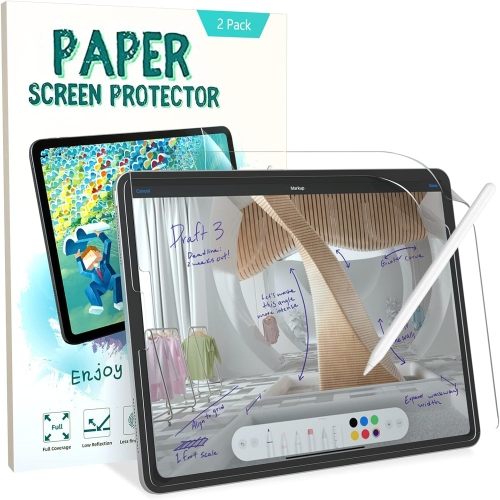
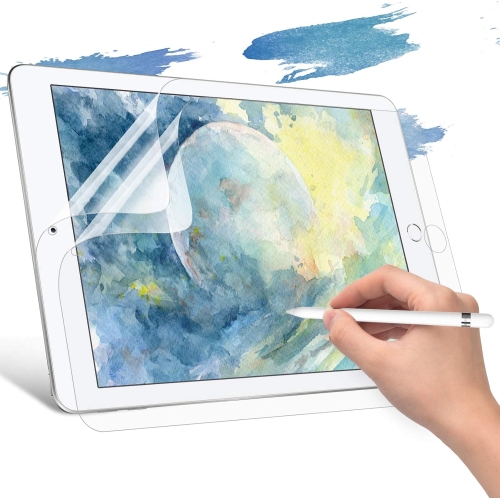
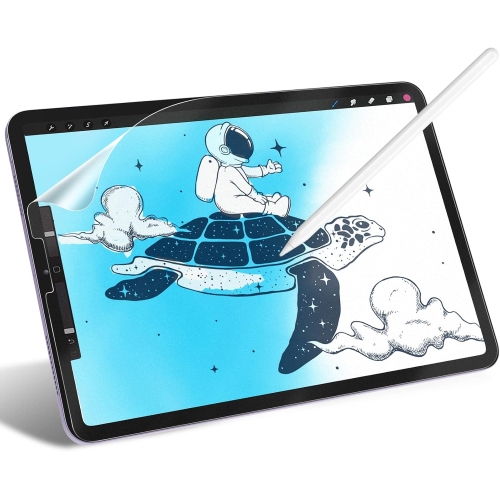
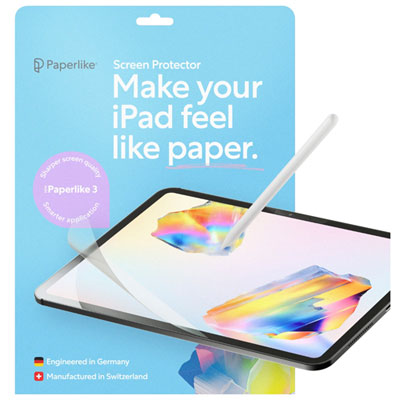
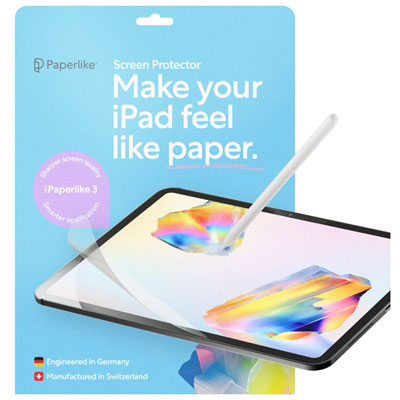
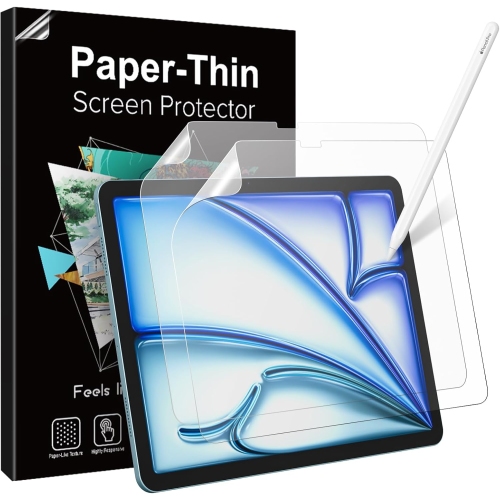
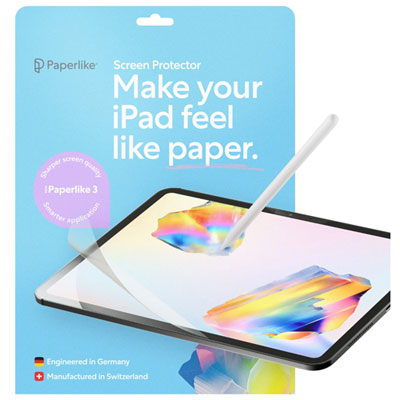
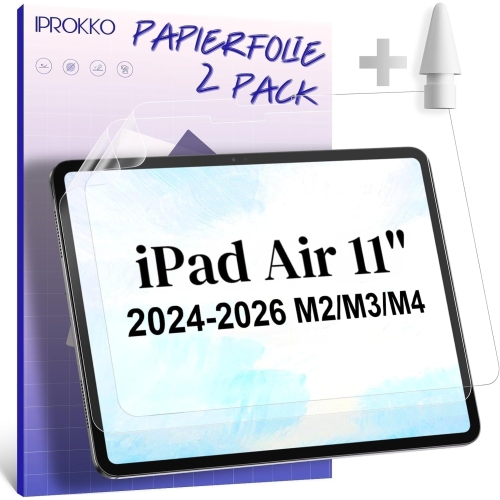
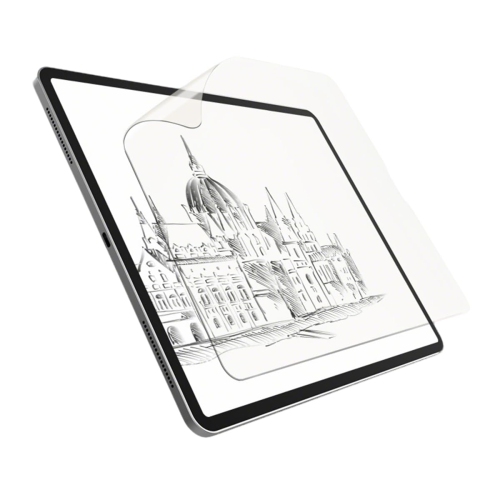
How a textured surface changes writing on your iPad
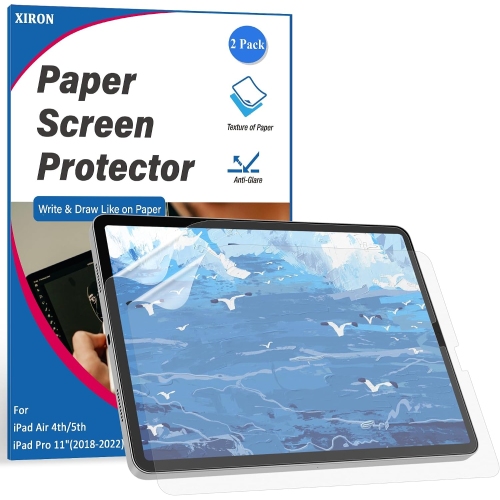
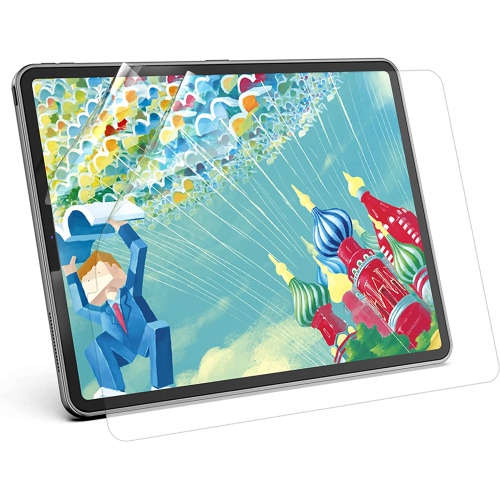
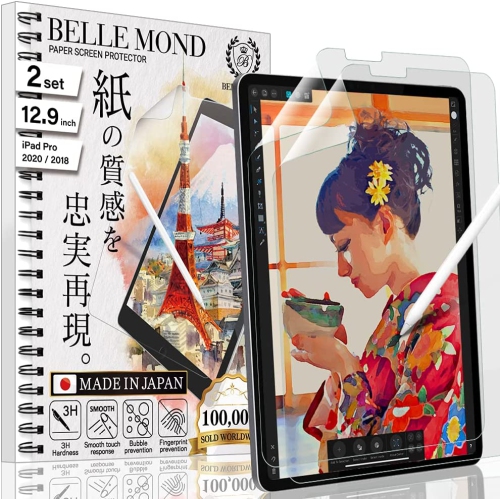
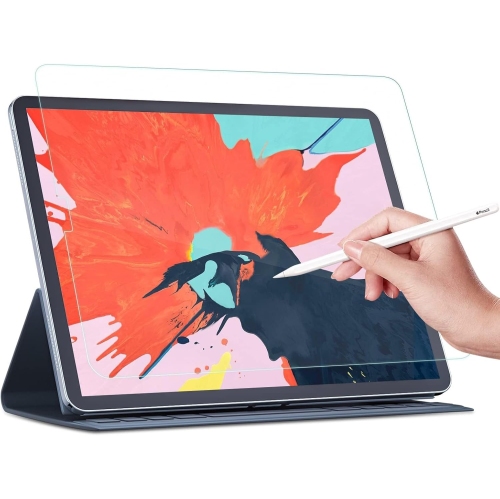
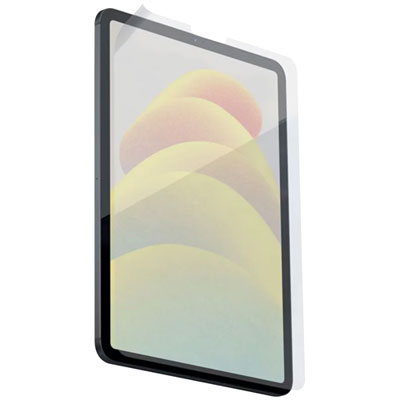
iPad paper screen protectors add a matte, textured layer over the display to create a paper-like feel when writing or drawing with a compatible stylus. Despite the name, they are not made from paper: the surface is designed to introduce a little resistance between the stylus tip and the screen, reducing the slippery sensation of writing on smooth glass. That extra grip can make small handwriting, careful outlines, and repeated shading strokes feel more controlled. For a student filling a page with equations, it can help make a digital notebook feel more familiar. For someone sketching a floor plan, annotating a document, or lettering a greeting card, the texture changes how each stroke feels without replacing the tablet’s drawing or note-taking software. Many paper-feel protectors use a thin plastic film, often polyethylene terephthalate, or PET, while other designs use textured glass or removable layers. The material and surface finish both influence the experience, so a paper-like description does not mean every protector has the same texture. A finer finish may feel relatively smooth under a fingertip, while a more pronounced texture can offer greater resistance during stylus work. Matte finishes also scatter reflected light, which can make distinct reflections less distracting under overhead lighting. There is a visual trade-off: depending on the texture, fine details may appear slightly softer, colours can look less vivid, and pale areas may show a faint grain. These differences are worth considering when the same iPad is used for handwriting, photo editing, reading, and watching videos. A textured protector is particularly suited to people who spend substantial time working directly on the display, while those who mainly watch films may prefer the appearance of a smoother surface. The aim is a comfortable balance between writing feel and screen clarity, not an exact reproduction of a pencil moving across a sheet of paper.
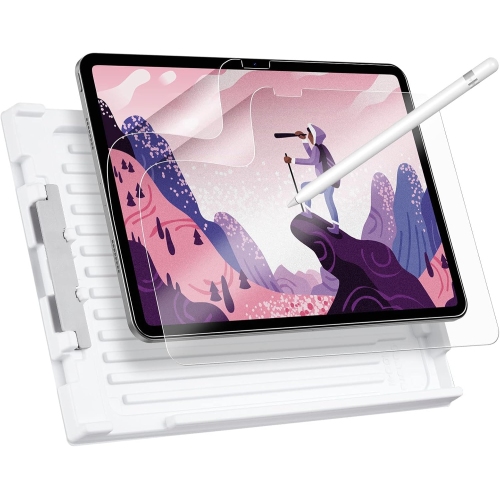
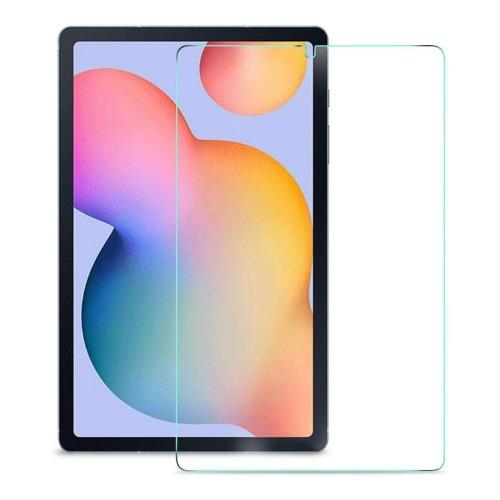
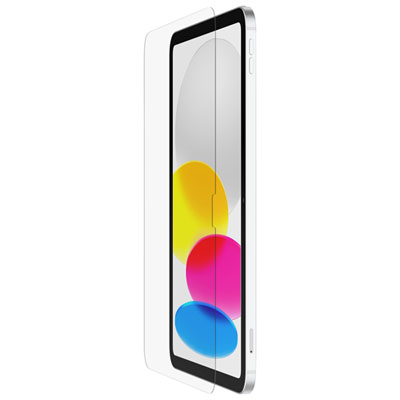
Fit matters as much as texture because an iPad screen protector needs to match the tablet’s dimensions, display shape, and model generation. A screen measurement alone does not establish compatibility; tablets with similar display sizes can have different borders, camera positions, or sensor layouts. The model name and model number in the device settings provide a more dependable starting point than appearance alone. Accurate alignment leaves the intended openings clear and keeps the protector from extending into areas where a case might press against its edges. A case-friendly cut may leave a narrow margin around the display, which is different from a protector that wraps farther towards the frame. Both approaches can work, provided the protector and case are designed to fit together. Within the wider selection of Tablet Screen Protectors, paper-feel designs place particular emphasis on the writing surface, but their attachment methods can differ. Adhesive films remain in place for everyday use, making them convenient for someone who moves frequently between handwritten notes and other tasks. Removable designs, including some magnetic styles, can be lifted away when an unobstructed view of the display is preferred, provided their attachment system suits the tablet. They also need a clean place for storage when detached. Installation deserves a little patience: dust caught beneath a protector can create a visible speck or raised area, and an uneven edge can become noticeable during broad drawing strokes. A clean, well-lit surface, freshly cleaned hands, and any supplied alignment tools help make placement more precise. Compatibility with a stylus should also be checked rather than assumed. A paper-feel surface changes friction; it does not add stylus support, pressure sensitivity, or palm rejection to a device or app that lacks those capabilities. For everyday use, comfortable handwriting still depends on the combination of the tablet, stylus, software settings, and the amount of pressure applied.
Care and durability are especially relevant for a surface that receives hundreds of pen strokes during a study session or an afternoon of drawing. Paper-feel protectors can help shield the display from everyday scuffs, but scratch resistance and impact protection vary by material and construction. A thin writing film should not be treated as a substitute for a protective case, and no protector makes a tablet immune to damage from a fall. Repeated use may gradually smooth frequently used areas or leave visible marks on the protector, particularly where the same part of the screen serves as a writing space. The textured finish can also wear a stylus tip faster than bare glass, so occasional checks for flattening, roughness, or uneven wear are sensible. A worn tip can make strokes feel less consistent, even when the protector itself is still in good condition. For routine cleaning, follow the protector manufacturer’s care directions and use a clean, soft microfibre cloth; avoid abrasive pads and cleaning liquids that are not approved for the surface. Removing grit before wiping helps prevent particles from being dragged across the finish. Removable layers need attention on both sides, since dust or residue underneath can affect how evenly they sit against the display. When carrying the tablet in a bag, a cover that keeps keys and other hard objects away from the screen adds another useful layer of protection. These practical details matter whether the iPad serves as a lecture notebook, a portable sketchbook, or a place to mark up meeting notes. A paper-feel protector can also be a thoughtful gift for someone who already enjoys handwritten planning or digital illustration, especially when the exact tablet model and preferred attachment style are known. The most suitable choice supports an existing routine: steady resistance for long writing sessions, a texture that feels comfortable during detailed drawing, and a finish whose effect on the display suits the other ways the tablet is used.
Top selling and popular products
-
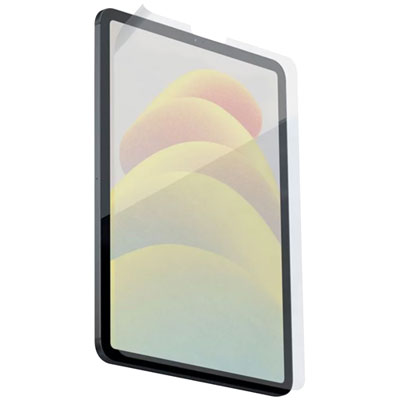 Your price for this item is $35.97
-
 Your price for this item is $20.79
-
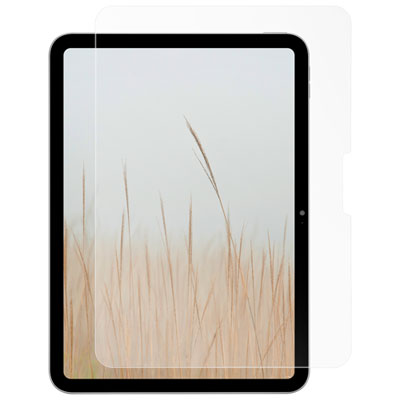 Your price for this item is $19.97
-
 Your price for this item is $45
-
 Your price for this item is $35.97
-
 Your price for this item is $66
-
 Your price for this item is $59.99
-
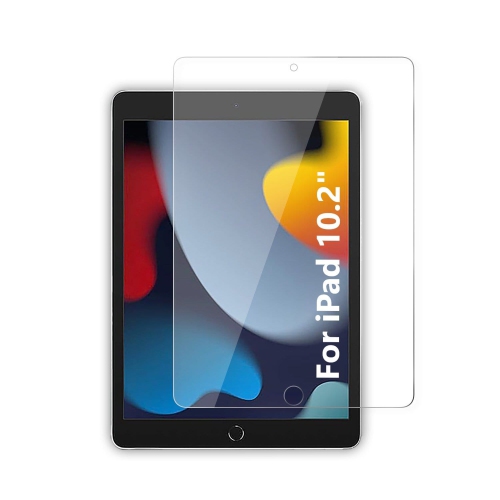 Your price for this item is $73
Discover more categories related to iPad Paper Screen Protectors
Top Collections:
Best Black Friday Deals This Year, Best Black Friday Deals On Electronics, Kindle Devices, Best Black Friday Deals On Apple Products, Best Budget Office Chairs, Best Cameras for Sports Photography, Dyson Airwrap, Canon G7X Cameras, Best Laptops for Writers, Samsung Galaxy Phones
Some products may be subject to Environmental Handling Fees
(EHF) depending on your province.
Learn more about EHFs.