iPad Pro 3rd Gen
Discover the versatility and advanced performance of the iPad Pro 3rd Gen, designed to keep up with your busy lifestyle. Whether you're working on creative projects, streaming your favorite shows, or staying connected on the go, the iPad Pro 3rd Gen offers a seamless experience for productivity and entertainment. Explore a range of options to find the perfect match for your needs and take your digital experience to new heights.
Sort

Why screen size matters beyond the generation label
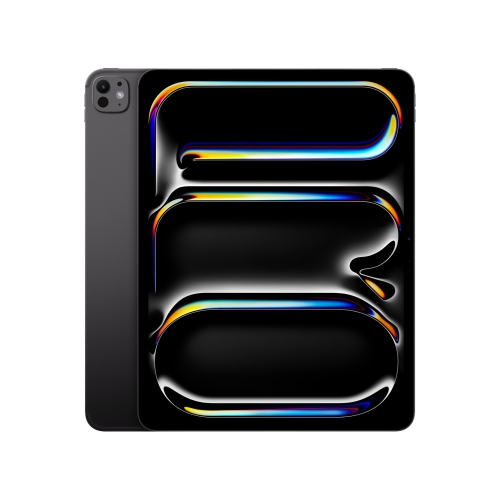
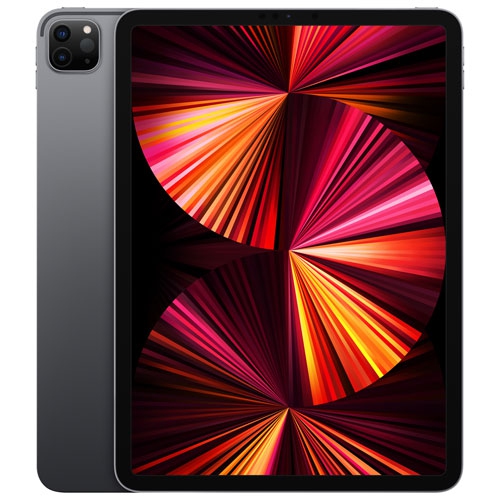
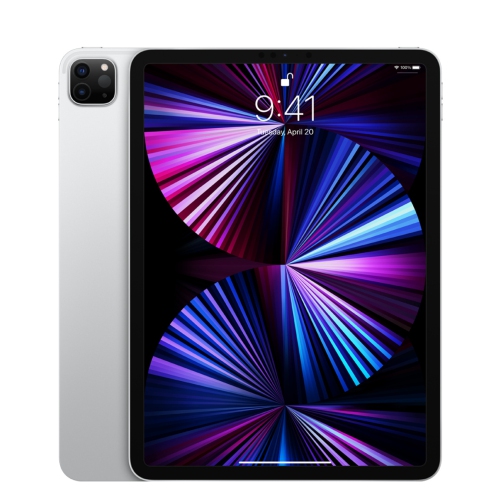
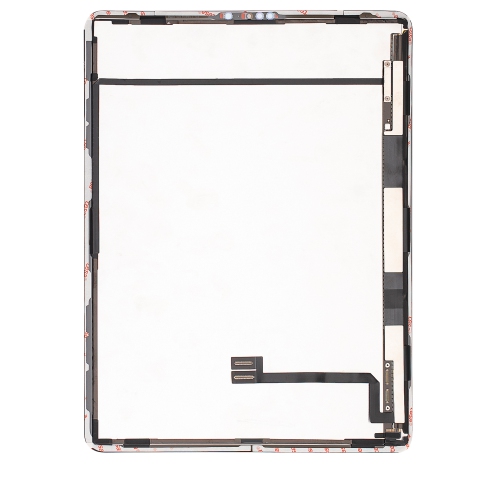
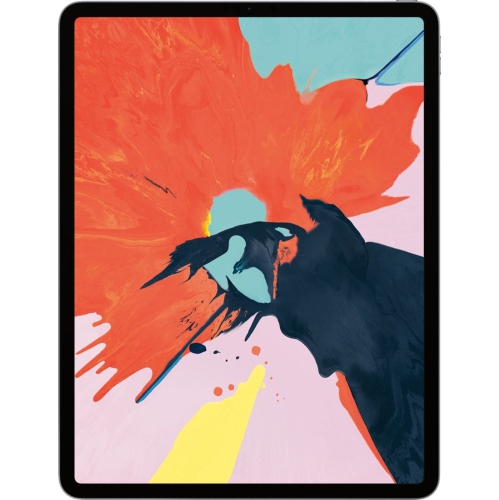
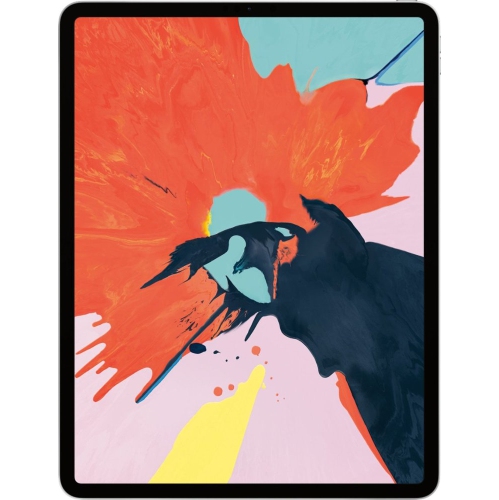
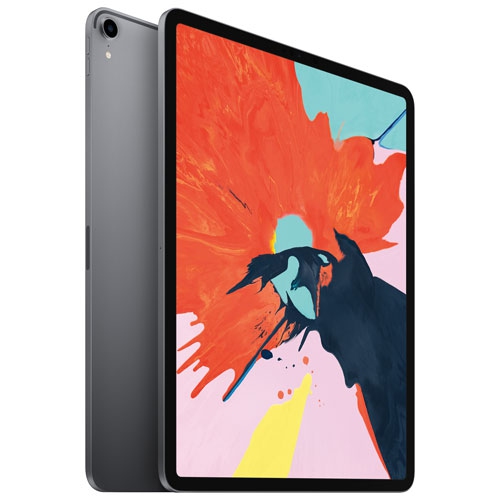
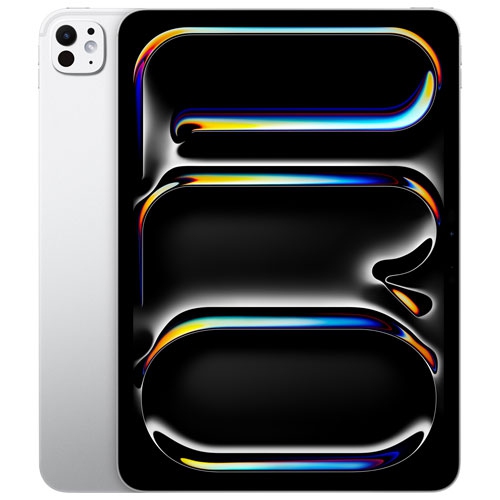
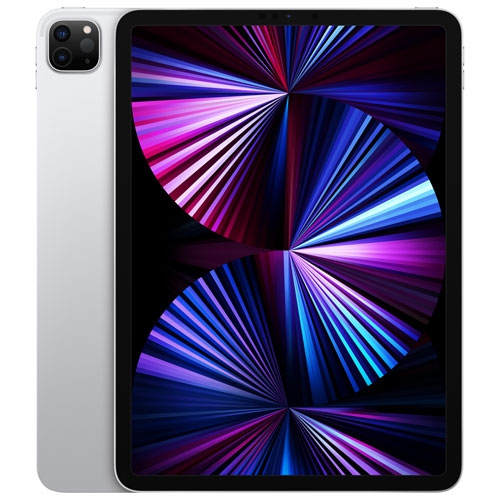
Third-generation professional tablets occupy a useful middle ground between a phone and a laptop, offering a generous touchscreen in a format that is easy to carry between a desk, a classroom and a comfortable chair. They suit activities that benefit from direct interaction with the screen: marking up a document, sketching a floor plan, reading sheet music or arranging photographs into a presentation. Generation numbers need careful interpretation, however, because they are counted within a screen-size family. A third-generation designation does not necessarily identify the same release year, processor or accessory compatibility across different display sizes. The screen size and model number provide a more precise description than the generation label alone. An 11-inch format offers a compact workspace that fits comfortably on many small desks, while a 12.9-inch format provides more room for detailed artwork, larger text and documents displayed side by side. Those measurements describe the screen diagonally, rather than the tablet’s overall width or height. The larger format can make a full page easier to read without zooming, although its dimensions and weight become more noticeable when it is held for an extended period. Display quality also involves brightness, colour reproduction and refresh rate, not simply the number of inches. A responsive screen can make handwriting and scrolling feel more fluid, while clear text is valuable during long reading sessions. Processing capability matters most in relation to the work involved: browsing reference material places different demands on a tablet than editing layered illustrations or exporting a video. Storage is another practical distinction, particularly for people who keep large project files, downloaded films or extensive photo libraries on the device. Anyone comparing generation labels can also explore 2nd Generation iPad Pro, with screen size and model identity providing the context needed to understand differences in hardware and accessory fit.
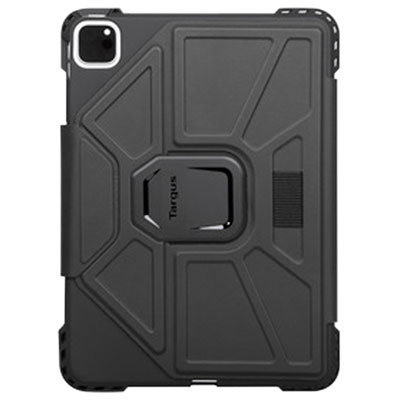
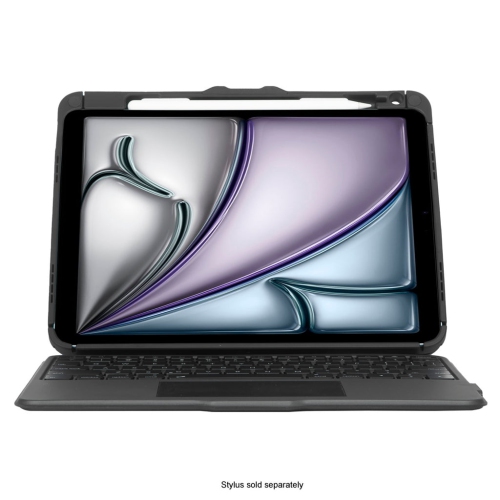
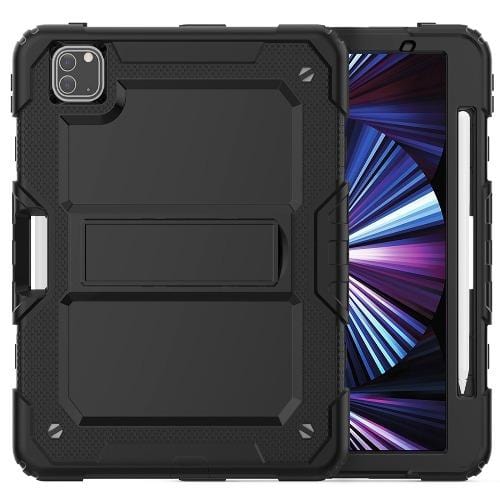
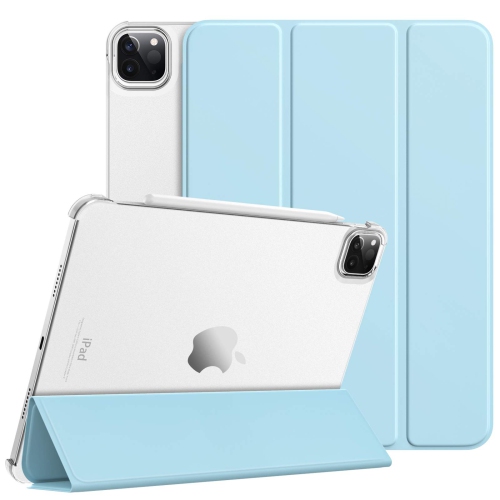
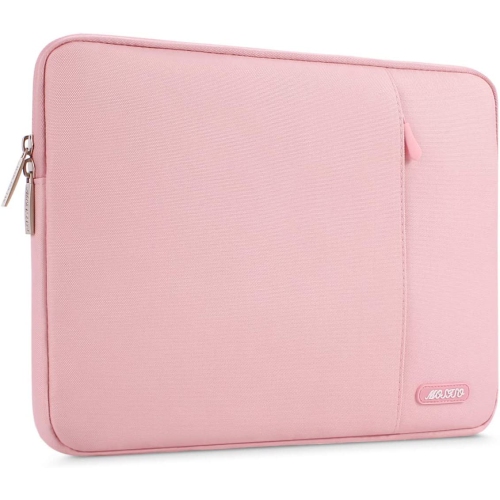
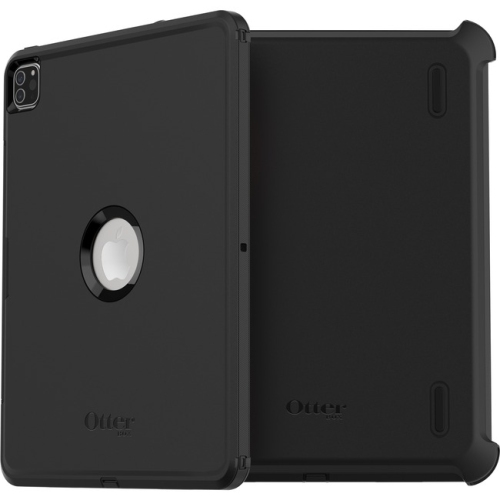
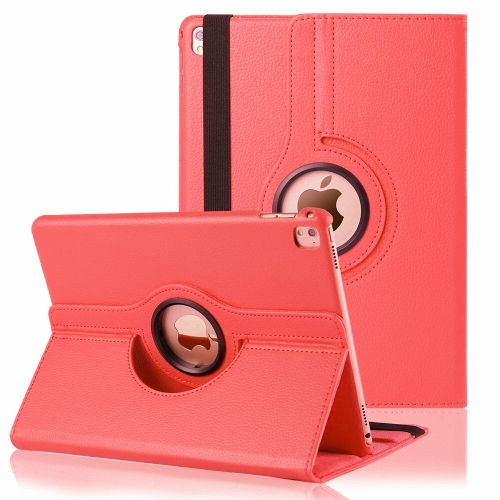
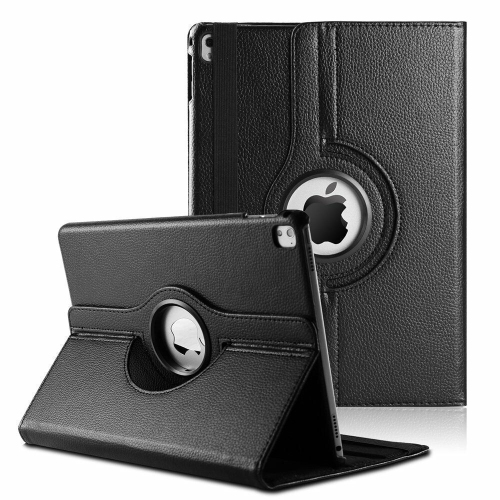
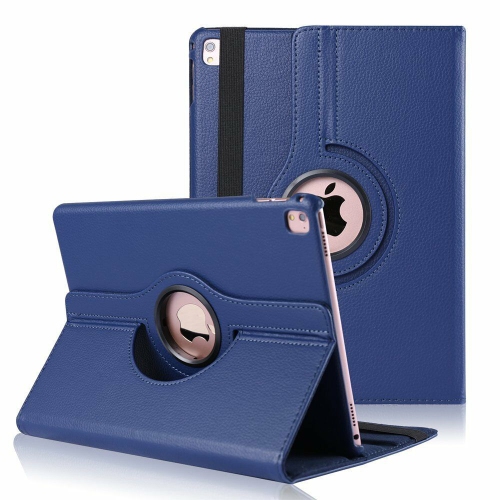
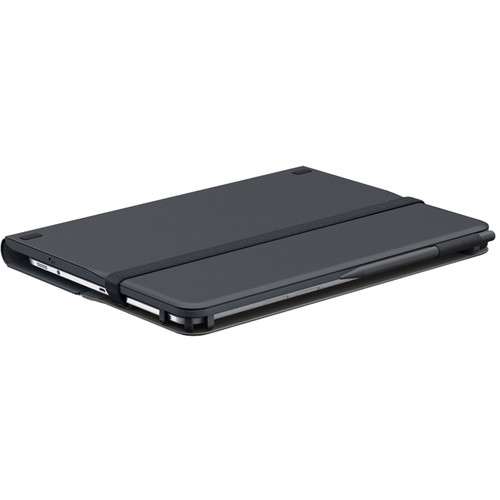
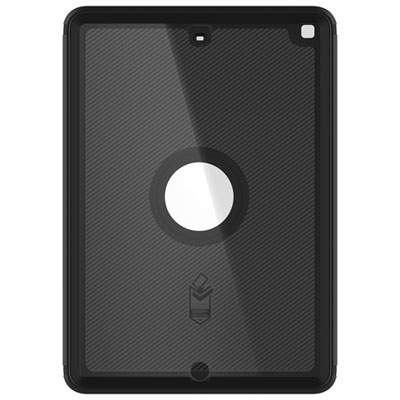
The physical construction of a tablet shapes how it feels in everyday use as much as its technical specifications do. A metal enclosure and glass touchscreen provide a smooth, rigid surface, but neither makes the device immune to scratches, dents or damage from a fall. A fitted case can add grip and protect vulnerable edges, while a folio cover keeps the screen separated from other belongings in a bag. Fit is especially important around the camera, speakers, microphones, charging port and buttons. Two tablets with similar screen measurements may have different body dimensions or camera layouts, so a case intended for one generation may not suit another. A secure closure and a stable stand are useful for someone who moves between typing at a table and reading on a sofa. For drawing, a shallow viewing angle can offer a more comfortable hand position; for video calls, a taller, steady position keeps the camera closer to eye level. A keyboard can make extended writing easier, although connector type, attachment method and software compatibility determine whether it works as expected. Stylus compatibility is equally specific: physical attachment, charging and input support vary, and a pen that fits along an edge is not automatically compatible. Protective screen layers can change the feel of handwriting, with textured surfaces adding resistance and smooth surfaces preserving a glass-like glide. Cleaning and handling also affect long-term condition. A soft, lint-free cloth removes everyday fingerprints, while liquid should never be sprayed directly onto the screen or allowed into openings. Abrasive cleaners and rough fabrics can damage surface finishes. Carrying the tablet in a padded compartment, away from loose keys and heavy objects, helps protect it from scratches and concentrated pressure. For extended desk use, positioning the screen on a stand and keeping frequently used controls within easy reach can make the setup more comfortable without requiring the device to be held throughout a task.
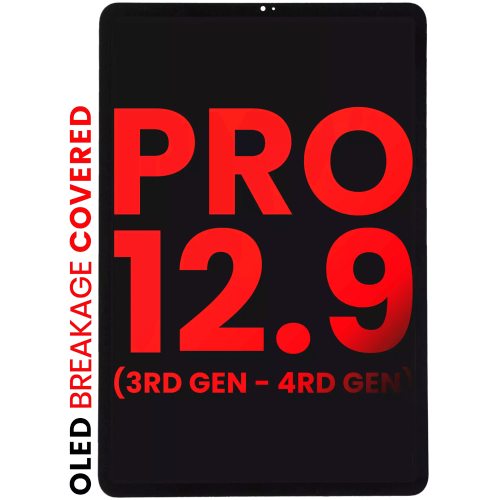
Intended use is often the clearest way to understand which tablet features deserve attention. A student annotating lecture slides may value a comfortable writing surface, dependable battery performance and enough storage for course documents. An illustrator may place greater importance on stylus response, colour accuracy and the way favourite creative apps handle complex files. Someone using a tablet for family video calls, recipes and reading may care more about clear speakers, accessible text settings and a case that stands securely on a counter. For travel or work away from a desk, Wi-Fi and cellular connectivity serve different needs. Wi-Fi connects through a suitable local network, while a cellular-capable tablet can connect through a supported mobile service when configured with an appropriate plan. Cellular capability is a hardware feature rather than something that can be added to a Wi-Fi-only device through a software setting. A USB-C connection can support charging and compatible accessories, but the connector’s shape alone does not establish data-transfer speed, external-display support or the power required by an attached device. Those capabilities depend on the tablet, cable, accessory and software involved. Battery endurance likewise varies with screen brightness, wireless activity, demanding apps and the battery’s condition. With previously owned or refurbished devices, cosmetic grading, functional testing, battery information and warranty terms describe different aspects of the purchase; a clean-looking screen does not establish how much charge a battery can retain. Software compatibility deserves attention as well, since individual apps may require particular operating-system versions or hardware features. A tablet intended as a gift is most useful when it suits the recipient’s existing apps, accessibility needs and preferred way of working. For a keen reader, that might mean manageable weight and comfortable text size; for a creative relative, it might mean room to draw and support for a compatible stylus. Together, screen format, condition, connectivity and accessory fit determine how naturally a third-generation tablet can become part of an everyday routine.
The physical construction of a tablet shapes how it feels in everyday use as much as its technical specifications do. A metal enclosure and glass touchscreen provide a smooth, rigid surface, but neither makes the device immune to scratches, dents or damage from a fall. A fitted case can add grip and protect vulnerable edges, while a folio cover keeps the screen separated from other belongings in a bag. Fit is especially important around the camera, speakers, microphones, charging port and buttons. Two tablets with similar screen measurements may have different body dimensions or camera layouts, so a case intended for one generation may not suit another. A secure closure and a stable stand are useful for someone who moves between typing at a table and reading on a sofa. For drawing, a shallow viewing angle can offer a more comfortable hand position; for video calls, a taller, steady position keeps the camera closer to eye level. A keyboard can make extended writing easier, although connector type, attachment method and software compatibility determine whether it works as expected. Stylus compatibility is equally specific: physical attachment, charging and input support vary, and a pen that fits along an edge is not automatically compatible. Protective screen layers can change the feel of handwriting, with textured surfaces adding resistance and smooth surfaces preserving a glass-like glide. Cleaning and handling also affect long-term condition. A soft, lint-free cloth removes everyday fingerprints, while liquid should never be sprayed directly onto the screen or allowed into openings. Abrasive cleaners and rough fabrics can damage surface finishes. Carrying the tablet in a padded compartment, away from loose keys and heavy objects, helps protect it from scratches and concentrated pressure. For extended desk use, positioning the screen on a stand and keeping frequently used controls within easy reach can make the setup more comfortable without requiring the device to be held throughout a task.
Intended use is often the clearest way to understand which tablet features deserve attention. A student annotating lecture slides may value a comfortable writing surface, dependable battery performance and enough storage for course documents. An illustrator may place greater importance on stylus response, colour accuracy and the way favourite creative apps handle complex files. Someone using a tablet for family video calls, recipes and reading may care more about clear speakers, accessible text settings and a case that stands securely on a counter. For travel or work away from a desk, Wi-Fi and cellular connectivity serve different needs. Wi-Fi connects through a suitable local network, while a cellular-capable tablet can connect through a supported mobile service when configured with an appropriate plan. Cellular capability is a hardware feature rather than something that can be added to a Wi-Fi-only device through a software setting. A USB-C connection can support charging and compatible accessories, but the connector’s shape alone does not establish data-transfer speed, external-display support or the power required by an attached device. Those capabilities depend on the tablet, cable, accessory and software involved. Battery endurance likewise varies with screen brightness, wireless activity, demanding apps and the battery’s condition. With previously owned or refurbished devices, cosmetic grading, functional testing, battery information and warranty terms describe different aspects of the purchase; a clean-looking screen does not establish how much charge a battery can retain. Software compatibility deserves attention as well, since individual apps may require particular operating-system versions or hardware features. A tablet intended as a gift is most useful when it suits the recipient’s existing apps, accessibility needs and preferred way of working. For a keen reader, that might mean manageable weight and comfortable text size; for a creative relative, it might mean room to draw and support for a compatible stylus. Together, screen format, condition, connectivity and accessory fit determine how naturally a third-generation tablet can become part of an everyday routine.
Top selling and popular products
-
 Your price for this item is $152.47
 -
 Your price for this item is $44.99
 -
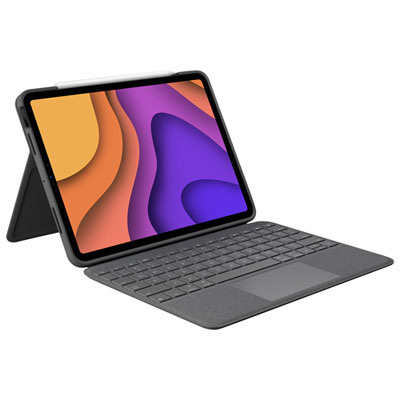 Your price for this item is $229.99
 -
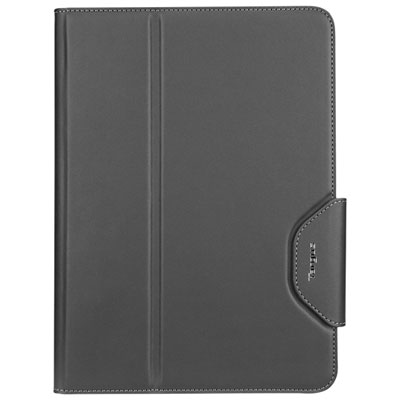 Your price for this item is $62.99
 -
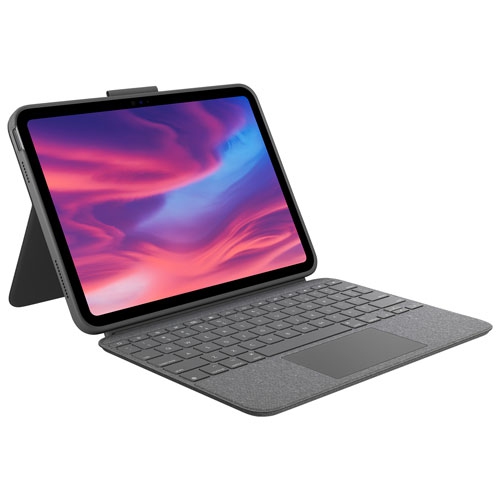 Your price for this item is $187.47
 -
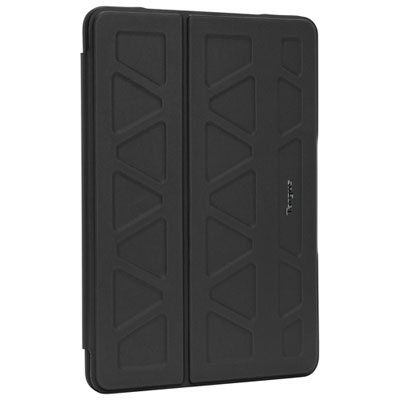 Your price for this item is $52.99
 -
 Your price for this item is $105.68
 -
 Your price for this item is $98.97
Discover more categories related to iPad Pro 3rd Gen

Top Collections:
Pokemon Centers, Kindle Devices, Best Budget Office Chairs, Apple iPhones 16, Best Laptops for Writers, iPhone 15 Apple, Canon G7X Cameras, Refurbished Apple Laptops, Alarm Clock, Motorola Razr Phones
Some products may be subject to Environmental Handling Fees
(EHF) depending on your province.
Learn more about EHFs.