iPad Pro for Law School
iPad Pro for Law School is the ultimate companion for students seeking efficiency and organization throughout their studies. With its versatile capabilities, it supports note-taking, research, and collaboration in and out of the classroom. Whether you're preparing case briefs, managing assignments, or reviewing lecture materials, iPad Pro for Law School streamlines every aspect of your academic journey. Explore a selection of options designed to help you stay productive and connected from orientation to graduation.
Sort
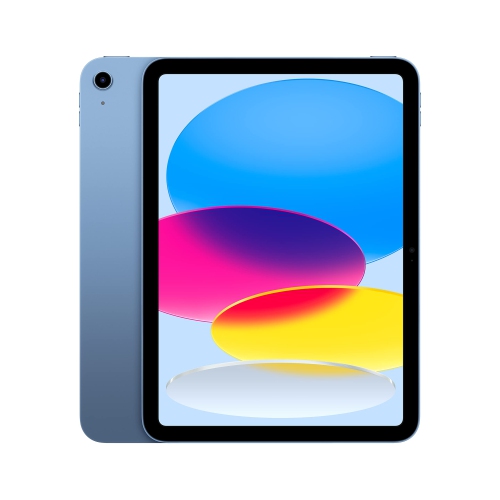
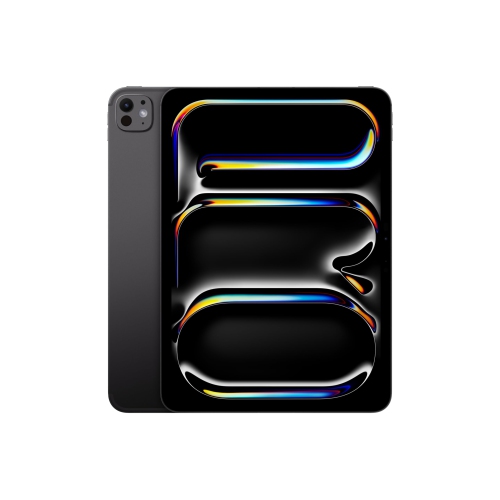
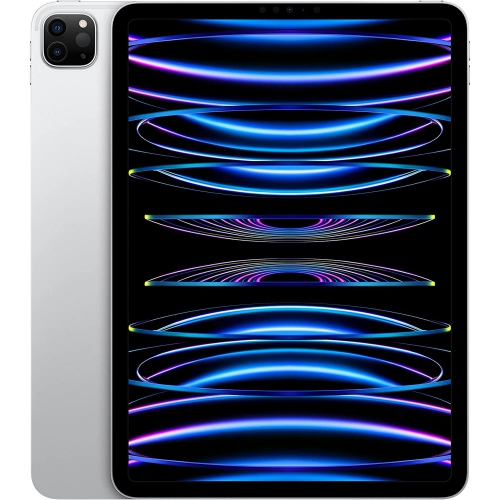
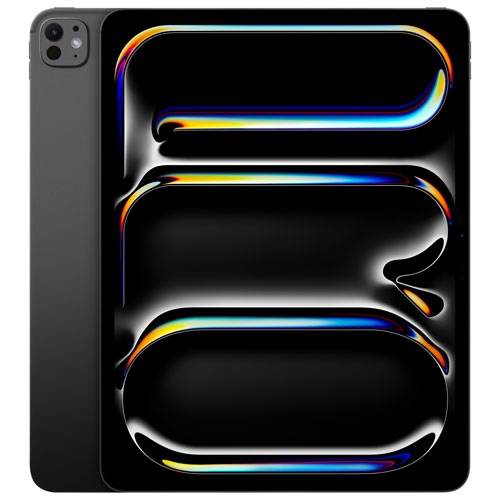
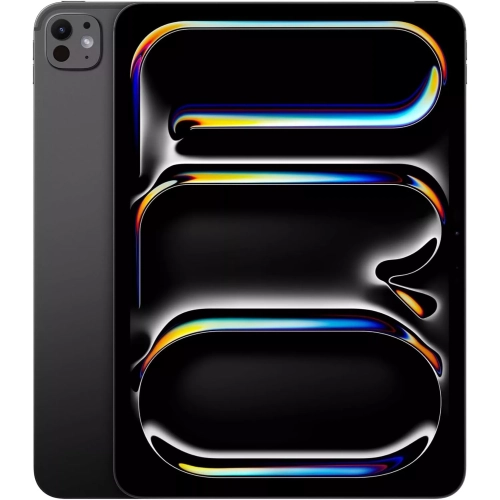
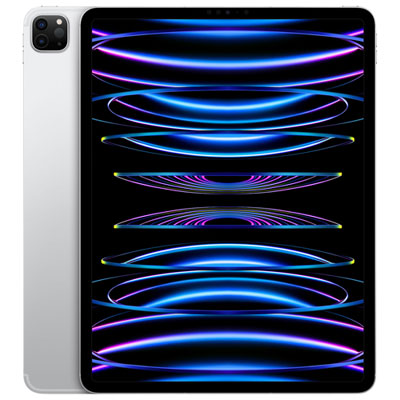

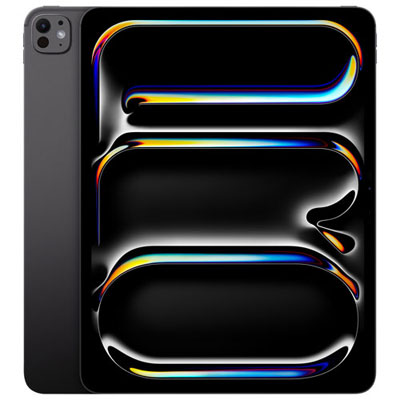
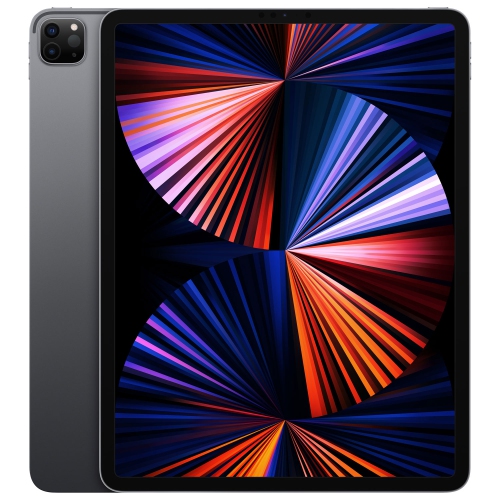

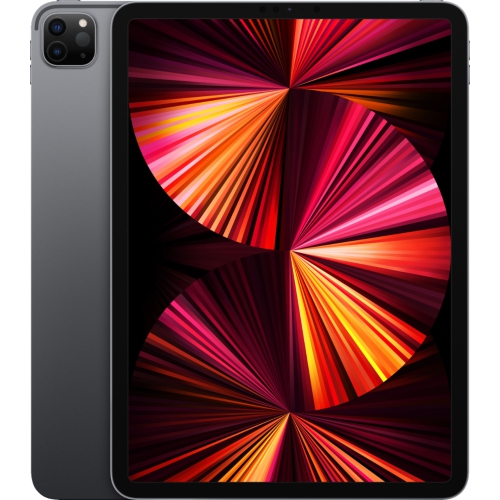
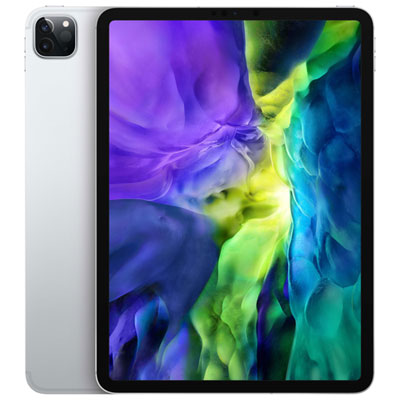
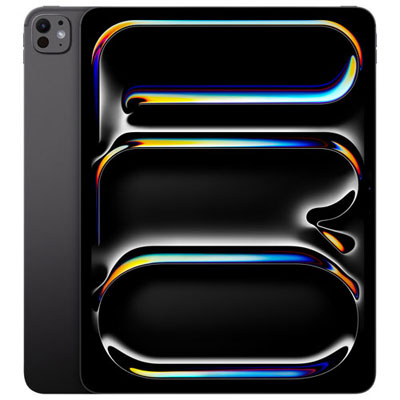
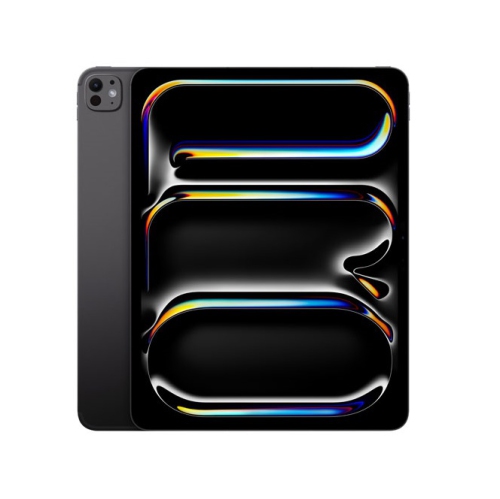
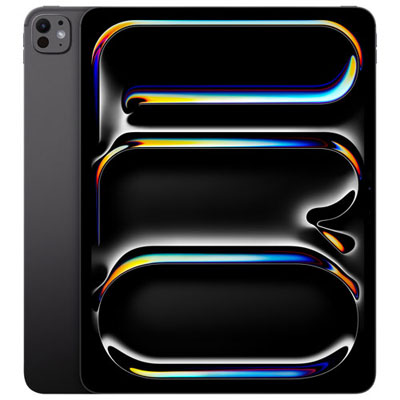
iPad Pro for Law School
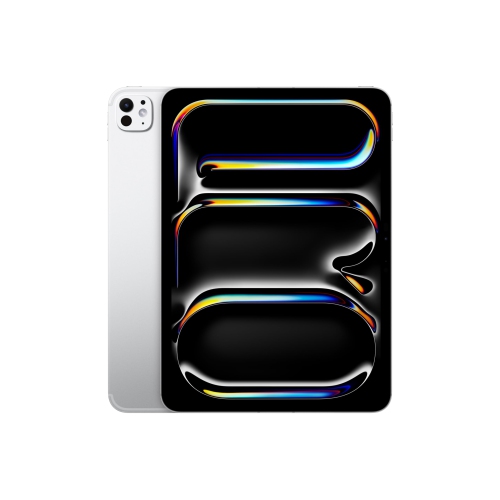
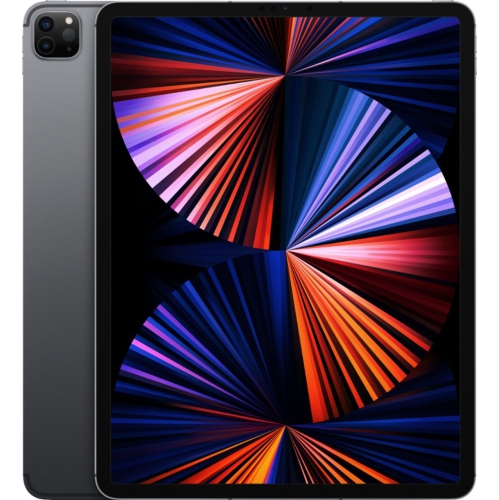
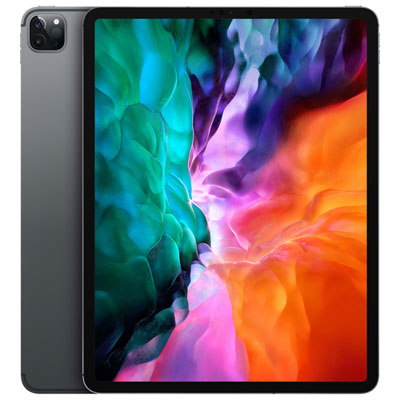
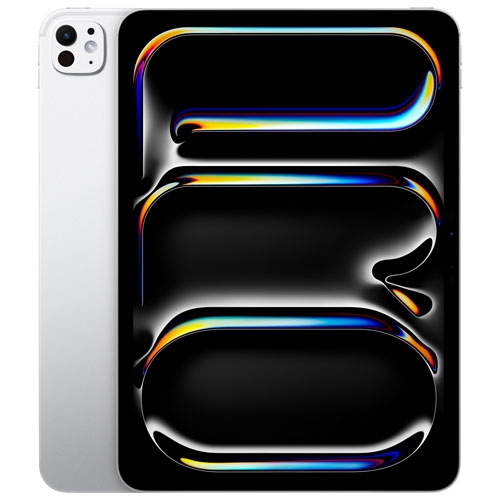
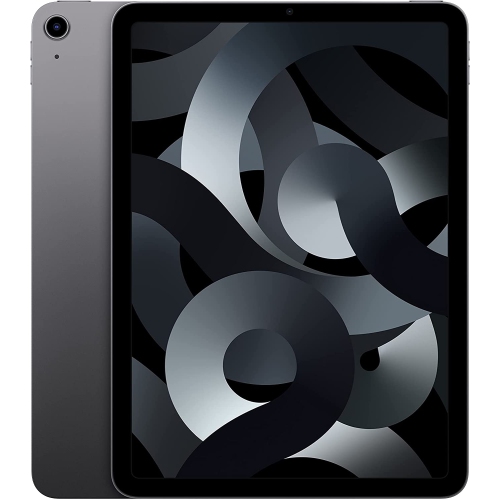
Embarking on law school is a demanding journey that calls for organization, flexibility, and the right set of tools to keep up with a fast-paced academic environment. For many students, an iPad Pro has become an essential companion, offering a portable and paperless way to manage the mountain of reading, note-taking, and research that comes with legal studies. The ability to annotate lengthy case files, highlight key passages directly on digital textbooks, and keep all class materials neatly organized in one device can transform the daily routine of a law student. As the weather warms and students find themselves moving between classrooms, libraries, and outdoor study spots, the lightweight design of an iPad Pro means it can easily slip into a backpack or tote, sparing the need to lug around heavy casebooks. The versatility of the device shines through with features like split-screen multitasking—enabling students to keep their notes open on one side while referencing legal texts on the other—making it easier to synthesize information and prepare for class discussions or exams.
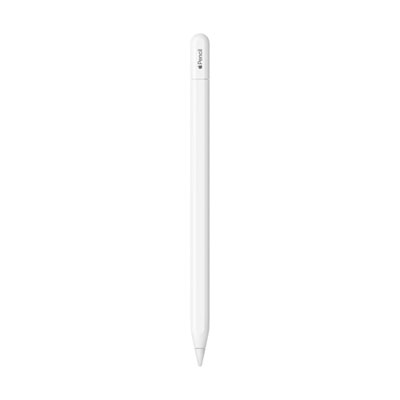
For those who thrive on handwritten notes, pairing an iPad Pro with a compatible stylus offers a natural and intuitive writing experience, ideal for jotting down lecture highlights or annotating PDFs during late-night study sessions. Many law students rely on this setup to mark up case law, draft outlines, and even record lectures for later review, using popular apps designed for academic productivity. While the iPad Pro stands out for its convenience and adaptability, it is commonly used as a valuable supplement to a traditional laptop rather than a full replacement, especially since most law schools require laptops for typing long papers and participating in proctored exams. However, the iPad Pro can also serve as a second monitor for a MacBook, expanding workspace during marathon outlining sessions in the library or when collaborating with peers on group projects. For those considering a thoughtful gift for a prospective or current law student—perhaps to celebrate a graduation, acceptance into law school, or the start of a new academic year—an iPad Pro and its accessories can be a practical and much-appreciated choice, supporting their studies throughout the cooler months and beyond.
When shopping for an iPad Pro for law school, it’s important to consider factors such as storage capacity, display size, and accessory compatibility to ensure the device fits seamlessly into a student’s workflow. Ample storage allows for housing large libraries of cases and textbooks, while a larger display can make reading dense legal texts more comfortable. Accessories like detachable keyboards and protective cases can further enhance productivity and durability, making it easier to type notes during lectures or transition between classes without worry. For those seeking more detailed information on choosing the right device for academic needs, the Education iPad Pro page offers a curated selection and helpful resources tailored specifically for students. Whether used for reading, annotating, organizing schedules, or collaborating with classmates, an iPad Pro can help law students stay ahead of their coursework and make the most of their educational experience.
For those who thrive on handwritten notes, pairing an iPad Pro with a compatible stylus offers a natural and intuitive writing experience, ideal for jotting down lecture highlights or annotating PDFs during late-night study sessions. Many law students rely on this setup to mark up case law, draft outlines, and even record lectures for later review, using popular apps designed for academic productivity. While the iPad Pro stands out for its convenience and adaptability, it is commonly used as a valuable supplement to a traditional laptop rather than a full replacement, especially since most law schools require laptops for typing long papers and participating in proctored exams. However, the iPad Pro can also serve as a second monitor for a MacBook, expanding workspace during marathon outlining sessions in the library or when collaborating with peers on group projects. For those considering a thoughtful gift for a prospective or current law student—perhaps to celebrate a graduation, acceptance into law school, or the start of a new academic year—an iPad Pro and its accessories can be a practical and much-appreciated choice, supporting their studies throughout the cooler months and beyond.
When shopping for an iPad Pro for law school, it’s important to consider factors such as storage capacity, display size, and accessory compatibility to ensure the device fits seamlessly into a student’s workflow. Ample storage allows for housing large libraries of cases and textbooks, while a larger display can make reading dense legal texts more comfortable. Accessories like detachable keyboards and protective cases can further enhance productivity and durability, making it easier to type notes during lectures or transition between classes without worry. For those seeking more detailed information on choosing the right device for academic needs, the Education iPad Pro page offers a curated selection and helpful resources tailored specifically for students. Whether used for reading, annotating, organizing schedules, or collaborating with classmates, an iPad Pro can help law students stay ahead of their coursework and make the most of their educational experience.
Top selling and popular products
-
 Your price for this item is $1449.99
 -
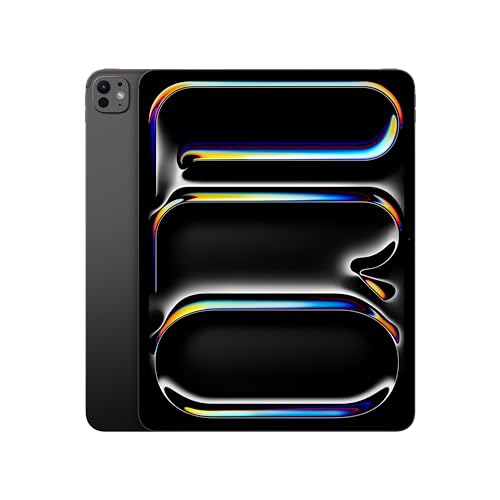 Your price for this item is $1929.95
 -
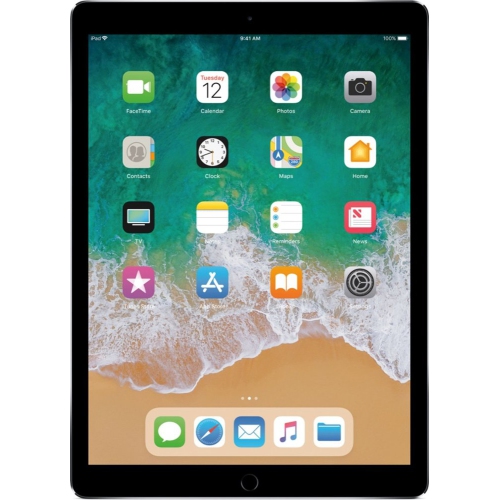 Your price for this item is $205
 -
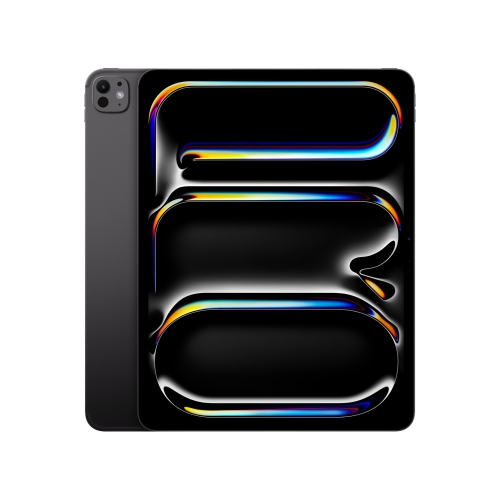 Your price for this item is $1949.88
 -
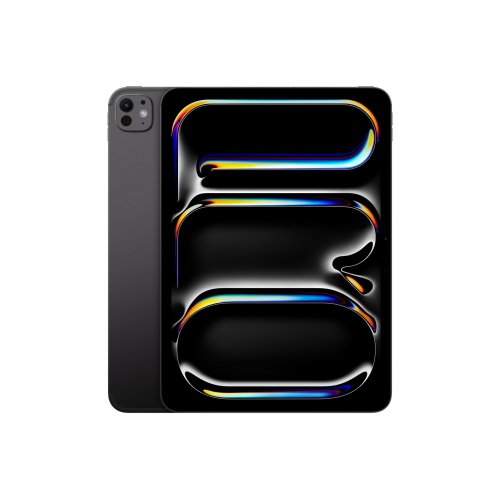 Your price for this item is $1399
 -
 Your price for this item is $2149.99
 -
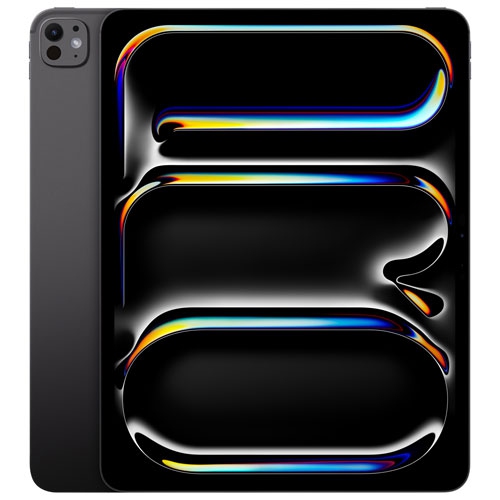 Your price for this item is $1799
 -
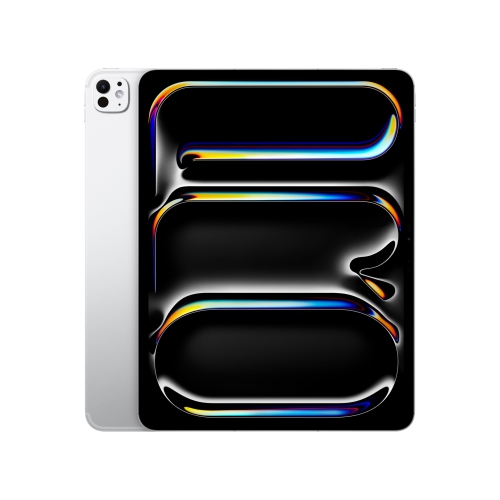 Your price for this item is $1599
Discover more categories related to iPad Pro for Law School
Top Collections:
RAM Upgrades for PC, Best Laptops for Home Use, Best Cell Phones Under $500, Kindle Devices, Best Quality Dishwashers, Best Type C Hub, Best Wi-Fi Routers, Best External Hard Drives, Apple iPhones 16, Best Noise Cancelling Headphones
Some products may be subject to Environmental Handling Fees
(EHF) depending on your province.
Learn more about EHFs.