iPads for Work
Enhance productivity and streamline your workflow with iPads for work. Designed to keep up with the demands of a fast-paced business environment, these versatile tablets offer a flexible solution for professionals on the go. Whether you’re managing projects, attending virtual meetings, or staying organized throughout your day, iPads for work provide the tools you need to stay connected and efficient. Explore a range of options to find the perfect fit for your professional needs.
Sort
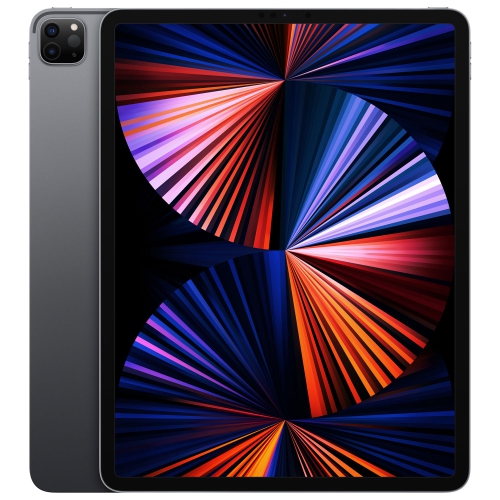

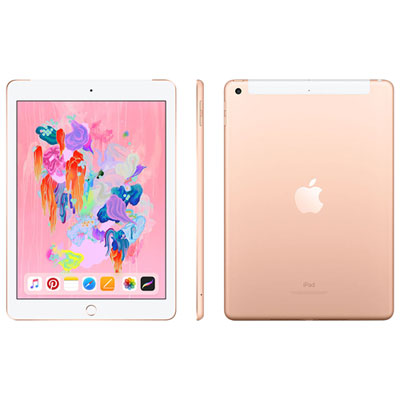
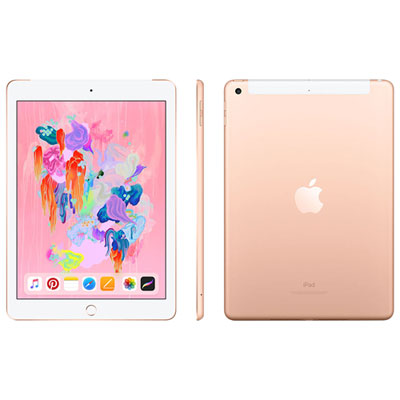


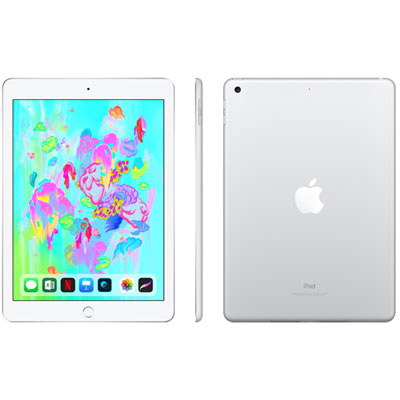



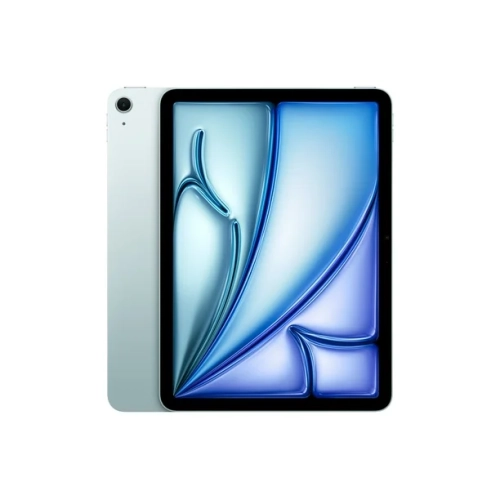


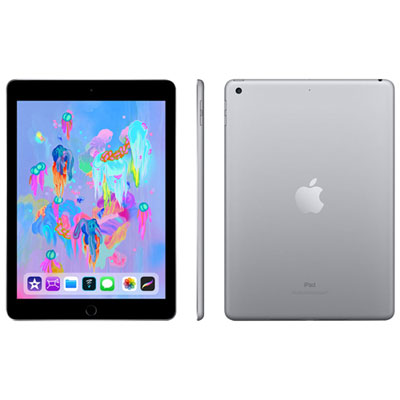

How apps and accessories shape your iPad workday
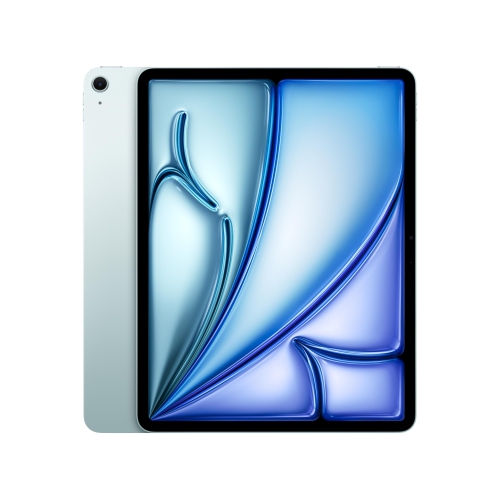
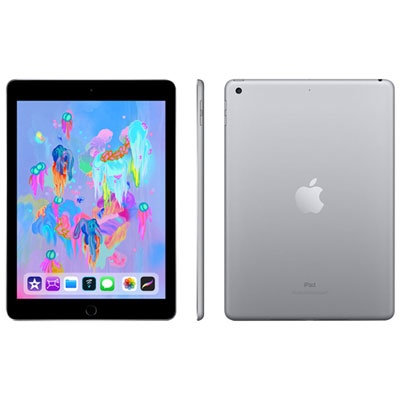
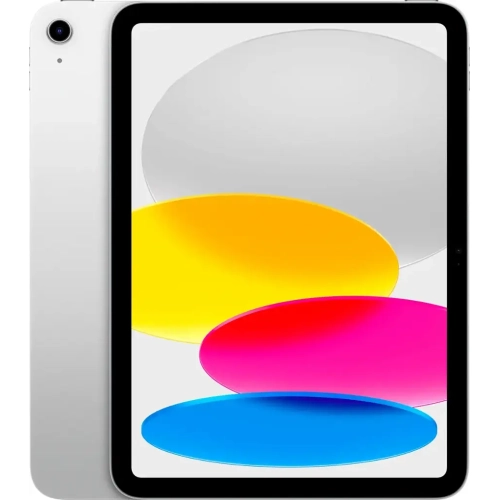
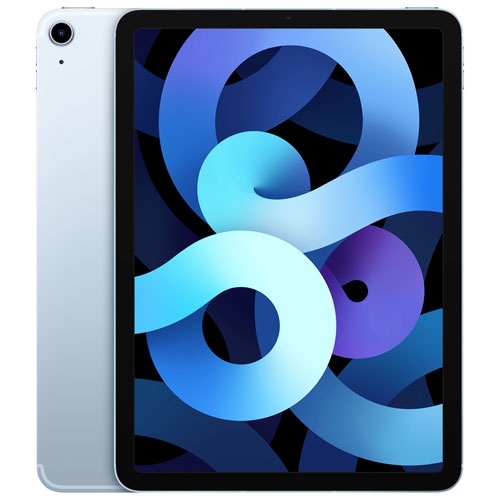
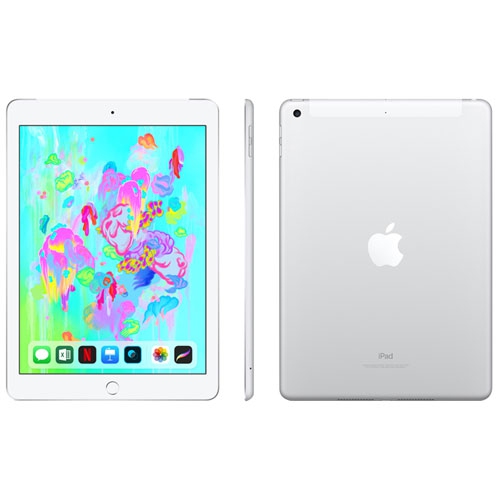
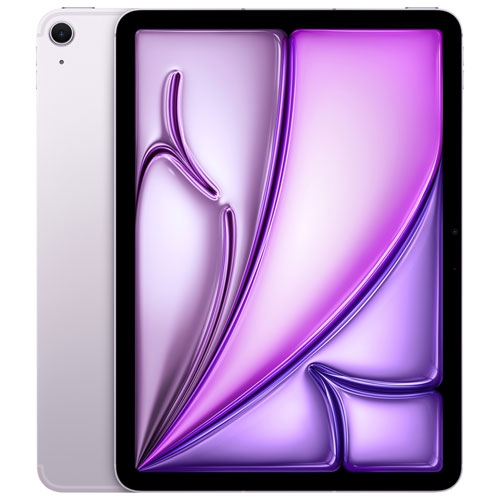
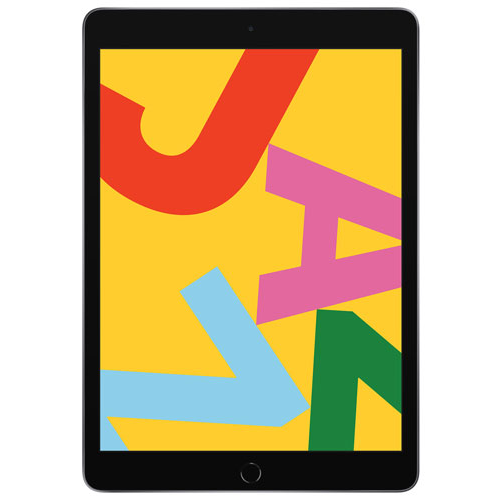
iPads for work bring everyday business tasks into a portable touchscreen format, with room for email, video meetings, document review, handwritten notes, and creative projects. They can serve as a main device for work centred on compatible apps and browser-based tools, or as a companion to a desktop or laptop when a full computer is still needed. A consultant might annotate a proposal between appointments, a shop owner might review sales reports away from the counter, and a designer might sketch an idea directly onto a reference image. The most suitable choice depends less on a single performance specification than on the applications, files, and accessories involved in the working day. Email, scheduling, reading, and straightforward document editing generally place different demands on a tablet than high-resolution illustration, video editing, or large design files. More demanding work can benefit from greater processing power and memory, while a clear, comfortable display matters across almost every task. A larger screen provides more space for spreadsheets, presentation layouts, and supported multitasking features; a smaller screen is easier to hold while standing, travelling between meetings, or taking notes during a site visit. Screen brightness, reflection handling, and colour accuracy can also affect how comfortably documents and visual projects are viewed. For people who spend hours reviewing detailed drawings or marking up lengthy reports, those display characteristics may be as important as raw speed. App compatibility remains a practical boundary: tablet versions of familiar software may have different features, file-handling options, or support for add-ins than their desktop equivalents. Complex spreadsheet models, specialized business software, advanced document formatting, and workflows that depend on desktop utilities deserve particular attention. An iPad can be an effective work device without replacing every function of a computer, especially when its role is clearly defined around communication, review, note-taking, and the applications a person actually uses.
The physical setup makes a noticeable difference to how an iPad fits into a working routine. A slim metal body is convenient to carry, but the screen and edges still benefit from protection against knocks, scratches, and pressure inside a crowded bag. Cases range from lightweight covers for desk-to-meeting movement to more protective designs suited to frequent handling. Materials affect the feel and upkeep: a textured finish can offer a more secure grip, while a smooth, wipeable surface may be useful for a device passed between colleagues. Fit is specific to the tablet’s dimensions and generation, including camera openings, buttons, charging connections, and attachment points. A case that looks close in size may still obstruct a port or fail to hold the device securely. For sustained writing, a compatible keyboard and a stable stand can make drafting reports or replying to a long queue of messages more comfortable than typing on the screen. Keyboard layout, key spacing, trackpad support, and the angle of the display all influence the experience. A compact keyboard case works well on a meeting table, although some designs are less steady on a lap than a conventional laptop. A compatible stylus adds another way to work, particularly for marking up contracts, drawing diagrams, or capturing handwritten notes beside a presentation. Stylus compatibility and charging methods vary, so the tablet and accessory need to work together. At a desk, supported mice, keyboards, hubs, and external displays can broaden the setup, though connection requirements and display behaviour depend on the device and software. Care is equally practical: a soft, lint-free cloth and cleaning methods recommended by the manufacturer help protect the screen and finish. Keeping ports free of debris, avoiding excessive pressure on the display, and using a padded compartment during transport support day-to-day durability. For longer sessions, raising the screen and using separate input accessories can also reduce the need to hunch over a tablet lying flat on a desk.
Connectivity, storage, and access to company resources shape how useful an iPad remains once it leaves the desk. Wi-Fi supports work at home, in an office, or at a shared workspace, while cellular-capable models can provide an additional connection option with a compatible mobile plan. That can be useful for a sales representative sending documents between visits or a field worker uploading photos without relying on a nearby public network. Actual battery life varies with screen brightness, video calls, connected accessories, mobile connectivity, and the applications in use, making access to a suitable charger worth considering for long working days. Storage needs are similarly tied to the job. Documents and email usually require less local space than video footage, detailed artwork, large photo libraries, or files kept available offline. Cloud storage can help keep material accessible across devices, but dependable access still depends on permissions, synchronization settings, and connectivity. Downloaded files are useful when a meeting room has a weak signal or a project needs to be reviewed without a connection. For people comparing workplace uses, iPads for business professionals offer another relevant selection for office, client-facing, and mobile tasks. Workplace suitability also includes security and administration rather than performance alone. Supported passcode and biometric features can help control access, while timely software updates and approved business applications support a more dependable setup. Organizations may also require device management, specific account settings, or an approved connection method before company email and files can be accessed. Shared devices need particular care around sign-ins, saved documents, and the separation of personal and business information. Cameras, microphones, and speakers matter for remote meetings, but a headset may be more appropriate when conversations are confidential or surrounding noise is distracting. A well-matched work tablet ultimately supports the small, repeated actions that fill a day: opening a brief before a call, recording decisions during a meeting, presenting an idea clearly, and carrying essential documents without carrying an entire desk.
The physical setup makes a noticeable difference to how an iPad fits into a working routine. A slim metal body is convenient to carry, but the screen and edges still benefit from protection against knocks, scratches, and pressure inside a crowded bag. Cases range from lightweight covers for desk-to-meeting movement to more protective designs suited to frequent handling. Materials affect the feel and upkeep: a textured finish can offer a more secure grip, while a smooth, wipeable surface may be useful for a device passed between colleagues. Fit is specific to the tablet’s dimensions and generation, including camera openings, buttons, charging connections, and attachment points. A case that looks close in size may still obstruct a port or fail to hold the device securely. For sustained writing, a compatible keyboard and a stable stand can make drafting reports or replying to a long queue of messages more comfortable than typing on the screen. Keyboard layout, key spacing, trackpad support, and the angle of the display all influence the experience. A compact keyboard case works well on a meeting table, although some designs are less steady on a lap than a conventional laptop. A compatible stylus adds another way to work, particularly for marking up contracts, drawing diagrams, or capturing handwritten notes beside a presentation. Stylus compatibility and charging methods vary, so the tablet and accessory need to work together. At a desk, supported mice, keyboards, hubs, and external displays can broaden the setup, though connection requirements and display behaviour depend on the device and software. Care is equally practical: a soft, lint-free cloth and cleaning methods recommended by the manufacturer help protect the screen and finish. Keeping ports free of debris, avoiding excessive pressure on the display, and using a padded compartment during transport support day-to-day durability. For longer sessions, raising the screen and using separate input accessories can also reduce the need to hunch over a tablet lying flat on a desk.
Connectivity, storage, and access to company resources shape how useful an iPad remains once it leaves the desk. Wi-Fi supports work at home, in an office, or at a shared workspace, while cellular-capable models can provide an additional connection option with a compatible mobile plan. That can be useful for a sales representative sending documents between visits or a field worker uploading photos without relying on a nearby public network. Actual battery life varies with screen brightness, video calls, connected accessories, mobile connectivity, and the applications in use, making access to a suitable charger worth considering for long working days. Storage needs are similarly tied to the job. Documents and email usually require less local space than video footage, detailed artwork, large photo libraries, or files kept available offline. Cloud storage can help keep material accessible across devices, but dependable access still depends on permissions, synchronization settings, and connectivity. Downloaded files are useful when a meeting room has a weak signal or a project needs to be reviewed without a connection. For people comparing workplace uses, iPads for business professionals offer another relevant selection for office, client-facing, and mobile tasks. Workplace suitability also includes security and administration rather than performance alone. Supported passcode and biometric features can help control access, while timely software updates and approved business applications support a more dependable setup. Organizations may also require device management, specific account settings, or an approved connection method before company email and files can be accessed. Shared devices need particular care around sign-ins, saved documents, and the separation of personal and business information. Cameras, microphones, and speakers matter for remote meetings, but a headset may be more appropriate when conversations are confidential or surrounding noise is distracting. A well-matched work tablet ultimately supports the small, repeated actions that fill a day: opening a brief before a call, recording decisions during a meeting, presenting an idea clearly, and carrying essential documents without carrying an entire desk.
Top selling and popular products
-
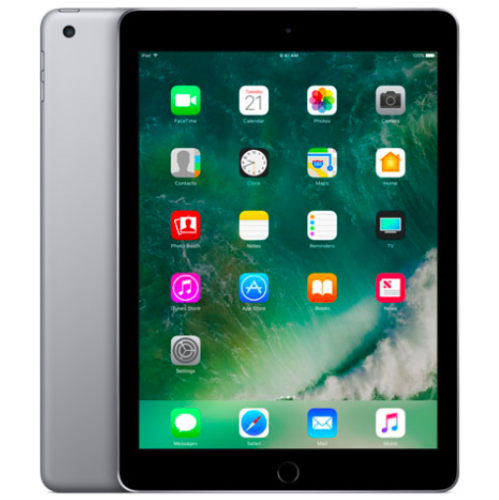 Your price for this item is $109.99
-
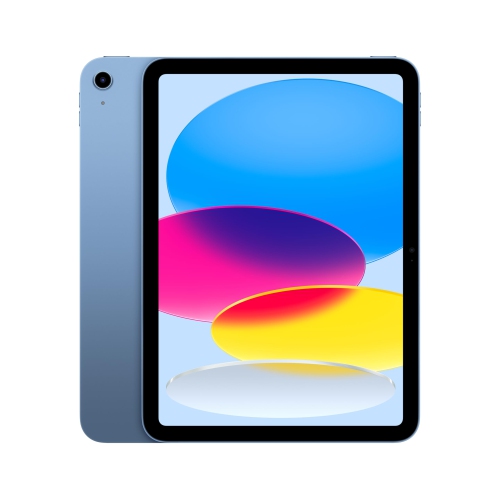 Your price for this item is $655.95
-
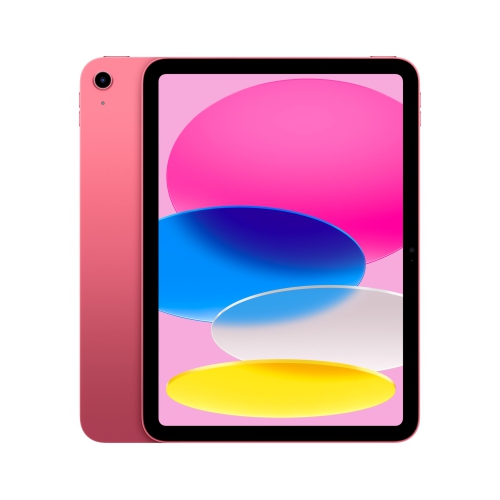 Your price for this item is $639
-
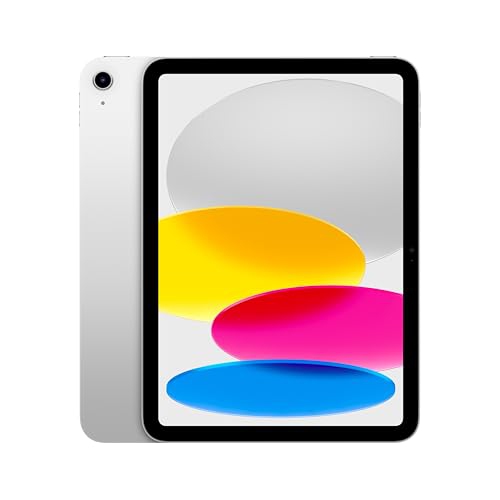 Your price for this item is $698.99
-
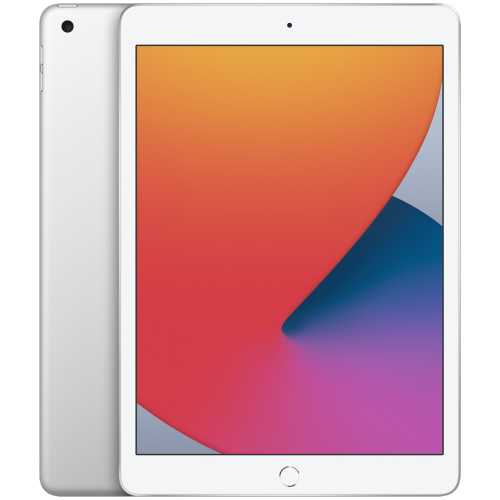 Your price for this item is $146.98
-
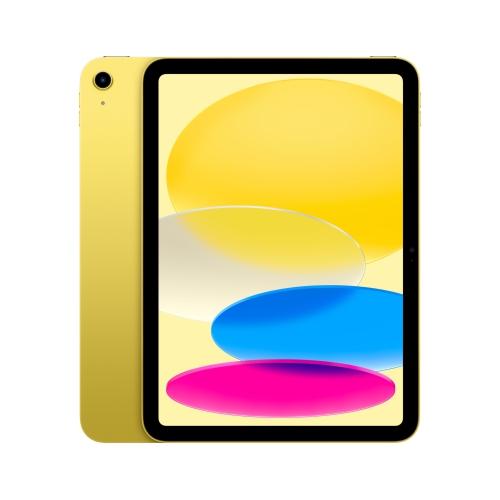 Your price for this item is $639.99
-
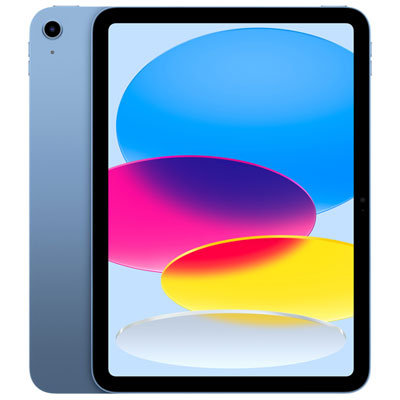 Your price for this item is $649.99
-
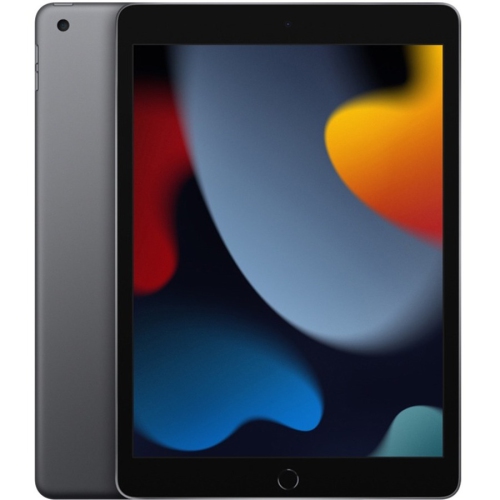 Your price for this item is $1000
Discover more categories related to iPads for Work

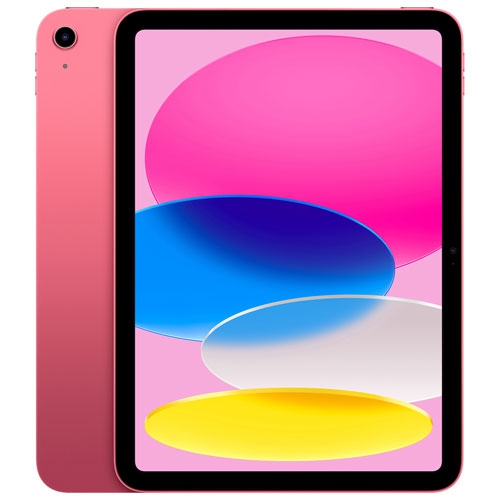
Top Collections:
Pokemon Centers, Pokémon 30th Celebration Cards, Best Budget Office Chairs, Kindle Devices, Best Cameras for Sports Photography, Canon G7X Cameras, Best Black Friday Deals On Electronics, Best Laptops for Writers, iPhone 15 Apple, Jackery Power Stations
Some products may be subject to Environmental Handling Fees
(EHF) depending on your province.
Learn more about EHFs.